
A lightweight and versatile drawing application that provides the required brushes, pencils and tools to create outstanding works of art. #Draw image #Image painter #Image sketcher #Draw #Sketcher #Painter
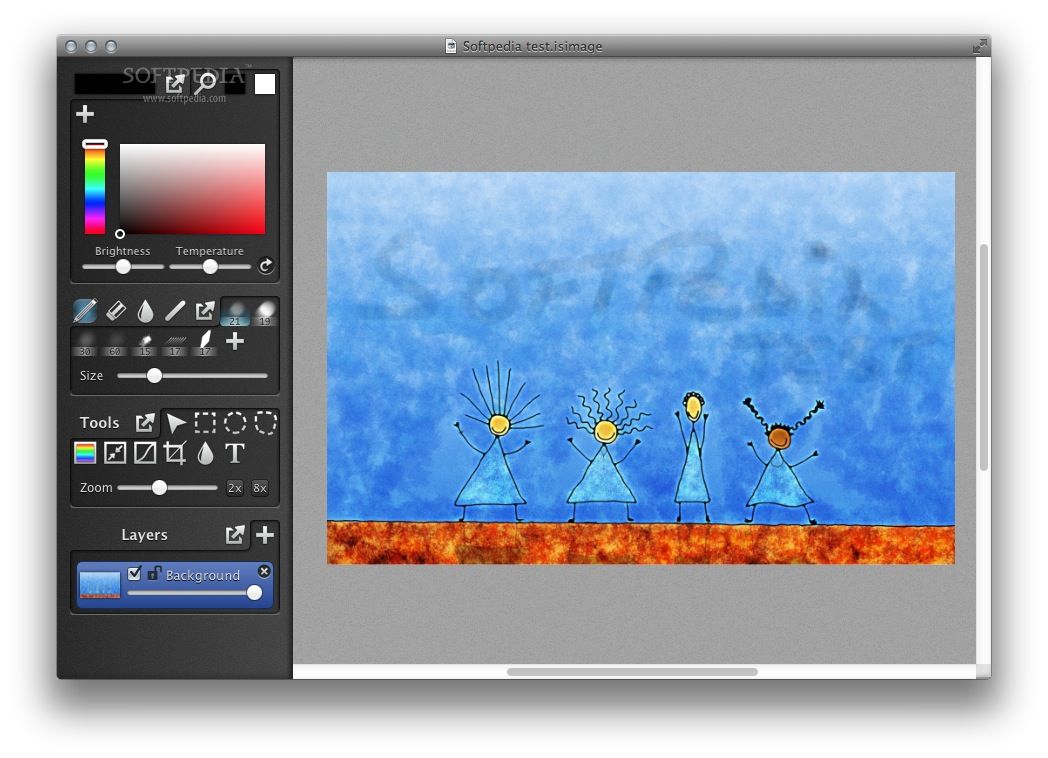
Inkist is powerful and flexible bitmap drawing and painting applications specially designed to offer artists all the tools they need, from customizable brushes, to layers and tablet pressure support, all in a unobtrusive and intuitive interface.
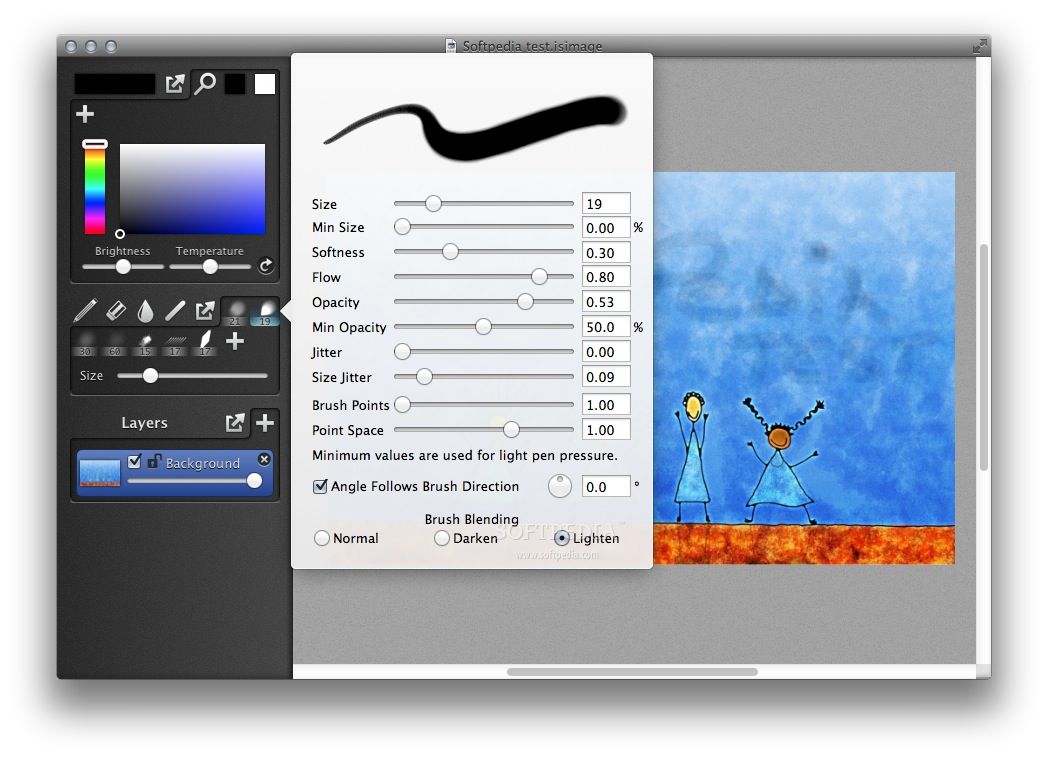
Thanks to Inkist you can paint, draw or sketch various images quick and easy by taking advantage of Inkist’s user-oriented tools panel, customizable brushes and color palettes. What is more, you can work with multiple layers, adjust their opacity and use the available blend modes to obtain the desired effect.
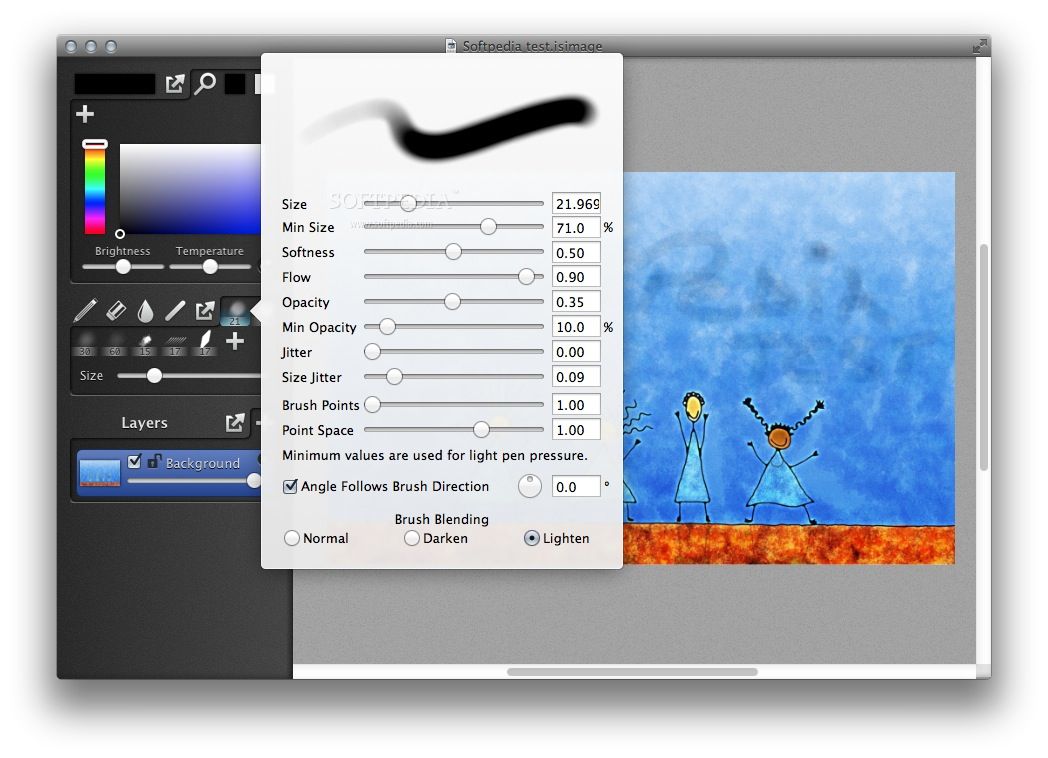
Inkist helps you adjust the brightness, saturation and temperature of the available colors. All brushes can be adjusted to fit your needs, and as a result you can change their size, softness, patter, opacity, scatter, size jitter and flow values. You can also use brushes to lighten or darken various parts of your drawing.
On top of that, Inkist comes with support for Wacom multitouch gestures. You also have access to blending tools such as Dodge or Burn, both offer customizable settings for mid tones, temperature and highlights. By using the HSL control panel you can easily change the colors of a layer and adjust the saturation and lightness accordingly.
The built-in color palette allows you to store the colors you use the most and change the brightness and temperature of the entire palette in order to match the different lighting conditions in your painting.
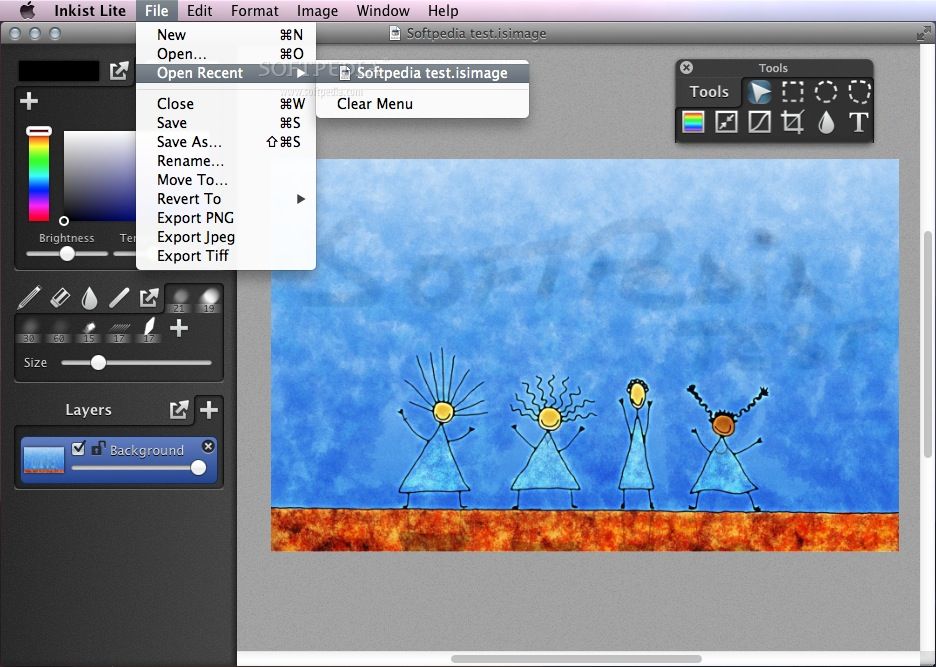
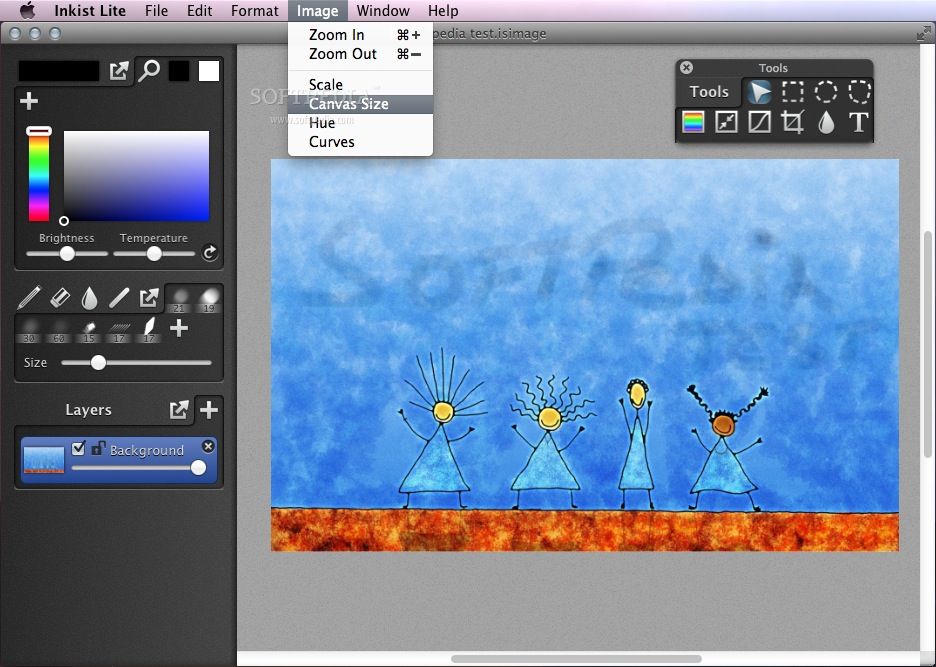
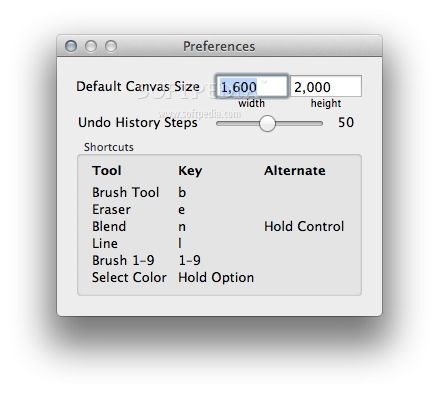
Moreover, Inkist comes with a comprehensive list of brushes to which you can add your own custom ones. You can even customize the existing keyboard shortcuts and use them to summon the controls you need into floating windows or move the control panel to the right or to the left. When your sketch, painting or drawing is complete you can export it to PSD, JPEG, PNG and TIFF image formats with just a mouse click via the File menu.
Inkist is a fully-featured and highly customizable drawing application that can help you transform your thoughts into beautiful paintings, drawings or sketches.
What's new in Inkist 1.4:
- Updated Interface and Icon
- Adds option to move tools to the right side of the window
- Improved performance for zooming and brushing
- Fixes bug where selection/text tools wouldn't work after changing canvas size
Inkist 1.4
add to watchlist add to download basket send us an update REPORT- runs on:
- Mac OS X 10.7 or later (Intel only)
- file size:
- 6.2 MB
- main category:
- Graphics
- developer:
- visit homepage
Windows Sandbox Launcher

ShareX

IrfanView

Zoom Client

4k Video Downloader

calibre

7-Zip

Bitdefender Antivirus Free

paint.net

Microsoft Teams

- Bitdefender Antivirus Free
- paint.net
- Microsoft Teams
- Windows Sandbox Launcher
- ShareX
- IrfanView
- Zoom Client
- 4k Video Downloader
- calibre
- 7-Zip