
Automates the copying images from a card or camera to your Mac, and more. #Ingest photos #Geotag photo #Convert image #Ingester #Geotagger #Converter
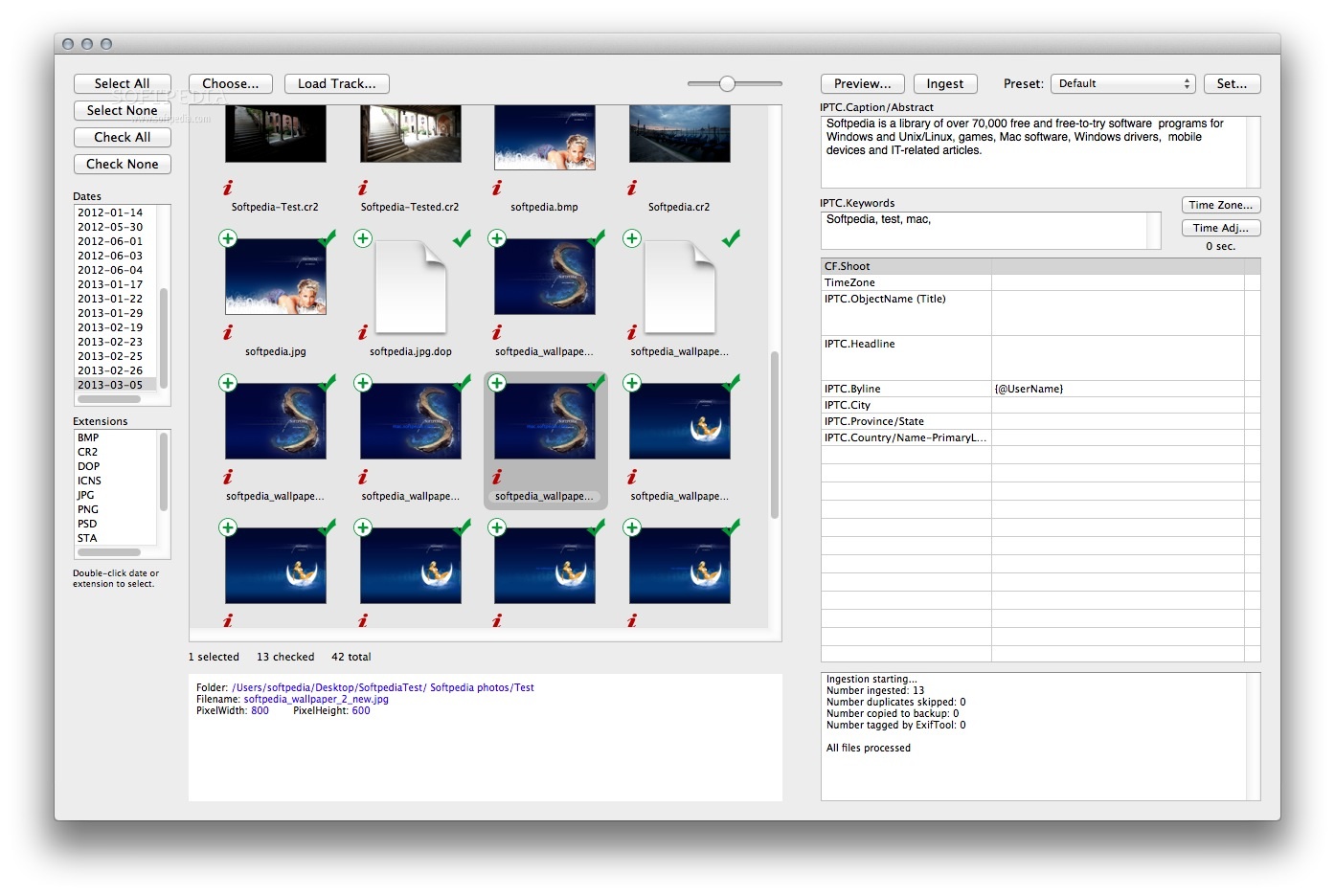
Ingestamatic is a cross-platform app that helps you transfer images from cameras, cards, and other devices into your desktop or notebook Mac, a job called ingestion.
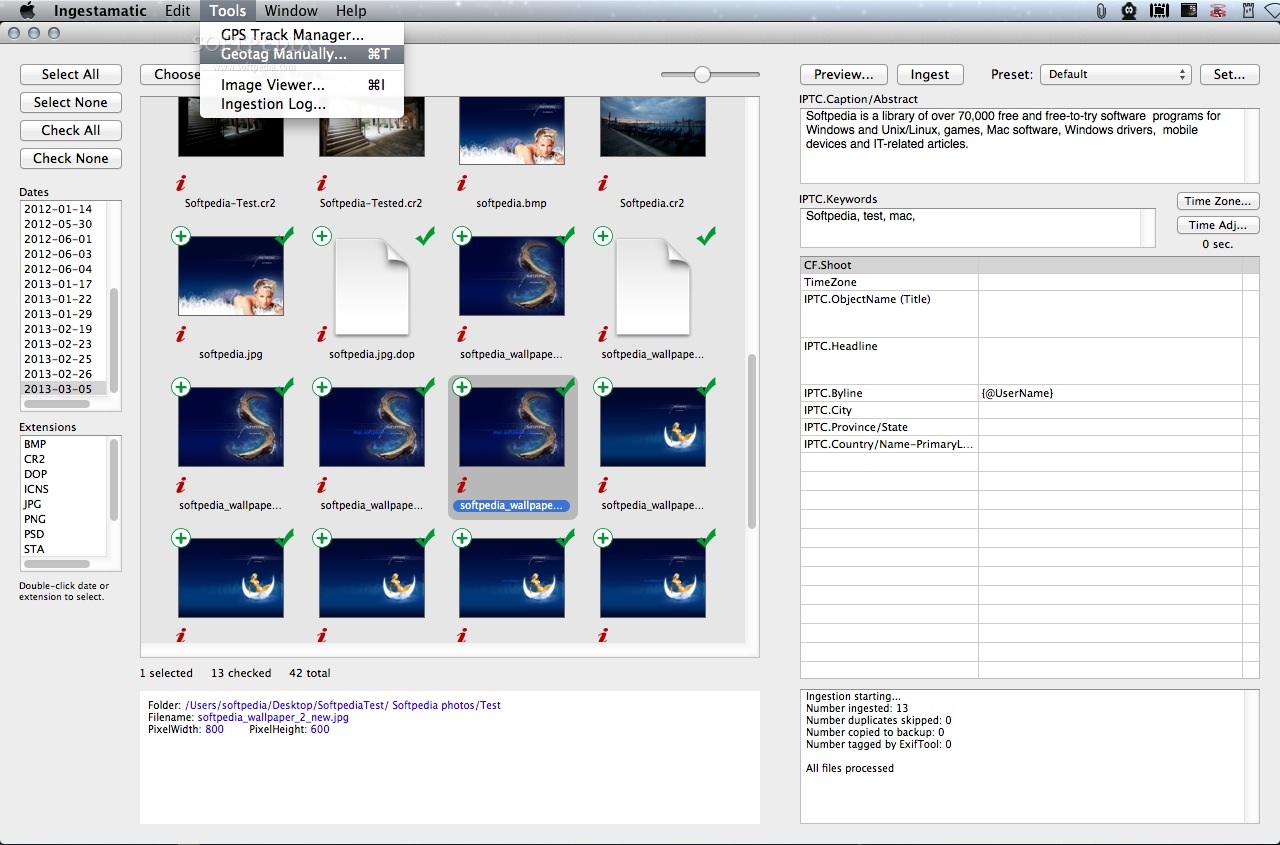
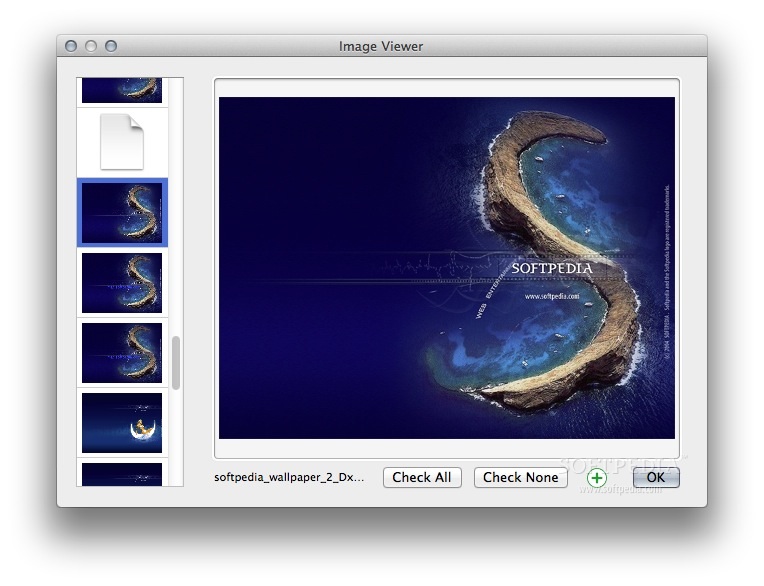
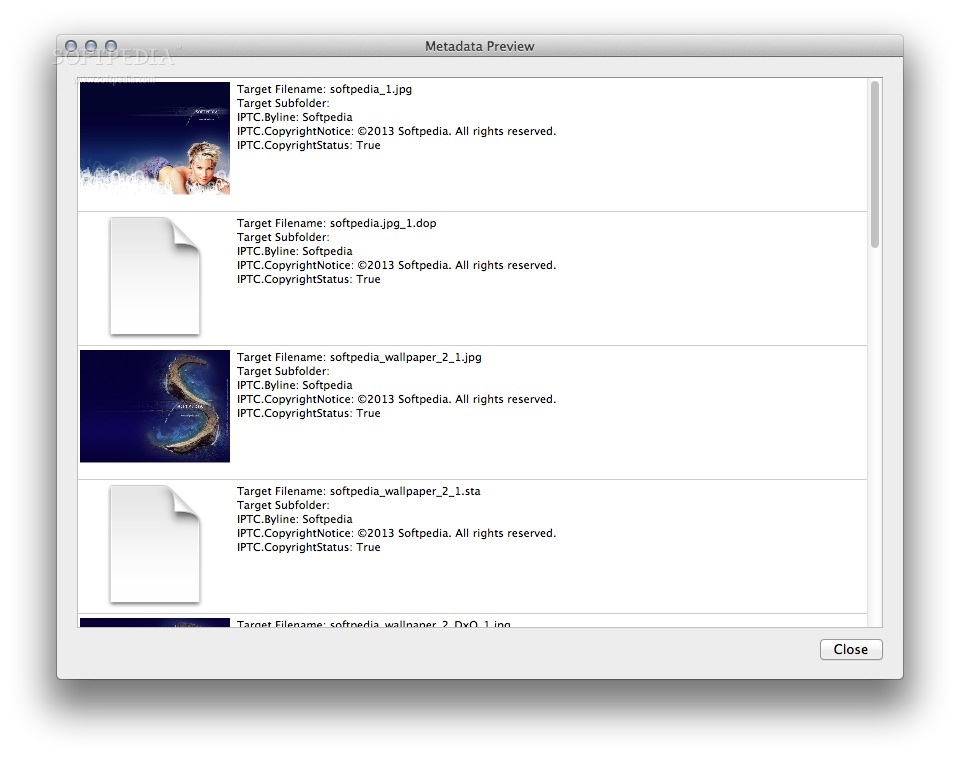
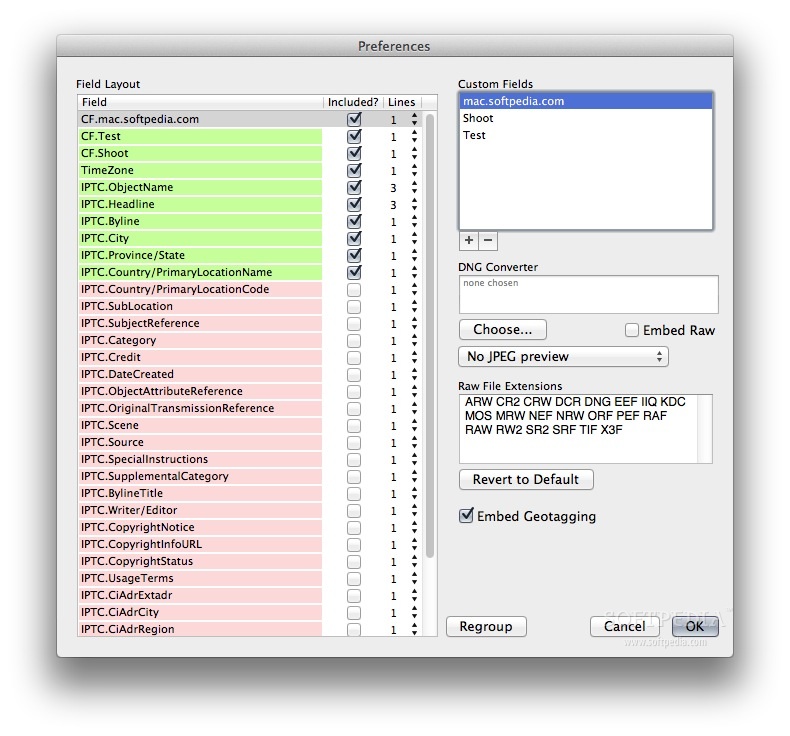
However, Ingestamatic does much more than just copy the image files, the app can execute the following tasks: · Rename the files, with a date, your initials, the camera model, the image type, and more. · Place the files into folders, by date, shoot name, or whatever you like. · Make a backup copy, while the originals are still on the card. · Add metadata, such as copyright, subject, name and address, website URL, and more. · Geotag images with latitude, longitude, and altitude based on a GPS track. · View large preview images. · Convert to Adobe's DNG format. · Launch a photo-processing app, such as Aperture or Lightroom when ingestion is complete.
System requirements
- 64-bit processor
Limitations in the unregistered version
- 14 days trial
- Start-up nag screen
What's new in Ingestamatic 2.22:
- GPX files with fractional seconds are now handled properly.
- A modal dialog no longer appears after ingestion unless errors occurred.
- Manual geotagging location remembered when app is relaunched.
- ExifTool updated to version 9.88.
Ingestamatic 2.22
add to watchlist add to download basket send us an update REPORT- runs on:
- Mac OS X 10.6 or later (Intel only)
- file size:
- 4.6 MB
- filename:
- Ingestamatic.app-2.22.zip
- main category:
- Graphics
- developer:
- visit homepage
7-Zip

Context Menu Manager

4k Video Downloader

IrfanView

calibre

Microsoft Teams

ShareX

Zoom Client

Bitdefender Antivirus Free

Windows Sandbox Launcher

- Zoom Client
- Bitdefender Antivirus Free
- Windows Sandbox Launcher
- 7-Zip
- Context Menu Manager
- 4k Video Downloader
- IrfanView
- calibre
- Microsoft Teams
- ShareX