
An easy to use Java application that provides support for viewing, editing, analyzing and processing different images at the same time. #Edit image #Enhance image #Adjust image #Edit #Analyze #Process
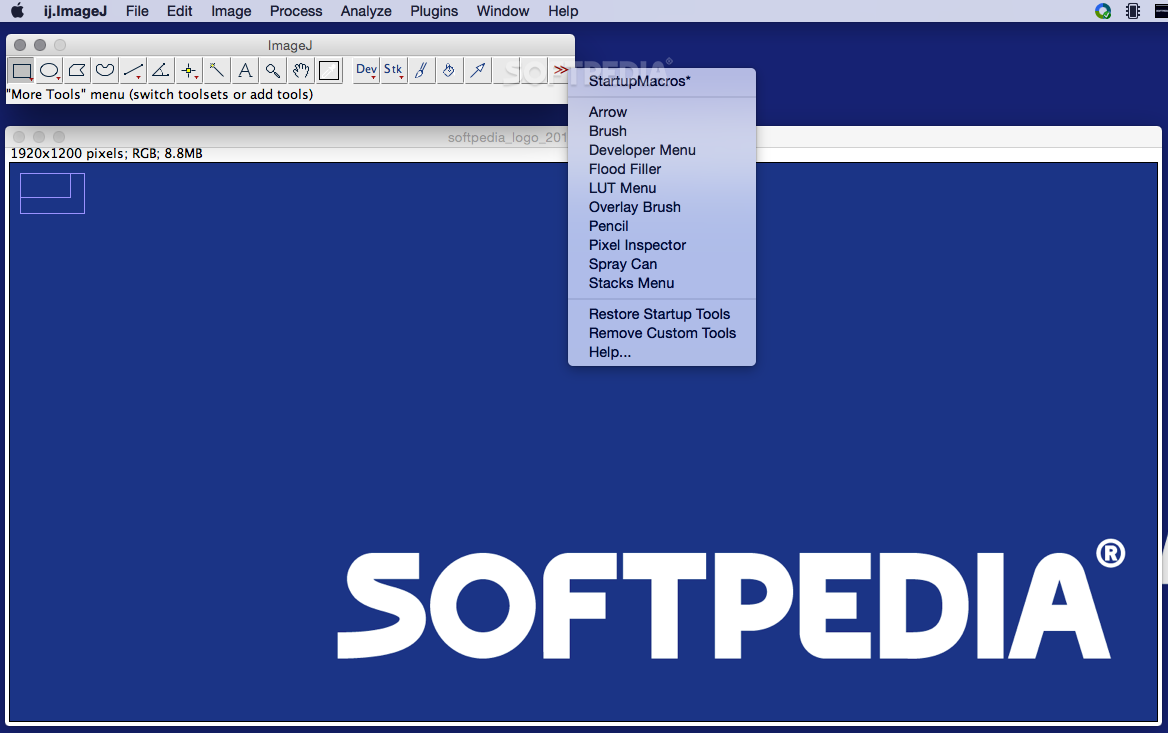
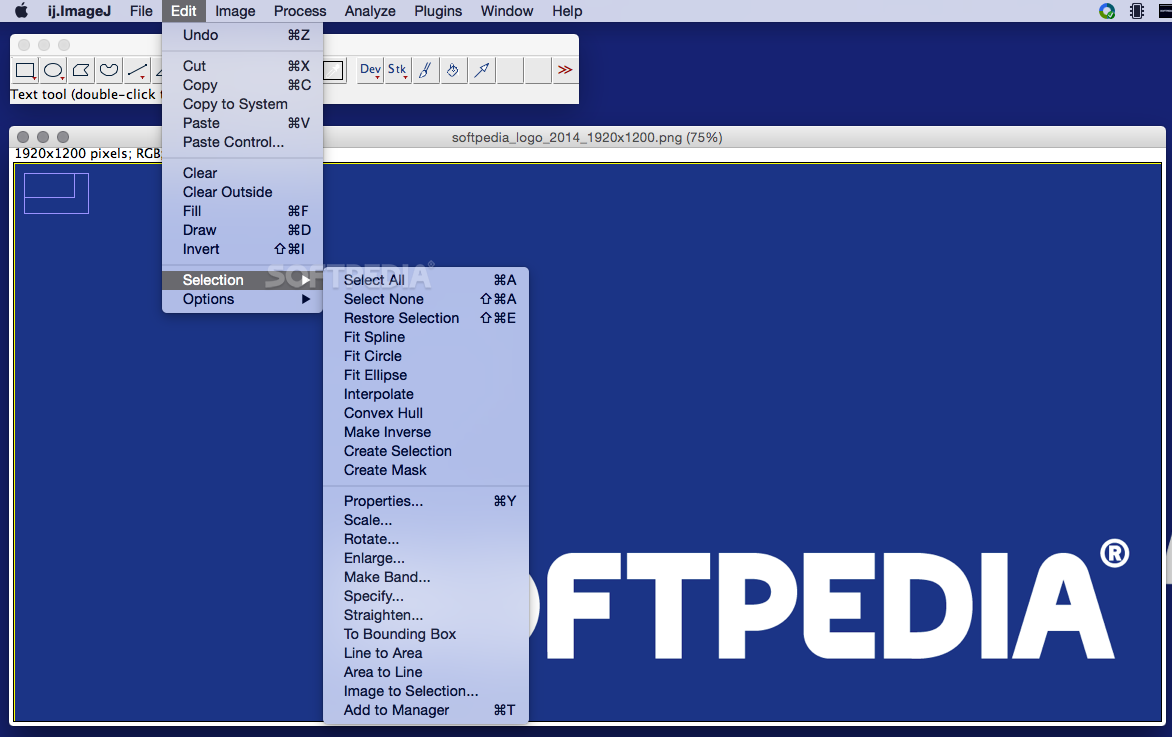
ImageJ is a macOS image editing application that offers you the possibility to preview, edit, analyze and print image files using your Mac.
The ImageJ app has been developed for the Java platform which means that it can be used on a wide selection of different operating systems, as long as they came with support for the Java runtime (e.g. macOS, Linux or Windows).
Moreover, ImageJ comes as a downloadable application or as an applet; the app package also the documentation and the ImageJ64 app which can run in 64-bit mode.
You can also access a rather extensive user guide and other resources on the app’s online Documentation page.
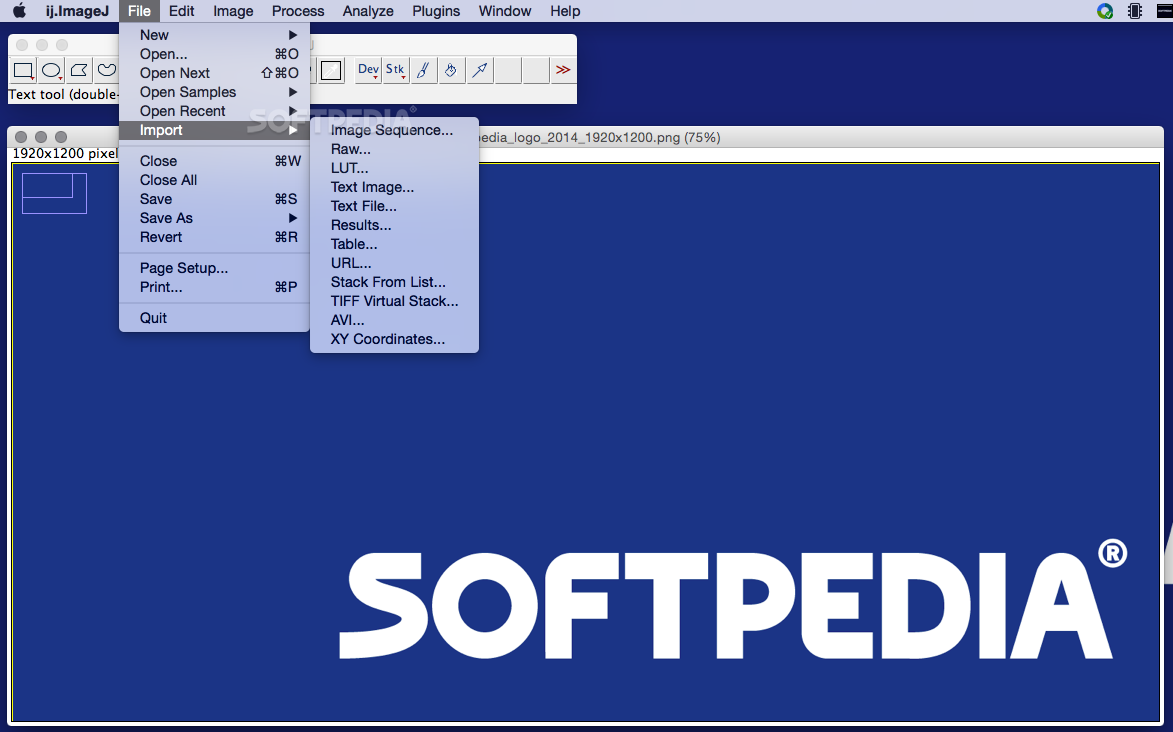
ImageJ is able to work with 8-bit, 16-bit and 32-bit files and can open popular image file formats, such as JPEG, GIF, TIFF, FITS, DICOM or BMP. The app can also be used to edit RAW format pictures and provides extensive support for using image “stacks”.
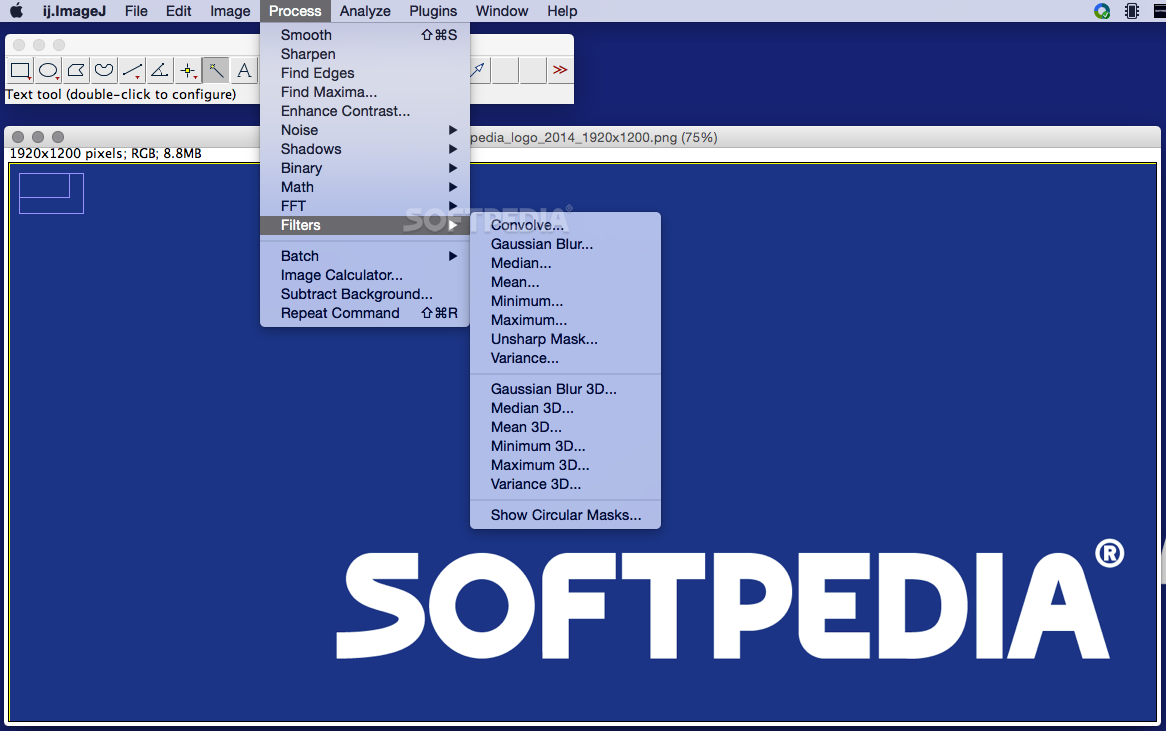
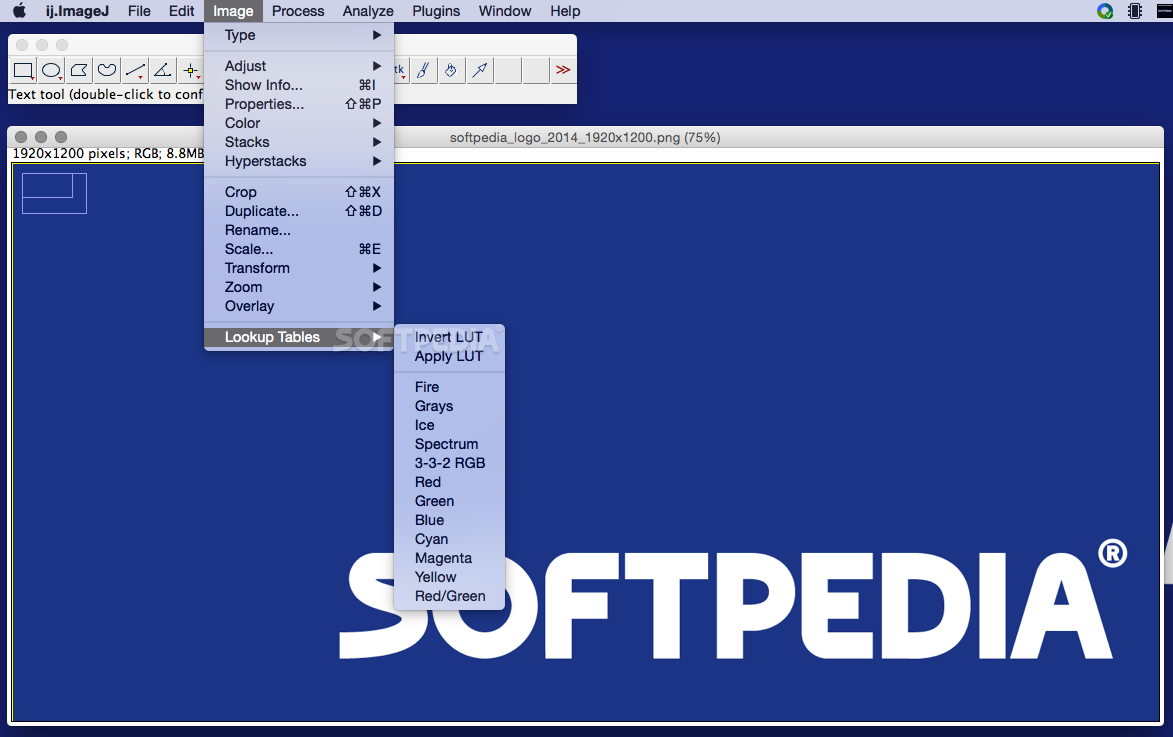
As an extra bonus, ImageJ also includes basic image processing tools which means that you can add geometric objects, text boxes and various brushes on multiple images at a time. You may also manipulate their contrast, adjust the sharpening or smoothing levels, scale/rotate/flip them and more.
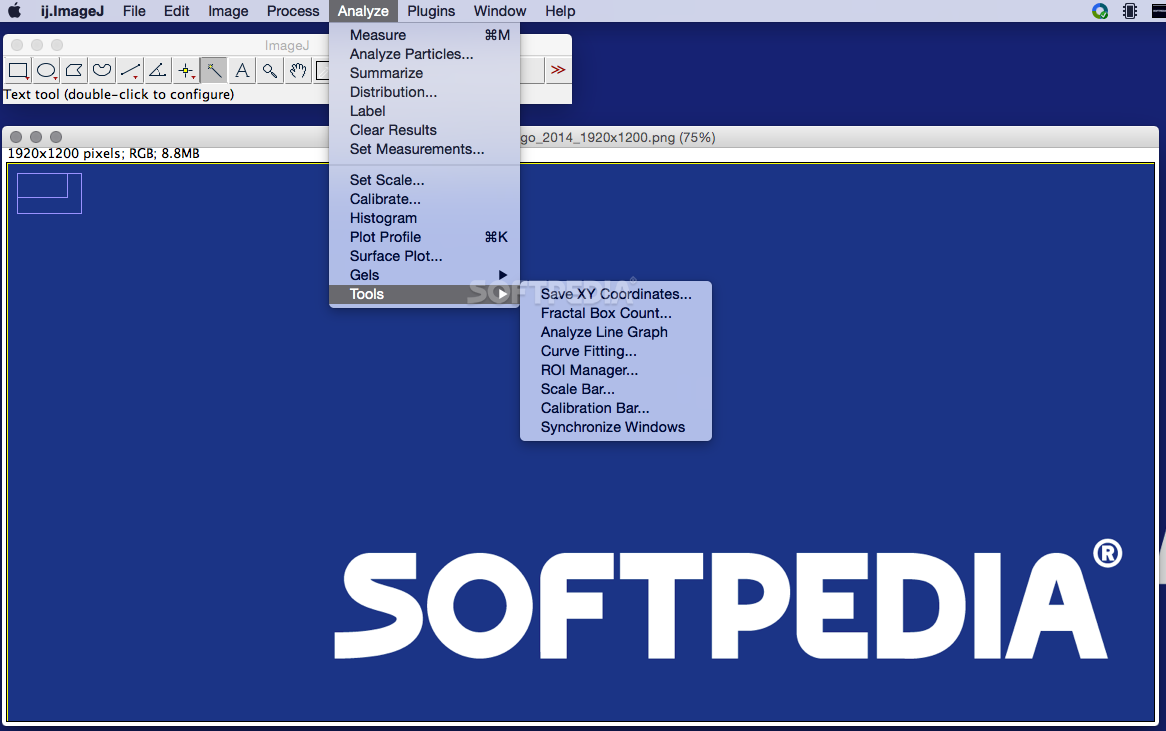
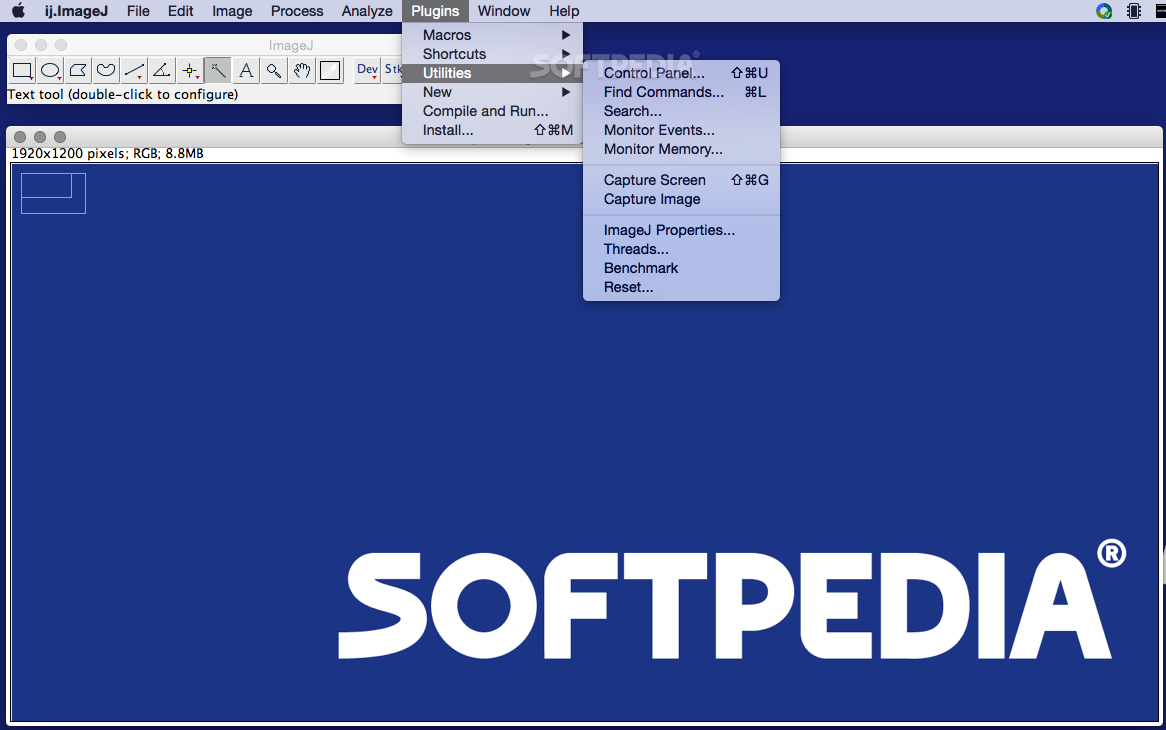
What’s more, the ImageJ app enables you to measure angles and distances and it will also help you rapidly generate line profile plots and density histograms. Further capabilities can be added by installing one of the ImageJ community developed plug-ins.
ImageJ is a multithreaded utility and it allows you to open multiple windows at the same time: this way you can multi task and edit different images concomitantly.
To sum it all up, ImageJ is a cross-platform application that comes with a large array of basic imaging tools, but also includes more complex capabilities that can be extended by installing a vast selection of plug-ins.
What's new in ImageJ 1.54g:
- Thanks to Yuekan Jiao, added a "16-bit histogram" option to the Image>Adjust>Threshold dialog and a '16-bit' option to the setAutoThreshold() macro function and the ImagePlus.setAutoThreshold(String) method. When this option is enabled, the full 16-bit histogram is used to calculate the threshold of 16-bit images.
- Thanks to Eyal Rozenberg, the File>Import>Raw command uses the directory name as the image title when the "Open all files in folder" option is enabled.
- Thanks to Zoltan Kis, the Process>Noise>Remove Outliers tools uses sliders for setting the radius and threshold.
- Thanks to Nicolas De Francesco and Curtis Rueden, the macro language documentation (functions.html) is now included in ij.jar and is used by the Editor's Macros>Function Finder command.
ImageJ 1.54g
add to watchlist add to download basket send us an update REPORT- runs on:
- macOS 10.8 or later (Intel only)
- file size:
- 94.3 MB
- filename:
- ij154-osx-java8.zip
- main category:
- Graphics
- developer:
- visit homepage
Microsoft Teams

Bitdefender Antivirus Free

4k Video Downloader

7-Zip

ShareX

calibre

IrfanView

paint.net

Windows Sandbox Launcher

Zoom Client

- paint.net
- Windows Sandbox Launcher
- Zoom Client
- Microsoft Teams
- Bitdefender Antivirus Free
- 4k Video Downloader
- 7-Zip
- ShareX
- calibre
- IrfanView