
A popular and cross-platform, cohesive application that facilitates the creation of a varied range of 2D and 3D content on your computer #3D modeler #3D animation #3D renderer #3D #Modeler #Animation

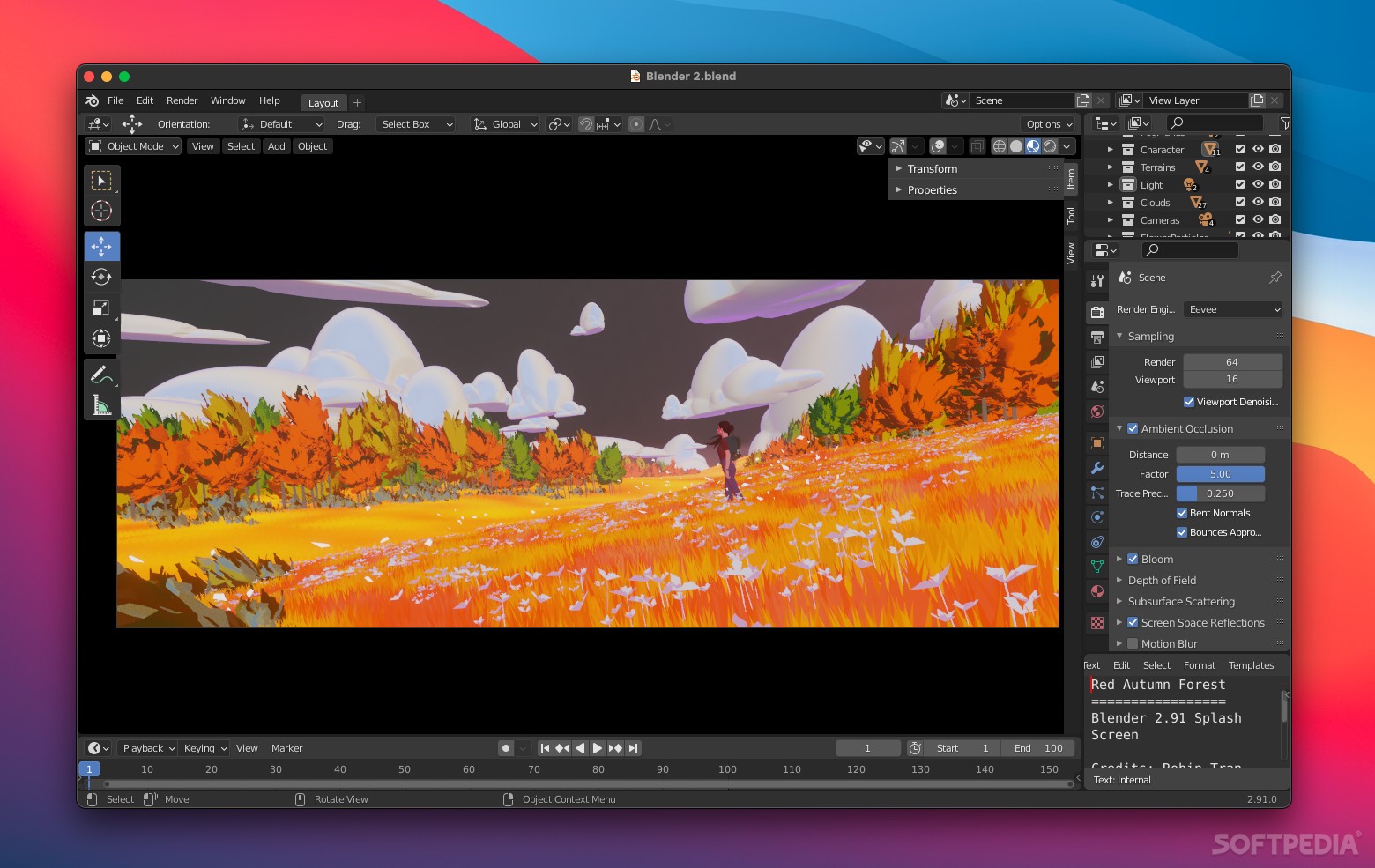
Blender is a bit of an outlier when it comes to creative software. Even though it’s completely free and open-source, it is used at the highest level of various industries, to the point that you can have a very successful career as an artist using nothing but this tool.
As a computer graphics application, it has a multitude of uses: creating computer models for various purposes, animation, visual effects, motion graphics, digital drawing, video editing, and more. It’s remarkably versatile, and it has a large and very active community.
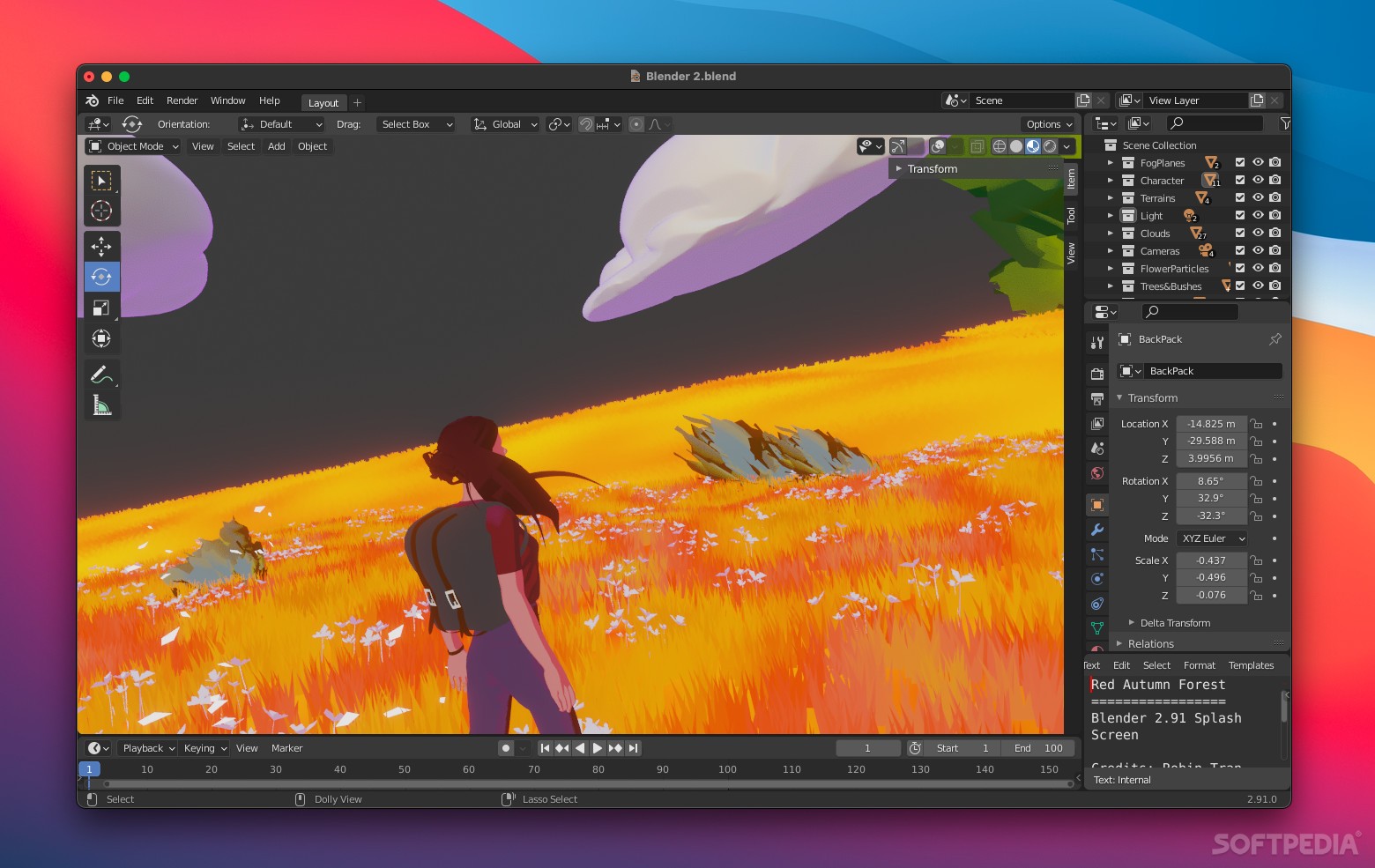
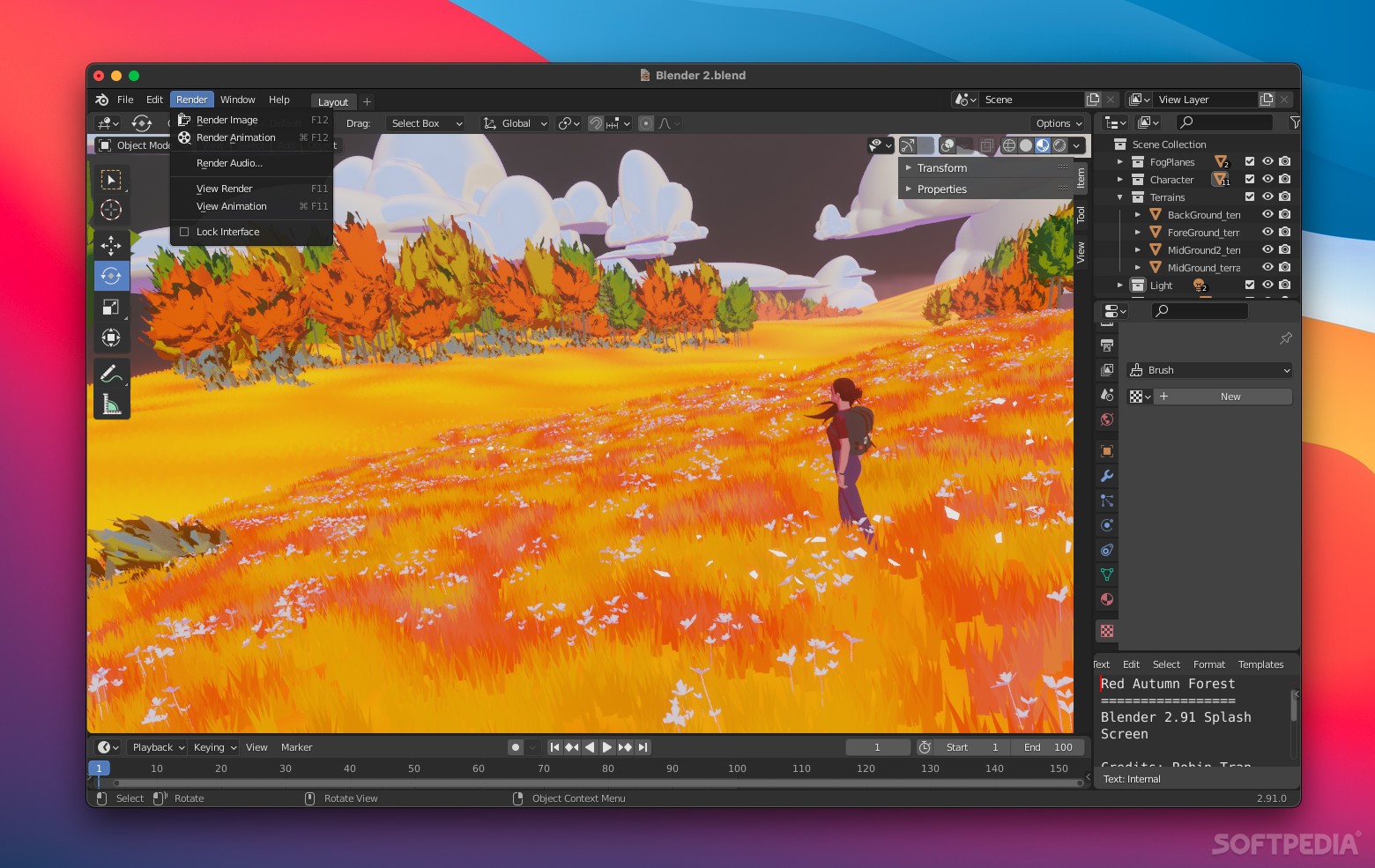
Even though it can do so much more, Blender is generally associated with 3D modeling. As you’d expect, it gives you lots of tools to help with creating, transforming, and editing models. You can use modifiers to apply non-destructive modifications, and UV unwrapping for applying textures.
When sculpting is more suitable for a certain type of model, the app provides lots of different brushes, masking, mirroring, and dynamic topology.
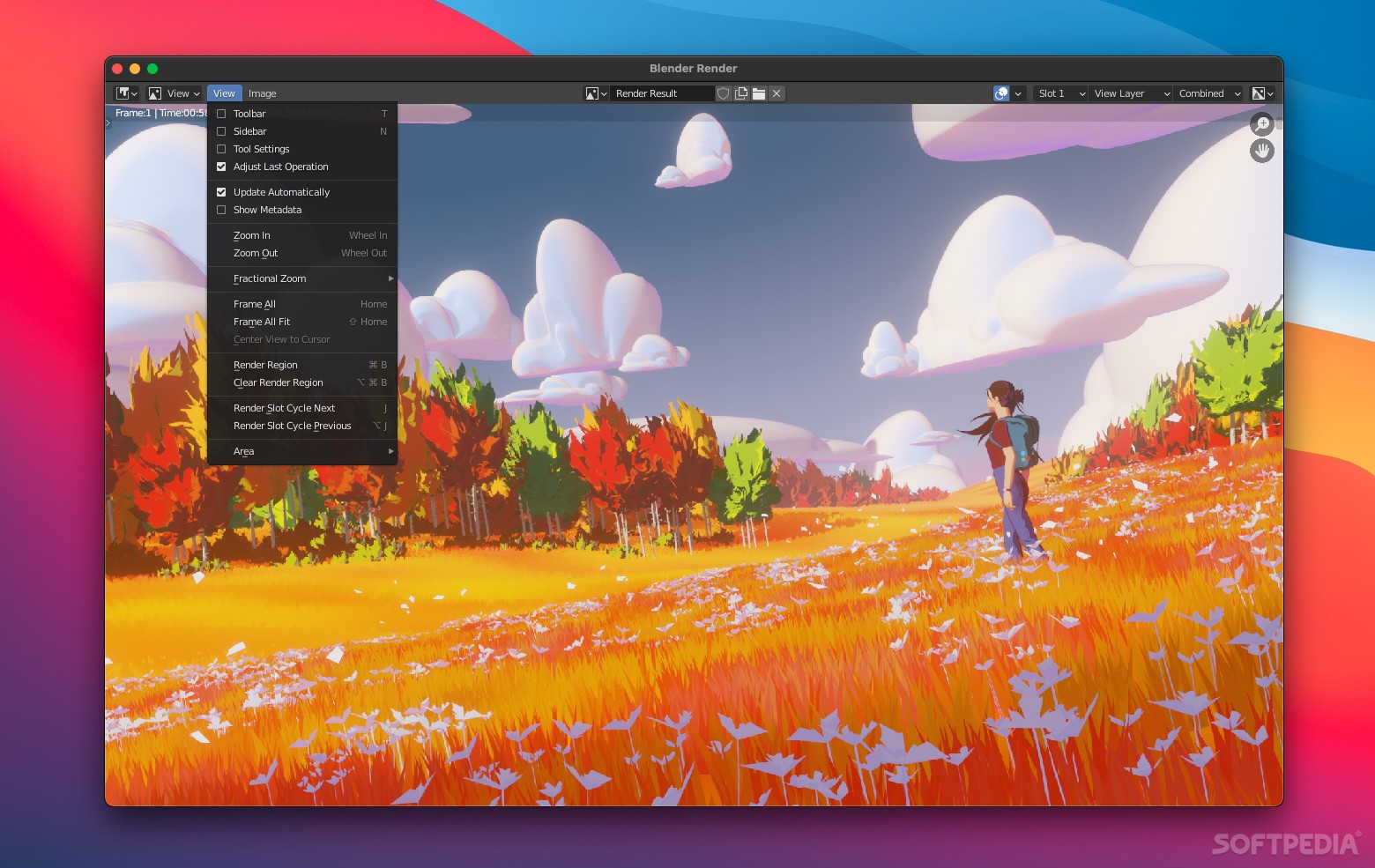
Cycles, Blender’s rendering engine, can generate ultra-realistic scenes and offers full support for M-series integrated GPUs, though you’ll still need a dedicated adapter for serious work.
Animating models is another of Blender’s well-known strengths, with clear management of character poses, simple rigging, shape keys, and support for scripts.
If you’re going for realistic representation of things like fire and smoke, clothes, hair, or fluids, the software is capable of handling the math behind making them look the part.
There’s also a built-in compositor, which allows you to manage post-production after completing a render. Camera movements can be controlled with object tracking, potentially eliminating the need for additional software.
Blender allows you to draw directly in the 3D environment, which makes it possible to combine 2D drawings with 3D scenes, animate them, and manipulate them in various other ways.
Since animation and video editing are very much connected, it makes sense to include a bunch of video editing features directly into the app you’ll be animating with. It comes with live preview, audio mixing, transitions, keyframes, filters, and lots more.
Finally, we can’t ignore the importance of Python scripts when it comes to adding new features, which range from object generation and automation to adding support for new formats. The UI can also be customized via scripts.
There’s little reason not to rely on Blender if any of the above sound like something you want to do. It’s impressively powerful, extensively customizable, and supported by a dedicated community that can help you figure things out every step of the way.
Download Hubs
Blender is part of these download collections: Edit STL, View EXR, Convert STL, View IFF
Blender 4.1.1 / 3.6.11 LTS / 3.3.18 LTS
 Softpedia Editor's Pick
add to watchlist
add to download basket
send us an update
REPORT
Softpedia Editor's Pick
add to watchlist
add to download basket
send us an update
REPORT
- runs on:
- macOS 11.2 or later (Universal Binary)
- file size:
- 268.8 MB
- filename:
- blender-4.1.1-macos-arm64.dmg
- main category:
- Graphics
- developer:
- visit homepage
Zoom Client

ShareX

IrfanView

7-Zip

Context Menu Manager

Windows Sandbox Launcher

4k Video Downloader

Bitdefender Antivirus Free

calibre

Microsoft Teams

- Bitdefender Antivirus Free
- calibre
- Microsoft Teams
- Zoom Client
- ShareX
- IrfanView
- 7-Zip
- Context Menu Manager
- Windows Sandbox Launcher
- 4k Video Downloader