
A powerful, yet highly intuitive photo editor for creating and adding effects, filters, frames, and borders to your images for an added touch of style. #Photo effect #Image editor #Image filter #Editor #Effect #Border
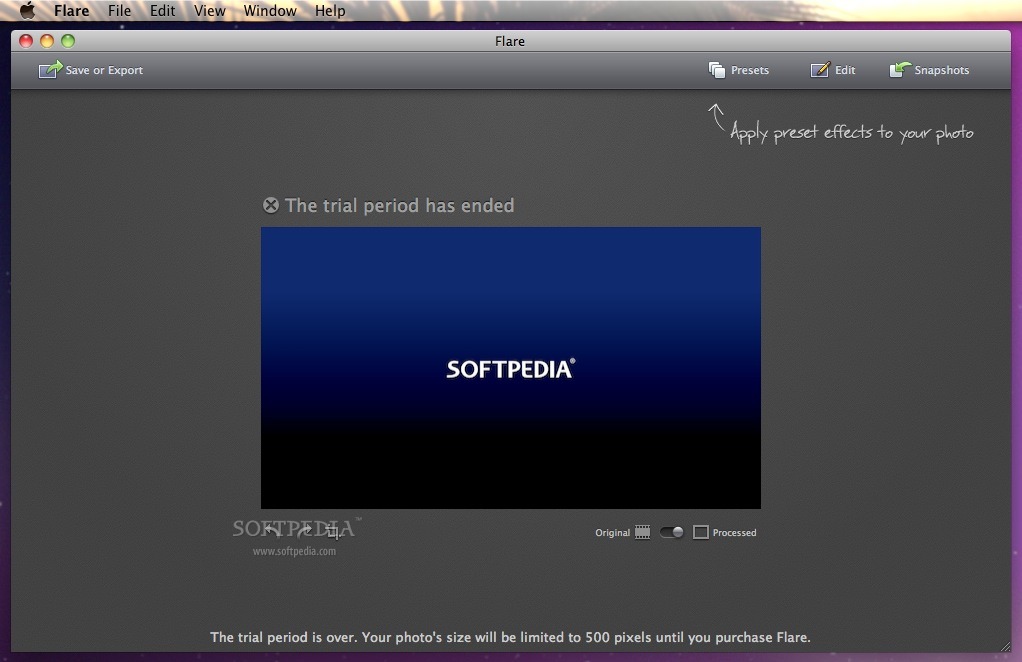
Flare is a streamlined photo editing application for macOS that provides you with all the tools needed for giving your photos a touch of charisma by effortlessly applying customizable filters, frames, and other cool effects.
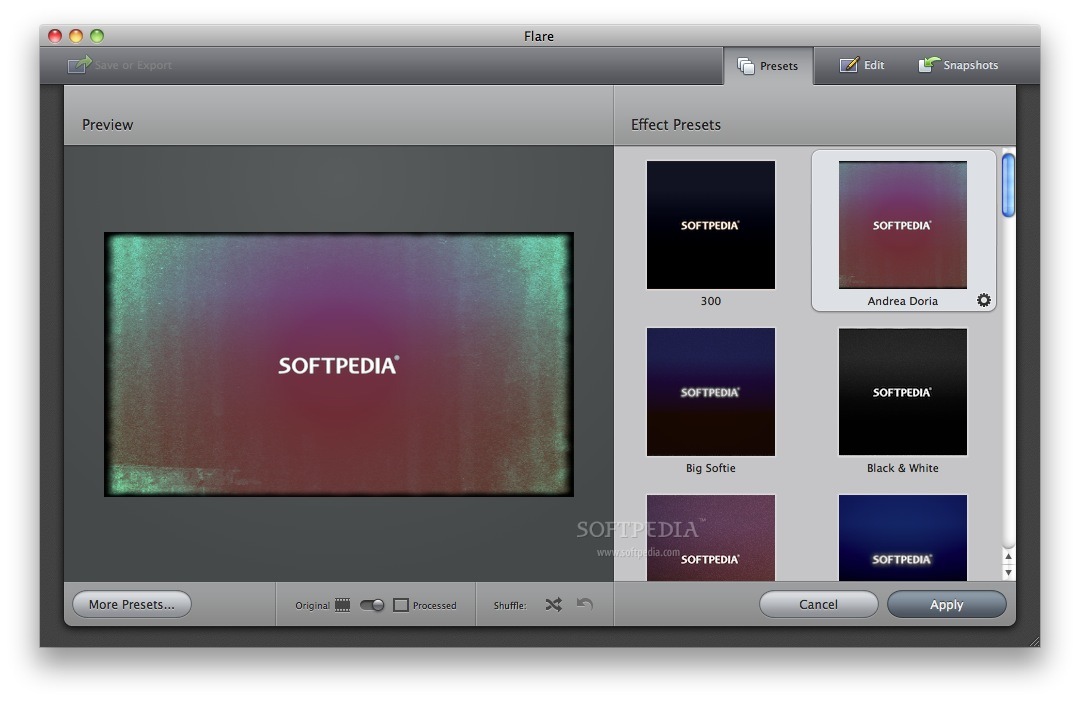
To start working with Flare, you have to load images from your Mac’s hard-drive and choose one of a multitude of built-in filters with different interesting effects and textures, or from the large set of frames and borders.
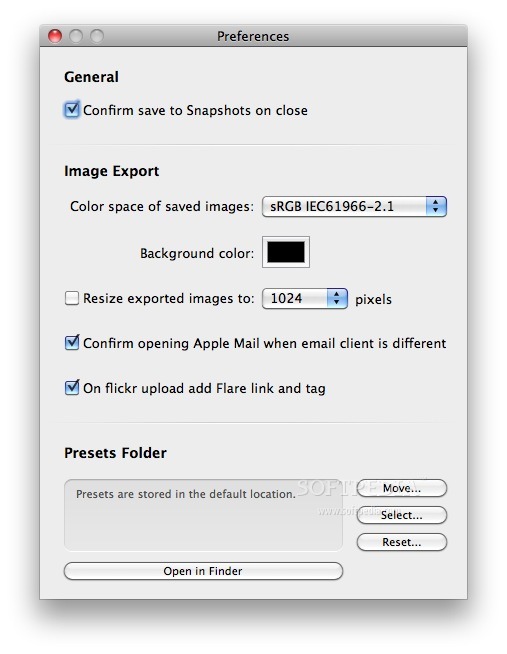
After the effect is applied, Flare enables for a quick and effortless export of the resulting pictures to the popular image formats like JPEG, PNG, or TIFF.
Worth-mentioning is the fact that Flare offers support for batch processing and, thus, you can speed-up your workflow by applying effects, borders and frames to as many photos as you like in the least amount of time and with almost no effort.
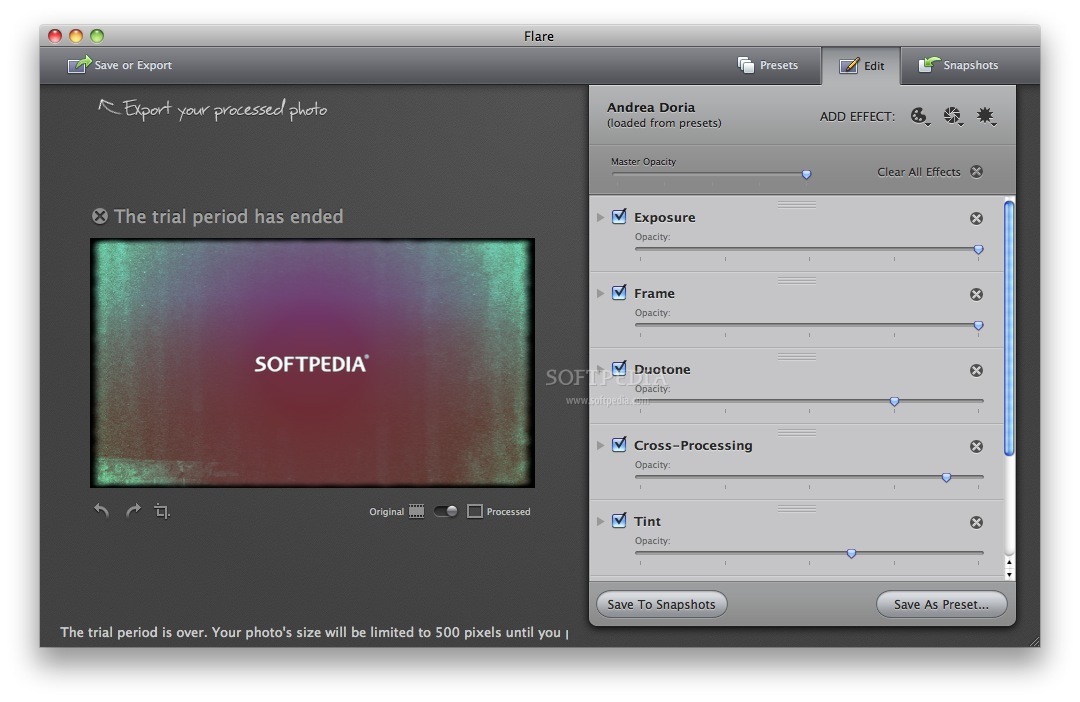
If the effects from Flare’s palette don’t satisfy your needs, you can easily create your own custom ones using the Simple Edit panel, or, for more in-depth customizing jobs, the Advanced Edit panel.
Other useful features from Flare’s repertoire include a magnifying loupe that shows the applied effects in detail, two interface themes for darker or brighter environments, image editing utilities for cropping and rotating them with ease, and RAW format support for straight out of your camera editing.
Flare comes with instant sharing capabilities via popular social services (Flickr, Facebook, Twitter), as well as compatibility with iPhoto, Aperture, Photoshop, and Lightroom.
Flare is a streamlined application for all macOS users that are passionate about photo editing and want an efficient and intuitive solution for giving their photos a little more personality and sparkle.
What's new in Flare 2.2.7:
- Updated for macOS Mojave
- Minor bug fixes
Flare 2.2.7
add to watchlist add to download basket send us an update REPORT- runs on:
- OS X 10.10 or later (Intel only)
- file size:
- 82 MB
- filename:
- Flare-1.5.1.zip
- main category:
- Graphics
- developer:
- visit homepage
calibre

Bitdefender Antivirus Free

ShareX

IrfanView

7-Zip

4k Video Downloader

Microsoft Teams

Zoom Client

Windows Sandbox Launcher

paint.net

- Zoom Client
- Windows Sandbox Launcher
- paint.net
- calibre
- Bitdefender Antivirus Free
- ShareX
- IrfanView
- 7-Zip
- 4k Video Downloader
- Microsoft Teams