
A powerful and versatile application that helps you load, preview, print and annotate DWG and DXF files created by various CAD applications. #View dwg #Print dwg #Annotate dwg #Viewer #Printer #Draw
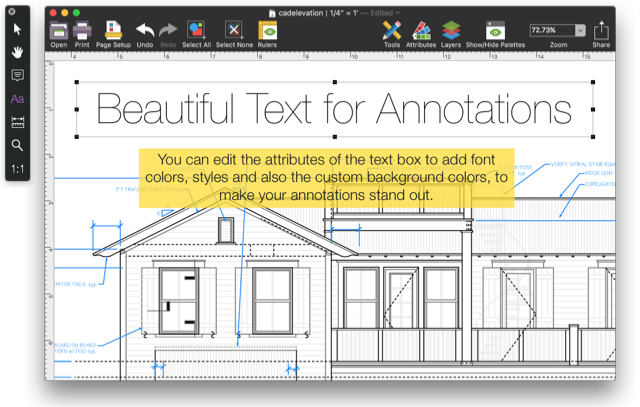
Microspot DWG Viewer is a self-explanatory macOS application that provides the required tools to view, annotate, save and print various DWG and DXF files.
Microspot DWG Viewer comes as a solution for all Mac users that do not require and expensive CAD application, but need and application capable to load and display DWG and DXF projects. Thus, Microspot DWG Viewer helps you view DWG and DXF files and open the desired model from a list of of available layouts.
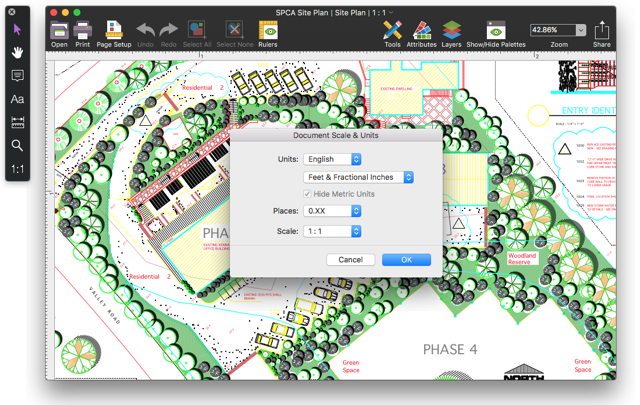
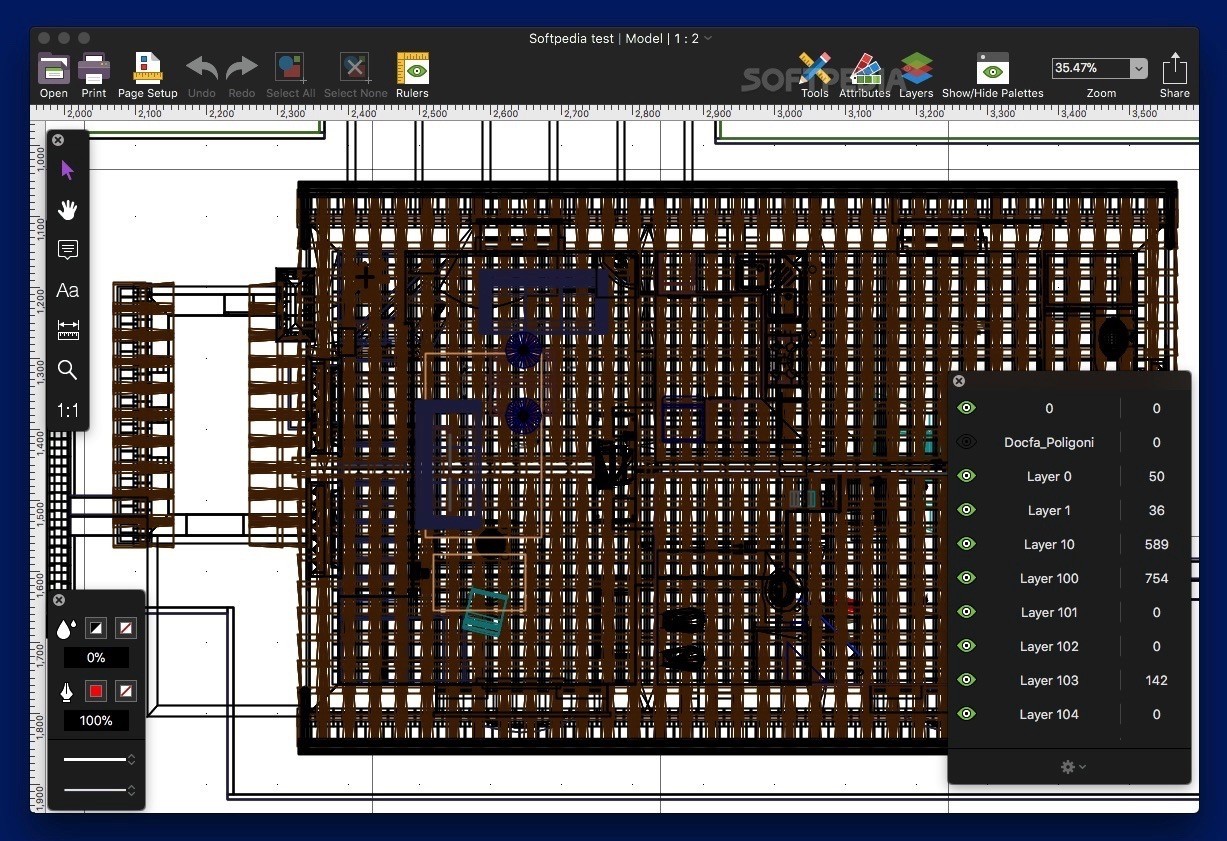
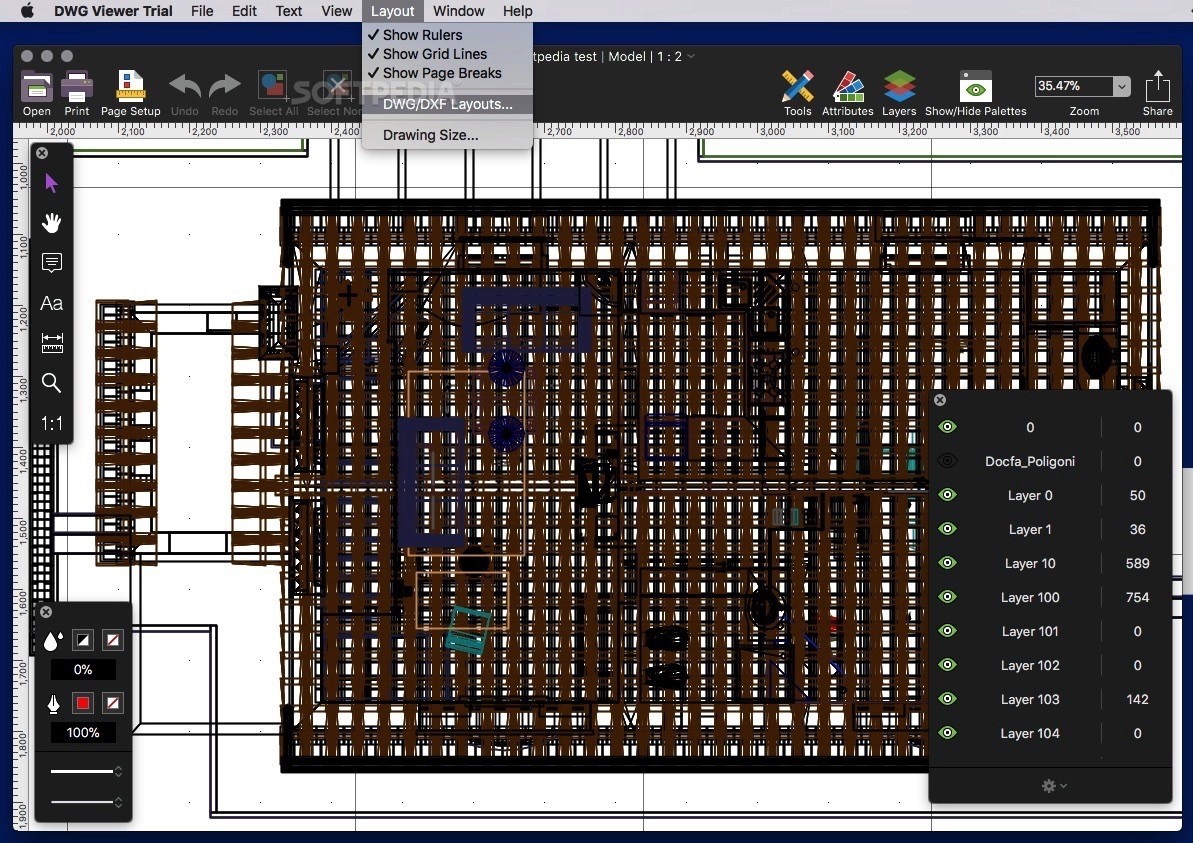
Moreover, allows you to change the scale and units of each opened files or, you can let Microspot DWG Viewer decide for you. Thanks to the Layers palette, you can view all present layers and gray out or hide the ones you are not working with.
On top of that, the Annotation layer enables you to mark up and highlight your drawings, add comments using elliptical markers and text boxes. It is worth mentioning that the elliptical marker comes with a red frame while the text boxes feature a yellow background, fact that makes it easier for your to spot your notes.
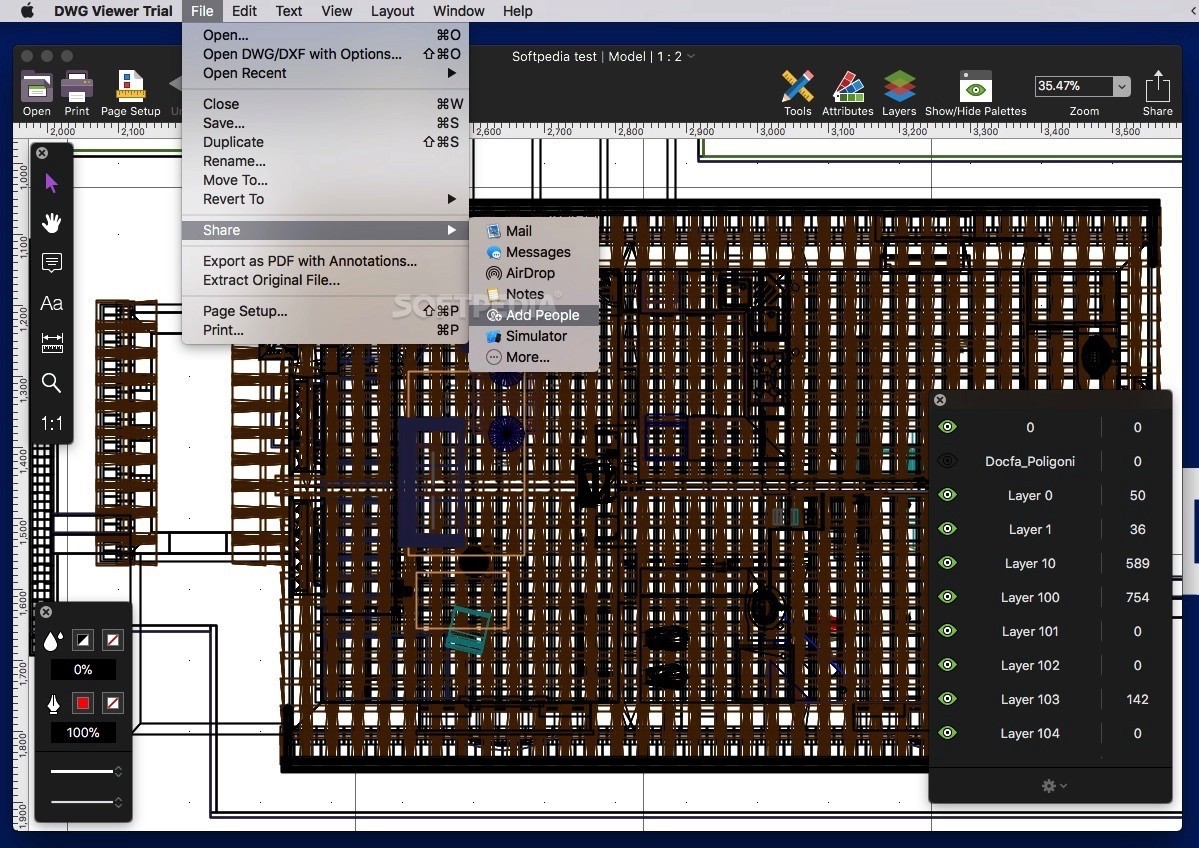
The zoom and hand tools help you browse through your AutoCAD files while the above mentioned annotation tools allow you to display your markings obvious to the recipient. From the top toolbar you can print the file, change the page setup or export the content of the file along with your annotations to a PDF document.
By accessing the Layout menu, you can hide or show the rulers, toggle the Scale or Unscaled Rulers and hide or show the grid lines and page breaks. As mentioned above, you have the option to choose between the English or the Metric measurement system, adjust the scale and tweak various settings.
Although Microspot DWG Viewer’s interface is user-friendly and very intuitive, we were disappointed by the speed with which Microspot DWG Viewer managed to load a 37.8 MB DWG file. Hopefully future updates will improve the overall performance and speed up the app.
Download Hubs
Microspot DWG Viewer is part of these download collections: View DWG, View DXF, Open DWG, Open DXF
What's new in Microspot DWG Viewer 2.0:
- Full macOS High Sierra compatibility brings all the power and efficiency of the latest macOS.
- Application rewritten using modern Cocoa and Swift technologies bringing more speed and efficiency.
- Updated interface using dark HUD (heads up display) style making it much easier to navigate and work with.
- Implemented the new Cocoa text engine for rendering and editing.
Microspot DWG Viewer 2.0
add to watchlist add to download basket send us an update REPORT- runs on:
- OS X 10.10 or later (Intel only)
- file size:
- 22.7 MB
- filename:
- DWGViewer2Trial-DL-DMG.zip
- main category:
- Graphics
- developer:
- visit homepage
4k Video Downloader

IrfanView

calibre

Zoom Client

Context Menu Manager

Windows Sandbox Launcher

7-Zip

Bitdefender Antivirus Free

ShareX

Microsoft Teams

- Bitdefender Antivirus Free
- ShareX
- Microsoft Teams
- 4k Video Downloader
- IrfanView
- calibre
- Zoom Client
- Context Menu Manager
- Windows Sandbox Launcher
- 7-Zip