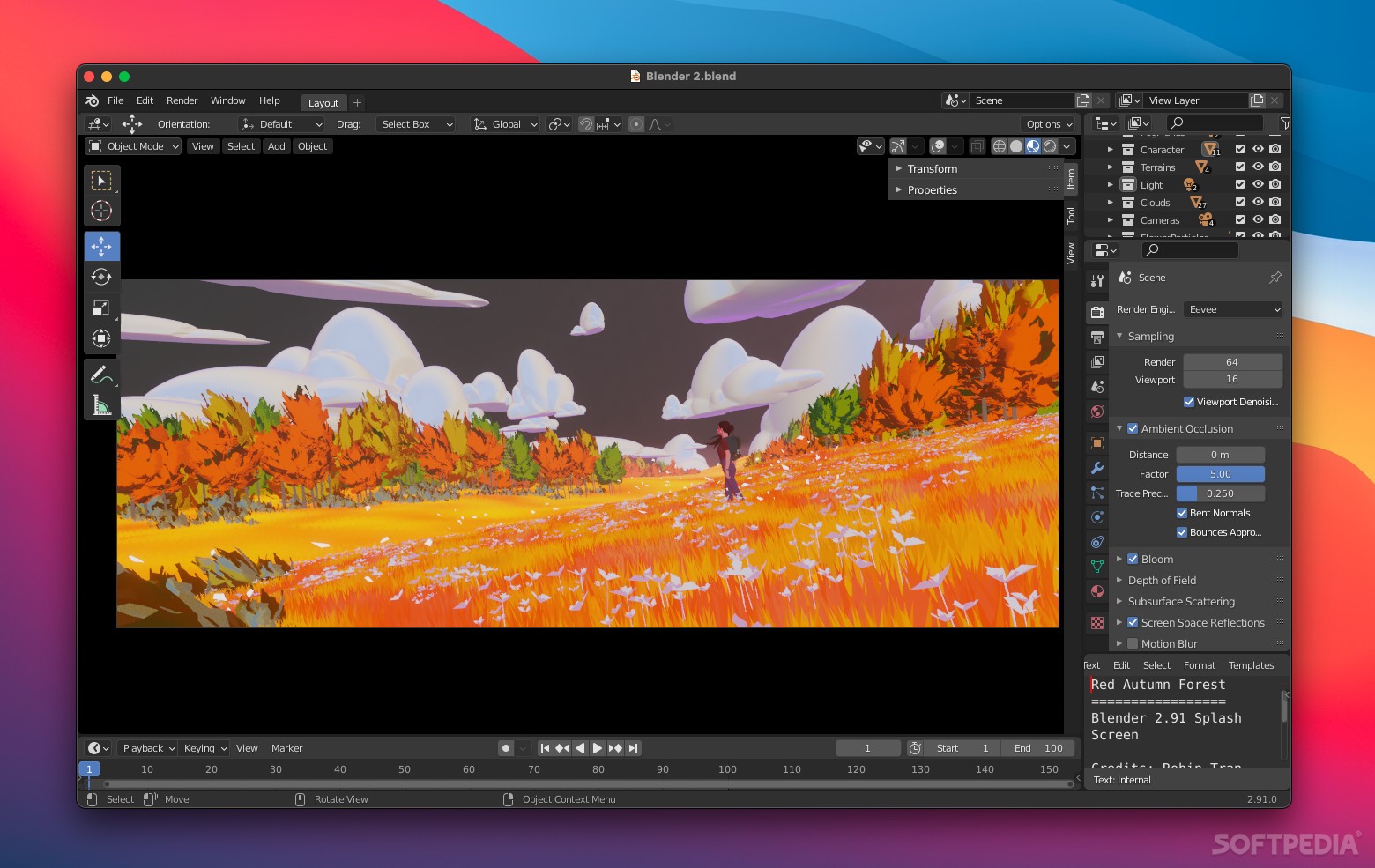
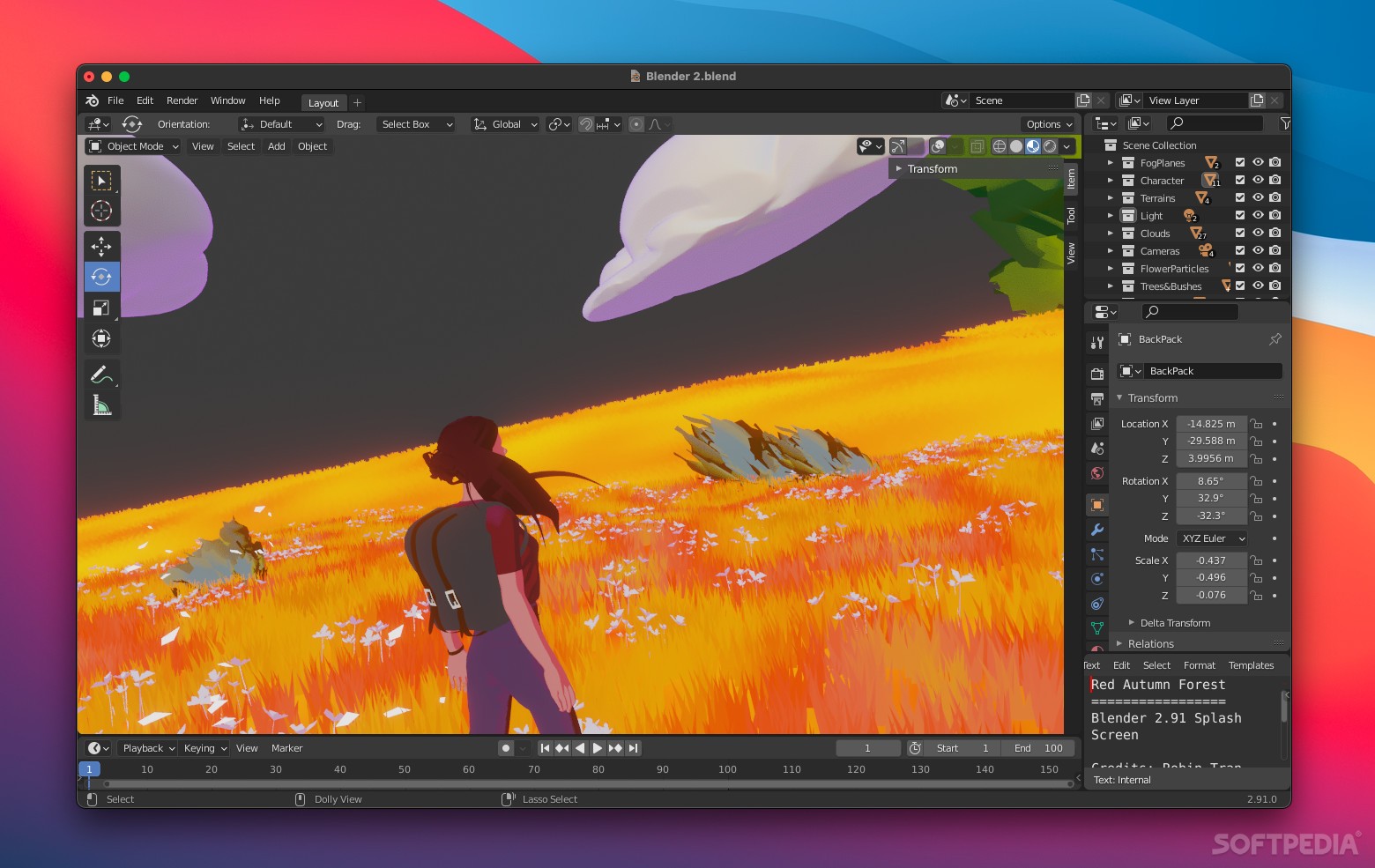
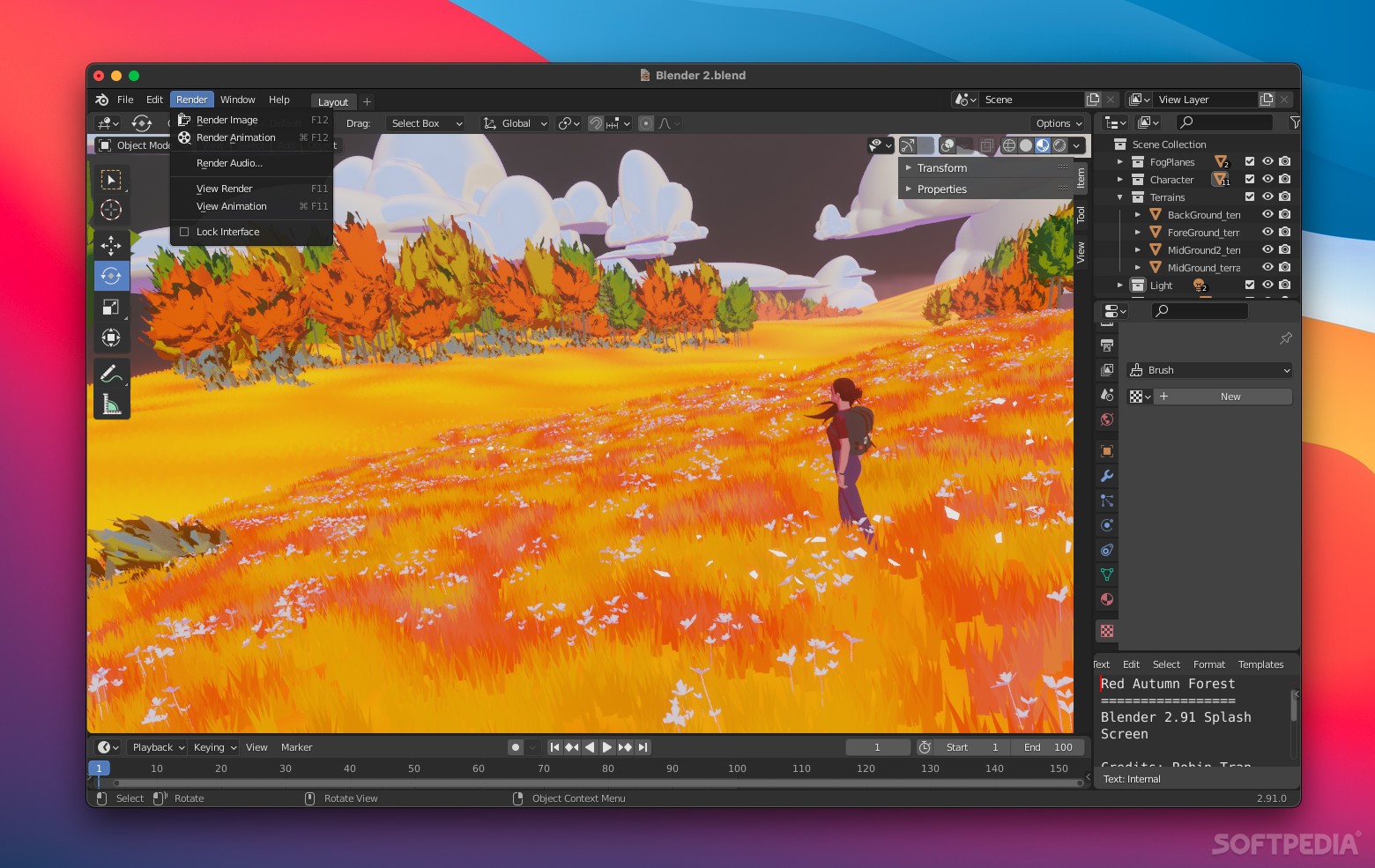
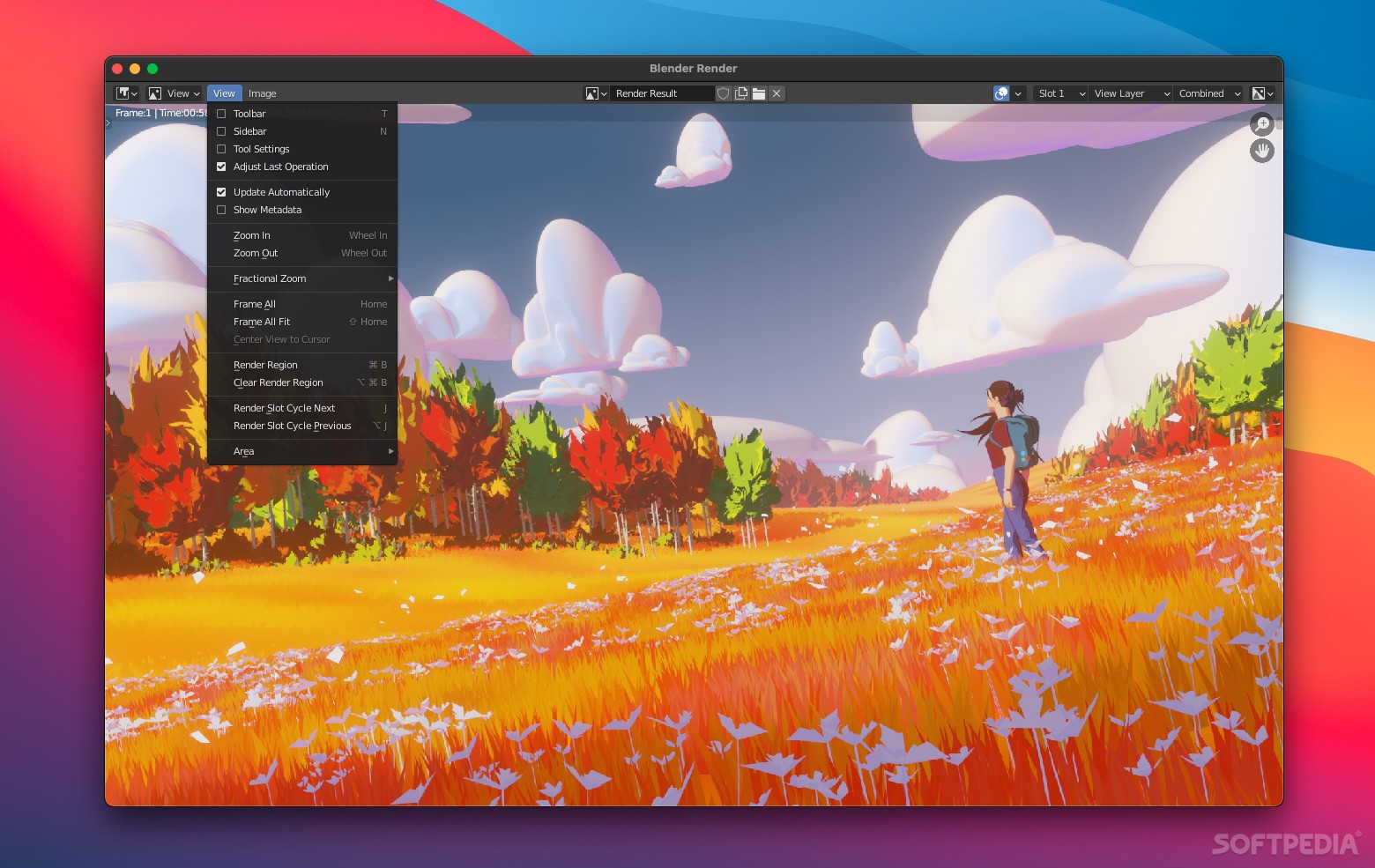
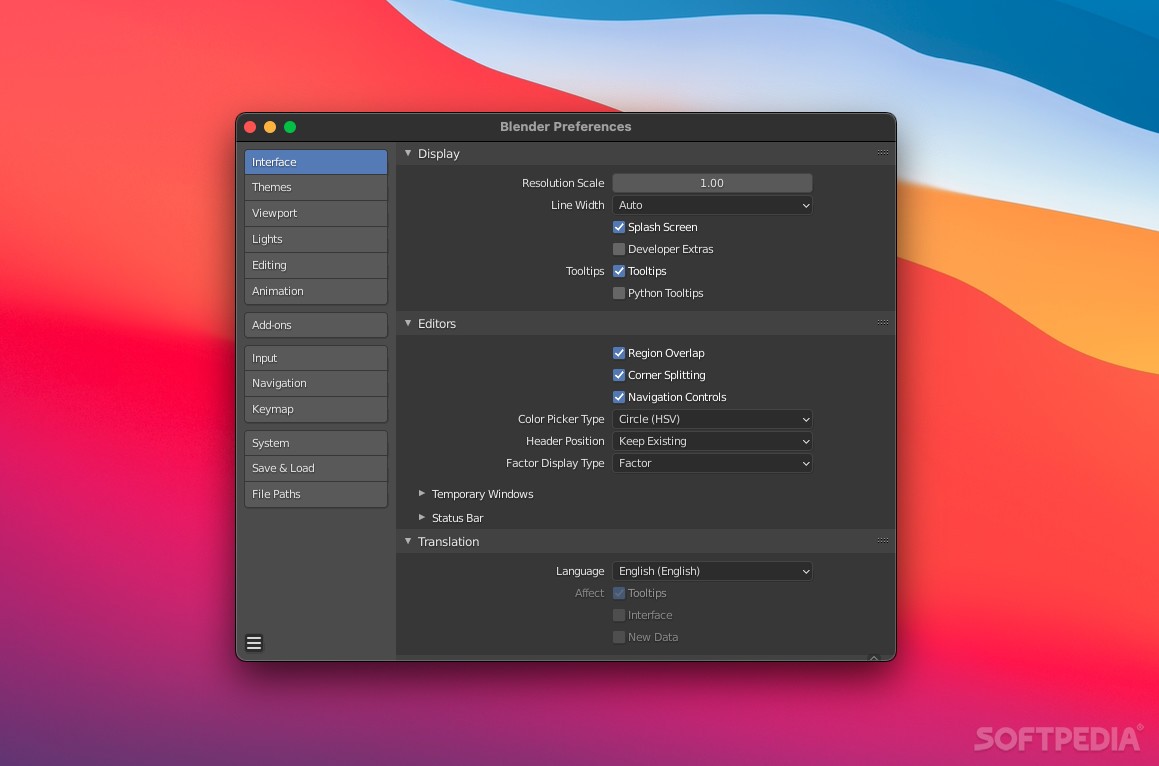
Blender, the open source software for 3D modeling, animation, rendering, post-production, interactive creation and playback. Blender offers a wide range of filters to help your efforts.
Here are some key features of "Blender":
· Revolutionary non-overlapping and non-blocking UI delivers unsurpassed workflow
· Flexible and fully configurable window layout with as many screen setups as you prefer
· Undo support on all levels
· Powerful built-in database system allowing instances, scene management, and dynamic linking multiple project files
· Anti-aliased fonts with international translation support
· Windows for animation curves/keys, outliner, schematic scene diagram, generic node editing system, non-linear video sequence editing, character animation action editor, non-linear animation mixer, image/UV editing, file/image selection and file management
· Built-in text editor for annotations and editing Python scripts
· Graphical user interface for Python scripts
· Custom themes
· Consistent interface across all platforms
· Modeling
· A range of 3D object types including polygon meshes, NURBS surfaces, bezier and B-pline curves, metaballs, vector fonts (TrueType, PostScript, OpenType)
· Very fast Catmull-Clark subdivision surfaces with optimal iso-lines display and sharpness editing
· Modifier stack deformers souch as Lattice, Curve, Armature
· Mirror modifier with middle vertices clipping and automatic deletion of inner faces
· Non destructive real time Boolean and Array modifiers
· Mesh modeling based on vertex, edge and/or face selection
· Editing functions such as extrude, bevel, cut, spin, screw, warp, subdivide, noise
· Smooth soft selection editing tools for organic modeling
· Python scripting access for custom tools
· Animation
· Armature (skeleton) deformation with forward/inverse kinematics
· Auto IK allows posing FK chains easily
· Non-linear animation editor for mixing individual actions created in Action editor
· Automated walkcycles along paths
· Animated constraint system
· Vertex key framing for morphing, with controlling sliders
· Edit and create new blendshapes from existing targets
· Character animation pose editor
· Animated deformers (Lattice, Curve)
· 'Ipo' system integrates both motion curve and traditional key-frame editing
· Audio playback, mixing and editing support for sound synchronisation
· Timeline offers fast acces to many playback functions, autokey, help markers
· Python scripting access for custom and procedural animation effects
· Rigging
· Fast skeleton creation mode
· Interactive 3D paint for vertex weighting
· Fast envelope based skinning
· Mirror editing (bone creation and weight painting)
· Bone layers for better rig organization
· B-splines interpolated bones
· Constraint stack for IK solver setup and other constraints
· Rendering
· Very fast inbuilt raytracer
· Oversampling, motion blur, post-production effects, fields, non-square pixels
· Tile-based and fully threaded
· Render Layers and passes
· Render engine tightly integrated with the node compositor
· Halo, lens flares and fog effects
· Vector motion-blur post-process effect (using node compositor)
· Edge rendering for toon shading
· Interactive preview rendering panel in any 3d view
· Ambient Occlusion
· Radiosity solver
· Integral support for the famous Yafray render engine
· Export scripts available for external renderers such as Renderman (RIB), Povray, Virtualight, Indigo
· Shading
· Diffuse shaders such as Lambert, Minnaert, Toon, Oren-Nayar, Lambert
· Specular shaders such as WardIso, Toon, Blinn, Phong, CookTorr
· Node editor for creating and mixing complex materials
· Material previews rendered by main render engine
· Tangent shading to give any shader an anisotropic effect
· Versatile procedural textures system
· Environment maps
· Normal maps
· UV Unwrapping
· Conformal and Angle Based unwrapping methods
· Interactive transform of UV maps by vertex pinning
· Proportional falloff editing of UV maps for smooth transformations
· Seam based unwrapping
· Cube, Cylinder, Sphere, View projections
· Catmull-Clark subdivition of UVs for less distortion
· Minimize stretch tool allows to reduce area distortion
· Physics and Particles
· Particle system can be atached to any mesh object. Control methods include weight painting, textures, curve guides, wind and vortex effects. Particles can be deflected by moving geometry
· Hair strands can be created by a static particle system, supporting all particle control methods
· Fluid simulator with fully animated inflow, outflow, obstacle and fluid objects. Gravity and viscosity settings can also be animated. Supports vector blur and is integrated with the particle system
· Realtime soft body solver integrated in mesh, lattice, curve and text objects. Supports collision detection and particle field effects like Wind or Vortex, soft bodys can also be baked for faster playback/rendering
· Game engine rigid body physics can be easily baked into animation curves
· Editing and Compositing
· Compositor tightly integrated and aligned with the rendering pipeline
· Composite nodes souch as Render Result, RGB Curves, Mix, Hue Saturation, Alpha Over, Z Combine, Normal, Vector Curves, Filter, Blur, Vector Blur, Color Ramp, Time
· Preview panel to define the portion of interest. A composite then only happens on this part
· Threaded and memory efficient
· Near realtime sequencer can edit hours of video
· Waveform and U/V scatter plots
· Open and write many audio & video file formats using ffmpeg(linux only at the moment, FFMPEG for Windows/OS X is scheduled for next release)
· Can render using frameserver-support directly into foreign applications
· Supports float images as well as regular 32 bits images
· Curves tool allows you to create a mapping from the float range to a displayable result (for HD images)
· Realtime 3D/Game Creation
· Graphical logic editor for defining interactive behavior without programming
· Collision detection and dynamics simulation now support to Bullet Physics Library. Bullet is an opensource Detection and Rigid Body Dynamics Library for games, free for commercial use including play station 3
· Shape types: Convex polyhedron, box, sphere, cone, cylinder, capsule, compound, and static triangle mesh with auto deactivation mode
· Discrete collision detection for RigidBody simulation
· Support for in-game activation of dynamic constraints
· Full support for vehicle dynamics, including spring reactions, stiffness, damping, tyre friction etc
· Python scripting API for sophisticated control and AI, fully defined advanced game logic
· Support all OpenGLTM lighting modes, including transparencies, Animated and reflection-mapped textures
· Support for multimaterials, multitexture and texture blending modes, per-pixel lighting, dynamic lighting, mapping modes, GLSL vertexPaint texture blending, toon shading, animated materials, support for Normal Maping and Parallax Mapping
· Playback of games and interactive 3D content without compiling or preprocessing
· Audio, using the SDL toolkit
· Multi-layering of Scenes for overlay interfaces
· Files
· Save all scene data in a single .blend file, even images, sounds or fonts can be packed for easy transportation
· blend format supports compression, digital signatures, encryption, forwards/backwards compatibility and can be used as a library to link to from other .blend files
· Read (R) and write (W) support for many other 2D and 3D formats
· 2D
· TGA, JPG, PNG, OpenEXR, DPX, Cineon, Radiance HDR, Iris, SGI Movie, IFF, AVI and Quicktime GIF, TIFF, PSD, MOV (Windows and Mac OS X)
· 3D
· 3D Studio (R/W), AC3D (R/W), COLLADA (R/W), Cal3D (W), DEC Object File Format (R/W), DirectX (W), Lightwave (R/W), MD2 (R/W), Motion Capture (R/W), Nendo (R/W), OpenFlight (R/W), PLY (R/W), Pro Engineer (R), Radiosity (R/W), Raw Triangle (R/W), Softimage (W), STL (R/W), TrueSpace (R/W), VideoScape (R/W), VRML (R/W), VRML97 (R/W), Wavefront (R/W), Wings3D (R/W), X3D Extensible 3D (W), xfig export (W)
Requirements:
· Python 2.3
What's New in This Release: [ read full changelog ]
Updates:
· Update for new OpenAL windows library.
· Update Japanese translation.
· Upgrade extern/xvidcore to version 1.22. This fixes Xvid crashing on linux 64 bit.
· Updated Blender/Python API and GameEngine docs.
http://www.blender.org/documentation/249PythonDoc
Various Bugs:
· SoftBody, vertex groups were not notified on deletion & fixes for Mass and Spring Painting
· Softbody, non mesh objects missing initializers [bug #18982]
· Self Shadow Vertex Colors, improved blur method to give more even results.
· Converting nurbs to a mesh ignored smoothing for Alt+C and from python.
· Object Active to Other, Fix python error when running in local view.
· Ancient resource leak where checkPackedFile would open a file and never close it.
· Fix for uninitialized memory use with X11 keyboard and tablet events.
· Fix for building with CLang (LLVM)
Render Bugs:
· Using LightGroups override for material doesn't work for preview renders.
· Render Stamp, error in setting the alpha value when drawing text into a char buffer.
· Lumma Matte, Fix in low value setting.
Originally checked against the wrong channel (chroma) instead of the luminence channel. Changed default value for high value to 1.0 from 0.0
· Baking selected to active with nearby dupliframes objects crashes blender [bug #19029]
· Fix for high energy sunlamps, turning specular black [bug #18837]
Game Engine Bugs:
· Saving runtime on Windows didn't work with python2.6
· Let IPO's animate the ref value for KX_BlenderMaterial's
Game Engine Python Bugs:
· Converting a mesh from a python argument was broken but happened to work in some cases.
· Memory leak fix for action.channelNames.
· Was writing to freed memory when freeing a python object in some cases.
· Removing GameLogic.EvalExpression(), was unstable.
· Crash fix when casting a ray to the same location as the object.
· Fixed KX_PolyProxy returning improper VertexIndex with mixed triangles and quads with using .getVertexIndex() and .v1, .v2, etc. [bug #19254]
· Fixed obj.sendMessage() with 4 arguments crashing blender [bug #18963]
Game Engine Bullet Bugs:
· Crash fix when a parent compound object didn't have a physics controller.
· Fix for the torque actuator x -& y-axis not working.
· Sequencer Bugs
· IPO curve-deletion resulted in non-working effect
· easy retiming only allowed enlarging of strips, now shrinking is also possible (easy retiming: use the right display handle of input strip and shrink or enlarge, will make the speed of the strip exactly fit the effect strip's length)
· frames after end-of-display of input strips can now be accessed.
· frame blending can now be done on more than two frames, enabling really fine grained motion blur if you speed up a sequence with high factors (bigger than two).
· Scene-Strip rendering with compositor scenes failed, if they had no camera attached.
· Fixed hdd-audio for sample formats other than 16 bit (8 bit eg).
· Import/Export Bugs
· FBX Export, Incorrect formatting that broke some converters.
· BVH Motion Capture Import, Did not support single rigid body objects. [bug #18949]
· OBJ Import, fix for importing of transparent faces from .mtl files - ZTrans now is set for them as well. (improves import from SketchUp)
· Collada export, Empty material slot would raise a python error.
· Collada import, fixes for increased Sketchup interoperability and more.
· Quake MAP Export, empty nodes were not exported, also noticed files were invalid if there were no meshes or surfaces.
· Quake MAP Export, had support for single triangular brush unnecessarily disabled.
· Quake MD2 Export, Fix for vertex normals [patch #19206]
· Python API
· Mathutils (quat_a*quat_b) was broken, returned (quat_a*quat_a) instead.
· Support for editing properties IpoCurve.driverBone and IpoCurve.driverBone2 and modifies IpoCurve.driverChannel to allow OB_ROT_DIFF.
· Documentation corrections.
· Support for rendering background scenes different from the active scene.
· scene.render.render() now behaves the same in interactive and background mode
· scene.render.saveRenderedImage() now works correctly in background mode
· Armature active bone can be set.
New:
· 16bit SGI image loading
· When BLENDER_FORCE_SWAPBUFFERS env variable is defined, a function is enabled that fixes flickering for some Intel and Radeon cards.
· Python API - Particles
· Draw As variable and dict
· Strand render toggle
· Object, psys variable in duplicate
· Material, Strand render variables
· Texture, Use colorbands
· Lamp, Spot buffer type selection
· Game Engine Physics support for reinstancePhysics mesh from Python and the dynamic actuator.
· ReplaceMesh Actuator option to replace the physics mesh and display mesh + python api options.
· Video and blend file demo.
http://www.graphicall.org/ftp/ideasman42/reinstance.ogv
http://www.graphicall.org/ftp/ideasman42/reinstance_demo.blend
· Mouse focus sensor "pulse" option to pulse TRUE when the object under the mouse changes.
· EDL importer for the sequencer. supports...
· audio, video edits
· fades, wipes, speed changes (video only)
· importing from multiple reels