
A very easy to use, direct vector drawing software that gives you quick access to multiple tools for creating your own illustrations and graphics. #Illustration designer #Image sketcher #Draw image #Designer #Graphics #Illustration

Working with vector tools has become the norm if you want to create high quality graphic content and drawings. Artboard is a macOS app which enables you to design graphic content that can be integrated into your presentations and illustrations without too much trouble.
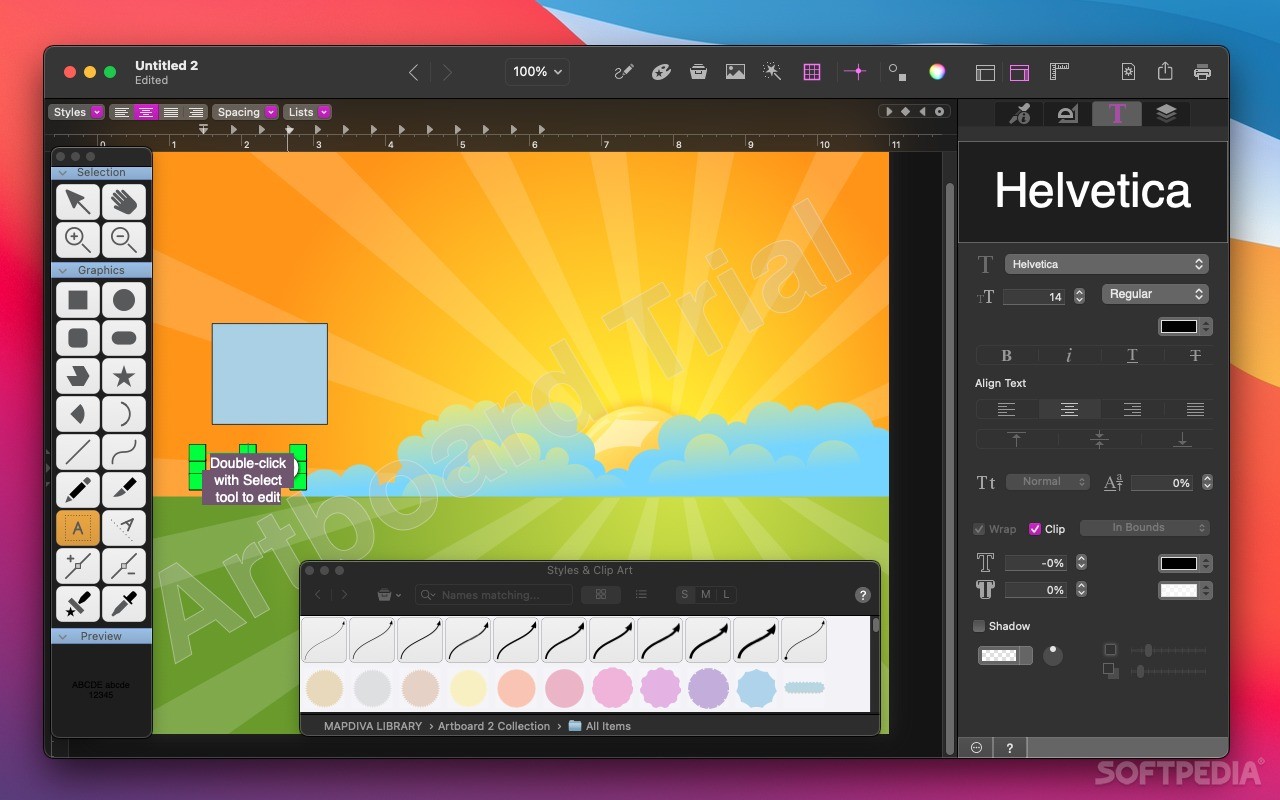
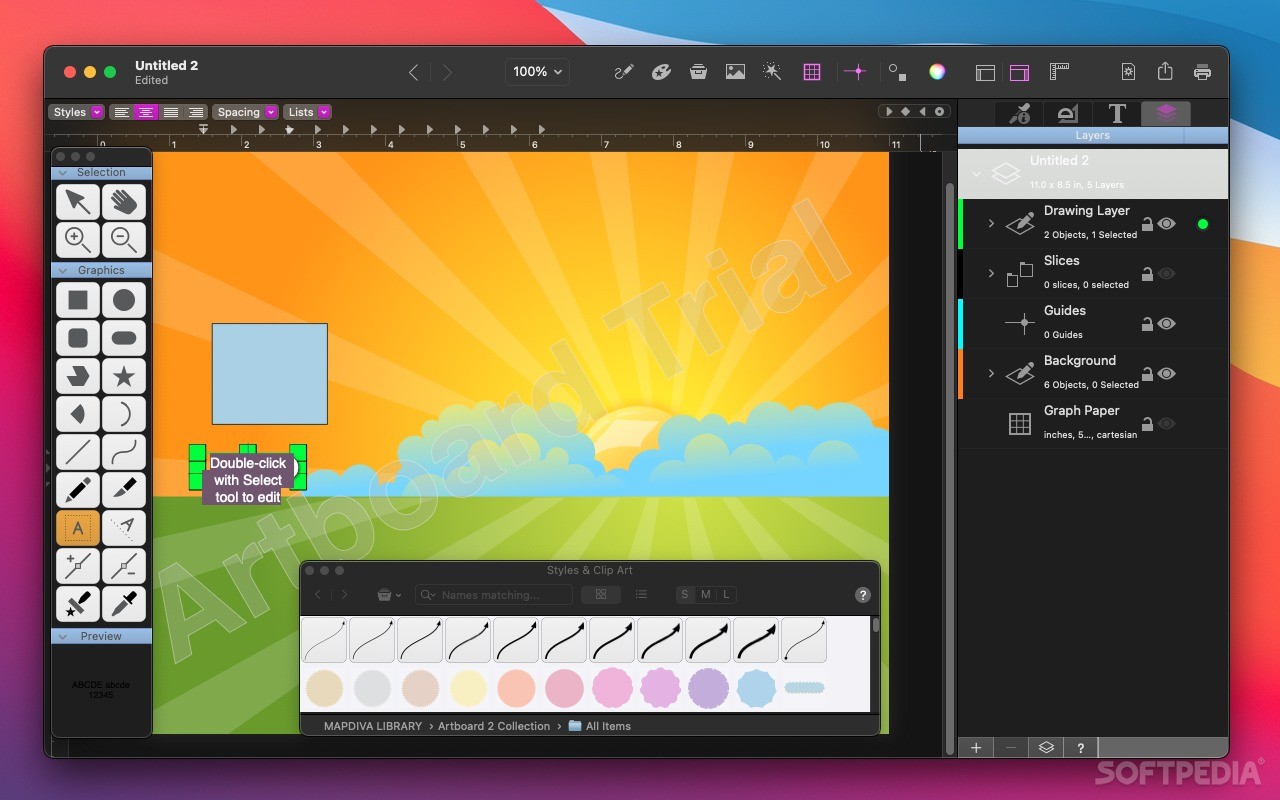
Finding your way around the Artboard application is fairly intuitive: within the app’s main window, the central area is reserved for the canvas, while the top toolbar, and other small additional panels provide access to most editing tools, which have self explanatory names.
Moreover, Artboard comes with a built in collection of graphic elements, maps, flags, and other clipart objects that can be easily integrated into your own projects. On the left side of the main window you will be able to see a list with the current layers available in your project and select the one you want to work on.
To take things even further, Artboard integrates a collection of templates and layouts that can be used as the starting point for creating business cards, invitations, cards, fliers, and other signs.
When you are satisfied with the result, you can easily share your projects by email or on social media, by sending the artwork to your Facebook, Twitter, or Flickr account.
Of course, you can save your work as an Artboard project and continue working on it at a later time, but you can also export the graphics directly to JPG, TIFF, PNG, or PDF documents.
Artboard provides access to basic vector drawing tools in a clean and well structured user interface: finding your way around is quite intuitive and most functions are self explanatory.
The Artboard app comes with a wide collection of predefined templates, layouts, and clip art object designed to help you create high quality documents in no time.
What's new in Artboard 2.3:
- Added binary for Apple Silicon (M1, etc)
- Updated for MacOS "Big Sur"
Artboard 2.3
add to watchlist add to download basket send us an update REPORT- runs on:
- macOS 10.10 or later (Universal Binary)
- file size:
- 79.1 MB
- filename:
- Artboard.dmg
- main category:
- Graphics
- developer:
- visit homepage
ShareX

Zoom Client

Bitdefender Antivirus Free

IrfanView

calibre

Microsoft Teams

Context Menu Manager

7-Zip

Windows Sandbox Launcher

4k Video Downloader

- 7-Zip
- Windows Sandbox Launcher
- 4k Video Downloader
- ShareX
- Zoom Client
- Bitdefender Antivirus Free
- IrfanView
- calibre
- Microsoft Teams
- Context Menu Manager