
Powerful and incredibly intuitive drawing software that features a minimalistic user interface and easy-to-learn tools, suitable for beginners and experts alike. #Drawing Software #Painting Software #Sketching Software #Draw #Paint #Sketch

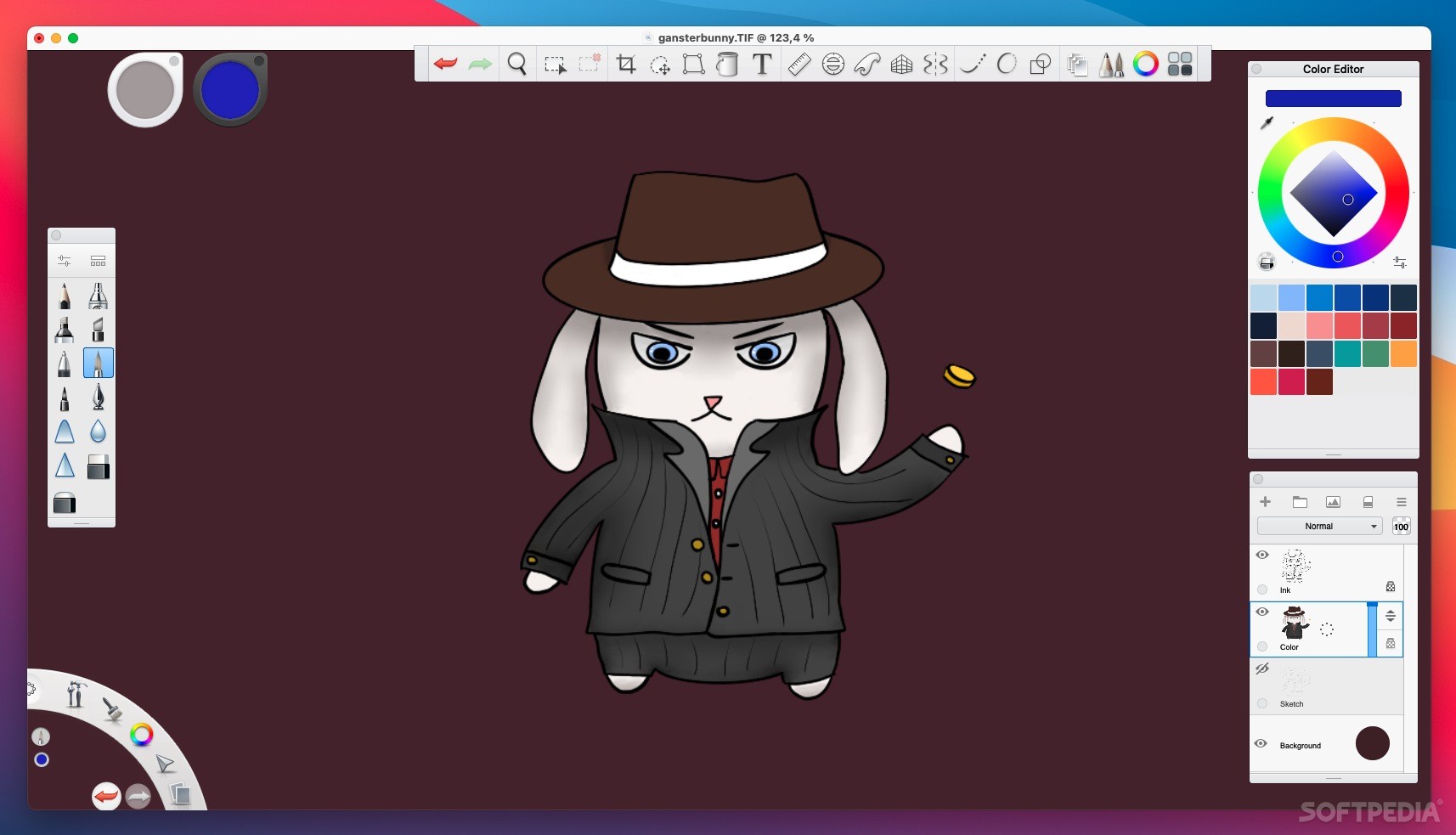
Artists are quite spoiled when it comes to Mac drawing software, as there are so many good apps available. Some are paid, but you can find free, or even open-source software that's pretty much as good as the commercial options.
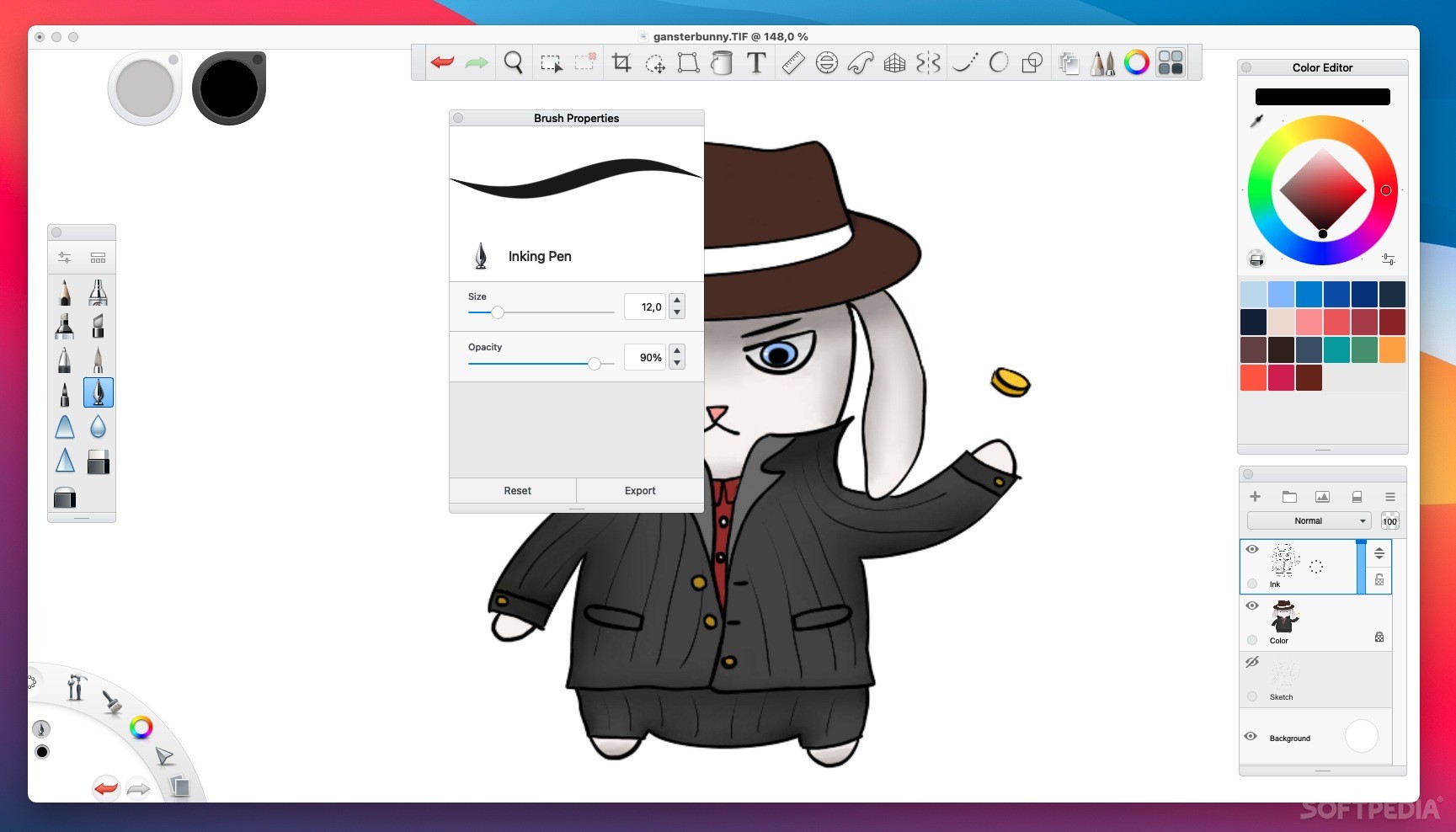
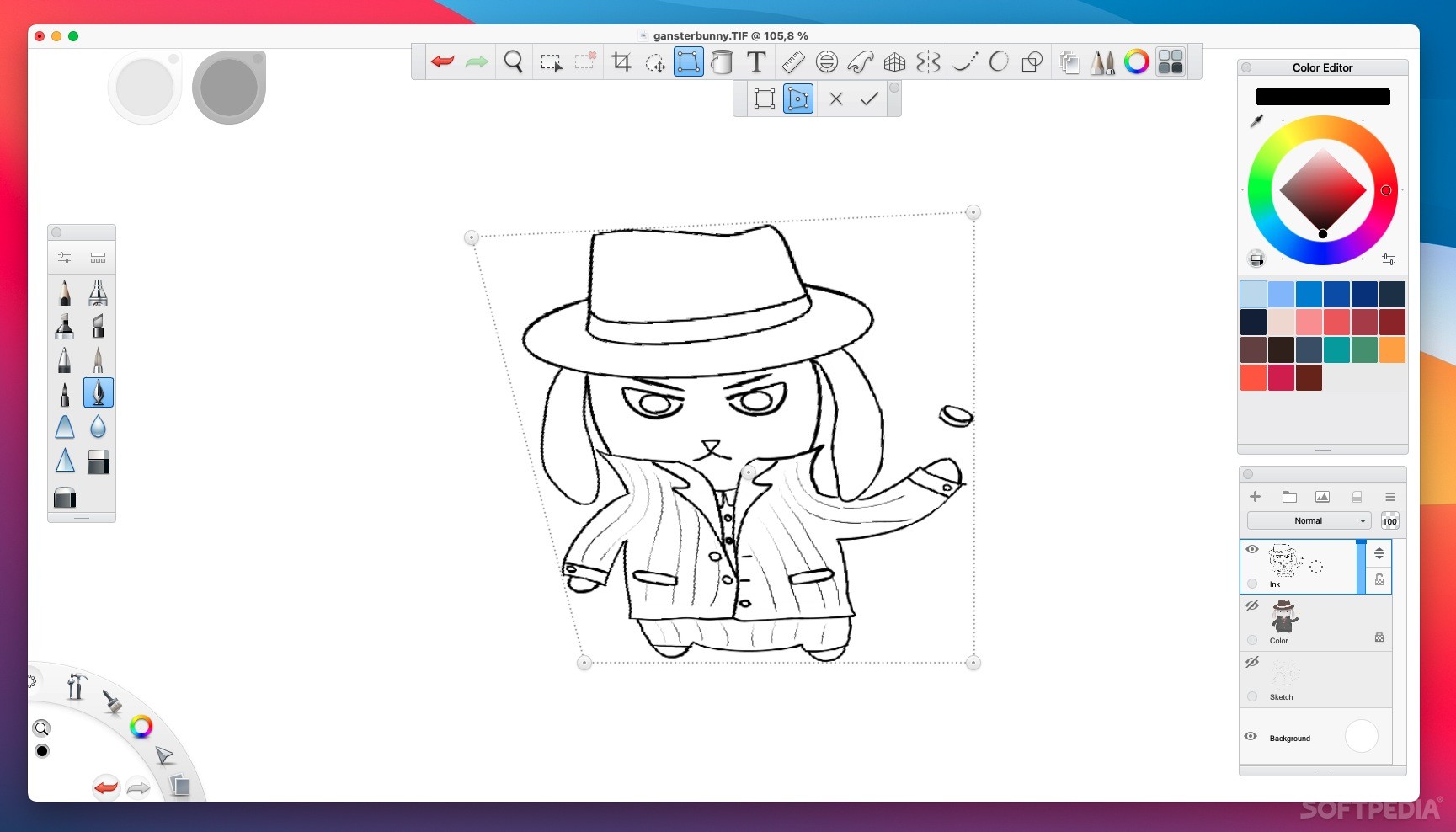
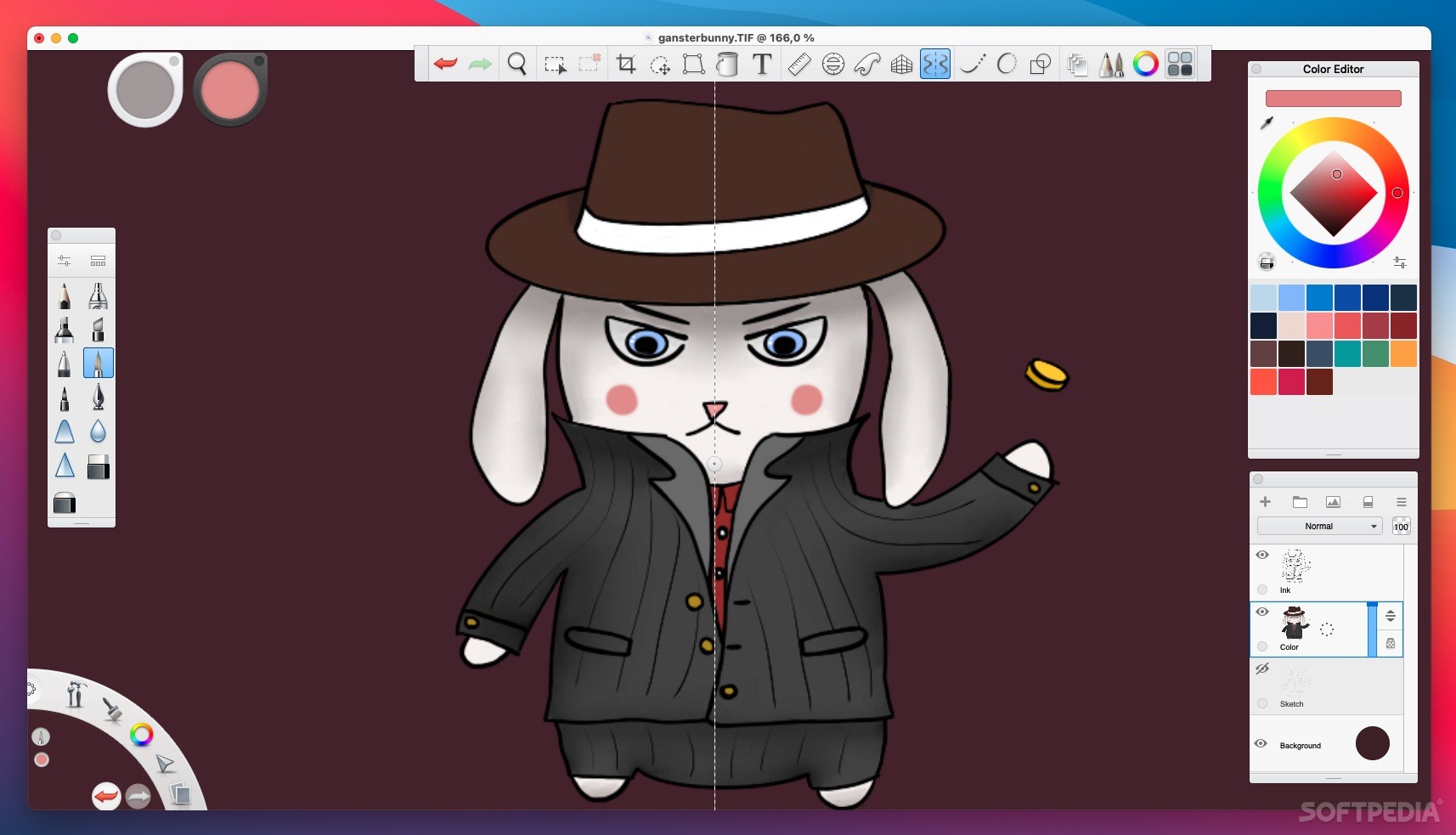
SketchBook used to cost money, but it is now completely free. Once you start using it, it will become clear why it used to come at a price. It features an unobtrusive UI, enough tools even for professionals, and perhaps the most gentle learning curve of any drawing app I've ever tried.
For someone just starting out, SketchBook will be very easy to learn. All your important tools are easily accessible, so you won't have to spend an hour figuring out how to do something. As long as you have at least a basic understanding of what drawing involves, you'll get the hang of everything in minutes.
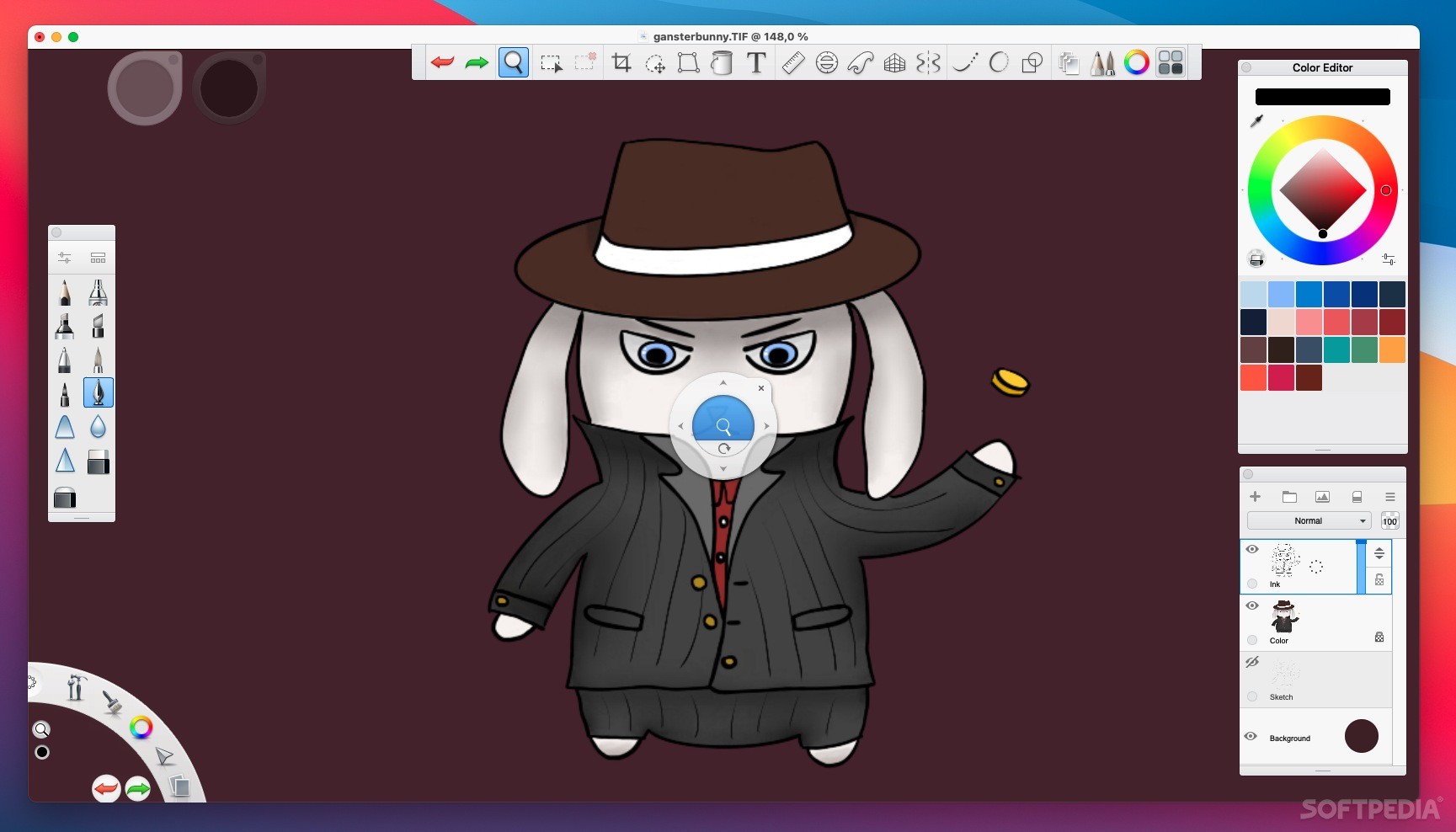
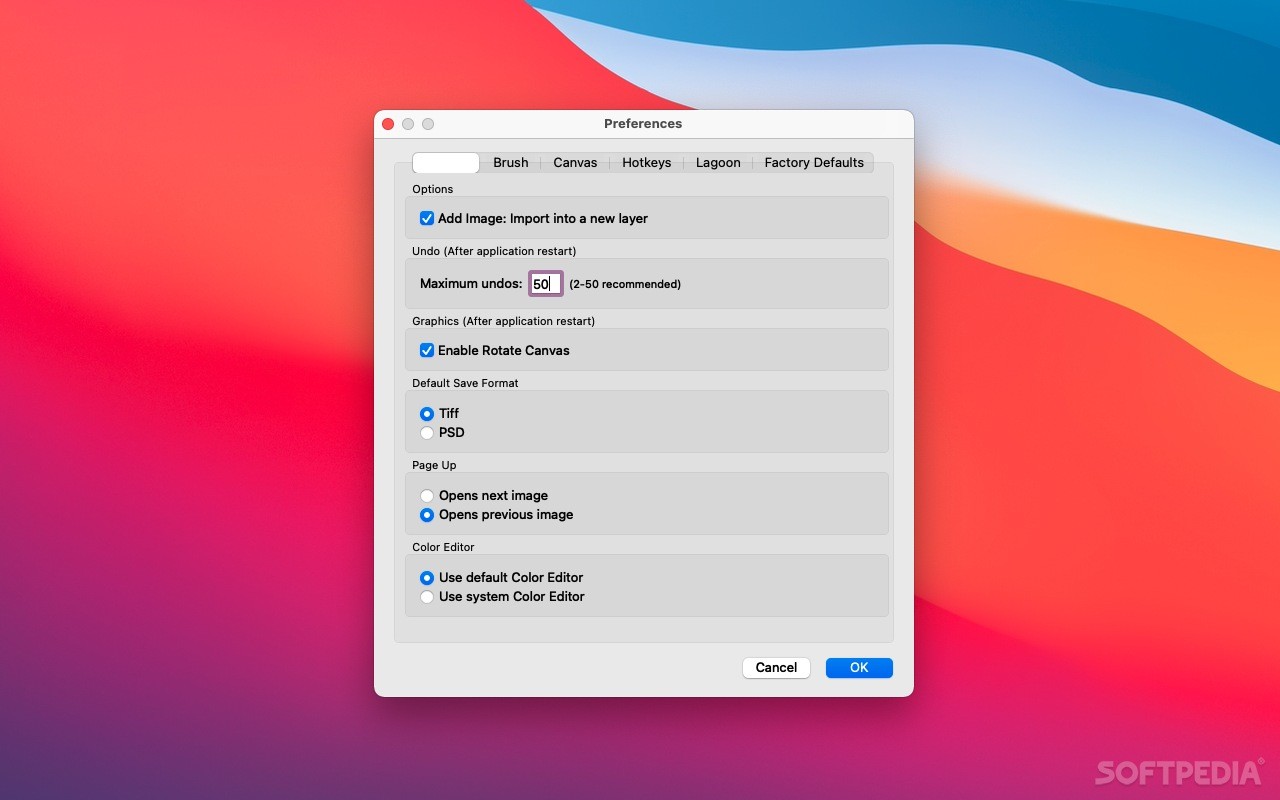
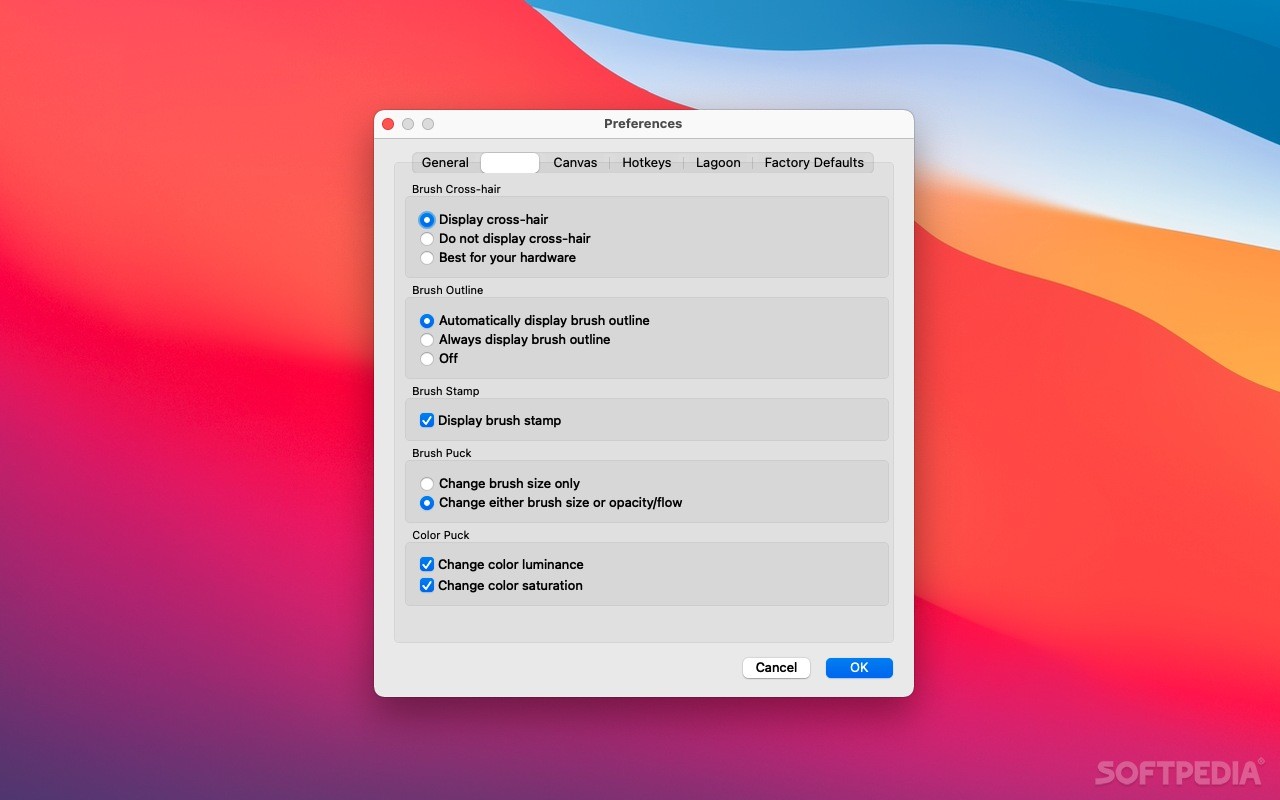
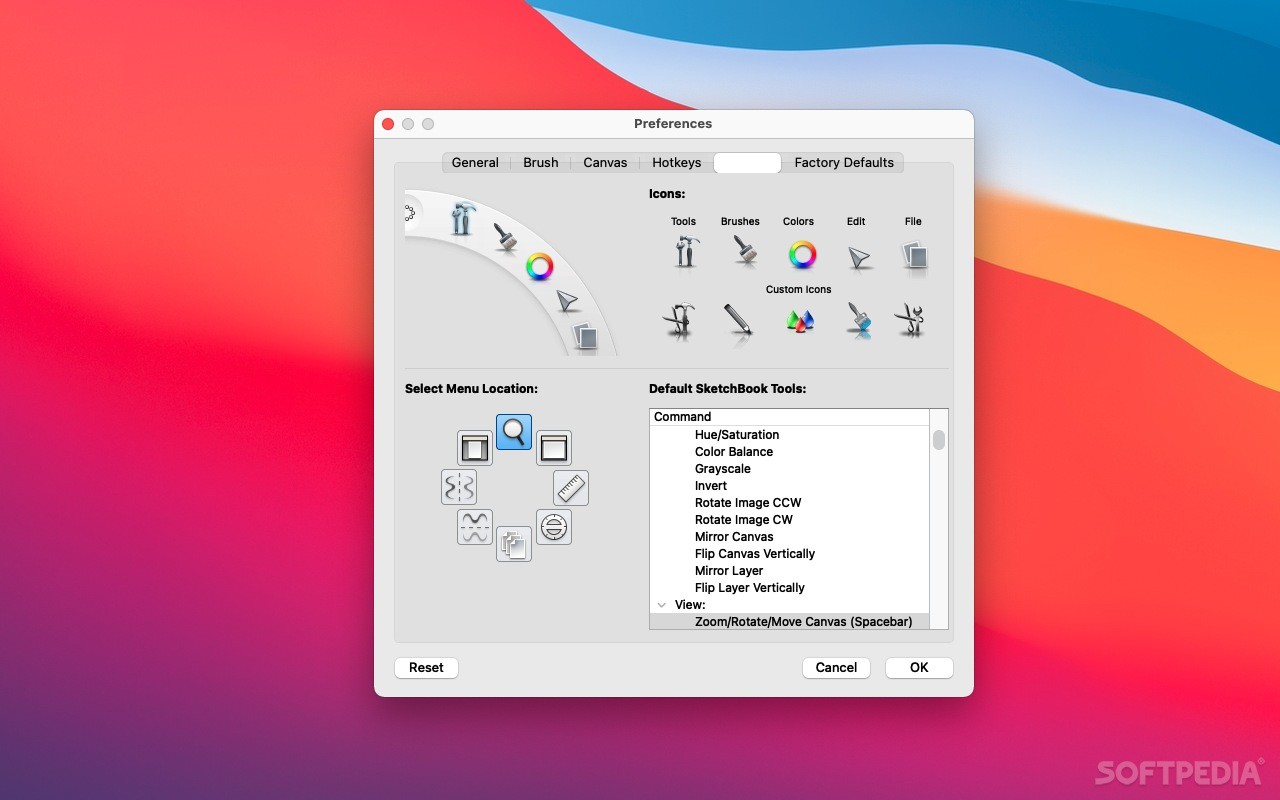
The app is very easy to control with your tablet's pen. To navigate, simply press Space and use the on-screen tool to pan and zoom. To change pen properties and colors, just tap the two pucks in the top-left and move the pen in a certain direction.
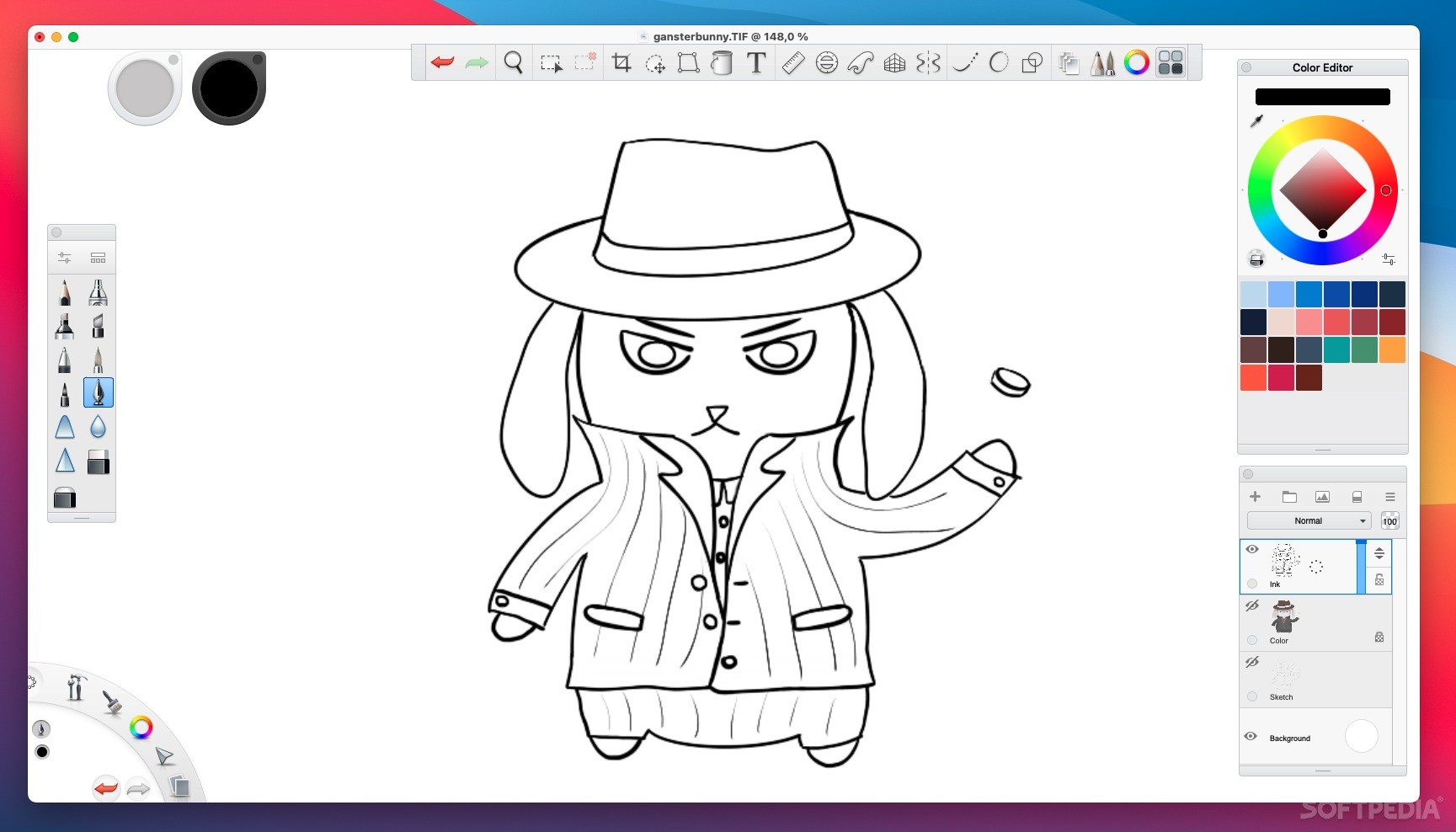
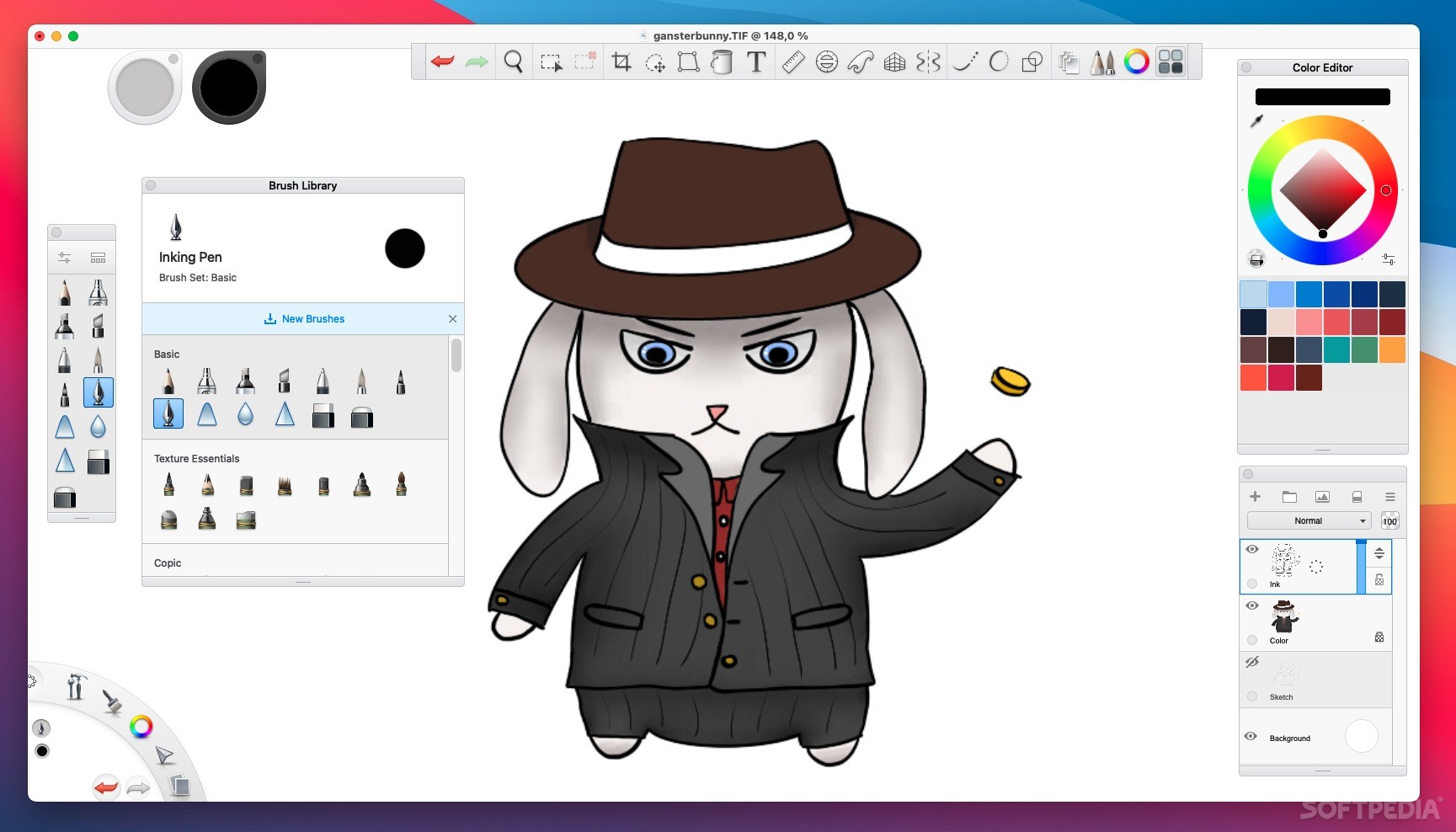
While the app is now free, SketchBook used to be a paid product, and as such, it comes with all the features you would expect from a commercial app. These include a huge number of brushes, with the option to create your own and share them, an unlimited number of layers and multiple blending modes, and an extensive color library.
Among the helpful tools, we can mention SketchBook's predictive and steady stroke features, which help you draw smoother lines and shapes using two different methods. The first polishes a stroke after drawing, while the second essentially drags the pen behind the cursor to eliminate jagged movements.
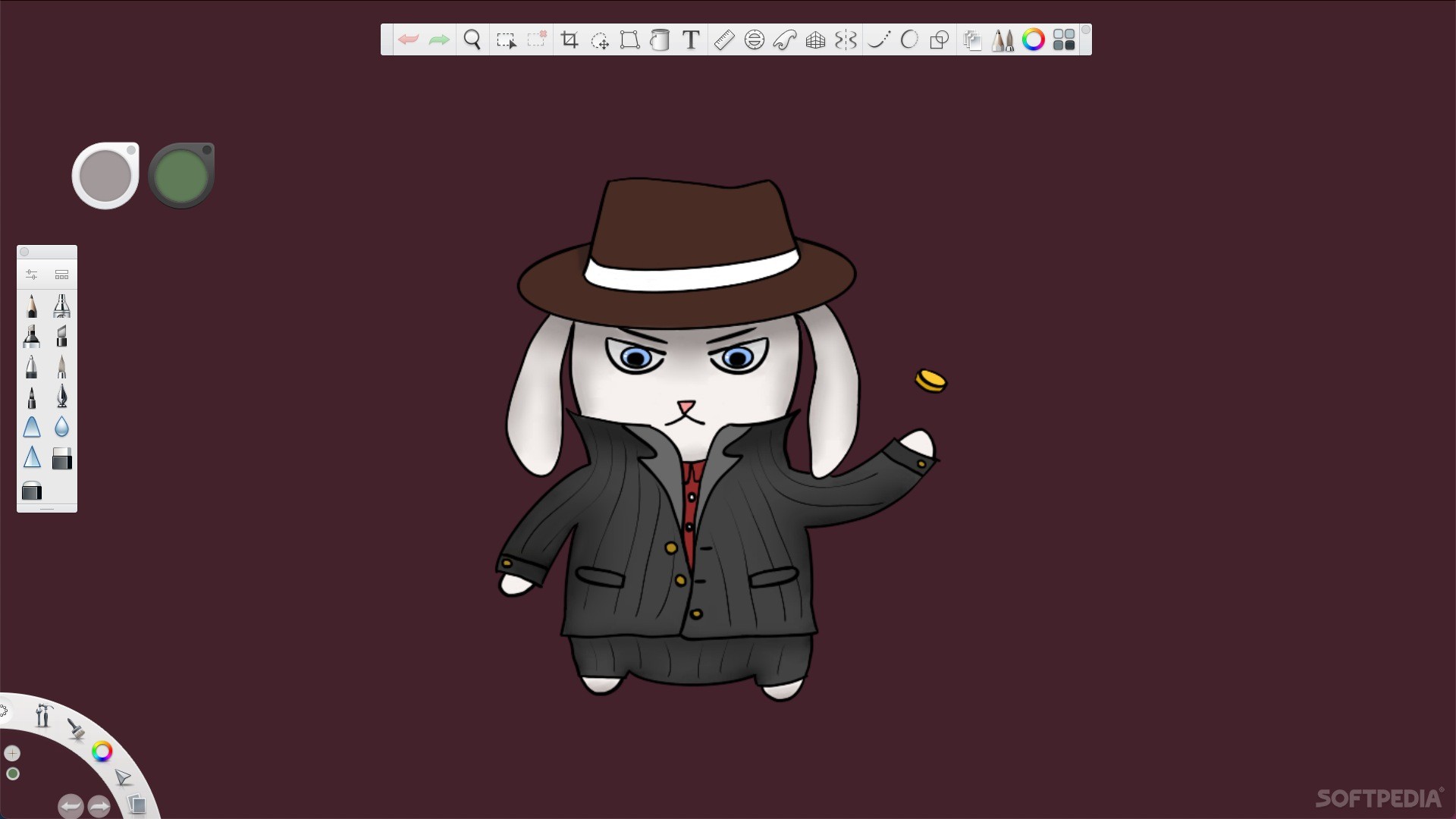
If you're looking for the most paper-like drawing experience, SketchBook can definitely deliver. Once you disable unnecessary UI elements and switch to full-screen mode, you'll be able to use your entire desktop space freely.
No title bar, no status bar, no sidebar that takes up a third of your screen. The app is designed to be used effectively with almost nothing covering up your drawing, save for the tools that you really can't do without.
I'd recommend SketchBook to any user who is just starting out with digital drawing, and it packs enough features to be suitable for experienced artists as well. And to top it off, it is also available for Windows, iOS, iPadOS, and Android.
What's new in SketchBook 8.7:
- We removed the splash screen that appeared upon startup, so there is no longer a need or even an option for logging in.
- NOTE: If you are not a SketchBook Pro (enterprise) user and created an Autodesk Account, you may want to delete it. See the article Delete Your Autodesk Account for instructions for how to do this.
SketchBook 8.7.1
 Softpedia Editor's Pick
add to watchlist
add to download basket
send us an update
REPORT
Softpedia Editor's Pick
add to watchlist
add to download basket
send us an update
REPORT
- runs on:
- macOS 10.13 or later (Intel only)
- file size:
- 78.3 MB
- filename:
- sketchbook_v8.7.1_mac.dmg
- main category:
- Graphics
- developer:
- visit homepage
Bitdefender Antivirus Free

calibre

Zoom Client

Context Menu Manager

7-Zip

Windows Sandbox Launcher

IrfanView

Microsoft Teams

ShareX

4k Video Downloader

- Microsoft Teams
- ShareX
- 4k Video Downloader
- Bitdefender Antivirus Free
- calibre
- Zoom Client
- Context Menu Manager
- 7-Zip
- Windows Sandbox Launcher
- IrfanView