
Companion application to Adobe's Photoshop that focuses on helping its users create and design vector based graphics using a Mac #Vector design #Vector artwork #Vector designer #Designer #Artwork #Vector
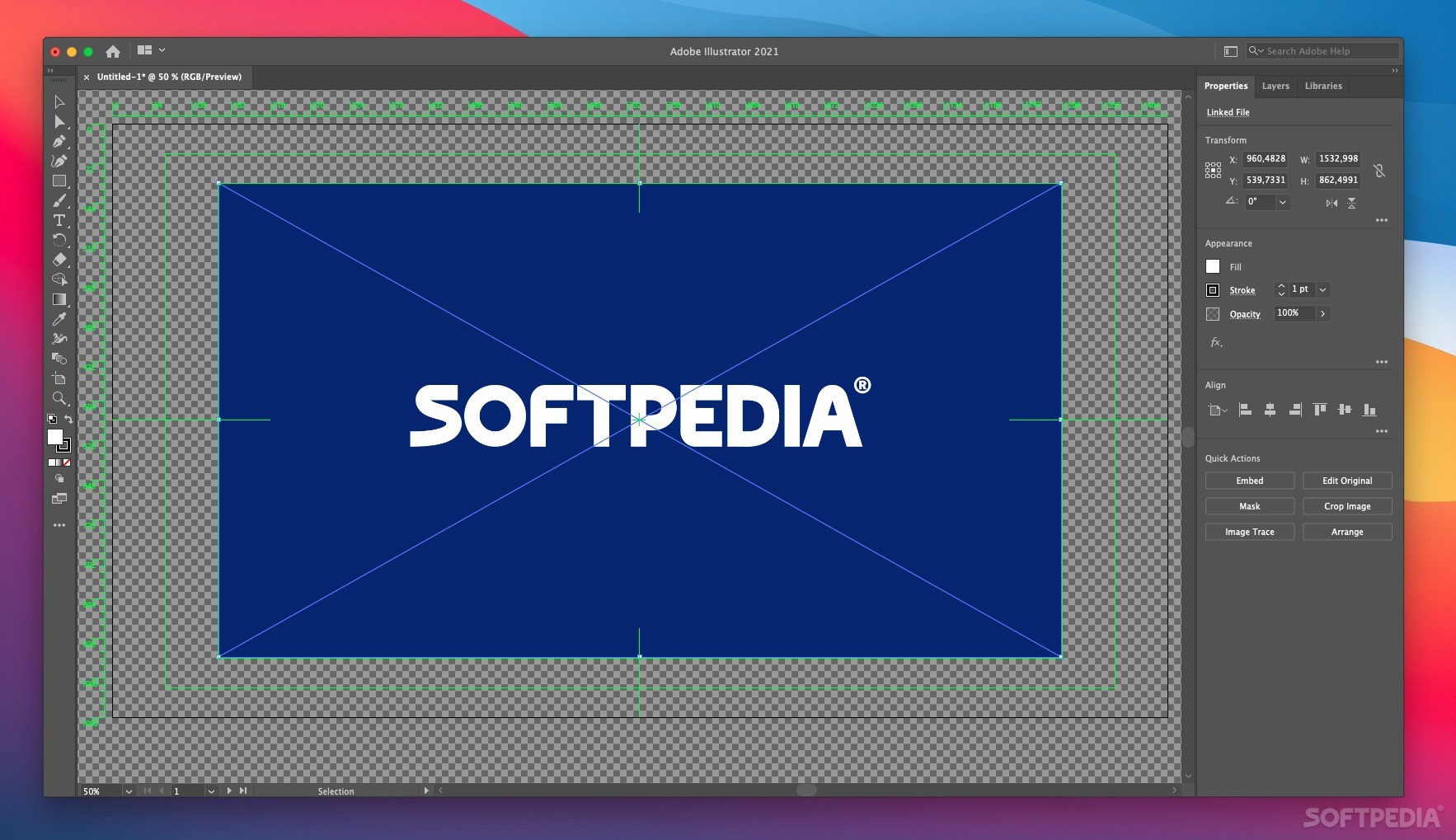
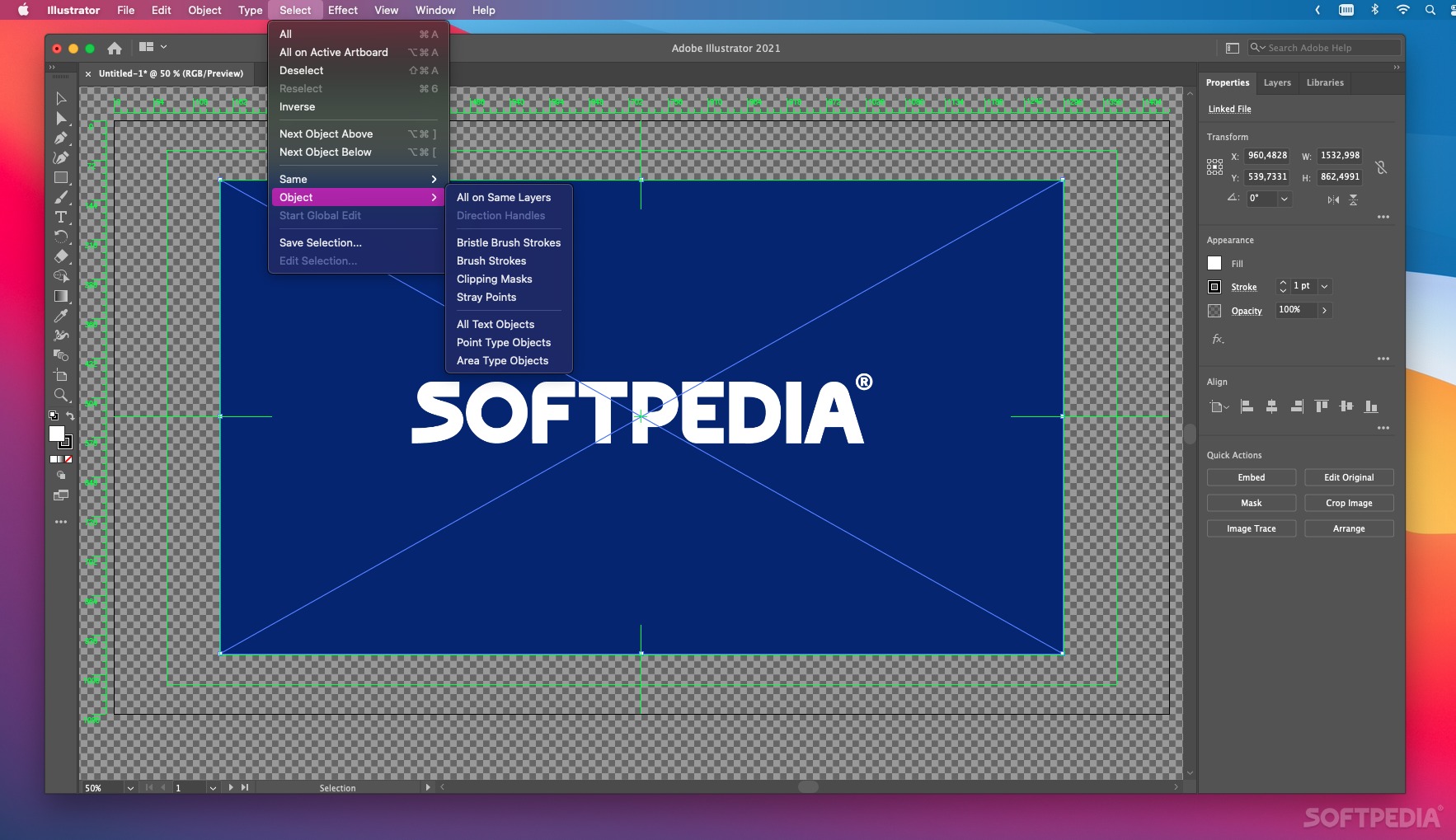
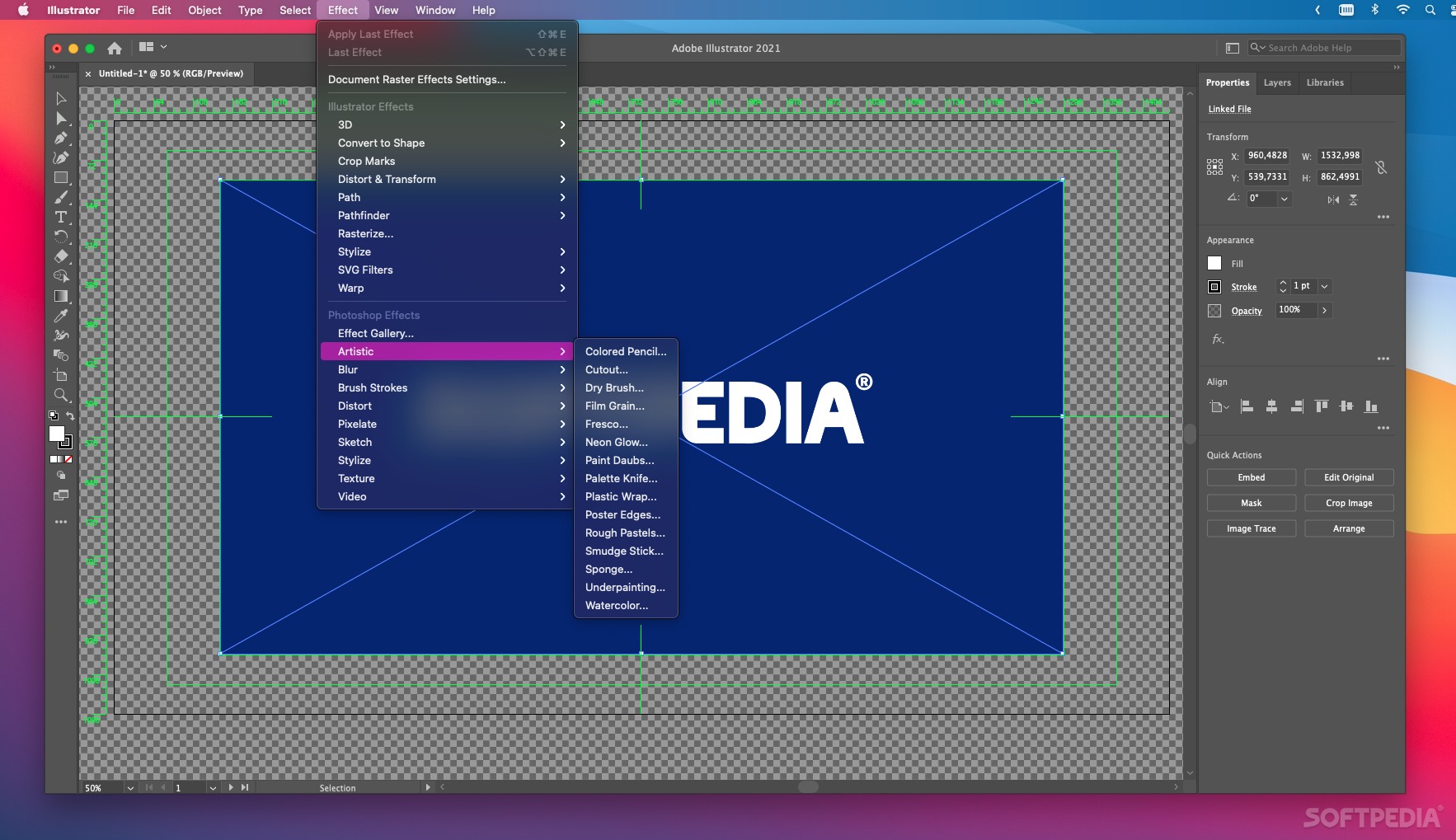
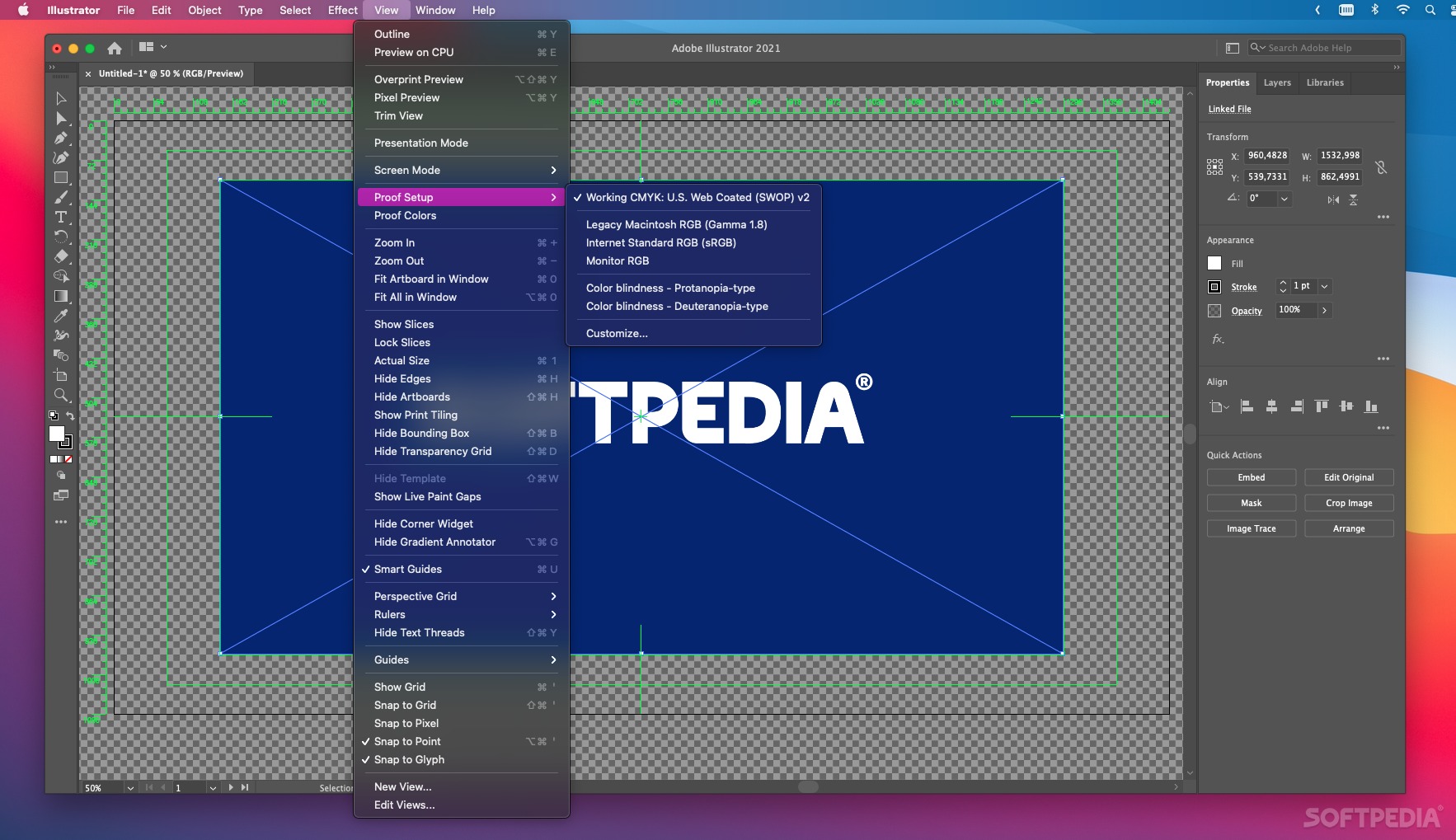
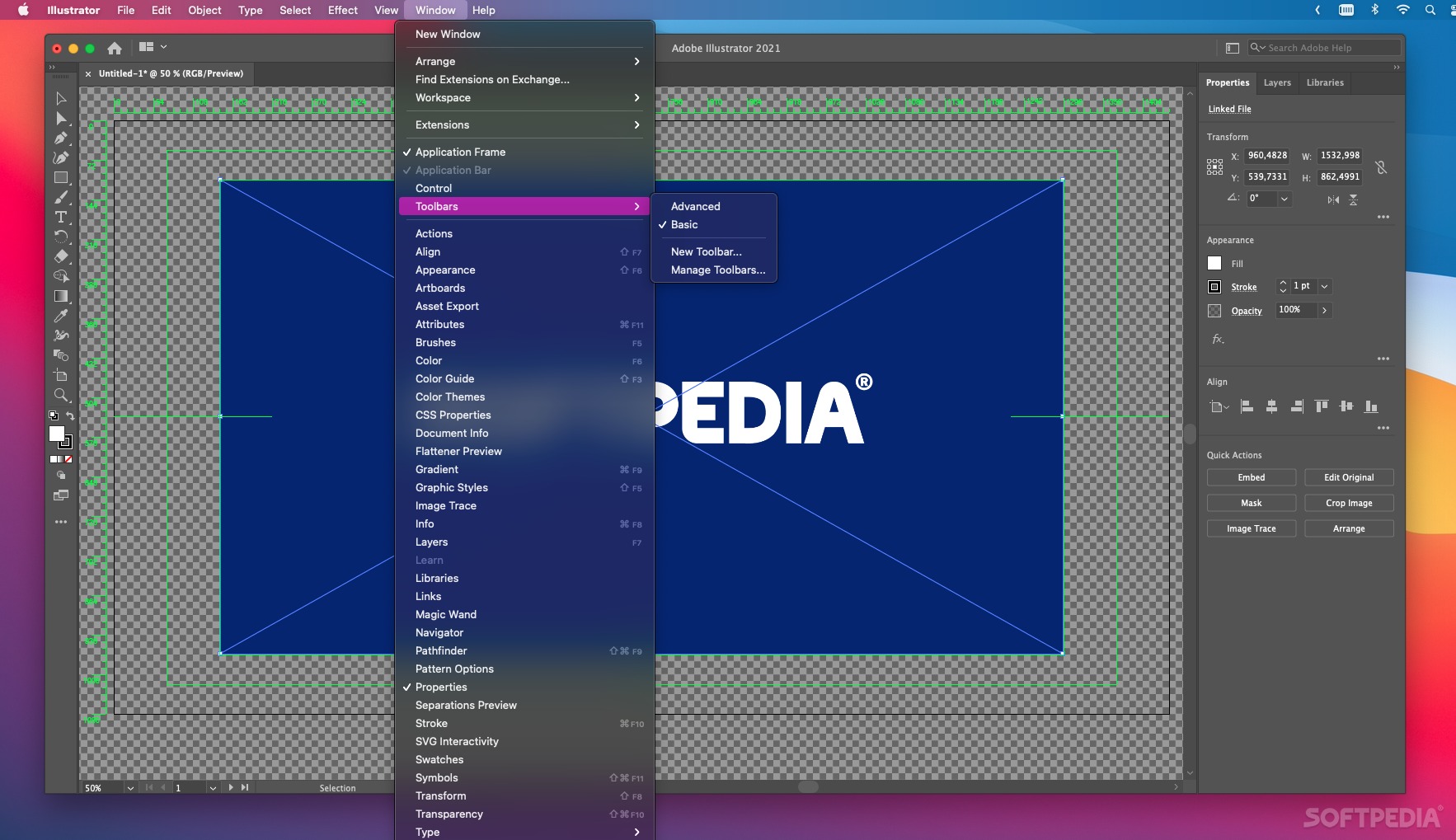
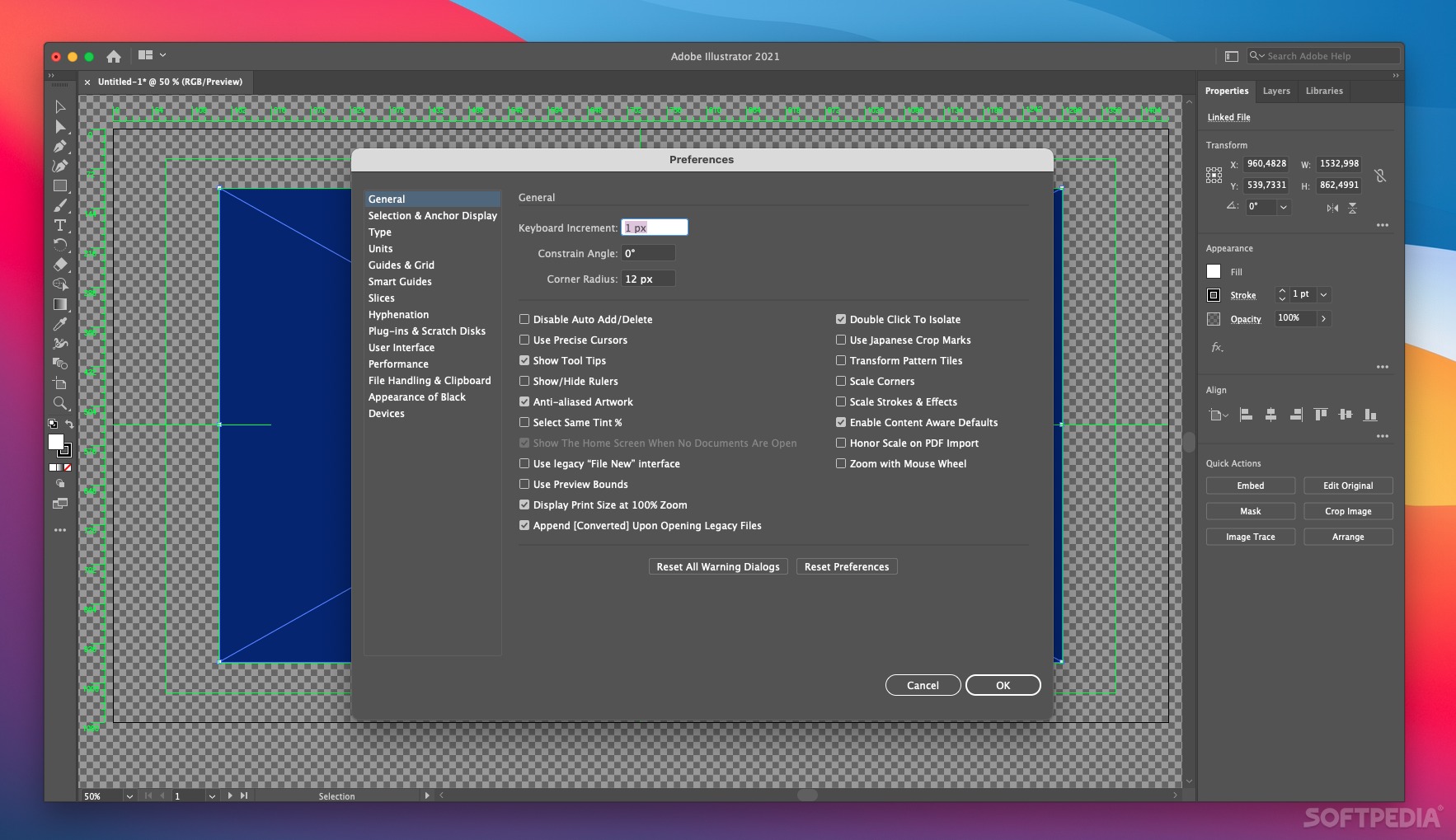
Adobe Illustrator is the companion application to Adobe Photoshop that mainly focuses on the creation and design of logos. For decades, Illustrator has provided countless possibilities and high-end options to design professional logos.
More specifically, Adobe Illustrator uses vector based images to help you create personalized logos. The process of drawing and manipulating basic shapes in Illustrator is greatly streamlined.
From a beginner's perspective, creating a new logo is pretty easy. The first steep is creating, uniting and manipulating shapes. The next steps consists of coloring the shapes, adding and editing symbols, applying effects, and then making final touches.
Of course, Illustrator provides tons of solutions and customizable parameters to the more experienced and creative logo designer.
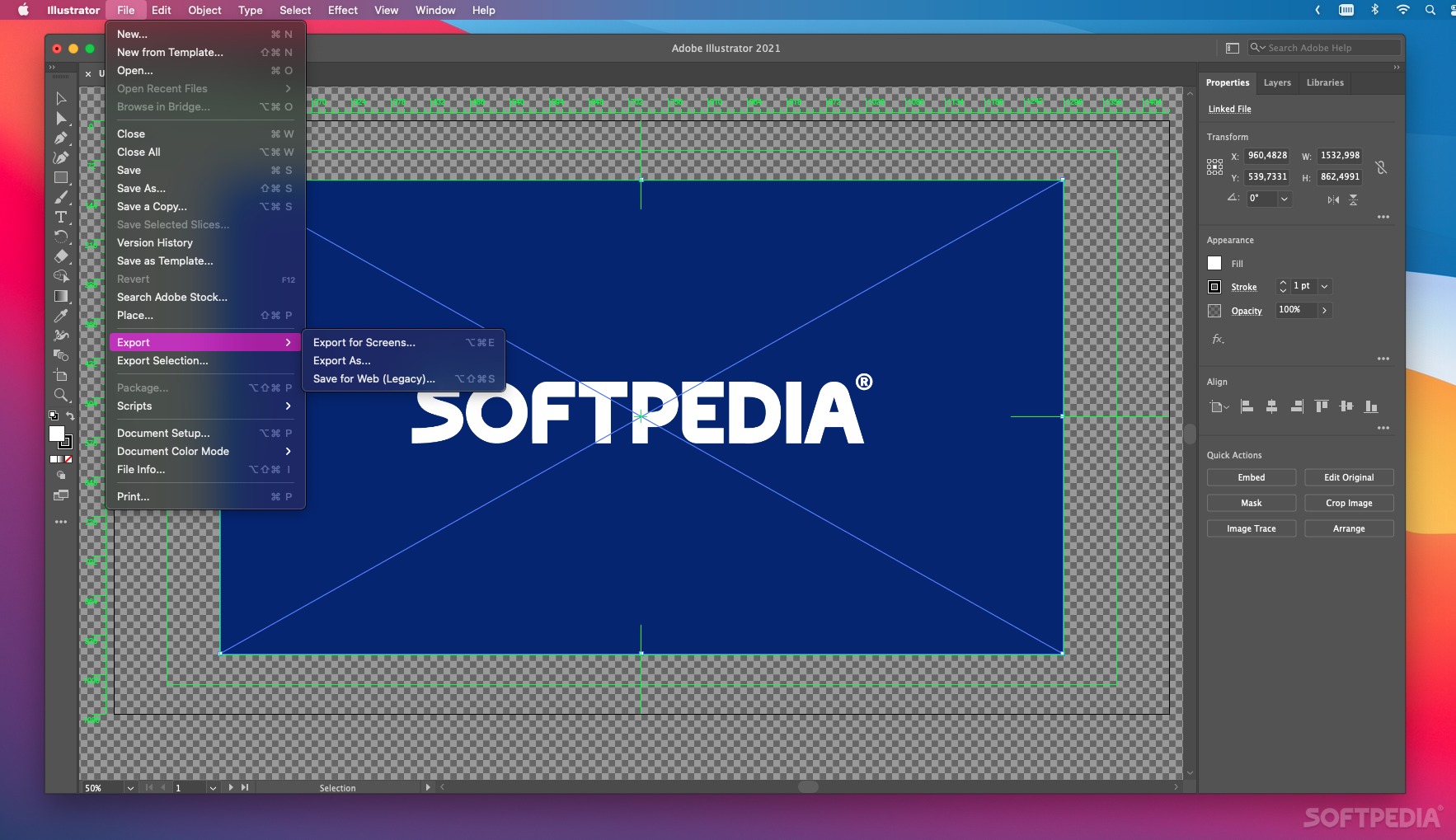
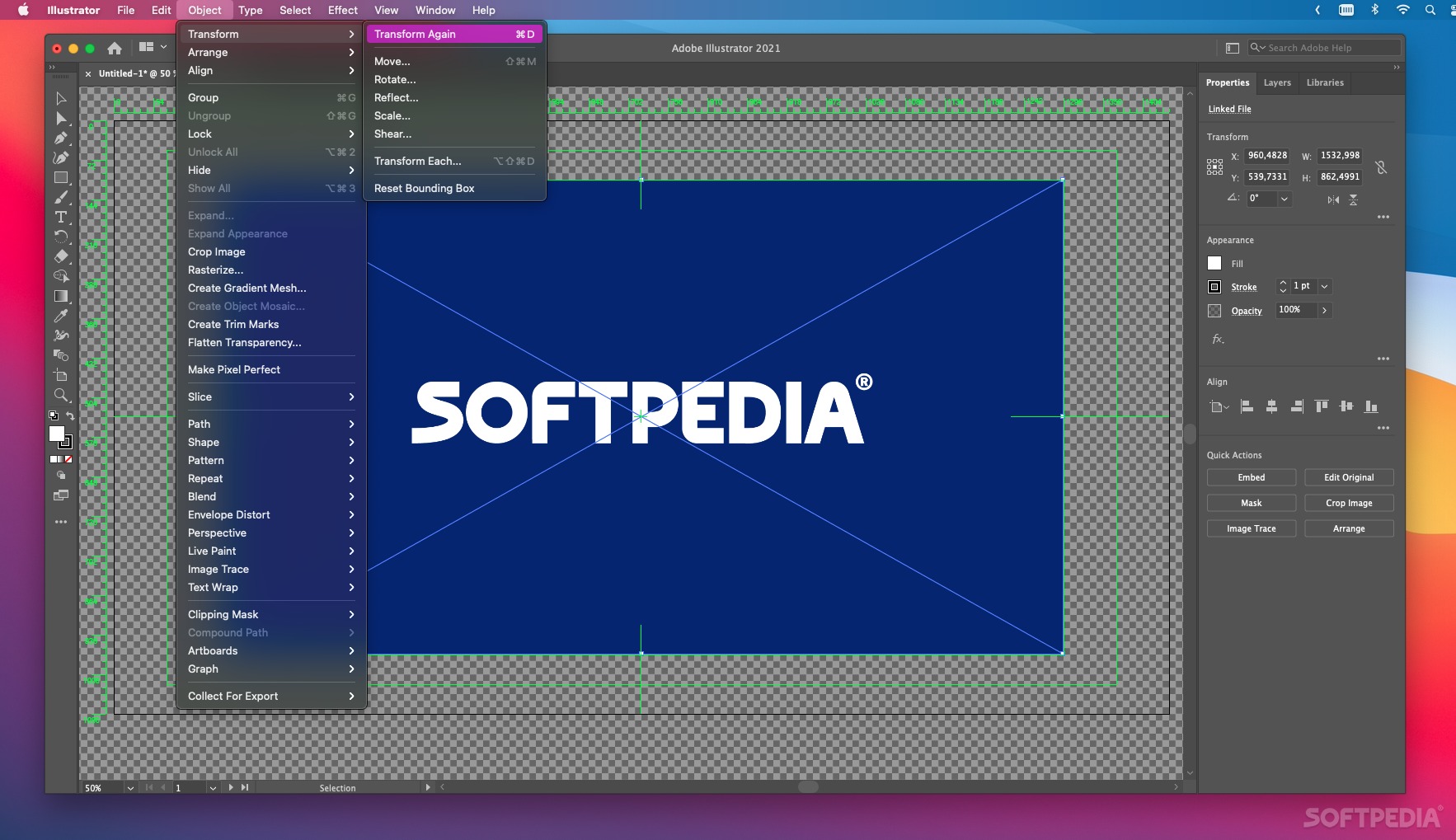
The key features are the sophisticated vector drawing tools, working with numerous art boards, pattern creation, variable-width strokes, image trace, gradients, rock-solid stability and more.
At its core, Illustrator excels at working with vector graphics images. You can, thus, compose and edit these types of images for printing, video, mobile or the web. Using the advanced path controls, paint brushes and complex shape-building tools, you can achieve spectacular results.
Illustrator has been integrated with the Creative Cloud system, which provides access to the latest updates. What's more, your settings and data will sync with the Cloud, making it accessible on any platform you're working on.
Adobe Illustrator is yet another product in the high-end software franchise from the Adobe Corporation concentrated on bringing only the best of one's creativity.
Download Hubs
Adobe Illustrator is part of these download collections: Edit CDR, View CDR, Create EPS, View CGM
What's new in Adobe Illustrator 2024 28.4.1:
- Fixed issues:
- Preferences get reset after Illustrator update
- When an image with a color profile different from Illustrator color settings is placed by drag-and-drop, the color values of existing objects are changed.
Adobe Illustrator 2024 28.4.1
add to watchlist add to download basket send us an update REPORT- runs on:
- macOS 11.0 or later (Universal Binary)
- file size:
- 5.9 MB
- main category:
- Graphics
- developer:
- visit homepage
Bitdefender Antivirus Free

Zoom Client

calibre

Context Menu Manager

ShareX

IrfanView

7-Zip

4k Video Downloader

Microsoft Teams

Windows Sandbox Launcher

- 4k Video Downloader
- Microsoft Teams
- Windows Sandbox Launcher
- Bitdefender Antivirus Free
- Zoom Client
- calibre
- Context Menu Manager
- ShareX
- IrfanView
- 7-Zip