
A 3D modelling software solution for Mac OS X that can be used to create all sorts of 3D projects, which can even be integrated in Google Earth, X-Plane or Second Life.. #3D modeller #3D renderer #3D simulator #3D #Modeller #Renderer

High quality 3D models are required by different types of projects: games dealing with virtual reality, applications that work with data visualization, design prototypes and much more. AC3D is a 3D modeling Mac app that can help you create or edit your own 3D objects.
Noteworthy about AC3D is that it comes with a fairly intuitive user interface, complex yet easily accessible tools, and that it is able to support various image (GIF, JPG, PNG, BMP, DDS, PPM, TGA and TIF) and 3D file formats (.3ds, .ase, .ac, .dae, .x, .vr, .dvs, .dfx, .obj, and many more). You can access the AC3D webpage to view a complete list.
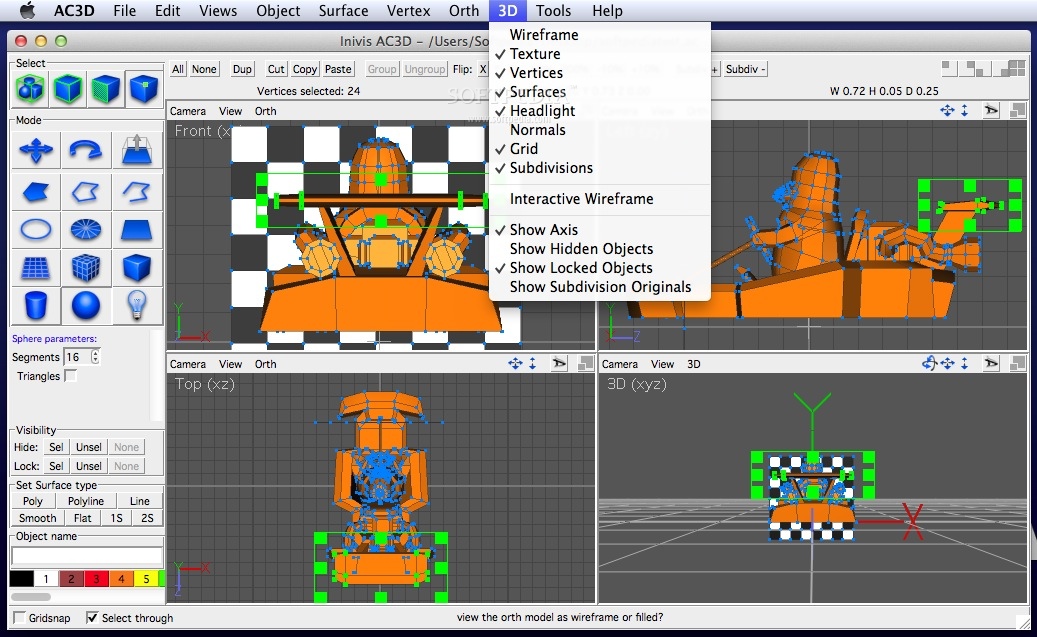
Even though AC3D comes with a plethora of tools and capabilities, finding your way around the application is simple enough. Most of the editing actions take place in the AC3D main window.
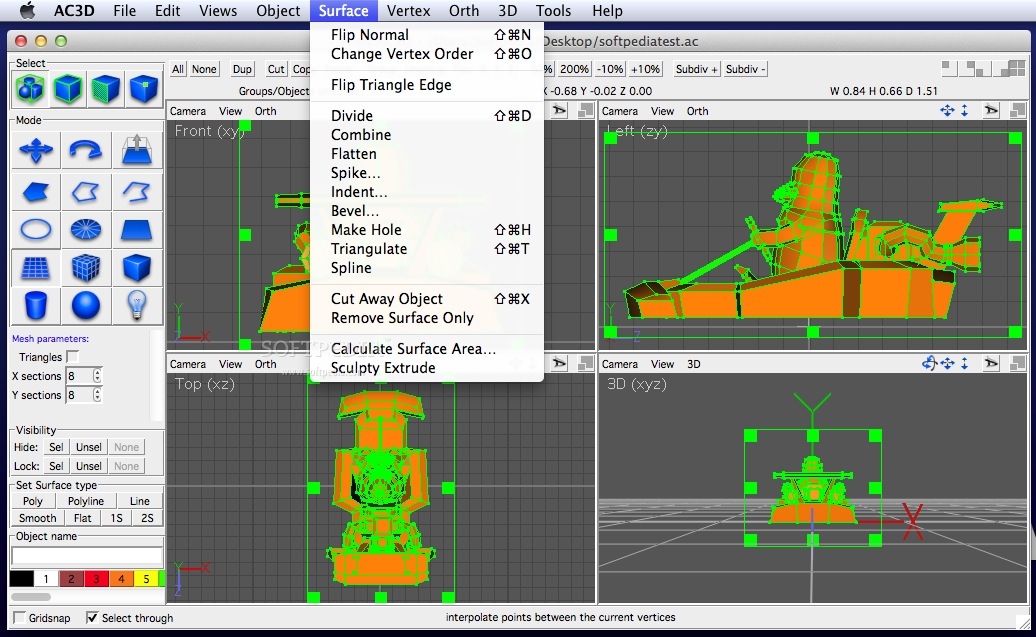
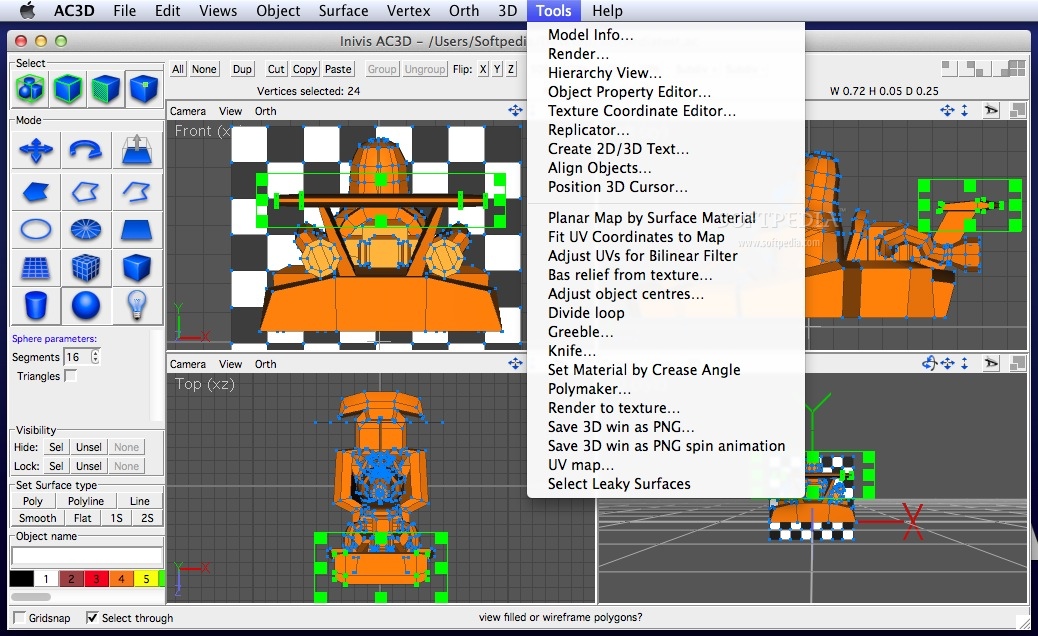
Here you can design or edit your 3D model by creating various objects, grouping them together, processing surfaces or generating vertices. Of course, the more complex capabilities are available through the AC3D main menus.
The model components can be modified by using drag and drop actions or through other mouse movements: the basic tools are compressed in the left side panel and in the top window toolbar.
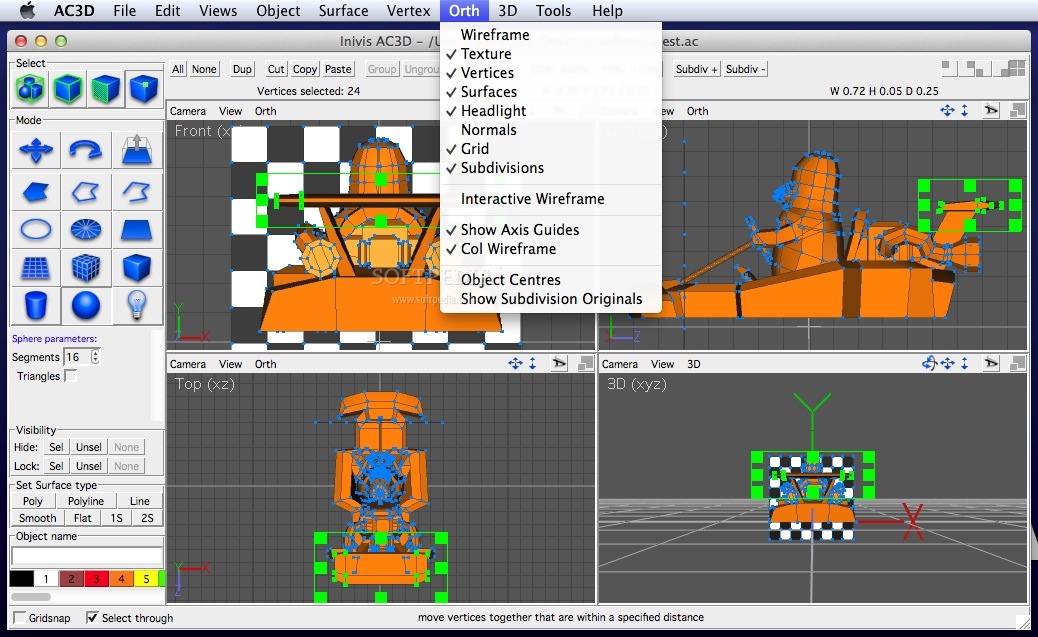
AC3D is offering support for multiple view modes while exploring the model. Moreover, you get to select surfaces and vertex loops, hide certain subdivisions, or use a realtime mirror if you are working with symmetrical objects.
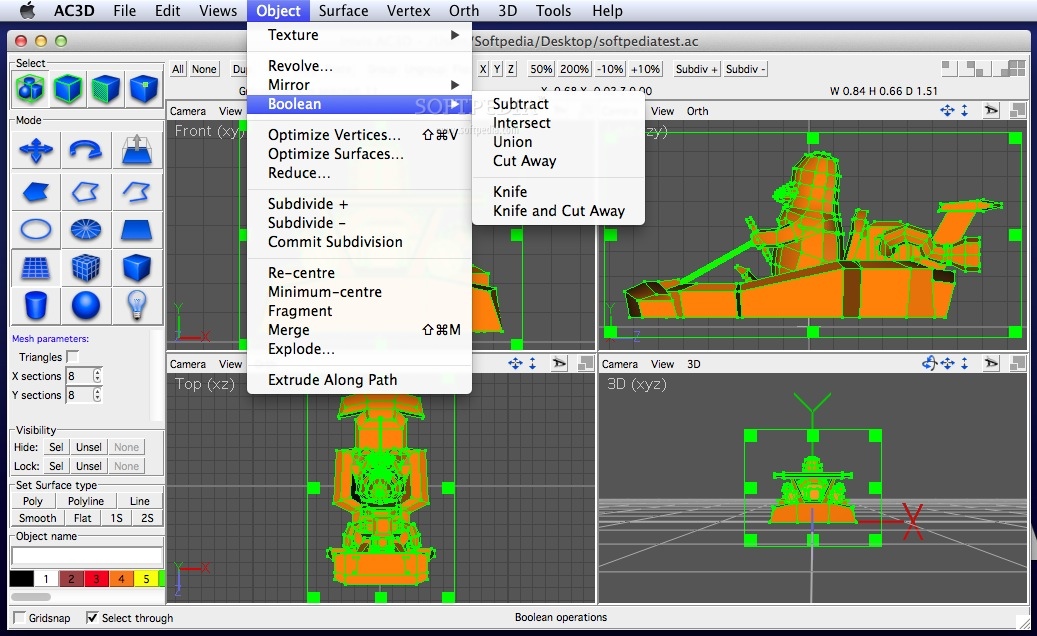
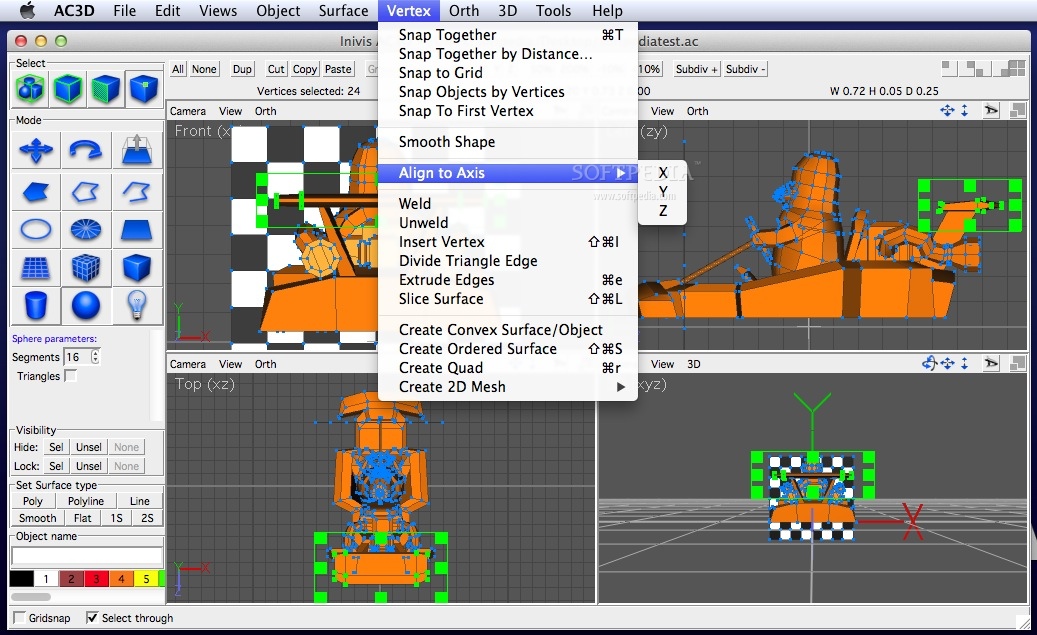
AC3D can manipulate the vertices, surfaces and objects by using a wide collection of actions: snap together, snap to grid, smooth shape, align to axis, insert / remove, extrude, reduce, align, replicate and many more. Notable are the six supported boolean operations: Union, Intersect, Subtract, Knife, Cut Away, Knife and Cut-away.
AC3D is offering access to a plethora of extremely useful tools for processing 3D designs that can then be integrated in all sorts of projects, including games such as Second Life or X-Plane. The intuitive drag and drop workflow and the extensive selection / view capabilities will greatly simplify your work.
What's new in AC3D 7.5:
- New functions:
- Fill Holes -Automatically fill holes with menu Object->Fill Holes. This seeks out open areas in a 3D object and automatically fills them with new surfaces.
- Unify Normals - Previously it could be time-consuming ensuring that all surfaces face in the right direction. This new function automatically orients surfaces so that you can quickly ensure that all surfaces face outwards.
AC3D 7.5.02
 Softpedia Editor's Pick
add to watchlist
add to download basket
send us an update
REPORT
Softpedia Editor's Pick
add to watchlist
add to download basket
send us an update
REPORT
- runs on:
- Mac OS X 10.5 or later (PPC & Intel)
- file size:
- 10.7 MB
- filename:
- ac3d7502.dmg
- main category:
- Graphics
- developer:
- visit homepage
4k Video Downloader

calibre

Windows Sandbox Launcher

ShareX

Microsoft Teams

Zoom Client

IrfanView

Bitdefender Antivirus Free

7-Zip

paint.net

- Bitdefender Antivirus Free
- 7-Zip
- paint.net
- 4k Video Downloader
- calibre
- Windows Sandbox Launcher
- ShareX
- Microsoft Teams
- Zoom Client
- IrfanView