Softpedia
 

MAC CATEGORIES:


GLOBAL PAGES >>
NEWS ARCHIVE >>
SOFTPEDIA REVIEWS >>
MEET THE EDITORS >>
WEEK'S BEST
  • Dropbox 2.0.21 / 2.1.17...
  • Evernote 5.1.3 Build 40...
  • Twitter 2.2.1
  • handyPrint 4.1.2
  • AppCleaner 2.2
  • Reason 7.0.1 Build 3510
  • Apple iTunes 11.0.3
  • CrossOver Mac 12.2.1 Bu...
  • Skype 6.4.60.833
  • Mozilla Firefox 21.0 / ...
  • Home > Mac > Font Tools
     Report malware

    Suitcase Fusion 4 15.0.5

    Download button buy button

    Downloads: 14,588  Tell us about an update
    User Rating:
    Rated by:
    Fair (2.9/5)
    29 user(s)
    Developer:

    License / Price:

    Size / OS:

    Binary Format:

    Last Updated:

    Category:
    Extensis | More programs
    Trial / USD 99.95 buy button
    88.3 MB / Mac OS X 10.5.8 or later
    Universal Binary Universal Binary
    December 14th, 2012, 06:53 UTC [view history]
    Home / Font Tools

     Read user reviews (0)  Refer to a friend  Subscribe

    Suitcase Fusion 4 description

    Font management solution

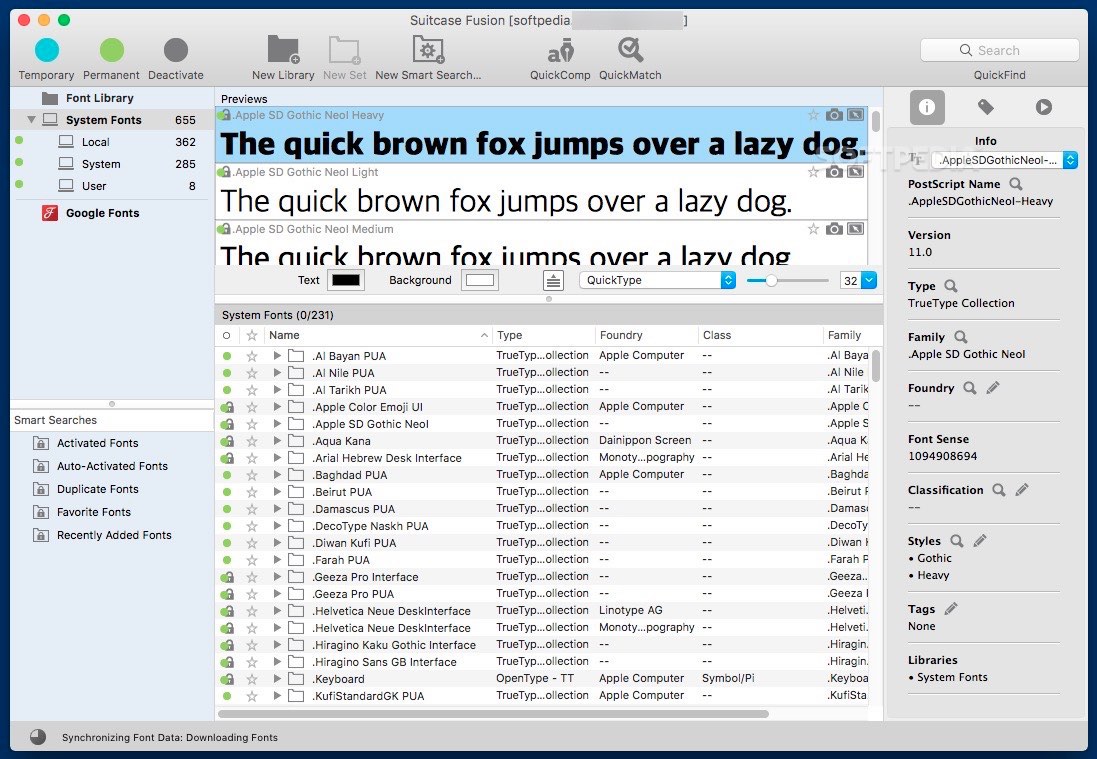
    Extensis Suitcase Fusion is designed to be a powerful font management tool that provides precise and complete control over all of the fonts on your system, while improving your workflow.

    Suitcase Fusion helps you locate and activate fonts only when you need them in order to save valuable system resources and time.

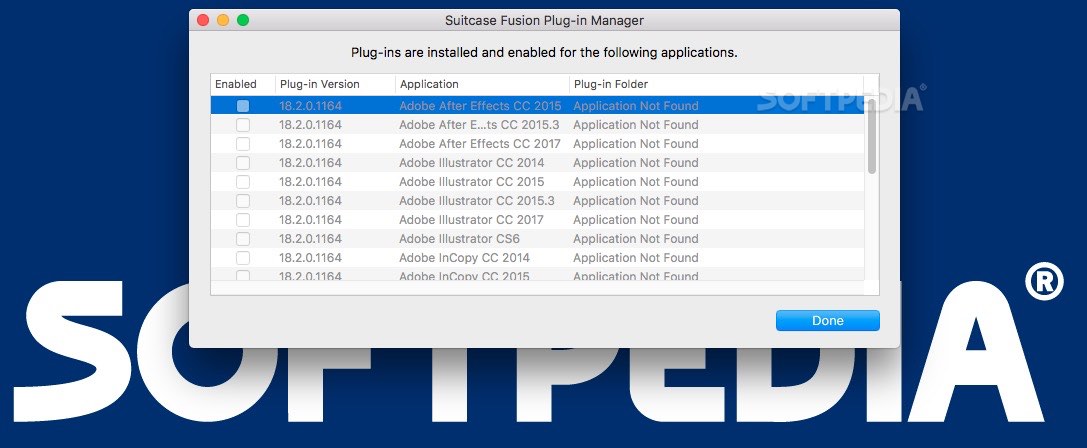
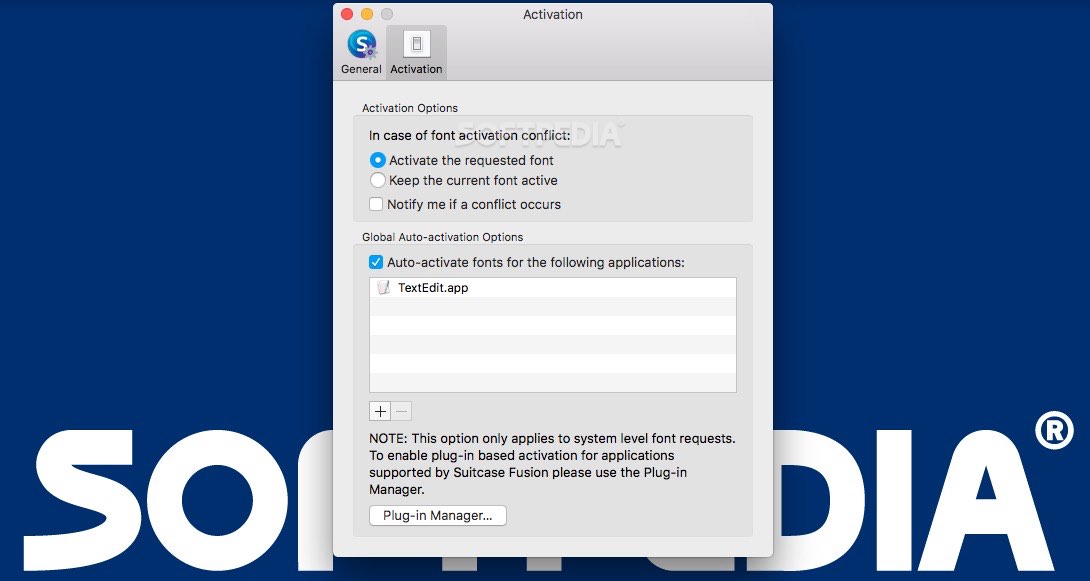
    Suitcase Fusion provides auto-activation plug-ins that allow you to automatically activate fonts for documents created in popular design applications, as well as on a system wide level.

    With Suitcase Fusion, you’ll never need to be concerned that a corrupt font might interrupt your workflow. Potential problems are diagnosed and repairs are automatically applied when a font is added.

    Suitcase Fusion is the industrial-strength font management application for all creative professionals. Powered by the Font Management Core, you will always have the font you need when you need it.

    Here are some key features of "Suitcase Fusion 4":

    All-new, inside and out:
    · Sleek and modern interface
    · Interactive font previews
    · Built for Mac OS X Leopard
    · Utilizes new Universal Type Server technology
    · 24/7 font management—new “core” application runs in the background

    Professional auto-activation:
    · Auto-activation plug-ins for InDesign CS4/3, Illustrator CS4/3 and QuarkXPress 8/7
    · Automatically activates exact type faces for leading applications*
    · Automatically activates fonts in linked or embedded objects*
    · Automatically deactivates fonts when a document is closed*
    · Uses patented Font Sense technology to ensure exact font matches and precise auto-activation*
    · Easily control global auto-activation preferences for each application

    Unmatched font previews:
    · Drag-and-drop your preview text into any live document with Floating Previews
    · Encoding-aware previews shows all native characters in a particular font face
    · Zoom Slider dynamically adjusts preview type size on-the-fly
    · Glyph View lets you see all characters supported by a selected font
    · Create print sample pages of any previewed font
    · View and compare any type faces side-by-side before activating
    · Preview fonts in Waterfall, ABC123, Paragraph or dynamically in QuickType
    · Select, activate and export fonts from Preview Pane

    Dynamic search & find:
    · QuickFind performs fast, dynamic searches as you type
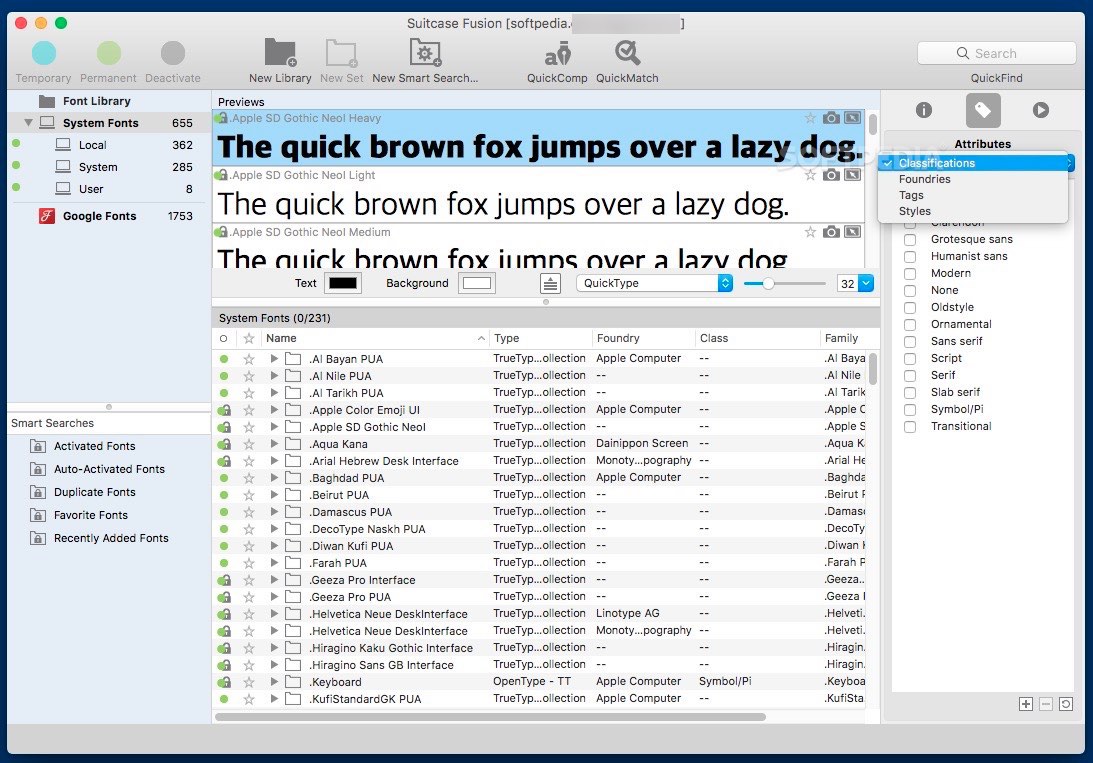
    · Search on any metadata field (style, keywords, classifications, etc.)
    · Perform fast, multi-level searches
    · Automatically populates font metadata, such as style, classification and foundry

    Easy organization:
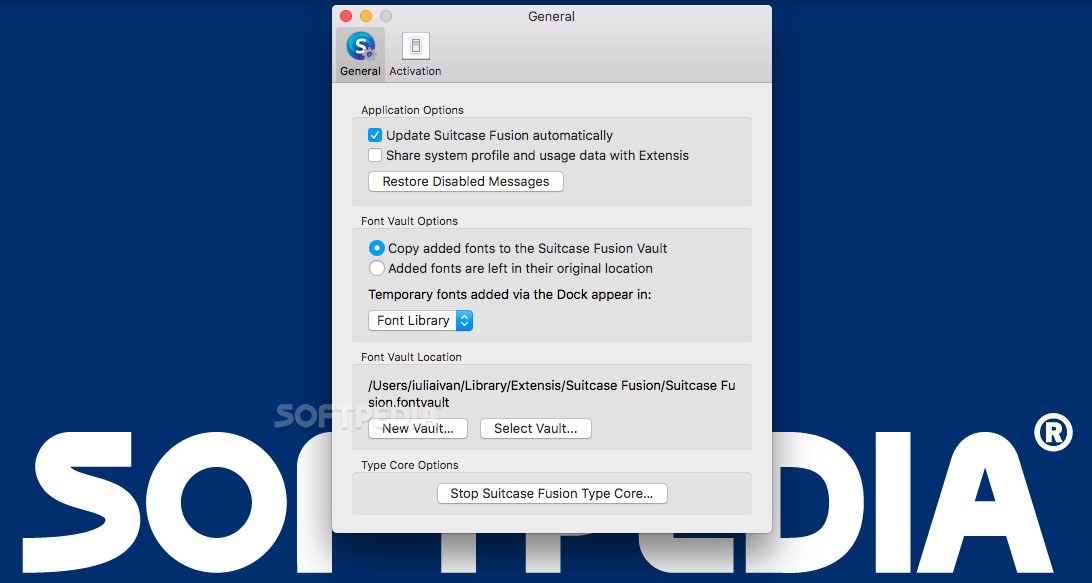
    · Font Vault provides centralized repository for easy access
    · Easy back-up and restore
    · Separates families into individual typefaces for precision and control
    · Option to create multiple libraries within Font Vault for additional precision
    · Font Vault is portable for easy transfer to other machines

    Font corruption check and repair:
    · Ensures stable font environment
    · Eliminates font corruptions and conflicts
    · Utilizes built-in font corruption detection and repair engine
    · Identifies corruptions and “incomplete” fonts before they can be added
    · Repairs corrupt fonts when possible

    FontDoctor utility (free with purchase):
    · Adds additional level of font corruption detection and repair
    · Generates detailed reports about bad fonts
    · Automatically organizes and optimizes font library
    · Easily cleans font caches

    Customized font sets:
    · Similar to Playlists in iTunes
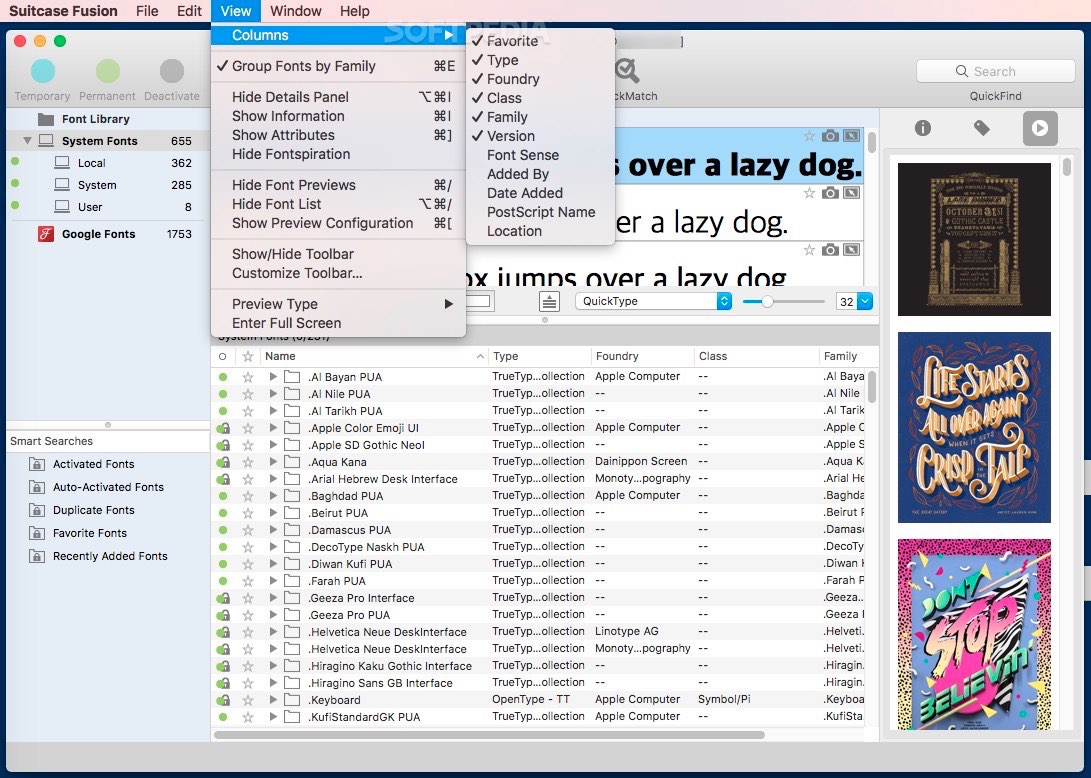
    · Provides easy way to sort fonts to quickly find and active them
    · Create your own custom font sets to fit your workflow
    · Create a set of all your document’s fonts directly from your document
    · Nested sets (sub sets) provide even more organizational options
    · Smart Sets will automatically add fonts based on any metadata you select

    Manage system fonts:
    · View all active system fonts at any time
    · Keep system fonts separate from the rest of your font collection
    · Easily override and/or disable non-critical system fonts

    Requirements:

    · 1.6GHz or faster Intel or PowerPC processor
    · 1GB RAM
    · 300MB available hard drive space
    · Firefox 3.5 or later

    Limitations:

    · 30 days trial period.

    What's New in This Release: [ read full changelog ]

    · Addresses an issue that caused fonts to be unavailable to the Extensis auto-activation plug-ins and font panels in Adobe applications.

     Softpedia guarantees that Suitcase Fusion 4 15.0.5 is 100% CLEAN, which means it does not contain any form of malware, including spyware, viruses, trojans and backdoors. [read more >]


    TAGS:

    font management | repair functionality | central repository | font | management | substitution

    Go to top

    WindowsGamesDriversMacLinuxScriptsMobileHandheldNews

    SUBMIT PROGRAM   |   ADVERTISE   |   GET HELP   |   SEND US FEEDBACK   |   RSS FEEDS   |   UPDATE YOUR SOFTWARE   |   ROMANIAN FORUM