
An efficient financial management application designed for personal accounting, home budgeting, retirement planning and investing. #Finance manager #Budget tracker #Expense tracker #Manager #Finance #Budget
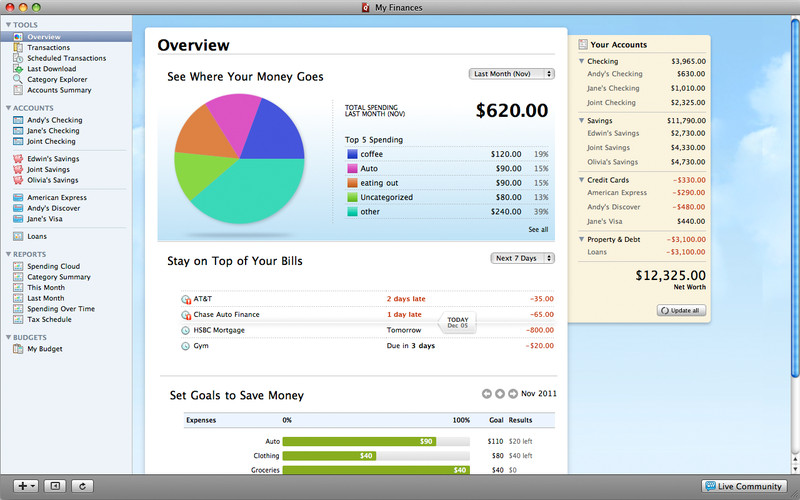
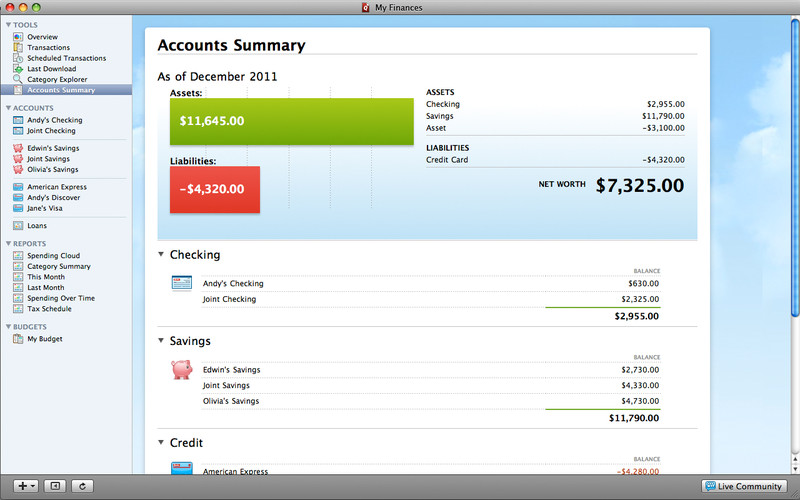
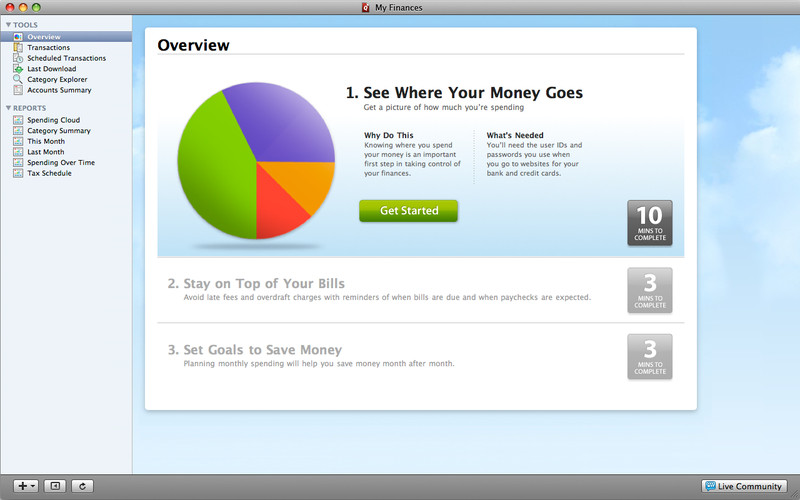
Quicken Essentials provides basic finances management tools and offers you the possibility to organize, monitor and stay on top of your expenses. The app enables you to gather all the data for all you accounts in the same place in order to give you a clear assessment of your financial situation.
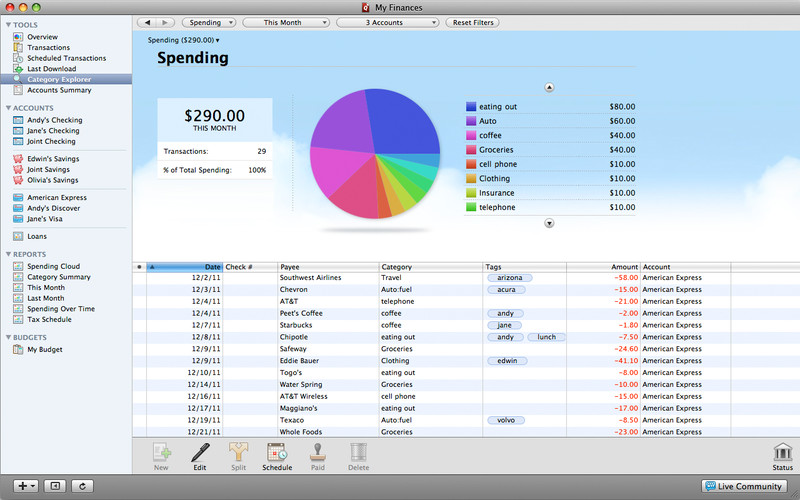
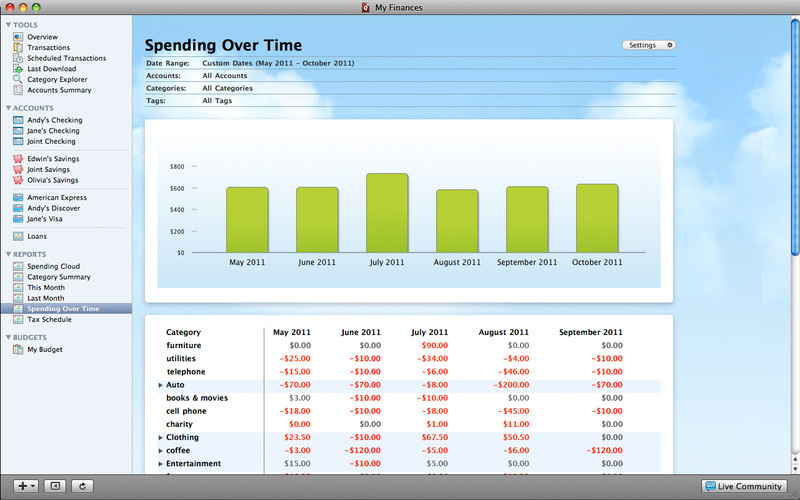
Quicken Essentials can import the transaction information for different types of accounts, such as credit cards, loans or bank statements in order to create an accurate financial picture: you can view both you income and expenses and generate colorful graphs to analyze how you choose to spend your money.
This is possible because Quicken Essentials automatically organizes your transaction into different categories. The app is also able to keep track of upcoming bills, so you will be able to take into account your future financial liabilities. You may set up reminder notifications to make sure you will never miss a payment again.
Since you have the possibility to review the transactions for all your accounts, flagging unusual activities is a lot easier. At the same time, you can create budget goals and use Quicken Essentials to monitor your progress: this way you will have realistic expectations on what you can actually save.
Note that Quicken Essentials is not a new release of the Quicken 2007 application: it has been rebuilt from the ground up and, as a result, some features might not be available any more. However, you can import in Quicken Essentials data files created with Quicken 2006 or Quicken Essentials 2007.
Last but not least, you can export your database to a CSV and use it in another financial application, such as TurboTax for example.
To sum up, Quicken Essentials provides an organized and fairly intuitive interface for quickly managing your personal finances, while allowing you to analyze your spending behaviour.
What's new in Quicken Essentials 1.7.4:
- Fixed a crashing issue when opening a file that contains a downloaded quote that is not a number
- Fixed an issue where the Save button was not enabled when editing a category or tag that already existed
- Launch in 32-bit mode under 10.6 to prevent a crashing issue when the application is used with the latest HP printer driver update
- Removed "2010" from 2 of the pre defined tags
Quicken Essentials 1.7.4
add to watchlist add to download basket send us an update REPORT- runs on:
- Mac OS X 10.6.6 or later (Intel only)
- file size:
- 21.2 MB
- main category:
- Finance
- developer:
- visit homepage
4k Video Downloader

Microsoft Teams

7-Zip

Zoom Client

paint.net

Windows Sandbox Launcher

Bitdefender Antivirus Free

IrfanView

calibre

ShareX

- IrfanView
- calibre
- ShareX
- 4k Video Downloader
- Microsoft Teams
- 7-Zip
- Zoom Client
- paint.net
- Windows Sandbox Launcher
- Bitdefender Antivirus Free