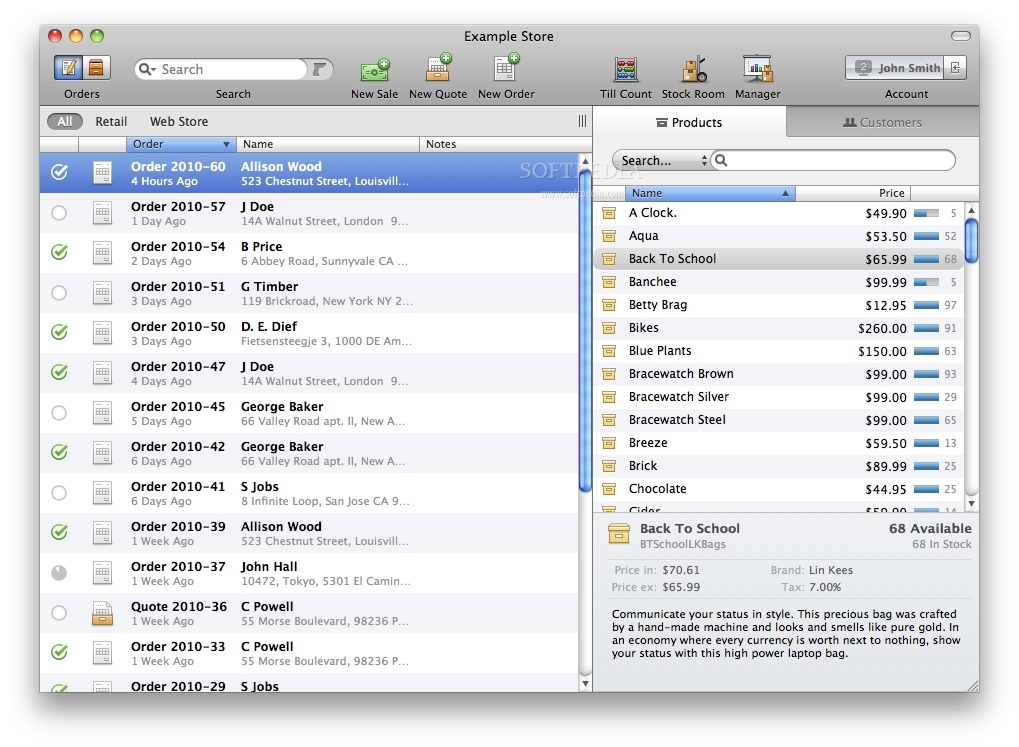
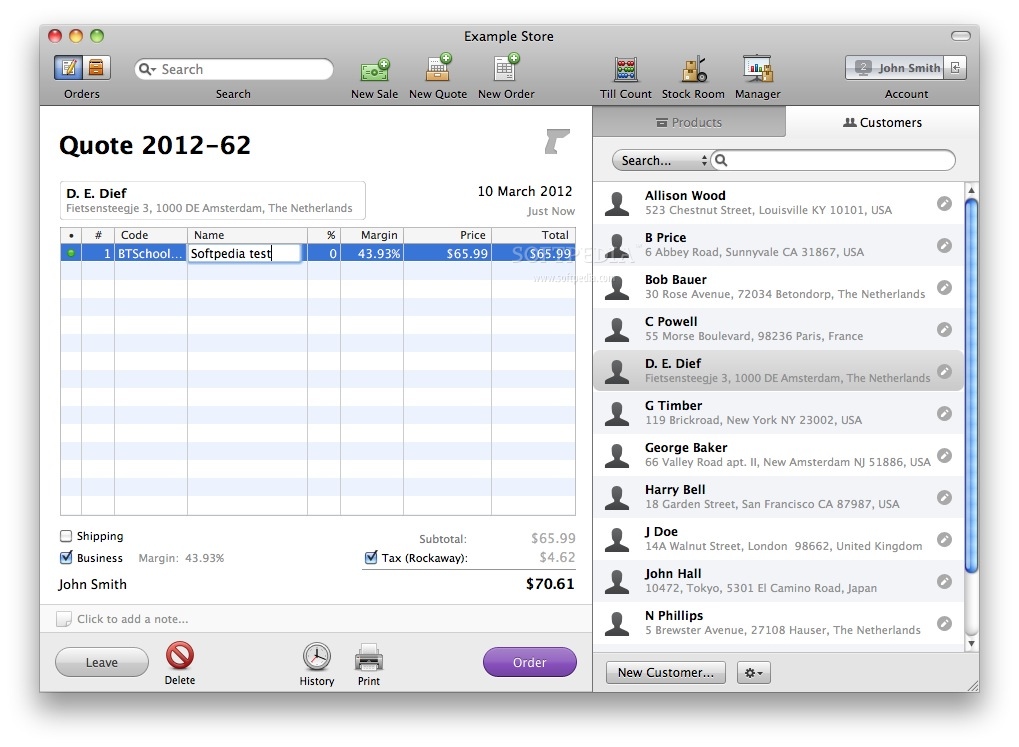
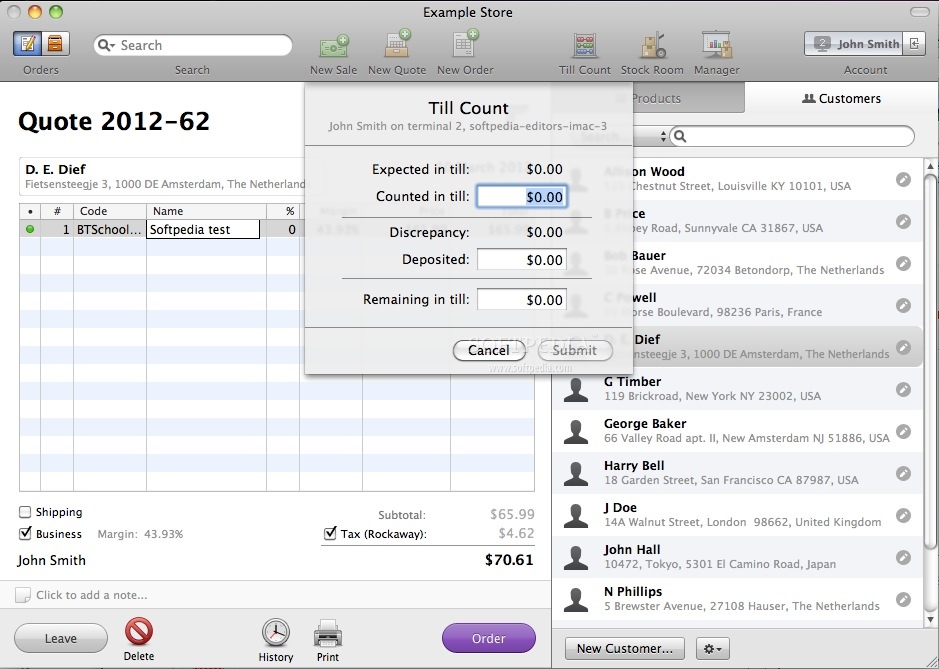
Checkout is the fun and easy Mac point of sale system for the rest of us. Created with the realities of retail in mind, Checkout provides an easy to learn, reliable and accurate way to run your store.
Use Checkout to take orders, make sales, print invoices and accept payments. Checkout records all in-store transactions to generate a range of interactive reports. Together with a Mac and the right peripherals, Checkout offers a perfect retail solution.
One Checkout Fits All
No matter what you sell, from denim to poetry, from bikes to cigars, Checkout can make your life a little bit easier. Checkout offers a wide range of management tools in a clean and easy to learn interface, so you don't have to be a computer wizard to get started. See the profiles page to read about how Checkout makes a difference for a variety of retailers all over the world.
Checkout and the Mac
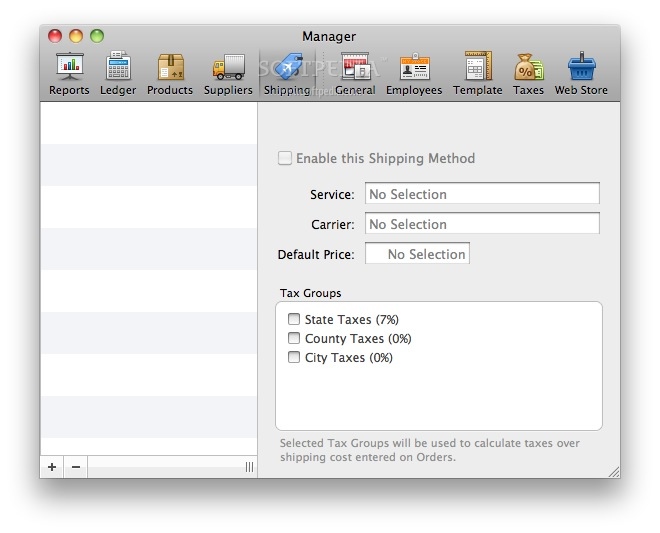
Checkout runs exclusively on Macs because they are fast, reliable, easy to set up and maintain. Plus they look great on your counter. To get started, all you need is Checkout and a Mac running Tiger or Leopard. You can also hook up a range of peripherals. Barcode scanners, receipt printers, cash drawers and credit card readers are supported out of the box.
Here are some key features of "Checkout":
Sales:
· Order to Invoice workflow
· Instant search for Orders and Invoices
· Search using any infomation on a document (product name, serial number, client address, etc.)
· Filter order and invoice lists by date
· Easily change a Quote to an Order and back
Use the Business Order feature to:
· View product and average sales margins
· Manually adjust product prices and names
· Tweak discount percentages
· Create Anonymous Invoices
· Create and track Return and Back orders
· Create tax-free orders
· Records order and invoice history and notes
· Extensive keyboard and barcode scanner support
· Live stock level indications for all products anywhere
· Instant-search for Customers and Products
· Use any kind of information (name, address, email, notes, product code, description, etc.) to quickly search through thousands of records.
· Extra info shows a clear overview of current orders, past sales and any remaining due amount for each customer.
Payments:
· Credit card processing handled through an MYOB credit card processing merchant account (US only)
· Support for manually registering payments by type
· Cash, Credit/Debit Card, Check, Transfer
· Supports multiple partial payments per sale
· Automatically calculates and shows due change
· Prints complete payment details on customer receipts
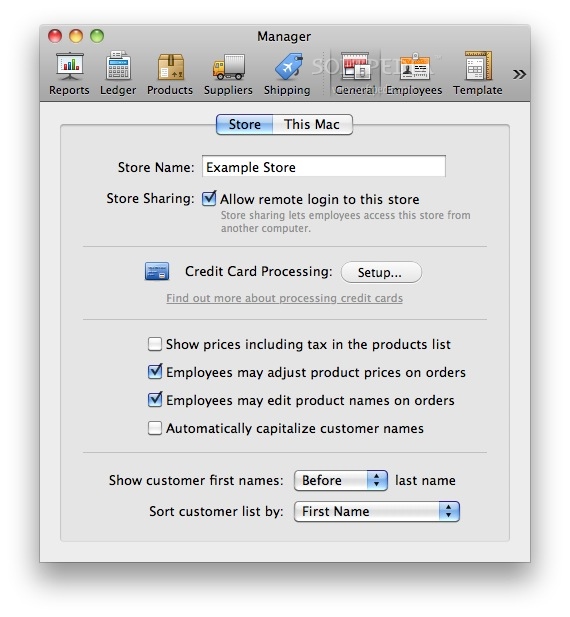
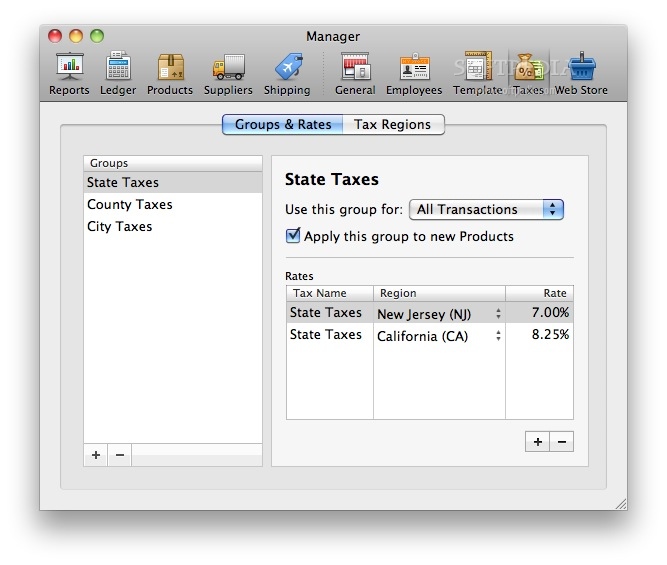
· Multiple Sales or VAT taxes are supported
· Compound taxes, as used in parts of Canada, are not supported
Bookkeeping:
· Seamless integration by journal entry exporting to AccountEdge and QuickBooks
· Supports FIFO and Average Cost Bookkeeping
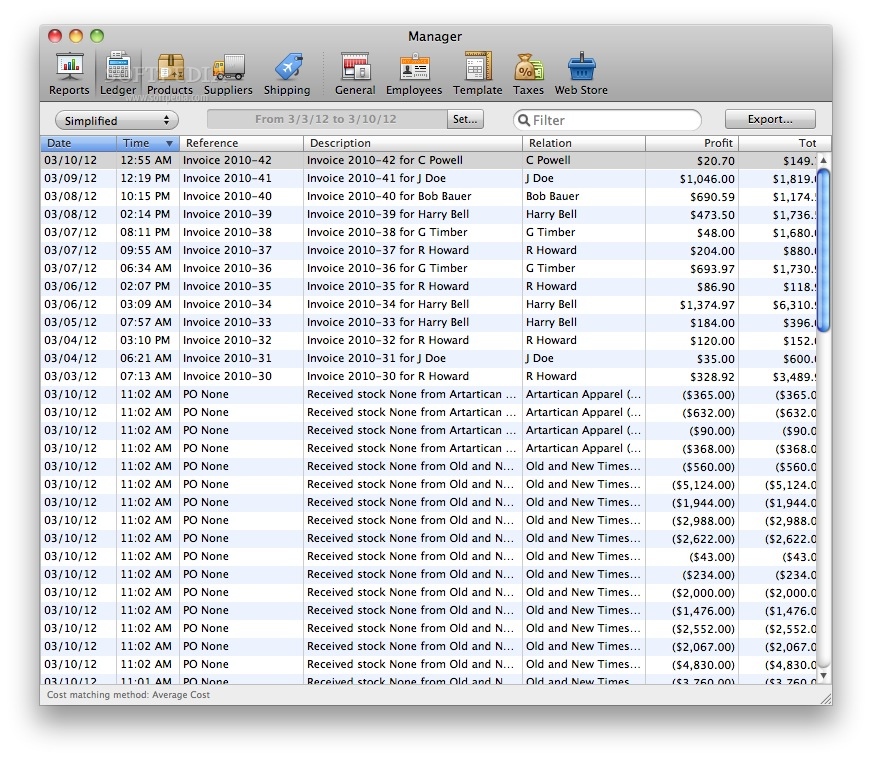
· Live switch between the Double Entry and Simplified bookkeeping view
· Fully automatic transaction recording, based on sales and inventory information
· Helps maintain GAAP -compliant business records
· Use any type of information to instant-search through transactions in an adjustable time-span
· Export transactions in a double-entry or simplified journal layout to Excel, Numbers, .CSV (Comma separated) and .TSV (Tab separated) files
Management:
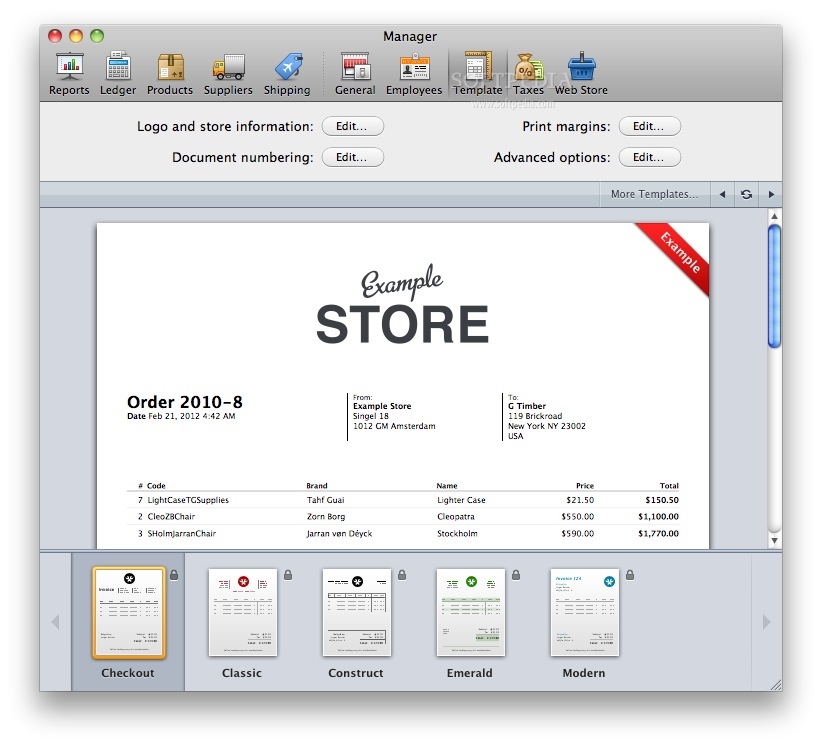
· Choose between profesionally designed invoice templates
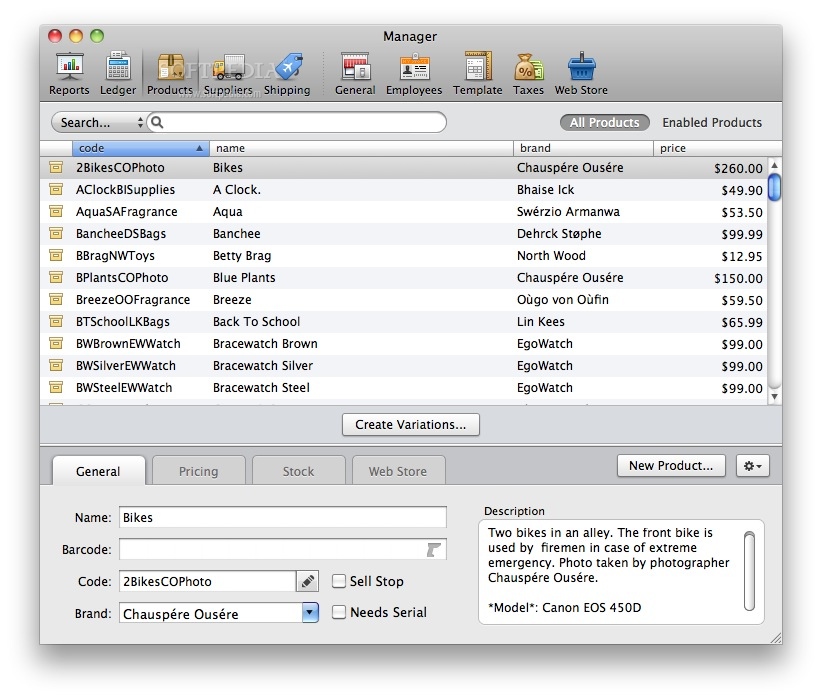
· Product management
· Full support for product Barcodes and Serials
· Easily manage product Stock Correcions, Taxes, and Value Changes
· Support for Stockless products
· Multiple tax rates per product
Reporting:
· Interactive features such as, sorting, links to clients and transactions
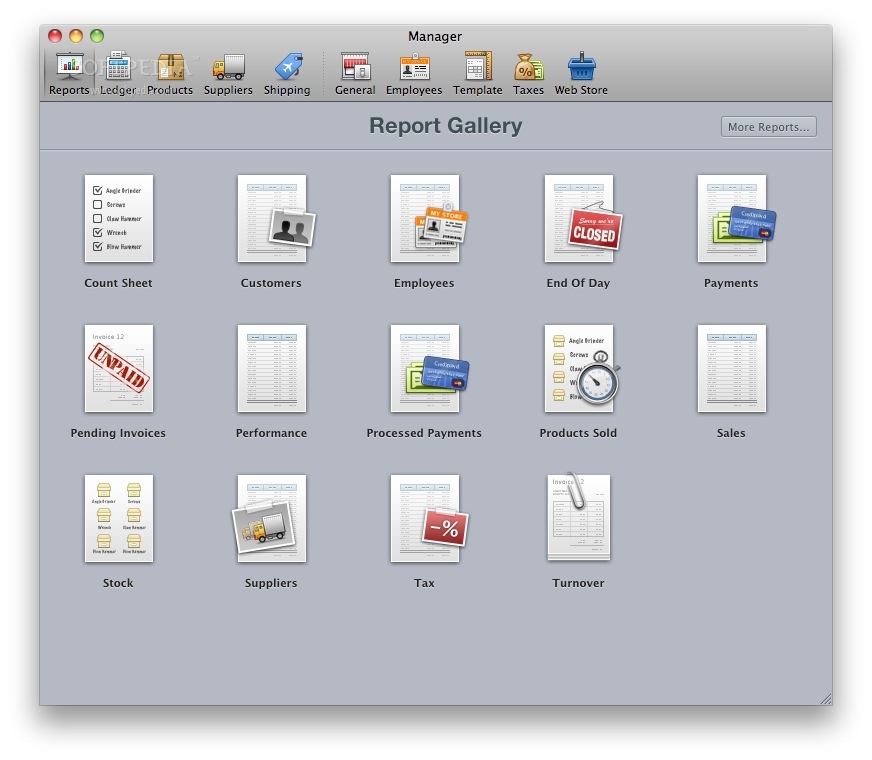
· Extensive range of reports
· Clients, Count Sheet, Employees, Payments, Pending Incoices, Products, Sold, Sales, Stock, Tax, Turnover
· Export reports to Excel, Numbers, .CSV (Comma separated) and .TSV (Tab separated) files
· Build your own custom reports with the reports API
Data management:
· Easily backup and restore your data.
· Host as many stores as you want from one Mac running Checkout.
Inventory Management:
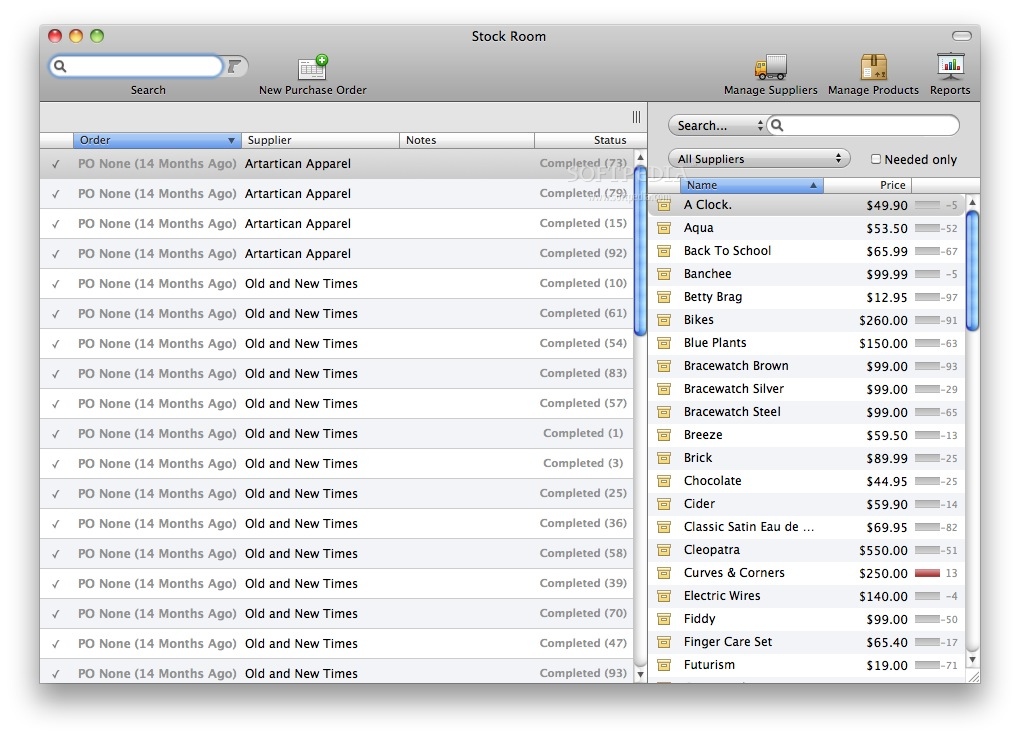
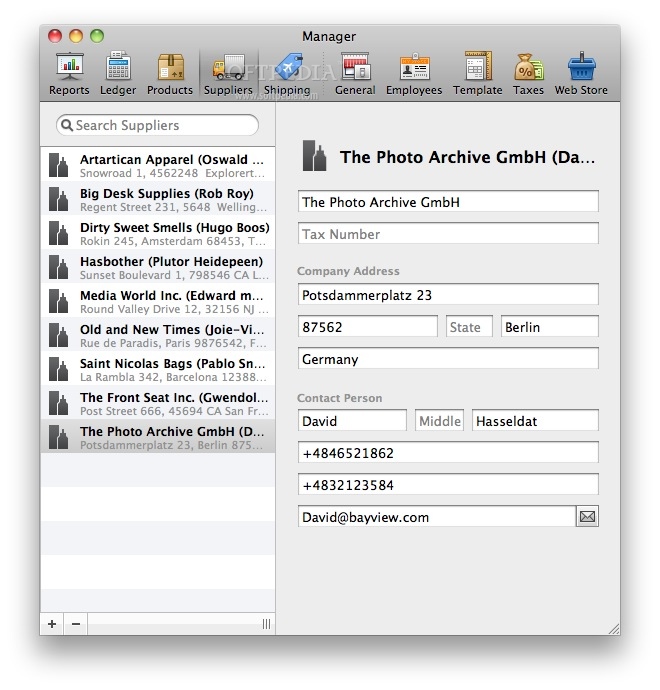
· Manage Suppliers and Purchase Orders
· Receive inventory against outstanding Purchase Orders
· Get live detailed updates of stock levels while creating Purchase Orders
· Easily import new stock using .CSV (Comma separated) and .TSV (Tab separated) files
· Using the Count Sheet and Stock reports you can easily track your inventory
Networking:
· Concurrent access over a local network
· Up to 20 connected users at once.
· Airport Extreme recommended for wireless networking
· Access to any document by multiple users at once
· Real time updates of remote changes
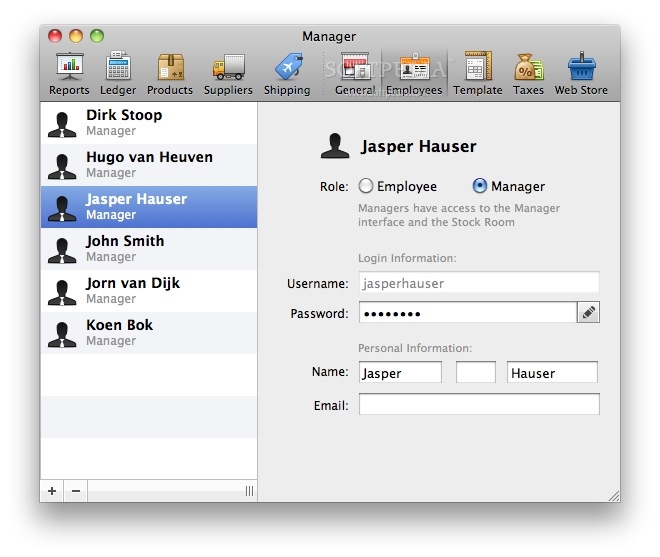
· Simple Employee user-account management
· Auto-detects shared stores through Bonjour
· Uses the worlds most advanced open source PostgreSQL database server technology
Supported Hardware:
Barcode Scanners:
· Any keyboard emulating USB barcode scanner that sends a carriage return after each scan.
· Symbol LS2208 (USB)
· Symbol LS1203 (USB)
· Symbol LS4208 (USB)
· Symbol LS4278 (USB)
· Metrologic MS9520 Voyager (USB)
· Metrologic MS9540 VoyagerCG (USB)
· HandHeld 3820 (USB)
Receipt Printers:
· Star Micronics is the only manufacturer of Mac-compatible USB receipt printers.
· Star TSP-100, TSP-113
· Star TSP-143
· Star TSP-743
Cash Drawers:
· Most cash drawers with an RJ11 connector. Cash drawers must be connected to a supported receipt printer.
· Star CB-92, CB-2002
· APG Vasario VB320-BG1616/BG1915/BL1618
Credit Card Swipe Readers:
· Compatible swipe readers can be ordered online or by calling AccountEdge Customer Care at 800-322-6962
· Checkout does not process debit cards. Accepting debit cards as a form of payment requires an external terminal.
Limitations:
· 30 days trial period.
What's New in This Release: [ read full changelog ]
· The Store Manager window is now resizable. The default size is larger.
· A rare login issue that caused anonymous (employee) transactions to be created. All unknown employee transactions will be assigned to the first employee.
· Issue with product variations UI when viewed on Lion. When scrolling, lines would appear in the product list.
· Several rounding issues that caused crashes when viewing/exporting the Ledger.
· When exporting the Ledger to AccountEdge, illegal characters (tabs, carriage returns, etc) have been removed, and the memo field will have a 256 character maximum length.
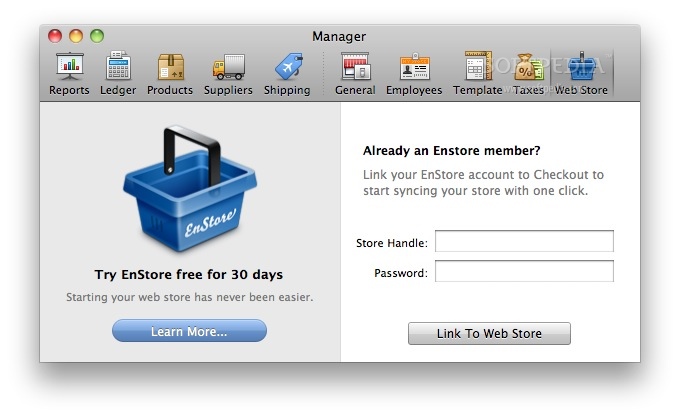
· Synced Enstore Orders were causing the Ledger to crash.
· Enstore Orders with multiple tax rates didn’t print the taxes correctly.
· When printing an unallocated Order, the Total including Tax would print as the Tax amount.