Softpedia
 

MAC CATEGORIES:


GLOBAL PAGES >>
NEWS ARCHIVE >>
SOFTPEDIA REVIEWS >>
MEET THE EDITORS >>
WEEK'S BEST
  • EarthDesk 5.8.5
  • GraphicConverter 8...
  • MacPorts 2.1.1
  • CCleaner 1.03.131
  • Quicksilver ß68 Bu...
  • TextWrangler 4.0.1...
  • Google Chrome 21.0...
  • Winclone 3.3
  • ScreenFlow 3.0.6
  • Apple Security Upd...
  • Home > Mac > Educational
     Report malware

    Kurzweil 3000 5.0

    Download button

    No screenshots available
    Downloads: 14,106  Tell us about an update
    User Rating:
    Rated by:
    Good (3.4/5)
    36 user(s)
    Developer:

    License / Price:

    Size / OS:

    Binary Format:

    Last Updated:

    Category:
    Kurzweil Education Systems | More programs
    Demo / USD 395.00 buy button
    0 KB / Mac OS X 10.3.9 or later
    Universal Binary Universal Binary
    February 13th, 2012, 06:41 UTC
    Home / Educational

     Read user reviews (0)  Refer to a friend  Subscribe

    Kurzweil 3000 description

    Reading, Writing and Learning Software for Struggling Students

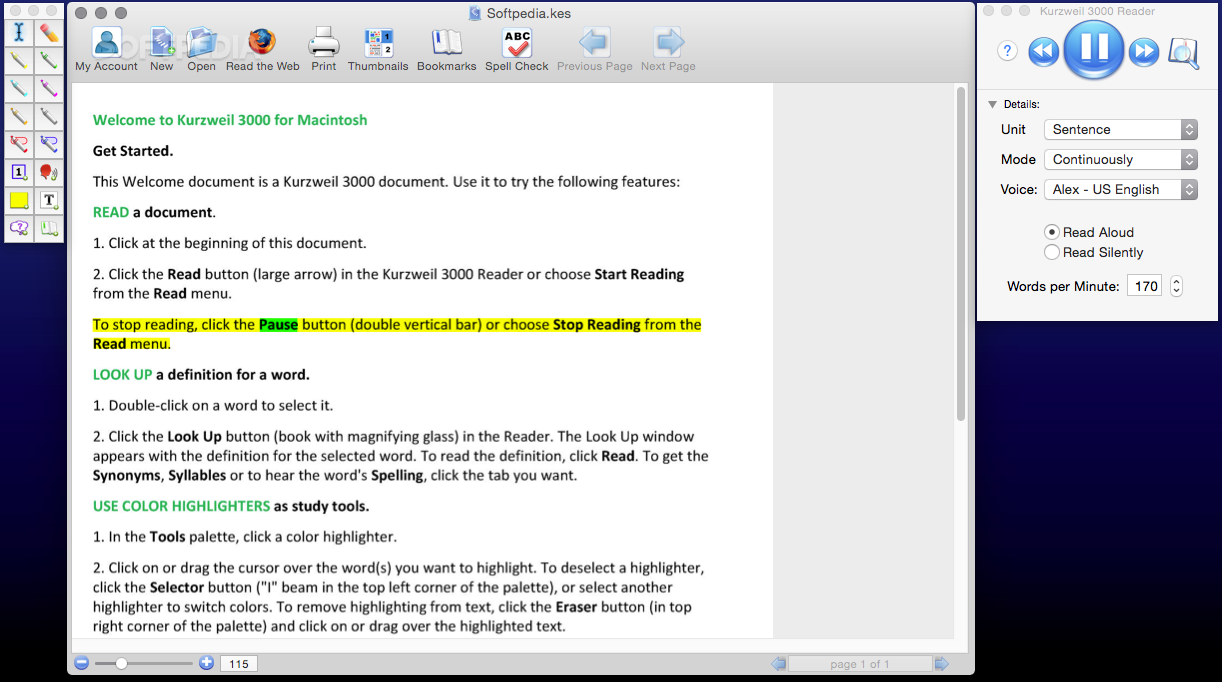
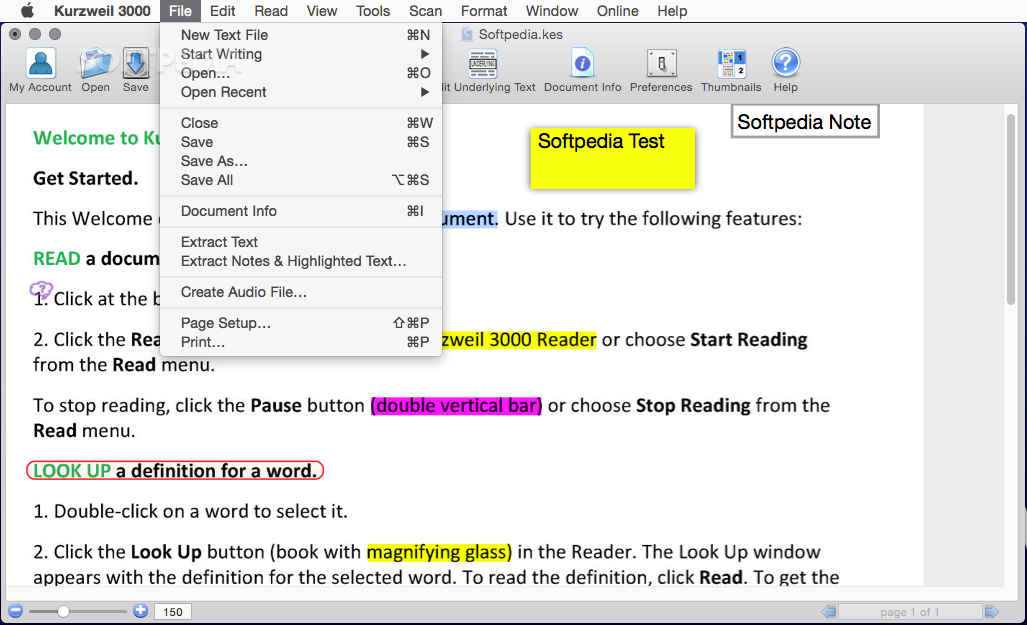
    Kurzweil 3000 is the very useful tool, a comprehensive reading, writing and learning software solution for any struggling reader, including individuals with learning difficulties, such as dyslexia, attention deficit disorder or those who are English Language Learners.

    With Kurzweil 3000, Kurzweil Educational Systems, Inc. is committed to helping schools meet the requirements of the No Child Left Behind Act (NCLB) and demonstrate success in the classroom for all students.

    Here are some key features of "Kurzweil 3000":

    · Access to Any Curriculum - The software can access virtually any information, whether it is printed, electronic, or on the Web. Because Kurzweil 3000 is also content independent, teachers in elementary schools, middle schools, high schools and colleges alike use it to help students succeed in the classroom regardless of curriculum or lesson plan.
    · Increased Reading Fluency - Educators and independent research have demonstrated that Kurzweil 3000 provides not only the tools students need to improve their reading speed and comprehension, but also the features that make it possible for them to learn and study independently.
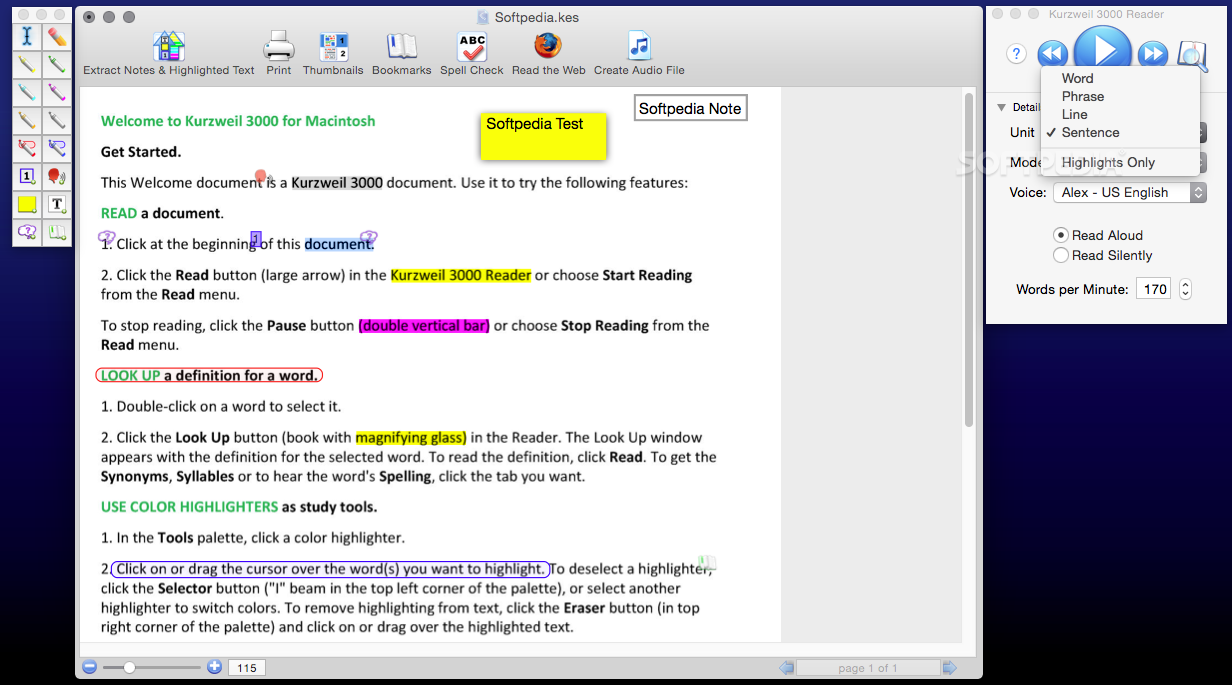
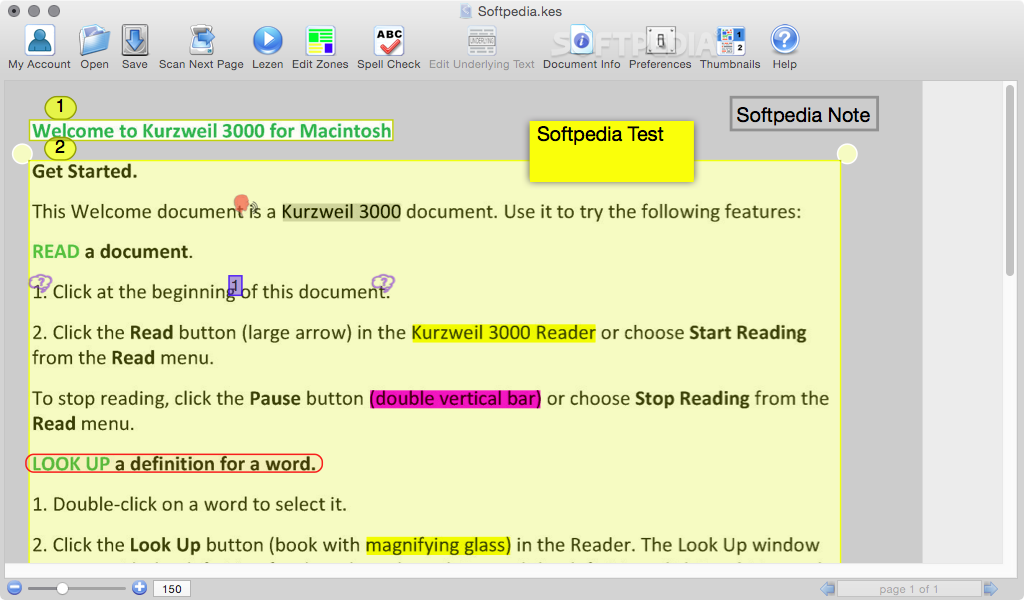
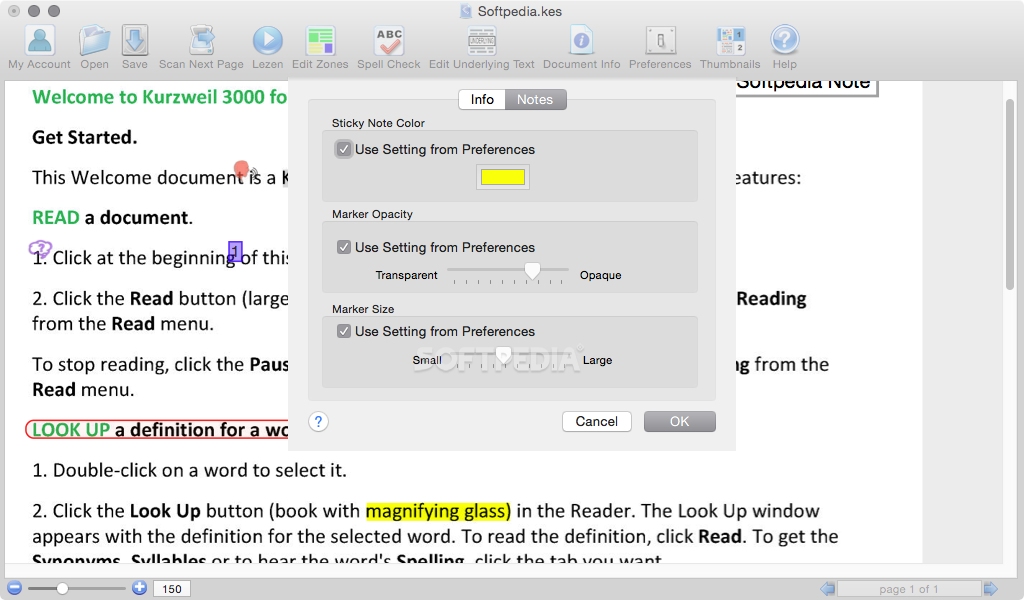
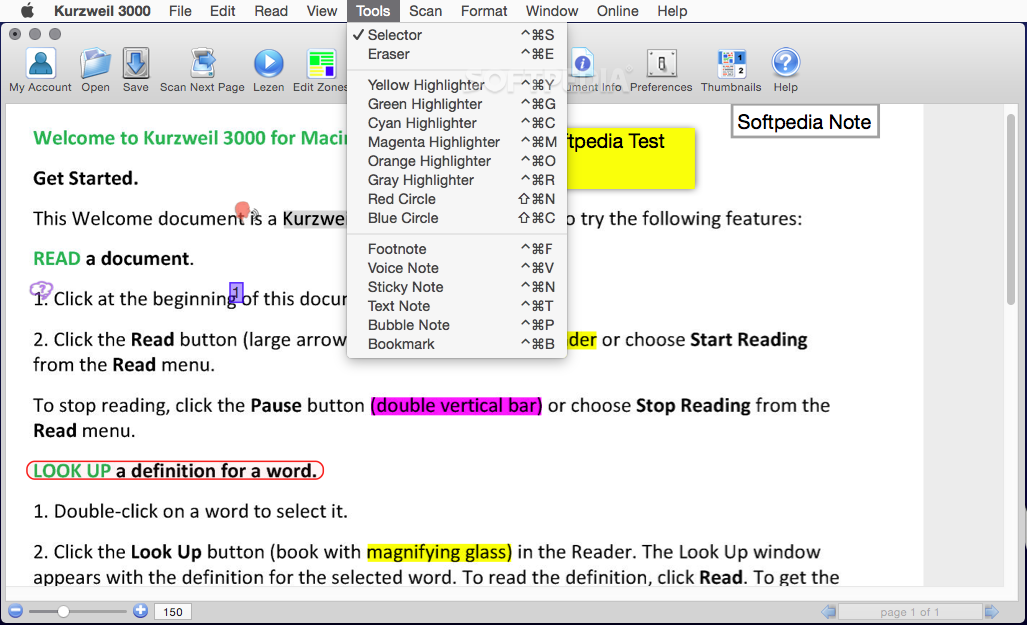
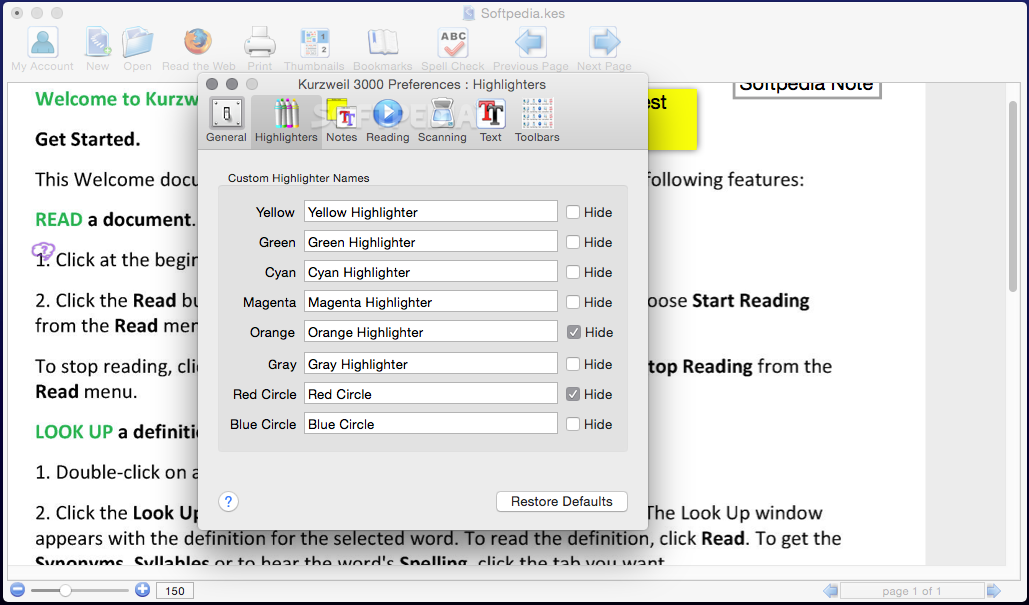
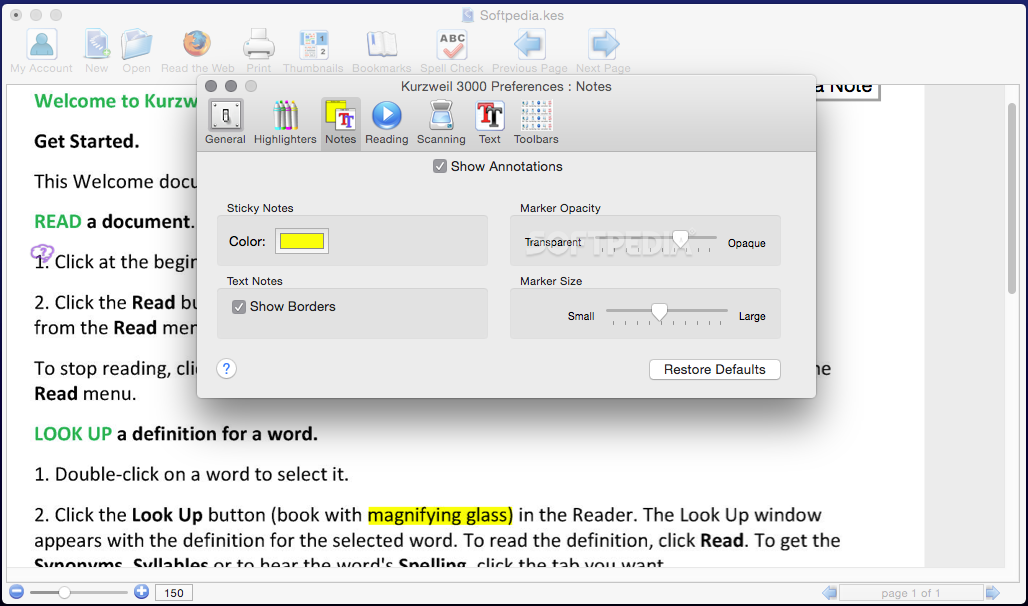
    · Study Skills - With the aid of visual and auditory feedback, the software helps students keep up with assigned reading, learn critical study skills and successfully complete writing projects and tests. With it's robust study skills tools, Kurzweil 3000 facilitates active reading including: highlighting, text circle tools, annotations, Bookmarks, Voice Notes and Extract in order to create outlines, study guides, or word lists all things that can improve their reading comprehension and retention.
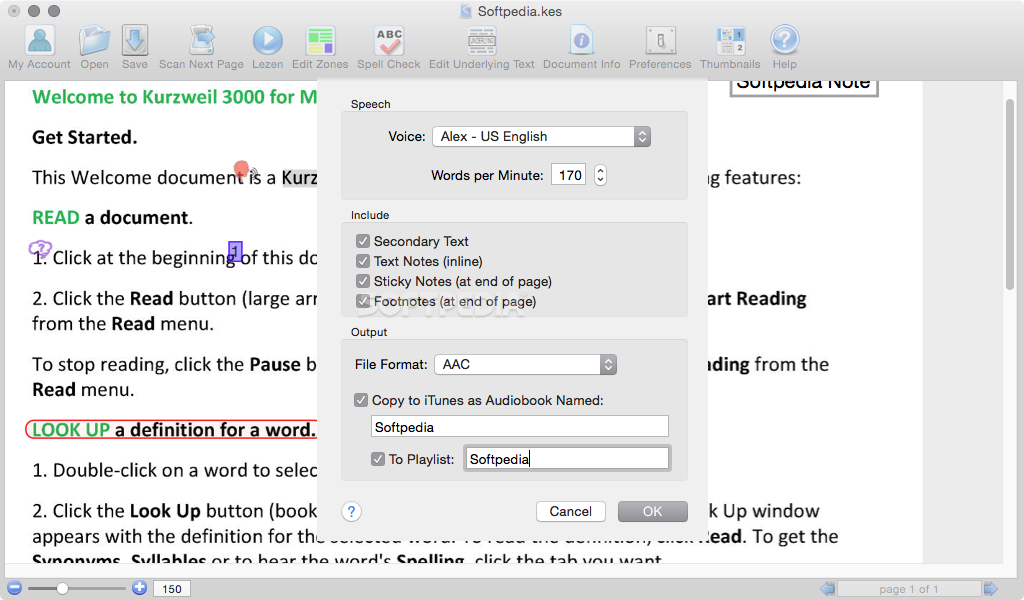
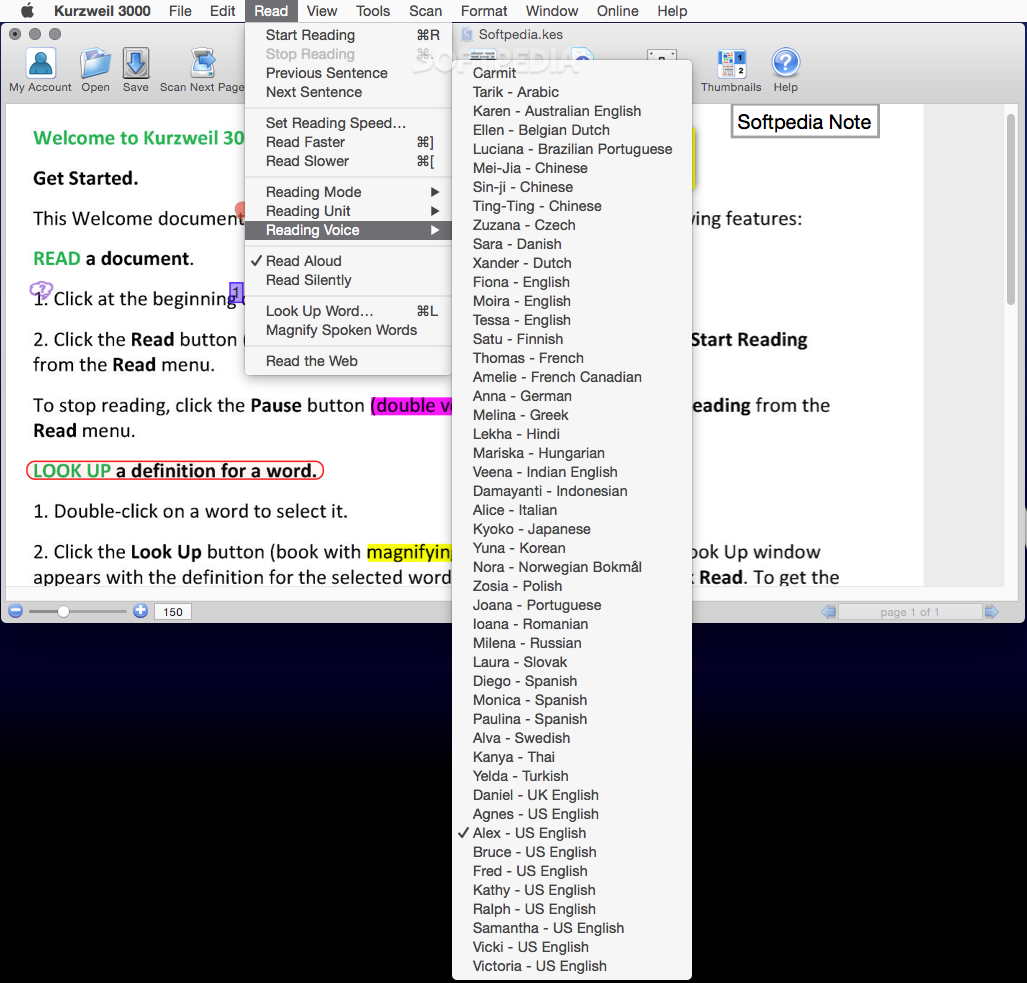
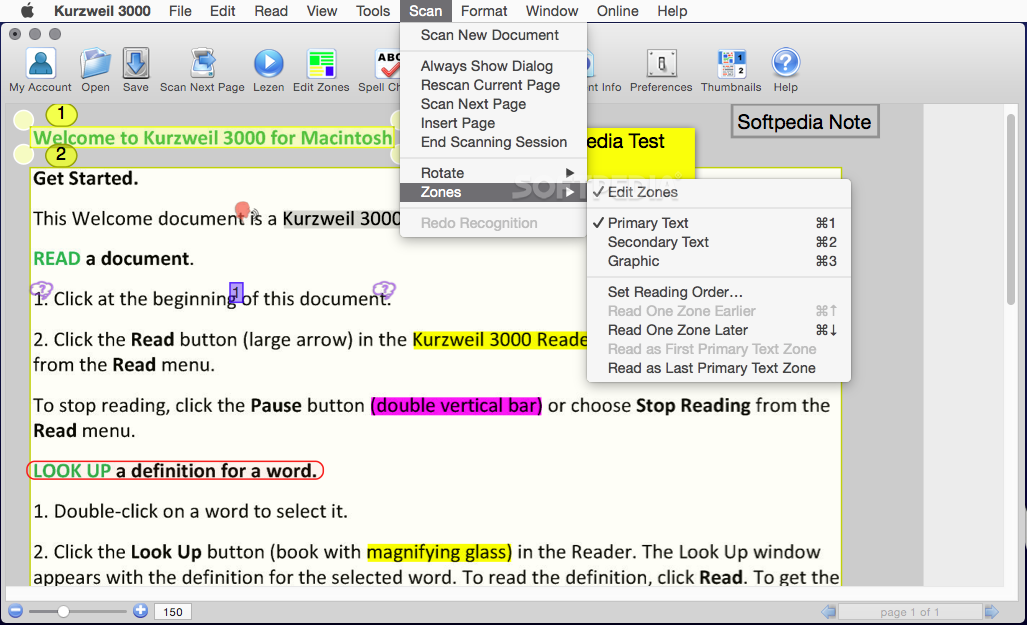
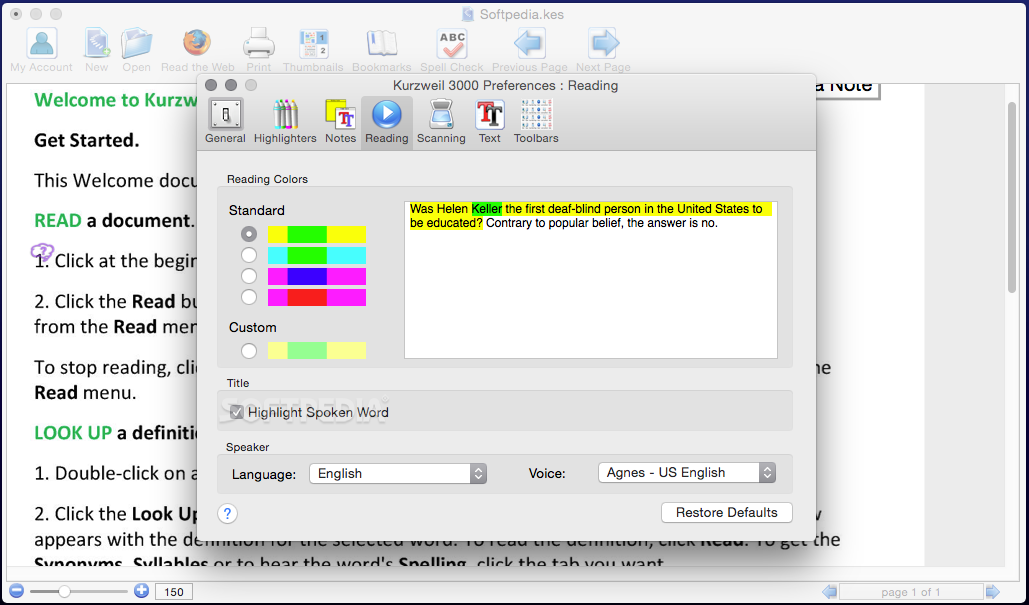
    · Decoding Support - It then reads the words aloud to the student in clear, humanlike, synthetic speech, while a patented dual highlighting feature adds visual reinforcement. For students who have difficulty physically accessing curriculum materials, Kurzweil 3000 provides a digital means of engaging with text and can support students who use alternative methods for accessing the computer.
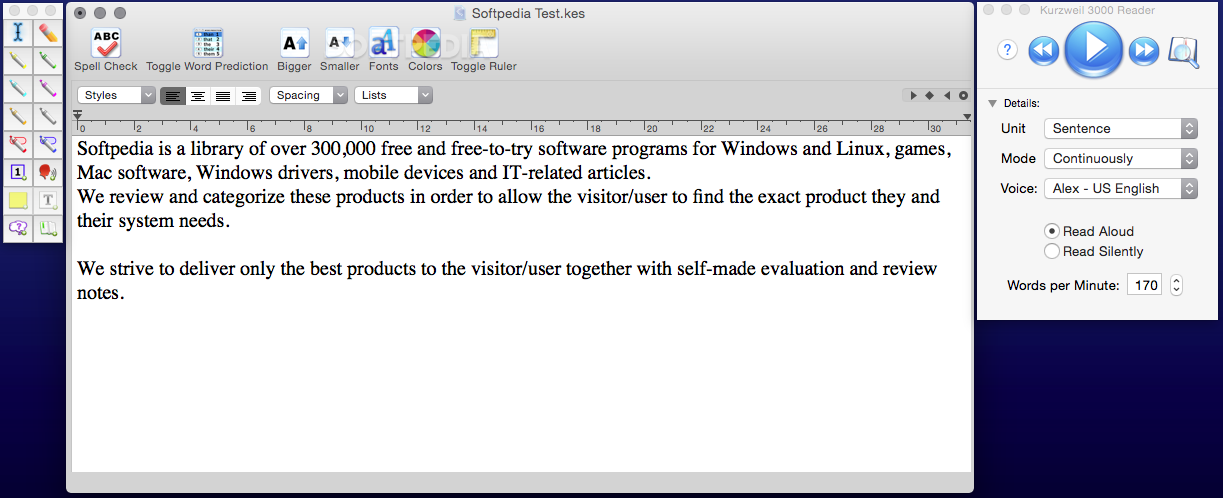
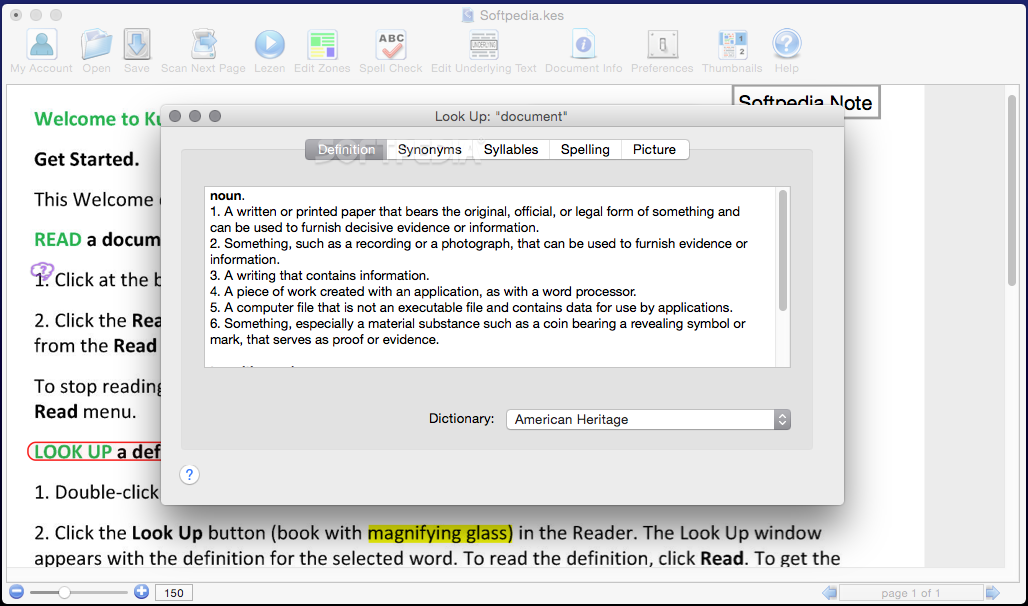
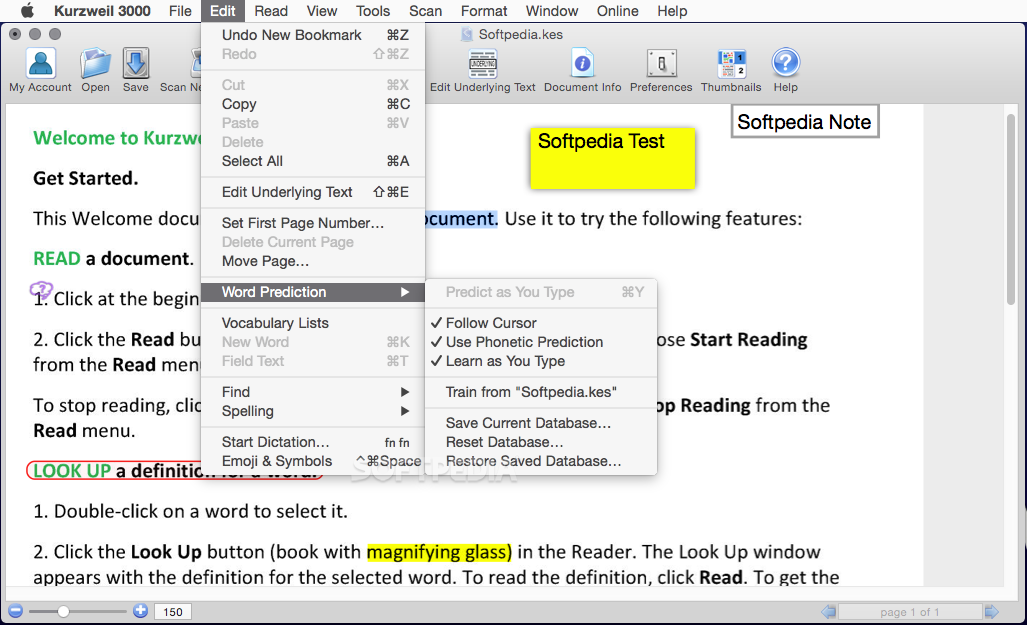
    · Writing and Self-Editing Tools - As students type, the software speaks each letter or word, so they can quickly re cognize and correct spelling mistake s. The Check Spelling As You Type feature underlines misspelled words in red. The audible spell checker and customizable word prediction further assist students with creating and modifying reports, essays and papers without teacher intervention.
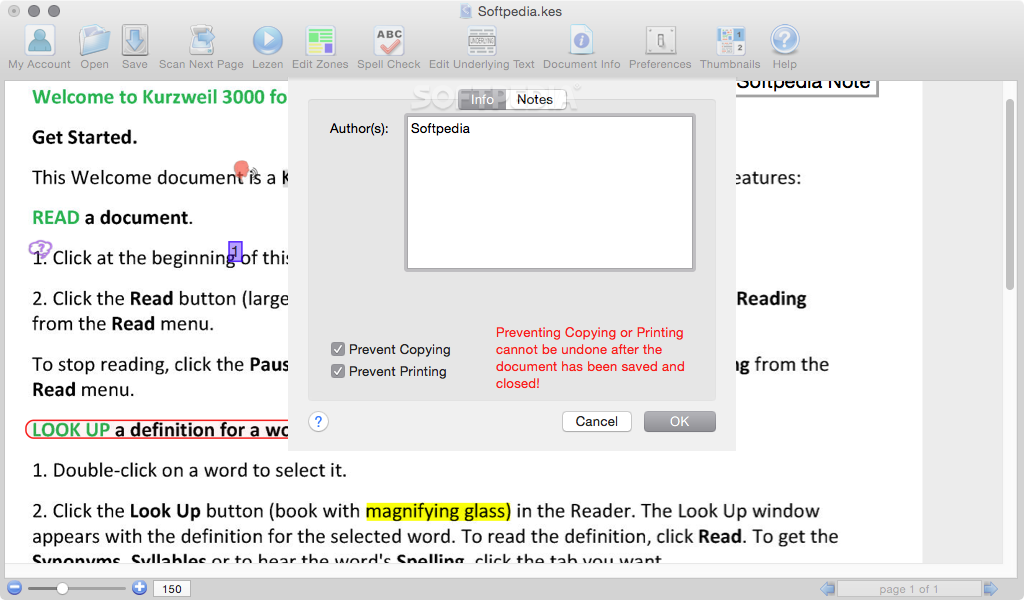
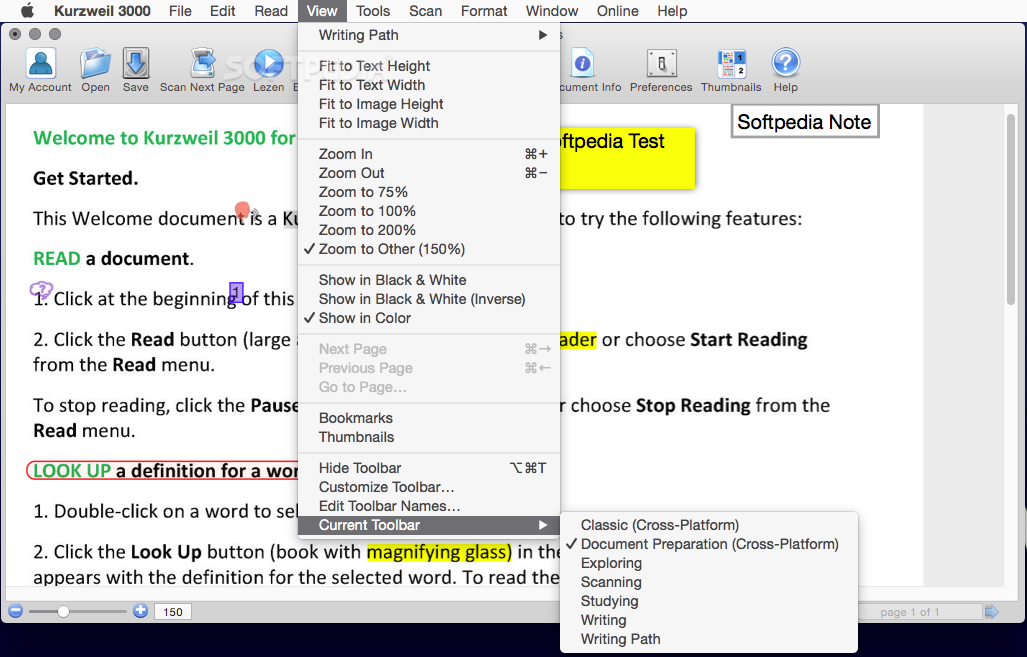
    · Independent Test Taking With Kurzweil 3000, students can independently complete worksheets, classroom tests and standardized tests with greater confidence and fewer mistakes. Students with accommodations can easily answer fill-in-the blanks, multiple choice, true/false, short answer, essay and other test forms while using a customized selection of writing tools, comprehension aids and visual modifications. Teachers can save documents with specific toolbars and feature locks, while also controlling which Kurzweil 3000 features are available to students during testing. Kurzweil 3000 supports the teaching and learning of reading skills that are necessary for meeting state and federal mandates. Kurzweil 3000 not only reads questions and answers aloud, it allows students to type answers directly onto the image of a scanned test, thereby offering more independence for both the student and teacher. In addition, the product is proving instrumental for both classroom and standardized assessments.

    Requirements:

    · Processor: G3 or higher (PowerPC or Intel Core 2 Duo Processor) Note: Not compatible with Beige Power Macintosh G3
    · Memory: 256 MB
    · Hard Disk Space: 200 MB
    · If using Cepstral voices: Memory: 512 MB, Hard Disk Space: 500 MB
    · Display: 800 x 600 screen
    · CD-ROM Drive: Required
    · Network Server (for Network version only): OS X 10.3.9 or higher
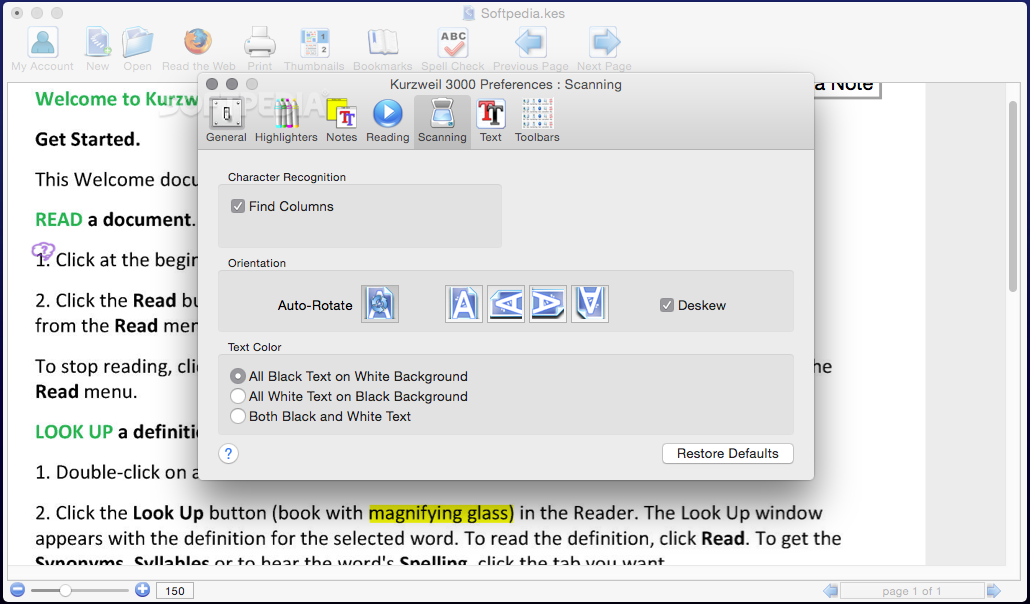
    · Scanner (for Professional version only): Epson Perfection or Canon LIDE Scanners


    TAGS:

    Kurzweil tool | educational tool | Independent Test | educational | student | Kurzweil


    HTML code for linking to this page:


    Go to top

    WindowsGamesDriversMacLinuxScriptsMobileHandheldNews

    SUBMIT PROGRAM   |   ADVERTISE   |   GET HELP   |   SEND US FEEDBACK   |   RSS FEEDS   |   UPDATE YOUR SOFTWARE   |   ROMANIAN FORUM