MAC CATEGORIES:


NEWS ARCHIVE >>
SOFTPEDIA REVIEWS >>

7-DAY TOP DOWNLOAD

#
Program
iPhone and iPod
Firmware 3.1.2

17,548
Internet Explorer
5.2.3

7,948
RAR Expander 0.8.5
Beta 3 / 0.8.4

4,946
aMule 2.2.6
4,124
Flv Crunch 1.3
3,935
Toast Titanium
10.0.4

3,577
RAR for Mac OS X
3.90

3,532
Apple iLife '09
3,499
Matlab 7.9
3,431
aMSN 0.98.1
3,294

WEEK'S BEST

  • Quicksilver 1.0 Be...
  • Cocktail 4.6
  • Picasa 3.5.2.90
  • Adobe Shockwave Pl...
  • VLC Media Player 1...
  • LimeWire X 5.4.0 B...
  • Apple iTunes 9.0.2
  • VirtualBox 3.0.10 ...
  • FileZilla 3.3.0 RC...
  • Mozilla Firefox 3....
  • aMSN 0.98.1
  • NeoOffice 3.0.1
  • VMware Fusion 3.0....
  • Quinn 3.5.7
  • App Store Expense ...
  • Ableton Live 8.0.9
  • Parallels Desktop ...
  • Alarm Clock Pro 9.2
  • Dock Spaces 3.05
  • Dropbox 0.7.56 / 0...
  • OpenOffice.org 3.2...
  • Adium 1.4 Beta 15 ...
  • Second Life 1.23.5...
  • µTorrent 0.9.3 Bu...
  • Opera 10.10 Beta B...
  • Adobe Reader 9.2
  • VirtualBox 3.0.10 ...
  • RealPlayer 11.1.0 ...
  • Bean 2.4.1
  • Senuti 1.1.7
  • Home / Mac / Educational
     Report spyware

    Inspiration 8.0 Beta IE

    Download button

    Downloads: 18,508  Add to download basket  Tell us about an update
    User Rating:
    Rated by:
    Very Good (4.0/5)
    62 user(s)
    Developer:

    License / Price:

    Size / OS:

    Binary Format:

    Last Updated:

    Category:
    Inspiration Software, Inc. | More programs
    Trial / USD 69.00 | BUY the full version
    34 MB / Mac OS X 10.2 or later
    Universal Binary Universal Binary
    May 12th, 2008, 02:52 GMT [view history]
    C: \ Educational

     Read user reviews (0)  Add a review  Refer to a friend  Subscribe


    Inspiration description


    Inspiration - Brainstorm, organize thoughts & communicate ideas

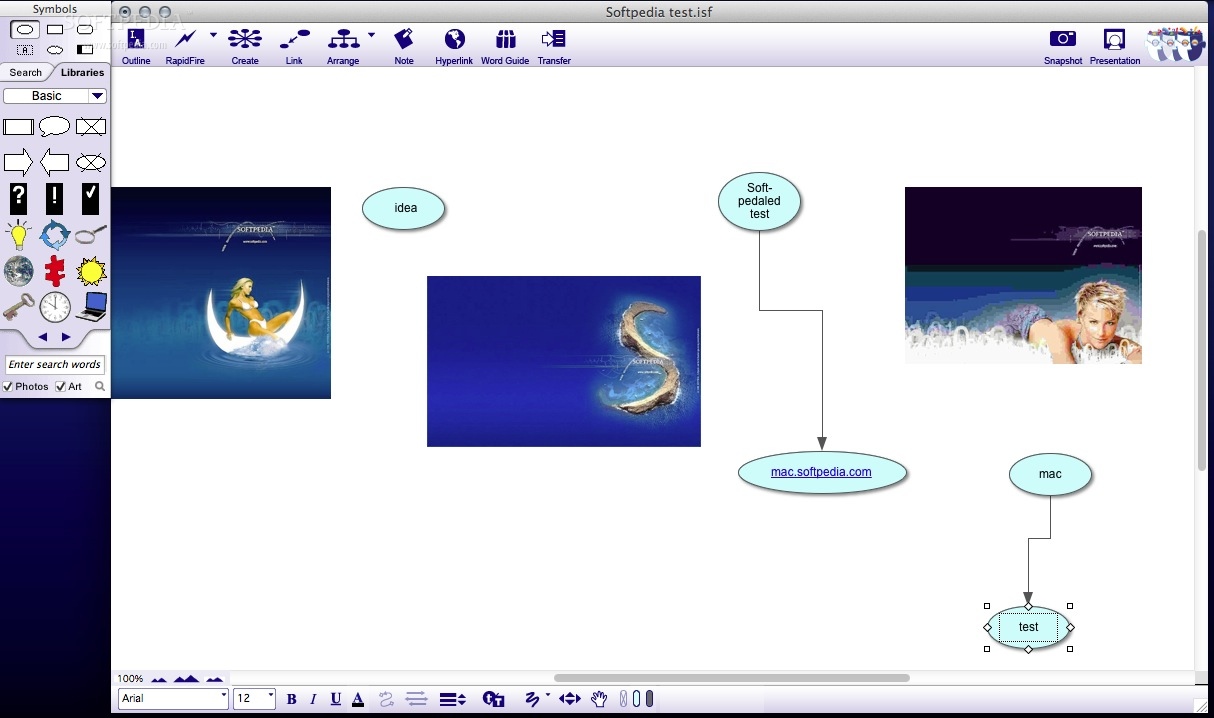
    Inspiration is a powerful visual thinking tool that helps clarify and organize ideas and information.

    Inspiration's Diagram view makes it easy to brainstorm, plan and explain the interrelationships between processes, variables and events.

    Use it to create concept maps, process flows, knowledge maps, flowcharts and other visual diagrams. Inspiration's integratedOutline view helps create clear, concise written proposals and reports. The symbols, templates and example files in Inspiration Professional Edition were designed specifically for diagramming, outlining, flowcharting, knowledge mapping, brainstorming, systems thinking and multimedia design.

    Here are some key features of "Inspiration":

    · In the Diagram View you can:
    · Capture ideas as quickly as you think with the RapidFire tool.
    · Add as little or as much text as you want - symbols grow automatically to record your thoughts.
    · Illustrate ideas and convey meanings by inserting symbols from the web or other applications using the insert graphic, drag & drop, or copy & paste functions.
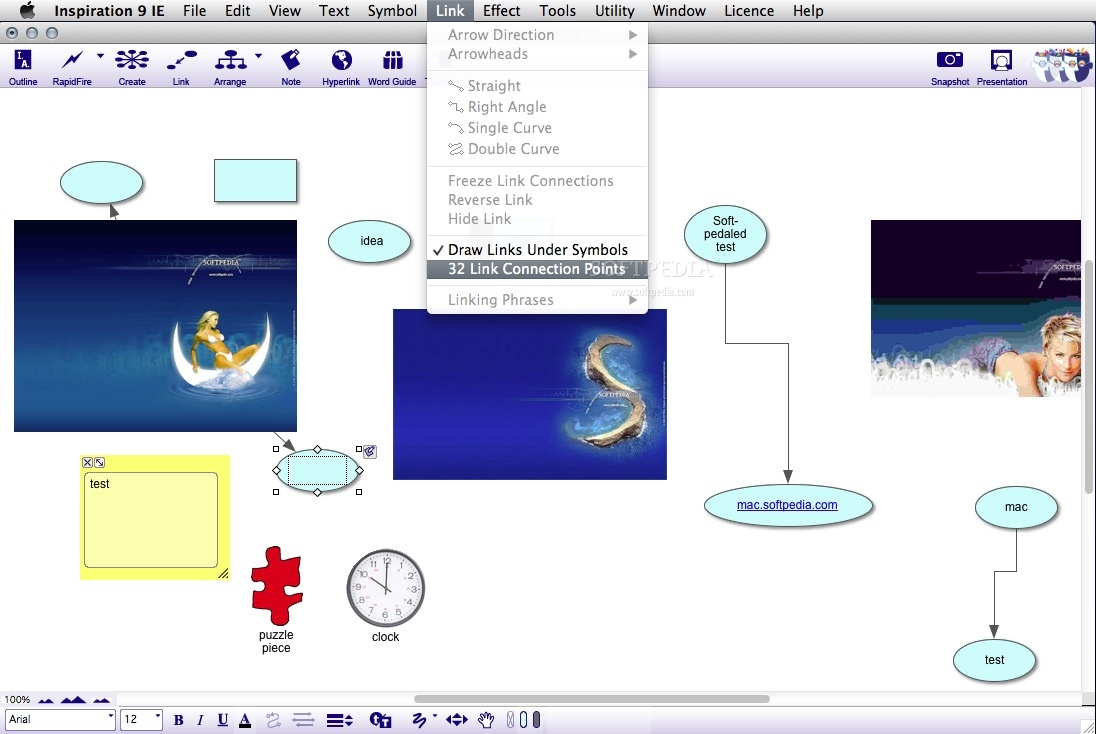
    · Show relationships between ideas with the Link tool.
    · Explain relationships between ideas by adding text directly on the links.
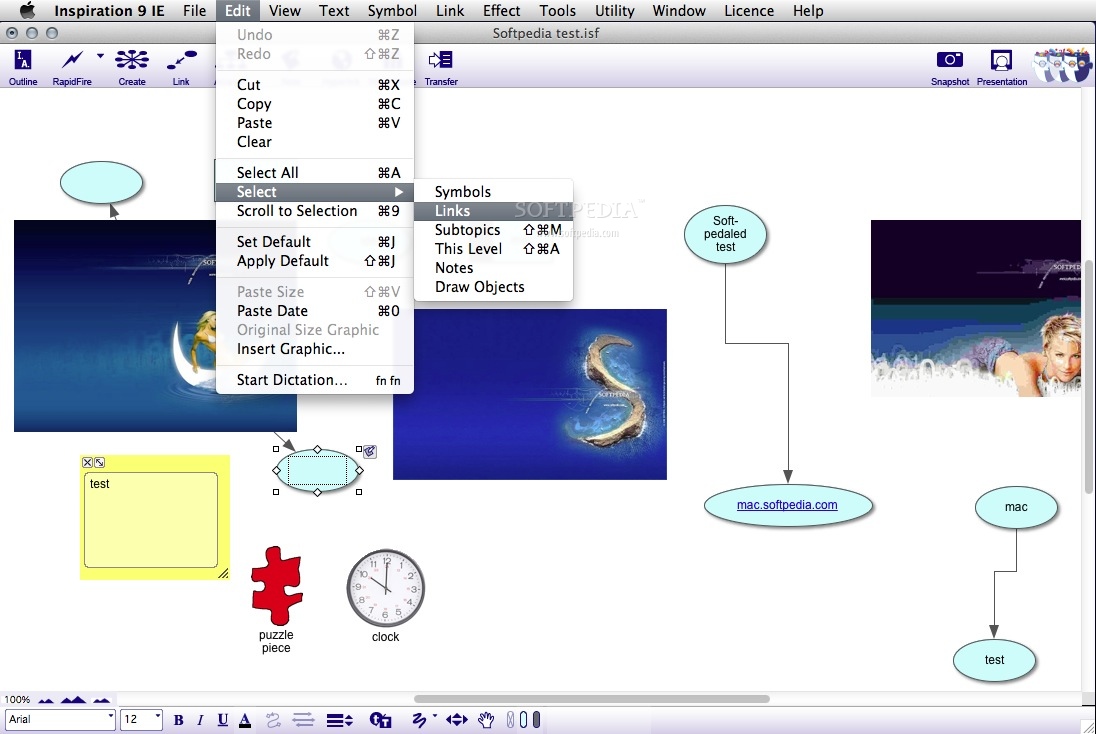
    · Rearrange symbols by dragging without breaking links.
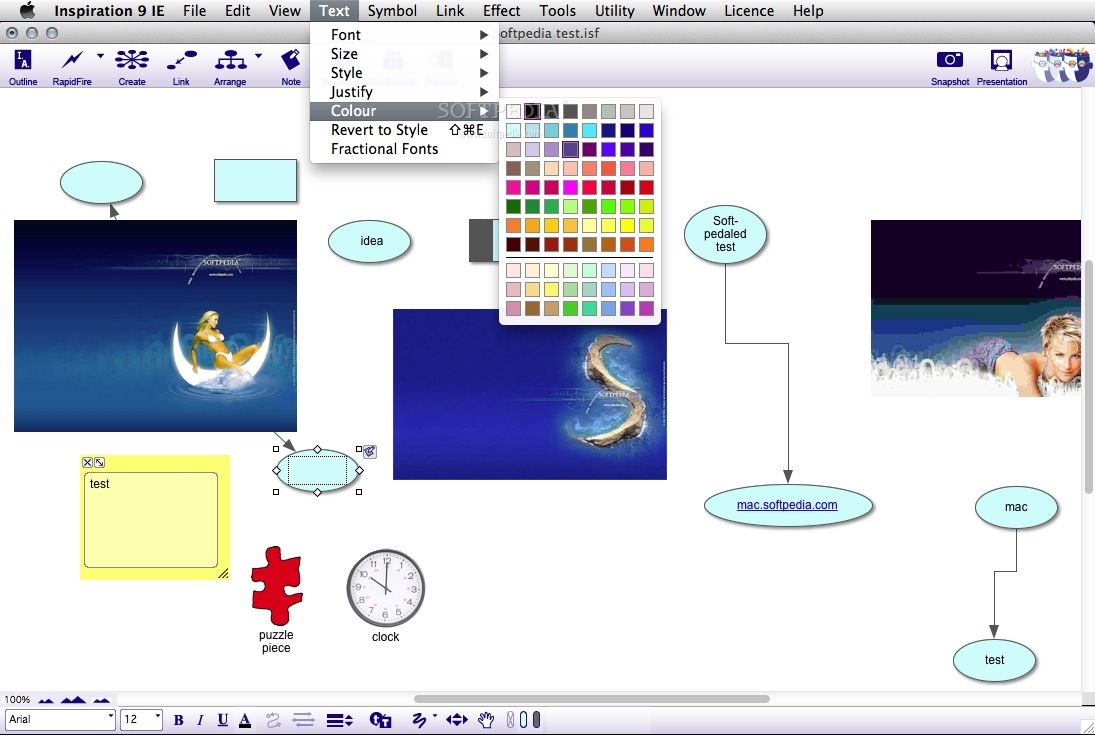
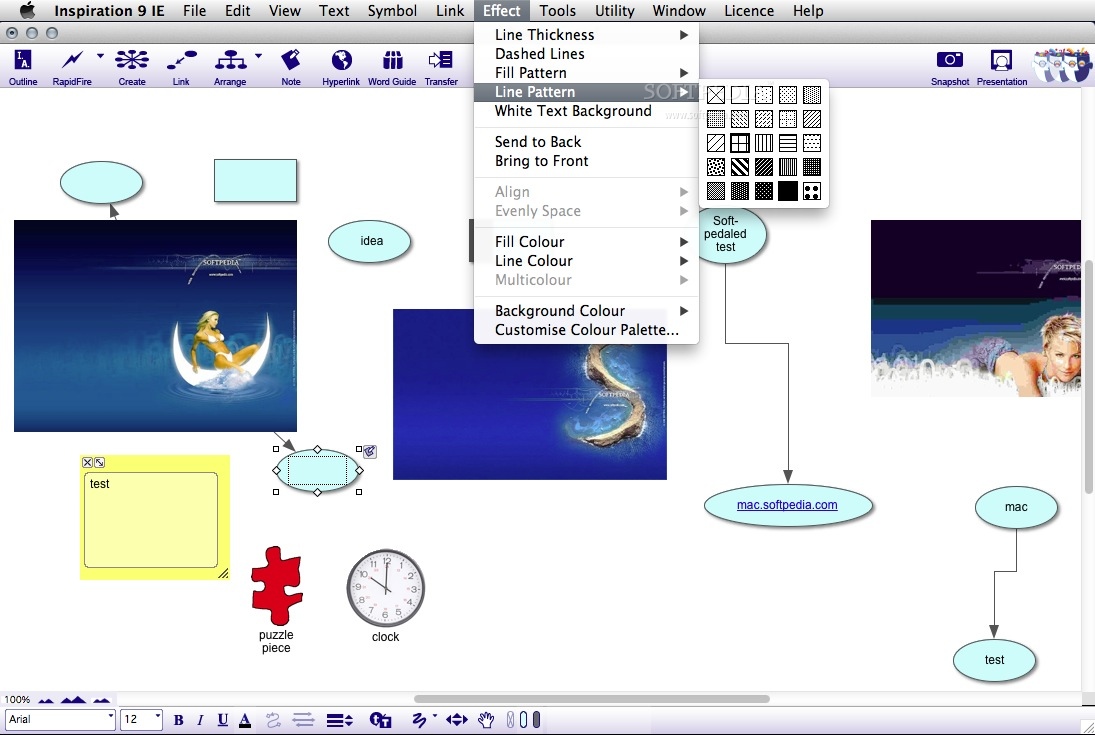
    · Differentiate among ideas with colors, shapes, patterns, shadows, fonts and styles.
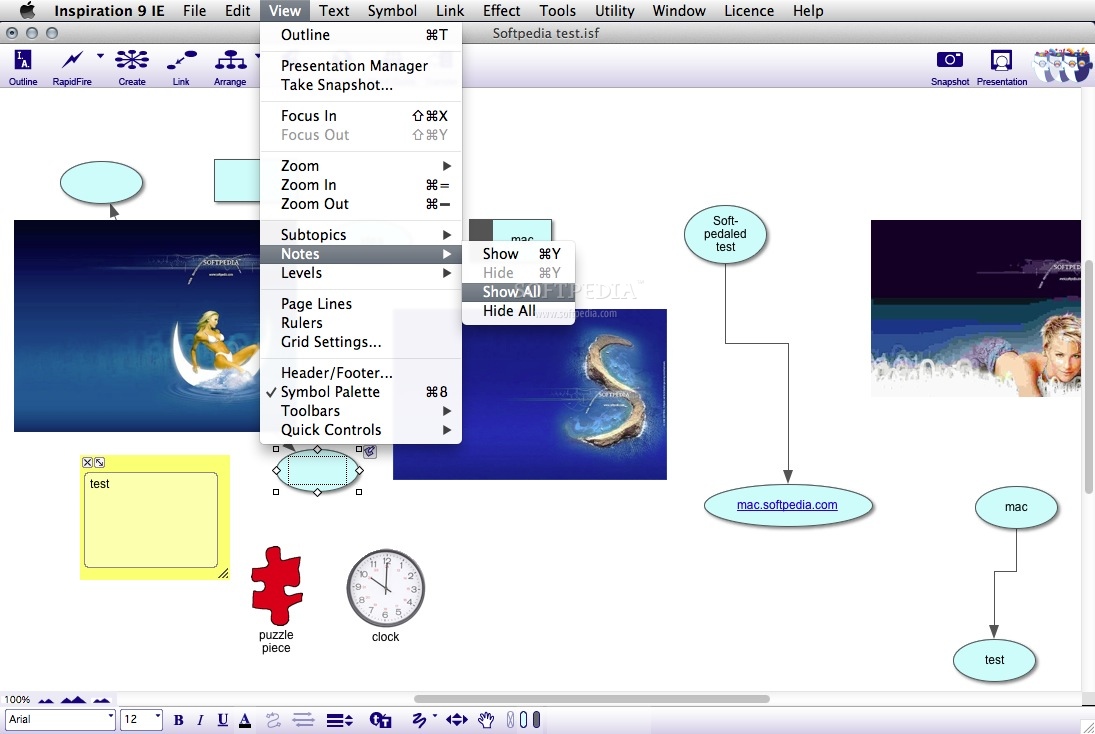
    · Bring writing power with visually integrated notes.
    · Explore multiple main ideas simultaneously.
    · Transform a diagram into an outline instantly!
    · With the simple click of your mouse, you can transform an Inspiration diagram into a traditional hierarchical outline. In the powerful Outline View, students can quickly prioritize and rearrange ideas, helping them create clear, concise essays, reports and more.
    · Use the Outline View to:
    · Organize topics by dragging - subtopics move automatically.
    · Plan projects and track ideas using the Checklist feature. Simply mark off completed items in either the Diagram or Outline View.
    · Develop topics into a written report using notes text.
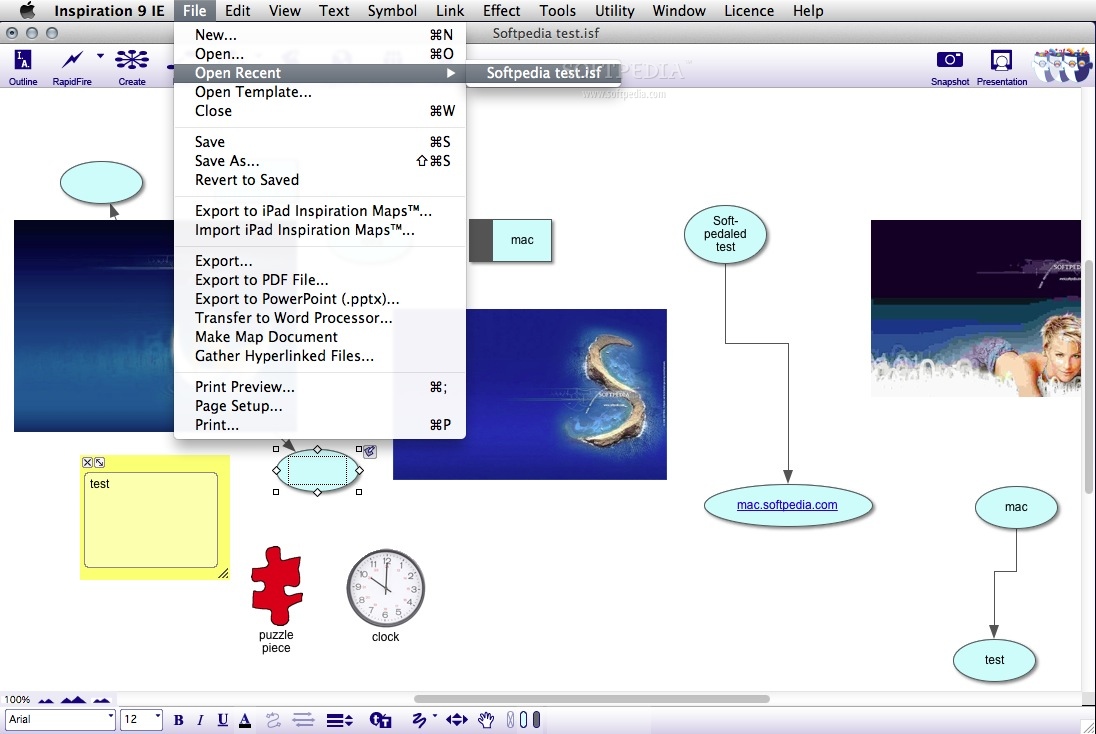
    · Export your outline to popular word processing or presentation programs.
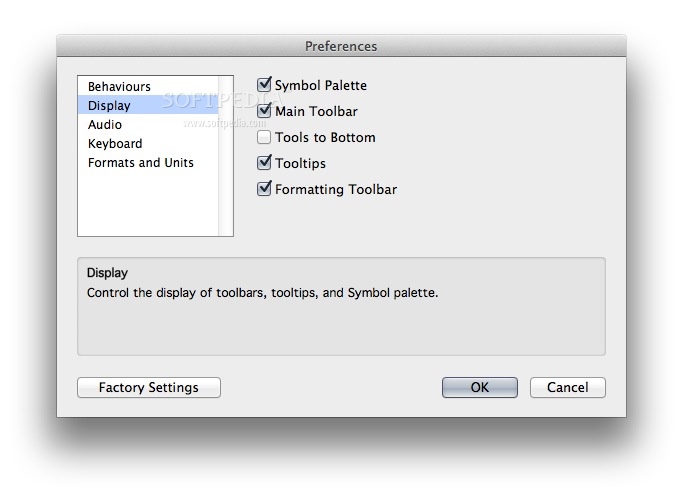
    · Toolbars make using Inspiration intuitive!
    · Diagram Toolbar
    · Outline Toolbar
    · Formatting Toolbar
    · Major Inspiration functions are at your fingertips with our smart toolbars. No need to memorize keyboard shortcuts or search through menu items to find features - just click on the toolbar and keep working! If you do have a question or problem, our fully indexed and searchable help system provides answers to all your Inspiration questions.
    · One click to word processing
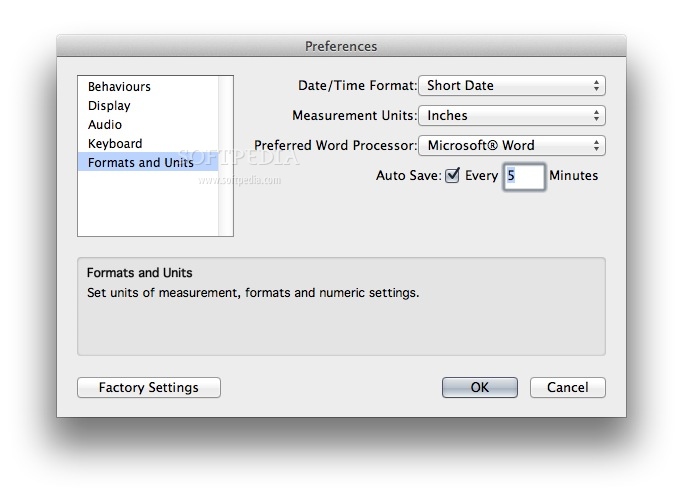
    · Inspiration's one-click transfer instantly moves students' work to their favorite word processor. After working in Inspiration to brainstorm, organize and outline, students then use Microsoft Word or AppleWorks to finish the writing process and prepare their paper for publication.
    · Simplified template integration
    · Inspiration sparks teacher creativity with inspiring new ways to design and use templates . . . the fastest way to introduce visual learning and Inspiration to students in all subjects, including language arts, science and social studies.
    · Template Wizard - Create customized visual learning activities! The Template Wizard gives teachers step-by-step help for designing templates to support any curriculum area.
    · Flexible template access - Use and share templates with ease! Templates can be stored and launched from any location, making them readily available for students and teachers.
    · 60+ templates - Quickly integrate visual learning into your classroom! A wealth of ideas from across the curriculum inspires students and teachers to plan, organize and create.
    · Symbols at your fingertips
    · Inspiration contains over 1,300 colorful, high-resolution symbols, including several hundred photographic quality images and animated symbols. Students just scroll through the floating symbol palette to find exactly the right shape to express their thoughts. And, if you want to customize your work, you can recolorize an existing symbol or import images from other applications and the Internet.
    · Click here to download a PDF of the Inspiration symbol guide. To view this file you may need to install Adobe Acrobat Reader.
    · Audio supports multiple learning styles
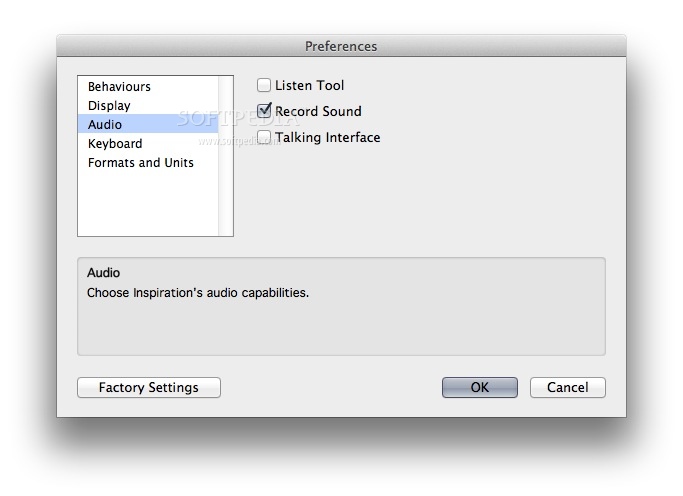
    · Students can hear work read aloud or record their own words, adding a new dimension to their projects. A talking interface increases accessibility for all learners.
    · Direct connection to the Internet
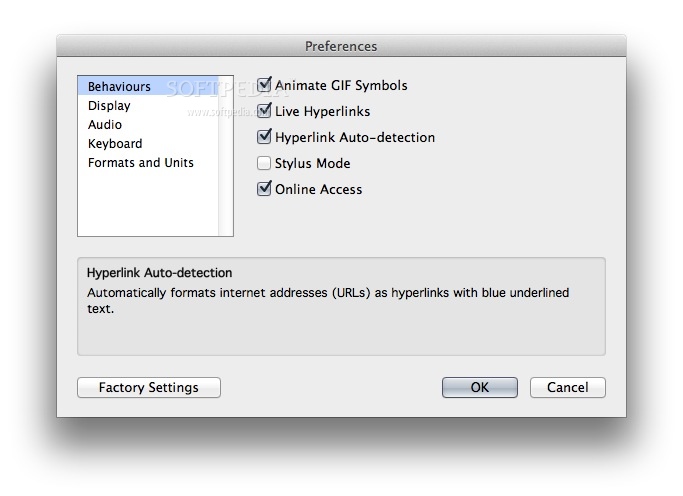
    · You can set up live hyperlinks in Inspiration and tie the immense resources of the Internet into your diagrams and outlines. Just type in a web address and Inspiration automatically creates a hyperlink. You can also create web pages with URL hyperlinks through the HTML export function and drag & drop JEPG and GIF images into Inspiration diagrams straight from the web!
    · Gather and present information from multiple sources, including documents created in Inspiration or any other application, by hyperlinking to any file.
    · Compatibility with Inspiration for Palm OS
    · Sync to and from Inspiration for Palm OS, the handheld tool to develop ideas and organize thinking. Expand and enhance diagrams created on the handheld, or transfer projects to the handheld for on-the-go visual thinking and learning!
    · Support of emerging technologies
    · Web site planning made easy
    · Build the bones of a new web site with the Site Skeleton export. Each symbol becomes a separate web page, complete with appropriate hyperlinks. Inspiration even creates a site map for you.


    Limitations:

    · 30-day trial

    What's New in This Release: [ read full changelog ]

    · More ways to engage and learn visually
    · Keyword search for symbols
    · Quickly find symbols to better express ideas and represent concepts by searching with keywords. Inspiration provides more than 1,000 symbols, plus access to more than 1 million additional symbols through Inspiration Web Resources.
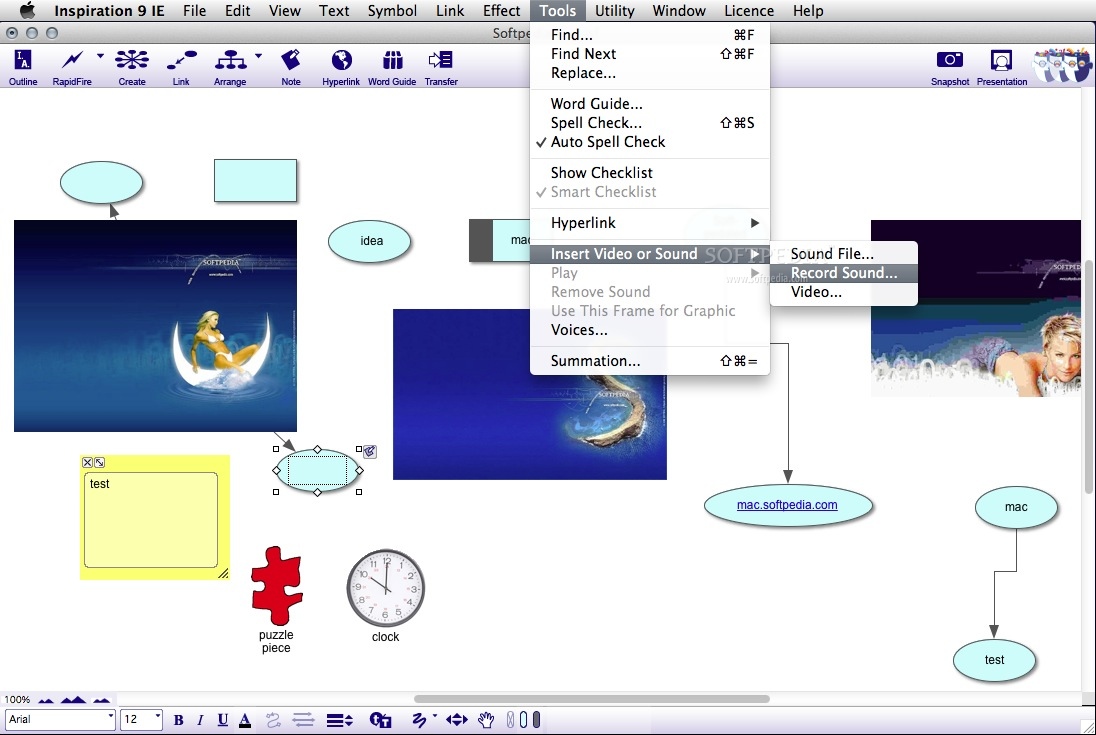
    · Video and sound integration
    · Use multimedia to create more engaging and informative projects. Students insert and play video and sound such as QuickTime® movies and MP3 files right in Inspiration.
    · Jumpstart assignments, gather research easily and streamline projects
    · Inspiring templates
    · Start projects quickly with templates that offer frameworks for gathering information and organizing ideas. Choose from 65 enhanced templates that cover language arts, science, social studies, thinking skills and planning topics. More than 60 additional templates are available through Inspiration Web Resources.
    · Drag-and-drop
    · Gather research and enhance projects with familiar drag-and-drop actions. Enhanced capabilities make it easy for students to automatically hyperlink to URLs plus quickly add text, images and multimedia files from other sources to their Inspiration projects.
    · Enhanced export and transfer
    · Easily and efficiently turn Inspiration documents into robust final projects with new export and transfer capabilities. New options in the Site Skeleton® export let students incorporate symbols, video and sound in web pages. With added transfer options, students can choose just the information they need to finalize assignments in their favorite word processor.
    · Write with more clarity and accuracy
    · Word Guide
    · Write with clarity and build vocabulary using the Word Guide, an innovative dictionary and thesaurus. Information—including parts of speech, definitions and synonyms—is displayed in a familiar way to help students quickly find and choose words with precision.
    · Auto spell checker
    · Improve spelling skills and streamline the writing and revision process with a contextual spell checker. Misspelled words are automatically identified in both the Diagram and Outline Views so students can quickly correct errors.
    · Get more visual learning power with Inspiration Web Resources
    · Use Inspiration with an Internet connection to seamlessly access these additional complimentary resources: web resources
    · More than 1 million symbols
    · Students better demonstrate their understanding and communicate their ideas by including symbols in their projects. An online Inspiration symbol collection, containing more than 1 million illustrations and photographs, offers safe image choices for any topic.
    · 50 Curriculum Packets
    · Curriculum Packets help teachers effectively integrate visual learning techniques as they address multiple learning styles. Each comprehensive online Curriculum Packet provides an integrated unit plan with multiple templates and exemplars. Plus, each of the 50 Curriculum Packets offers standards-aligned supplemental instructional units for high-school level language arts, social studies or science.
    · Access learning standards, classroom applications and templates with exemplars of student work.
    · On-demand training videos
    · Learn how to use Inspiration and complete projects efficiently with on-demand training videos. These online videos cover Inspiration's commonly used features.
    · Additional ease-of-use
    · Inspiration Starter screen
    · Quickly begin projects or access training and teaching resources from the Inspiration Starter screen.
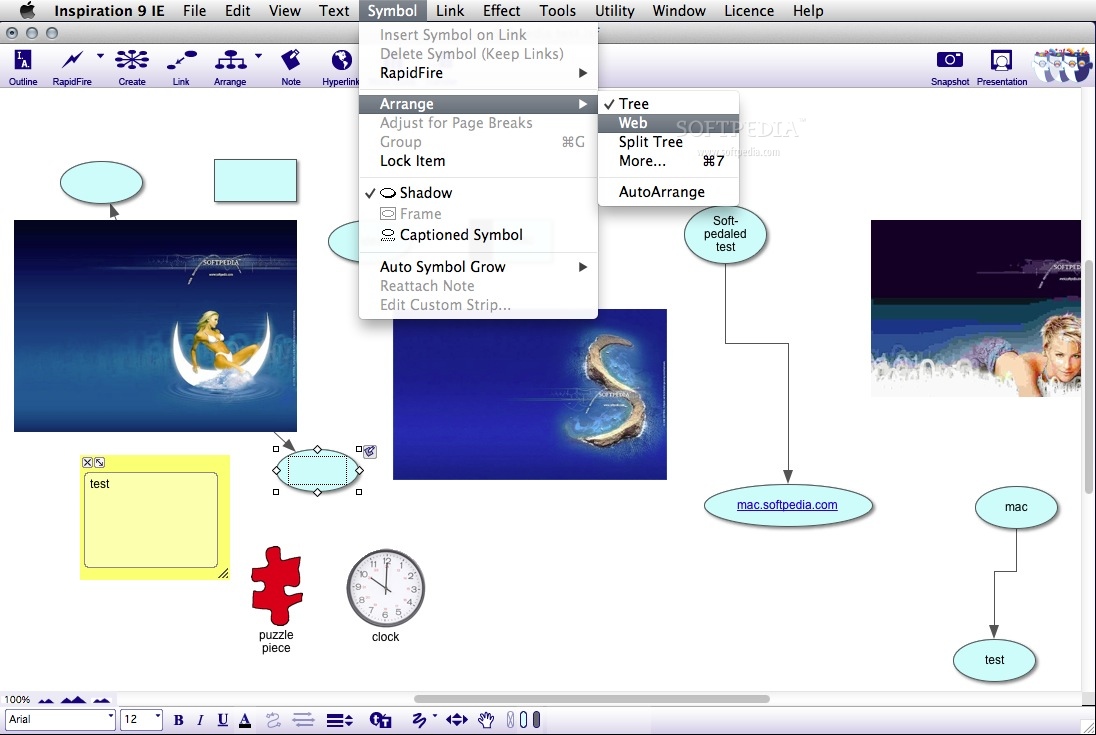
    · AutoArrange
    · Organize ideas effortlessly with AutoArrange. Students more efficiently add content and develop their projects, using AutoArrange to automatically format their diagrams as they work.
    · Brainstorming
    · Capture ideas quickly with the enhanced RapidFire® tool. Students choose to add ideas that link automatically to a symbol or to add unconnected ideas that they can later associate and link.

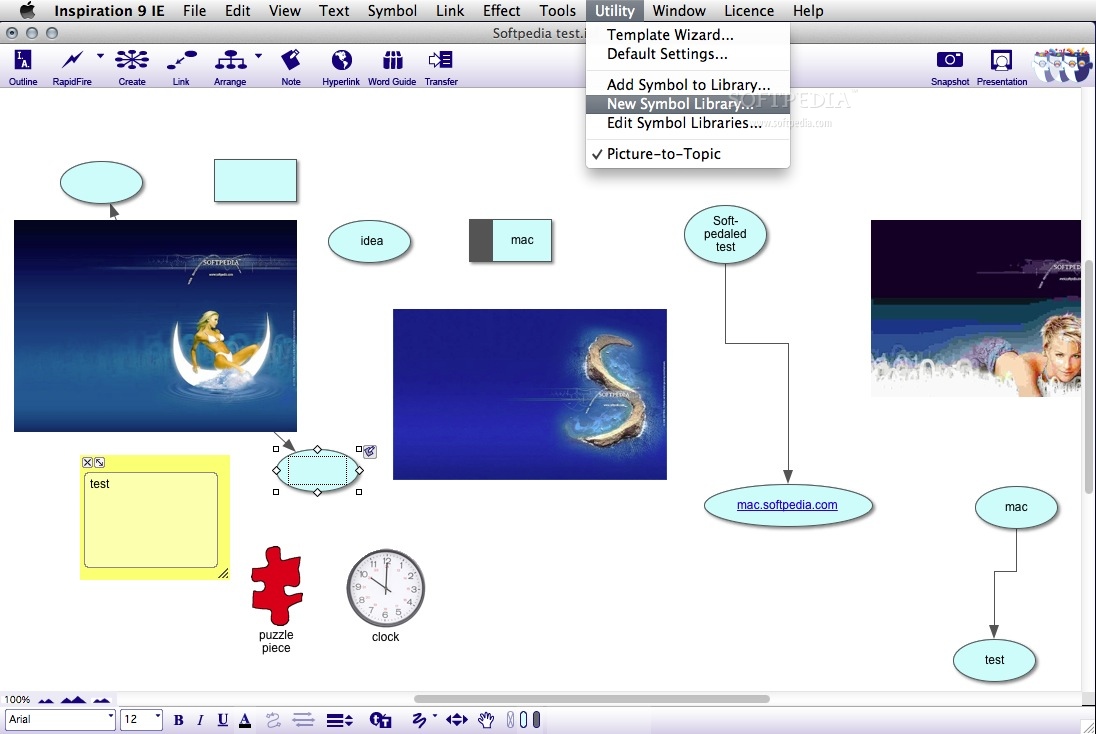
    · Custom symbol libraries
    · Help students focus on learning by providing symbols specific to their assignments. Using Inspiration's Template Wizard, custom symbol libraries can be saved and shared with template files or teachers can limit student access to symbol libraries.

      Softpedia guarantees that Inspiration 8.0 Beta IE is 100% CLEAN, which means it does not contain any form of malware, including spyware, viruses, trojans and backdoors. [read more >]


    TAGS:

    comunicate idea | organize thoughts | thinking tool | comunicate | idea | organize


    HTML code for linking to this page:


    Go to top

    Windows tabGames tabDrivers tabMac tabLinux tabScripts tabMobile tabHandheld tabGadgets tabNews tab

    SUBMIT PROGRAM   |   ADVERTISE   |   GET HELP   |   SEND US FEEDBACK   |   RSS FEEDS   |   ENTER NEWS SITE   |   ENGLISH BOARD   |   ROMANIAN FORUM