
Well structured macOS application that provides a wide array of drawing tools that can help you create diagrams and illustrate ideas. #Design diagram #Chart designer #Design flow chart #Diagram #Chart #Flow chart
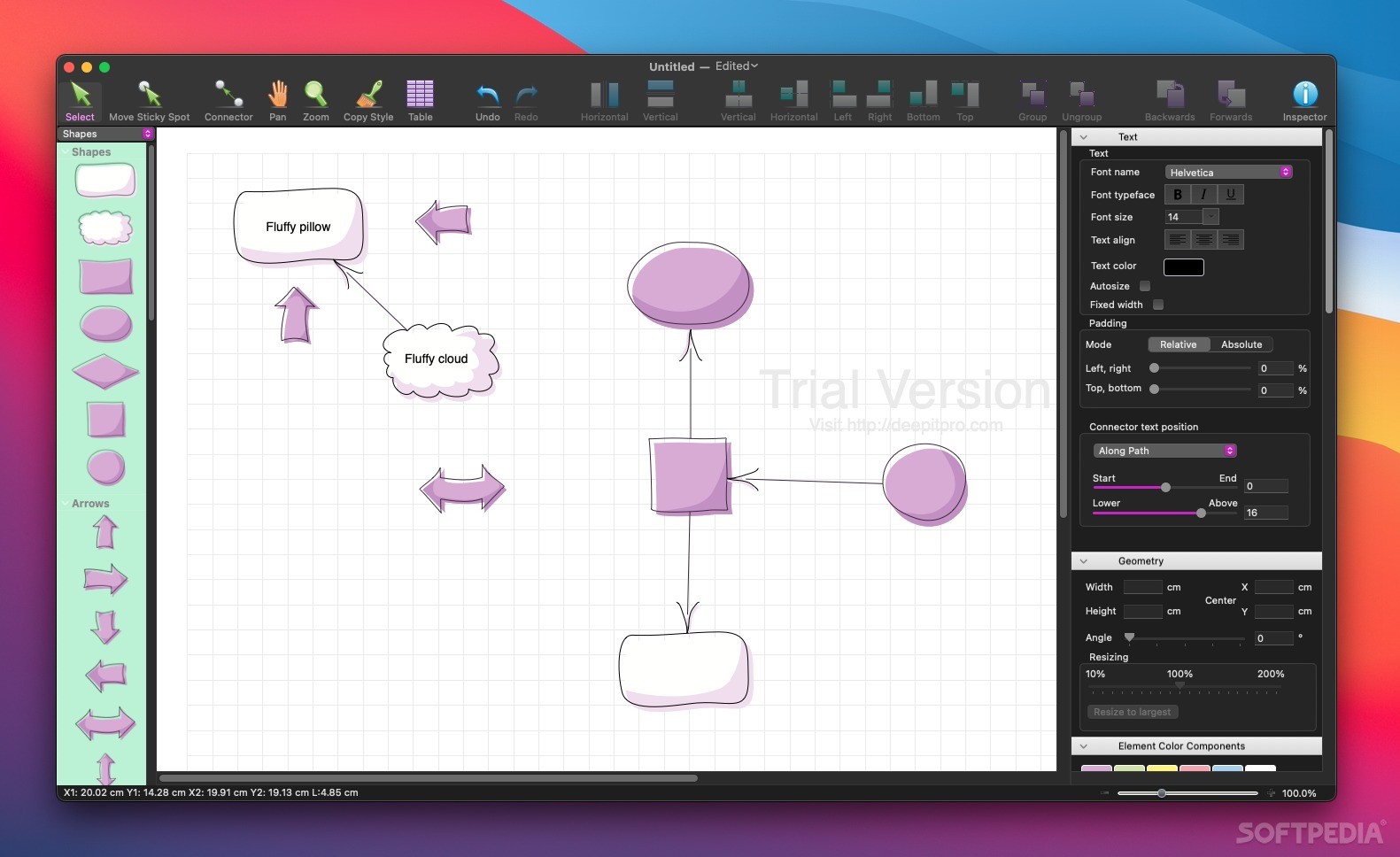
Building organized, visually appealing diagrams can help you get your ideas across to a larger audience or to organize your projects better. Diagrammix is an intuitive Mac app that can help you in this respect by providing access to a vast collection of specialized drawing tools.
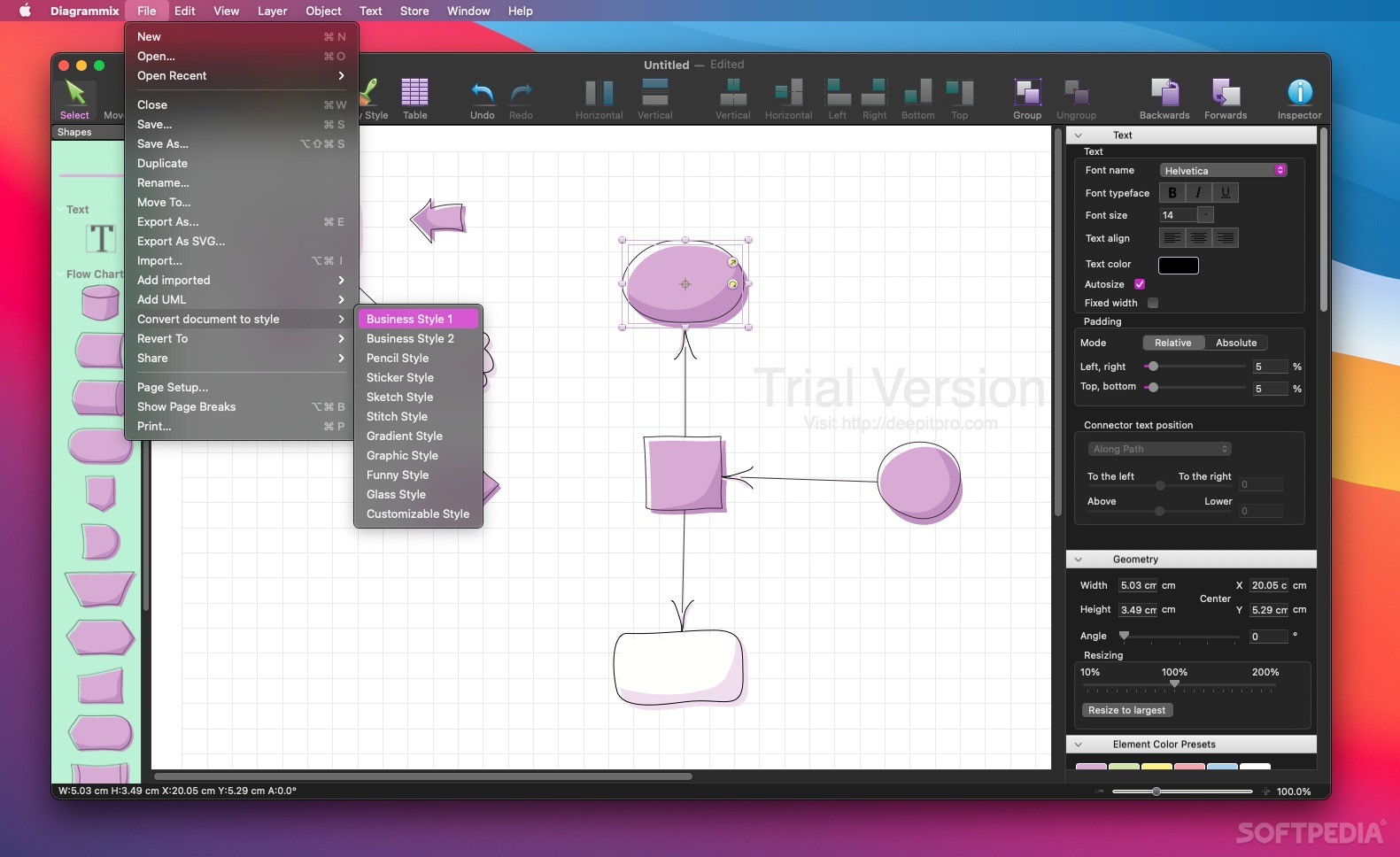
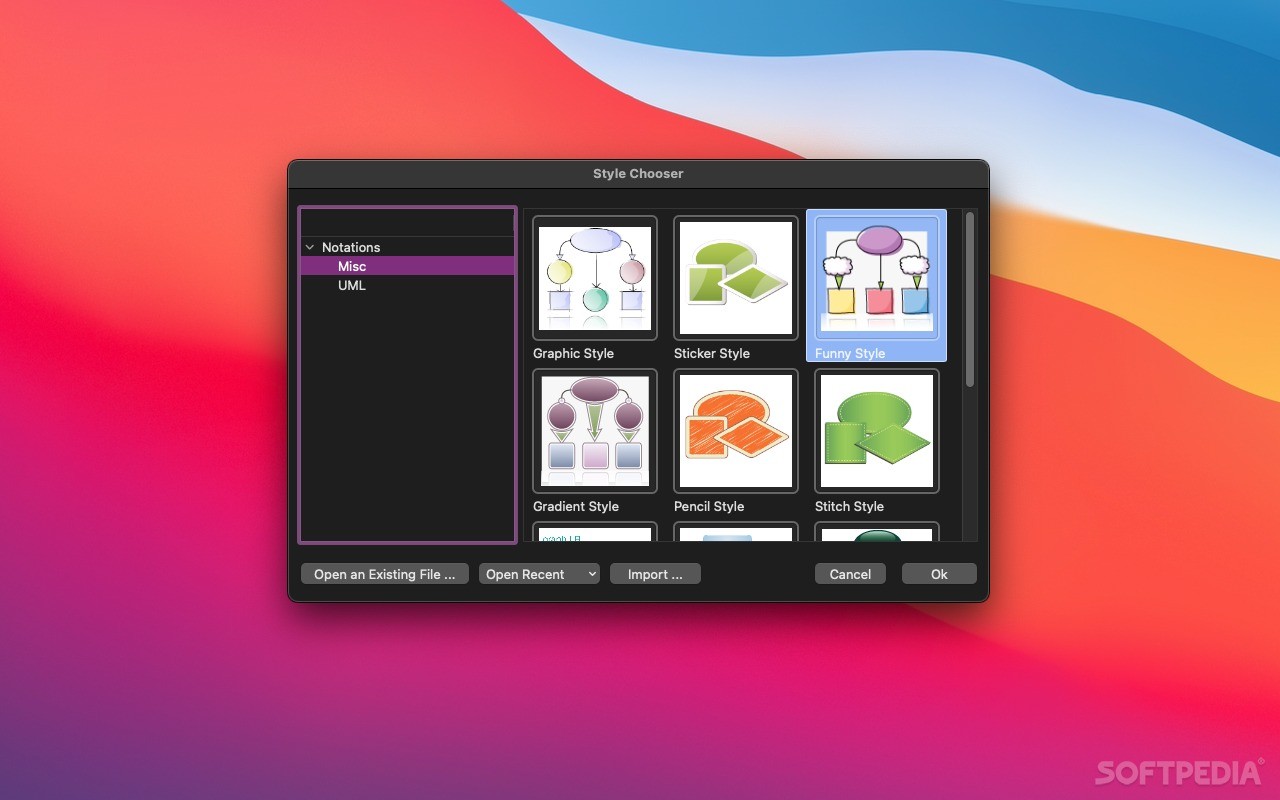
When you start a new Diagrammix project, the first step is to select the diagram’s style: the app comes with more than 10 different themes that you can preview in the Style Chooser main window. Note that the shapes design will change depending on the style your choose.
Finding your way around the app is relatively easy: the main window’s center area is reserved for the canvas, while on the sides you can view buttons for various tools (shapes or clipart objects that can be included in the diagram, text customization options, or project management functions).
Diagrammix comes with a plethora of predefined graphic elements that can be inserted with drag and drop actions, and then be customized in the same manner.
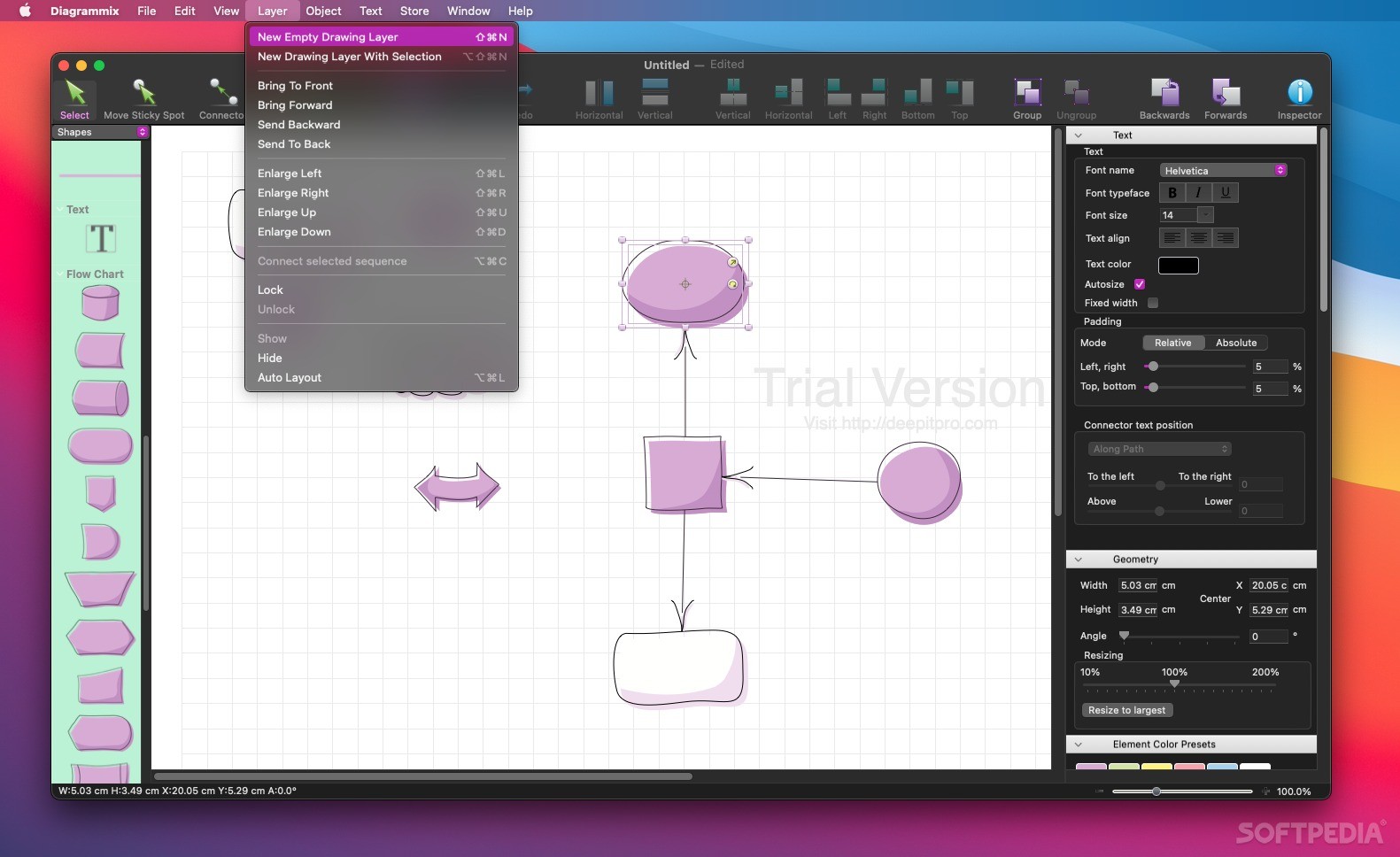
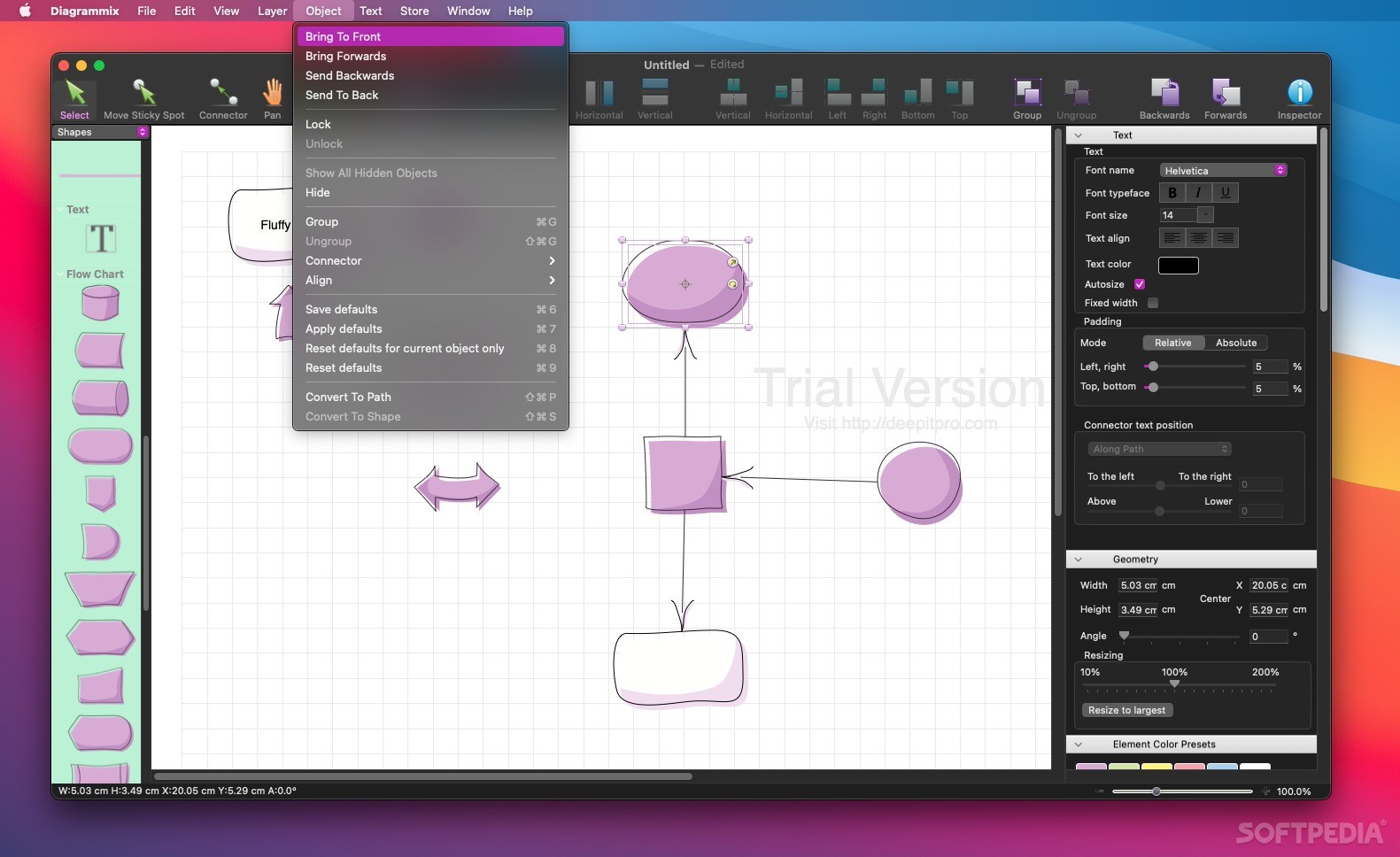
The app allows you to specify which object should be on top, enables you to group multiple items together, to arrange them by using predefined patterns, to create connections, to make annotations, or to insert images from other apps.
Once you are satisfied with the result, Diagrammix offers you the possibility to export the project to various file formats, such as PDF, SVG, PNG, JPG, or TIFF. However, you can also copy the project to your clipboard and insert it in any text processor in no time.
Since Diagrammix comes with predefined project themes, it is extremely easy to preserve the same style for the entire project: as a result, your projects will have a compact, professional look.
If you want to organize your ideas or projects visually without having to deal with complicated tools, Diagrammix certainly deserves your attention.
What's new in Diagrammix 2.21:
- Fixed links to support website.
Diagrammix 2.21
add to watchlist add to download basket send us an update REPORT- runs on:
- macOS 11.0 or later (Intel only)
- file size:
- 32.8 MB
- filename:
- Diagrammix.zip
- main category:
- Educational
- developer:
- visit homepage
Zoom Client

IrfanView

paint.net

Bitdefender Antivirus Free

Windows Sandbox Launcher

calibre

ShareX

7-Zip

4k Video Downloader

Microsoft Teams

- 7-Zip
- 4k Video Downloader
- Microsoft Teams
- Zoom Client
- IrfanView
- paint.net
- Bitdefender Antivirus Free
- Windows Sandbox Launcher
- calibre
- ShareX