Softpedia
 

MAC CATEGORIES:


GLOBAL PAGES >>
NEWS ARCHIVE >>
SOFTPEDIA REVIEWS >>
MEET THE EDITORS >>
WEEK'S BEST
  • AppCleaner 2.2
  • Reason 7.0.1 Build 3510
  • Apple iTunes 11.0.3
  • CrossOver Mac 12.2.1 Bu...
  • Skype 6.4.60.833
  • Mozilla Firefox 21.0 / ...
  • Skitch 2.5.2 Build 262792
  • Apple iMovie 9.0.9
  • Tunnelblick 3.2.9 / 3.3...
  • Sublime Text 2.0.1 Buil...
  • Home > Mac > Drivers
     Report malware

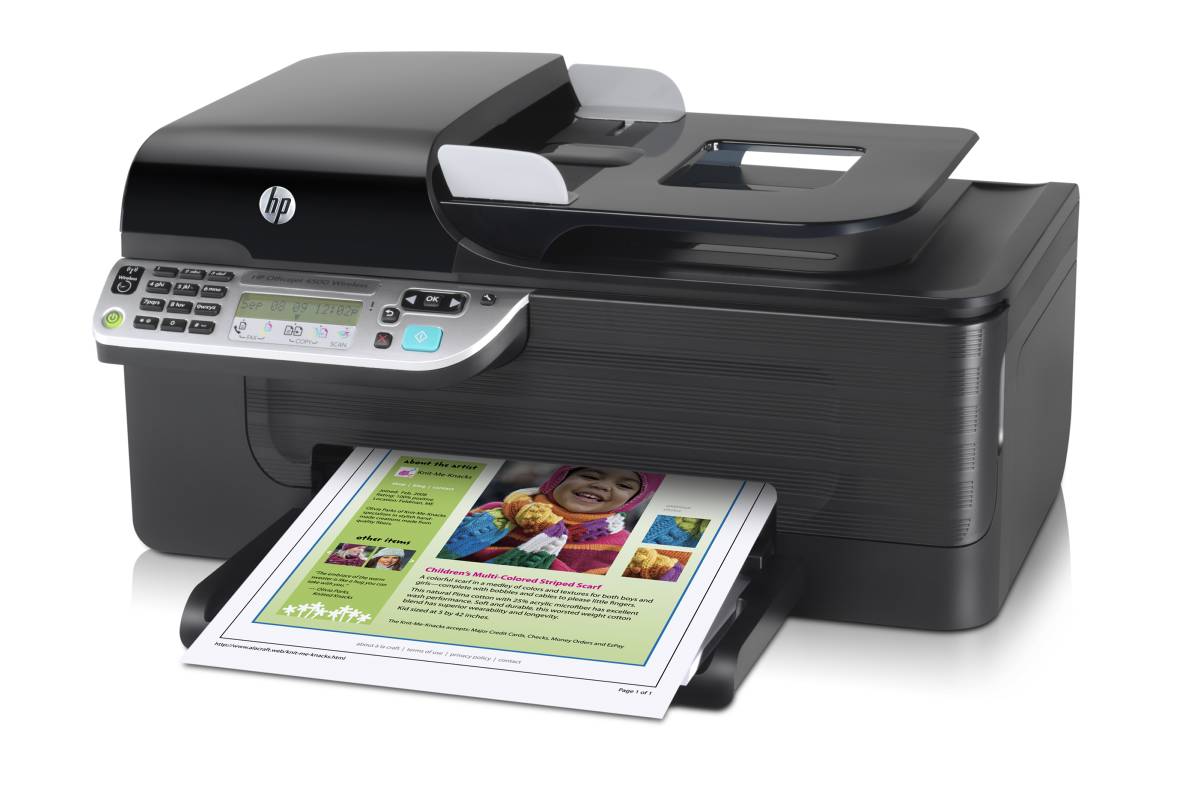
    HP Officejet 4500 Driver

    Download button

    Downloads: 52,824  Tell us about an update
    User Rating:
    Rated by:
    Very Good (4.0/5)
    74 user(s)
    Developer:

    License / Price:

    Size / OS:

    Binary Format:

    Last Updated:

    Category:
    Hewlett Packard | More programs
    Freeware / FREE
    177.6 MB / Mac OS X 10.4 or later
    -
    June 21st, 2010, 21:57 UTC
    Home / Drivers

     Read user reviews (1)  Refer to a friend  Subscribe

    HP Officejet 4500 Driver description

    OS X driver which allows your Mac to interface with a HP Officejet 4500 wireless all-in-one printer

    This is a free Mac OS X driver installer package for the HP Officejet 4500 wireless all-in-one printer.

    Enjoy the convenience of wireless connectivity with the Officejet 4500 wireless all-in-one printer. You'll be able to print, copy, scan, and fax all from one device, plus print at speeds as fast as 28 pages per minute in black and 22 in color. And with tje Officejet inks, you'll get professional-quality color printing at a low cost per page.

    Here are some key features of "HP Officejet 4500 Driver":

    Reliable and versatile:
    · Print, copy, scan, and fax with a single machine
    · Print fast at up to 28 pages per minute in black, 22 in color
    · Fax easily at speeds up to 33.6kpbs
    · Streamline large tasks with the 20-page automatic document feeder and 100-sheet paper tray
    · Preserve important documents for decades without fading

    Easy, excellent, economical:
    · Get great color graphics and photos, plus laser-quality black when using HP Officejet inks
    · Get bolder blacks, vivid color, and less smearing when using plain papers with ColorLok technology
    · Print borderless photos in sizes up to 8.5 x 11"
    · Print for less: get high-quality prints for a lower cost per page than lasers when using HP Officejet inks
    · Get three times the number of pages and a value price when you use high-capacity HP cartridges4
    · Print only what you need with HP Smart Web printing
    · See what's happening on the control panel with text display
    · Finish a critical job when ink is low—printing will complete with the remaining color or black cartridge
    · Save paper using the junk-fax blocker feature

    Wireless networking:
    · Print without messy cables via built-in Wi-Fi wireless 802.11g/b connectivity
    · Set up wired networking fast with the built-in Ethernet; there's no need for additional hardware or software; connect to a wireless network in as little time as 10 minutes

    Industry-leading supplies and support:
    · Get peace of mind with the one-year limited warranty and toll-free phone support
    · Find answers to your product questions online, 24 x 7, at our Consumer Support Forum, hp.com/support/consumer-forum
    · Get exclusive offers and discounts on supplies and get free next-day shipping with our "My Print Rewards" program
    · Recycle your cartridges—it's free and easy

    Requirements:

    · HP Officejet 4500 printer


    TAGS:

    Officejet 4500 driver | printer driver | HP driver | driver | Officejet 4500 | printer

    Go to top

    WindowsGamesDriversMacLinuxScriptsMobileHandheldNews

    SUBMIT PROGRAM   |   ADVERTISE   |   GET HELP   |   SEND US FEEDBACK   |   RSS FEEDS   |   UPDATE YOUR SOFTWARE   |   ROMANIAN FORUM