
Straightforward and user-intuitive one window web development application, designed to simplify your workflow and lighten your workload. #Source editor #Code editor #Site publisher #Web #Editor #Develop
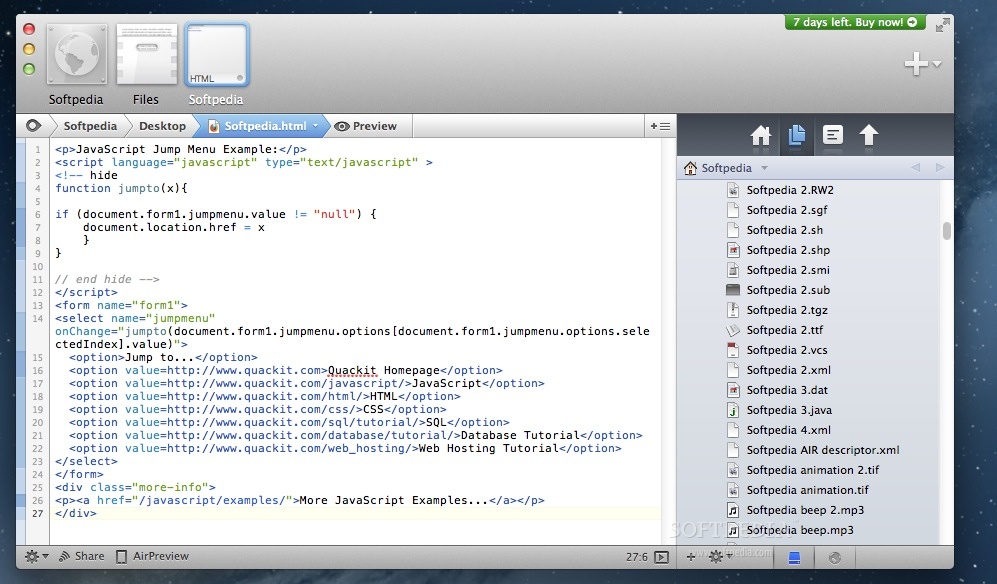
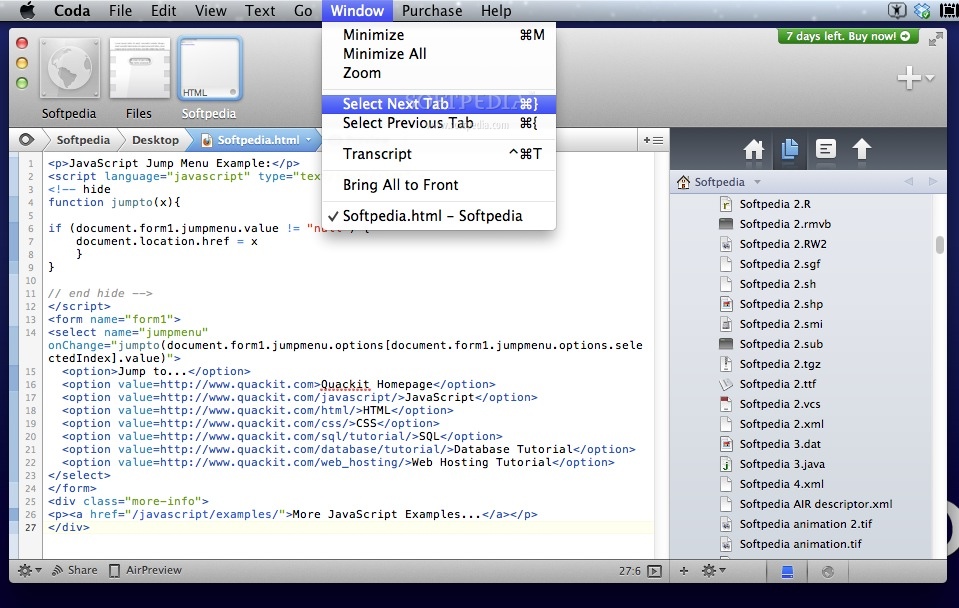
Going back and forth between several applications while developing web projects can prove to be fairly counterproductive. Coda is a web development application that combines various tools that can be used to design, built, and test your projects.
The Coda installation procedure is reduced to unarchiving the package and moving the utility to the Applications folder. All you have to do next is launch the application and start working on your projects.
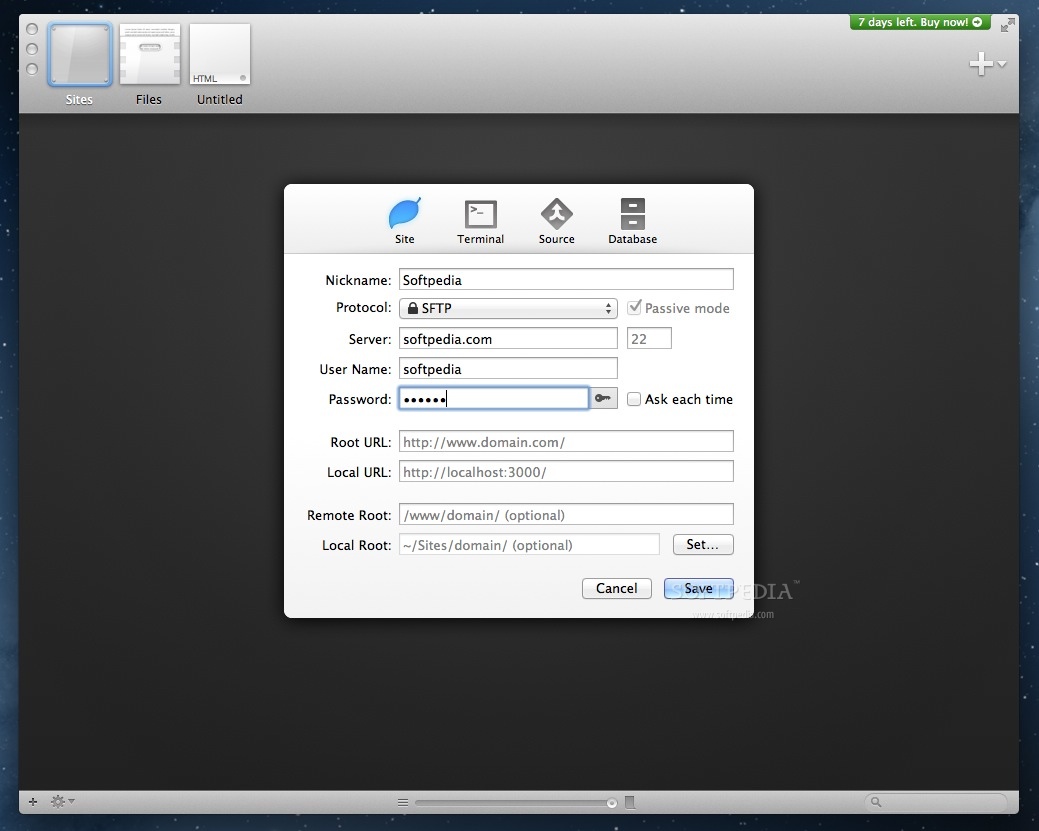
Coda is able to import entire websites together with all the files associated with the project. Once you get your website running on some type of web server you can use Coda to connect to the database and edit the source code : you must provide the Root and Local URL, setup a connection protocol, and offer authentication details.
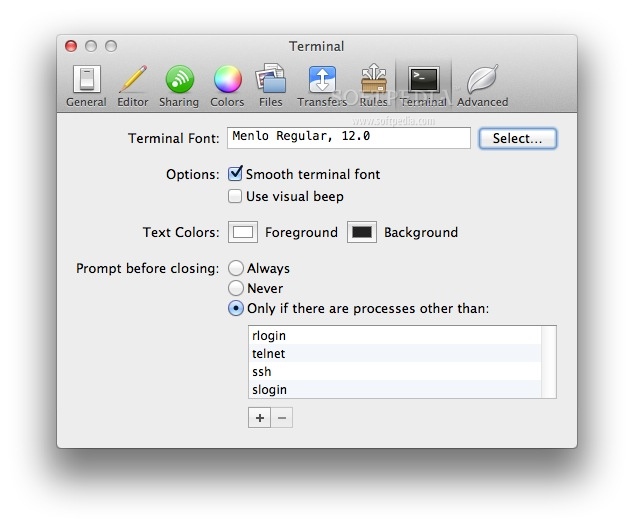
Via a drop down panel placed in the top right corner of the Coda main window you have the possibility to quickly open a new document, a Terminal window, or establish connections with MySQL databases. The same area provides access to a collection of books focused on various languages: HTML, CSS, JavaScript, JQuery, PHP, and much more.
The best part is that all the newly opened windows are automatically added to the Coda top toolbar: this way, you get to quickly navigate between them with a simple mouse click. Finding your way around the application should be fairly intuitive but, if you encounter any problems, the extensive Help document should be of help.
Coda provides a handful of useful tools that are imperative while developing various types of web projects: you get to design, develop, and test websites or applications without having to employ multiple software solutions.
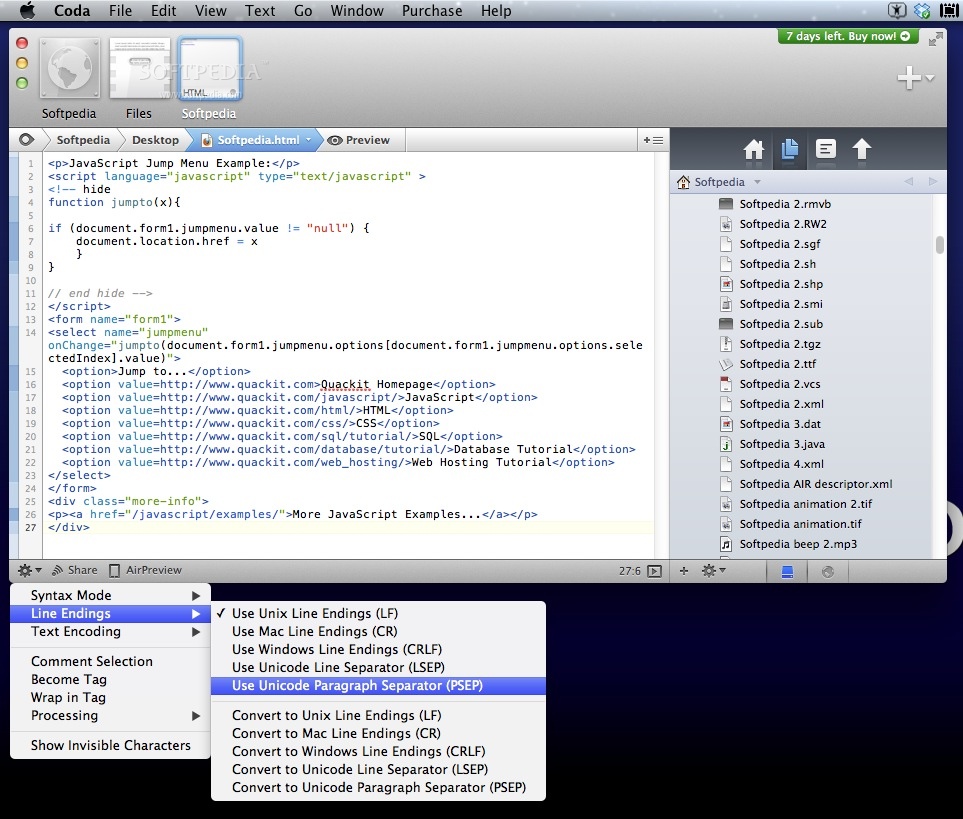
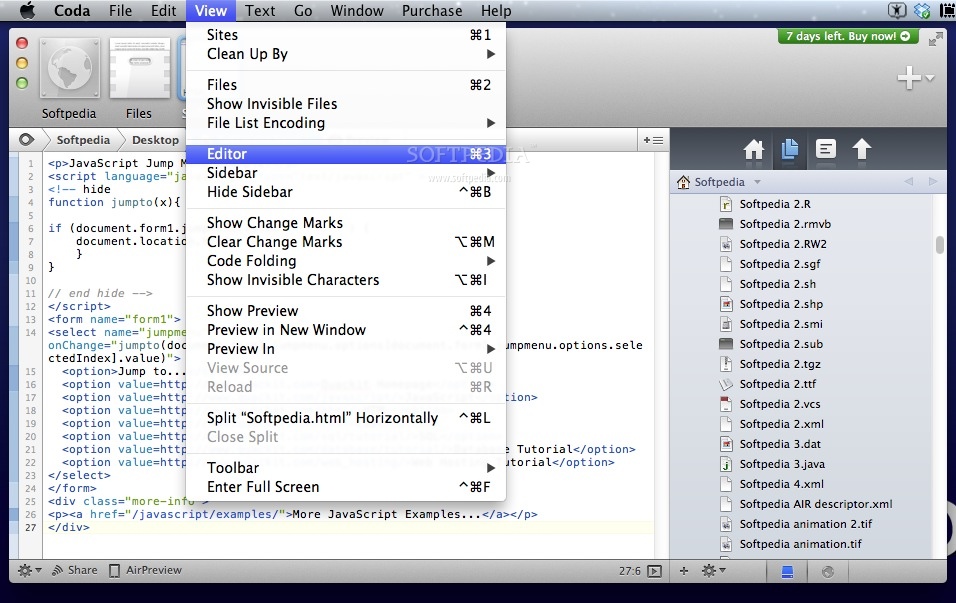
The application can help you code using various languages, enables you to manage your project’s files, comes with CSS support, includes a MySQL editor, and much more. Moreover, all these tools come in a clean, organized, and stylish user interface.
Download Hubs
Coda is part of these download collections: PHP Editor
What's new in Coda 2.7.7:
- Fixed:
- Resolved a potential crash when using AirPreview
- Dragging an image from the Files sidebar to the editor now inserts an tag instead of the file path
- Resolved an issue where dragging a text selection would copy instead of move it
Coda 2.7.7
 Softpedia Editor's Pick
add to watchlist
add to download basket
send us an update
REPORT
Softpedia Editor's Pick
add to watchlist
add to download basket
send us an update
REPORT
- runs on:
- macOS 10.13 or later (Intel only)
- file size:
- 71.6 MB
- filename:
- Coda 2.7.7.zip
- main category:
- Development
- developer:
- visit homepage
Windows Sandbox Launcher

calibre

IrfanView

7-Zip

Bitdefender Antivirus Free

ShareX

paint.net

Zoom Client

Microsoft Teams

4k Video Downloader

- Zoom Client
- Microsoft Teams
- 4k Video Downloader
- Windows Sandbox Launcher
- calibre
- IrfanView
- 7-Zip
- Bitdefender Antivirus Free
- ShareX
- paint.net