
A fully-featured and versatile Integrated Development Environment that enables you create a wide variety of websites and applications. #Web IDE #HTML IDE #CSS IDE #IDE #Edit #JavaScript
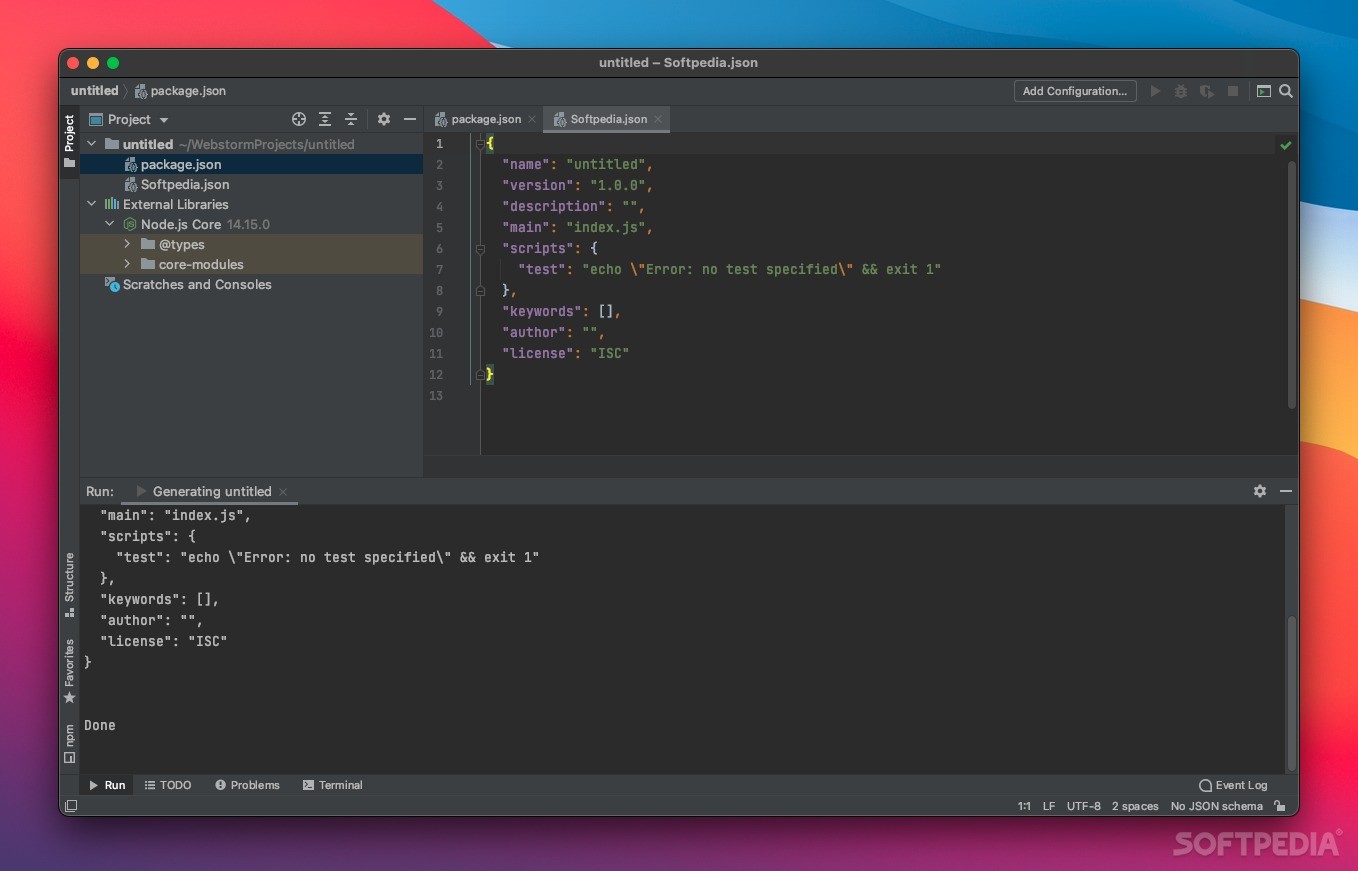
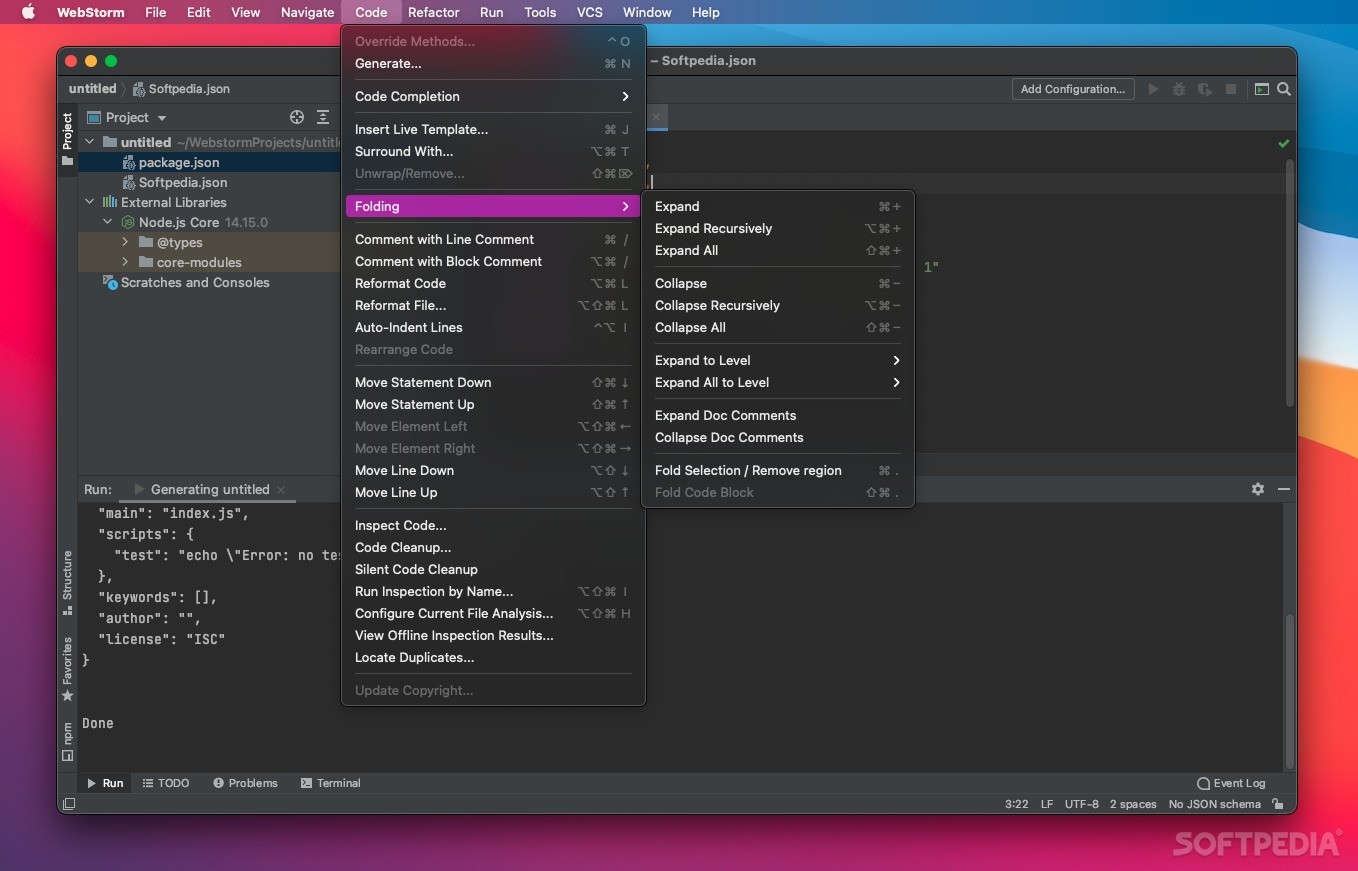
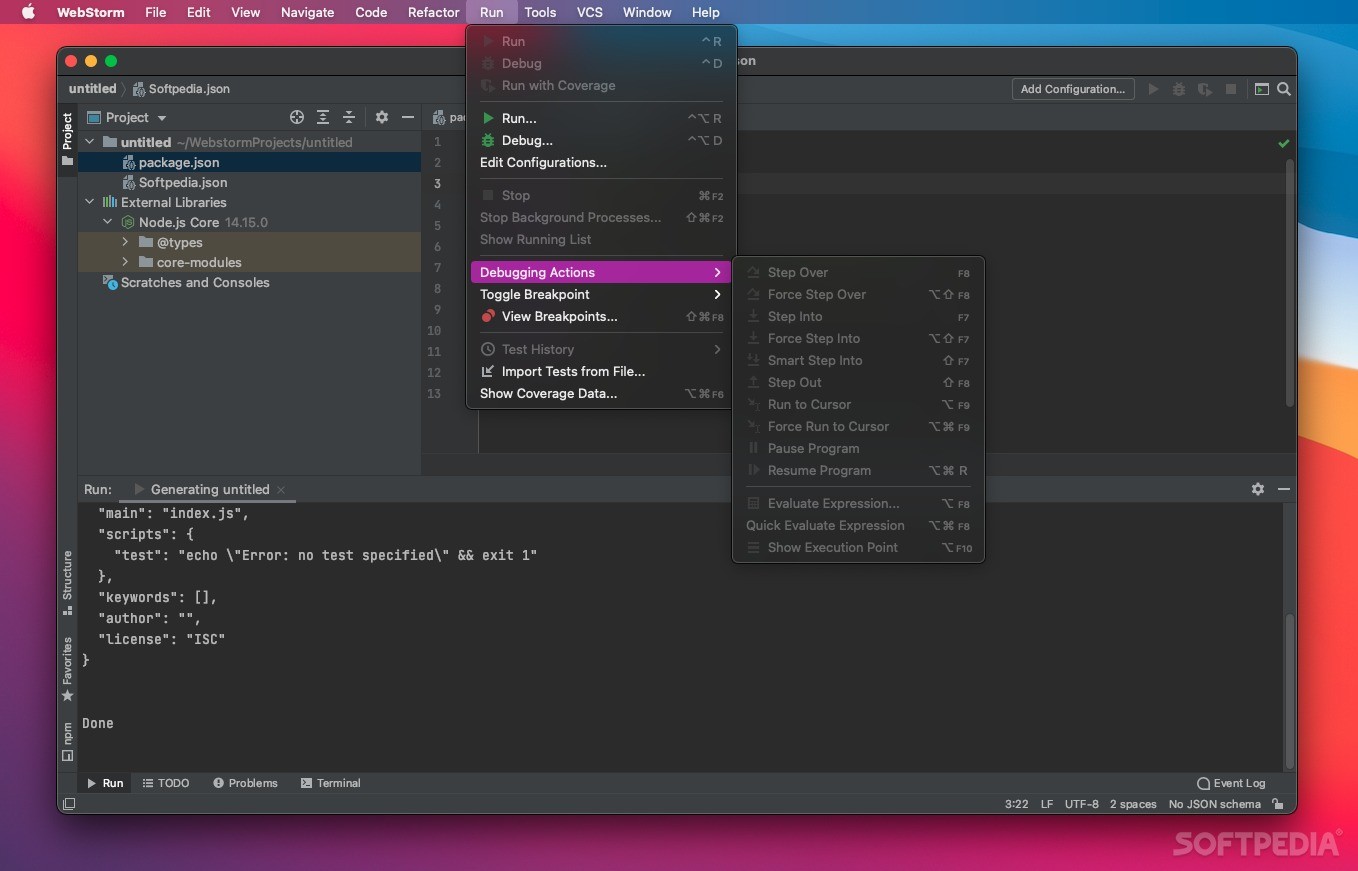
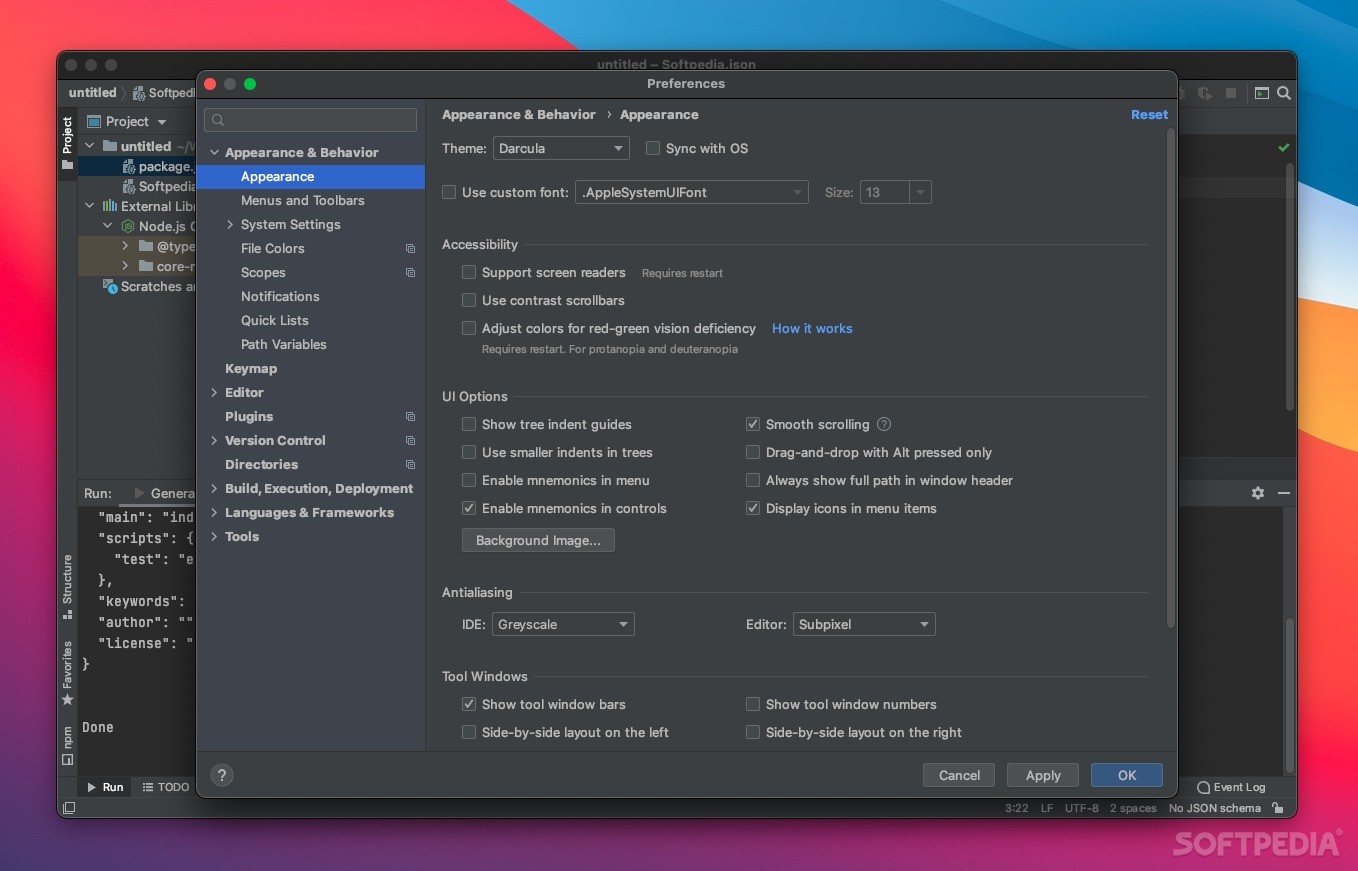
WebStorm is a powerful and flexible IDE for JavaScript, CSS and HTML built on IntelliJ IDEA that comes with pre-installed JavaScript plugins, automatic code completion, on-the-fly code analysis, refactoring support, as well as VCS integration.
WebStorm’s built-in editor is designed to understand your code and its structure in order to deliver the needed code completion you need. WebStorm also offers full coding assistance for language mixtures like HTML inside JavaScript strings.
The integrated spellchecker automatically checks texts in tags, comments, code strings to prevent misspellings and typos on your webpage. The spellchecker also checks variable names, IDs and CSS classes.
Moreover, the code quality analysis performs hundreds of language specific code inspections that constantly analyze the entire project as you type, a fact that enables you to view the identified problems. Thanks to the smart quick-fixes you can take advantage of the offered instant solutions and streamline your workflow.
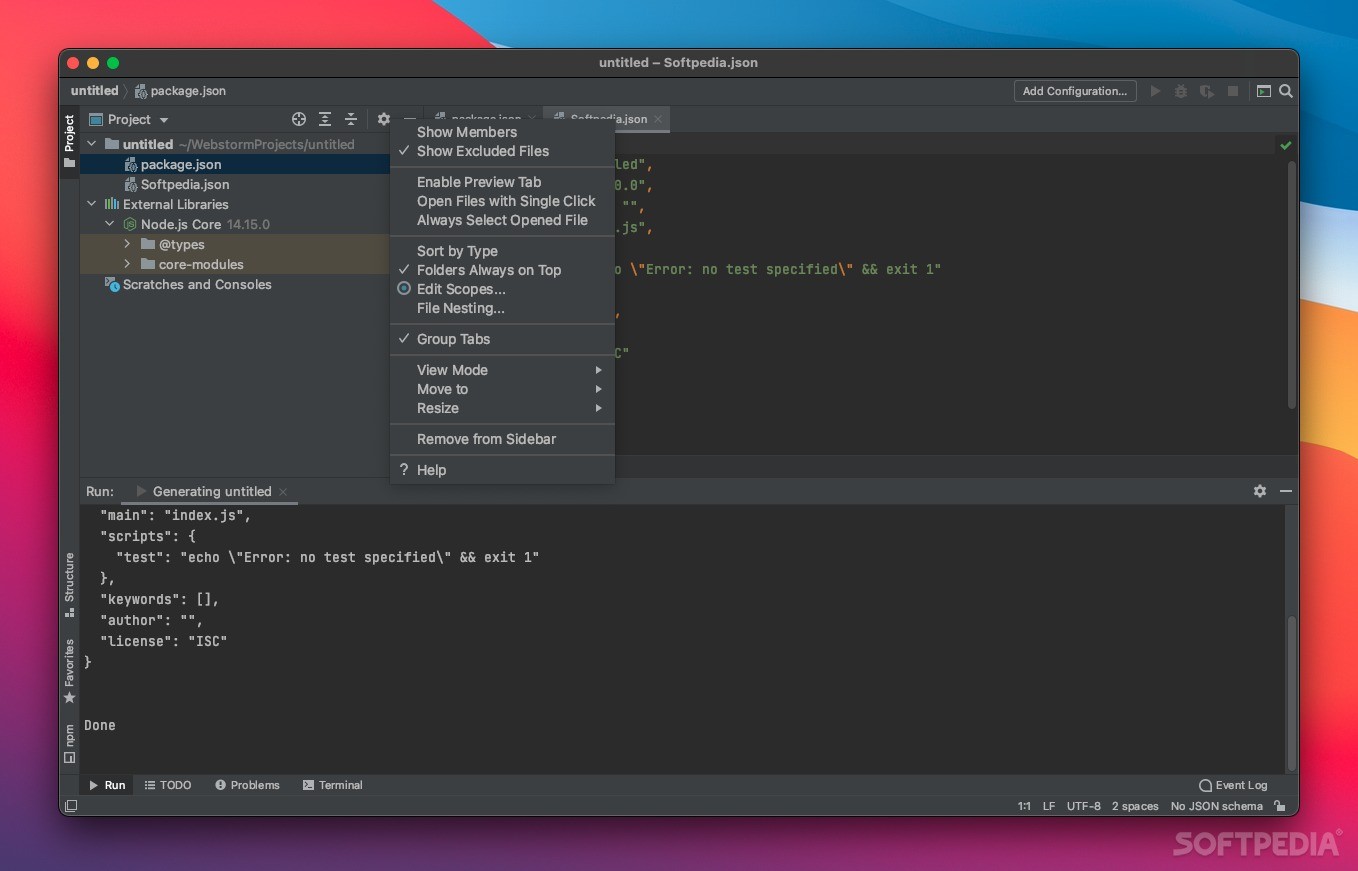
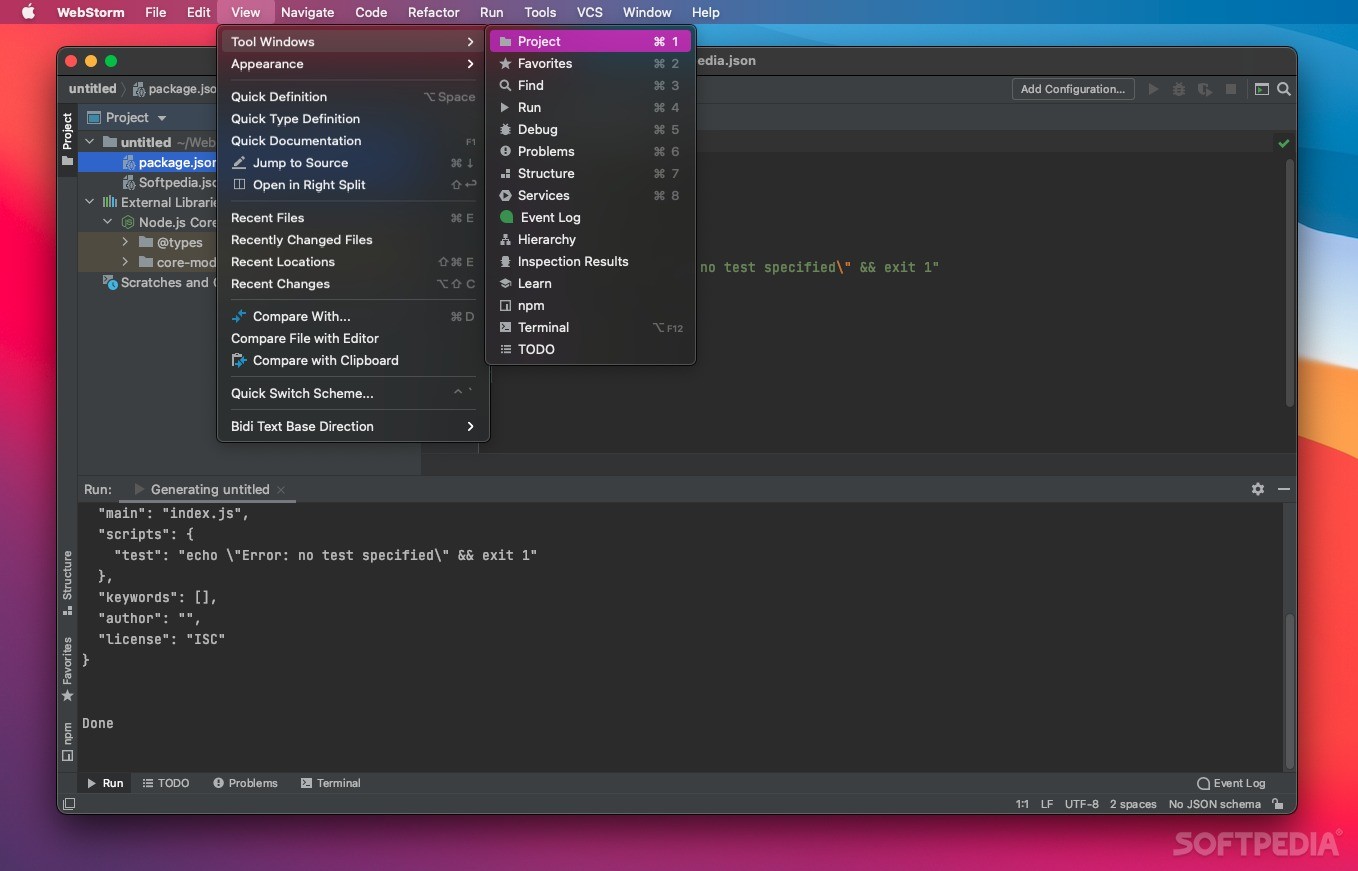
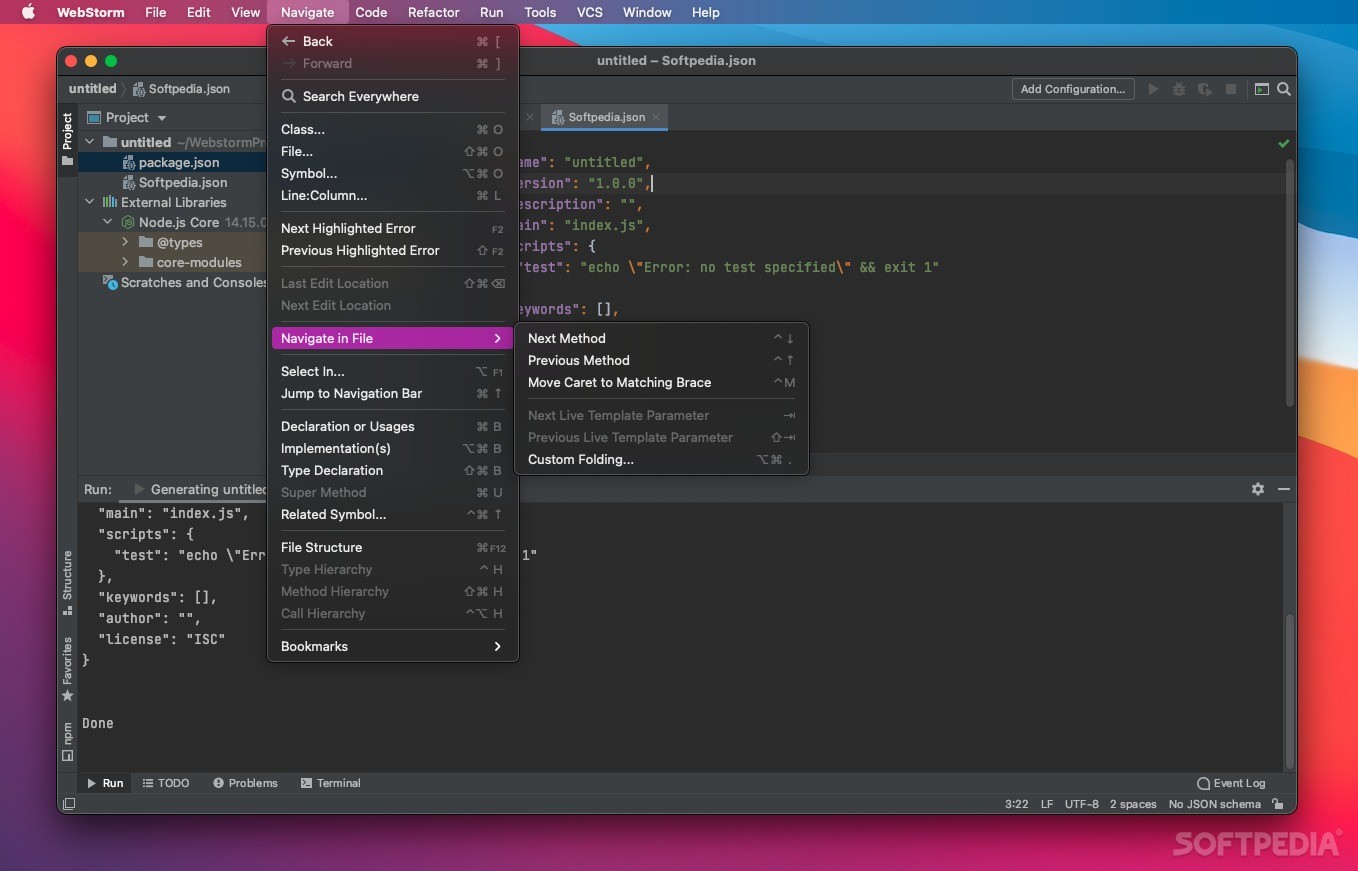
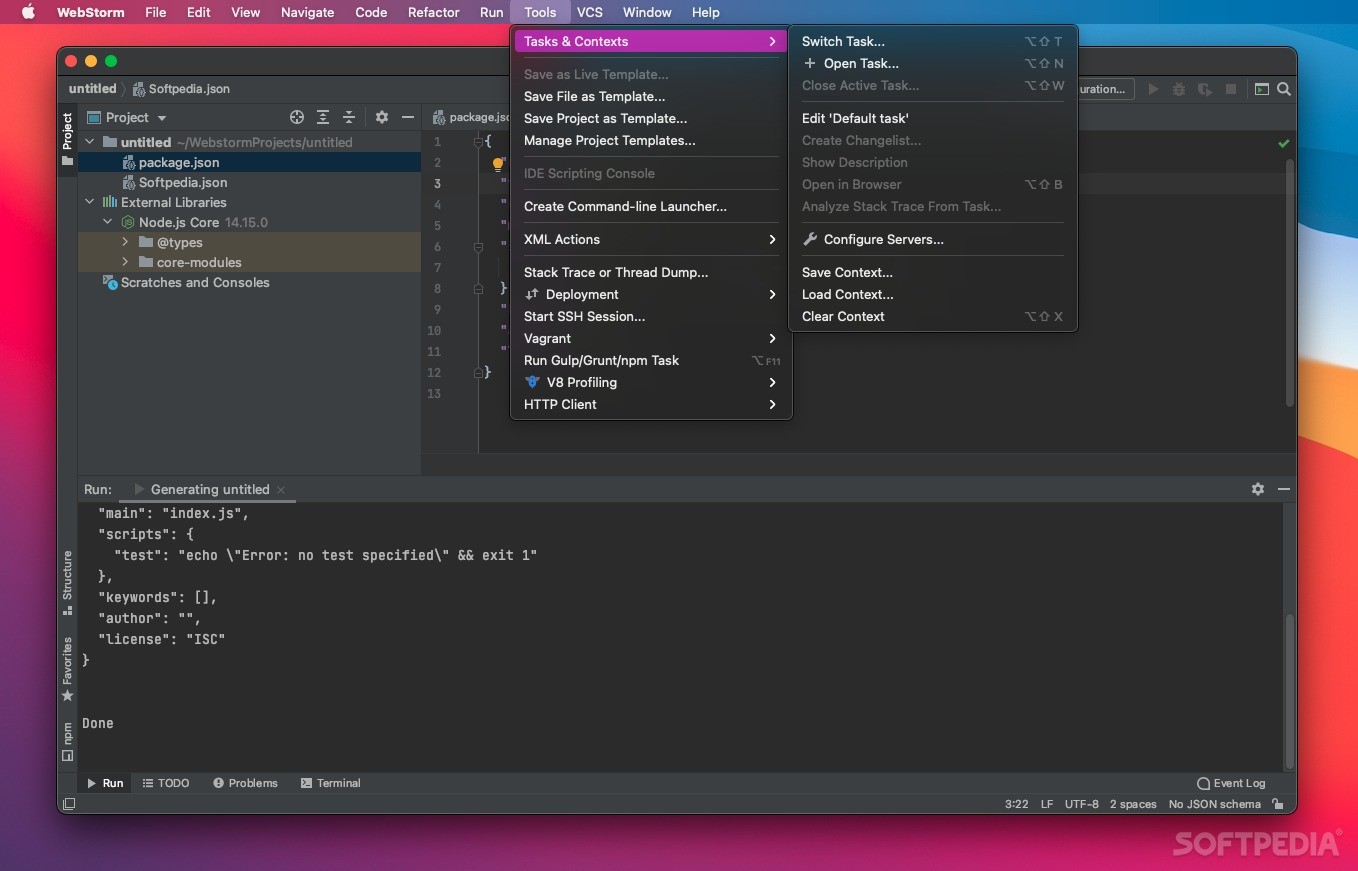
At the same time, the seamless integration of tools such as Bower, Grunt and npm enables you to be more productive without leaving the IDE. The intuitive keyboard shortcuts to all IDE actions along with the multiple cursors and selections feature in the editor makes it easy for you to work more efficiently.
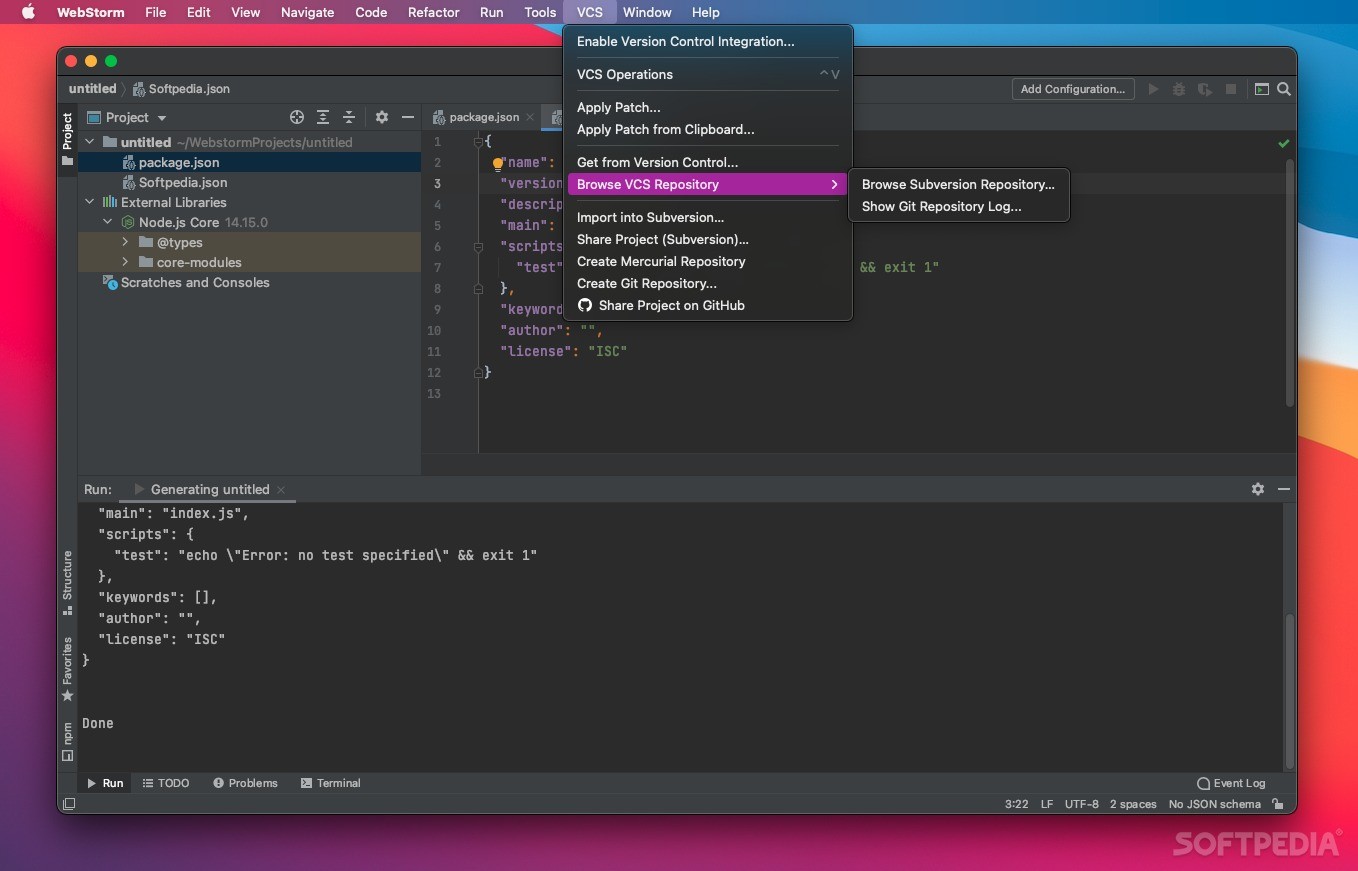
On top of that, WebStorm provides support for most Version Control Systems such as Git, GitHub Mercurial, Perforce, Subversion and SVN. While the local history keeps your files safe and secure, the unified UI enables you to focus on your work regardless of where you keep your code.
WebStorm also comes with remote deployment facilities over FTP, SFTP and network drives that help you edit your project files locally and deploy back to the remove server using automatic synchronization on file save or on demand.
To conclude, WebStorm is a well-thought-out and smart IDE for both client-side and server-side development, designed from the ground up to provide you with all the tools you'd need to create web apps from scratch, as easy and as quick as possible.
What's new in WebStorm 2024.1.1 Build 241.15989.47:
- We’ve fixed the UI freezes and performance issue after copying and pasting code in the IDE (WEB-65787).
- We’ve fixed the issue causing phantom errors (WEB-65474).
WebStorm 2024.1.1 Build 241.15989.47
add to watchlist add to download basket send us an update REPORT- runs on:
- macOS 12.0 or later (Universal Binary)
- file size:
- 742.8 MB
- filename:
- WebStorm-2024.1.1-aarch64.dmg
- main category:
- Development
- developer:
- visit homepage
Microsoft Teams

paint.net

IrfanView

Bitdefender Antivirus Free

ShareX

calibre

4k Video Downloader

7-Zip

Zoom Client

Windows Sandbox Launcher

- 7-Zip
- Zoom Client
- Windows Sandbox Launcher
- Microsoft Teams
- paint.net
- IrfanView
- Bitdefender Antivirus Free
- ShareX
- calibre
- 4k Video Downloader