
Visual CSS editor for serious or aspiring CSS designers that helps you test your projects in multiple browsers, comes with CSS validation capabilities, and more. #CSS editor #Edit CSS #CSS formatter #CSS #Edit #Design
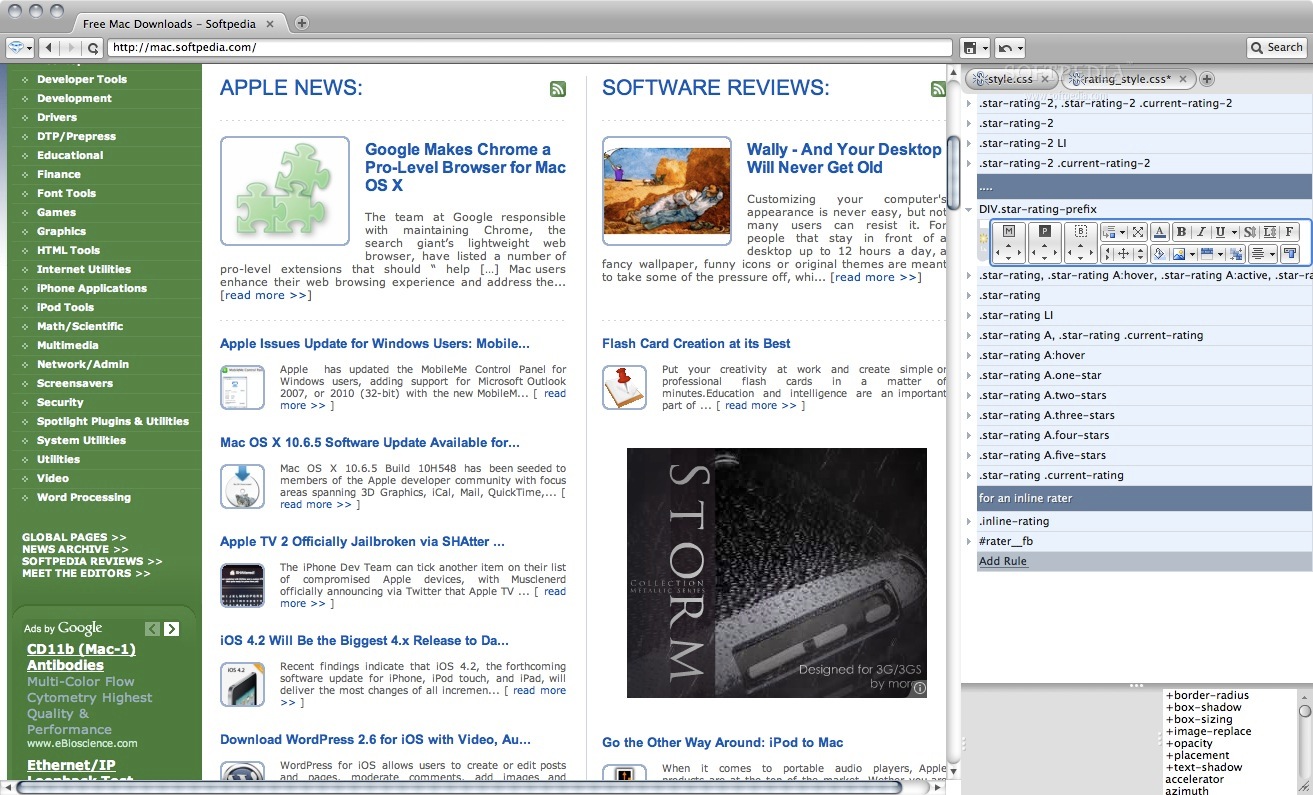
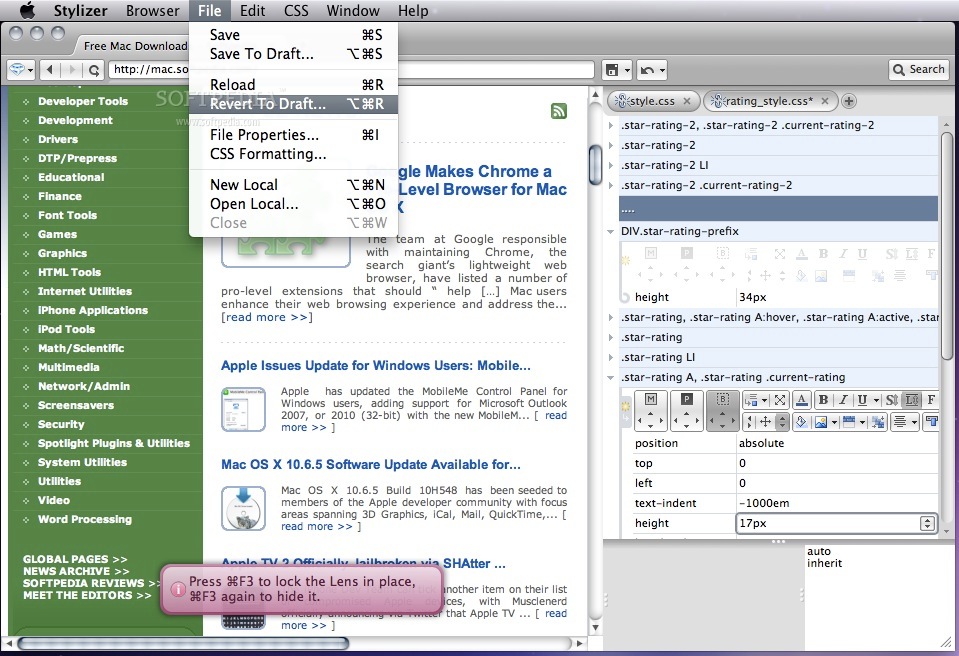
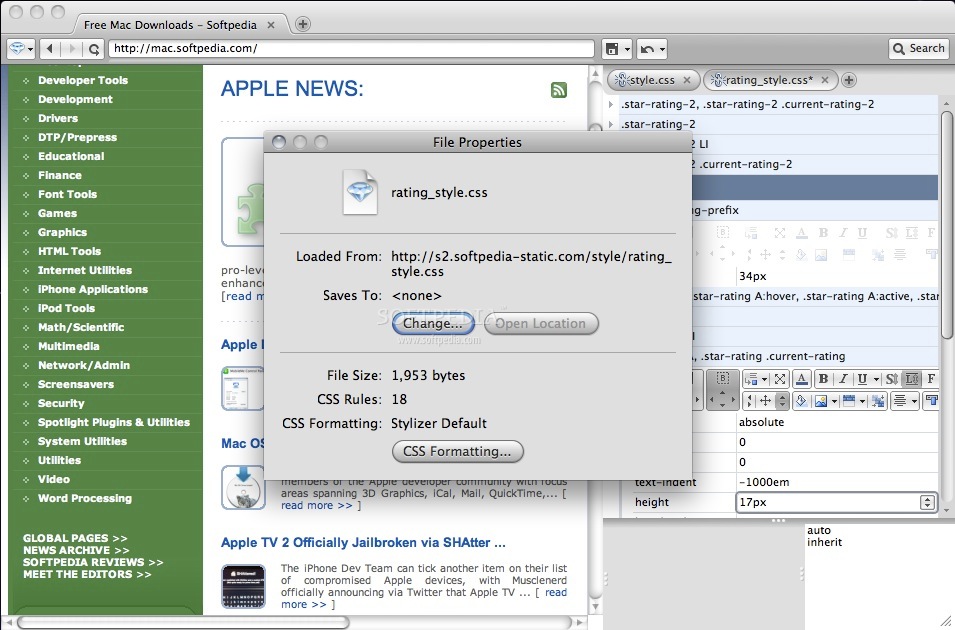
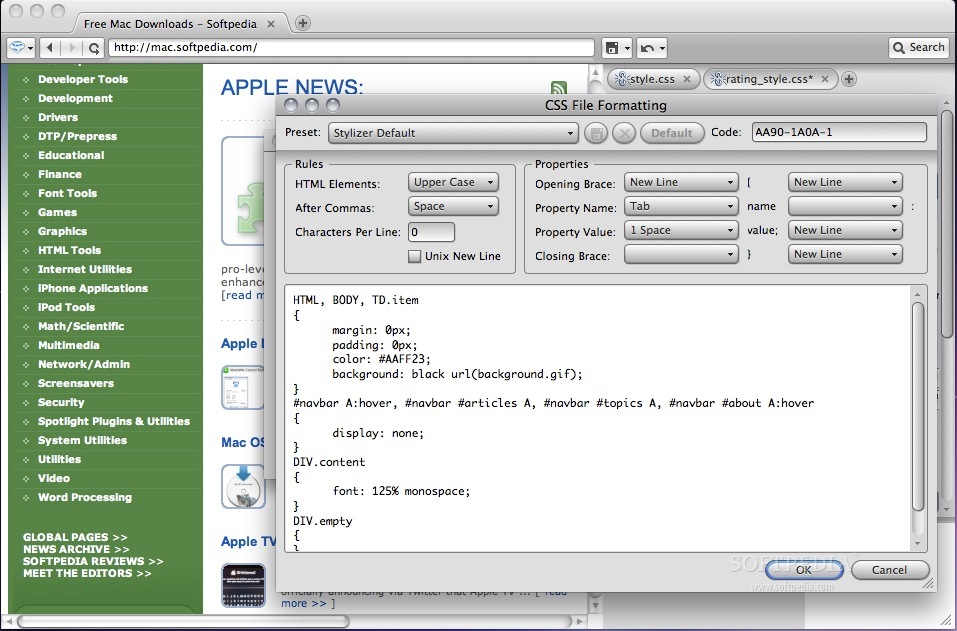
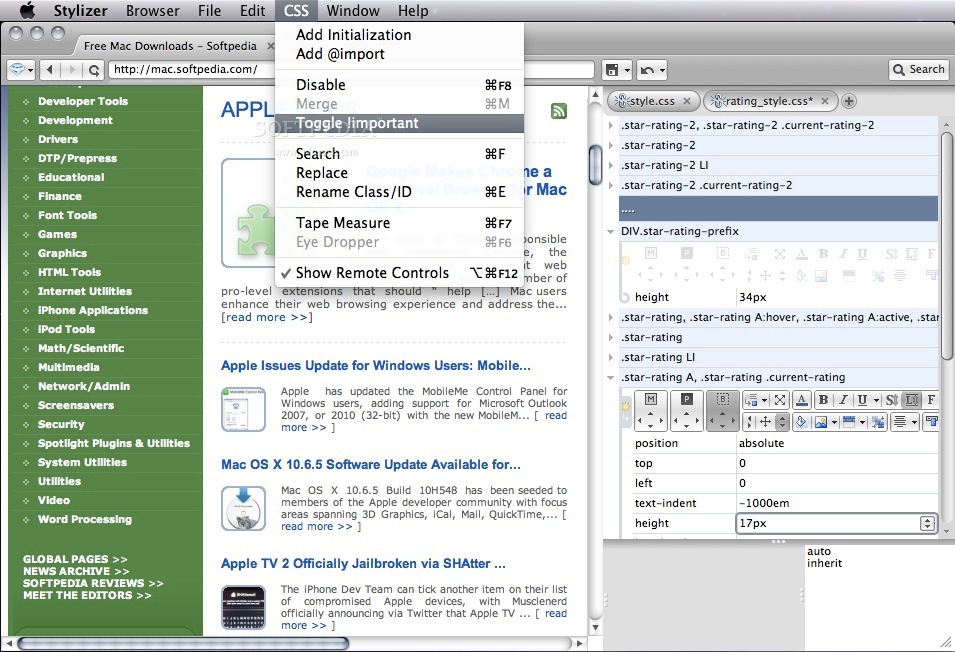
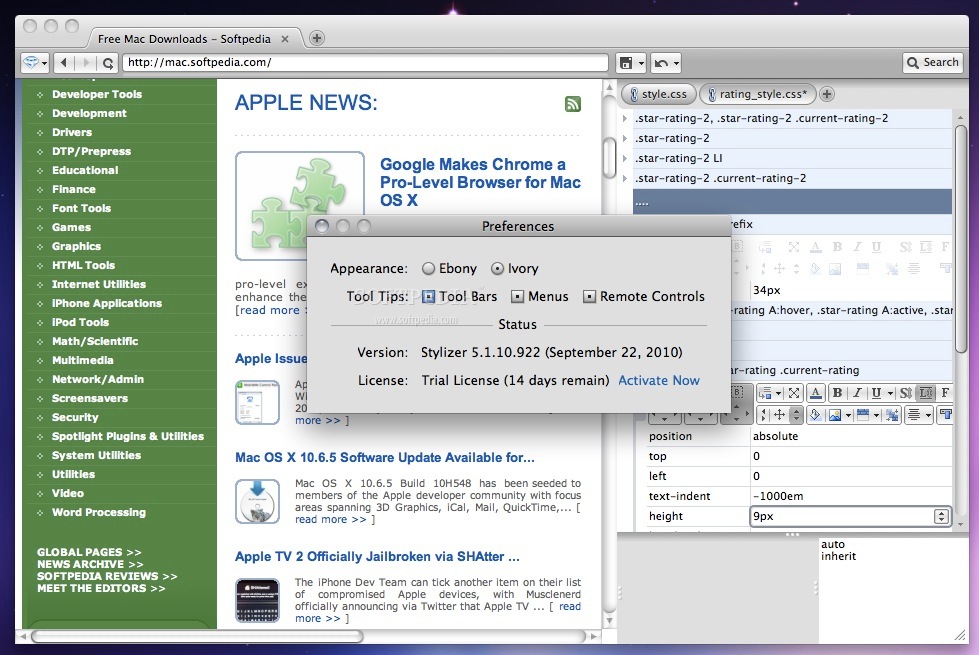
Stylizer is a simple to use and massively productive visual CSS editor for serious and/or aspiring CSS designers.
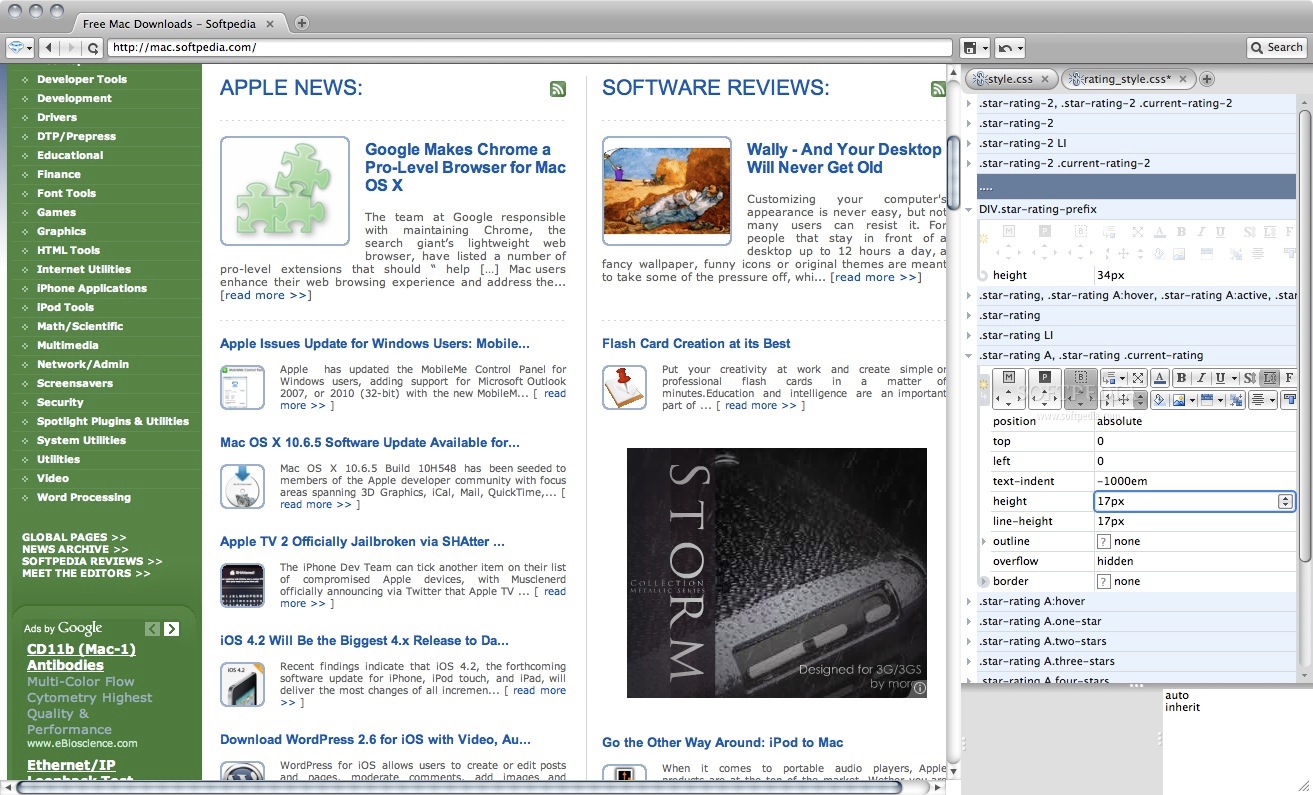
Stylizer is the only pro-class CSS editor designed to disallow invalid CSS from ever entering the mix. Everything created is 100% cruft-free. Plus, you're able to preview your design in real-time, in 8 integrated web browsers. All without any loss in control.
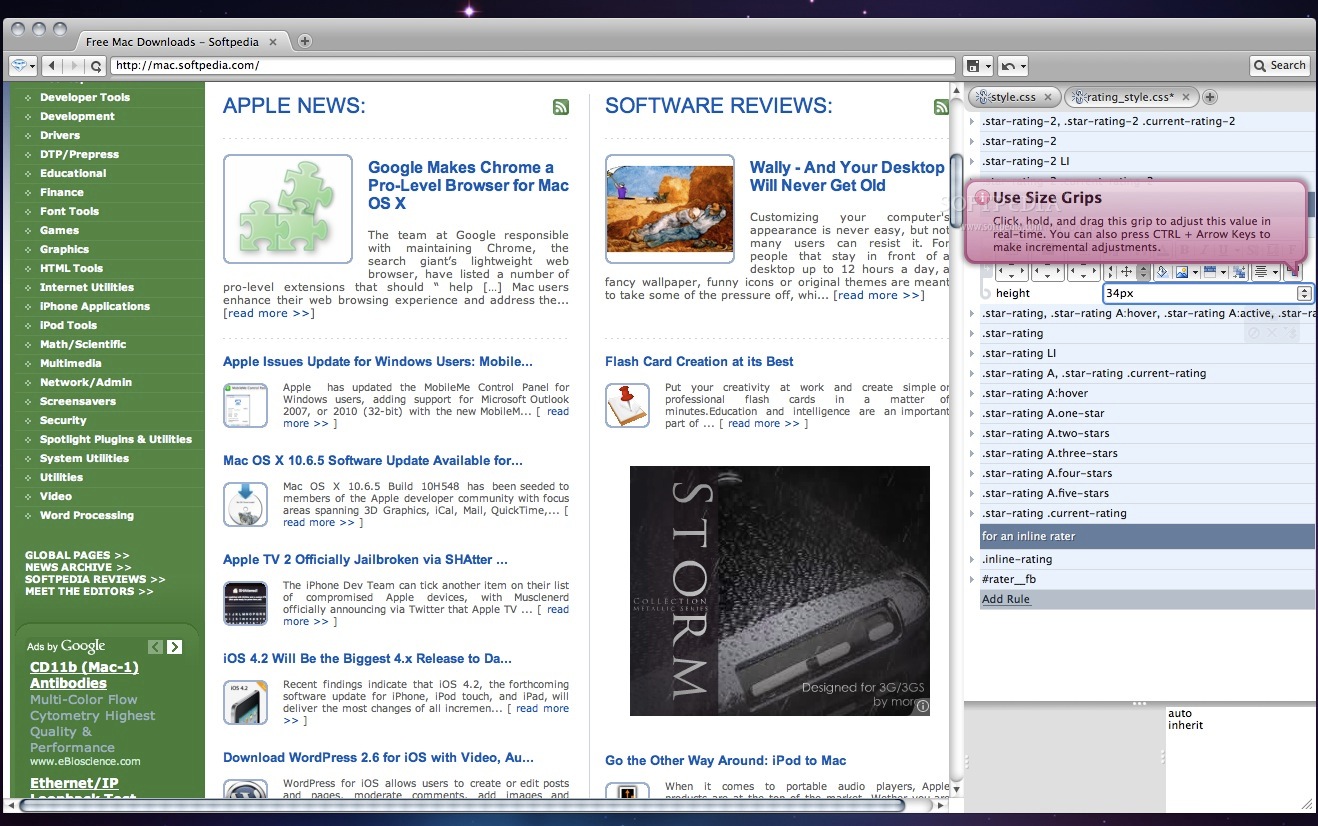
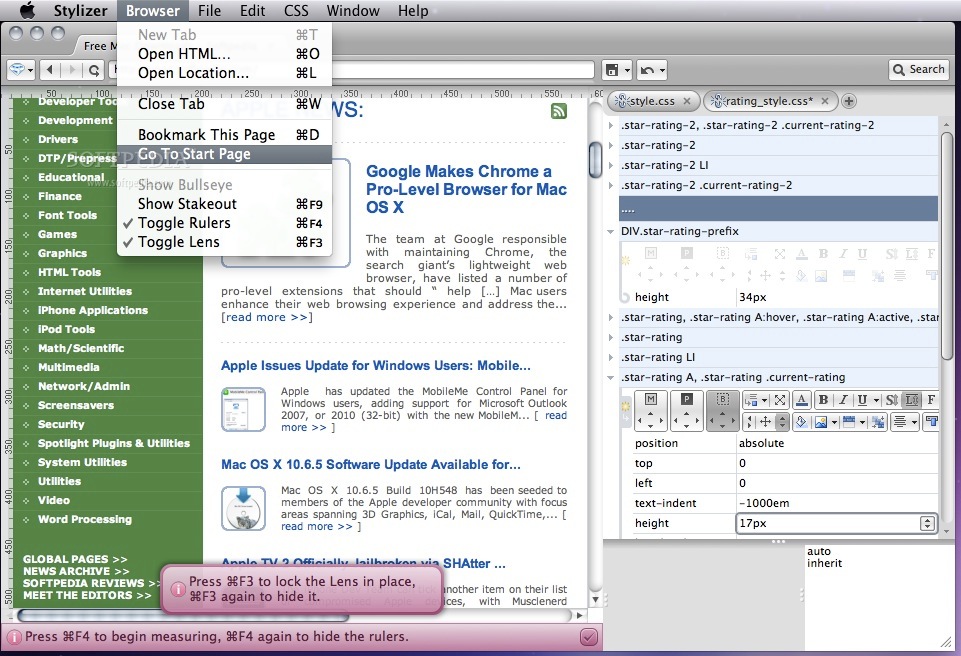
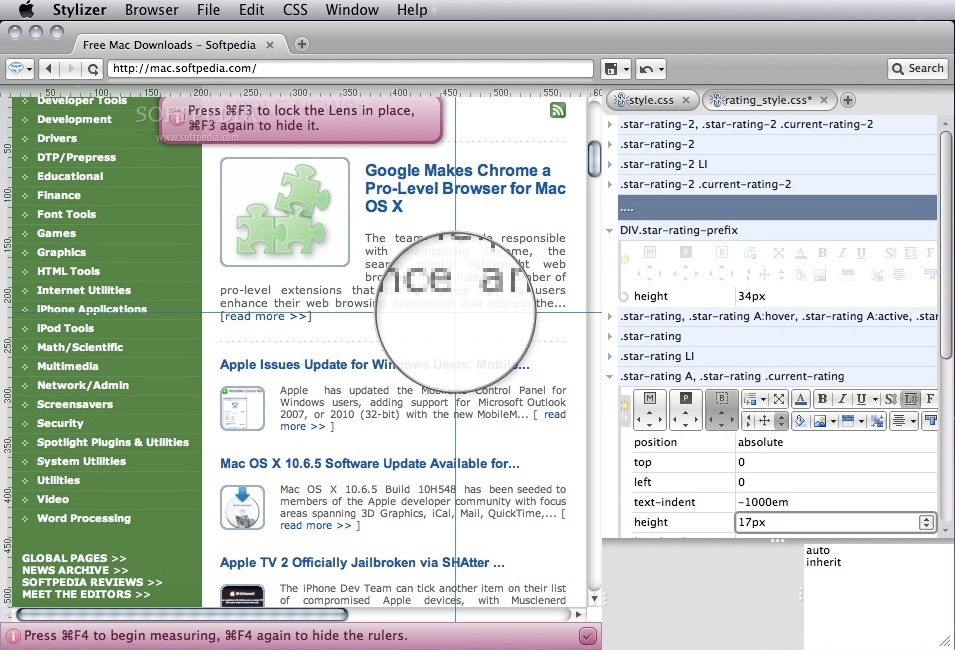
The Stylizer mindset is an epic shift in the way designers interact with CSS. Staggeringly powerful functionality like drag-and-drop adjusting, Bullseye, and a myriad of CSS simplification features cannot be done with standard tools.
Stylizer teaches you CSS subliminally, by simply making CSS make sense. The best way to learn how CSS works is by interacting with a real-time visual tool that reveals how the pieces fit together. Stylizer doesn't get in your way, regardless of how well you know CSS.
System requirements
- 64-bit processor
Limitations in the unregistered version
- 14 days trial
Download Hubs
Stylizer is part of these download collections: CSS Editor
Stylizer 7.17.1127.805
add to watchlist add to download basket send us an update REPORT- runs on:
- OS X 10.9 or later (Intel only)
- file size:
- 18.3 MB
- filename:
- Stylizer7Install.dmg
- main category:
- Development
- developer:
- visit homepage
Zoom Client

4k Video Downloader

IrfanView

ShareX

Context Menu Manager

Bitdefender Antivirus Free

7-Zip

Microsoft Teams

Windows Sandbox Launcher

calibre

- Microsoft Teams
- Windows Sandbox Launcher
- calibre
- Zoom Client
- 4k Video Downloader
- IrfanView
- ShareX
- Context Menu Manager
- Bitdefender Antivirus Free
- 7-Zip