| Eclipse SDK description |
Download |
 |
|
The Eclipse Project is an open source software development project dedicated to providing a robust, full-featured, commercial-quality, industry platform for the development of highly integrated tools.
The mission of the Eclipse Project is to adapt and evolve the eclipse technology to meet the needs of the eclipse tool building community and its users, so that the vision of eclipse as an industry platform is realized.
Eclipse is a kind of universal tool platform - an open extensible IDE for anything and yet nothing in particular.
The real value comes from tool plug-ins that "teach" Eclipse how to work with things - java files, web content, graphics, video - almost anything one can imagine. Eclipse allows tool builders to independently develop tools that integrate with other people's tools so seamlessly you can't tell where one tool ends and another starts.
Here are some key features of "Eclipse SDK":
· Workbench
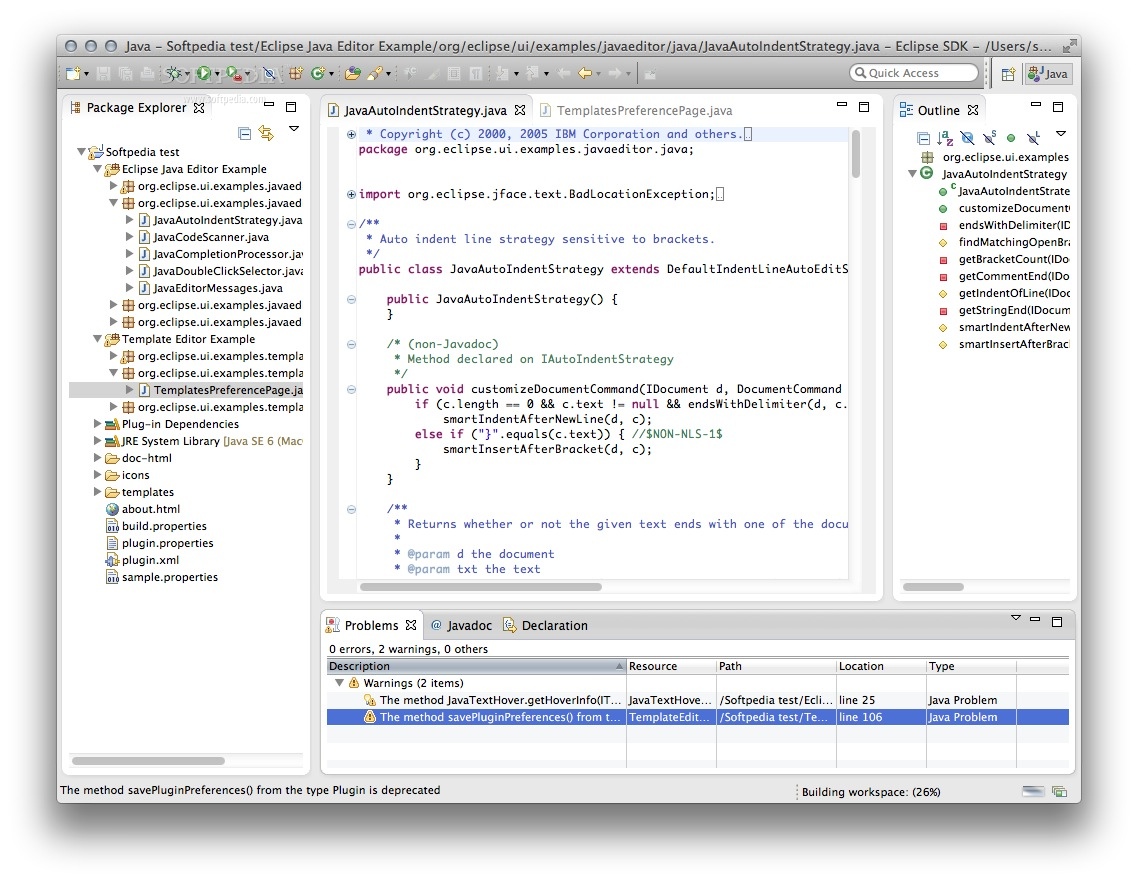
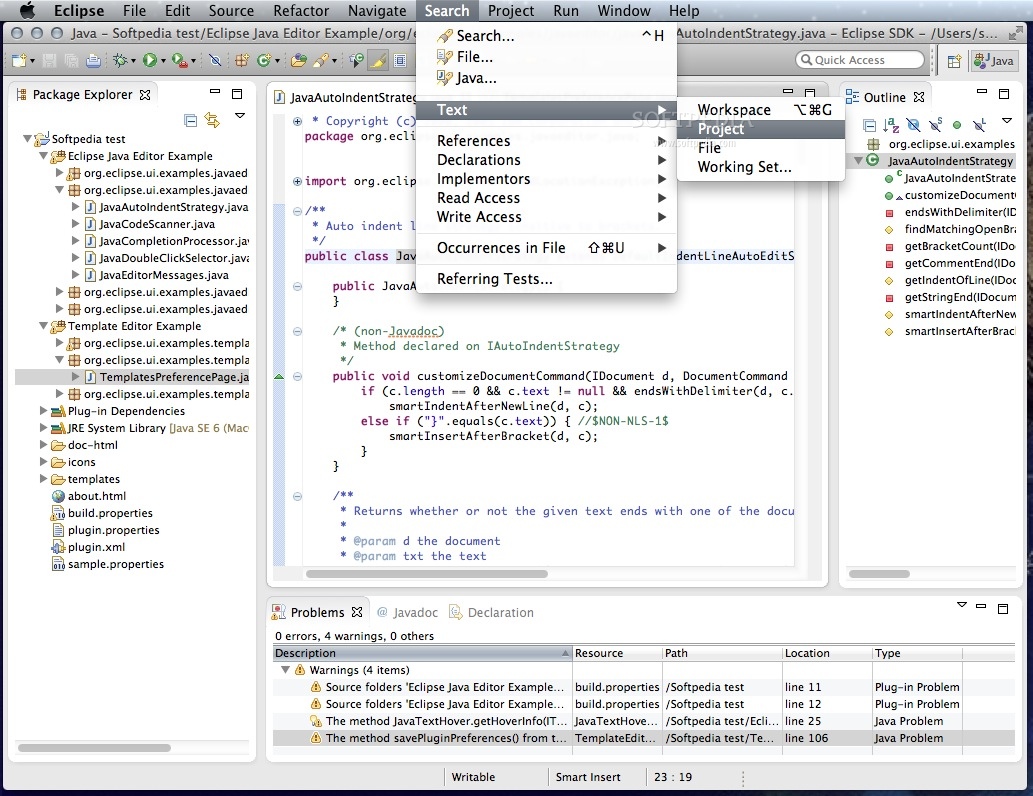
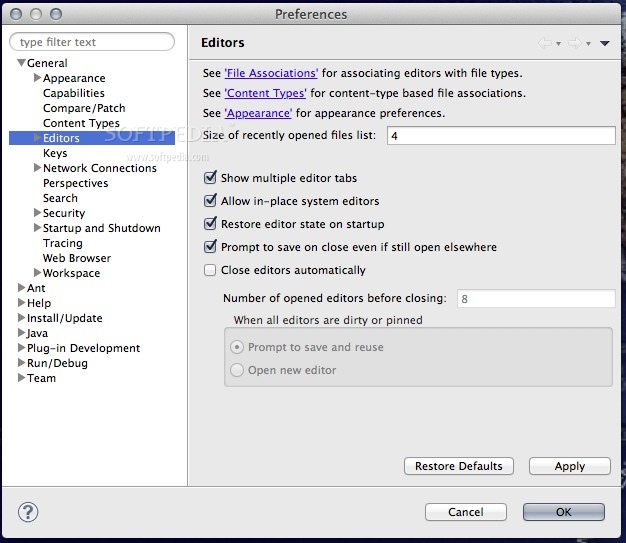
The term Workbench refers to the desktop development environment. The Workbench aims to achieve seamless tool integration and controlled openness by providing a common paradigm for the creation, management, and navigation of workspace resources.
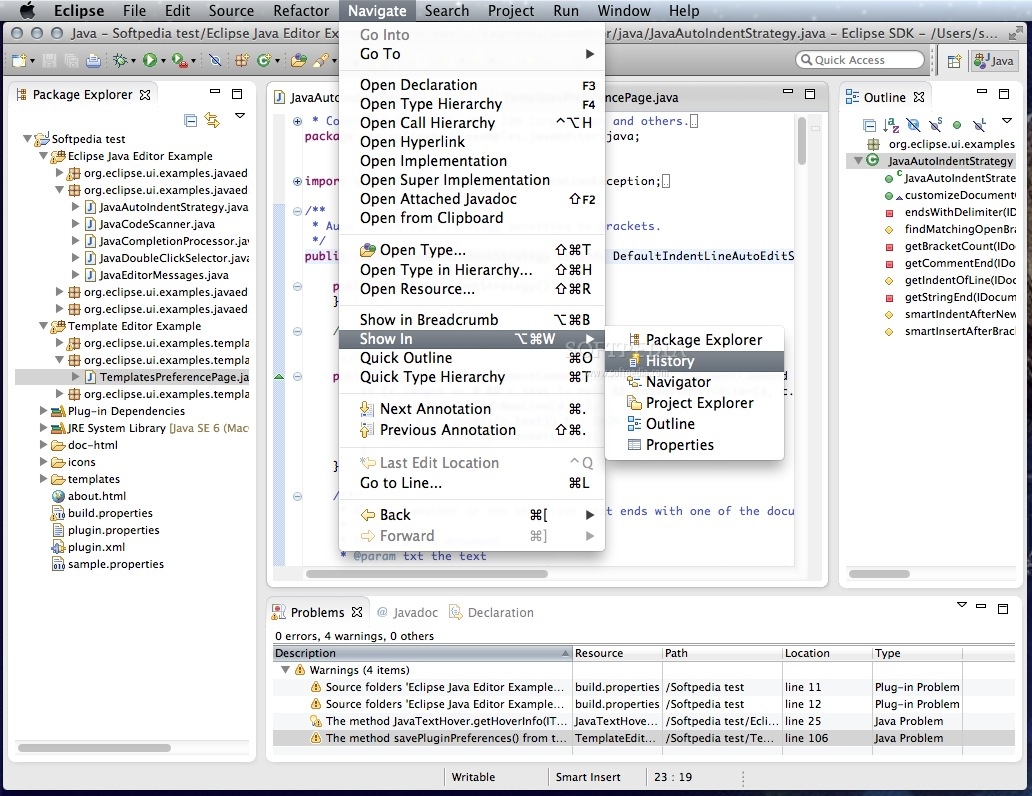
Each Workbench window contains one or more perspectives. Perspectives contain views and editors and control what appears in certain menus and tool bars. More than one Workbench window can exist on the desktop at any given time.
· Java development
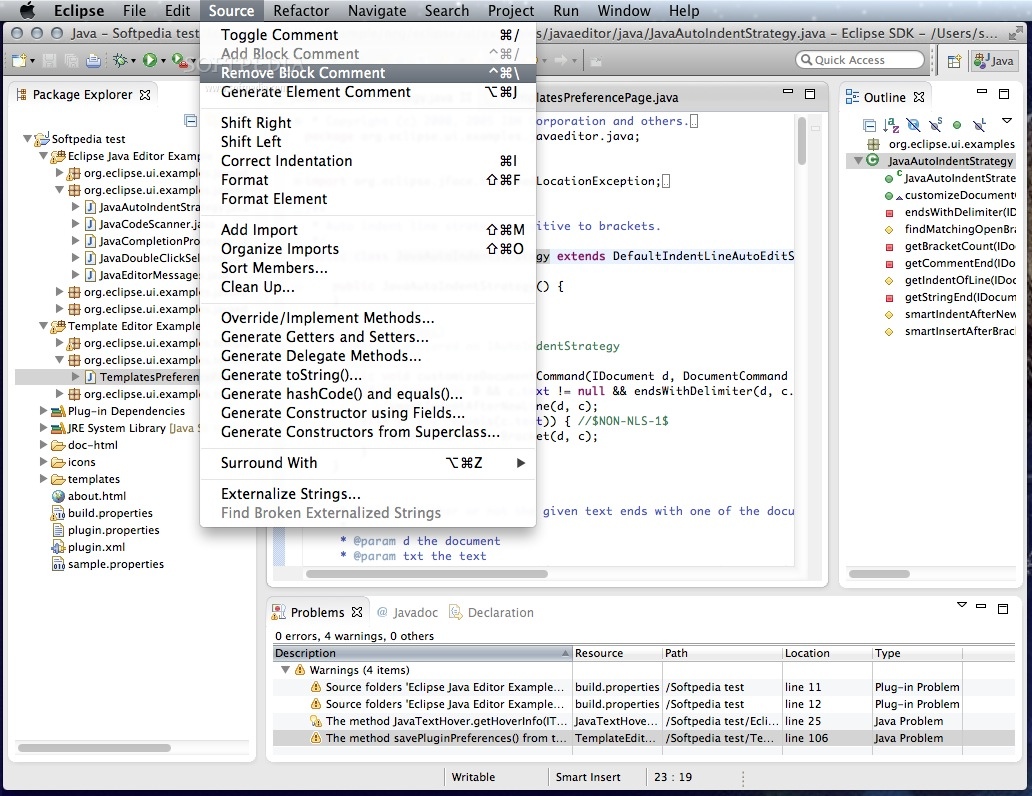
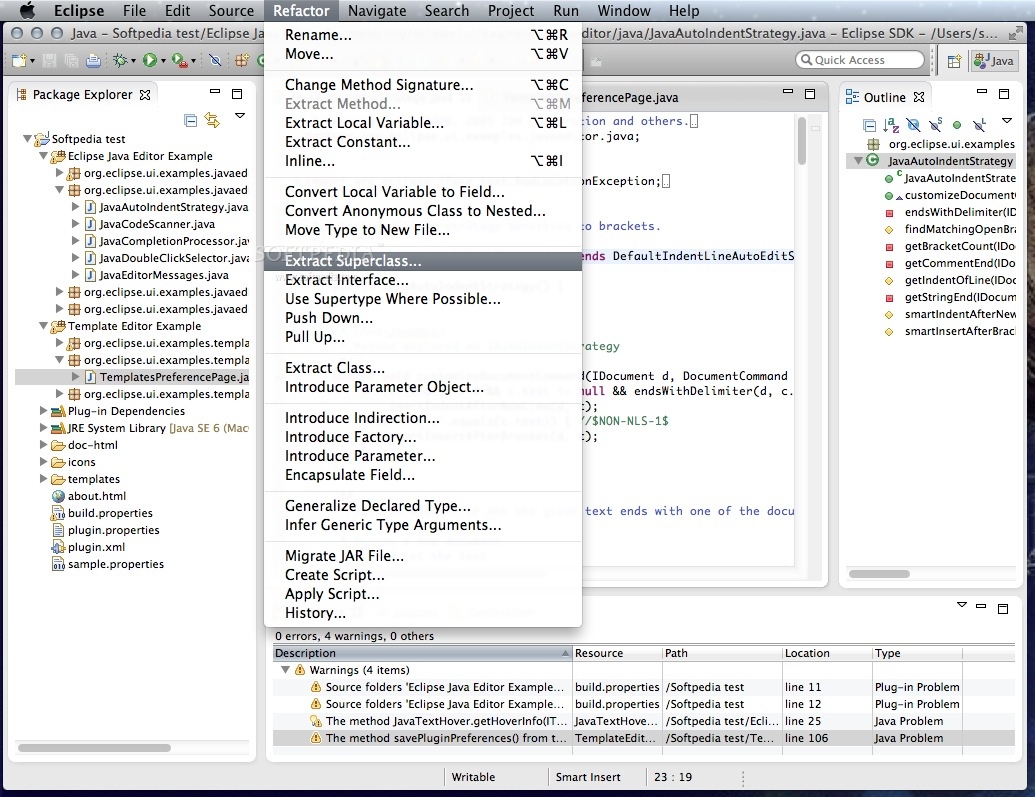
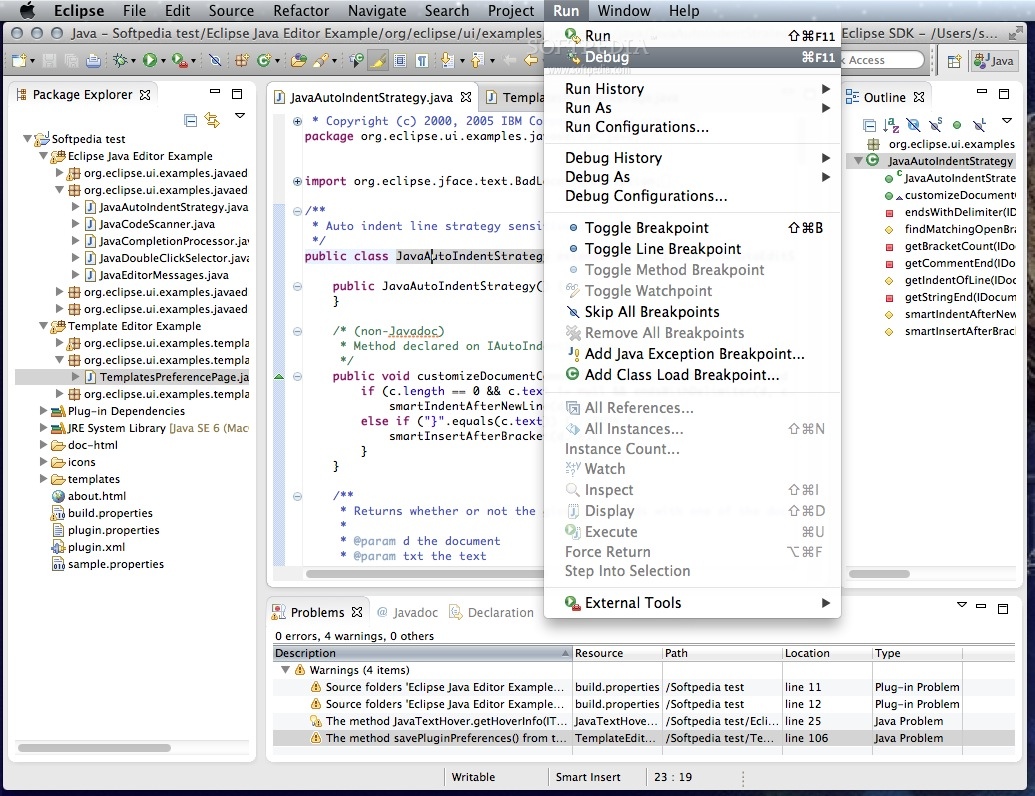
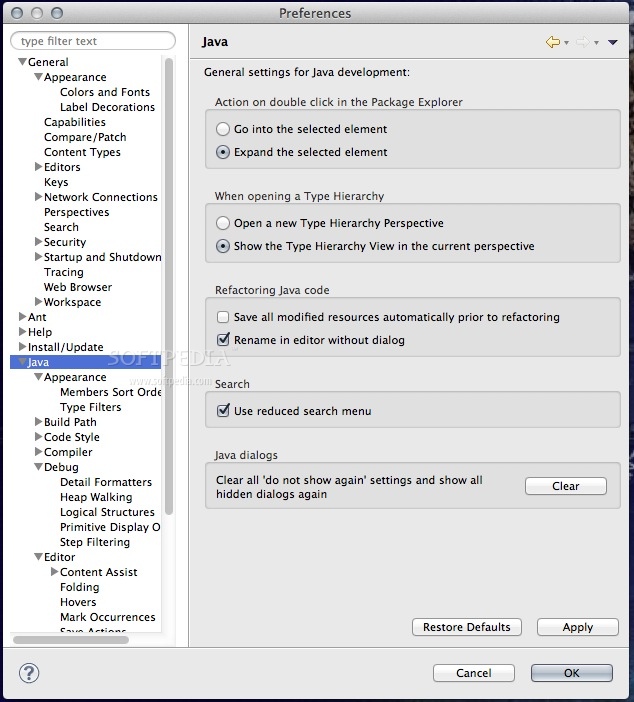
The JDT project provides the tool plug-ins that implement a Java IDE supporting the development of any Java application, including Eclipse plug-ins. It adds a Java project nature and Java perspective to the Eclipse Workbench as well as a number of views, editors, wizards, builders, and code merging and refactoring tools. The JDT project allows Eclipse to be a development environment for itself.
· Team programming with CVS
In the Concurrent Versions System (CVS) team programming environment, team members do all of their work in their own Workbenches, isolated from others. Eventually they will want to share their work. They do this via a CVS Repository.
· Branches
CVS uses a branch model to support multiple courses of work that are somewhat isolated from each other but still highly interdependent. Branches are where a development team shares and integrates ongoing work. A branch can be thought of as a shared workspace that is updated by team members as they make changes to the project. This model allows individuals to work on a CVS team project, share their work with others as changes are made, and access the work of others as the project evolves. A special branch, referred to as HEAD, represents the main course of work in the repository (HEAD is often referred to as the trunk).
· Sharing work
As team members produce new work, they share this work by committing those changes to the branch. Similarly, when they wish to get the latest available work, they update their local workspaces to the changes on the branch. Thus the branch is constantly changing, moving forward as team members submit new work.
The branch effectively represents the current state of the project. At any point a team member can update their workspaces from the branch and know they are up to date.
· Plug-in Development Environment
The Plug-in Development Environment (PDE) provides a rich set of tools to create, develop, test, debug and deploy Eclipse plug-ins, fragments, features, update sites and RCP products. PDE also provides comprehensive OSGi tooling, which makes it an ideal environment for component programming, not just Eclipse plug-in development.
Requirements:
· Apple Java 2 Platform Standard Edition (J2SE) 5, service release 4 for Tiger
|
What's New in This Release:
· Unable to create platform lock file
· [projection] deleting after the last line of an element blindly deletes from next element
· [1.5] [compiler] Eclipse compiler wildcard bug
· [1.5][compiler] Bogus bound mismatch errors
· Timeliness of problem removal with APT
· [Webapp] NLS33:navigation link at the top of notices.html does not display NLS chars properly
· [search] Search for method references does not find references to interface method
· [dom] StackOverflowError due to endless superclass bindings hierarchy
· Unresolved types surfacing through DOM AST for annotation default values
· Execution environment restricts access to org.w3c.dom sub packages
· Compare with Latest from HEAD results in empty revision
· [KeyBindings] Always include unbound commands
· Implement JavaFileObject.openOutputStream() in IDE
· [StatusHandling] NPE in StatusNotificationManager
· [1.5][compiler] Internal compiler error java.lang.NullPointerException
· [Help] infopops showing
tags
· Equinox 3.3 HttpService bundle not OSGi/Minimum-1.1 compliant.
· [launching] Deadlock deleting launch configuration
· URLStreamHandlerFactory not found after being used
· [launcher] Can't start the AWT while using new eclipse native launcher in 3.3
· [type wizards] New Class Wizard: auto completing generics type resets super class name field
· [leopard] Snippet260 fails (9A527)
· [Browser] setText can fail with IE6 on XP SP2
· TableColumn sets image when SWT.CENTER alignment is used.
· [compiler] inconsistent handling of unreachable code
· [Leopard] setRegion of shell doesn't work with the new region on Mac OS X 10.5
· [Viewers] ColumnViewerEditor leaks ViewerCell instances.
· Improve performance results generation
· [content assist] Paramter guessing is very slow
· [1.5][compiler] Incorrect handling of type variable bounds issued by capture conversion
· APT plugins are missing .options files
· [jar exporter] JarFileExportOperation does not export class-files anymore
· [misc] No Quick Fix Affordance for APT build makers
· [open type] TypeSelectionExtension#getImageProvider() not called any more
· [compiler] Uninitialized member variables used in nonstatic initializers of peer members don't trigger compilation error
· [Viewers] ColumnViewer incorrectly handles right mouse click.
· [1.5][compiler] Improper capture of wildcard with lesser bound than parameter
· Wrong eclipse.ini configuration for PermGen size
· Many other bug fixes and improvements... [ read full changelog ]