
UML CASE tool designed for a wide range of users, including software engineers, system analysts, business analysts and system architects #UML editor #Diagram manager #UML diagram #UML #Modeler #Diagram
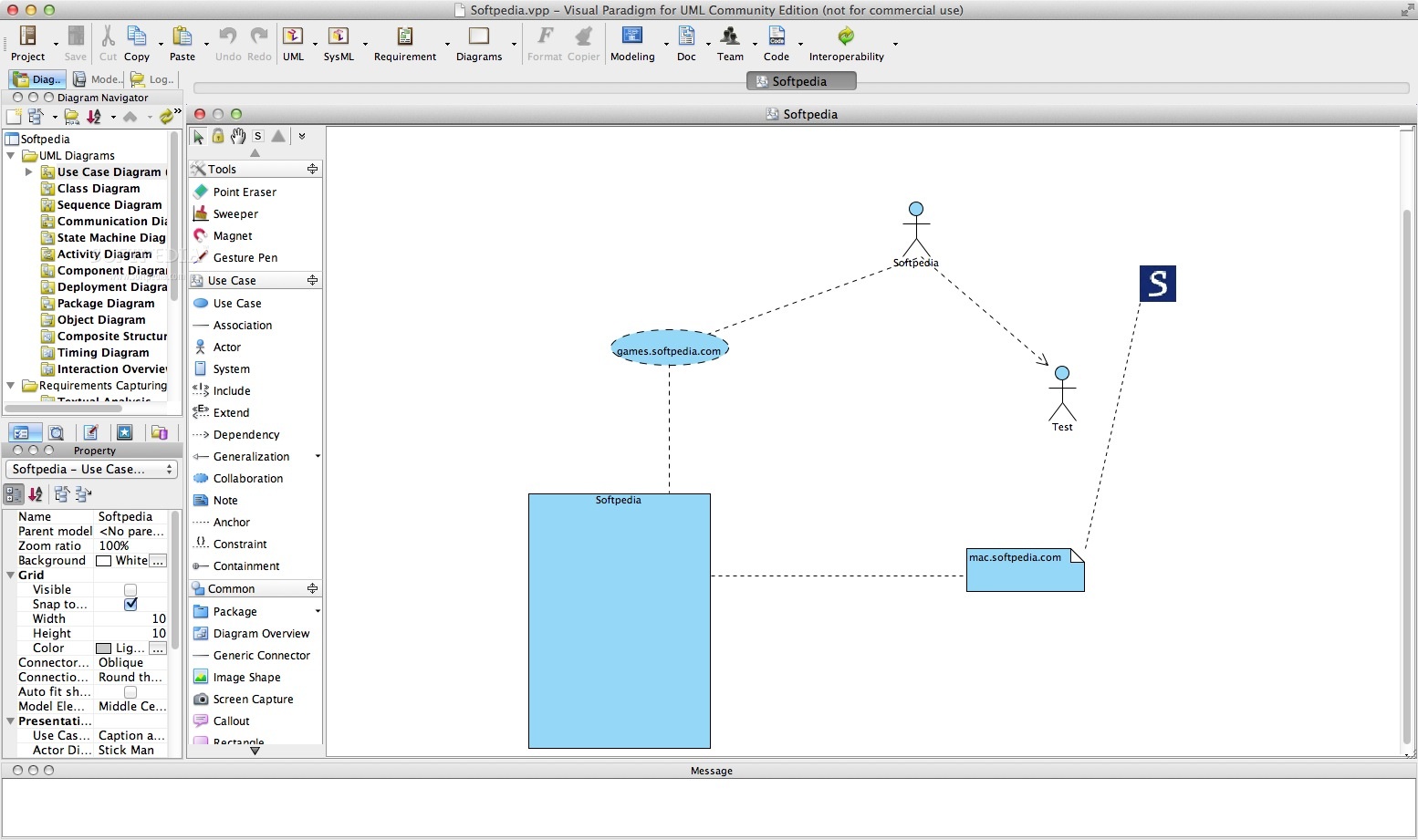
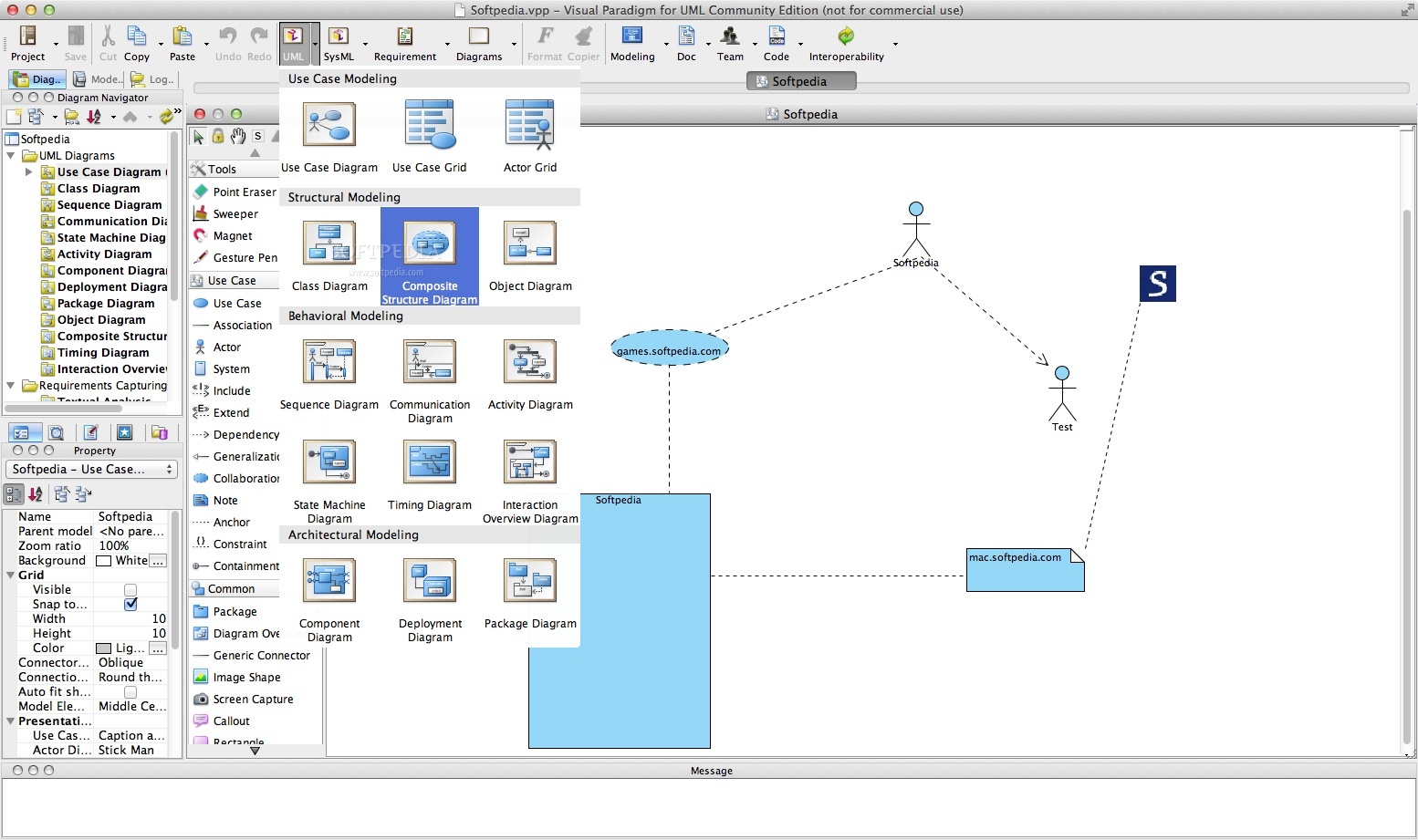
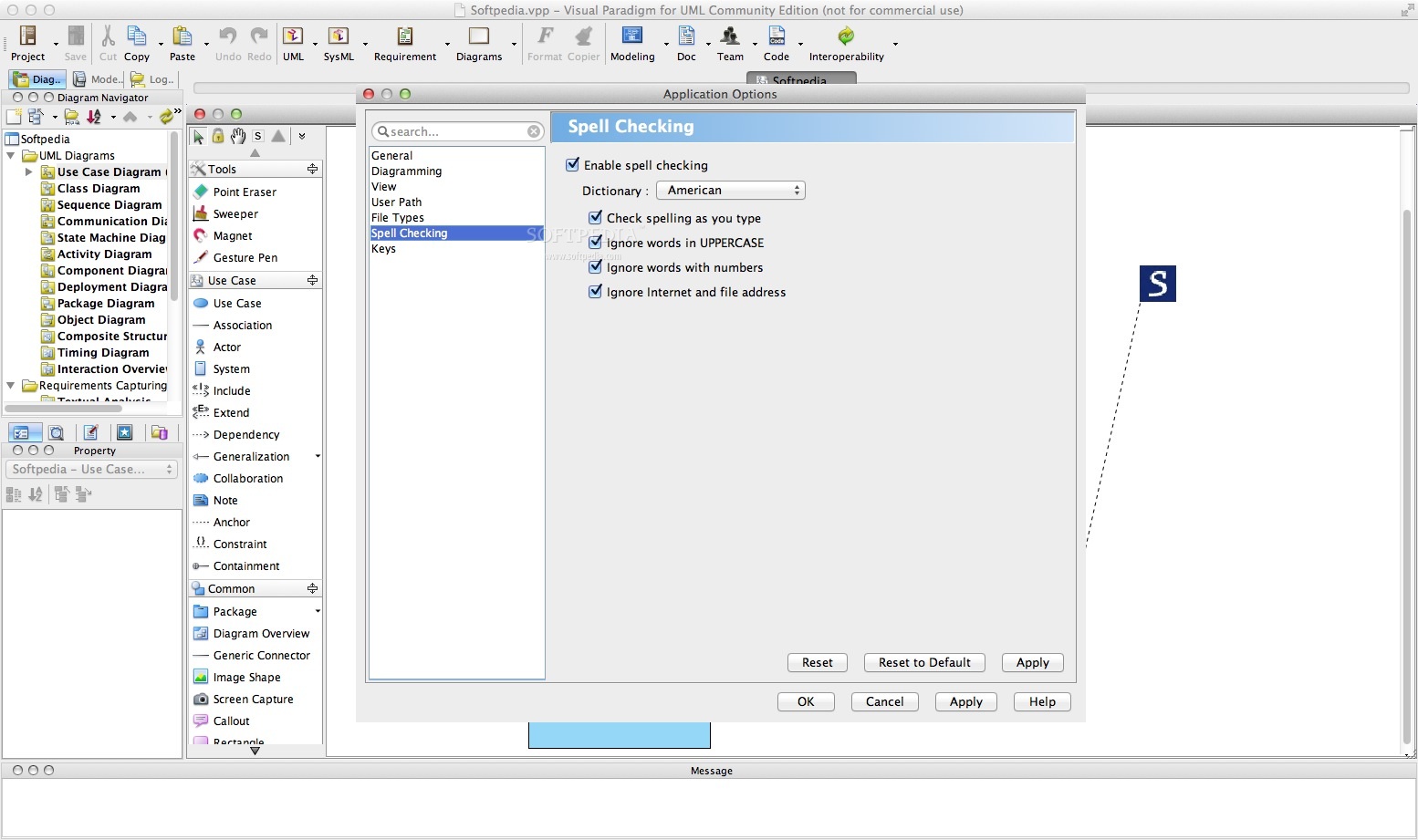
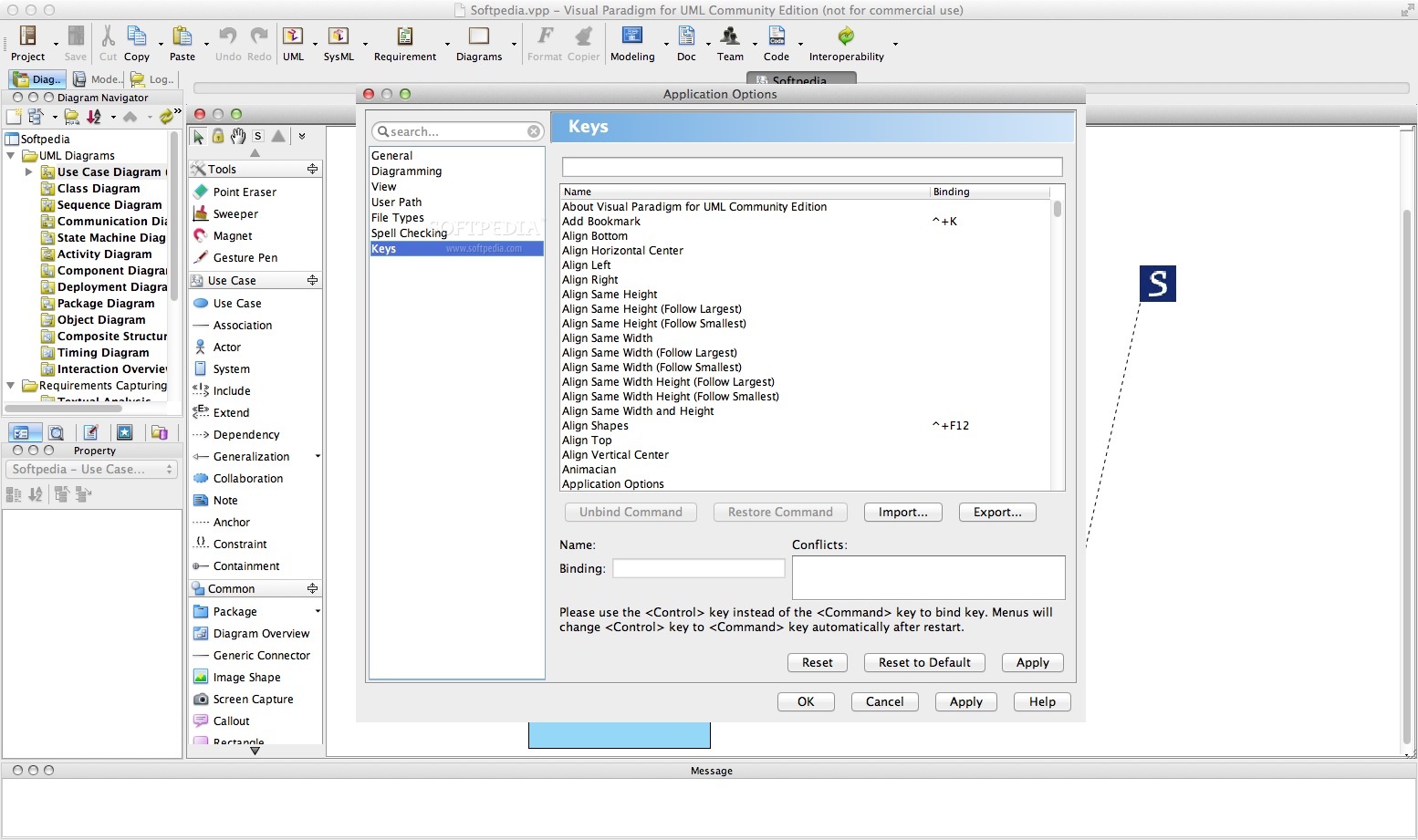
Visual Paradigm for UML Community Edition is a UML CASE tool that features support for UML 2, SysML as well as Business Process Modeling Notation from the Object Management Group.
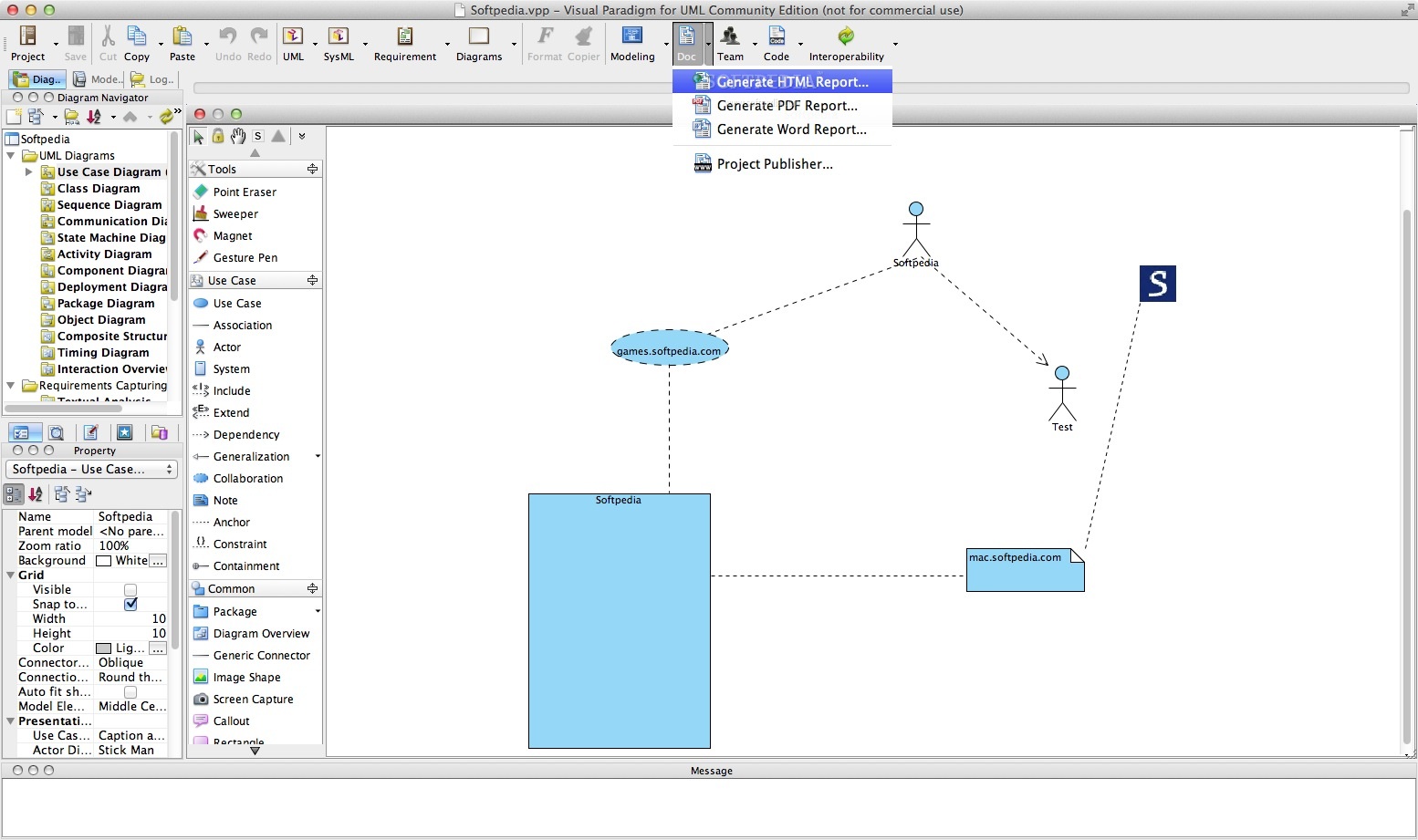
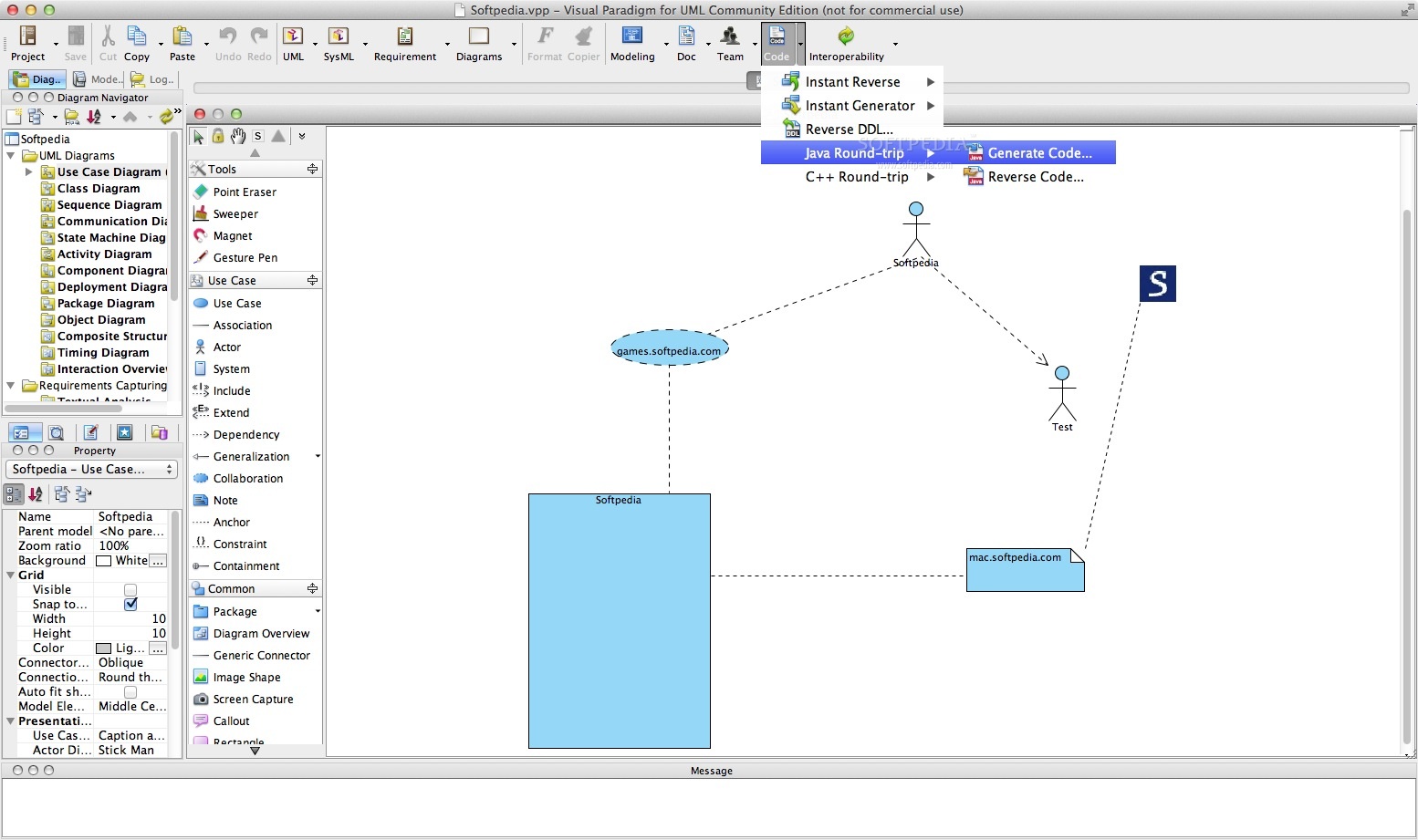
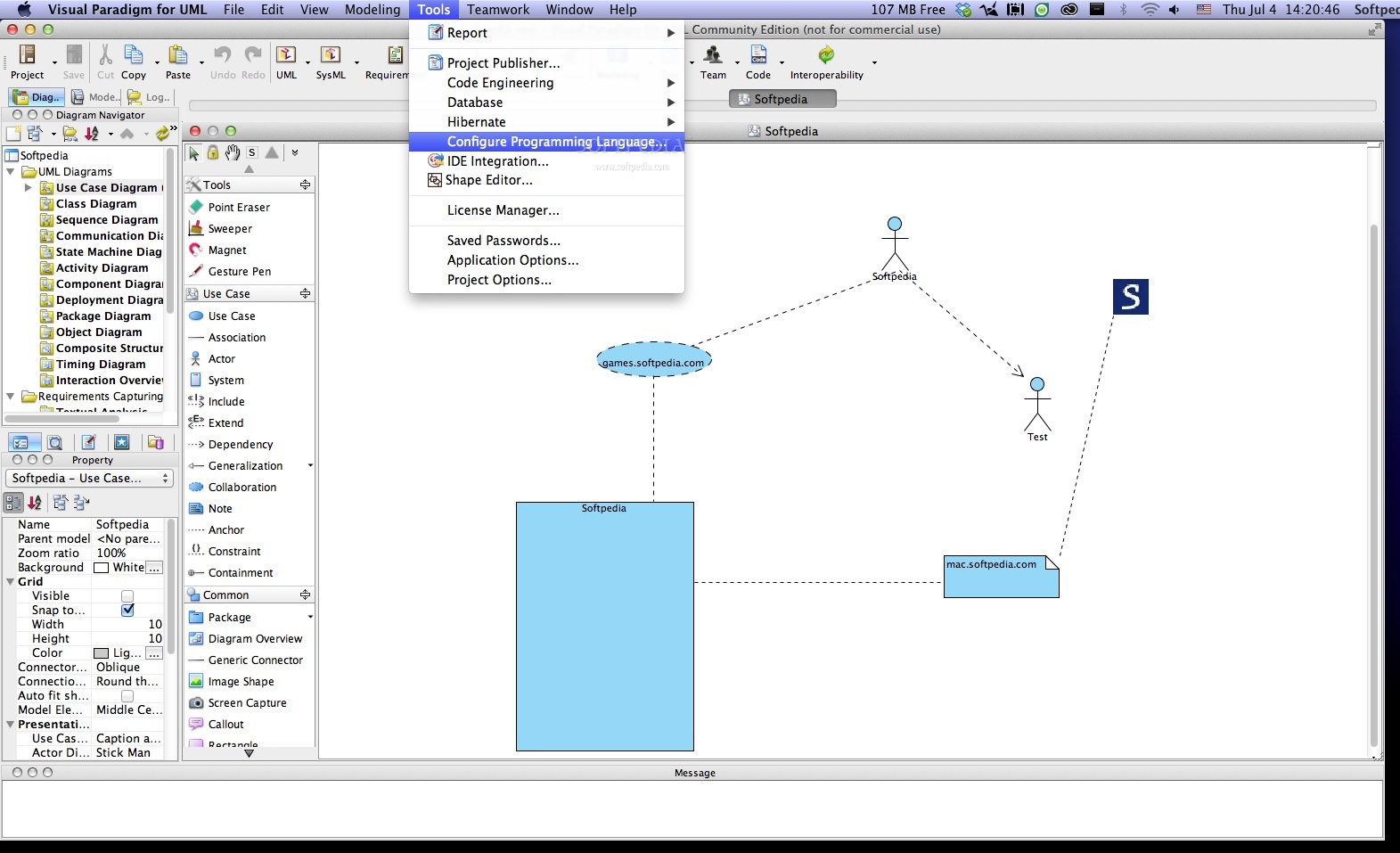
It also comes with report generation and code engineering capabilities that also cover code generation. You can use Visual Paradigm for UML Community Edition to reverse engineer diagrams from code and offer round-trip engineering for different programming languages.
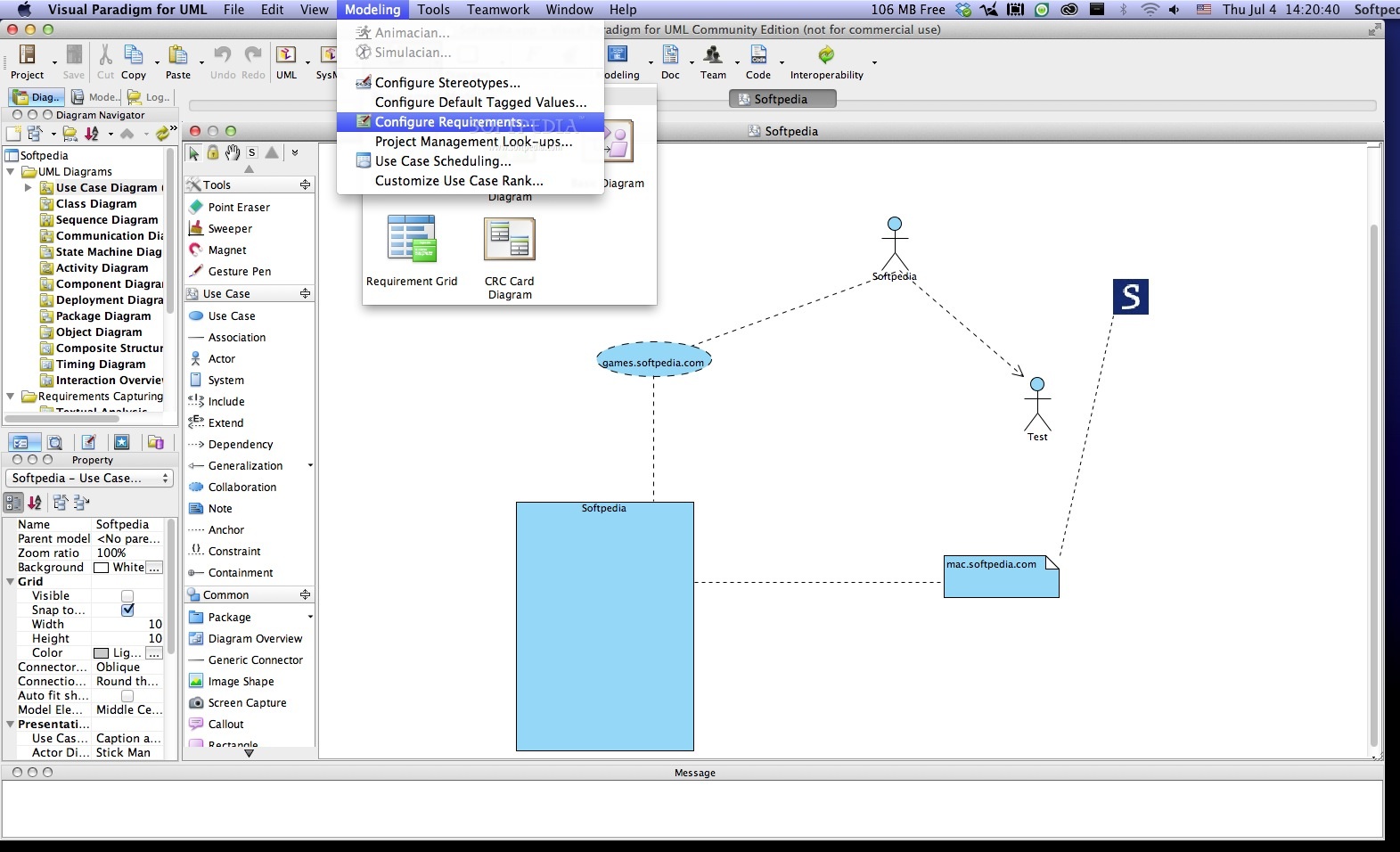
Thanks to Visual Paradigm for UML Community Edition, you can easily visualize system requirements and model high level system functions with the use of cases diagrams.
The use of case diagram helps you create a clear and easy-to-follow presentation to display users goals as well as related end-users.
You can use the desired notation and take advantage of the case grid or actor grid to display the use cases and actors from your project. You can personalize grids in order to display the information you want.
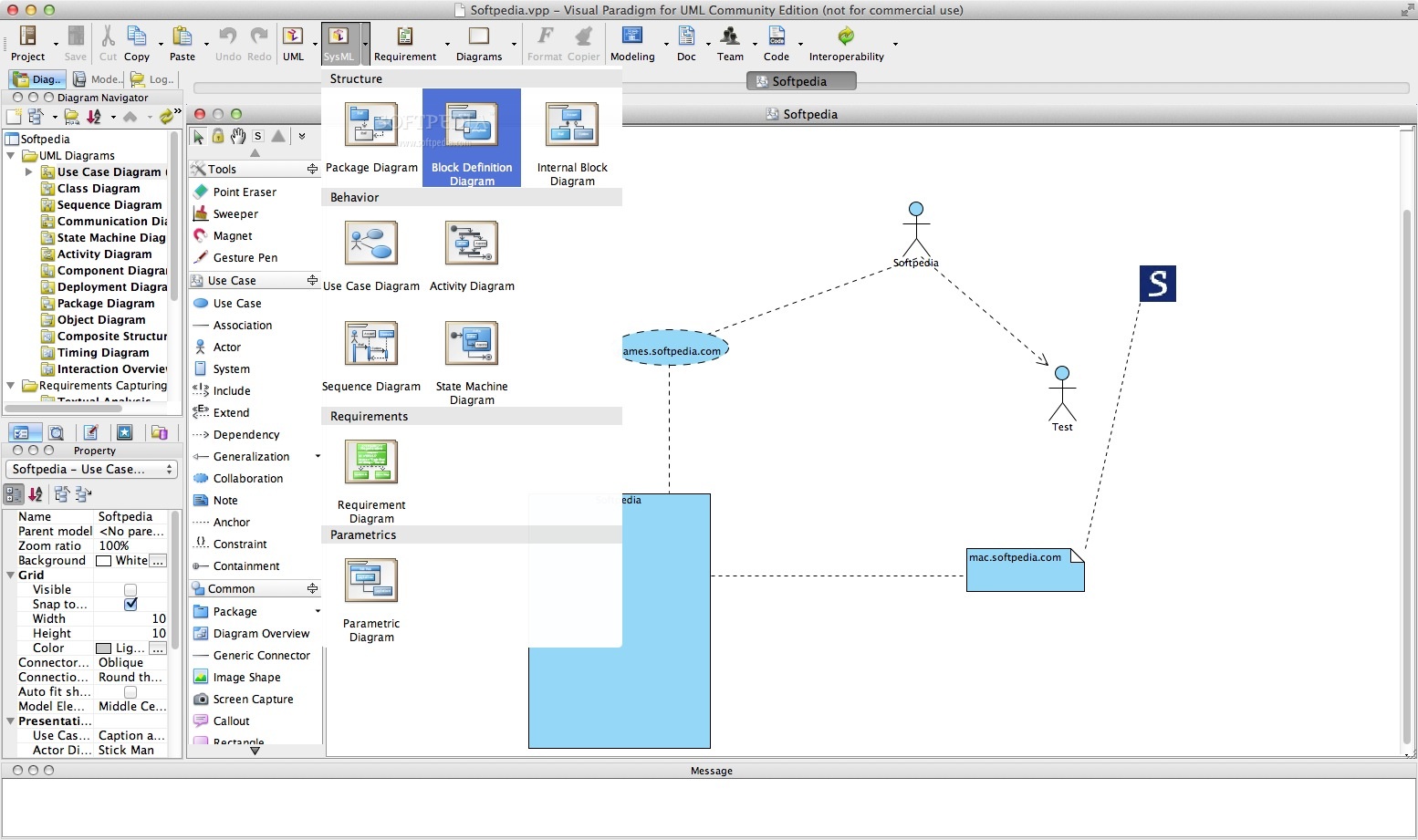
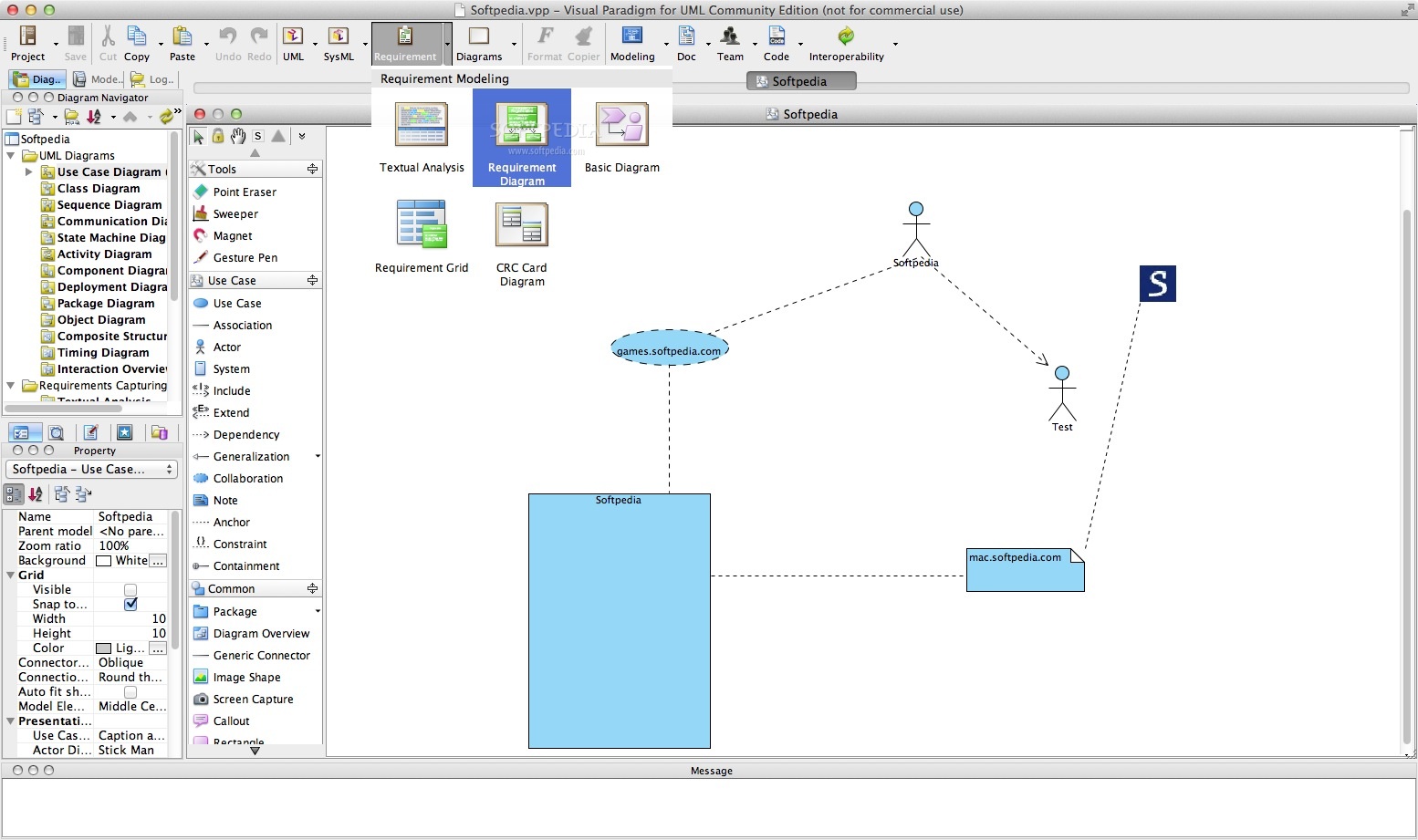
SysML helps you visualize your system hierarchy and provide an insight to all existing interconnections between multiple system components. By using the SysML requirement diagram you can specify and perform an in-depth analysis of the requirements.
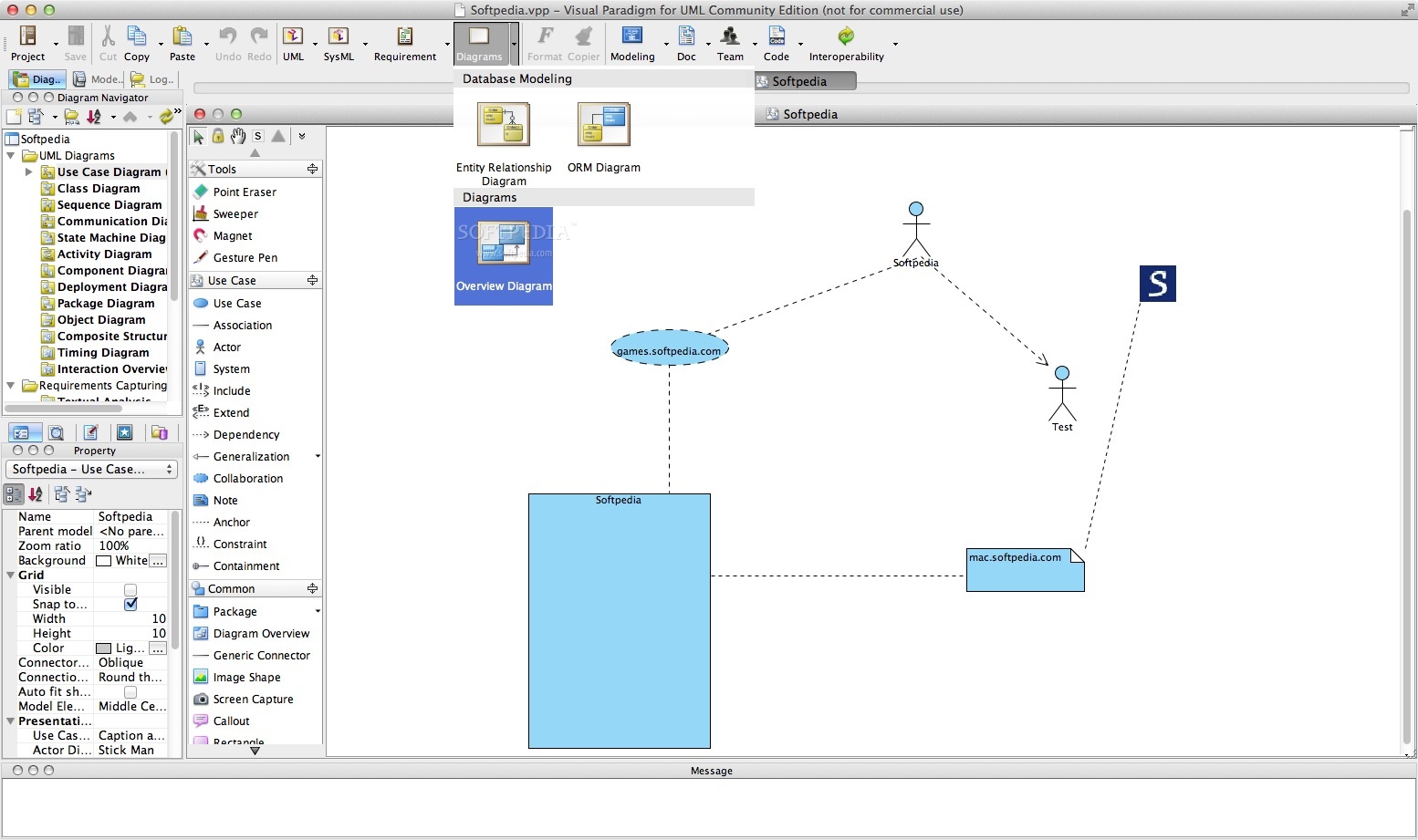
You can also design database with entity relationship diagram and generate UML class diagram and DLL. Visual Paradigm for UML Community Edition’s user-friendly modeling environment offers you the necessary tools to quickly and efficiently complete a design. When you are happy with the results you can export the diagram to a database via database generation.
What is more, Visual Paradigm for UML Community Edition allows you to draw UML diagrams from within the desired IDE. Hence, you can plan, design and program your project directly from within the desired IDE without switching between the UML modeler and IDE windows.
Visual Paradigm for UML Community Edition 17.1 Build 20240501
add to watchlist add to download basket send us an update REPORT- runs on:
- macOS 10.11 or later (Universal Binary)
- file size:
- 791.2 MB
- filename:
- Visual_Paradigm_OSX_AArch64.dmg
- main category:
- Developer Tools
- developer:
- visit homepage
Zoom Client

Windows Sandbox Launcher

Bitdefender Antivirus Free

IrfanView

7-Zip

calibre

ShareX

Microsoft Teams

Context Menu Manager

4k Video Downloader

- Microsoft Teams
- Context Menu Manager
- 4k Video Downloader
- Zoom Client
- Windows Sandbox Launcher
- Bitdefender Antivirus Free
- IrfanView
- 7-Zip
- calibre
- ShareX