
A simple and useful application designed to improve your workflow and provide a pleasant way to work with Subversion on your Mac. #Subversion client #Version manager #Version control #Subversion #Svn #Vcs
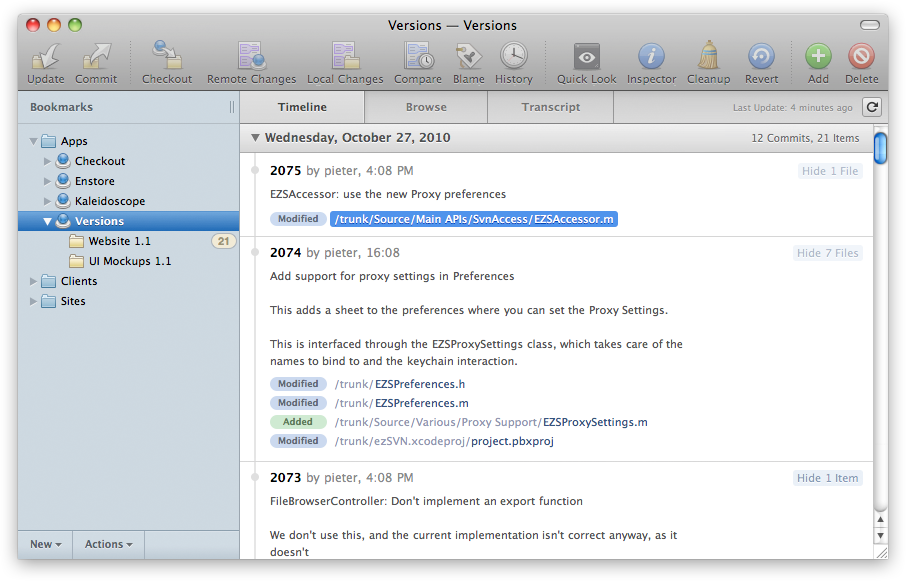
Whether you're a hardcore Subversion user or new to version control systems, Versions will help streamline your workflow.
Whether you're a designer, developer, editor or project manager, chances are you already have plenty on your mind. Versions saves you the hassle and makes working with Subversion easy for your entire team.
Thanks to Versions' clear-cut approach to Subversion, novices and power users alike will enjoy using it. And if you haven't moved to Subversion yet, now is the time.
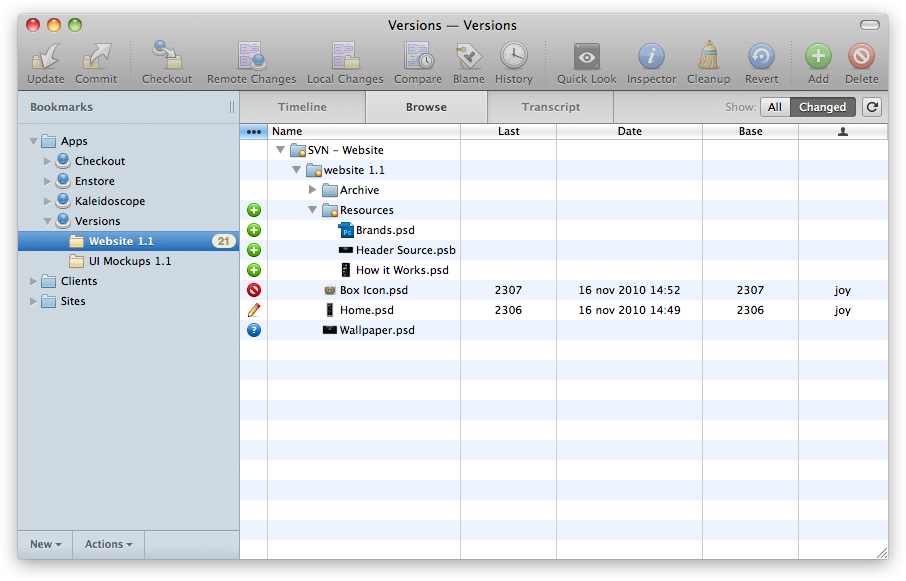
In a typical Subversion-based workflow, you have to add, edit and delete files in a 'working copy' on your own hard drive and then commit those changes to a central 'repository'.
Subversion keeps track of all changes and lets you retrieve any previous version of your files. In group efforts, Subversion offers a great way to ensure you always have everyone's latest updates.
System requirements
What's new in Versions 1.4.0 Build 1126:
- Note: Versions now requires macOS 10.12 or above
- Added support for SVN 1.9.4
- Overhauled the interface to better reflect the contemporary Mac environment
- Added "Move to Applications" functionality
Versions 1.4.0 Build 1126
add to watchlist add to download basket send us an update REPORT- runs on:
- macOS 10.12 or later (Intel only)
- file size:
- 18.9 MB
- filename:
- Versions-1.4.0-1126.zip
- main category:
- Developer Tools
- developer:
- visit homepage
ShareX

4k Video Downloader

calibre

Windows Sandbox Launcher

Zoom Client

IrfanView

Microsoft Teams

Bitdefender Antivirus Free

Context Menu Manager

7-Zip

- Bitdefender Antivirus Free
- Context Menu Manager
- 7-Zip
- ShareX
- 4k Video Downloader
- calibre
- Windows Sandbox Launcher
- Zoom Client
- IrfanView
- Microsoft Teams