
User-friendly and powerful macOS database designer and editor that helps you create databases from scratch and manage the ones already created with extreme ease. #Design database #SQL diagram #Database editor #SQL #Designer #Database
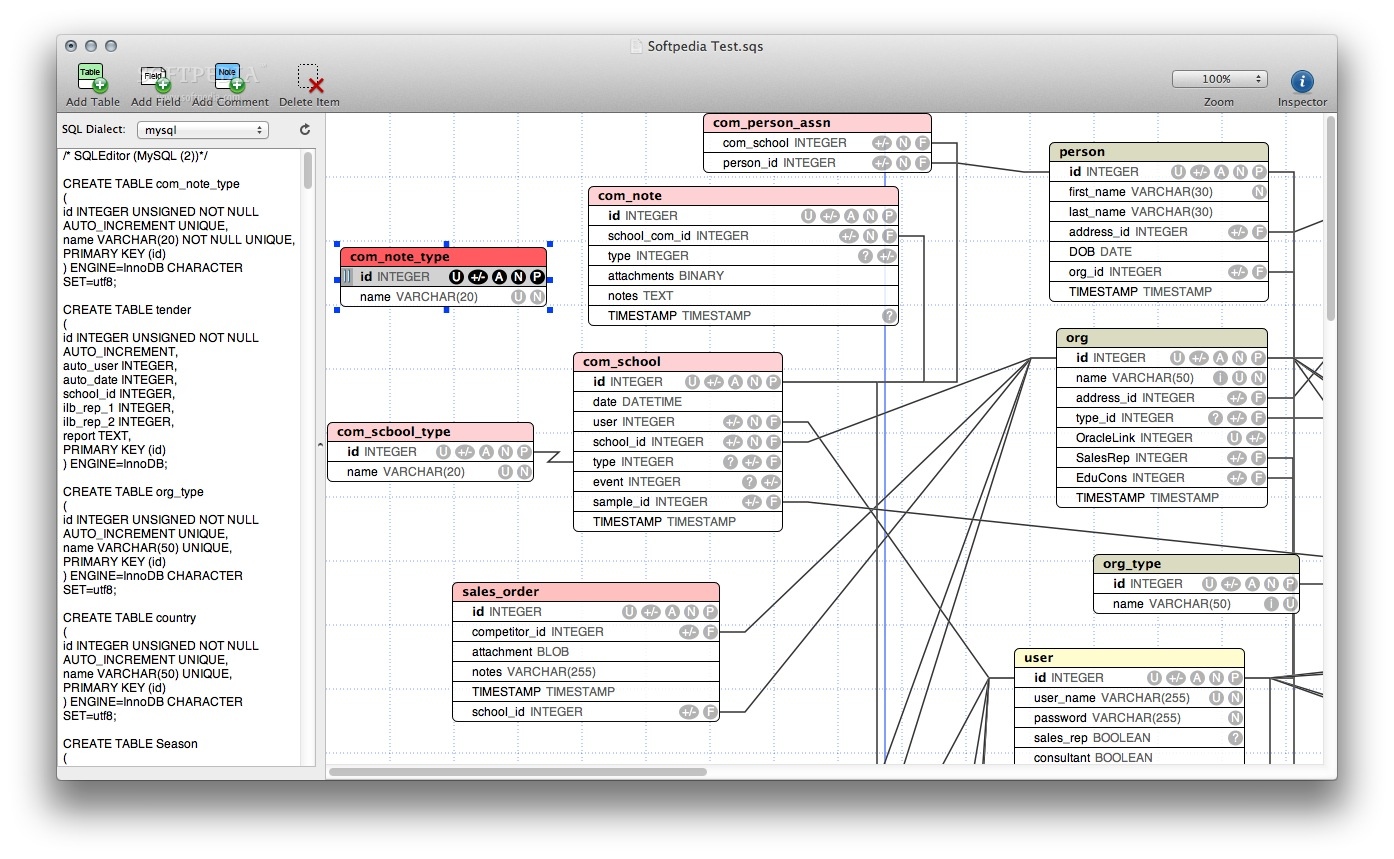
SQLEditor is a user-oriented and streamlined macOS utility that makes it simple and straightforward to edit or design an SQL database using a Mac.
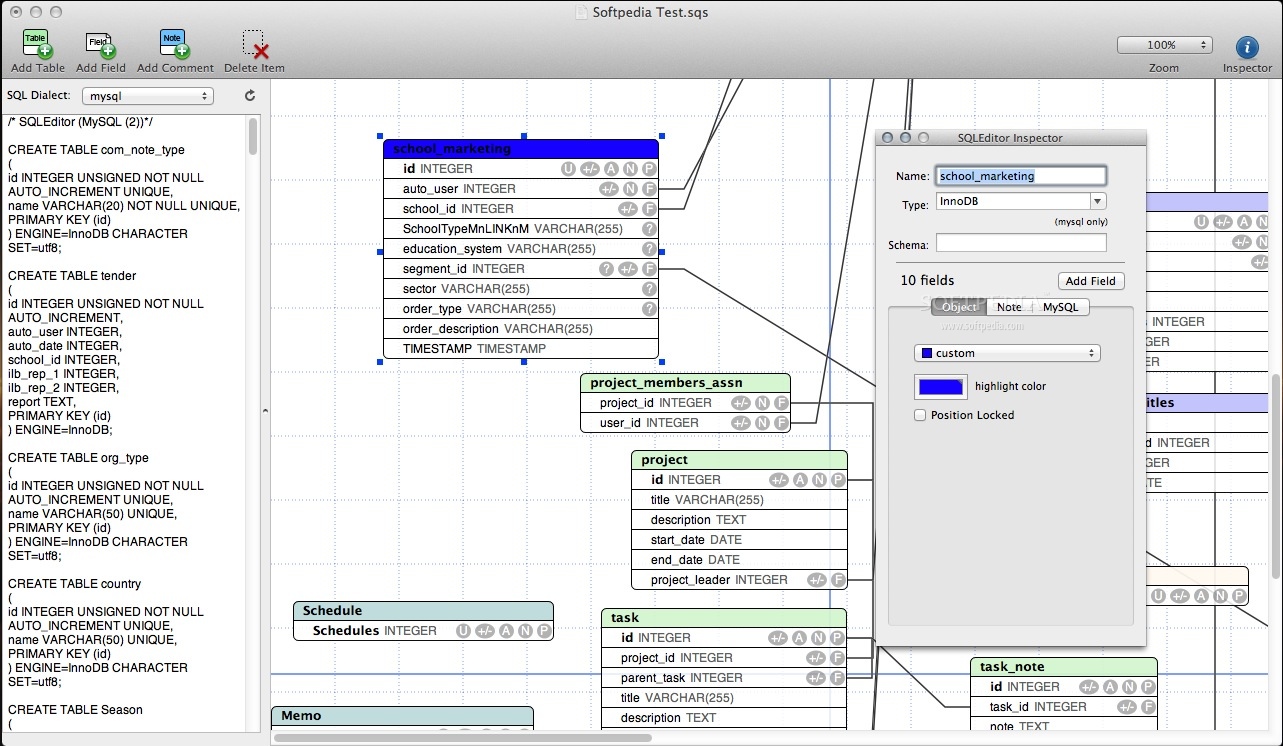
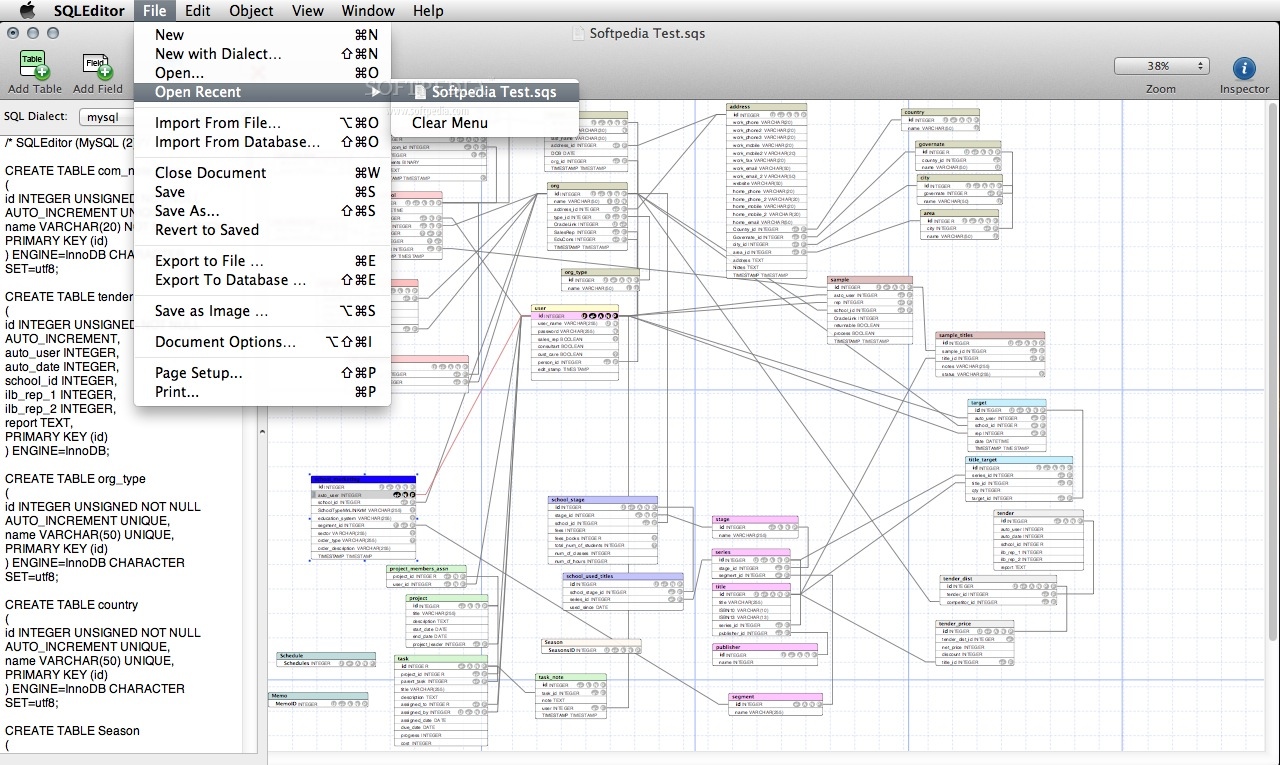
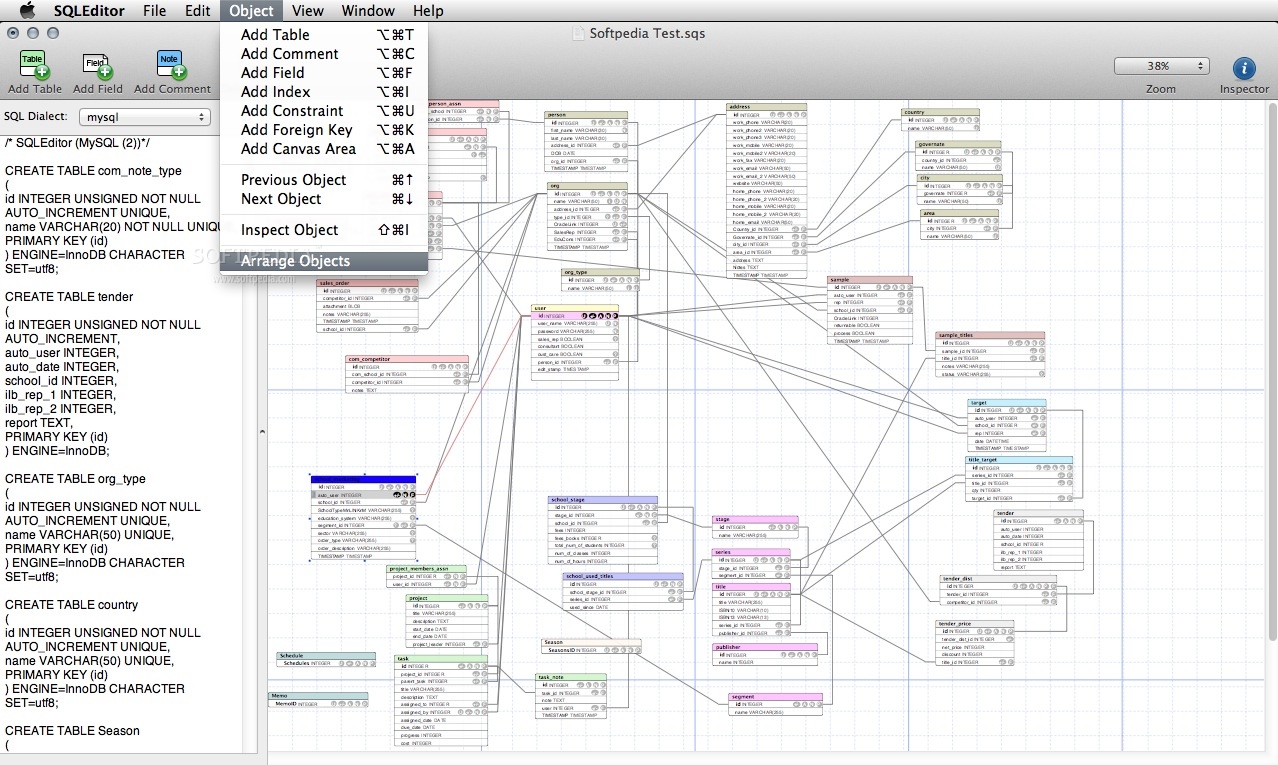
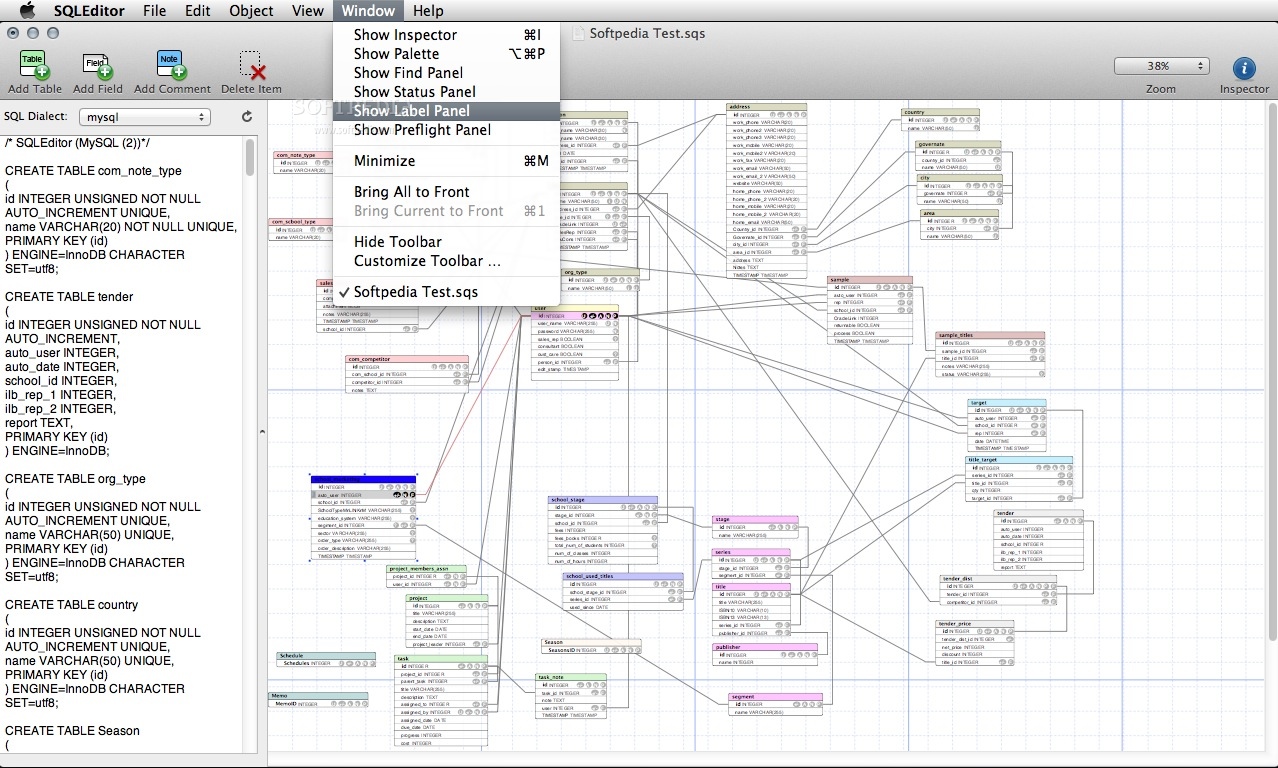
The SQLEditor app allows you to quickly get started working on your own databases with the help of a vast array of design tools that can be used to quickly add new tables.
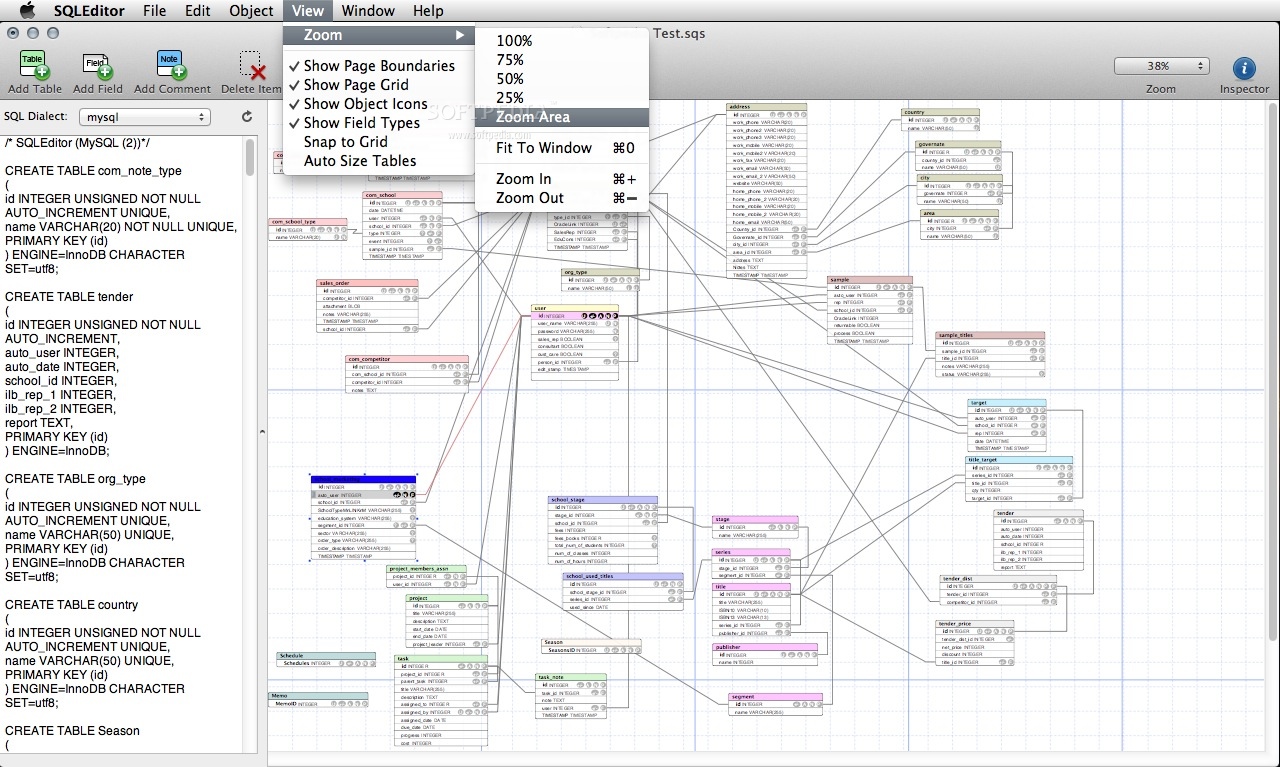
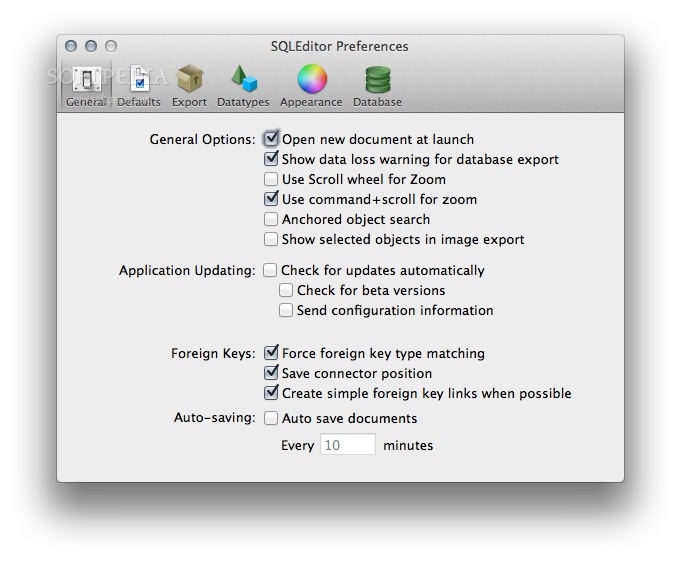
Moreover, while designing a database with SQLEditor, you can use the built-in zoom feature which will allow you to effortlessly get a birds-eye view of your database, in order to analyze each and every element with greater ease.
Also, while in zoom view mode, all the database objects will still be editable, meaning that, in essence, SQLEditor allows you to manipulate and modify any part of the database design and content regardless of the zoom level you’re at.
If you already have a database and you need to edit it with the help of SQLEditor, the app provides you with a simple import workflow which will, in the end, load your database within SQLEditor, allowing you edit and update its contents with ease.
Once your job is done and the database is complete, SQLEditor makes it possible to generate a large variety of database diagrams that can be used for presenting your work to potential customers or your team’s members.
Database diagrams can also be created using partial snippets of SQL code, as well as visualize and parse SQL to editable database objects that can be included within a diagram of their own.
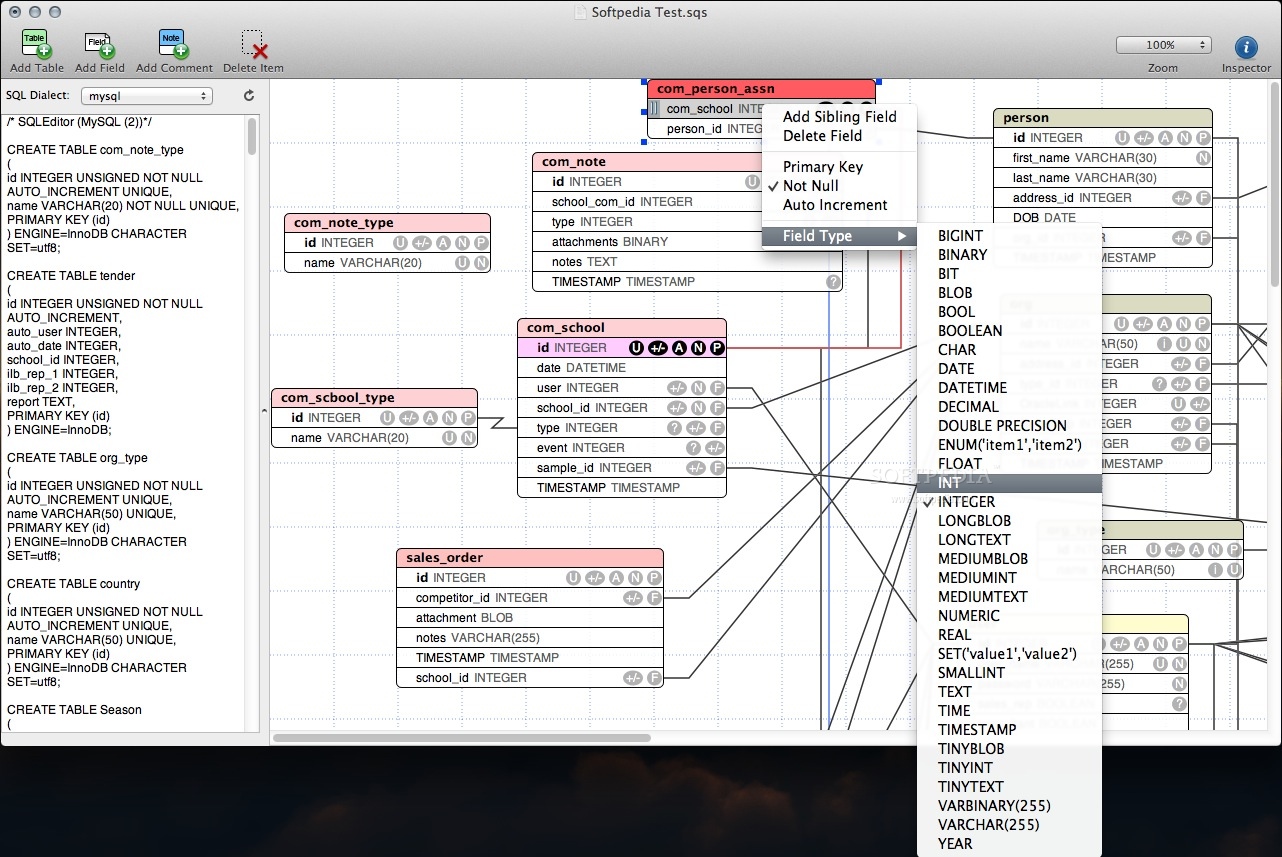
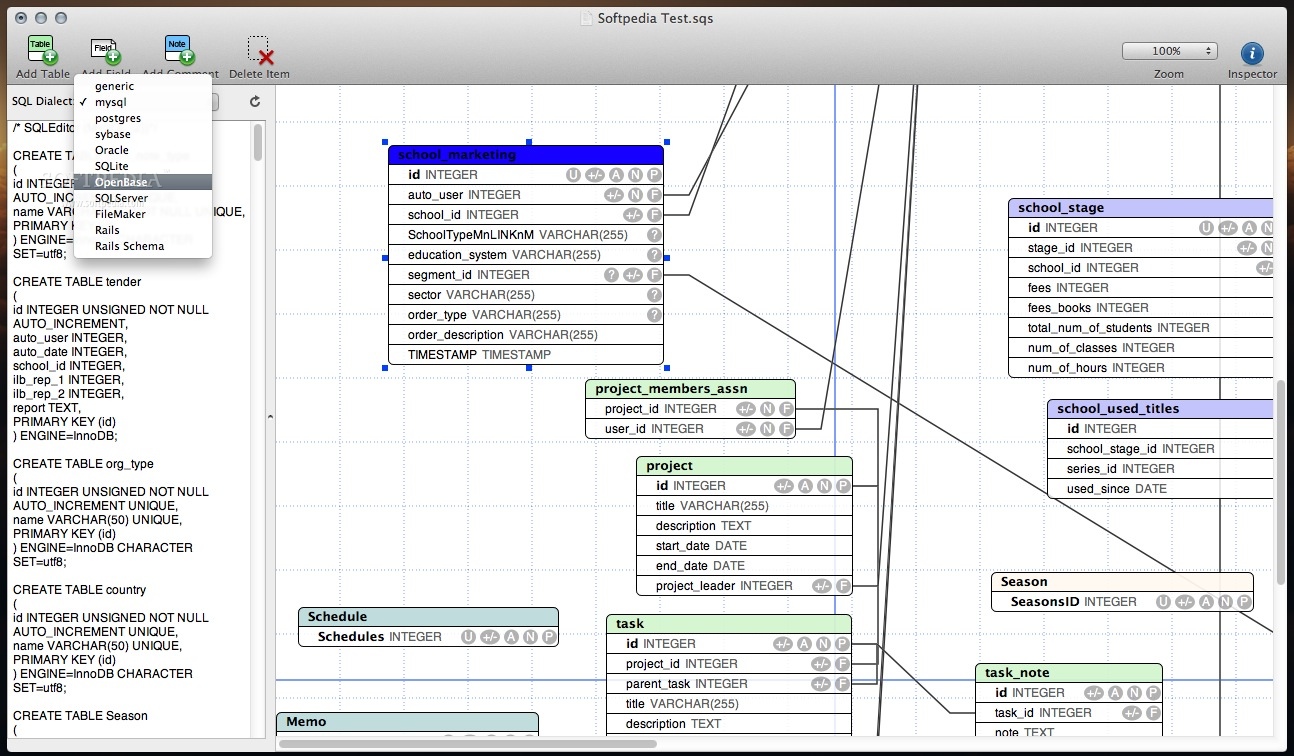
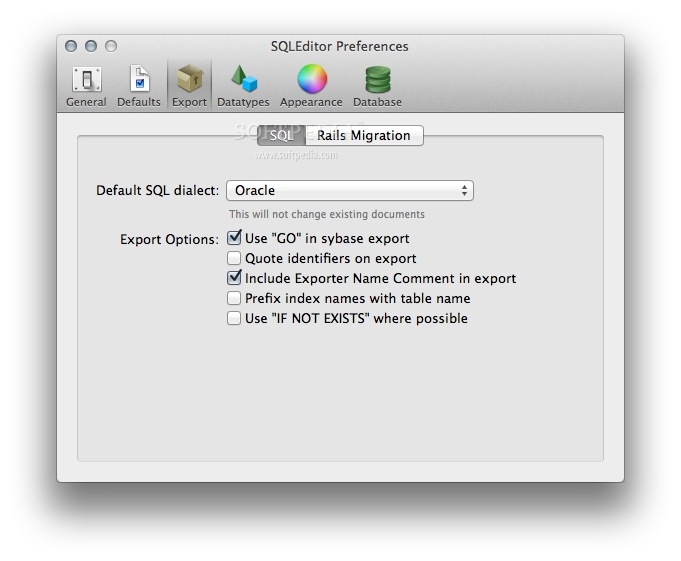
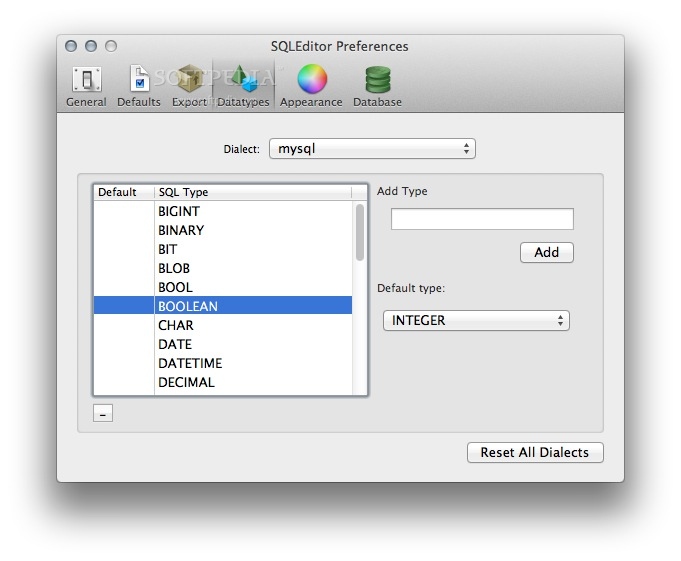
As an additional benefit of using it to design and edit databases, SQLEditor comes with extended support for all the major types of databases (i.e. MySQL, Postgres, Oracle, SQLite), a fact that makes it possible to export your SQL code to any of the formats required by these types of database systems.
What's new in SQLEditor 4.0.2:
- Fix for auto-resizing issue if all instances of an object type (e.g indexes) are hidden
- Fix for incorrect escaping in SQL comments
- Increase maximum length for MySQL comments to 1024 characters
- MySQL comments are now truncated before being escaped to allow the full length to be exported
SQLEditor 4.0.2
add to watchlist add to download basket send us an update REPORT- runs on:
- macOS 10.14 or later (Universal Binary)
- file size:
- 104.3 MB
- filename:
- SQLEditor-4-0-2.dmg
- main category:
- Developer Tools
- developer:
- visit homepage
calibre

IrfanView

Context Menu Manager

Windows Sandbox Launcher

ShareX

Zoom Client

7-Zip

Bitdefender Antivirus Free

Microsoft Teams

4k Video Downloader

- Bitdefender Antivirus Free
- Microsoft Teams
- 4k Video Downloader
- calibre
- IrfanView
- Context Menu Manager
- Windows Sandbox Launcher
- ShareX
- Zoom Client
- 7-Zip