
An open-source Python Development Environment and a powerful alternative to IDLE featuring advanced editing, interactive testing and debugging. #Python ide #Python development #Python programming #Ide #Python #Programming
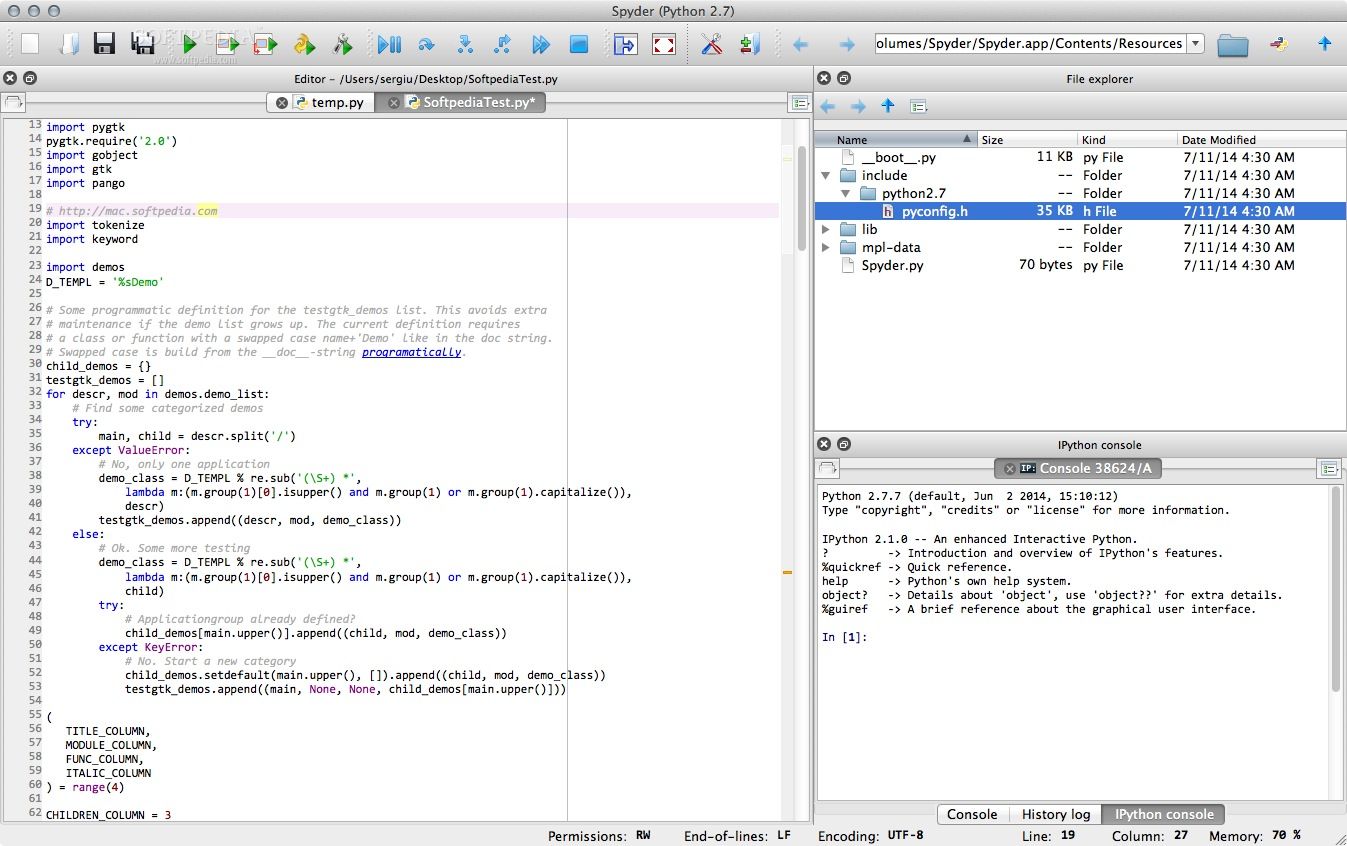
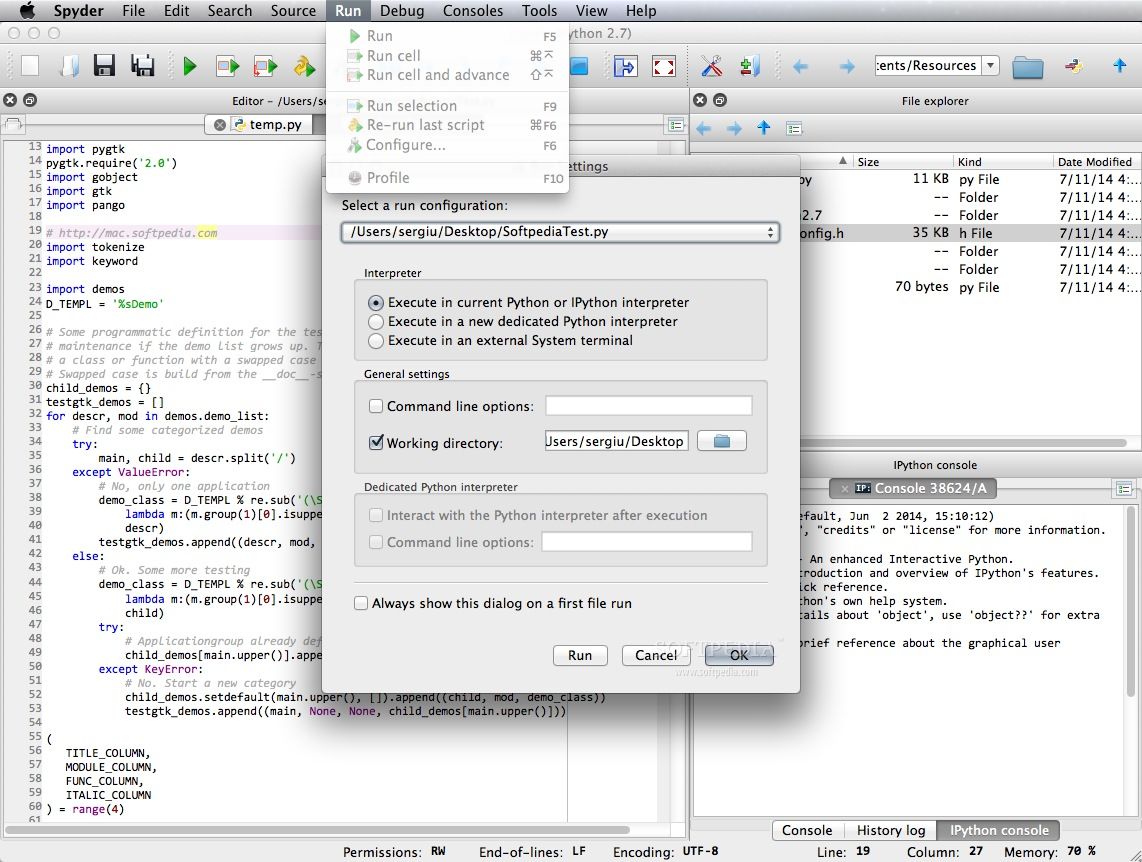
Spyder is a comprehensive interactive development environment for Python that offers an impressive array of features for editing, testing, debugging and introspection. It is designed as a more complex alternative to IDLE, supports multiple Python consoles and provides tools that can help you write and troubleshoot code.
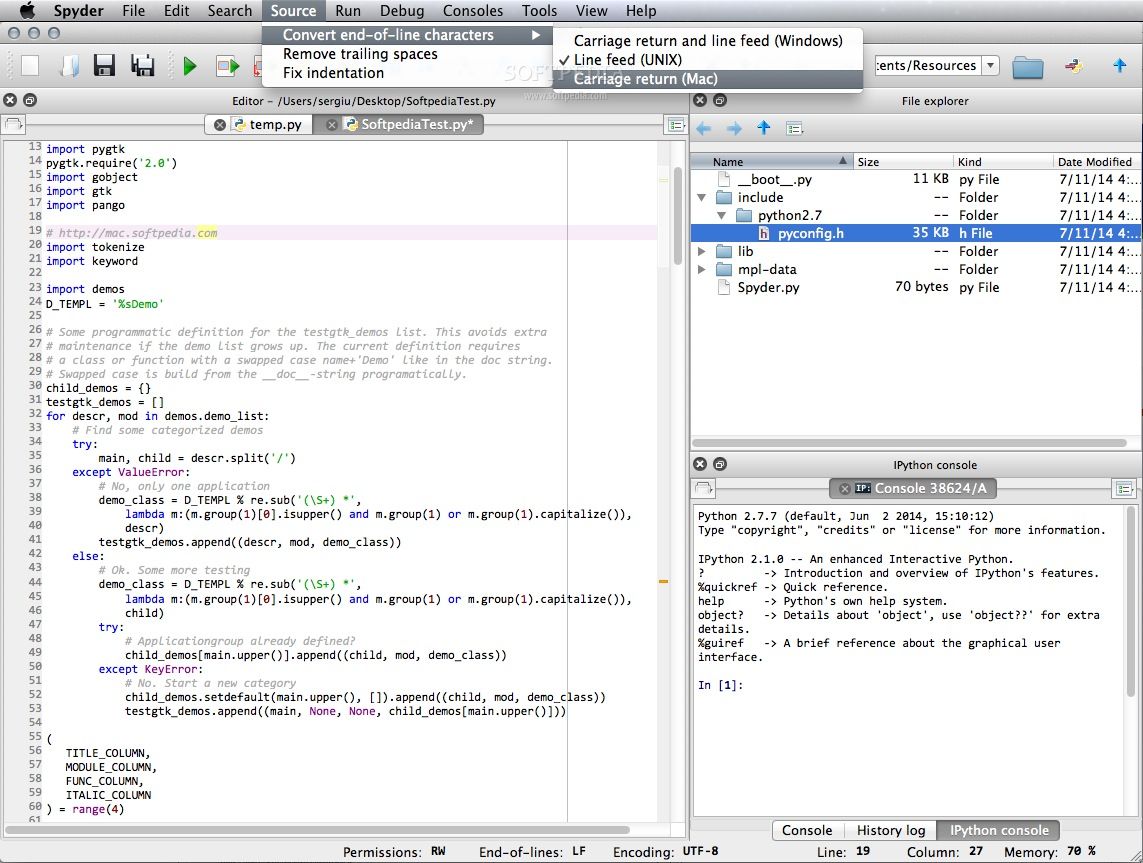
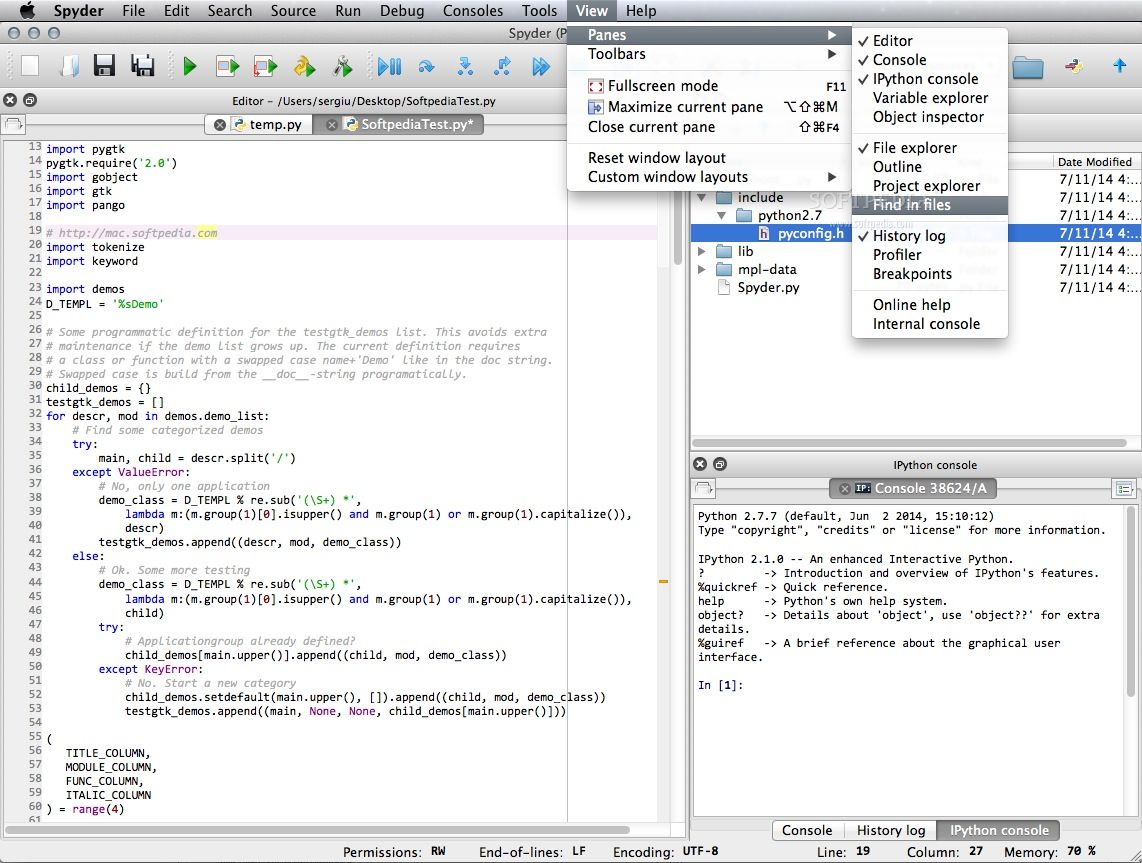
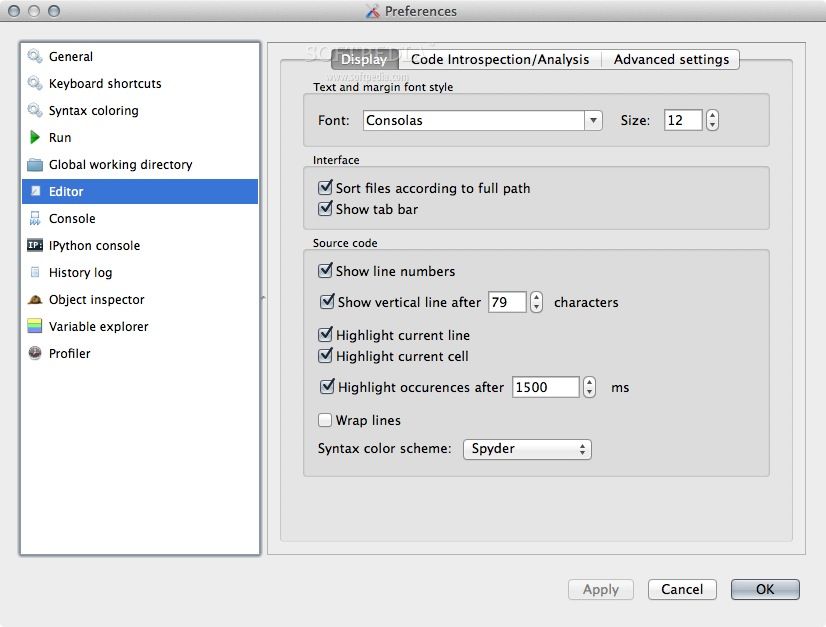
Since most of your time will be spent working with code, it helps that Spyder offers an assortment of tools to make your life easier. The editor supports multiple languages, with syntax coloring for Python, C, C++ and Fortran. As a result, you can work on extensions that incorporate various types of code without having to use another tool.
On top of that, Spyder provides real-time code analysis using pyflakes and pylint, code completion, typing helpers, calltips, occurrence highlighting and much more.
The console is opened in a separate panel and supports the creation of multiple command windows, such as a Python interpreter, the running Python script and a system command window. The history log collects all past commands and is displayed in a separate tab.
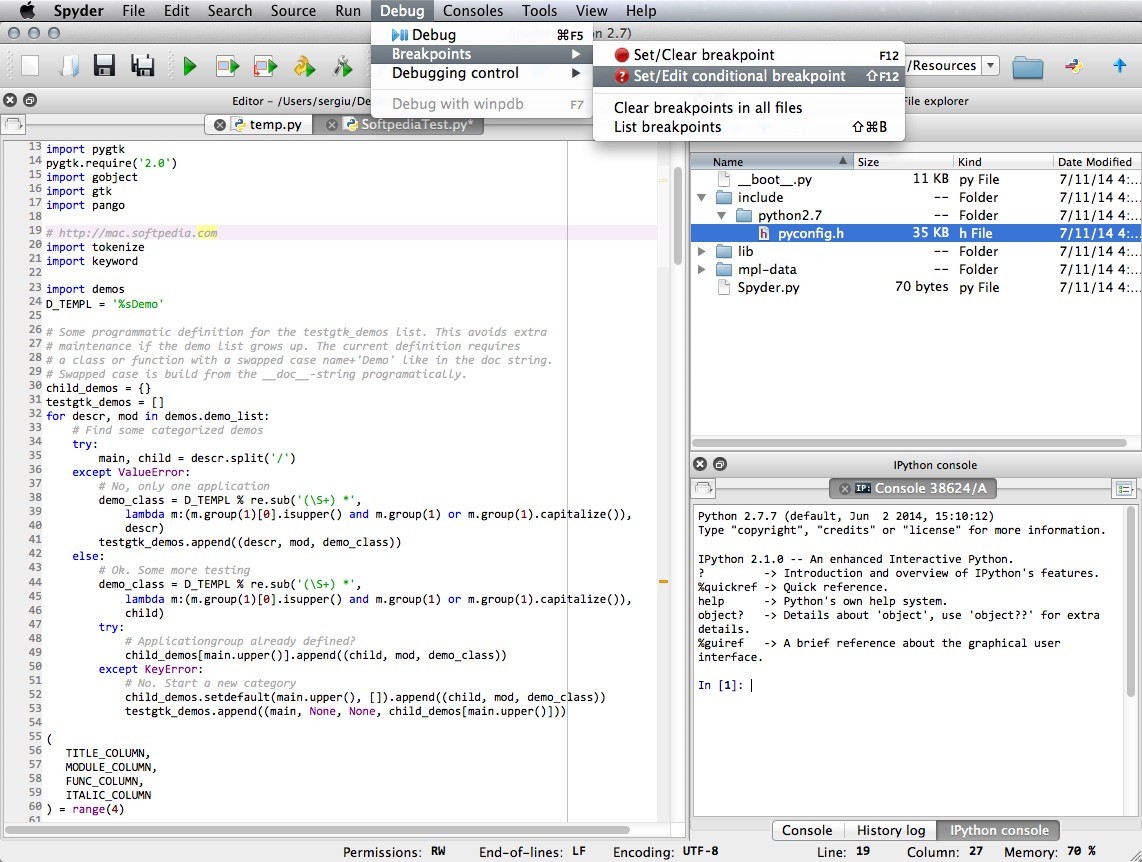
The Python-based command windows support code completion and calltips, include a variable explorer with editors for arrays, dictionaries, lists and so on, and also permit debugging with a standard Python debugger.
Spyder includes a standard file explorer, but also incorporates an object inspector. The latter can provide any documentation or the source code available for various Python objects, such as classes, functions or modules.
Spyder is a powerful application in the right hands and is a sound choice for experienced Python developers who need to have an extensive array of tools at their disposal.
What's new in Spyder 3.0.2:
- NEW FEATURES:
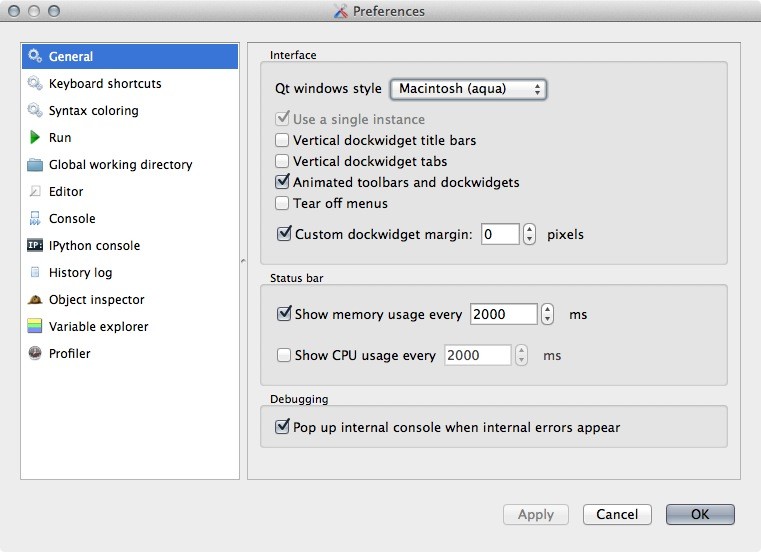
- Add an option under Preferences > General to enable/disable high DPI scaling (disabled by default).
- Add a menu entry in the Projects menu to cleanly delete projects.
- Add the shortcuts Ctrl+U and Ctrl+Shift+U to turn text into lower/uppercase respectively.
Spyder 3.0.2
add to watchlist add to download basket send us an update REPORT- runs on:
- Mac OS X (Intel only)
- file size:
- 217.1 MB
- filename:
- spyder-3.0.2-py3.5.dmg
- main category:
- Developer Tools
- developer:
- visit homepage
4k Video Downloader

Microsoft Teams

Zoom Client

Bitdefender Antivirus Free

7-Zip

IrfanView

Windows Sandbox Launcher

ShareX

calibre

Context Menu Manager

- ShareX
- calibre
- Context Menu Manager
- 4k Video Downloader
- Microsoft Teams
- Zoom Client
- Bitdefender Antivirus Free
- 7-Zip
- IrfanView
- Windows Sandbox Launcher