Softpedia
 

MAC CATEGORIES:


GLOBAL PAGES >>
NEWS ARCHIVE >>
SOFTPEDIA REVIEWS >>
MEET THE EDITORS >>
WEEK'S BEST
  • handyPrint 4.1.2
  • AppCleaner 2.2
  • Dropbox 2.0.16
  • Reason 7.0.1 Build 3510
  • Apple iTunes 11.0.3
  • CrossOver Mac 12.2.1 Bu...
  • Skype 6.4.60.833
  • Mozilla Firefox 21.0 / ...
  • Skitch 2.5.2 Build 262792
  • Apple iMovie 9.0.9
  • Home > Mac > Developer Tools
     Report malware

    NetBeans IDE 7.3

    Download button

    Downloads: 46,137  View global page NEW!  Tell us about an update
    User Rating:
    Rated by:
    Good (3.5/5)
    60 user(s)
    Developer:

    License / Price:

    Size / OS:

    Binary Format:

    Last Updated:

    Category:
    NetBeans | More programs
    Freeware / FREE
    192 MB / Mac OS X
    Universal Binary Universal Binary
    February 21st, 2013, 14:04 UTC [view history]
    Home / Developer Tools

     Read user reviews (0)  Refer to a friend  Subscribe

    NetBeans IDE description

    Java Integrated Development Environment (IDE)

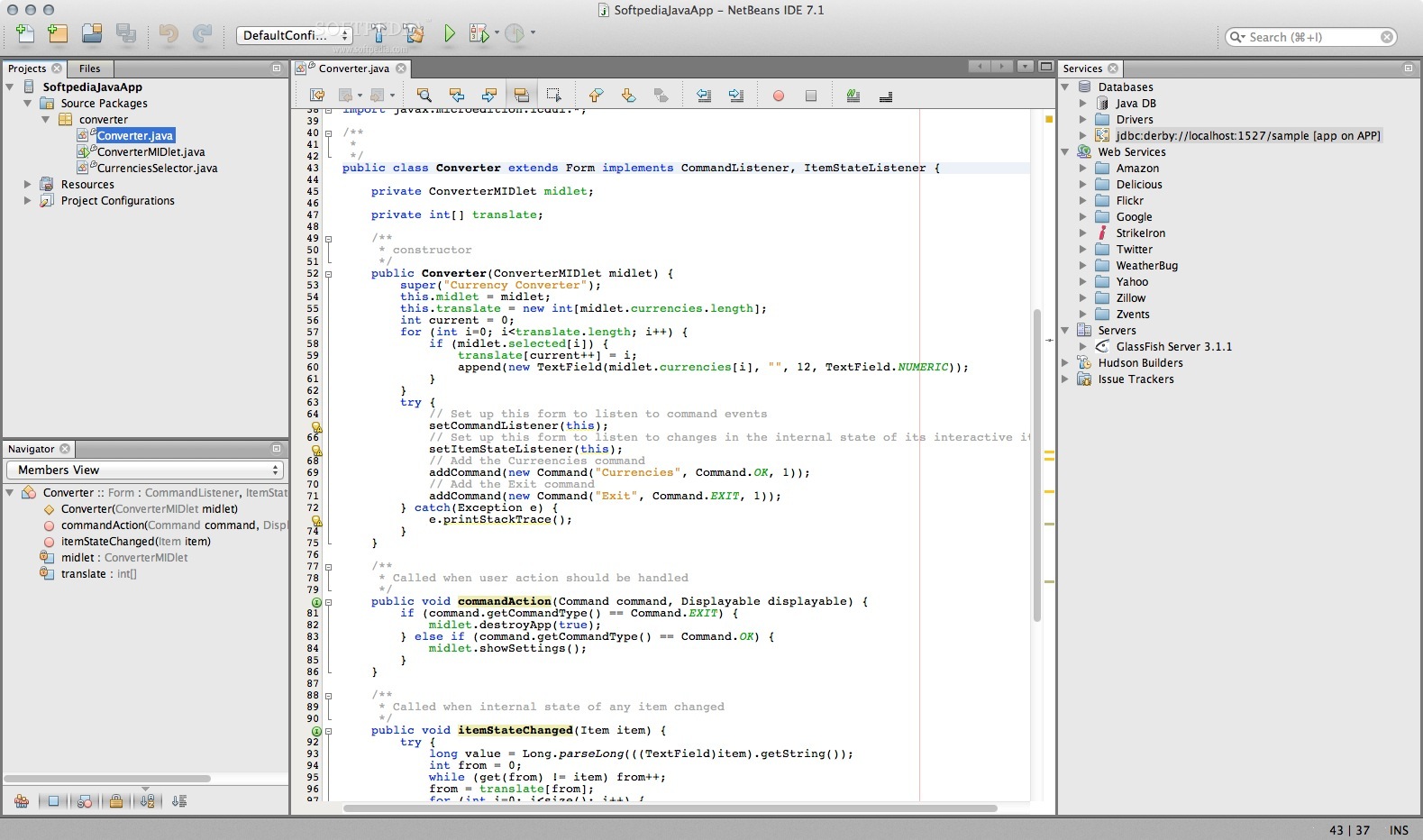
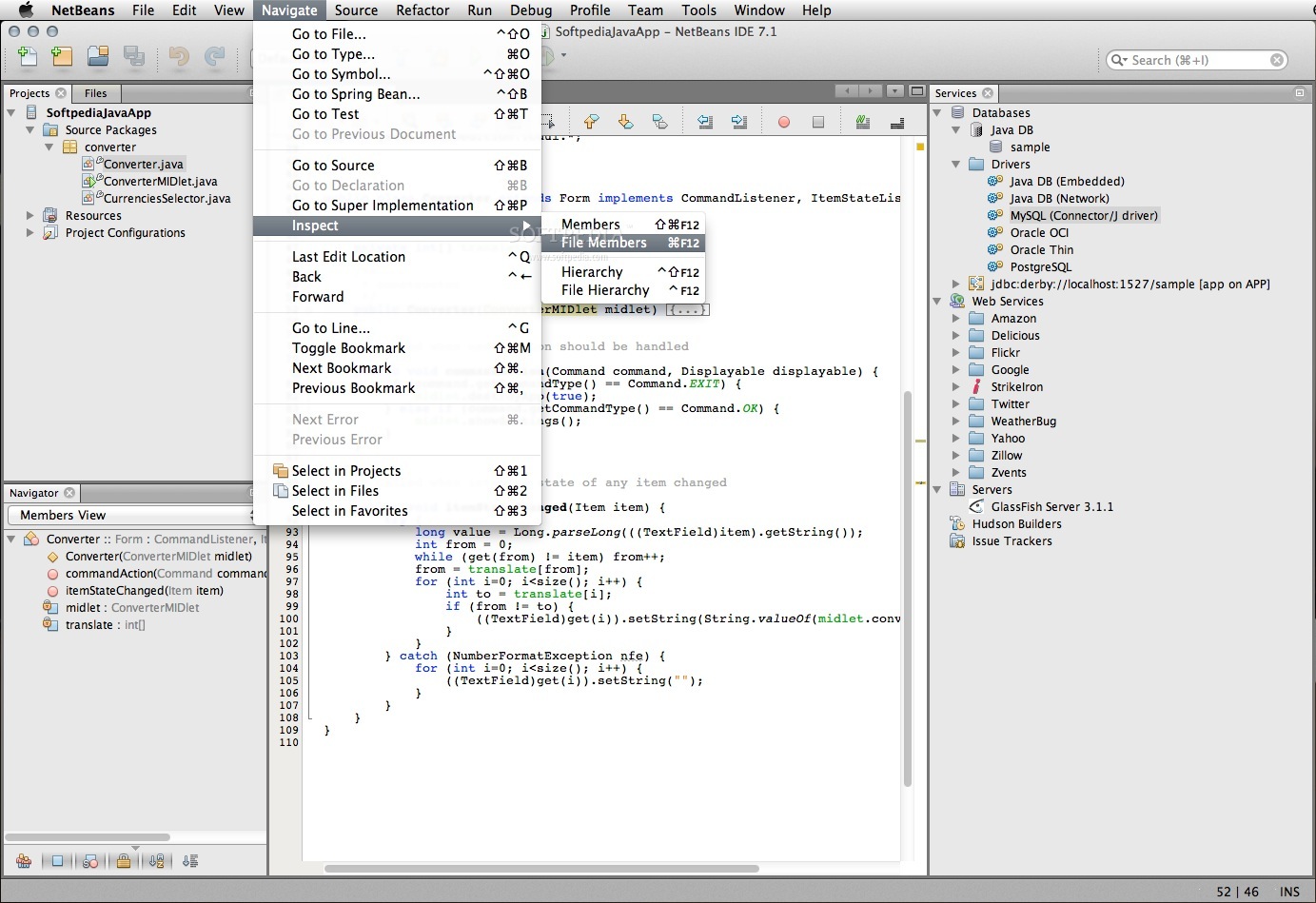
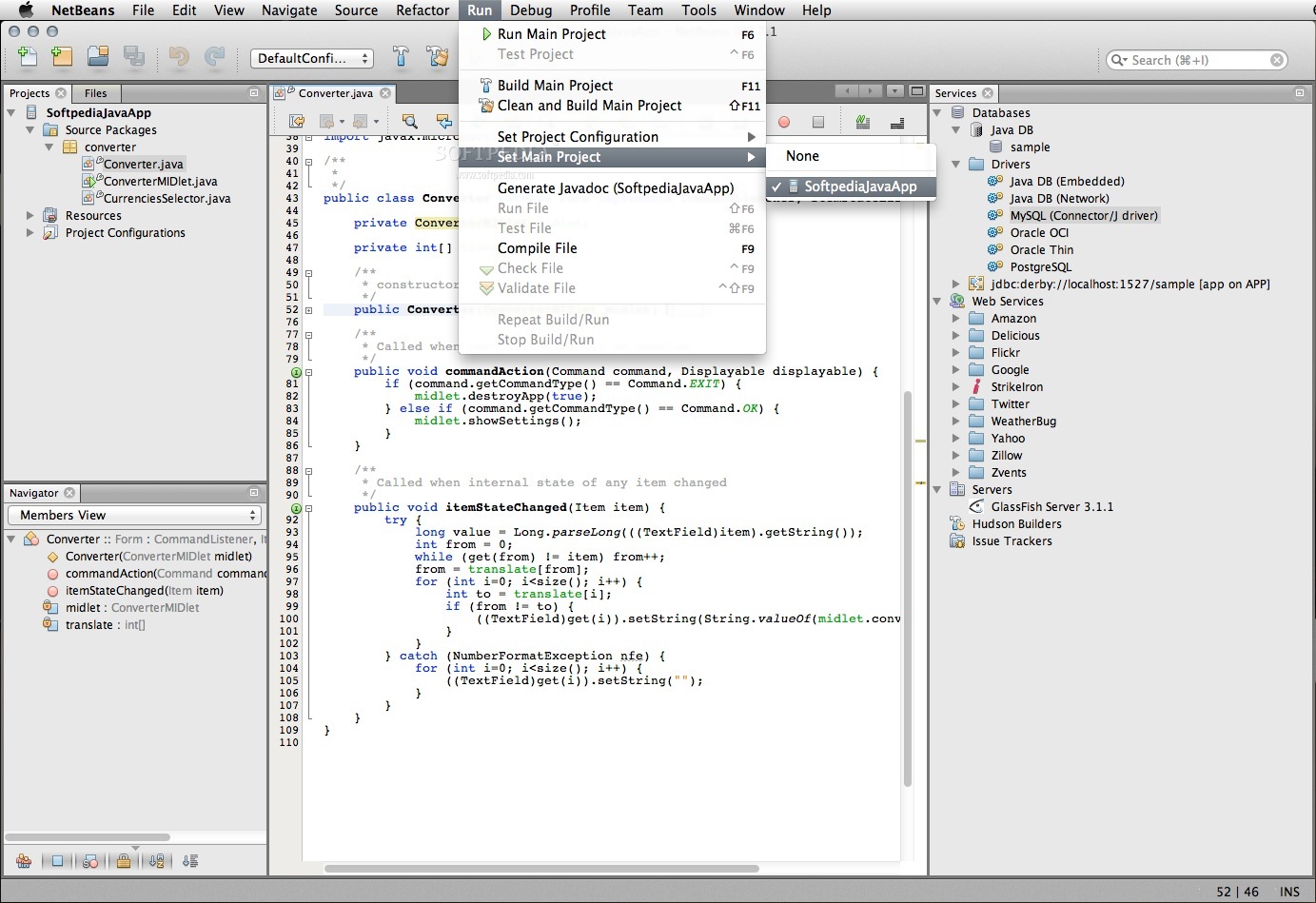
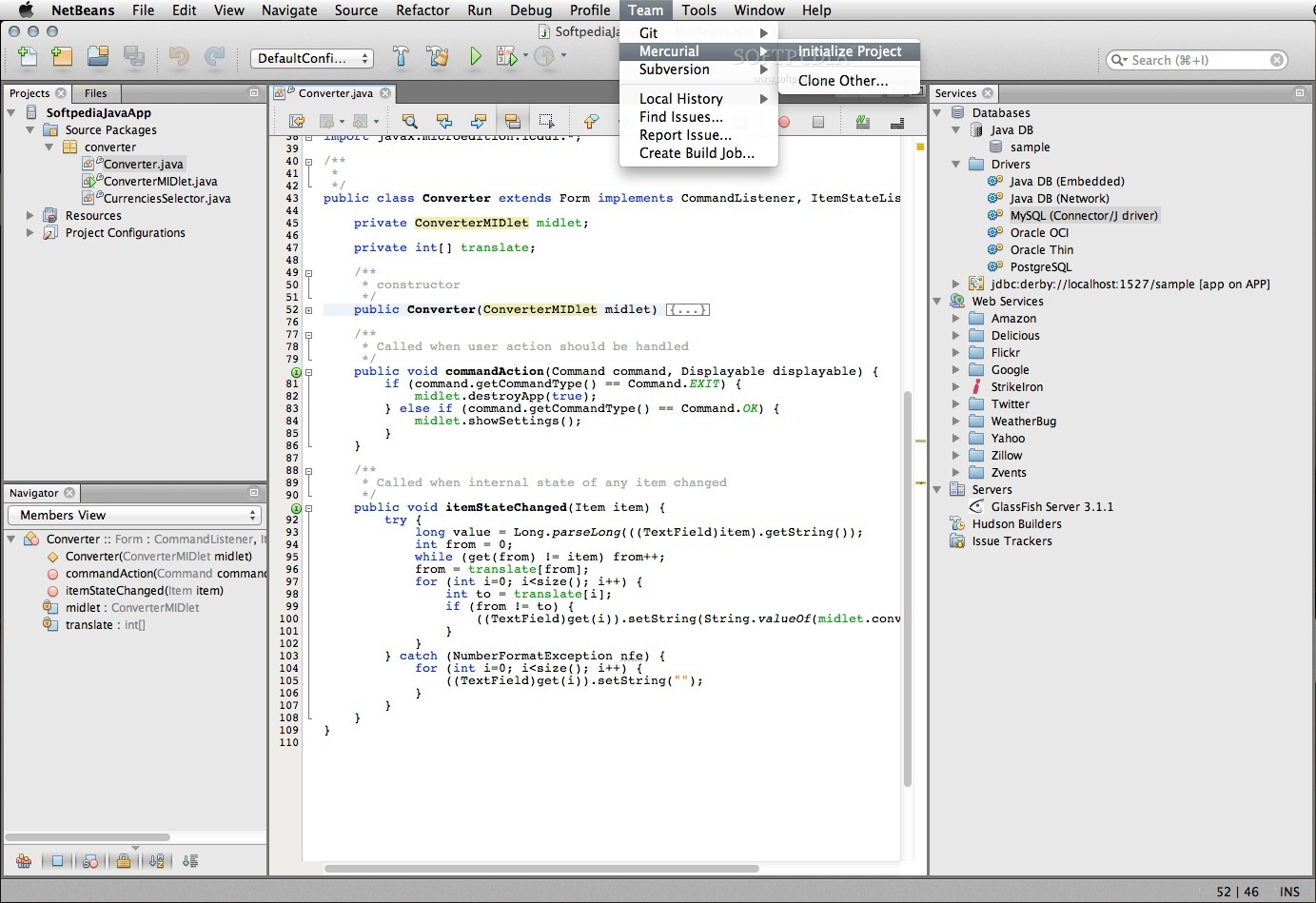
    NetBeans is a cross-platform, free and world class professional IDE (Integrated Development Environment).

    The NetBeans platform features modules with tools such as an editor, utilities for working with source code (Java, C + + and others), version control, and much more.

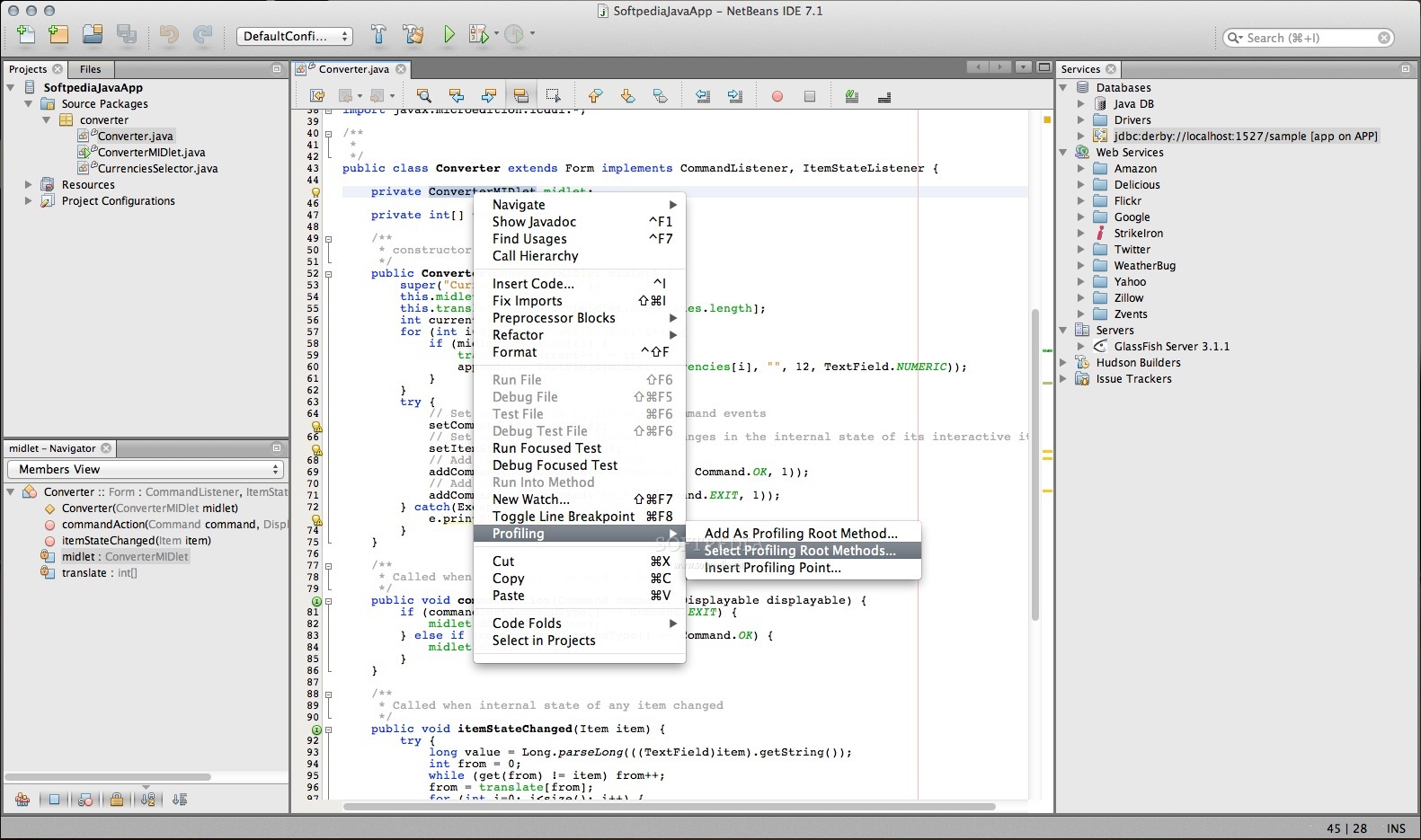
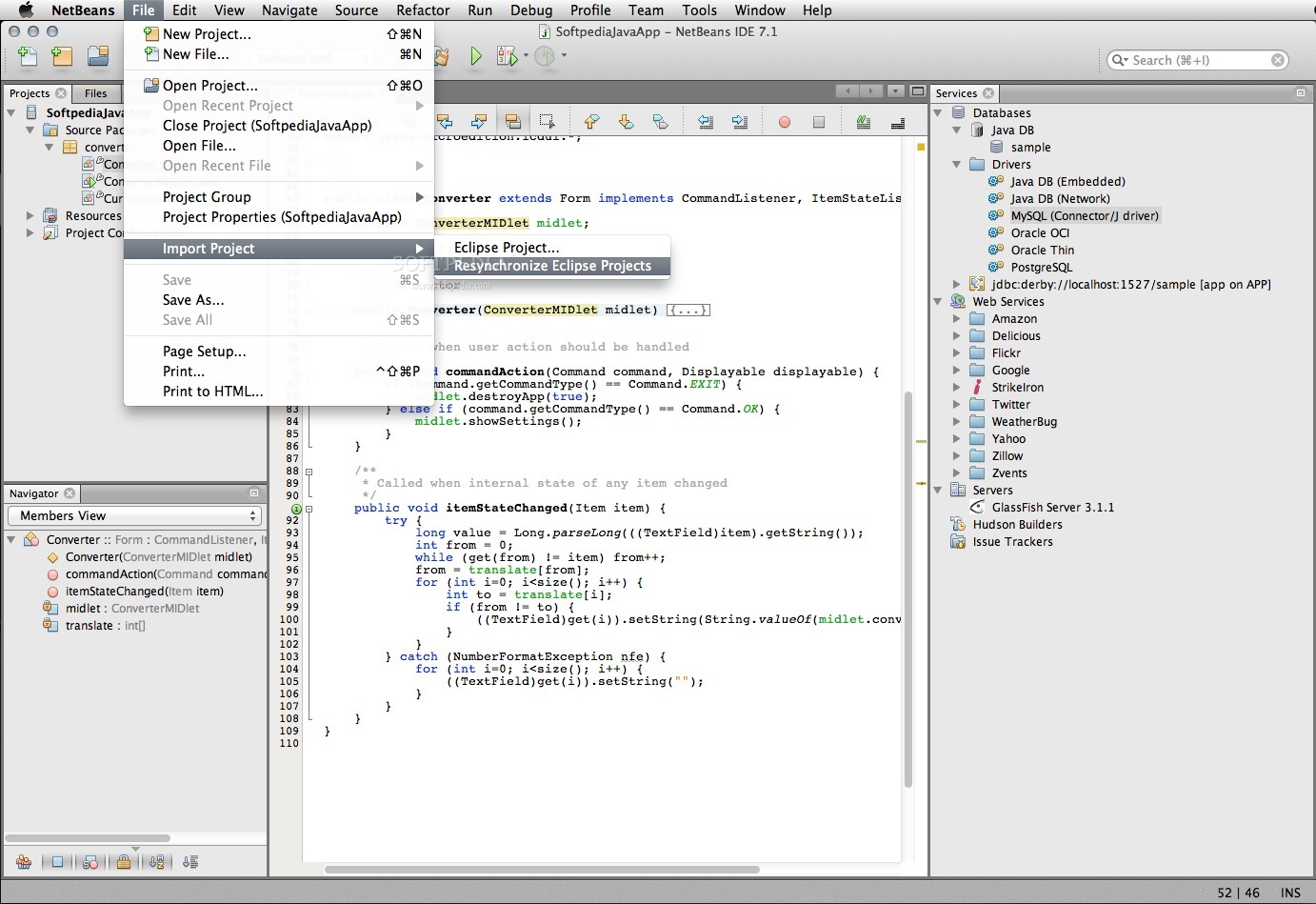
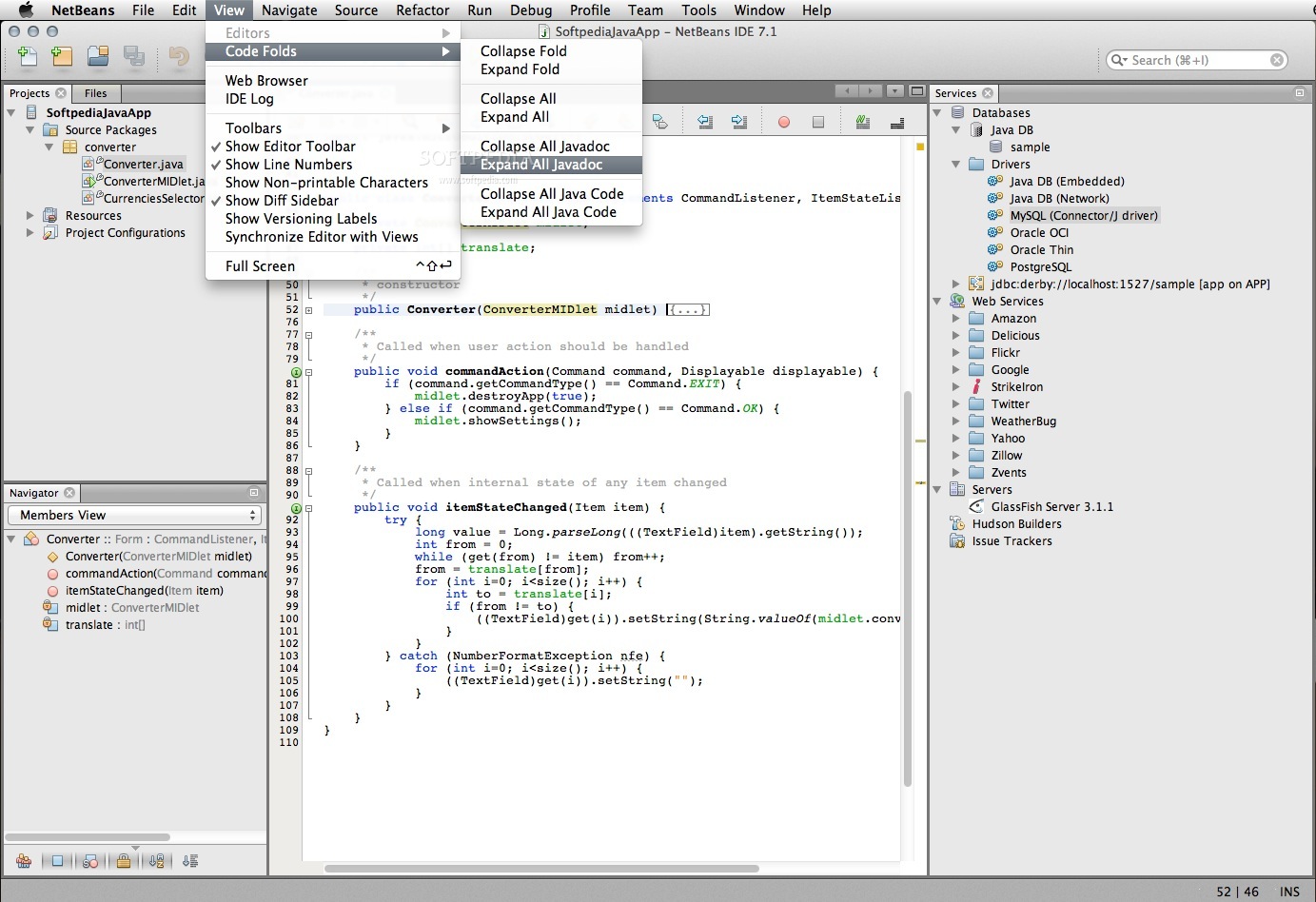
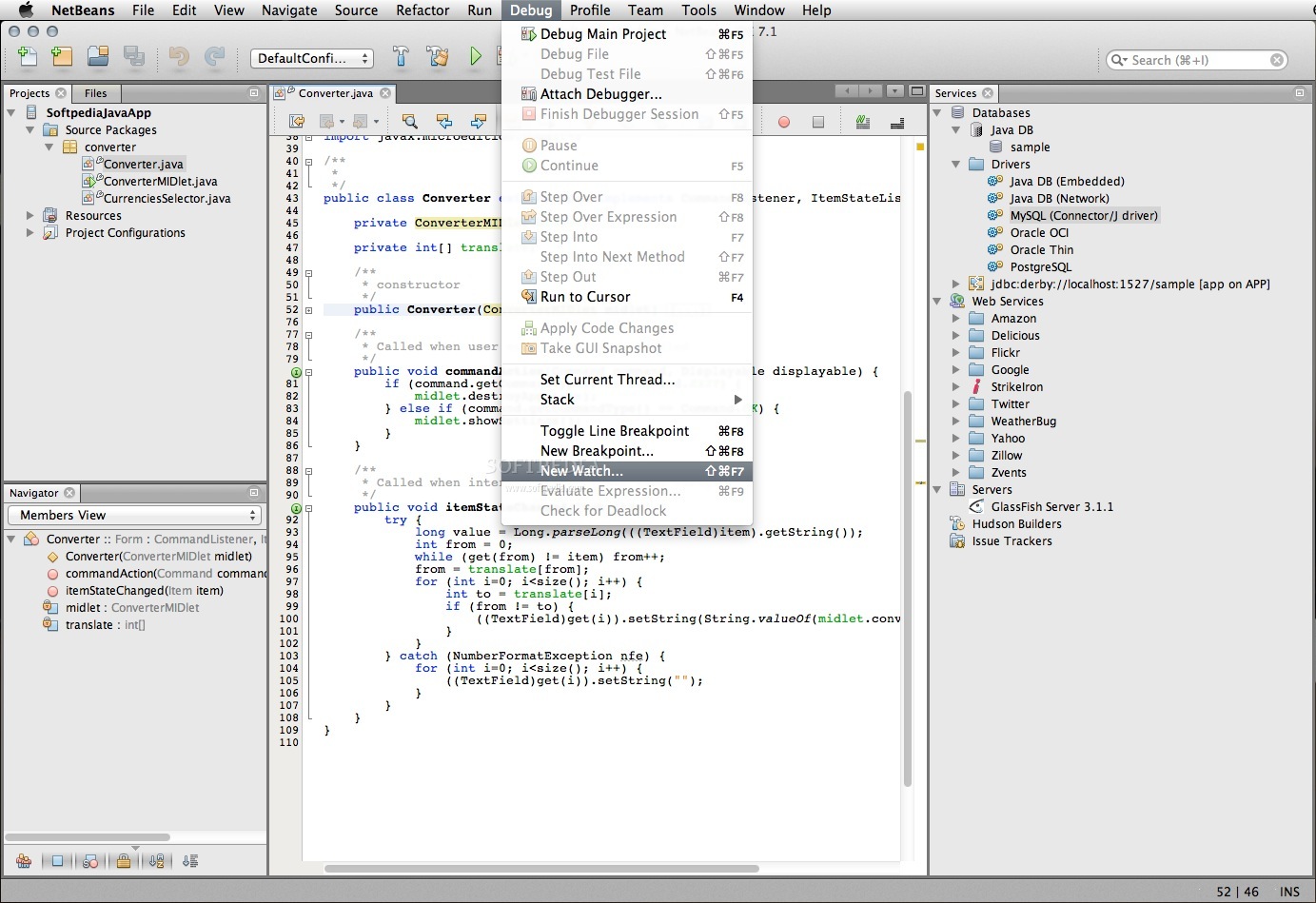
    NetBeans is a Java based application designed to help programmers write, compile, debug and deploy programs.

    NetBeans IDE is dual licensed under the GNU General Public License version 2 with Classpath exception and Common Development and Distribution License (CDDL).

    Here are some key features of "NetBeans IDE":

    IDE-wide QuickSearch:
    · Use the Ctrl-i shortcut to do a context-sensitive search throughout the IDE, the help sets, and all open projects.

    Custom Installer:
    · Select the NetBeans IDE download that provides the features you need.

    Plugin Manager:
    · You can always use the Plugins Manager from the Tools menu to add, remove, or update sets of features for Java SE, Java EE, Java ME, JavaFX, Ruby, Groovy, PHP, C/C++, UML, or SOA development, including a wide variety of other features from third-party providers.

    Standards-Based Project System improved:
    · The NetBeans IDE uses industry-standards build technologies, this means you can build and run your projects outside the IDE exactly the same as inside the IDE.

    Customize Your Projects:
    · Set up properties and compilation dependencies between your projects, and use relative library paths to make projects sharable.

    Templates and Sample Applications:
    · The IDE comes with templates and sample projects for Java SE applications, mobile applications, web applications, enterprise applications, JavaFX applications, NetBeans plugins, Groovy, PHP, C and C++ applications, SOA applications, Ruby and Ruby on Rails applications.

    Databases and Services:
    · The Services window gives you access to all your databases and web servers, as well as web services and enterprise JavaBeans (EJBs).

    Task List:
    · The NetBeans Task List automatically scans your code and lists commented lines containing words such as "TODO" or "FIXME", and lines with compile errors, quick fixes, and style warnings.

    Sliding Windows:
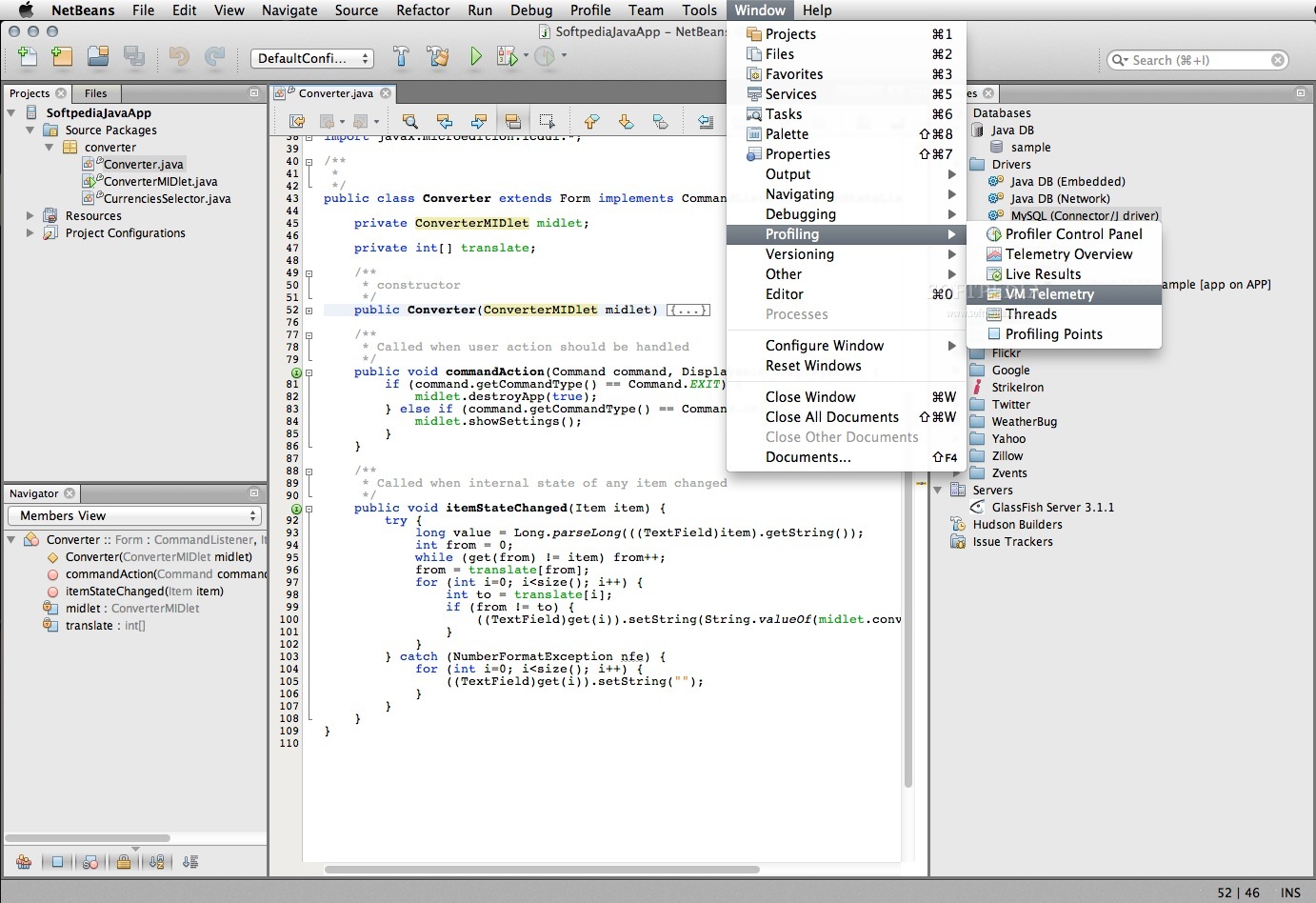
    · The IDE's workspace is fully customizable: Customize the actions in the toolbar and drag and reposition tabs in the IDE window to suit your individual workflow.

    Multiple Monitors:
    · Undock any editor tab by dragging and dropping it outside the IDE: It will turn into an independent window that you can move to a second screen.

    Project Groups:
    · Project groups allow you to define sets of related projects. This allows you to quickly open and close several grouped projects in one step.

    Requirements:

    · J2SE JDK 1.4.2 or later

    What's New in This Release: [ read full changelog ]

    Highlights:
    · Rich Web applications (HTML5, JavaScript, CSS)
    · Extended clipboard and refactoring improvements in Java Editor
    · JavaTM SE Development Kit 7 Update 13 support
    · Full support of JavaFX 2.2.5 SDK
    · Support for JavaME SDK 3.2

    Project Easel: HTML5 Application Development:
    · HTML5 Application project with JavaScript testing support
    · JavaScript Editor significantly improved
    · Page inspector and visual CSS style editor
    · JavaScript Debugger
    · Embedded WebKit browser; deep integration with Chrome

    Java:
    · Breadcrumbs: A new navigation bar shows the current embedding in the editor
    · Updated Show member and Show hierarchy views
    · Set of new hints and refactorings
    · Filters for Find Usages results
    · Effective POM editor tab in pom.xml editor

    Java EE:
    · Java Persistence JPQL testing tool
    · REST Service Development enhancements

    JavaFX:
    · FXML/Scene Builder Support
    · JDK 7u6+ support on Windows, Mac and Linux
    · FXML editing greatly improve...

     Softpedia guarantees that NetBeans IDE 7.3 is 100% FREE, which means it does not contain any form of malware, including spyware, viruses, trojans and backdoors. [read more >]


    TAGS:

    web IDE | PHP debugger | Java compiler | IDE | JDE | debugger

    Go to top

    WindowsGamesDriversMacLinuxScriptsMobileHandheldNews

    SUBMIT PROGRAM   |   ADVERTISE   |   GET HELP   |   SEND US FEEDBACK   |   RSS FEEDS   |   UPDATE YOUR SOFTWARE   |   ROMANIAN FORUM