
Create 2D and 3D HTML5 games with this intuitive open-source development environment that offers real-time collaboration and supports a variety of assets. #Game development #Create game #Game creator #Game #Development #HTML5

Normally, developing a game is not an easy task in the least. A great deal of coding experience is required, in addition to a reasonably large team, so that each member can tackle specific jobs, as permitted by their expertise.
Nowadays, however, these requirements are getting more and more relaxed, especially when designing simple games with relatively straightforward mechanics.
This is because of tools like Superpowers, a novice-friendly development environment that can be used on macOS, Windows and Linux, does not rely on extensive coding knowledge and facilitates remote collaboration.
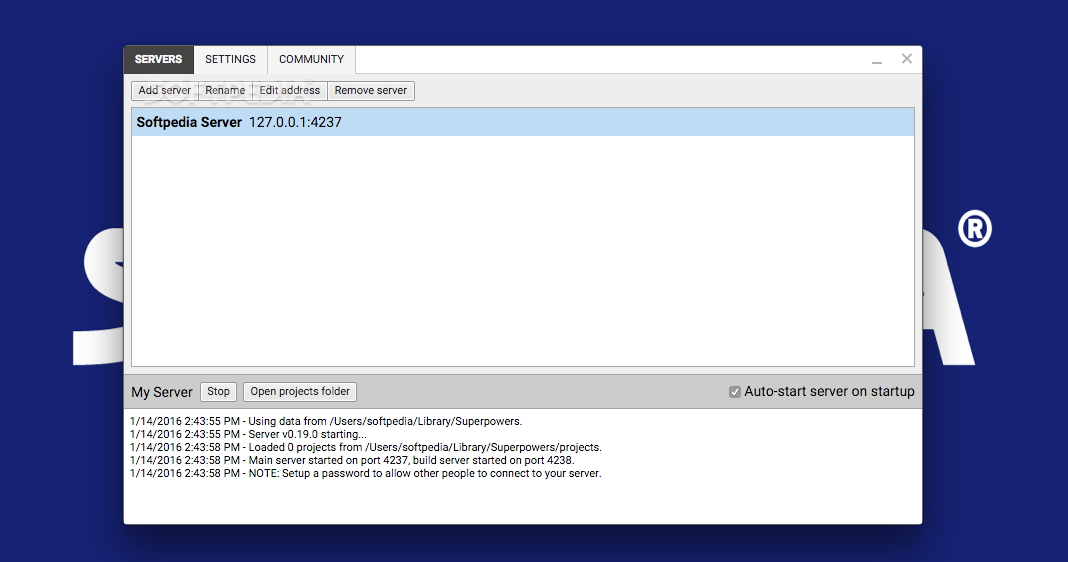
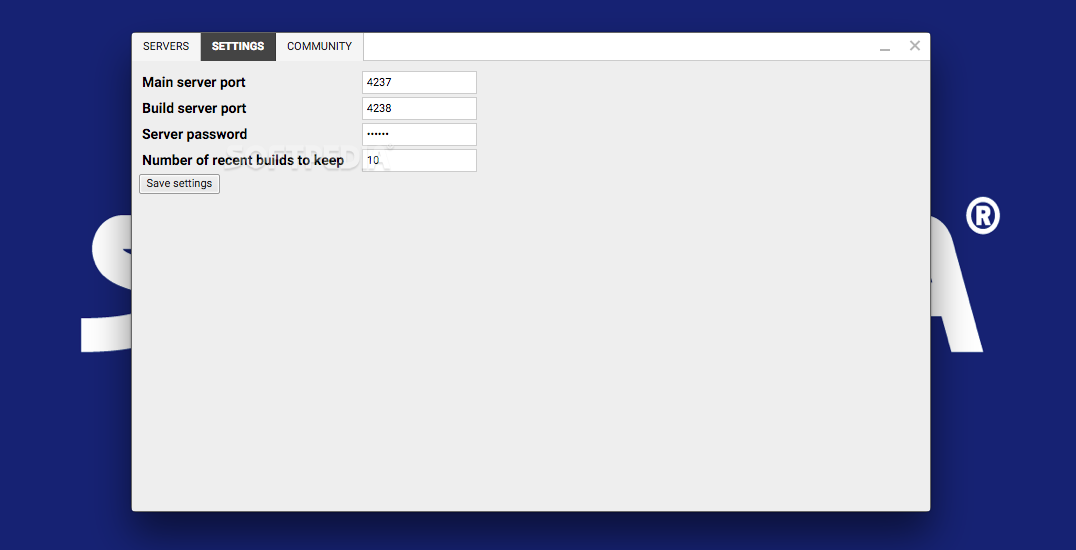
When creating a more ambitious game, it is usually necessary for multiple people to work together on a single project. Superpowers can help you out in this scenario, as it comes with a built-in server, enabling team members to offer their contributions from any location around the world.
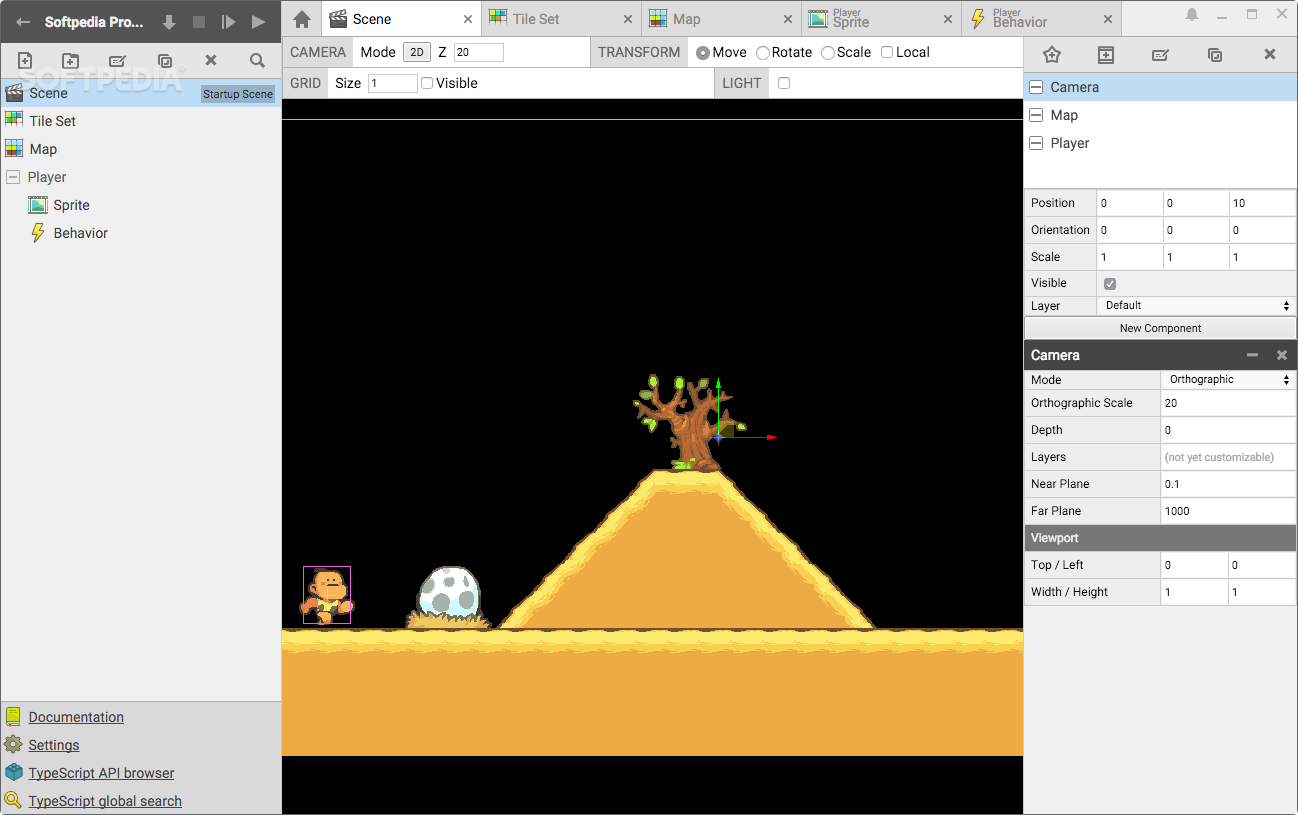
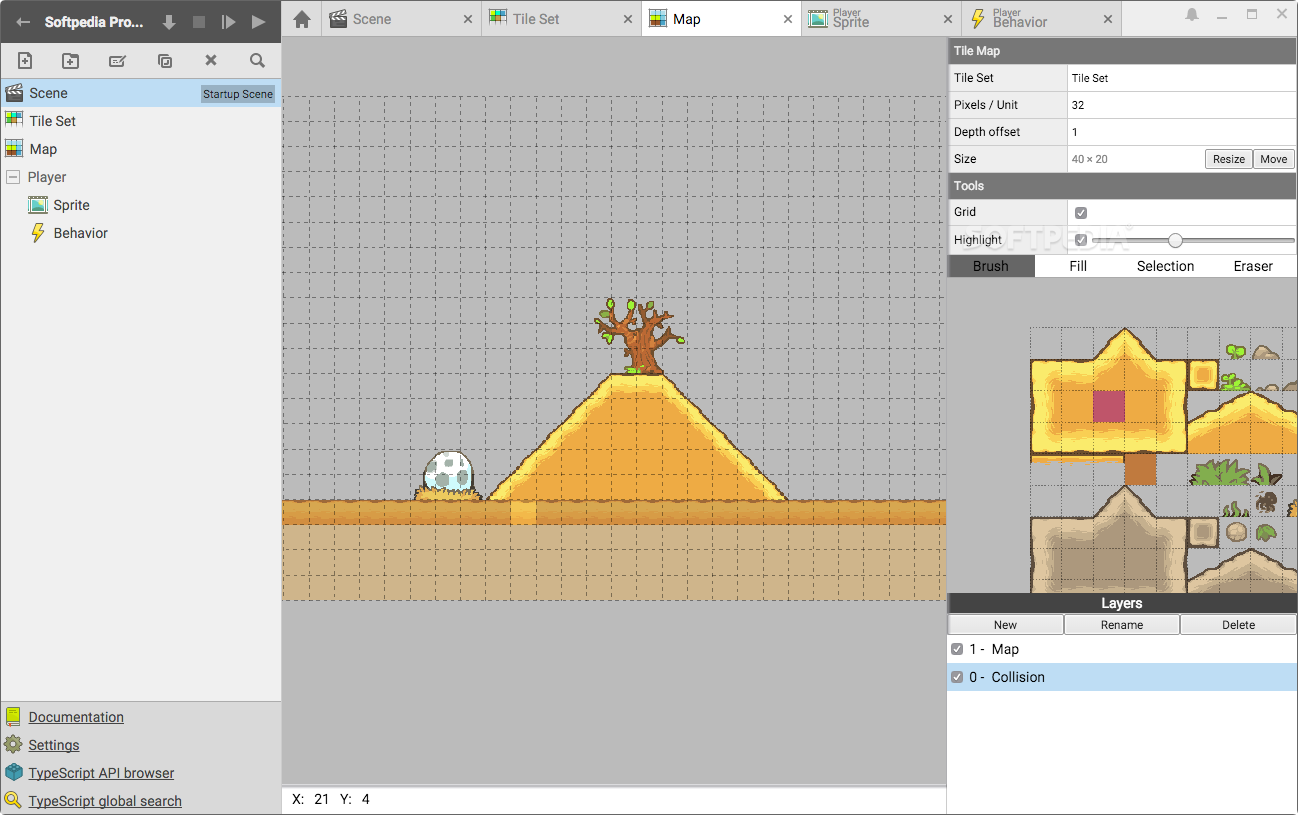
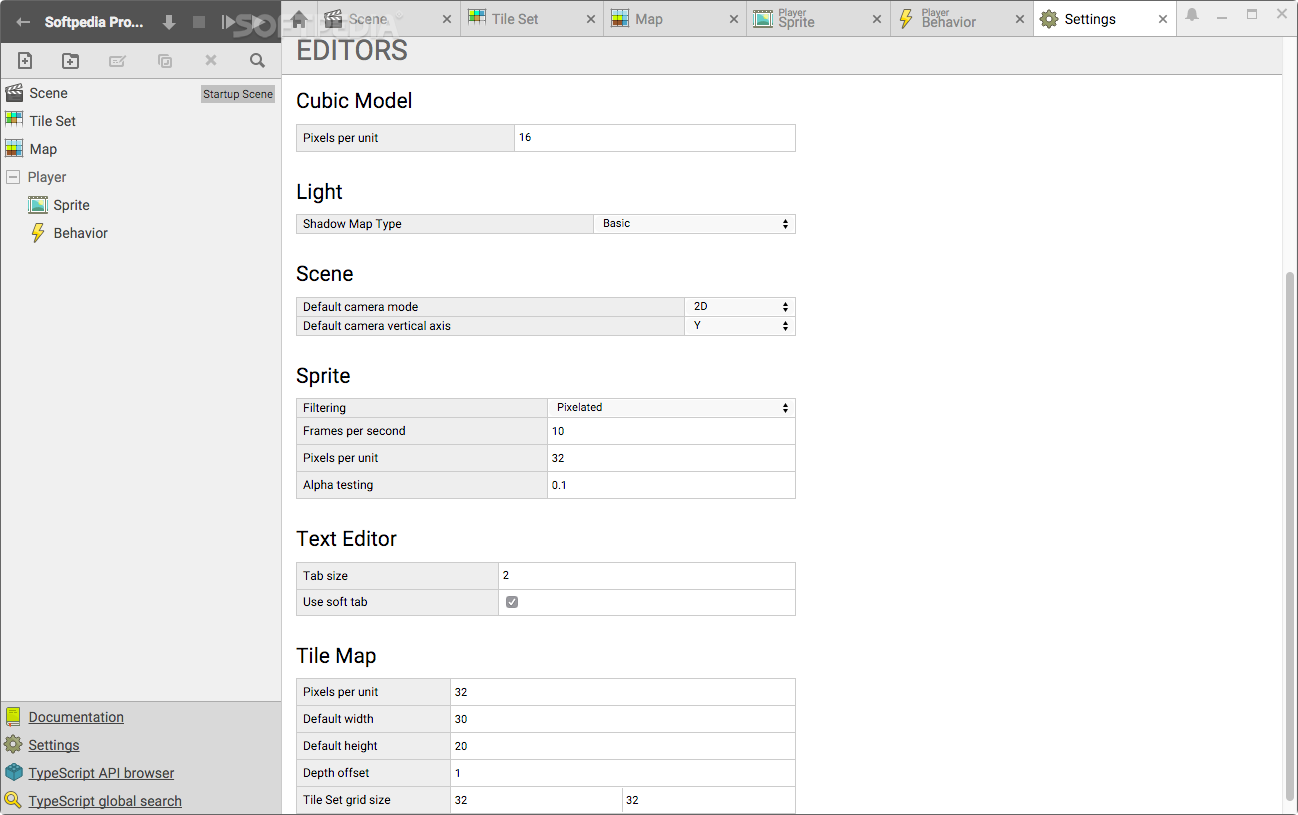
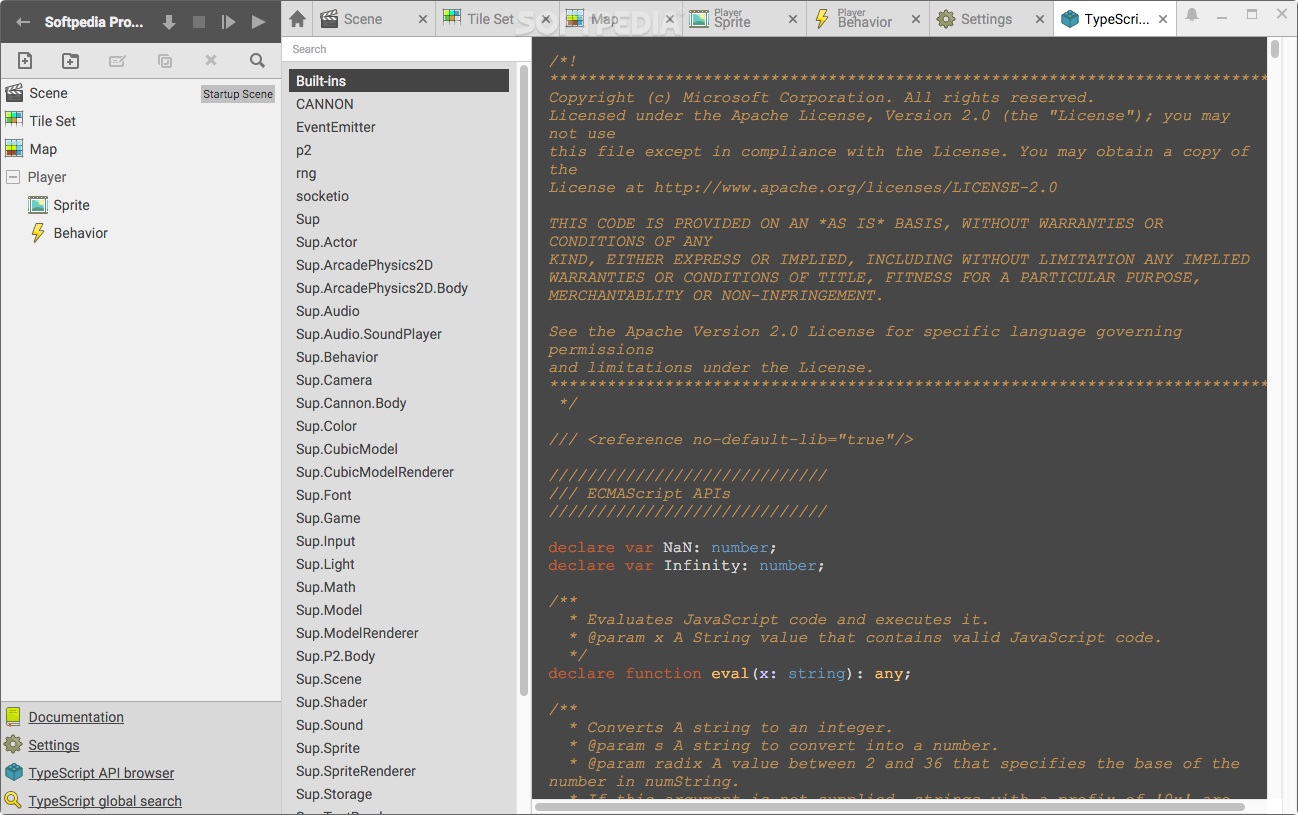
The application’s interface is very well designed, as it keep things simple while making it easy for you to organize your projects and switch between various assets. Each one is opened in a separate tab, and you can view every available asset at all times.
Superpowers can be utilized to create both 2D and 3D games, and the engine uses HTML5 to render sprites and 3D models. As a result, the games can easily be inserted into web pages and run in standard web browsers.
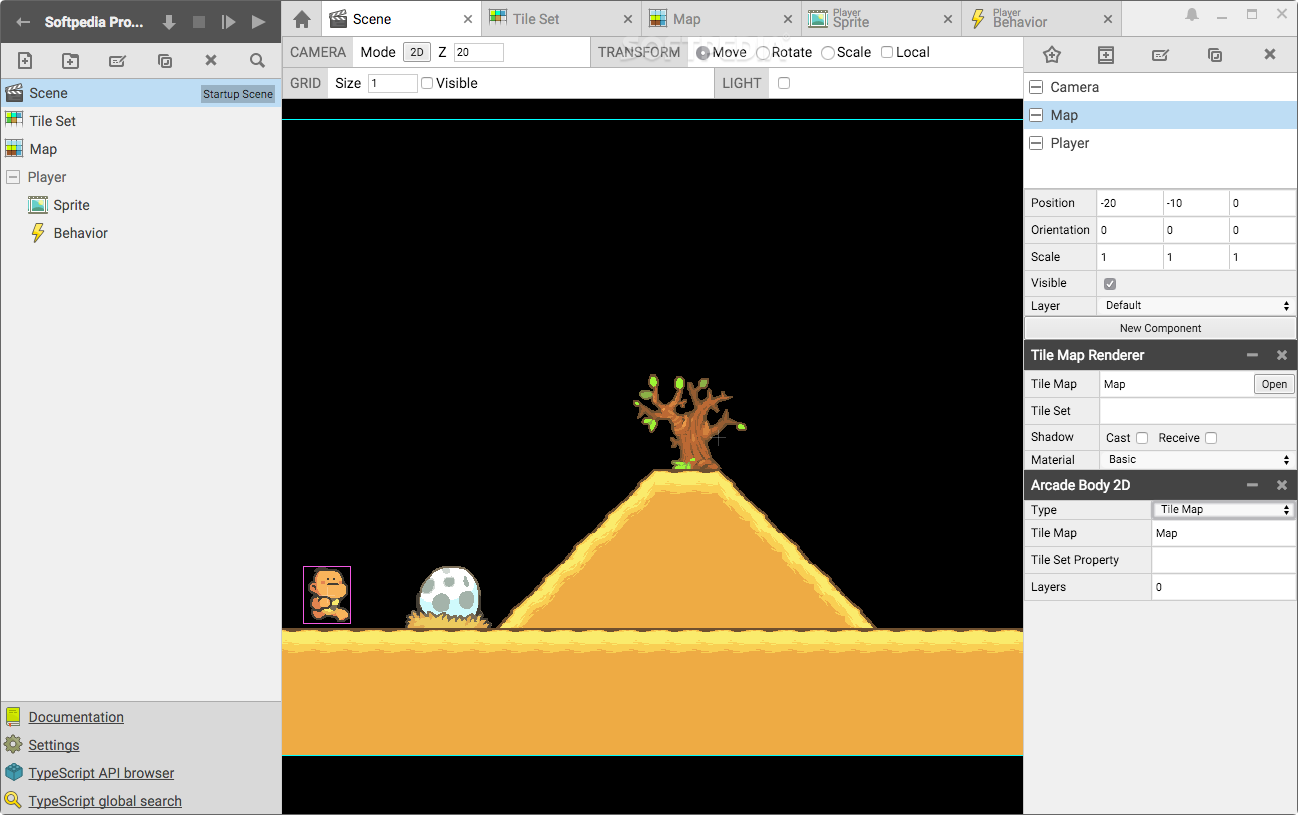
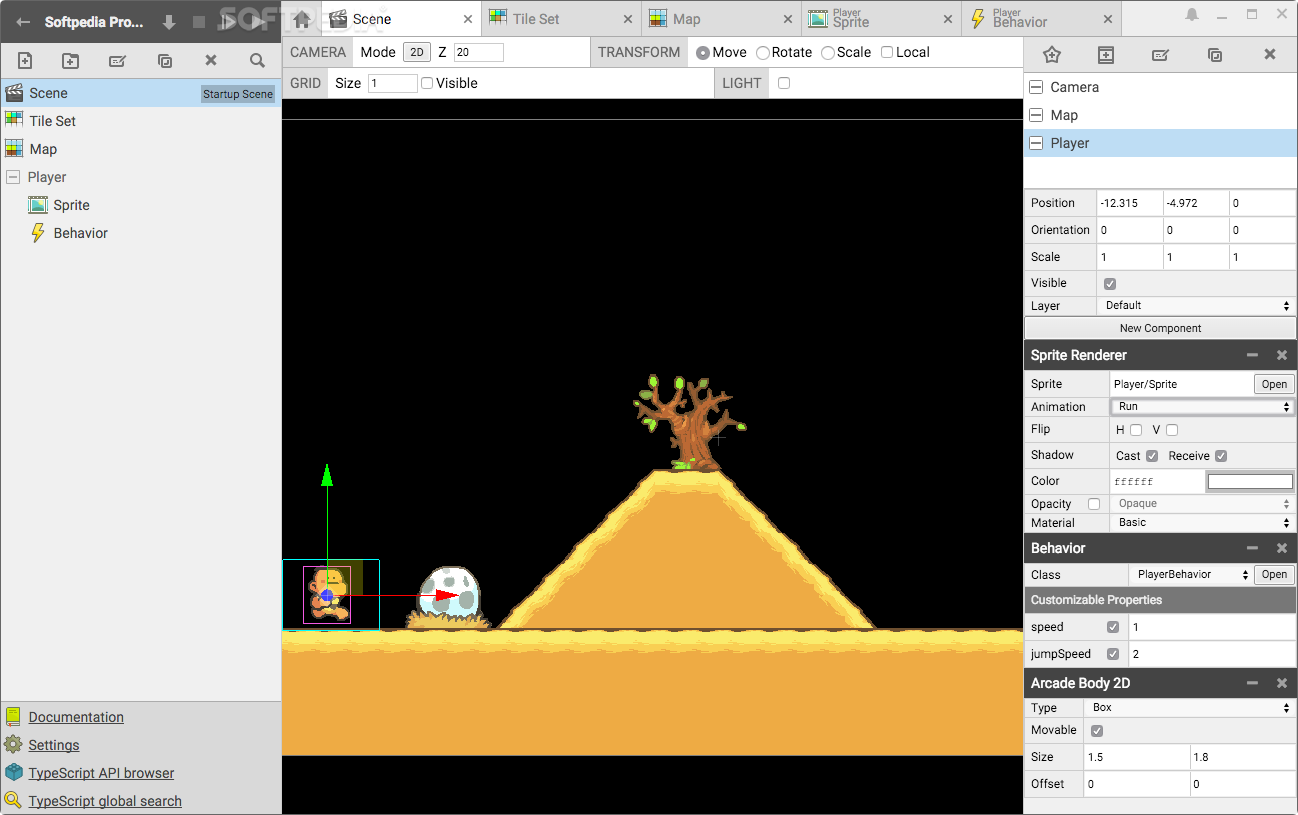
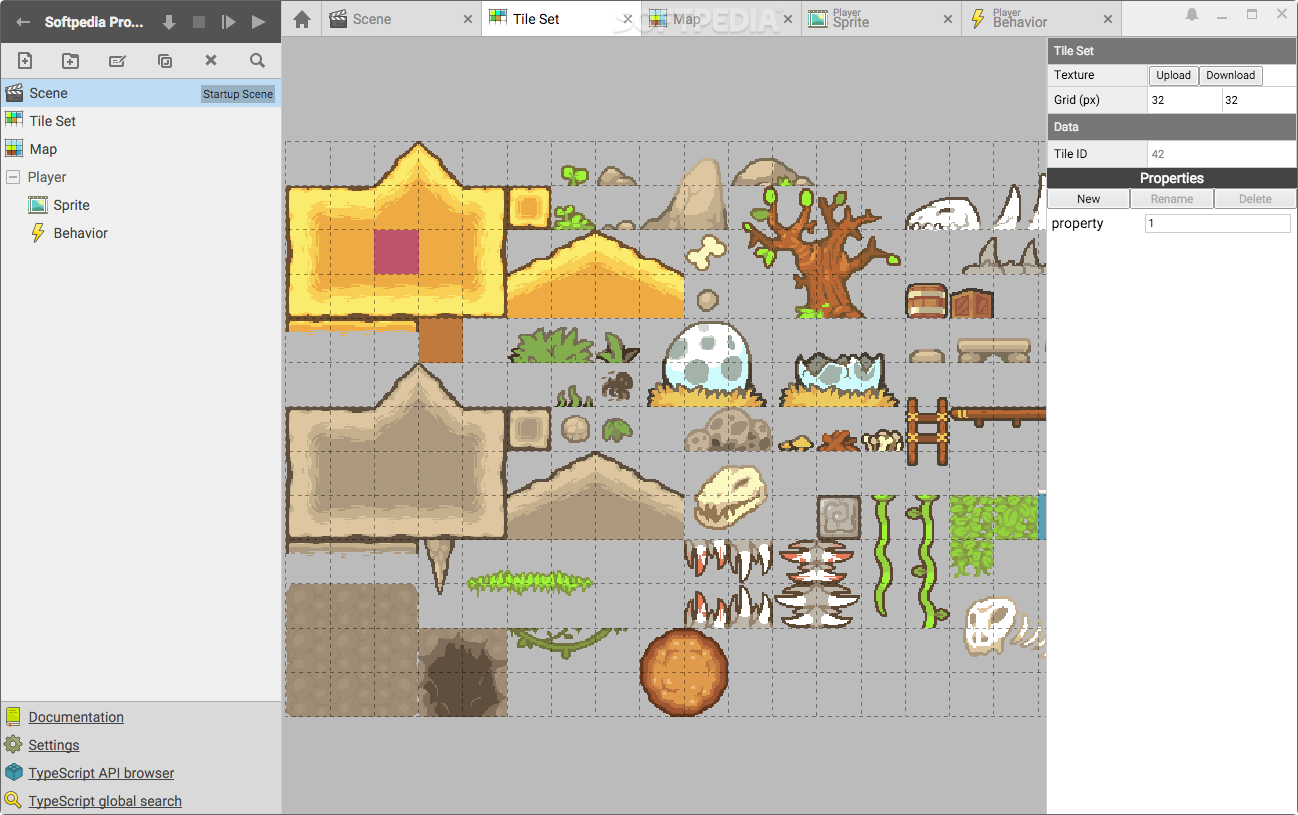
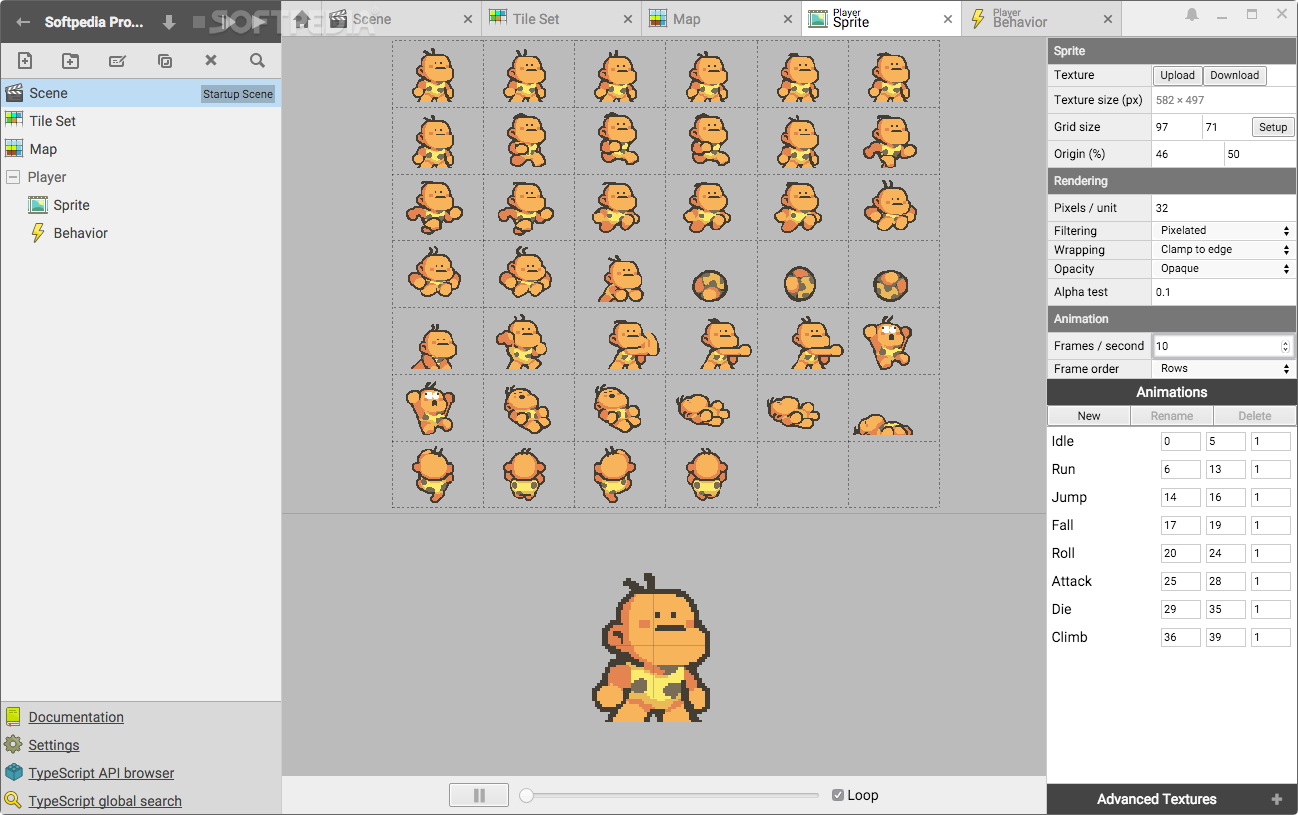
A broad range of assets can be imported, from sprites to tile sets and 3D models. They can also be modified within the application, and their properties can be altered by entering new values in the right attribute fields or by editing the actual code.
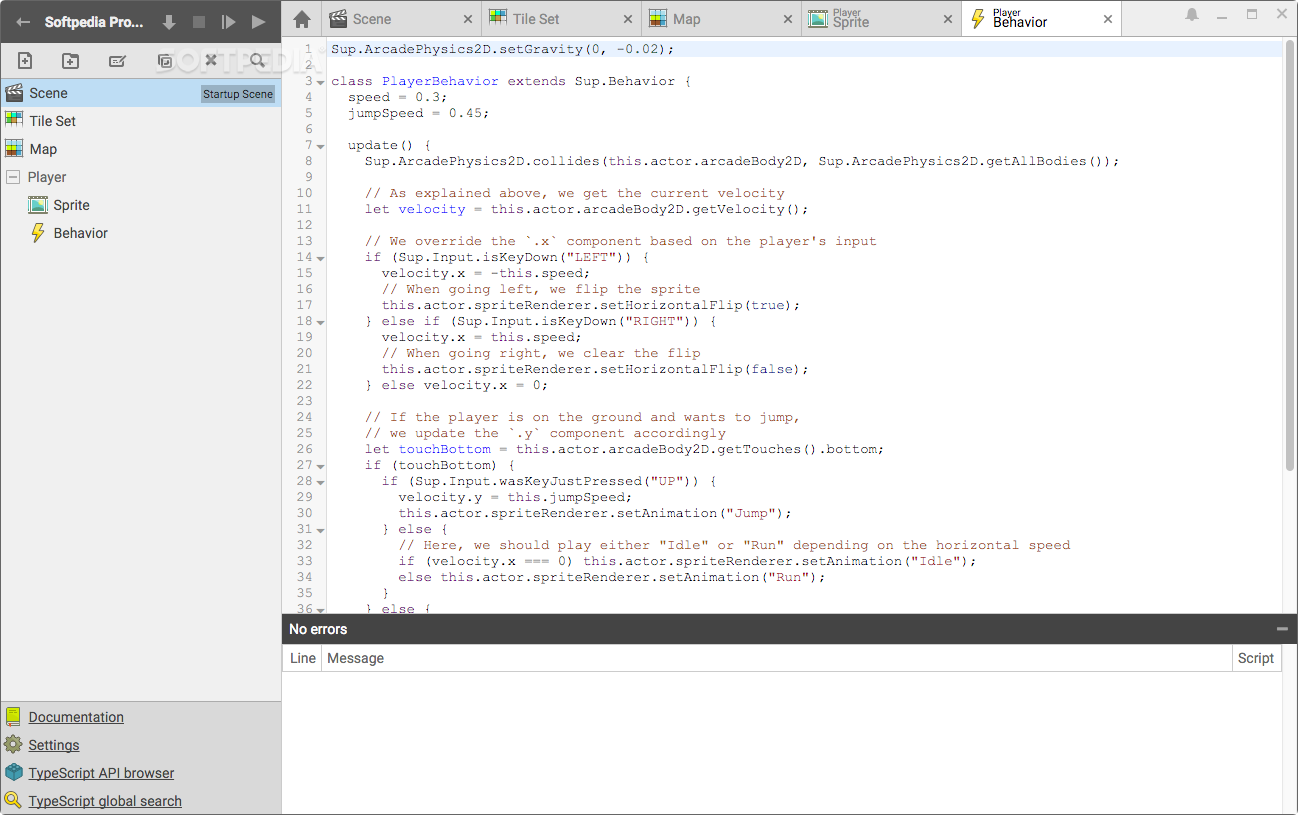
The TypeScript editor is equipped with a number of useful features, such as syntax highlighting, live error reporting and auto-completion.
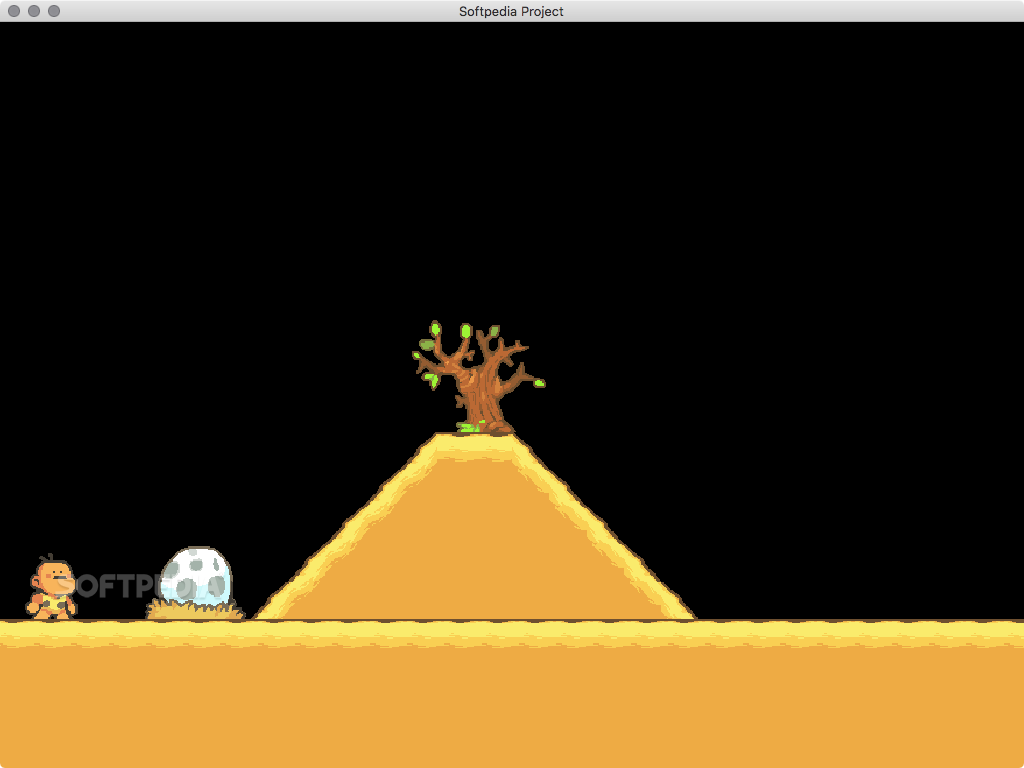
Once you are happy with the game’s current state or simply want to test some things out, you can run the project and play the game in a separate window.
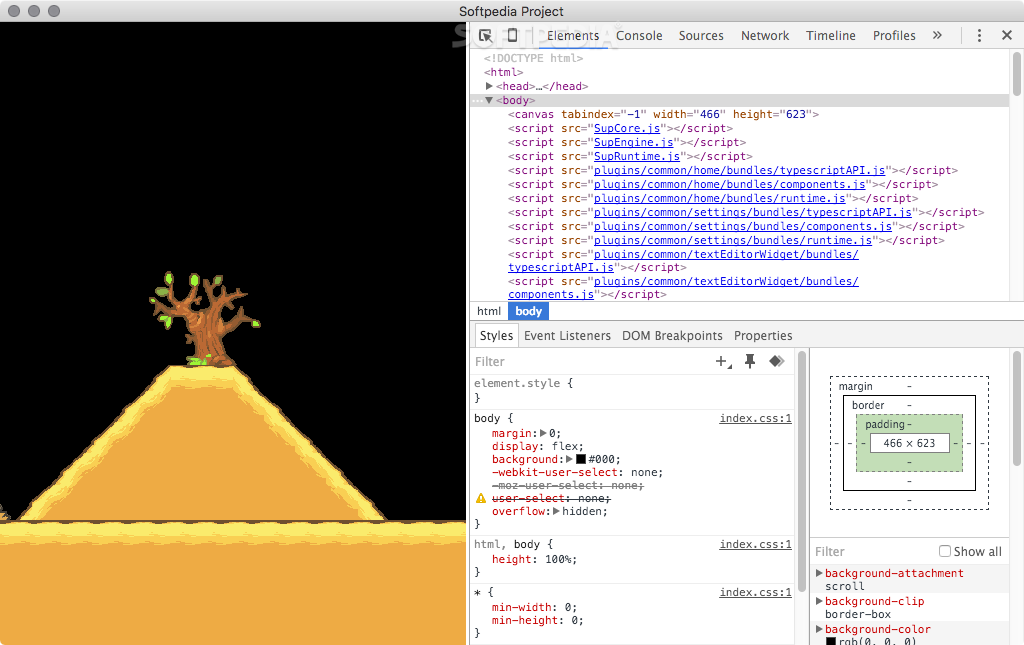
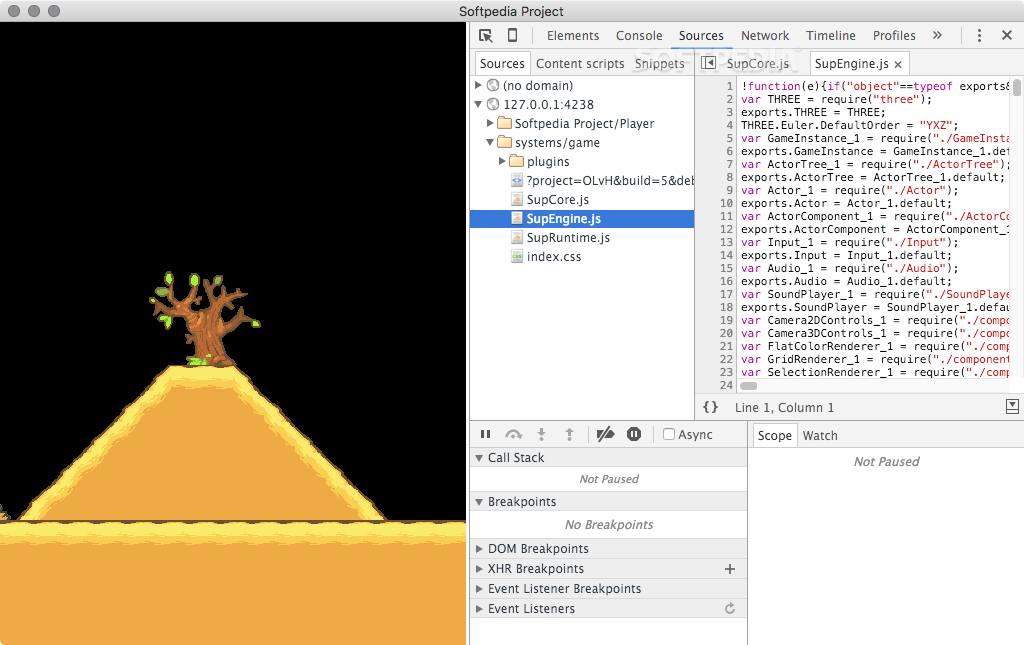
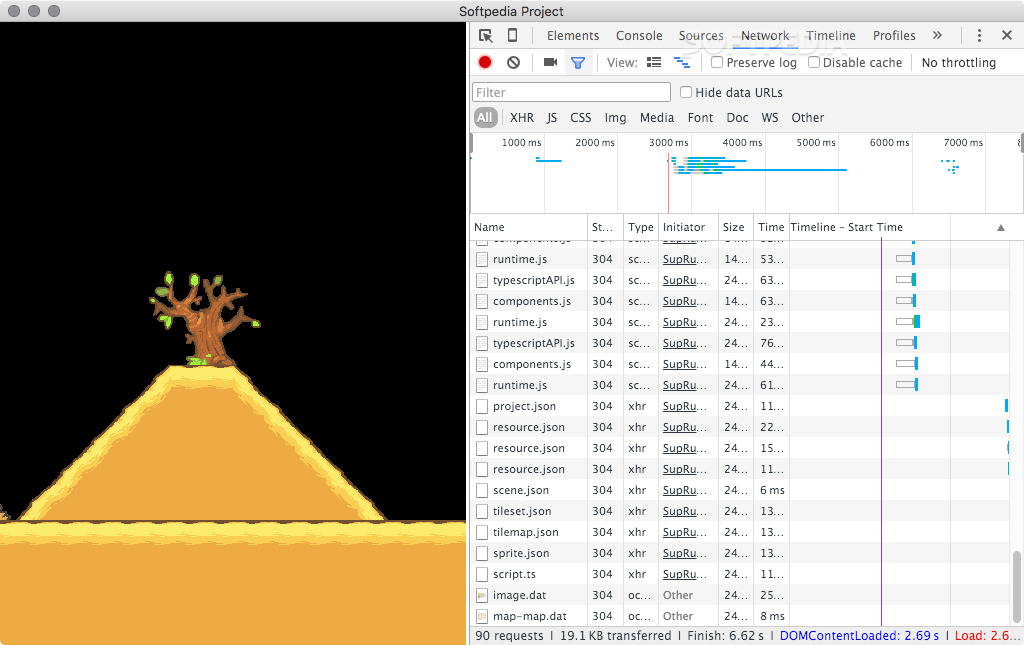
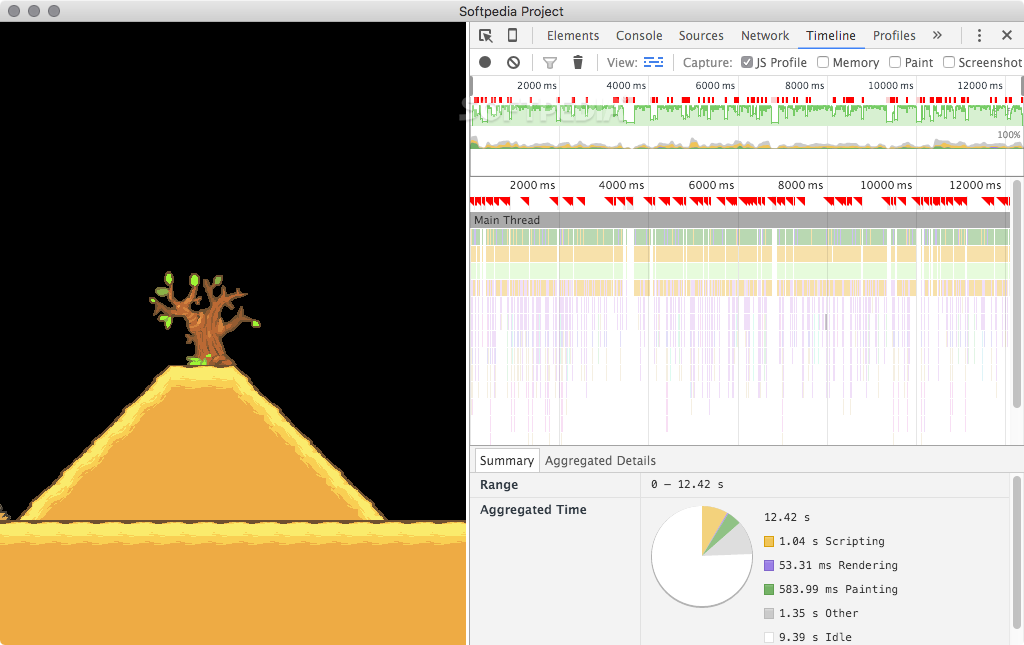
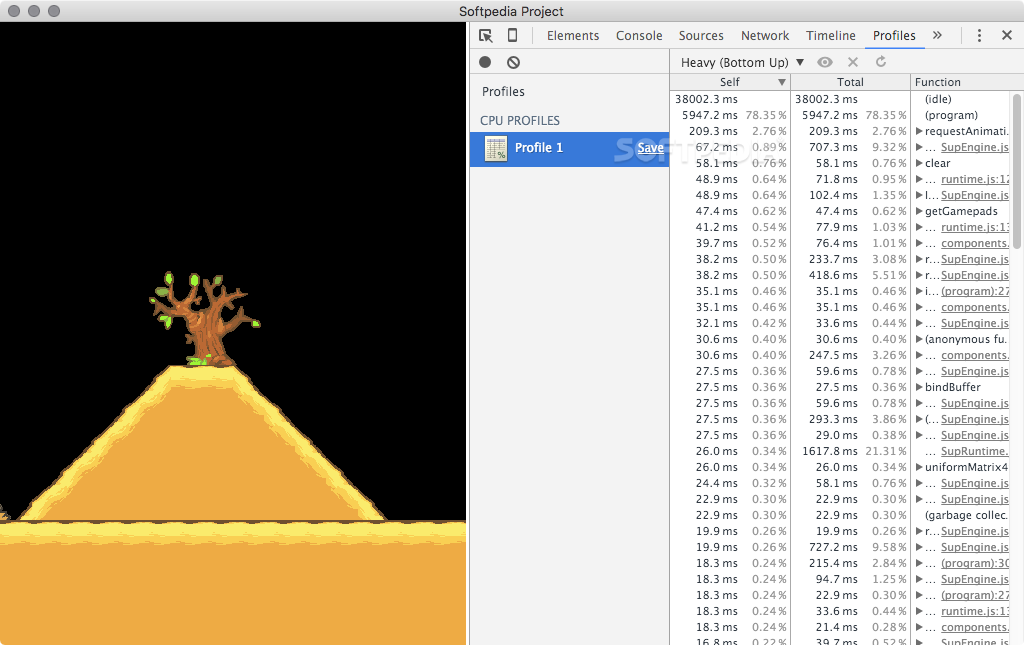
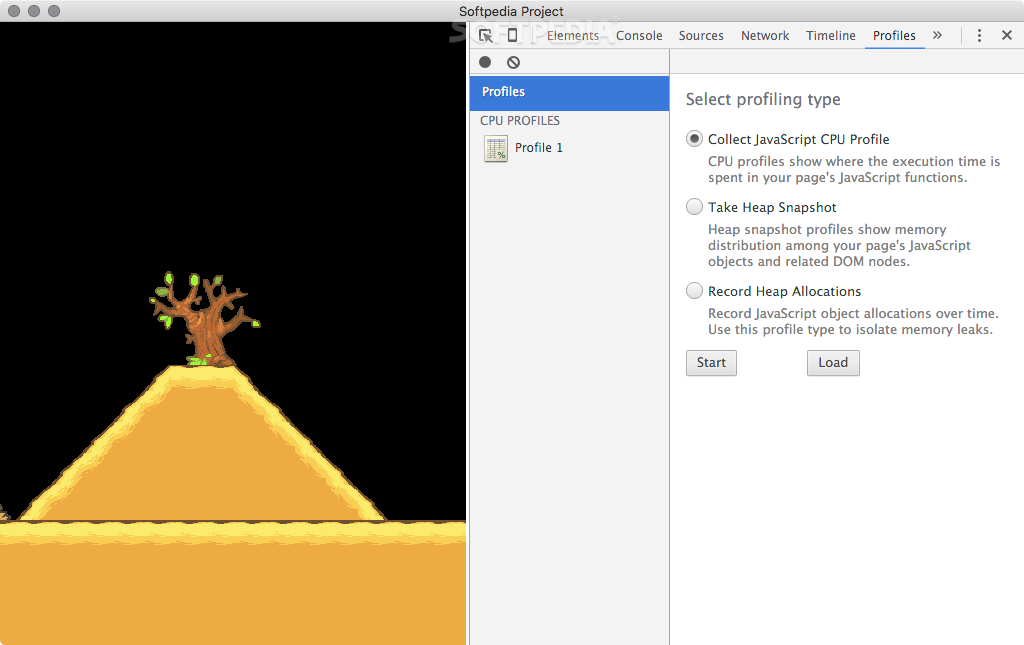
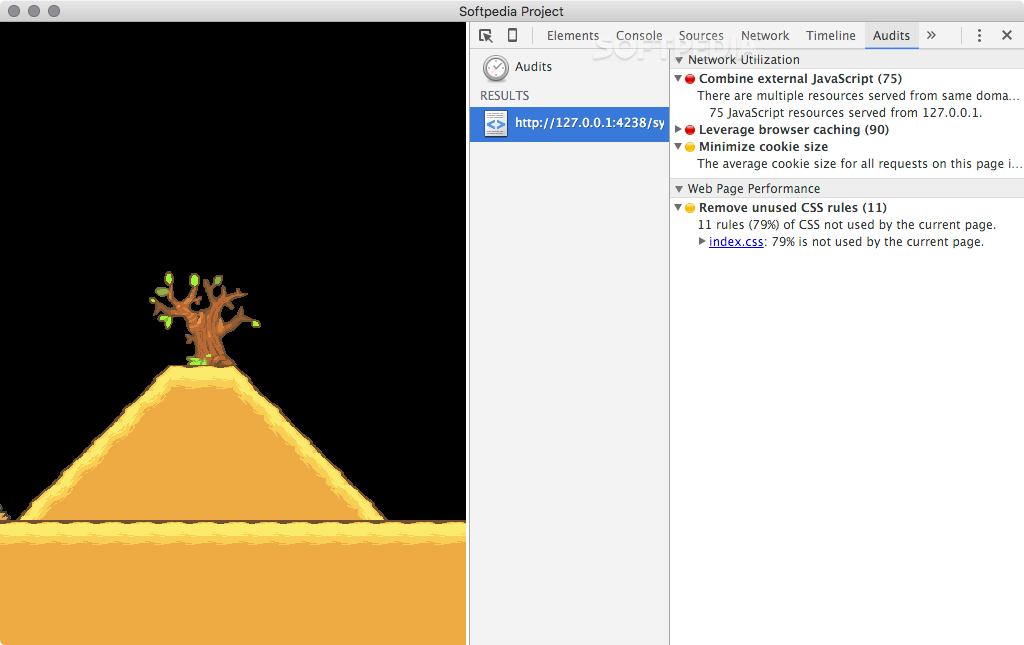
Superpowers comes equipped with numerous debugging tools that can help you iron out any kinks and make sure everything is running at optimal efficiency.
Overall, if you are looking for an easy way to break into the game development business, Superpowers is a great way to get started. It is an open-source, cross-platform application that offers an impressive array of tools for creating 2D or 3D HTML5 games.
What's new in Superpowers 6.0.0:
- Replaced the local server entry in the sidebar with an auto-updated dynamic entry so you don't have to mirror port and password changes made in the settings manually
- Switched to using HTTP Basic Auth for server auth
- Various minor improvements
Superpowers 6.0.0
add to watchlist add to download basket send us an update REPORT- runs on:
- OS X 10.8 or later (Intel only)
- file size:
- 56.9 MB
- main category:
- Developer Tools
- developer:
- visit homepage
ShareX

Bitdefender Antivirus Free

4k Video Downloader

Context Menu Manager

7-Zip

Zoom Client

Microsoft Teams

calibre

Windows Sandbox Launcher

IrfanView

- calibre
- Windows Sandbox Launcher
- IrfanView
- ShareX
- Bitdefender Antivirus Free
- 4k Video Downloader
- Context Menu Manager
- 7-Zip
- Zoom Client
- Microsoft Teams