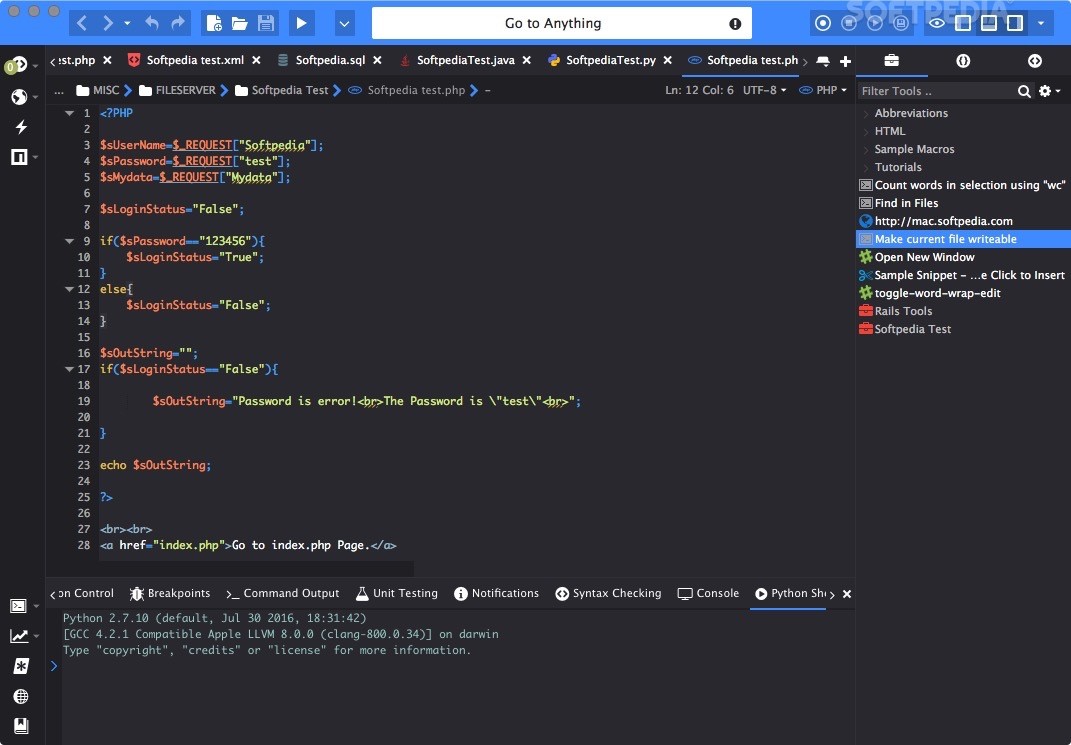
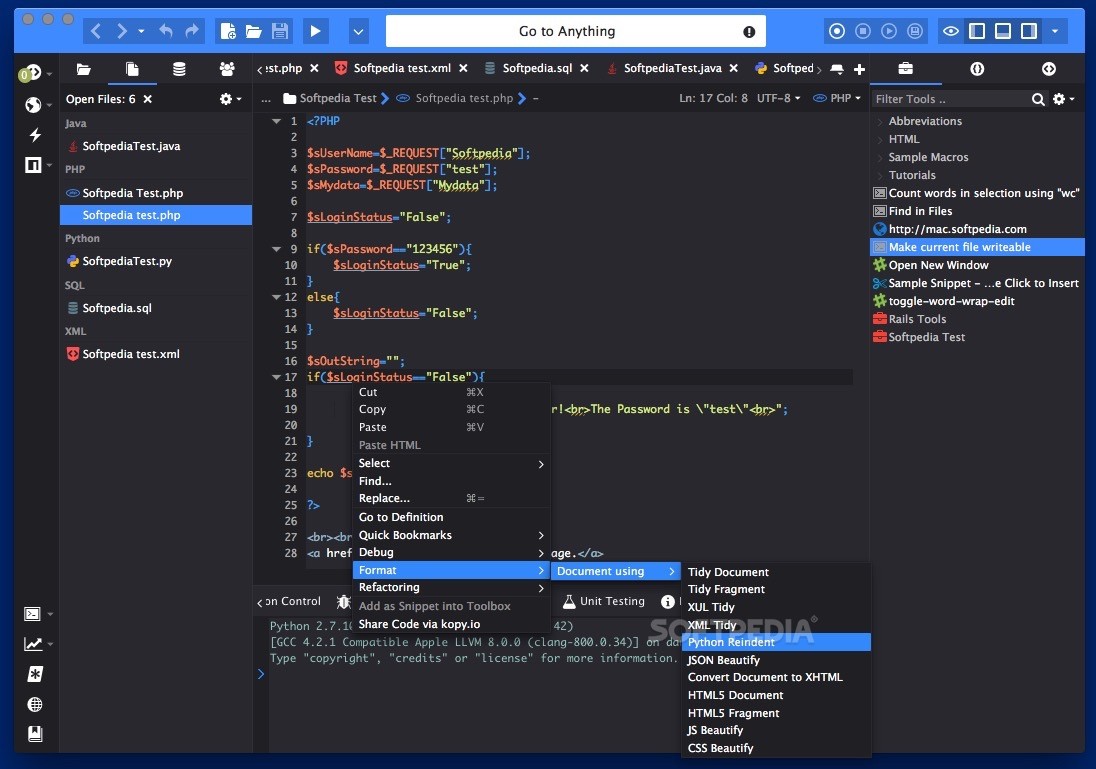
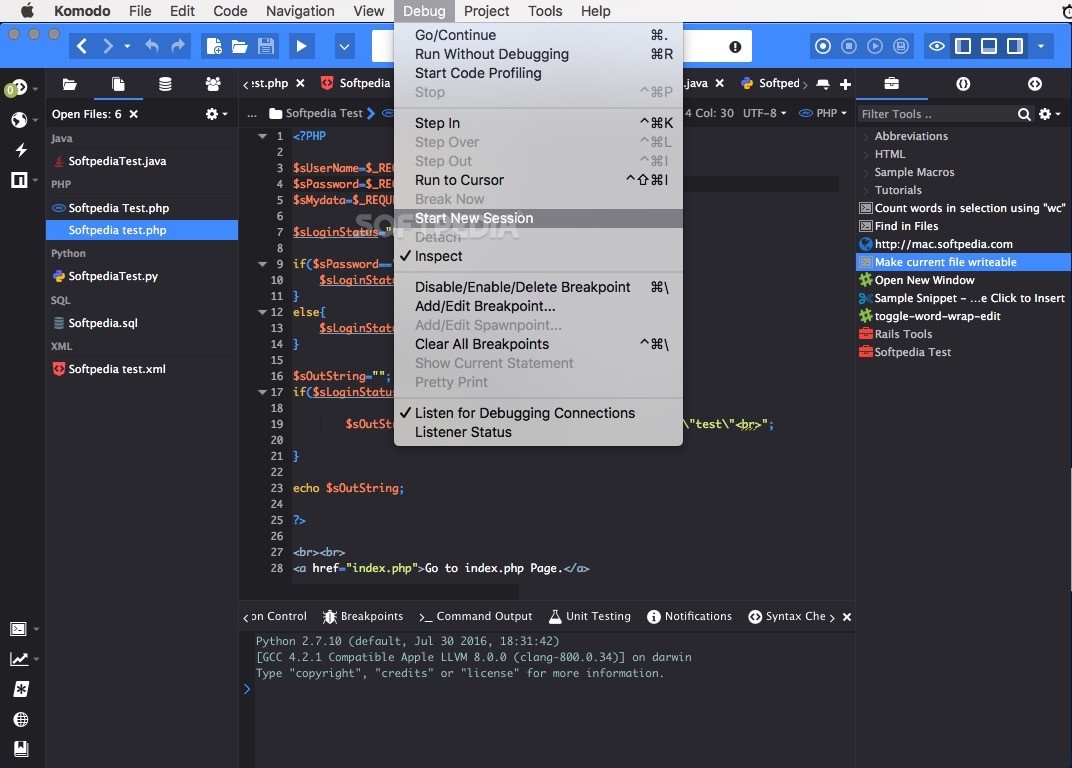
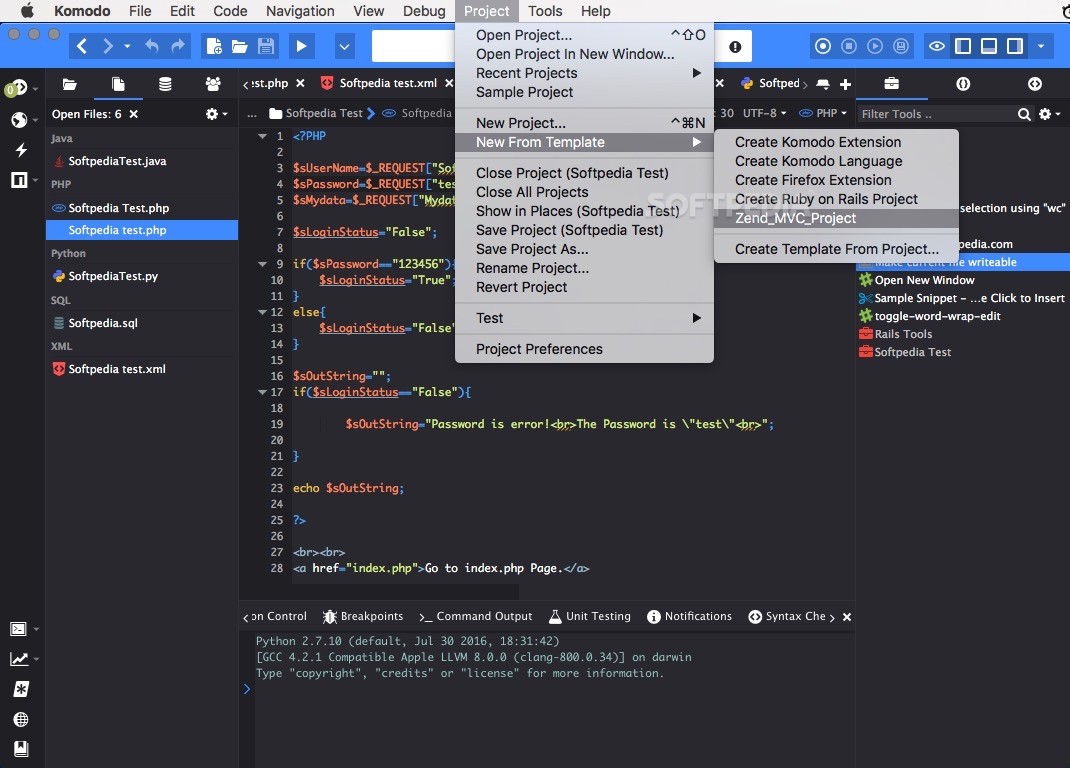
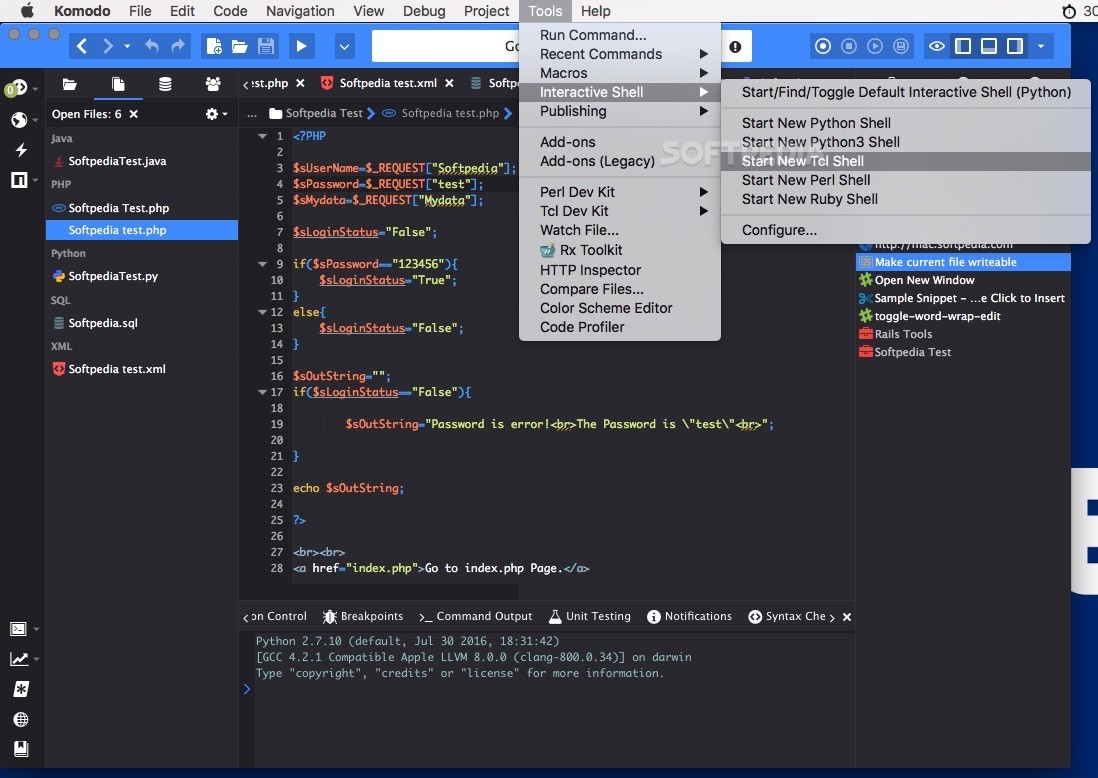
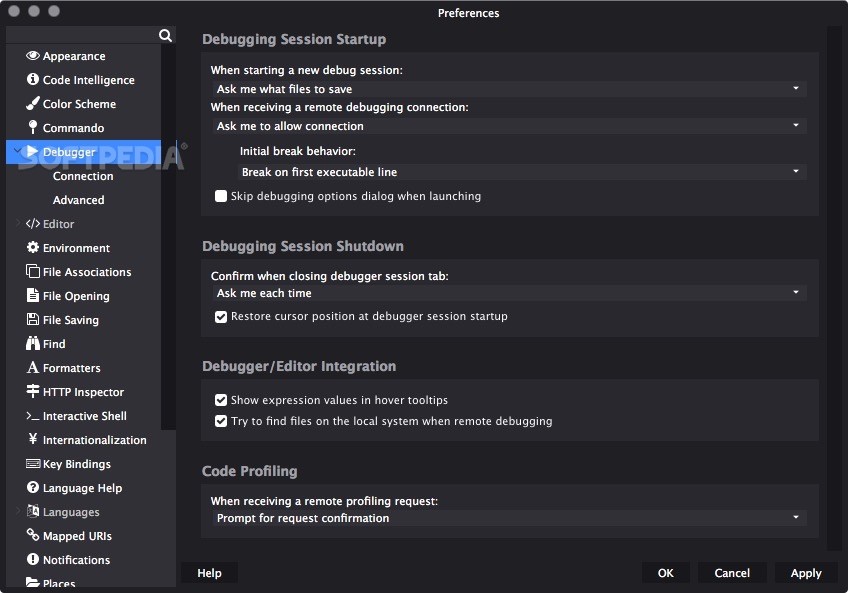
ActiveState Komodo is the award-winning, professional integrated development environment (IDE) for dynamic languages, providing a powerful workspace for editing, debugging, and testing your programs.
Komodo offers advanced support for Perl, PHP, Python, Ruby, and Tcl.
Komodo's customizable language-aware editor and extensible workspace assist the developer with a supportive yet powerful environment, including source code control integration (CVS, Perforce, and Subversion), web technologies support (CGI, XML, and XSLT), a powerful regular expression toolkit, and comprehensive debugging support.
Multi-platform, multi-language IDE for end-to-end dynamic web application development. Easily create, test and debug all your code in one powerful workspace.
Komodo IDE offers the most advanced editing and debugging for dynamic languages and client-side Ajax technologies, plus intelligent tools for regular expressions, team development and customization, and unparalleled extensibility.
Here are some key features of "Komodo IDE":
Multi-language editor:
· Browser-side technologies: CSS, HTML, JavaScript and XML.
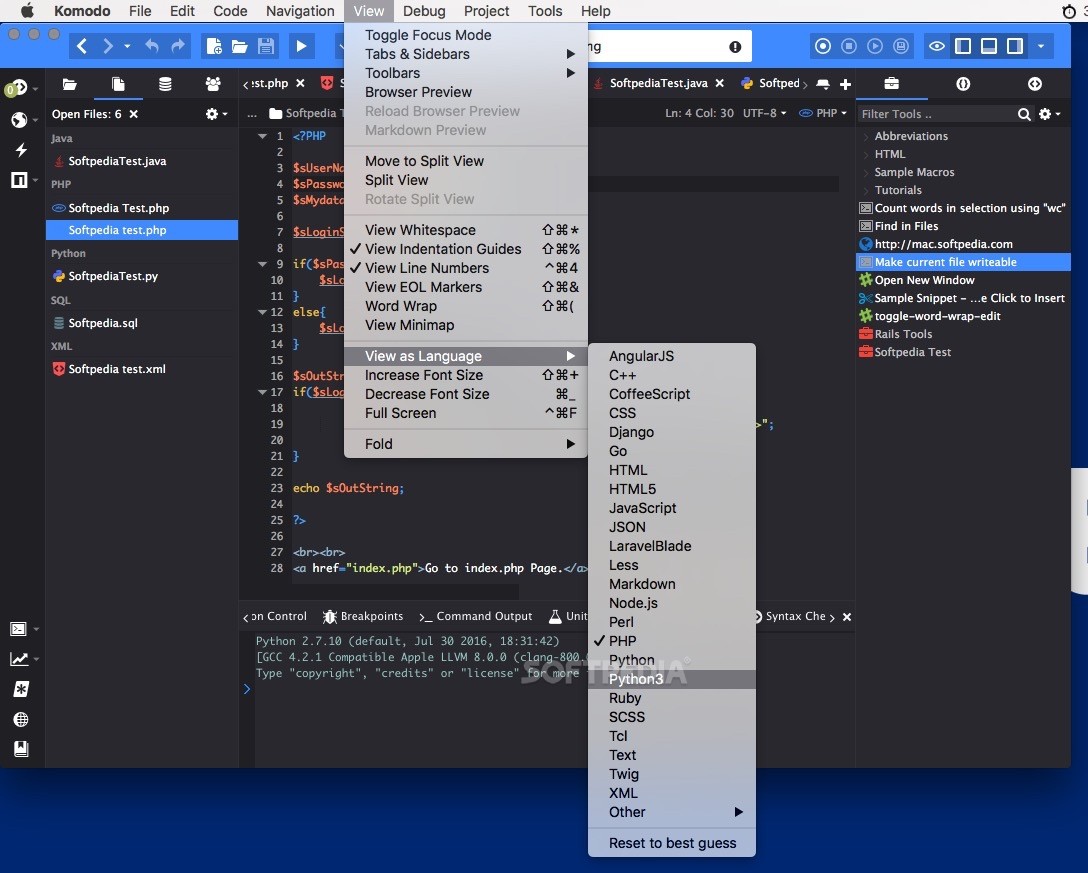
· Server-side languages: Perl, PHP, Python, Ruby and Tcl.
· Web template languages: RHTML, Template-Toolkit, HTML-Smarty and Django.
Autocomplete and calltips:
· Write code faster and shorten the learning curve with code completion that guides you as you work.
· CSS, HTML, JavaScript, Perl, PHP, Python, Ruby, Tcl, XML and XSLT.
· Schema-based XML/HTML completion.
· Multiple-language file support, such as CSS and JavaScript completion in HTML.
· Support for adding third-party libraries.
· Interpreter version differentiation of built-in and standard library information.
Multi-language file support:
· Correct syntax coloring of multi-language files and templated files, common in many web programming frameworks. Add custom language support (User-Defined Languages or UDL, used to provide support for RHTML, Template-Toolkit, HTML-Mason, Smarty and Django).
Standard editing features:
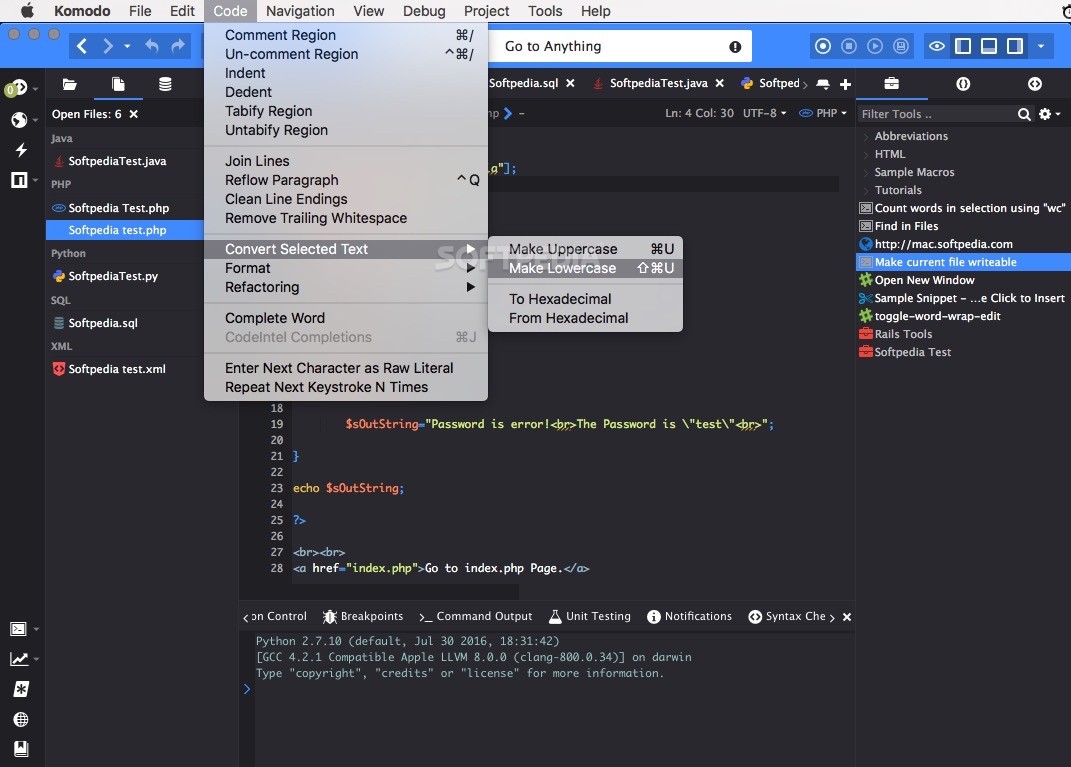
· Code commenting, auto-indent and outdent, block selection, incremental search, reflow paragraph, join lines, enter next character as raw literal, repeat next keystroke and clean line endings on "save".
· Syntax checking - Instant feedback for all fully-supported languages.
· Syntax coloring - Spot errors easily and improve readability and context, even in multi-language files (unique to Komodo!).
· Vi emulation - Modal Vi keybindings emulate navigation, text insertion and command behavior. Custom commands can be implemented by adding Komodo macros to a Vi Commands Toolbox folder.
· Emacs keybindings - Emacs-like keybinding scheme supports new editor features modeled on Emacs, such as transient marks (similar to the Emacs "mark ring"), repeat next command and reflow paragraph.
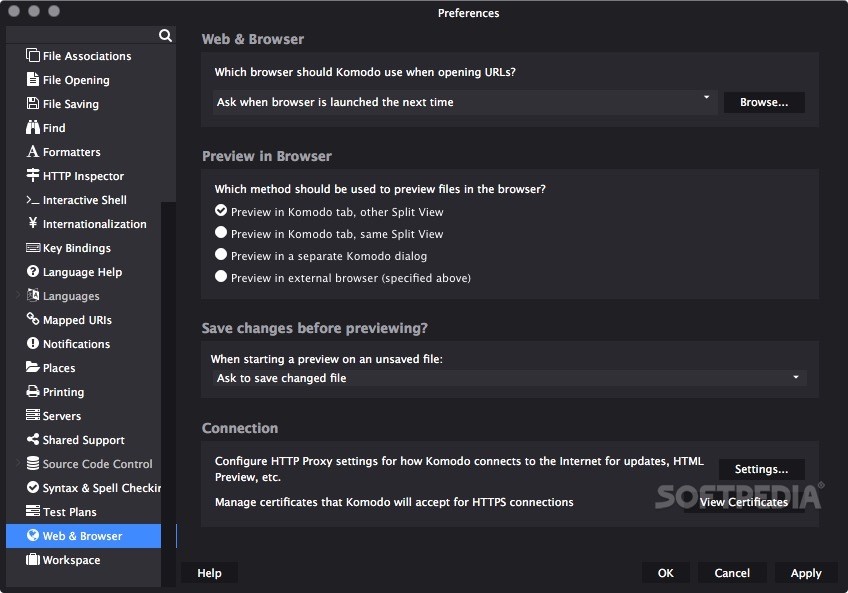
· HTML preview - Check HTML, XML and CSS files side-by-side or in a browser, using arbitrary files or URLs.
· Multilingual Input Method Editor (IME) support - Use your standard keyboard to enter multi-byte characters, such as Simplified Chinese, Japanese and Korean.
· Code snippets - Store any piece of code for reuse.
· Code folding - Work quickly and efficiently with large sections of code.
· Multi-document editing - Easily work on multiple documents simultaneously using multiple tab groups, split view, and cross-document search.
· Tutorials - Easily master editing features.
Limitations:
· 21 days trial period.
What's New in This Release: [ read full changelog ]
· Find in Files now remembers last find context.
· Toolbox: Auto-save the toolbox after editing a macro in an editor tab.
· Tab Groups: Fixed incorrect 'Ctrl'+'Tab' behavior.
· Fixed inconsistent check marks in the "View|Tabs and Sidebars" menu.
· Python: Fixed an error determining the version of the configured Python interpreter.
· Mac OS X: Fixed problem with some applications having trouble sharing clipboard data with Komodo. Inparticular, applications built with Java and pgadmin couldn't read copied data from Komodo.
· CSS: Fixed incorrect autocomplete inserts starting with "#".
· Run Commands: Set processes to execute correctly on Vista.
· Fixed links in the "internalError" dialog.
· Fixed code intelligence memory leak.
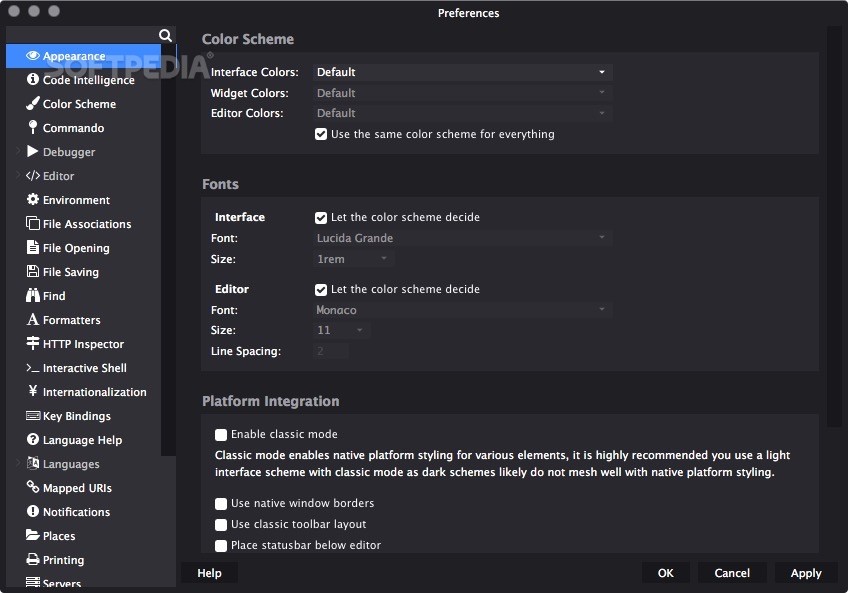
· Preferences: Arrow keys now work properly in the Servers menulist.