MAC CATEGORIES:


NEWS ARCHIVE >>
SOFTPEDIA REVIEWS >>

7-DAY TOP DOWNLOAD

#
Program
iPhone and iPod
Firmware 3.1.3

37,801
Internet Explorer
5.2.3

7,138
Toast Titanium
10.0.5

3,921
Kid Pix Deluxe 3X
Update 1.2.4

3,869
Apple GarageBand
Update 5.1

3,642
Matlab 7.9
3,336
Apple iLife '09
3,322
AC3 Codec 0.4
2,965
RAR for Mac OS X
3.92 Beta 1 / 3.91

2,914
Halo 2.0.3
2,786

WEEK'S BEST

  • LimeWire X 5.5.0 B...
  • iPhone and iPod Fi...
  • VLC Media Player 1...
  • Speed Download 5.2...
  • Mozilla Firefox 3....
  • Thunderbird 3.1 Al...
  • Adobe Shockwave Pl...
  • Parallels Desktop ...
  • CrossOver 8.0.3
  • QuarkXPress 8.15
  • Adobe Reader 9.3
  • Vienna 2.5.0.2500 ...
  • Alarm Clock Pro 9....
  • GraphicConverter 6...
  • Mozilla Firefox 3....
  • Transmission 1.83
  • FileZilla 3.3.1
  • Deep Freeze 4.51.2...
  • VueScan 8.6.10
  • Vuze (formerly Azu...
  • Floola 5.4
  • Opera 10.50 Build ...
  • ClamXav 2.0.5 Beta...
  • OnyX 2.1.3
  • Adobe Flash Player...
  • Dropbox 0.7.105
  • Adobe Lightroom 3....
  • WireShark 1.2.6
  • VirtualBox 3.1.4 B...
  • OpenOffice.org 3.2.0
  • Home / Mac / Developer Tools
     Report spyware

    Komodo Edit 5.2.4

    Download button

    Downloads: 2,164  Add to download basket  Tell us about an update
    User Rating:
    Rated by:
    Good (3.3/5)
    26 user(s)
    Developer:

    License / Price:

    Size / OS:

    Binary Format:

    Last Updated:

    Category:
    ActiveState Software Inc | More programs
    Freeware / FREE
    40.3 MB / Mac OS X 10.3 or later
    Universal Binary Universal Binary
    December 16th, 2009, 07:27 GMT [view history]
    C: \ Developer Tools

     Read user reviews (0)  Add a review  Refer to a friend  Subscribe


    Komodo Edit description

    Makes it easy to write quality code.

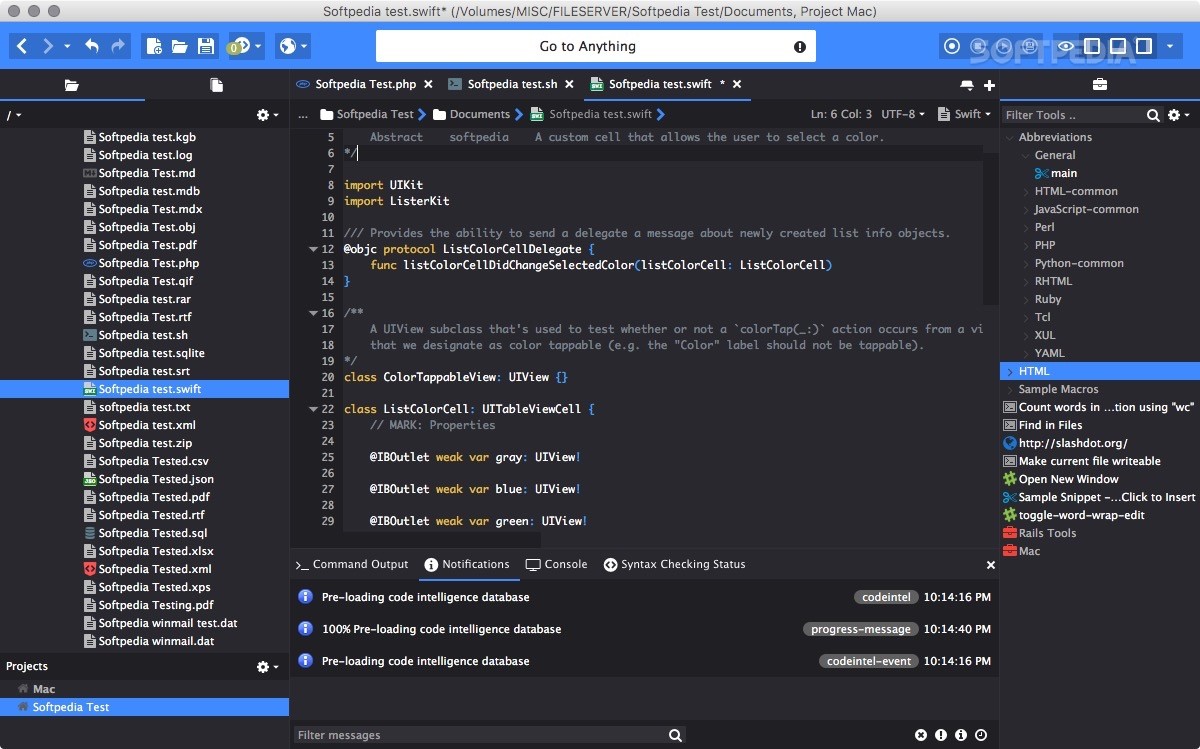
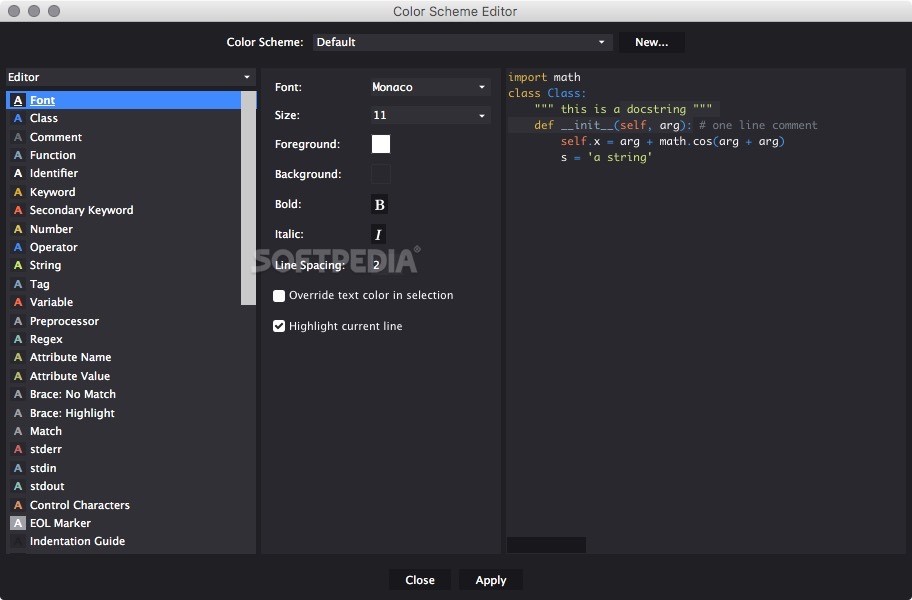
    With Komodo Edit now you can focus on what your code can do; let your editor sweat the details. Komodo Edit is a free, multi-language editor that makes it easy to write quality code.

    Write great code!

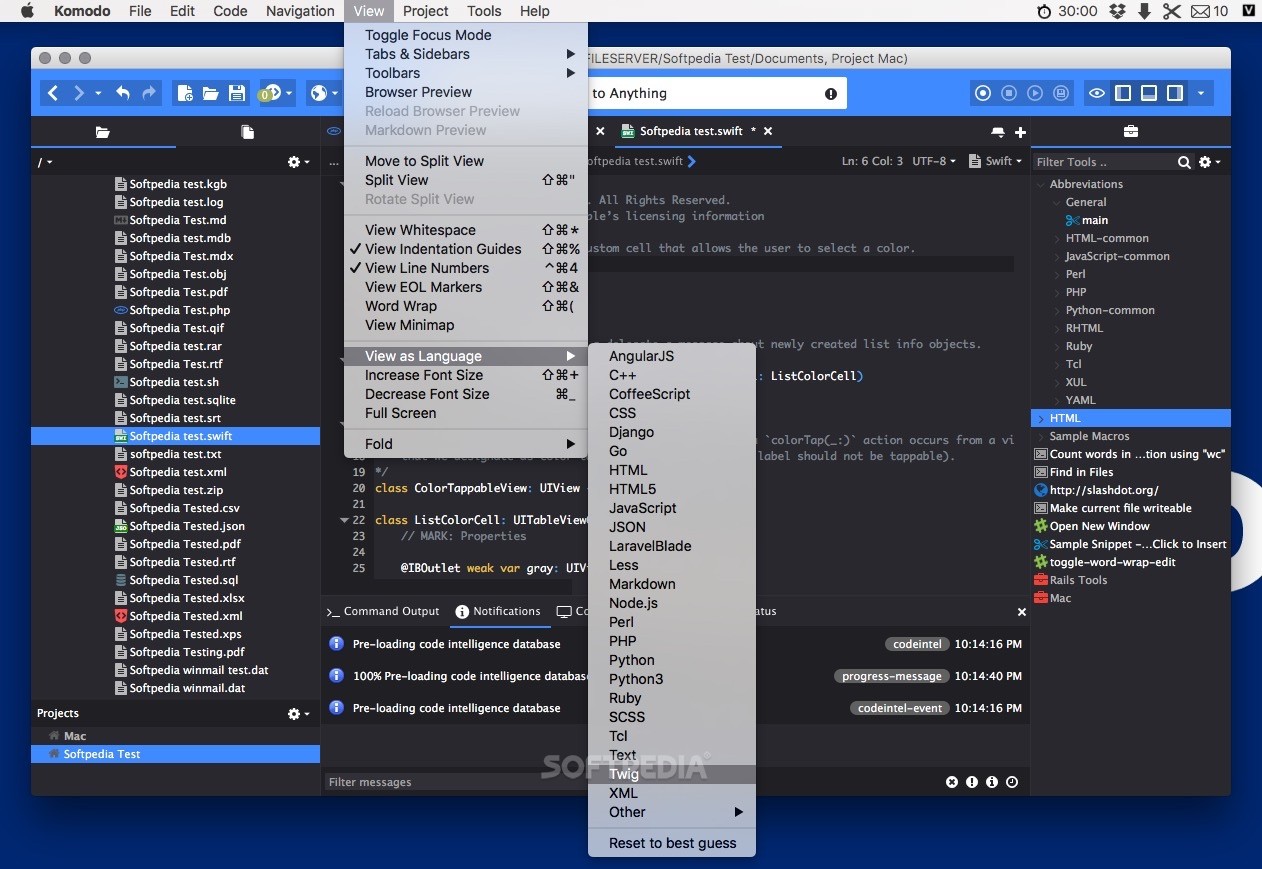
    Award-winning editing for dynamic languages including Perl, PHP, Python, Ruby and Tcl; plus support for browser-side code including JavaScript, CSS, HTML and XML.

    Komodo Edit allows you to perform background syntax checking and displays syntax errors immediately, while offering autocomplete and calltips guides you as you write.

    Here are some key features of "Komodo Edit":

    Multi-language editor

    Multi-language support
    Advanced support for:
    · Browser-side languages: CSS, HTML, JavaScript and XML
    · Server-side languages: Perl, PHP, Python, Ruby and Tcl
    · Web template languages: RHTML, Template-Toolkit, HTML-Smarty and Django

    Autocomplete and calltips
    · Write code faster and shorten the learning curve with code completion that guides you as you work
    · CSS, HTML, JavaScript, Perl, PHP, Python, Ruby, Tcl, XML and XSLT.
    · Schema-based XML/HTML completion
    · Multiple-language file support, such as CSS and JavaScript completion in HTML
    · Support for adding third-party libraries
    · Interpreter version differentiation of built-in and standard library information

    · Multi-language file support
    Correct syntax coloring of multi-language files and templated files, common in many web programming frameworks. Add custom language support (User-Defined Languages or UDL, used to provide support for RHTML, Template-Toolkit, HTML-Mason, Smarty and Django).

    · Standard editing features
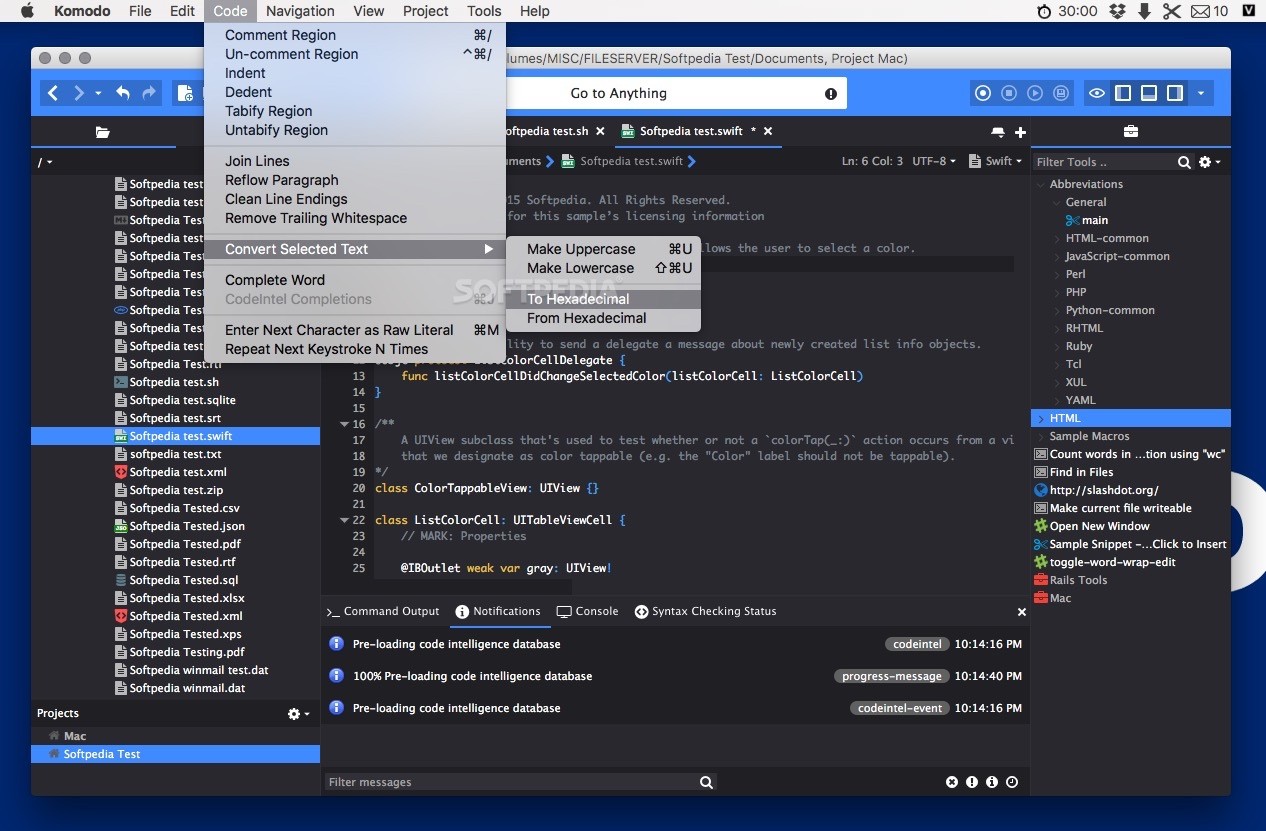
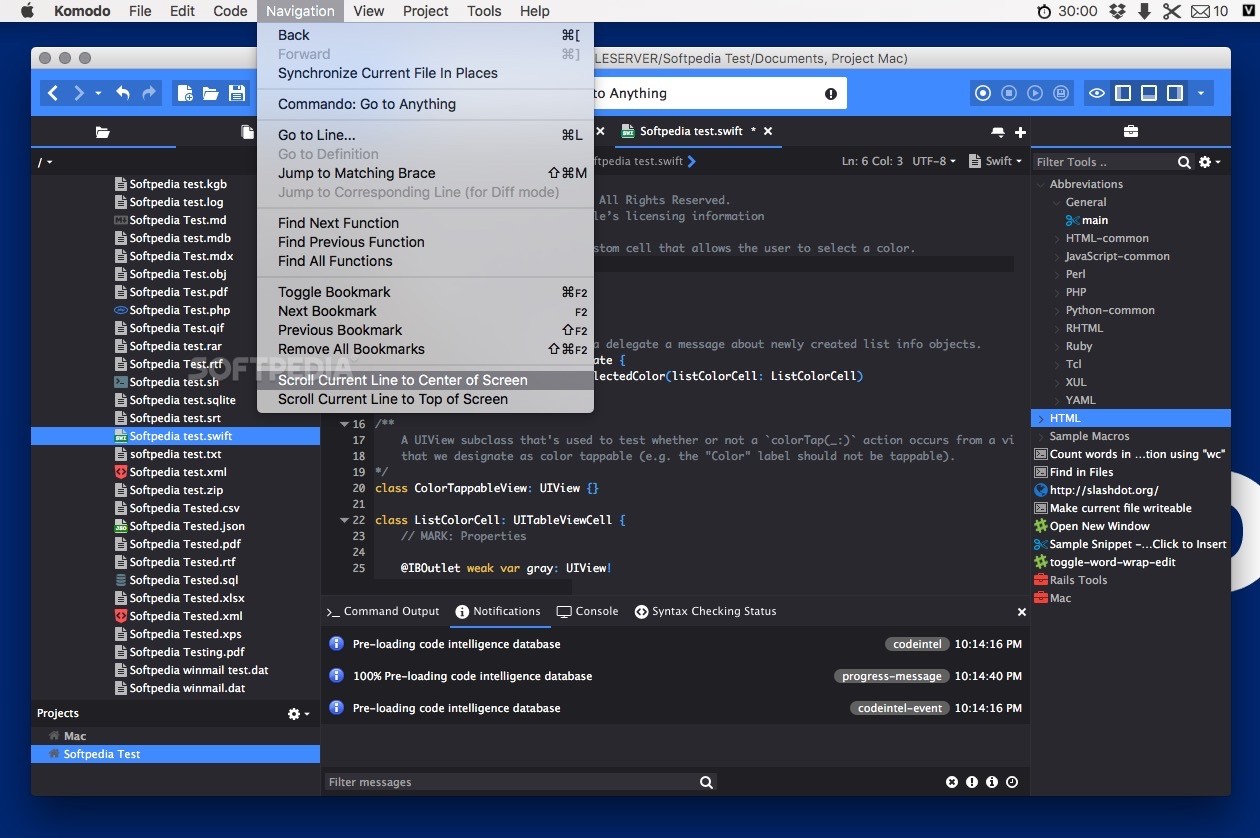
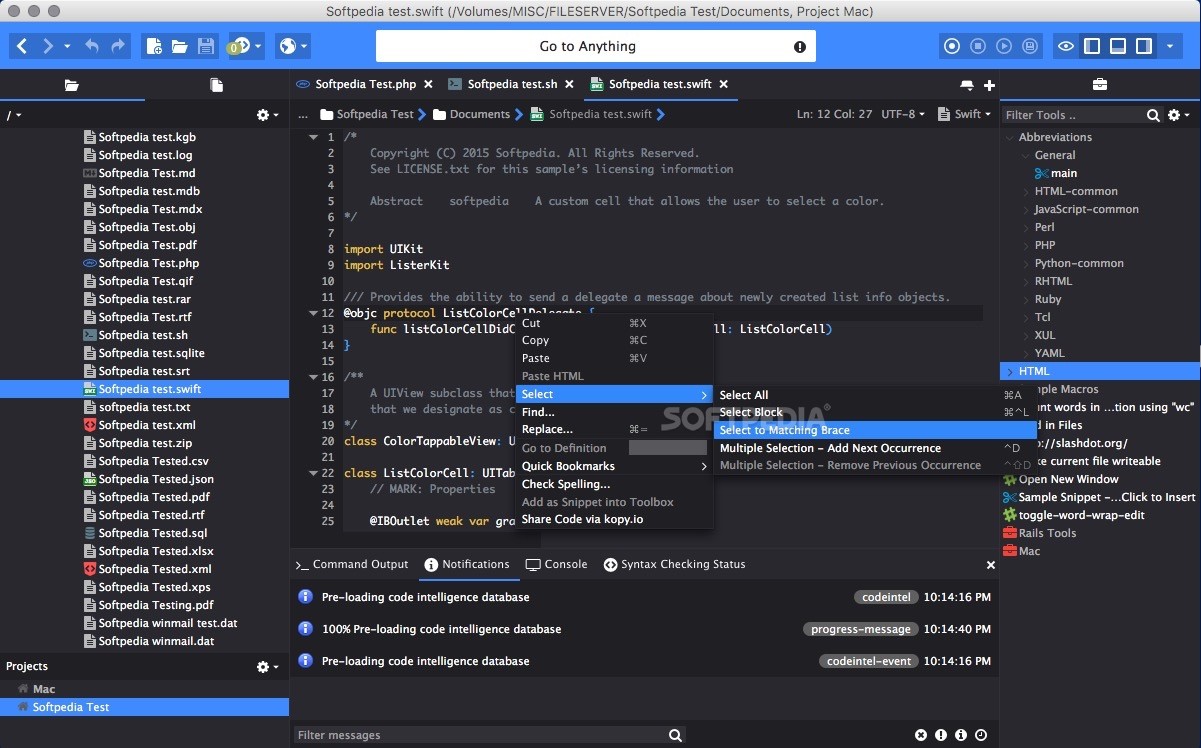
    Code commenting, auto-indent and outdent, block selection, incremental search, reflow paragraph, join lines, enter next character as raw literal, repeat next keystroke and clean line endings on "save".

    · Syntax checking
    Instant feedback for all fully-supported languages.

    · Syntax coloring
    Spot errors easily and improve readability and context, even in multi-language files (unique to Komodo!).

    · Vi emulation
    Modal Vi keybindings emulate navigation, text insertion and command behavior. Custom commands can be implemented by adding Komodo macros to a Vi Commands Toolbox folder.

    · Emacs keybindings
    Emacs-like keybinding scheme supports new editor features modeled on Emacs, such as transient marks (similar to the Emacs "mark ring"), repeat next command and reflow paragraph.

    · HTML preview
    Check HTML, XML and CSS files side-by-side or in a browser, using arbitrary files or URLs.

    · Multilingual Input Method Editor (IME) support
    Use your standard keyboard to enter multi-byte characters, such as Simplified Chinese, Japanese and Korean.

    · Code snippets
    Store any piece of code for reuse.

    · Code folding
    Work quickly and efficiently with large sections of code.

    · Multi-document editing
    Easily work on multiple documents simultaneously using multiple tab groups, split view, and cross-document search.

    · Tutorials
    Easily master editing features.

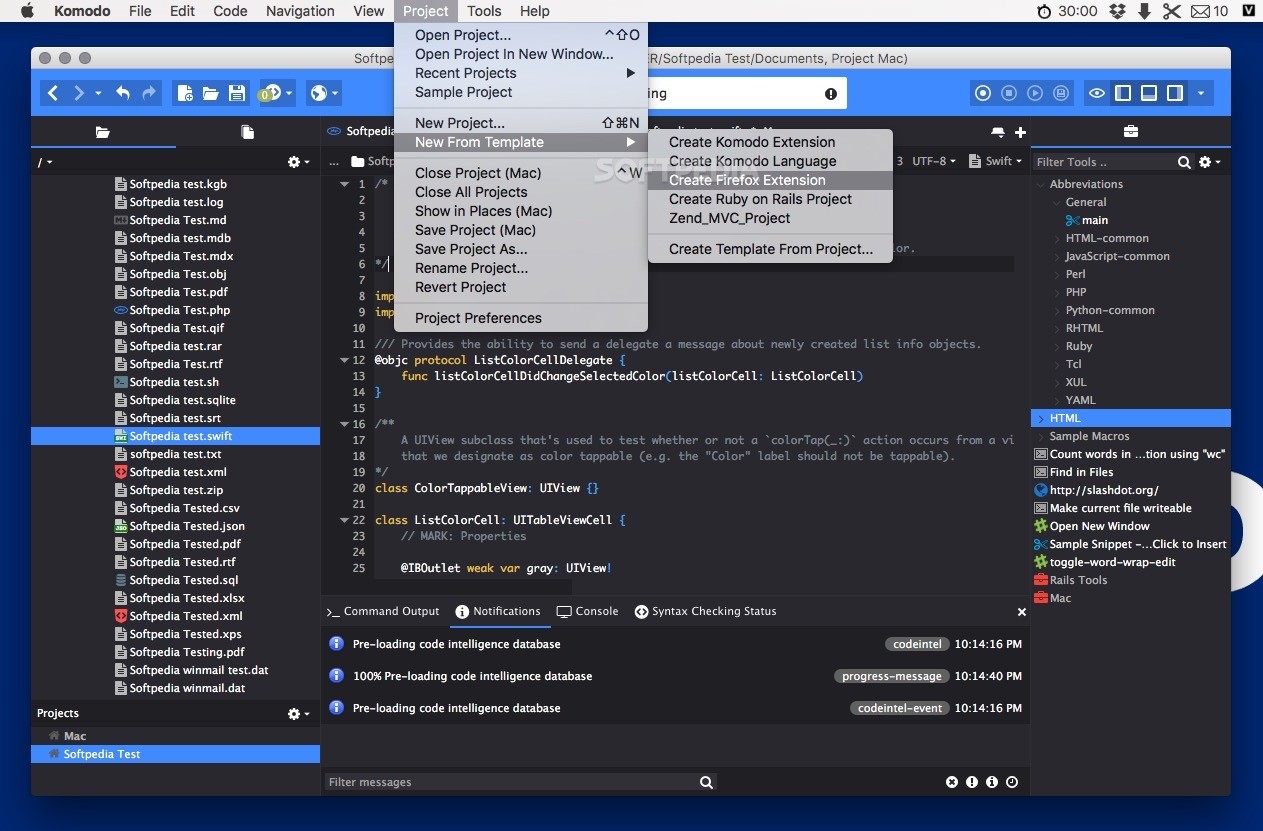
    Project manager

    · Live Folders
    Project view displays the current contents of corresponding file system directory.

    · Virtual Folders
    Explicitly maintained multi-purpose containers for any project or Toolbox component, containing pointers to selected components from different file system locations.

    Toolbox

    · Store it
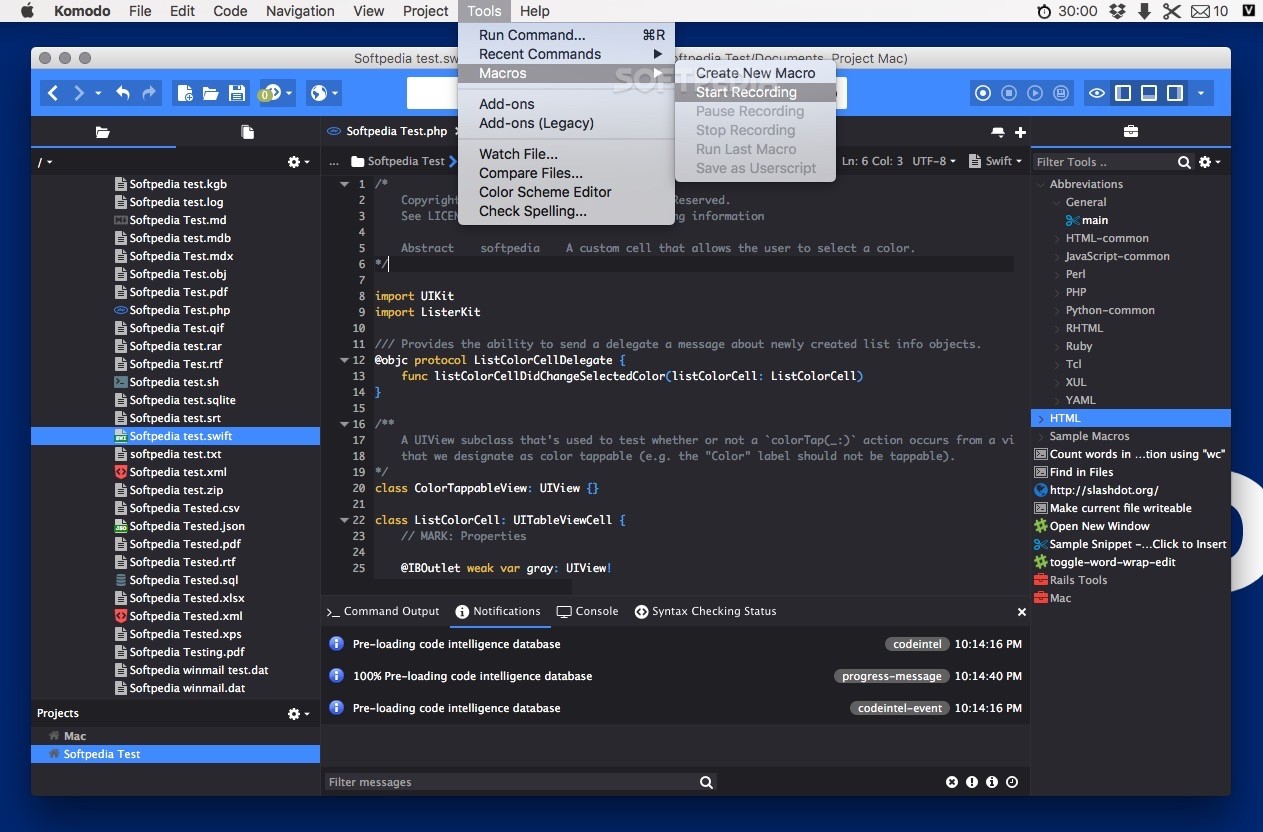
    Store virtually anything, including configurable "Run" commands, macros, code snippets, URLs, Live and Virtual Folders, templates, menus, toolbars and remote files.

    · Share it
    Share a Toolbox with networked team members or distribute valuable Toolbox items to other Komodo users with the import/export function.

    Extensibility

    · XPI Extensions
    Create your own plug-ins. XPI extension support provides the same capability as Firefox, with all standard Mozilla APIs based on XUL, XBL, and XPCOM, plus our own for Python and JavaScript. We're even using this in Komodo development; for example, when adding UDL-based languages and defining custom language syntax-coloring. Other new features, such as the DOM Viewer, are also extensions. With full documentation and an active community providing support, Komodo IDE's power is as boundless as your imagination.

    Requirements:

    · PowerPC G4+ or Intel CPU.
    · 256 MB RAM.
    · 90 MB hard disk space.

    What's New in This Release: [ read full changelog ]

    · Komodo will now automatically style very large html documents as text in order to support faster edits and re-displaying of the document.
    · The find search speed has been increased, making it faster to search your documents.
    · The Rx Toolkit is now much faster when parsing results.

      Softpedia guarantees that Komodo Edit 5.2.4 is 100% CLEAN, which means it does not contain any form of malware, including spyware, viruses, trojans and backdoors. [read more >]


    TAGS:

    quality code | code editor | write code | editor | code | source


    HTML code for linking to this page:


    Go to top

    Windows tabGames tabDrivers tabMac tabLinux tabScripts tabMobile tabHandheld tabGadgets tabNews tab

    SUBMIT PROGRAM   |   ADVERTISE   |   GET HELP   |   SEND US FEEDBACK   |   RSS FEEDS   |   ENTER NEWS SITE   |   ENGLISH BOARD   |   ROMANIAN FORUM