
A powerful, versatile and user-friendly Java IDE specially designed to improve your productivity with the help of numerous tools and features. #Java IDE #Java debugger #Java compiler #Debugger #IDE #Compiler
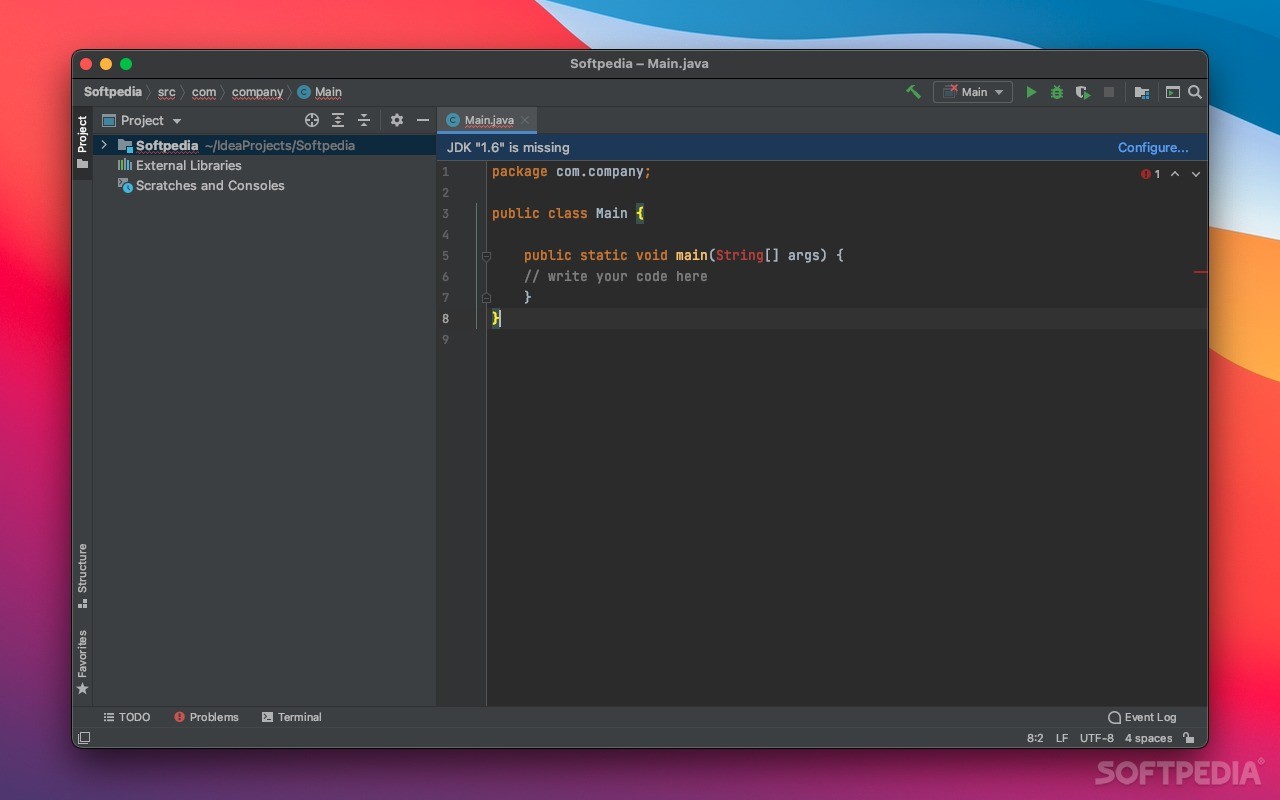
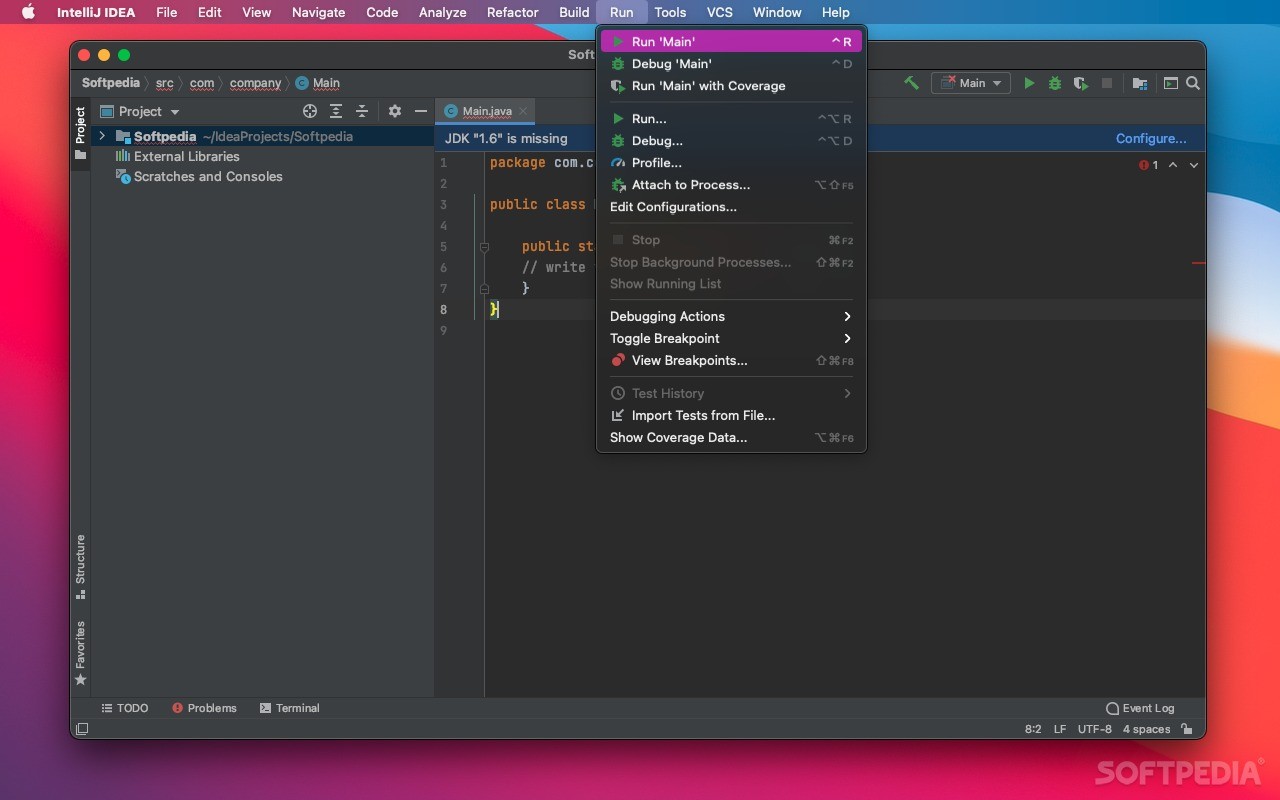
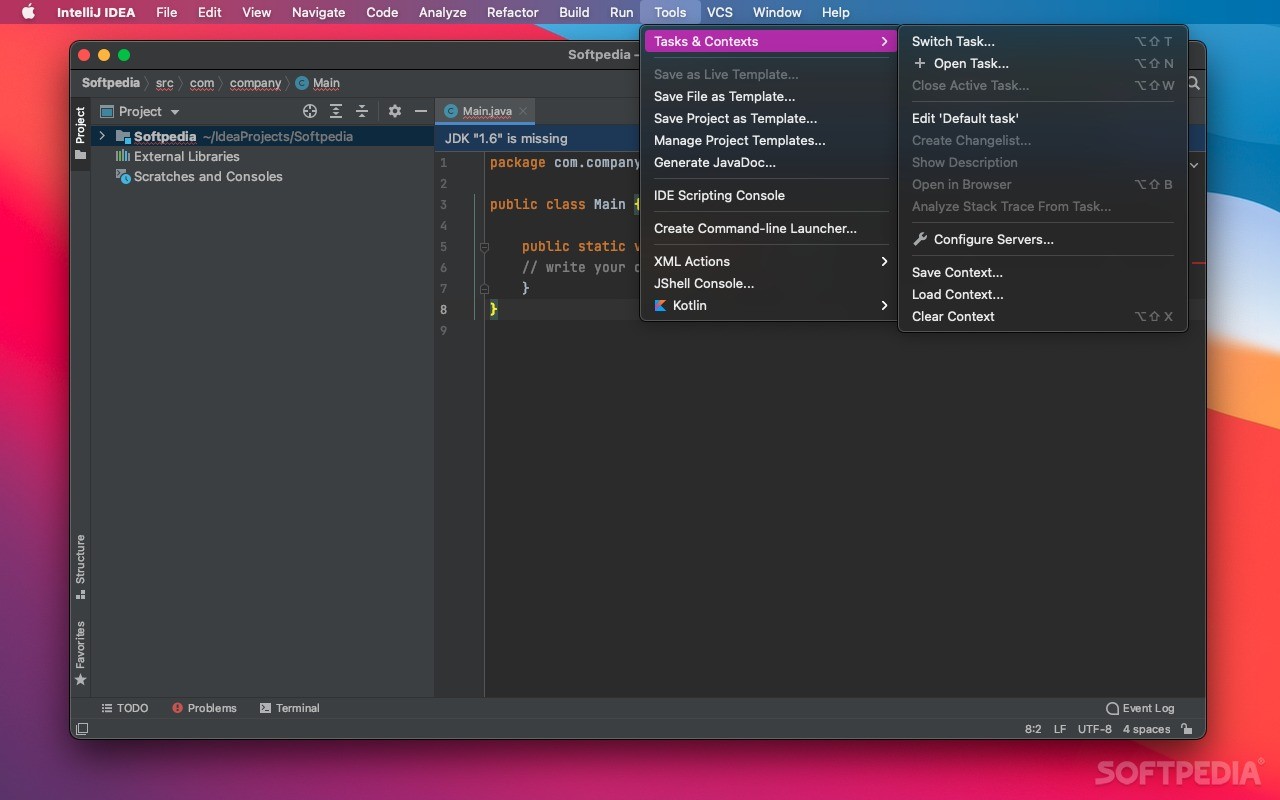
IntelliJ IDEA is a smart and flexible IDE for the Java Platform that provides a comprehensive set of features as well as tools and integrations with state-of-the-art technologies and frameworks for web and enterprise development using Java, Groovy, Scala and other languages.
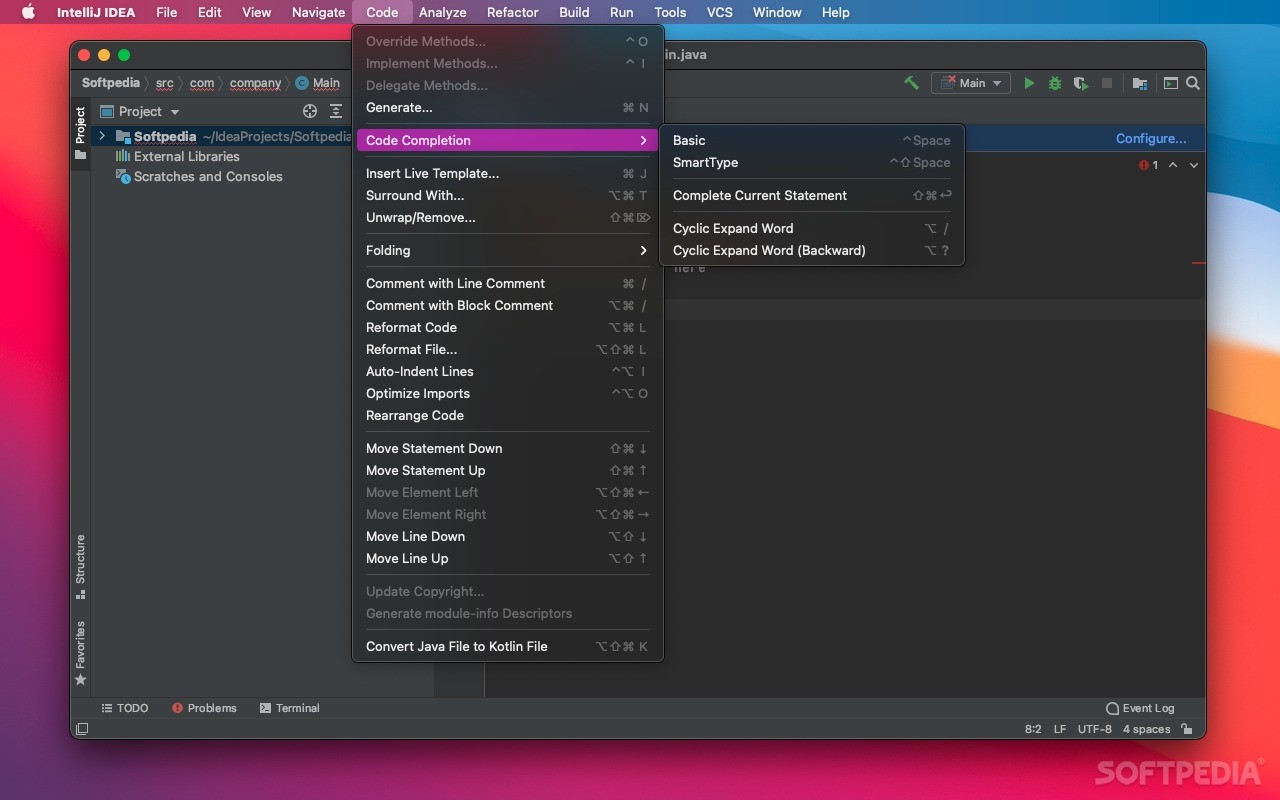
IntelliJ IDEA is designed to improve your writing experience by offering useful and relevant suggestions according to current context.
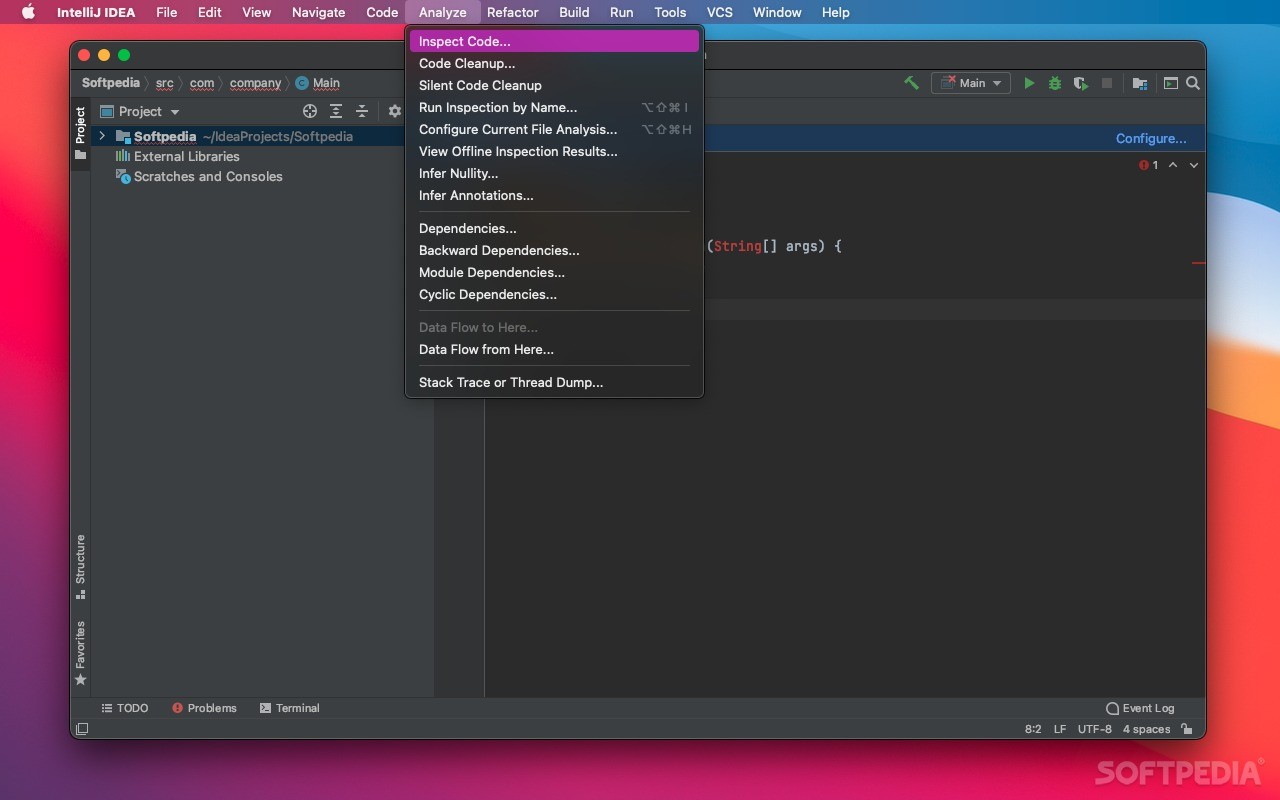
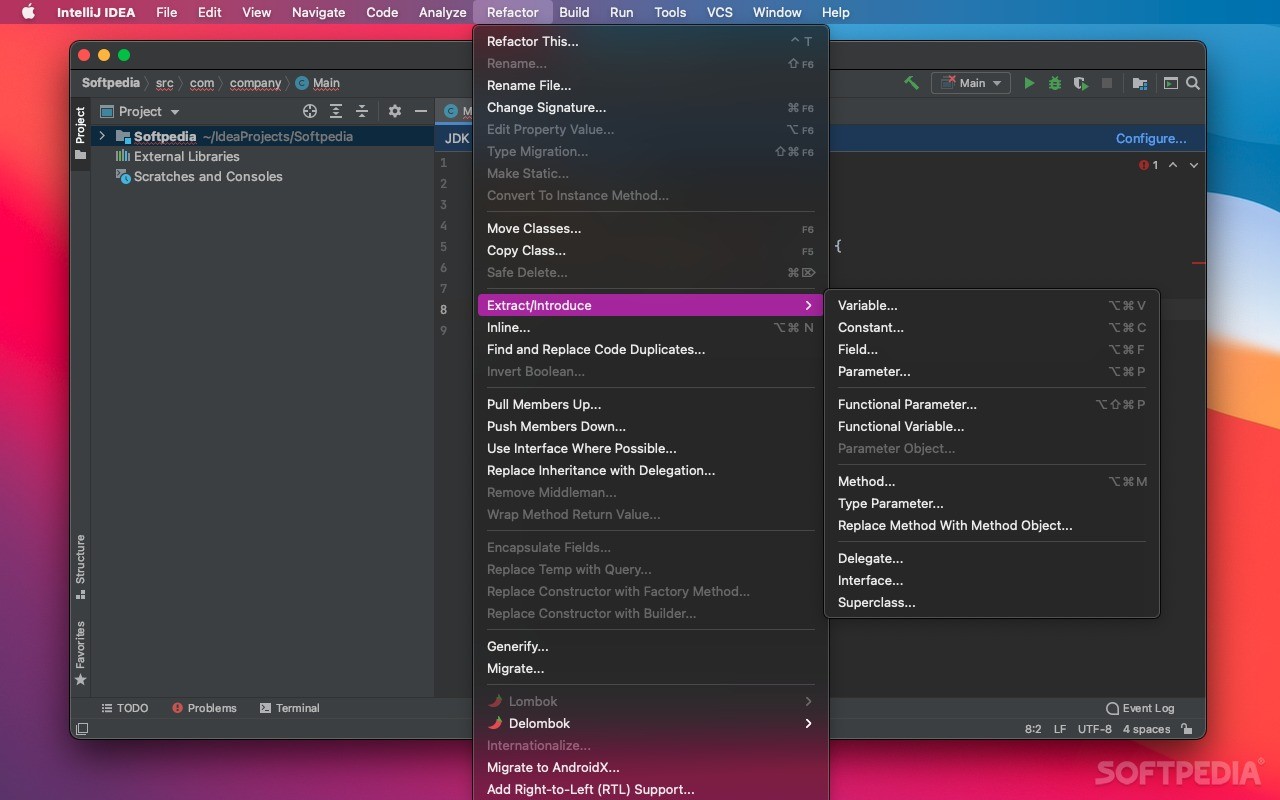
Hence, you can take advantage of the code completion, on-the-fly code analysis, project navigation and refactoring tools.
In other words, IntelliJ IDEA is constantly aware of the circumstances and allows you to write quality code with the help of quick-fixes. Thanks to the advanced refactorings tools you can safely apply complex changes to your entire code.
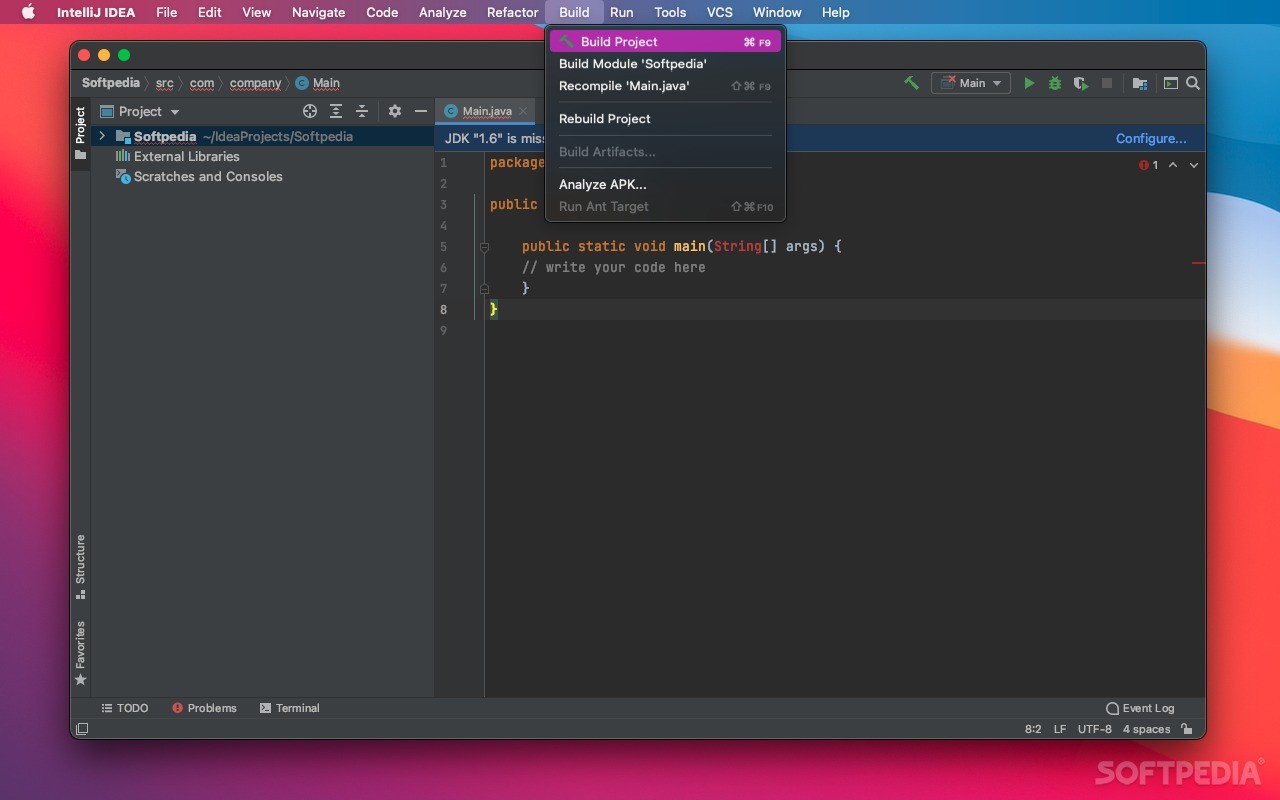
On top of that, IntelliJ IDEA comes with support for a wide variety of build systems and unit testing frameworks integration as well as an intuitive test runner UI.
You can also enjoy the simple editors for JavaScript, HTML, CSS and other languages and technologies like LESS, Sass, TypeScript, Node.js, CoffeeScript, PHP, Python/Django and Ruby on Rails.
IntelliJ IDEA features deployment and debugging tools for numerous application servers and offers support for Java EE, Struts, Spring, GWT, Hibernate, Play, Google App Engine, OSGi, Grails and more. You can easily develop projects for mobile platforms such as Android and iOS.
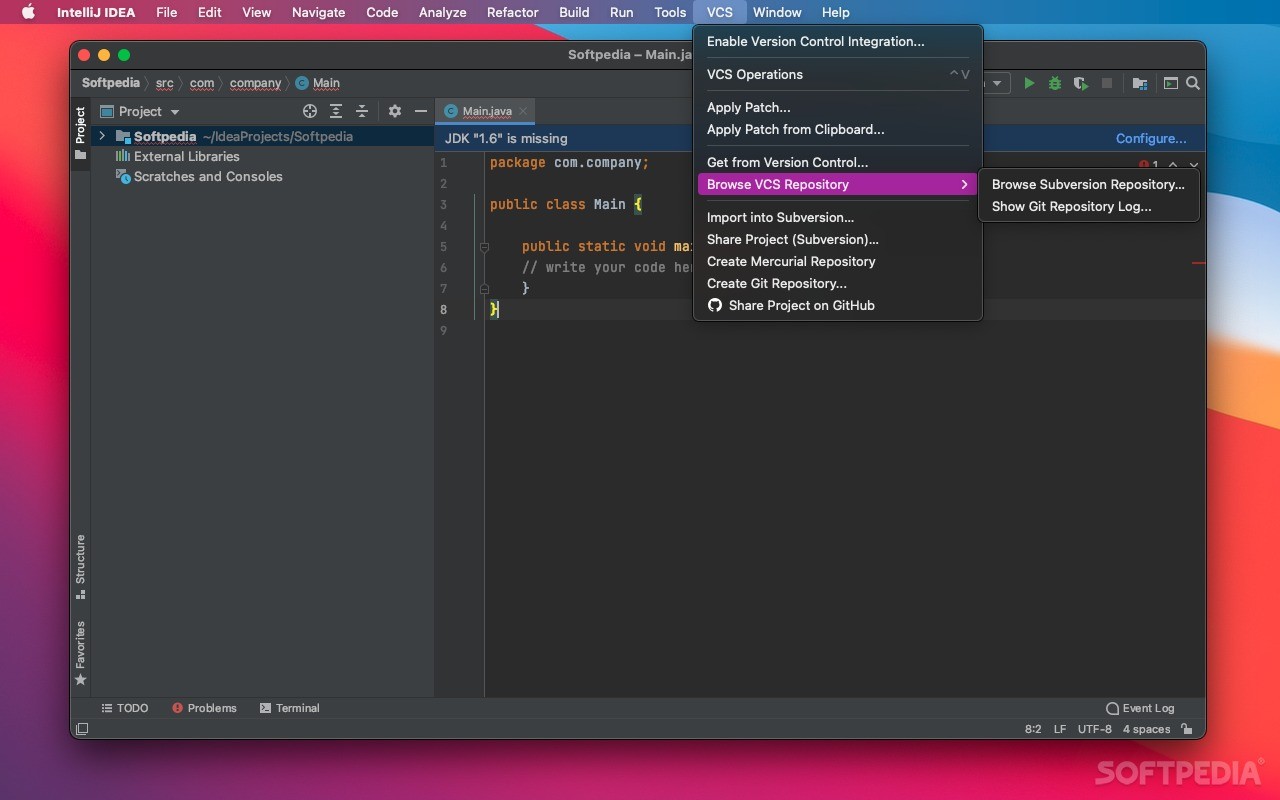
The provided database tools come with a fully-featured database editor and SQL support. You can analyze and design classes via the UML Designer and keep track of your versions thanks to the Version Control Tools with support for Git, Mercurial, SVN and revision control services.
What's new in IntelliJ IDEA Ultimate Edition 2024.1 Build 241.14494.240:
- Key highlights:
- IntelliJ IDEA Ultimate 2024.1 enhances coding efficiency with full line code completion, predicting and suggesting entire lines of code based on contextual analysis. It is powered by ML models trained for various languages and frameworks that run locally, ensuring the privacy of your data. Included with your subscription, it’s pre-enabled for Java and Kotlin, with customization options available for other languages. Learn more in this blog post.
- The IDE provides full support for the latest Java 22 features. Learn more in this blog post.
IntelliJ IDEA Ultimate Edition 2024.1 Build 241.14494.240
add to watchlist add to download basket send us an update REPORT- runs on:
- macOS 12.0 or later (Universal Binary)
- file size:
- 1.3 GB
- filename:
- ideaIU-2024.1-aarch64.dmg
- main category:
- Developer Tools
- developer:
- visit homepage
Zoom Client

IrfanView

Bitdefender Antivirus Free

Context Menu Manager

Microsoft Teams

ShareX

4k Video Downloader

calibre

Windows Sandbox Launcher

7-Zip

- calibre
- Windows Sandbox Launcher
- 7-Zip
- Zoom Client
- IrfanView
- Bitdefender Antivirus Free
- Context Menu Manager
- Microsoft Teams
- ShareX
- 4k Video Downloader