
Rapid application development environment. #Application development #Development enviroment #Information management #Development #Enviroment #IDE
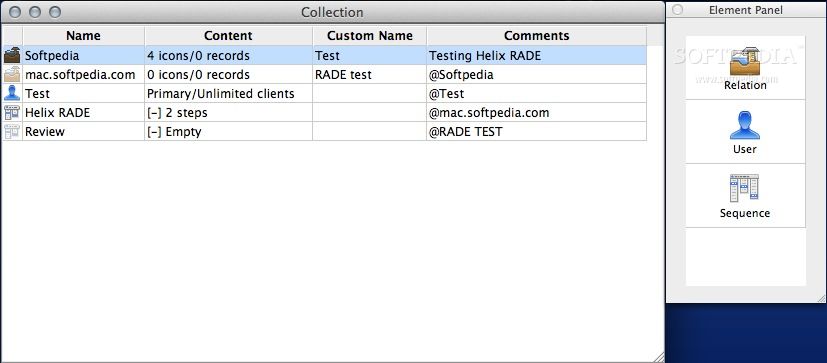
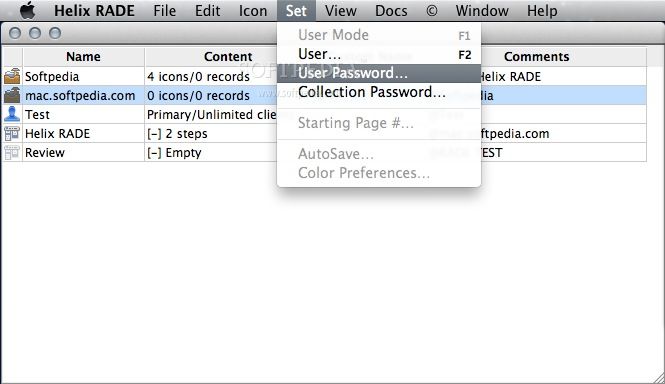
Helix RADE (short for Rapid Application Development Environment) is an OS X application that features an intuitive graphical interface for speed and ease of use.
Helix RADE is one tool that does the critical work usually done by a variety of separate tools.
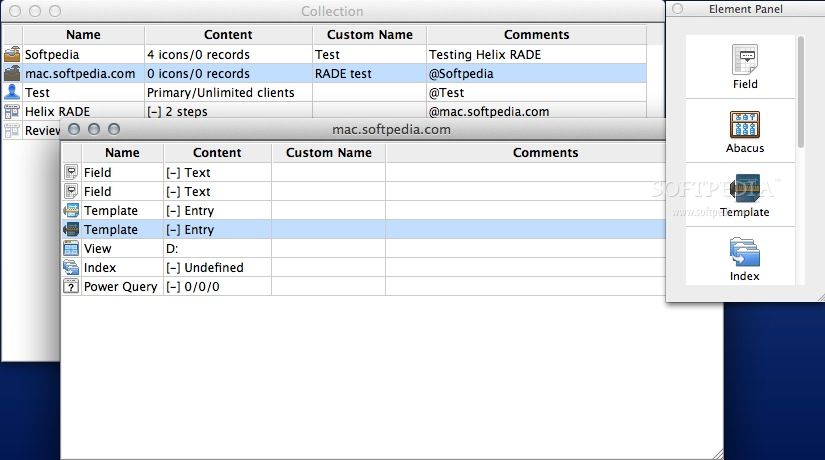
With Helix one can design and implement an application from start to finish, creating any necessary database components, building the user interface, and putting it to work in a variety of network configurations.
Years of field experience have proven beyond any conceivable doubt that given the same set of specifications, the work can be done better and faster, and therefore less expensively, in Helix than with any other tool or combination of tools. The resulting applications are fast, powerful, and flexible.
Limitations in the unregistered version
- The demo version is limited to 30 records per relation
What's new in Helix RADE 7.0.1 Build 6184:
- USER MODE (RADE, ENGINE, AND CLIENT/SERVER):
- Crash during the collection update process (R9224):
- When a collection is updated to Helix 7.0, all internal strings are converted to Unicode. Groups of strings (e.g. values defined for a static popup menu) are stored together in a ‘list of strings’ object. The crash was triggered when one particular list of strings — the list of every font ever available to the collection — grew to more than 32K when the font names were converted to Unicode. Helix 7.0.1 now accepts lists of strings as large as 65K.
- In the extremely rare case where the translation to Unicode would expand a list of strings beyond 65K, the list is trimmed to prevent that from happening.
Helix RADE 7.0.1 Build 6184
add to watchlist add to download basket send us an update REPORT- runs on:
- Mac OS X 10.5 or later (Intel only)
- file size:
- 12.2 MB
- filename:
- Helix_RADE_701.dmg
- main category:
- Developer Tools
- developer:
- visit homepage
Context Menu Manager

Windows Sandbox Launcher

4k Video Downloader

Zoom Client

7-Zip

IrfanView

ShareX

calibre

Bitdefender Antivirus Free

Microsoft Teams

- calibre
- Bitdefender Antivirus Free
- Microsoft Teams
- Context Menu Manager
- Windows Sandbox Launcher
- 4k Video Downloader
- Zoom Client
- 7-Zip
- IrfanView
- ShareX