
A powerful and versatile database management solution that enables you to store, organize and share information across various devices. #Database designer #Inventory database #Database manager #Database #Inventory #Designer
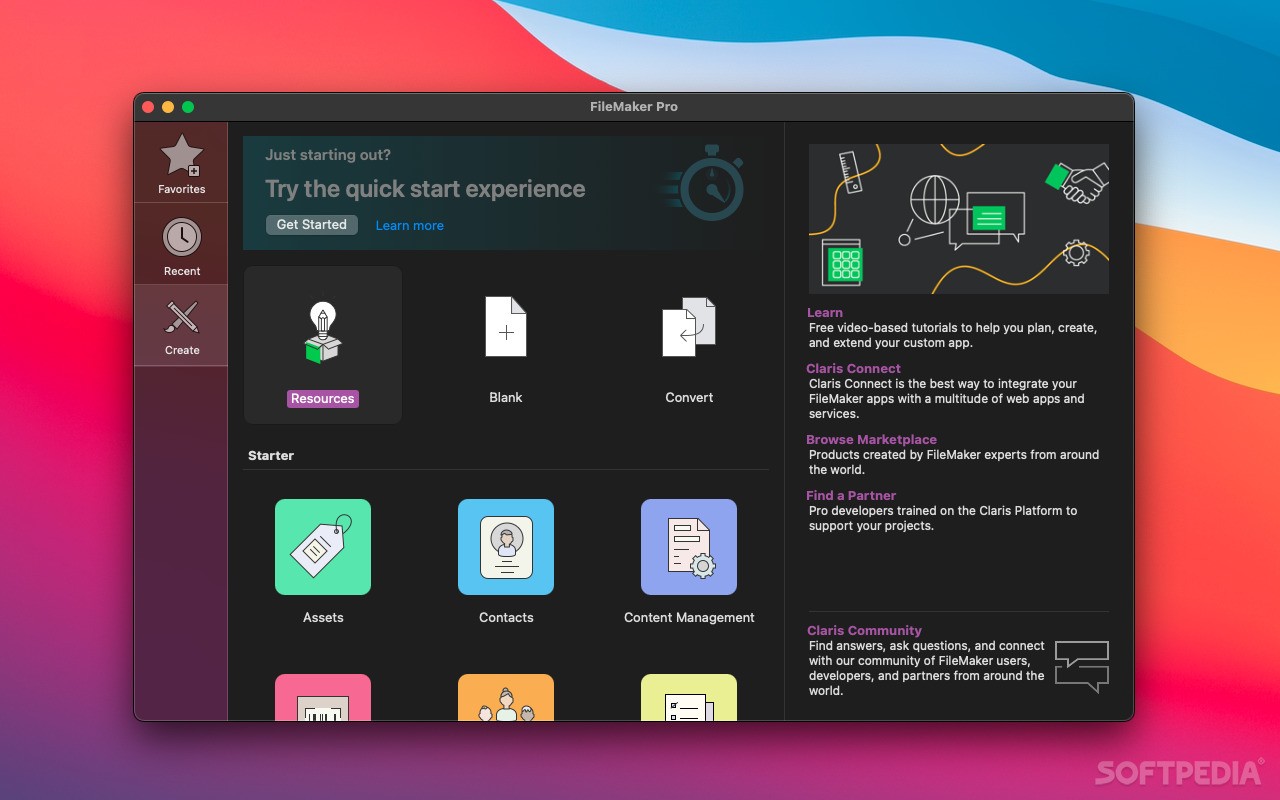
FileMaker Pro is a handy and user-oriented application that enables you to quickly create a database and have it up and running in no time.
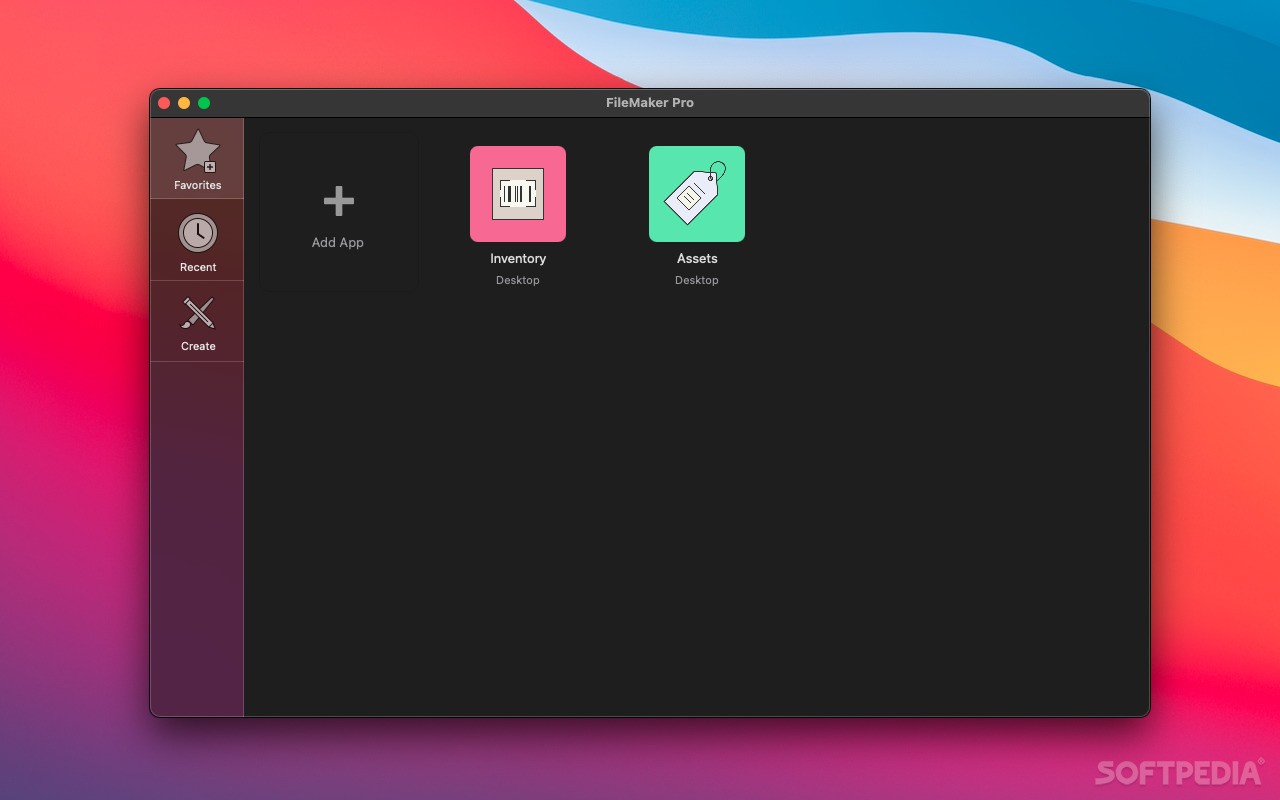
To start using FileMaker Pro, you just have to drag and drop Microsoft Excel files onto FileMaker Pro’s main window and instantly create a database. You can use the pre-designed Starter Solutions to organize contacts, manage projects, track inventory, generate invoices and more.
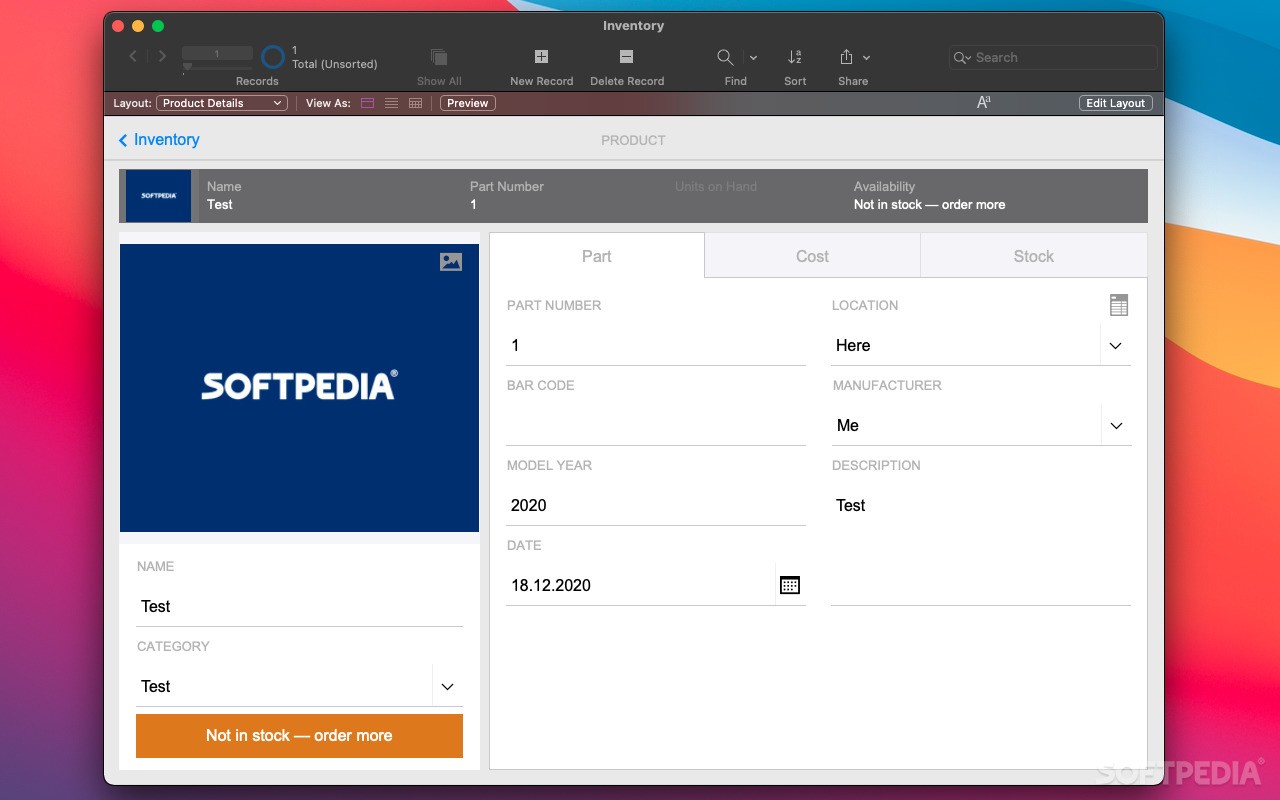
What is more, FileMaker Pro helps you create custom solutions that fit your projects' needs without any programming knowledge. Thus, you can add fields for tracking information such as name, numbers, documents, prices, dates, photos and more.
You can also use various coordinate themes and change the appearance of your solution by using the desired fonts, colors, shading, backgrounds and more. You can even us your company logo to further personalize your forms.
Moreover, you can insert buttons, calculations, scripts and pop-up menus in order to automate repetitive tasks and improve the overall business performance.
With FileMaker Pro, you can increase the flexibility of your database and deliver your solution to iPhone and iPad users via FileMaker Go. You can also use FileMaker Server to host solutions and share data in real time across devices.
You can easily produce and deliver informative and professional-looking summaries of the stored and used data. Hence, you can group, sort and summarize the data in the most effective way and create easy to understand pie charts, bubble charts, bar charts, line graphs, etc.
You can share the generated data via email via PDF or Excel documents. On top of that, you can share data over a network with up to five users at the same time.
FileMaker Pro helps you import and export data from a wide variety of file formats and create two-way connections with external data sources. You can export and import data from XLSX, CSV, XML and other popular file formats.
At the same time, you can use ODBC and JDBC standards to exchange data and interact with other apps. You can even connect with external SQL data sources such as Oracle, MySQL and Microsoft SQL Server.
What's new in FileMaker Pro 20.3.2.201:
- Addressed issues:
- This update provides important security fixes and is recommended for all users.
FileMaker Pro 20.3.2.201
add to watchlist add to download basket send us an update REPORT- runs on:
- macOS 10.15 or later (Universal Binary)
- file size:
- 173.3 MB
- filename:
- fmp_19.6.3.302.dmg
- main category:
- Developer Tools
- developer:
- visit homepage
Microsoft Teams

Zoom Client

ShareX

7-Zip

Windows Sandbox Launcher

calibre

IrfanView

Bitdefender Antivirus Free

4k Video Downloader

Context Menu Manager

- Bitdefender Antivirus Free
- 4k Video Downloader
- Context Menu Manager
- Microsoft Teams
- Zoom Client
- ShareX
- 7-Zip
- Windows Sandbox Launcher
- calibre
- IrfanView