
Mobile Web browser ported to the desktop so you can develop and test add-ons and extensions. #Web browser #Browser development #Mobile browser #Browse #Browser #Develop
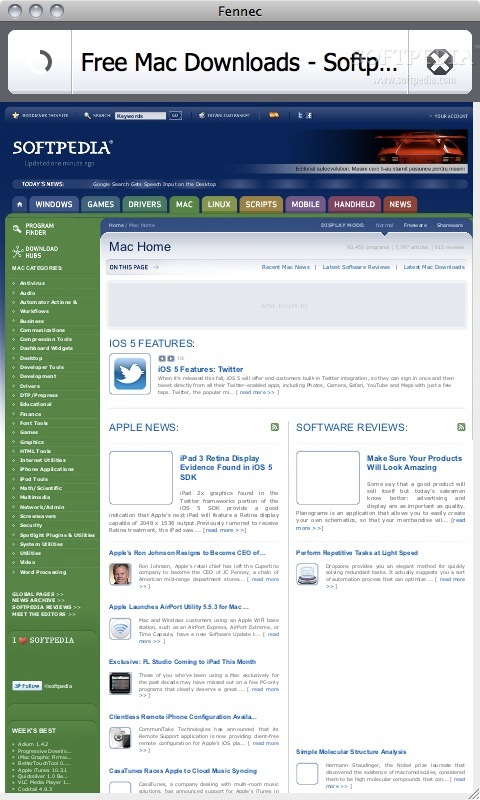
This first Fennec alpha release is available for the OS2008 ("Maemo") software platforms that runs on the Nokia N810 Internet Tablets.
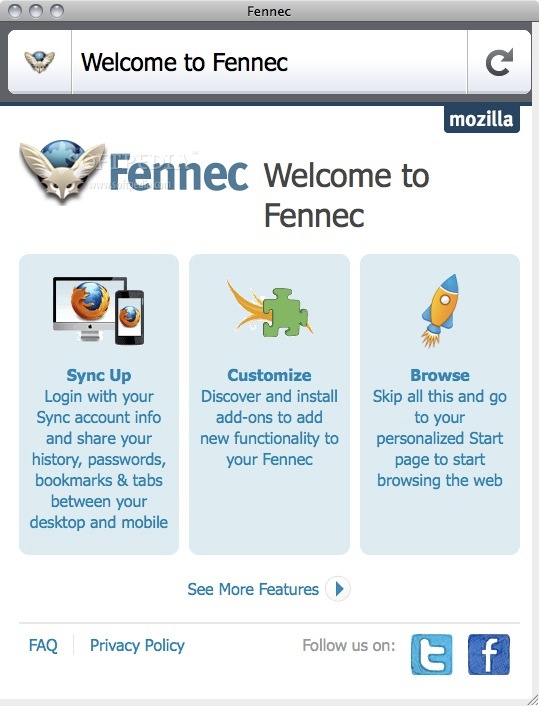
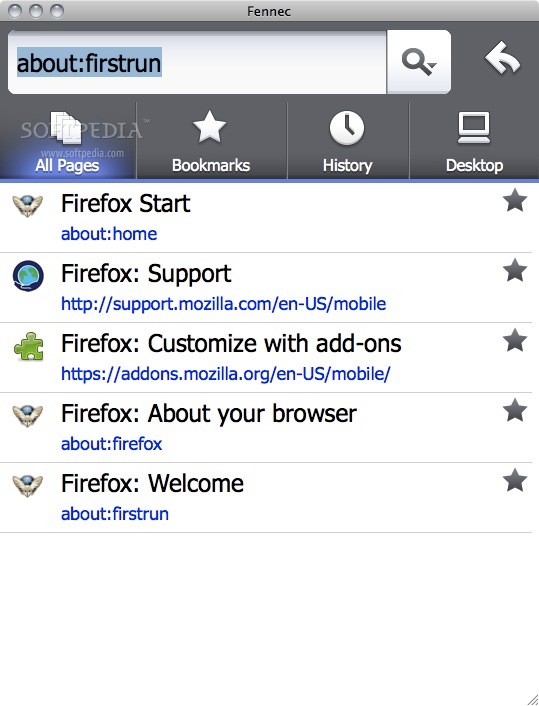
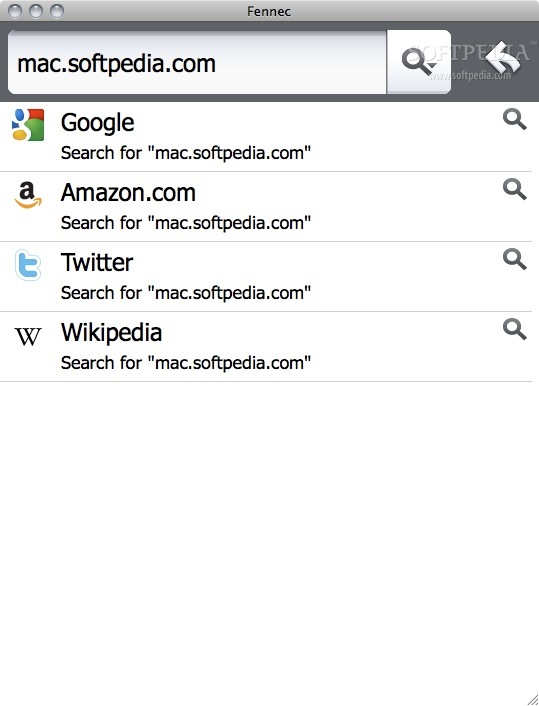
Don't have an N810? Don't worry, you can still experiment with Fennec, provide feedback, write add-ons, and get involved by installing a version of Fennec for your desktop PC: · Mac OS X · Windows · Linux
The idea behind releasing the package for PCs is to give people who don't have a Nokia Internet Tablet the ability to localize, experiment and build add-ons.
Fennec is a mobile Web browser that content and application developers can target to create great software for mobile phones, rather than the plethora of native platforms and programming languages required to reach people in a mobile environment today.
Any developer that has a minimum amount of skills in CSS, HTML, and JavaScript will be able to develop for mobile.
Fennec brings a true Web experience to mobile phones and other non-PC devices, yet take advantage of the specific opportunities for new and useful user experiences enabled by mobility and telephony.
NOTE: The desktop version of Fennec is not a supported product.
What's new in Fennec 10.0.2:
- FIXED: Security fixes can be found here.
- NEW: Anti-Aliasing for WebGL is now implemented (see bug 615976)
- NEW: Accelerated layers are now supported via OpenGL ES
- CHANGED: It's now even easier to set up Firefox Sync - see the "Set up Sync" link on the home tab
Fennec 10.0.2
add to watchlist add to download basket send us an update REPORT- runs on:
- Mac OS X (Intel only)
- file size:
- 21.5 MB
- filename:
- fennec-10.0.2.en-US.mac.dmg
- main category:
- Developer Tools
- developer:
- visit homepage
Zoom Client

paint.net

IrfanView

7-Zip

Bitdefender Antivirus Free

ShareX

Microsoft Teams

4k Video Downloader

calibre

Windows Sandbox Launcher

- 4k Video Downloader
- calibre
- Windows Sandbox Launcher
- Zoom Client
- paint.net
- IrfanView
- 7-Zip
- Bitdefender Antivirus Free
- ShareX
- Microsoft Teams