
A powerful, user-oriented and versatile application that enables you to quickly and effortlessly design and publish HTML websites. #Design website #Website designer #Website publisher #Designer #Website #Web site
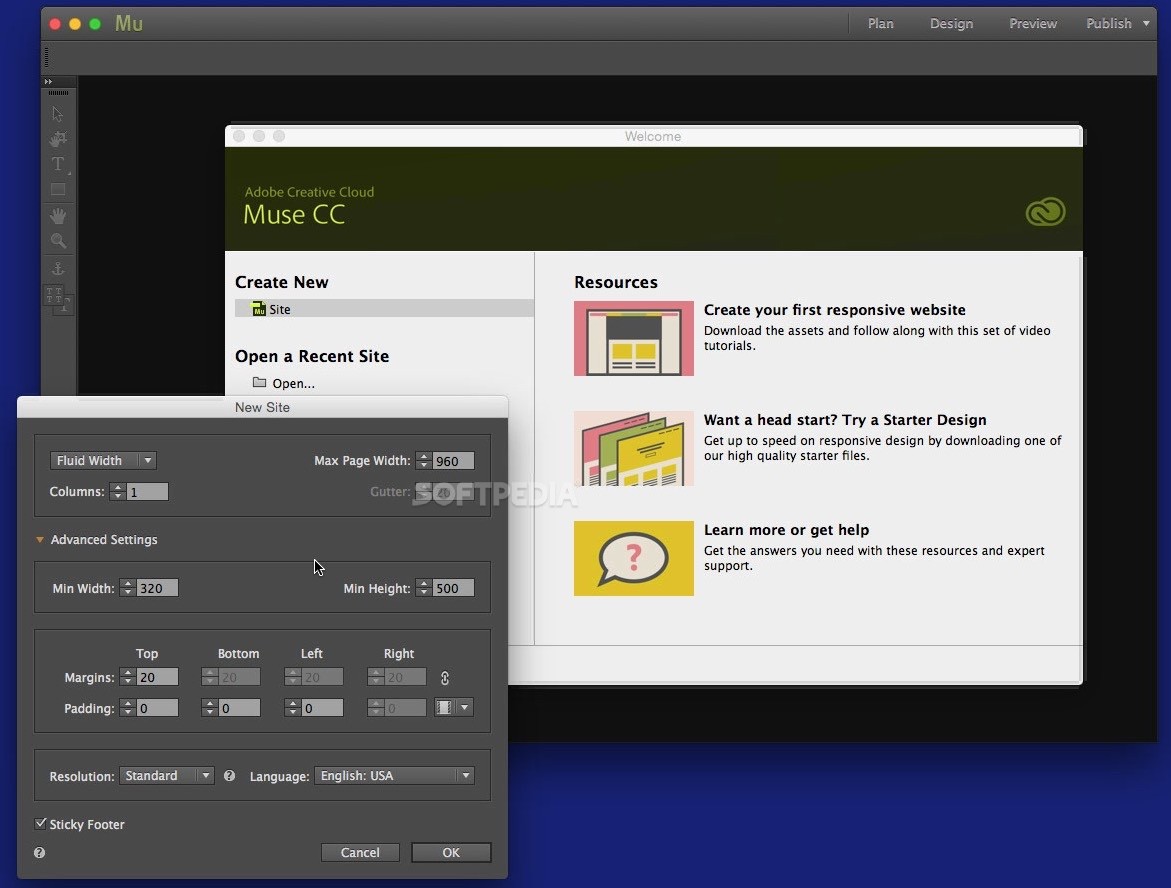
Adobe Muse is a well-designed and intuitive macOS application that aims to help graphic designers create outstanding websites without having to write any code.
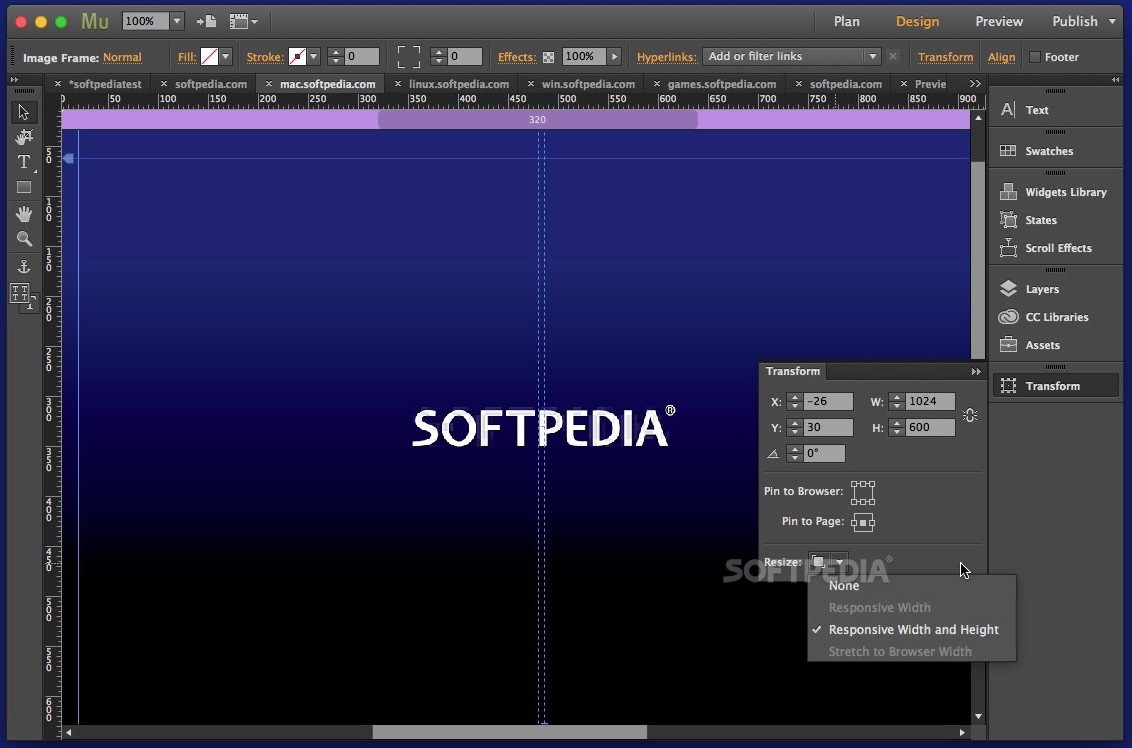
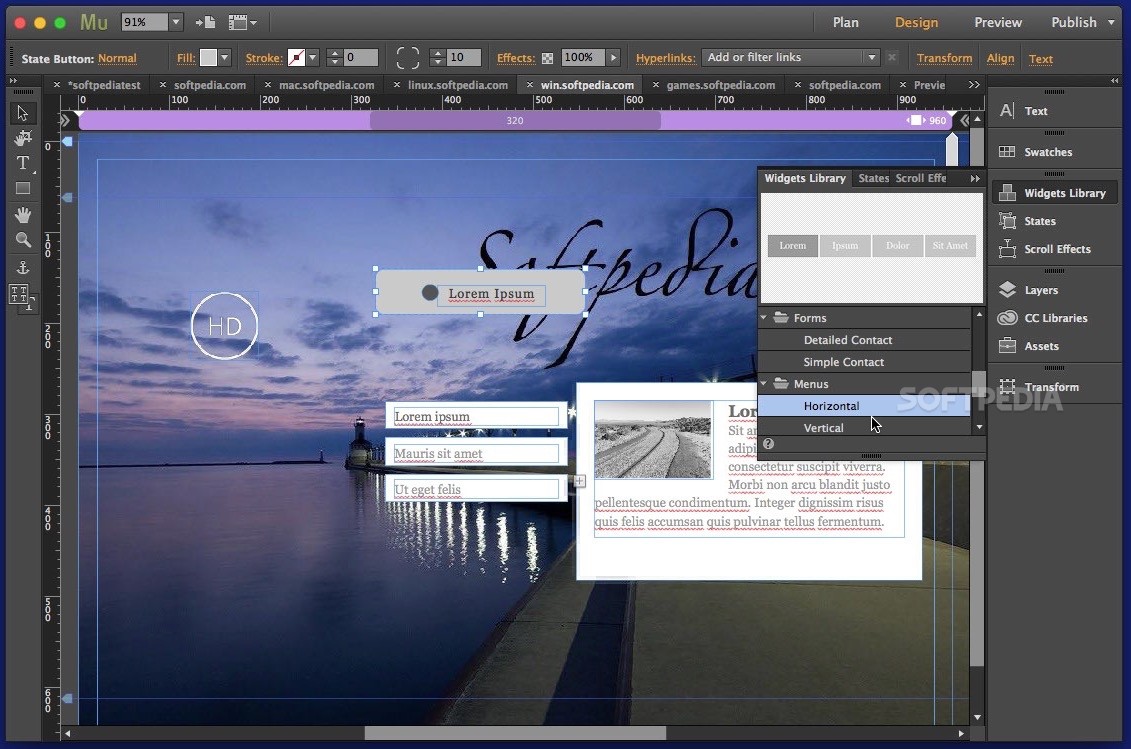
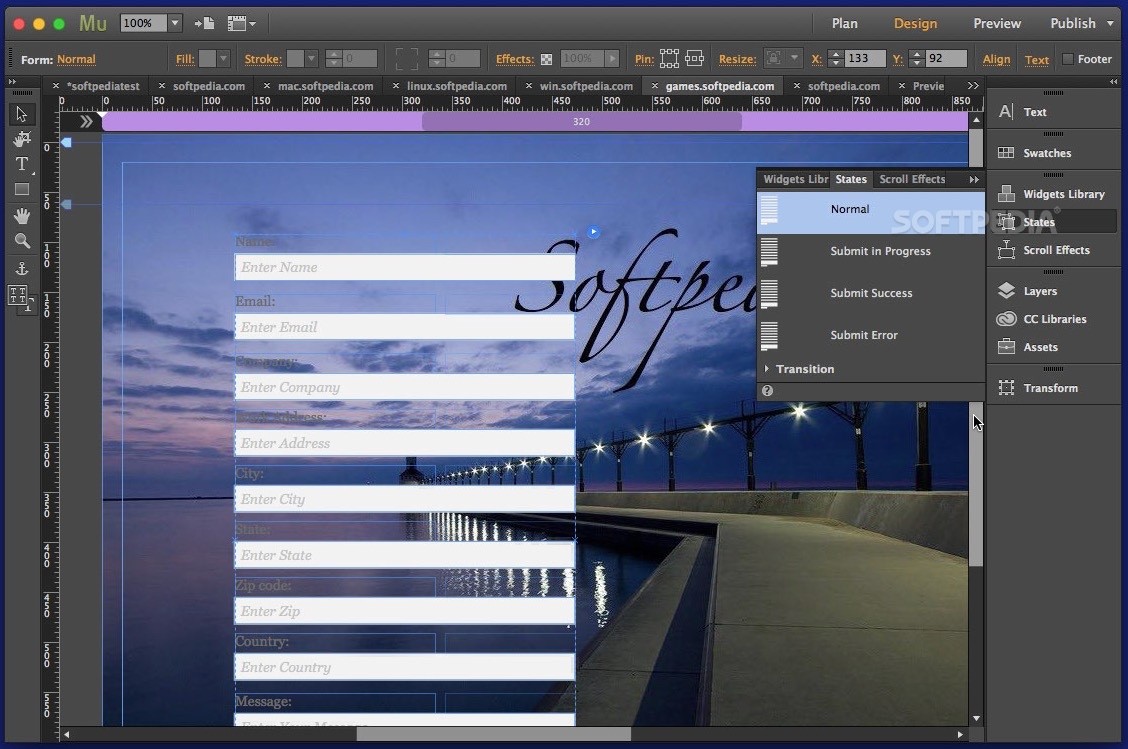
With Adobe Muse’s help you can easily create mobile versions of your website for desktop, tablet and mobile phones, add touch-enabled functionality such as slideshows by using drag-and-drop widgets. For example, you can setup icons to bring up maps, open email or dial a number.
Moreover, Adobe Muse allows you to enable site owners to make minor updates to their live website from within a web browser, regardless of the host provider. When all changes are applied you can sync them with your original Adobe Muse files.
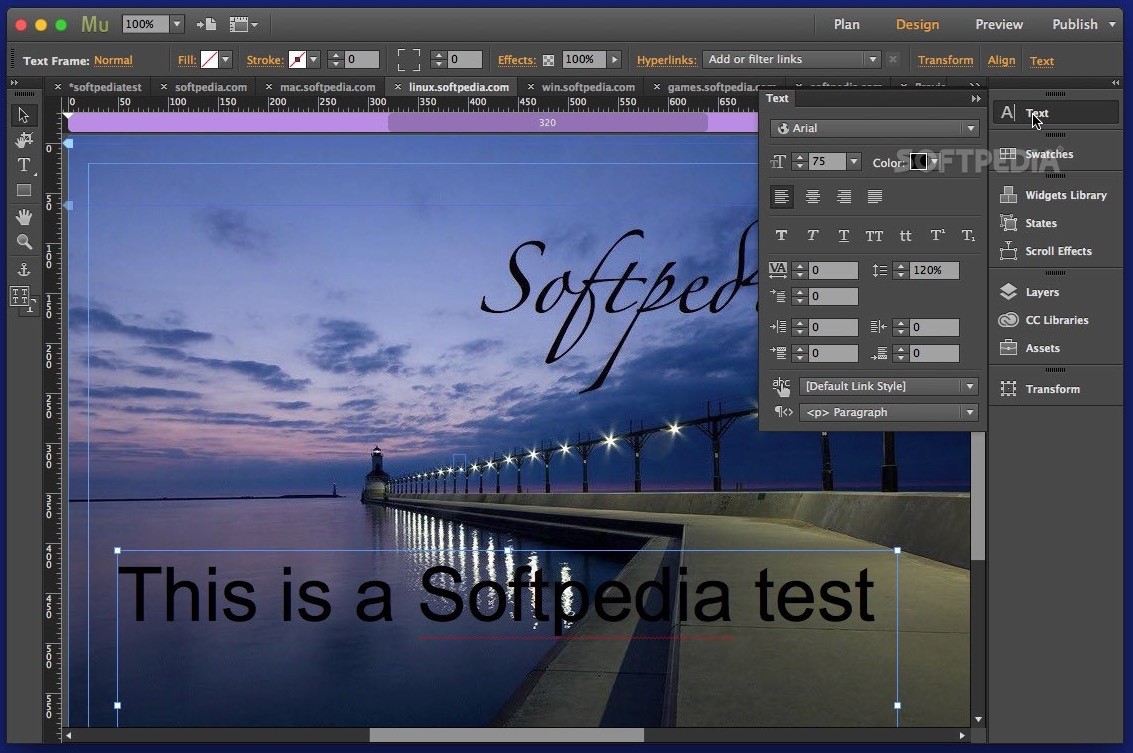
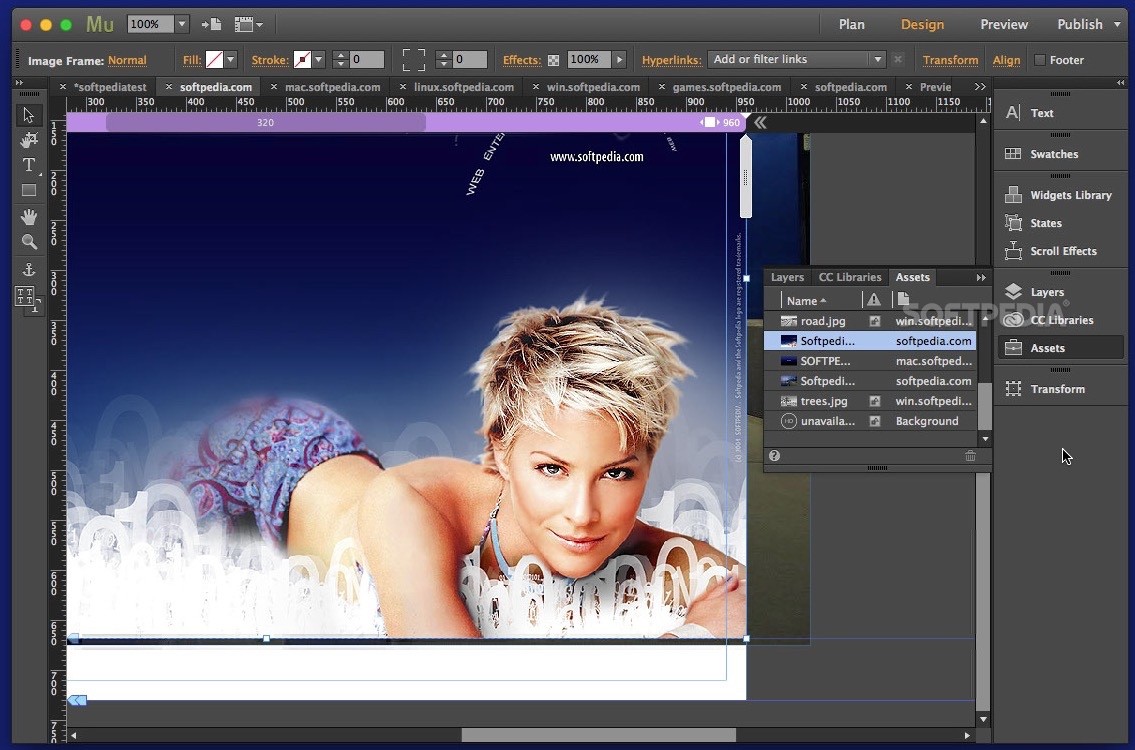
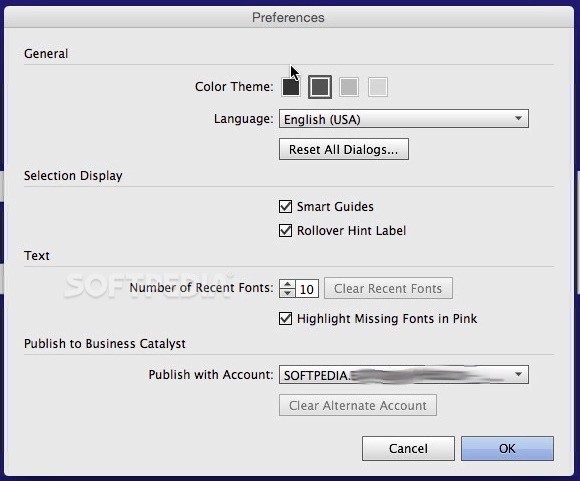
The customizable user interface allows you to choose between different shades of grey in order to focus on your work, instead of the interface. On top of that, you can organize your workspace by docking, un-docking and reorganizing panels.
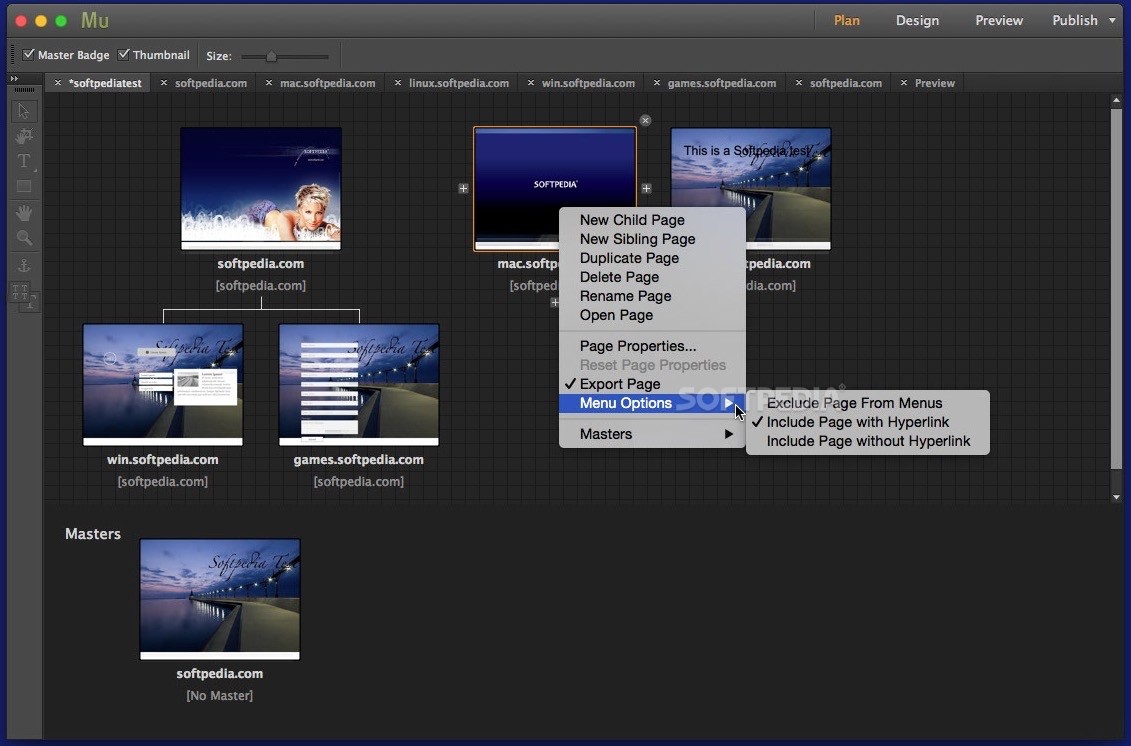
You also have the option to create different layouts and work in multiple design view windows in order to view the mobile and desktop version of your site at the same time. Thanks to the Adobe Muse starter files, that include widgets, design elements such as menus and buttons, you can jumpstart any project.
The HiDPI support enables you to optimize your webpages for Retina displays and make your interface elements, menus, icons, panels and content look shapers when viewed on a HiDPI display.
You also have the option to link the website to social media, videos and map sites by simply dragging and dropping the Facebook “Like” or Twitter “Follow” buttons, Vimeo or YouTube videos, as well as Google maps into your layouts.
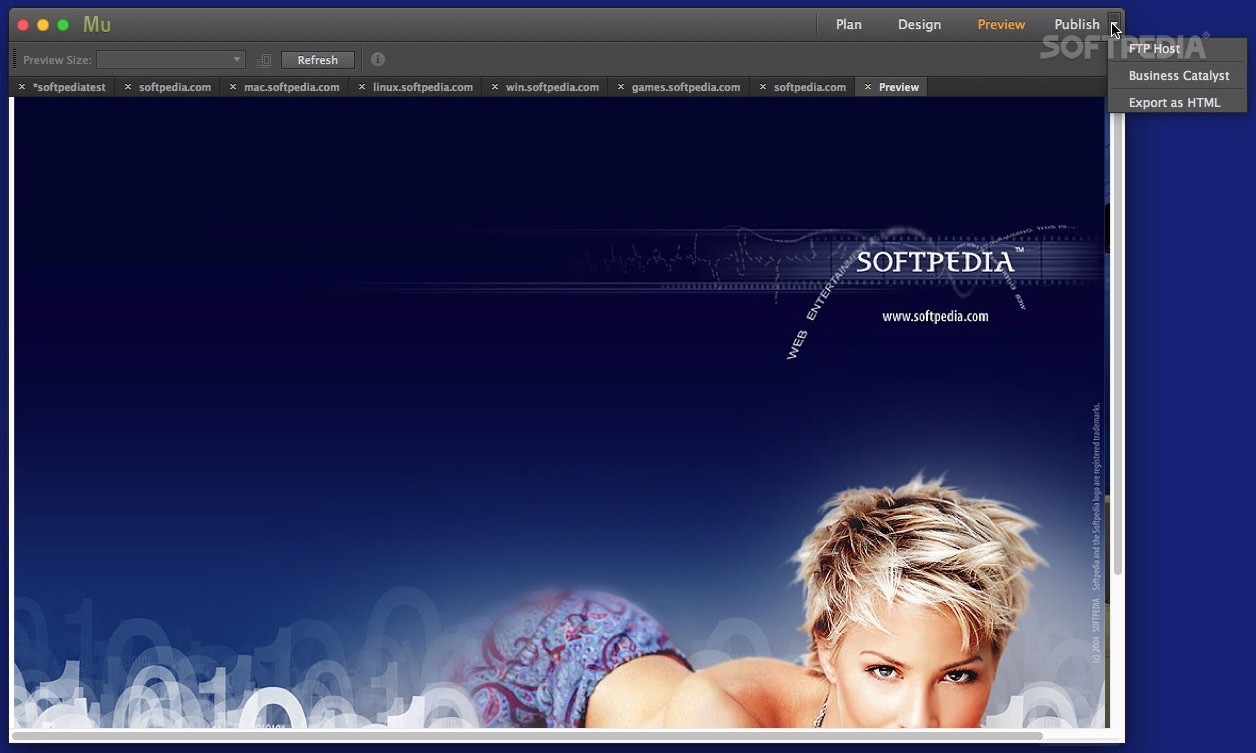
Adobe Muse is capable to generate a search engine-optimized sitemap every time you export or upload a website. Hence, all published webpages can be found by popular search engines regardless of the host service provides.
What's new in Adobe Muse CC 2018.1:
- Copy and paste attributes:
- Work flows faster now that you can easily copy attributes — like font, opacity, fill color, stroke and more — and paste them from one object to another.
Adobe Muse CC 2018.1
add to watchlist add to download basket send us an update REPORT- runs on:
- OS X 10.9 or later (Intel only)
- file size:
- 741.8 MB
- filename:
- Muse_2018_0_CC_LS24.dmg
- main category:
- Developer Tools
- developer:
- visit homepage
7-Zip

4k Video Downloader

Zoom Client

Microsoft Teams

Bitdefender Antivirus Free

Windows Sandbox Launcher

ShareX

calibre

IrfanView

Context Menu Manager

- calibre
- IrfanView
- Context Menu Manager
- 7-Zip
- 4k Video Downloader
- Zoom Client
- Microsoft Teams
- Bitdefender Antivirus Free
- Windows Sandbox Launcher
- ShareX