
Easily convert and edit your PDF files. #Edit PDF #Convert PDF #Process PDF #Edit #Editor #PDF
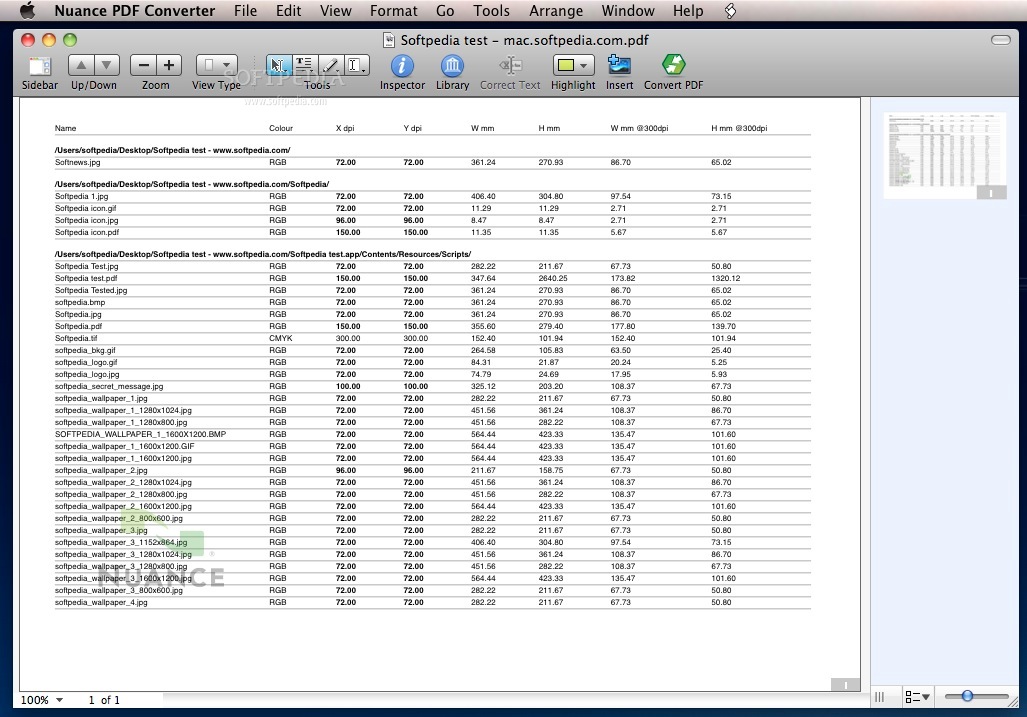
PDF Converter for Mac is smart, yet easy-to-use software that lets anyone convert, edit and collaborate with Better PDF for Mac.
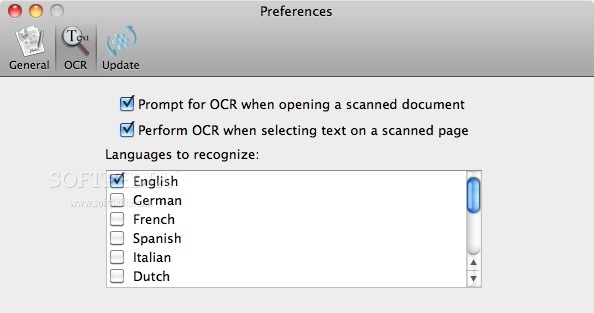
PDF Converter for Mac, the better choice for anyone working with PDF, features industry-standard PDF viewing, editing and creation. It also features the world’s most accurate PDF conversion to editable formats using OmniPage technology so you can unlock information in PDF documents.
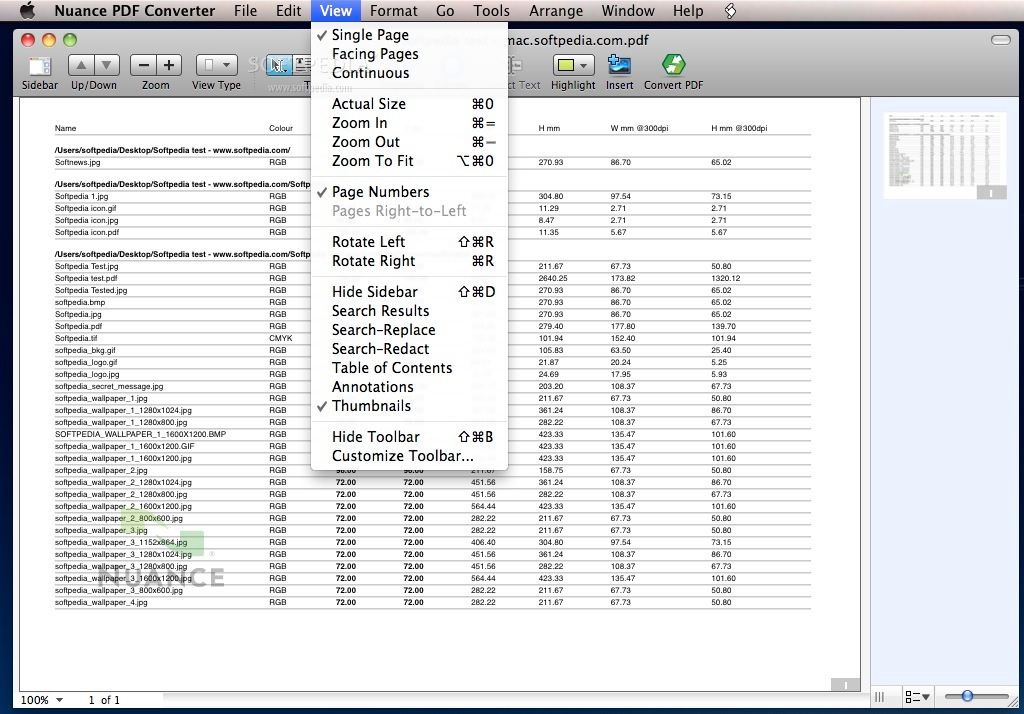
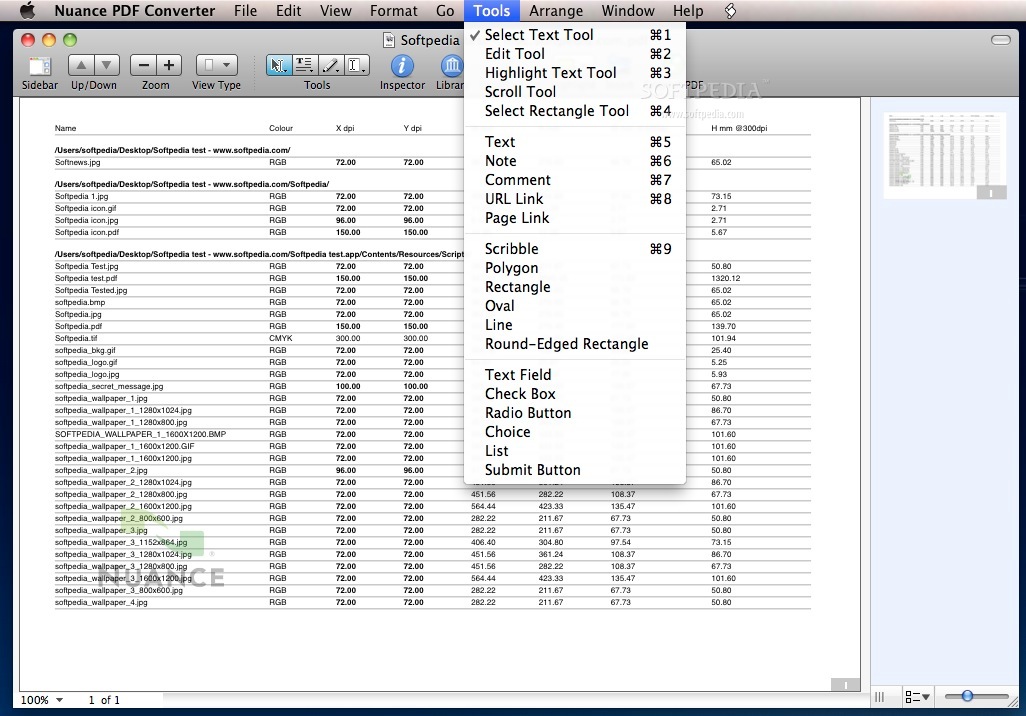
Additional features include scanning paper documents to PDF, drag-and-drop document assembly, and working with forms. Outstanding editing capabilities include search and replace text, text redaction (black-out text), graphics management and more.
Combining unparalleled functionality, OmniPage OCR technology and ease of use, PDF Converter for Mac enables users to edit and securely share PDF files like never before to help save time and money everyday.
System requirements
- Approximately 100 MB of available disk space
- CD/DVD drive required to install from disk
- Some features require Internet access; additional terms apply
Limitations in the unregistered version
- Applies a watermark to all output files.
What's new in Nuance PDF Converter 3.0.2:
- Mountain Lion (OS X 10.8) compatible
- Other fixes and improvements
Nuance PDF Converter 3.0.2
add to watchlist add to download basket send us an update REPORT- runs on:
- Mac OS X 10.6 or later (Intel only)
- file size:
- 45.3 MB
- filename:
- NPCFM_3.0.2.zip
- main category:
- DTP/Prepress
- developer:
- visit homepage
Microsoft Teams

7-Zip

Bitdefender Antivirus Free

paint.net

IrfanView

calibre

4k Video Downloader

Zoom Client

Windows Sandbox Launcher

ShareX

- Zoom Client
- Windows Sandbox Launcher
- ShareX
- Microsoft Teams
- 7-Zip
- Bitdefender Antivirus Free
- paint.net
- IrfanView
- calibre
- 4k Video Downloader