
A free and open-source graphics editor that enables you to to work with scalable vector graphics files from within a user-oriented workspace. #Vector graphics #Vector sketcher #Vector design #Vector #Sketch #Illustrate
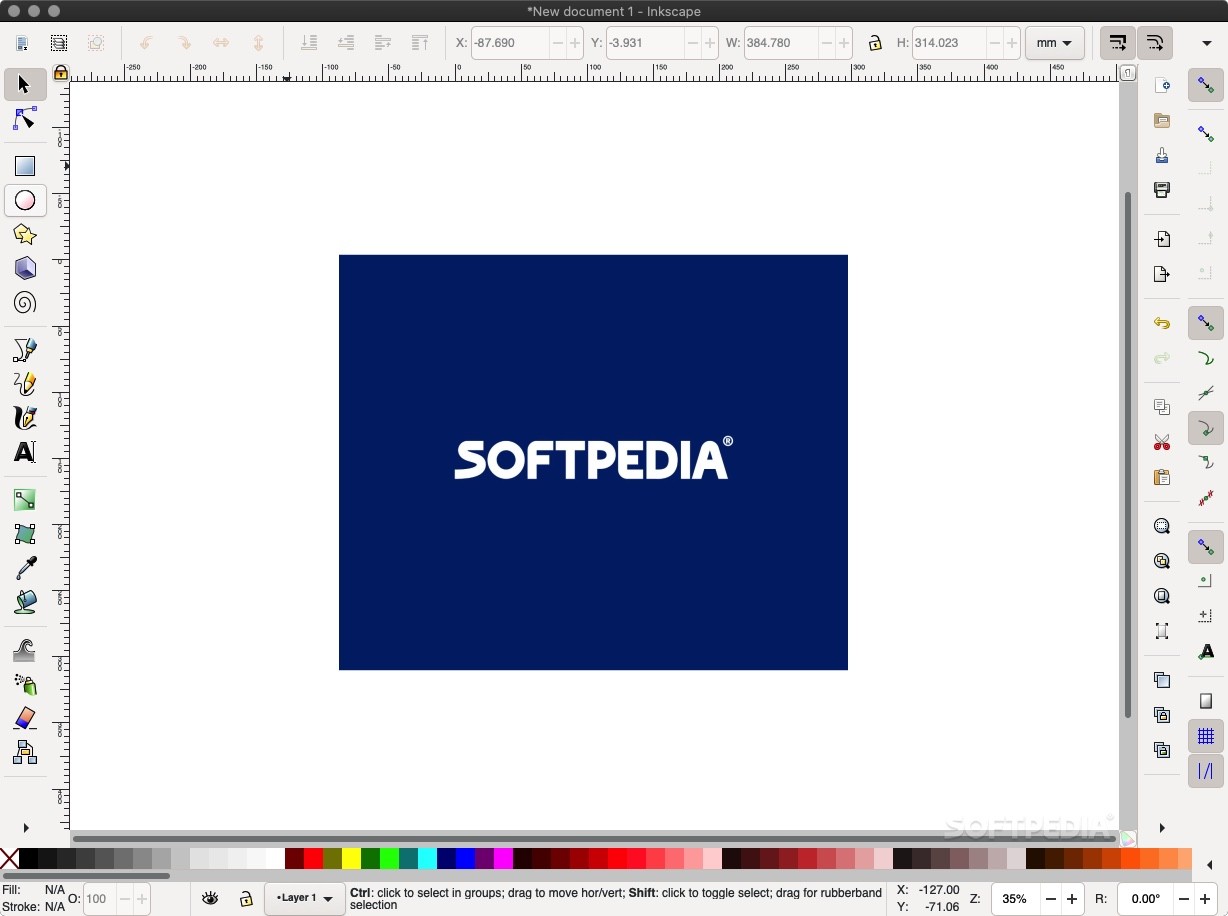
Inkscape is a fully-featured vector graphics editor that comes as an alternative to popular applications such as Adobe Illustrator and other similar apps.
With Inkscape’s help you can start your design with a doodle, sketched mind map or photo and transpose it into a professional-grade design format that is easily ready for print or web publication.
Vector design is the favored image creation method for illustrations, logos, banners and art that required high scalability. The toolset and feature list that comes with Inkscape manages to cover the needs of a wide variety of industries, from web graphics and cartooning to engineering and marketing.
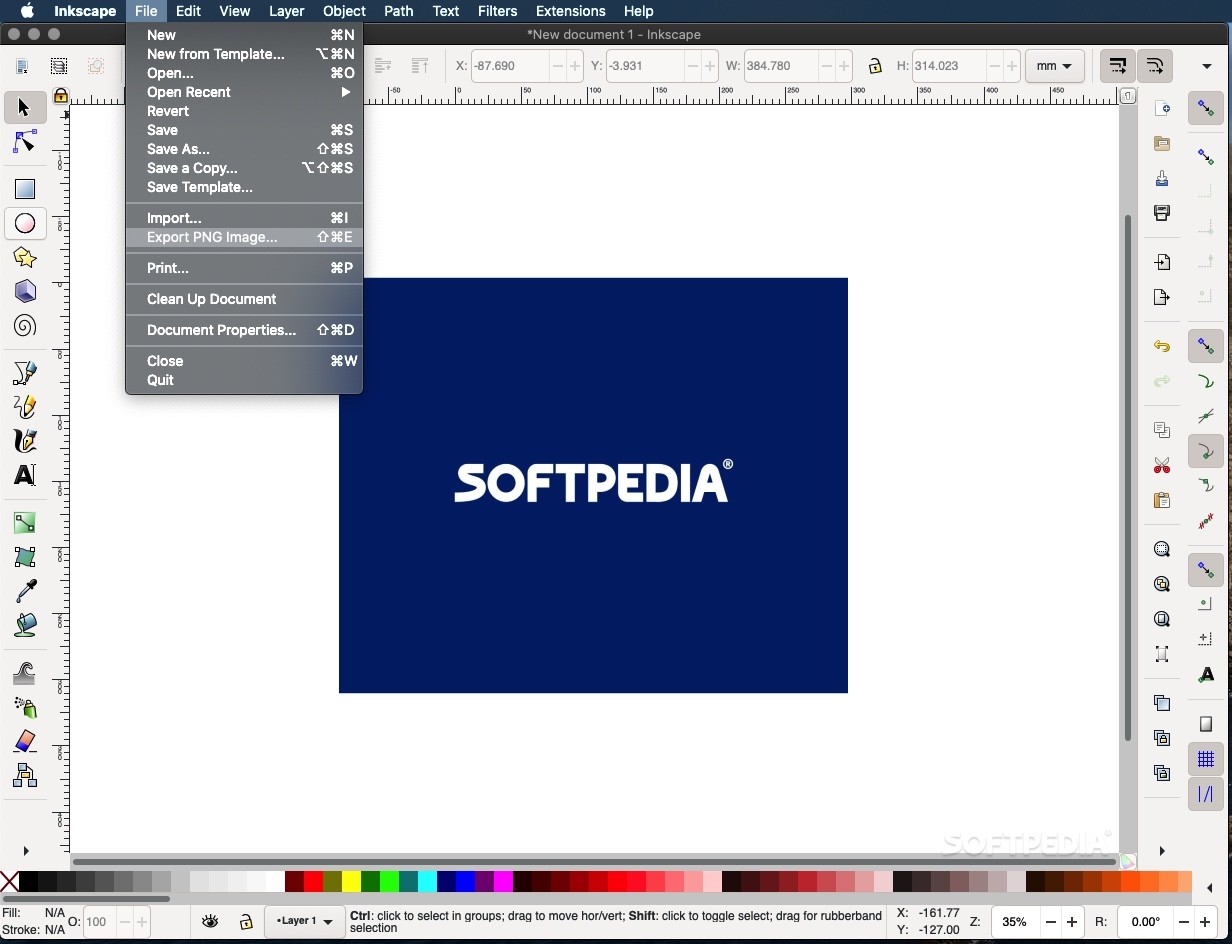
What is more, Inkscape makes it easy for you to create and manipulate objects, as well as render and export your projects to file formats that are suite for commercial printer rooms and web browsers.
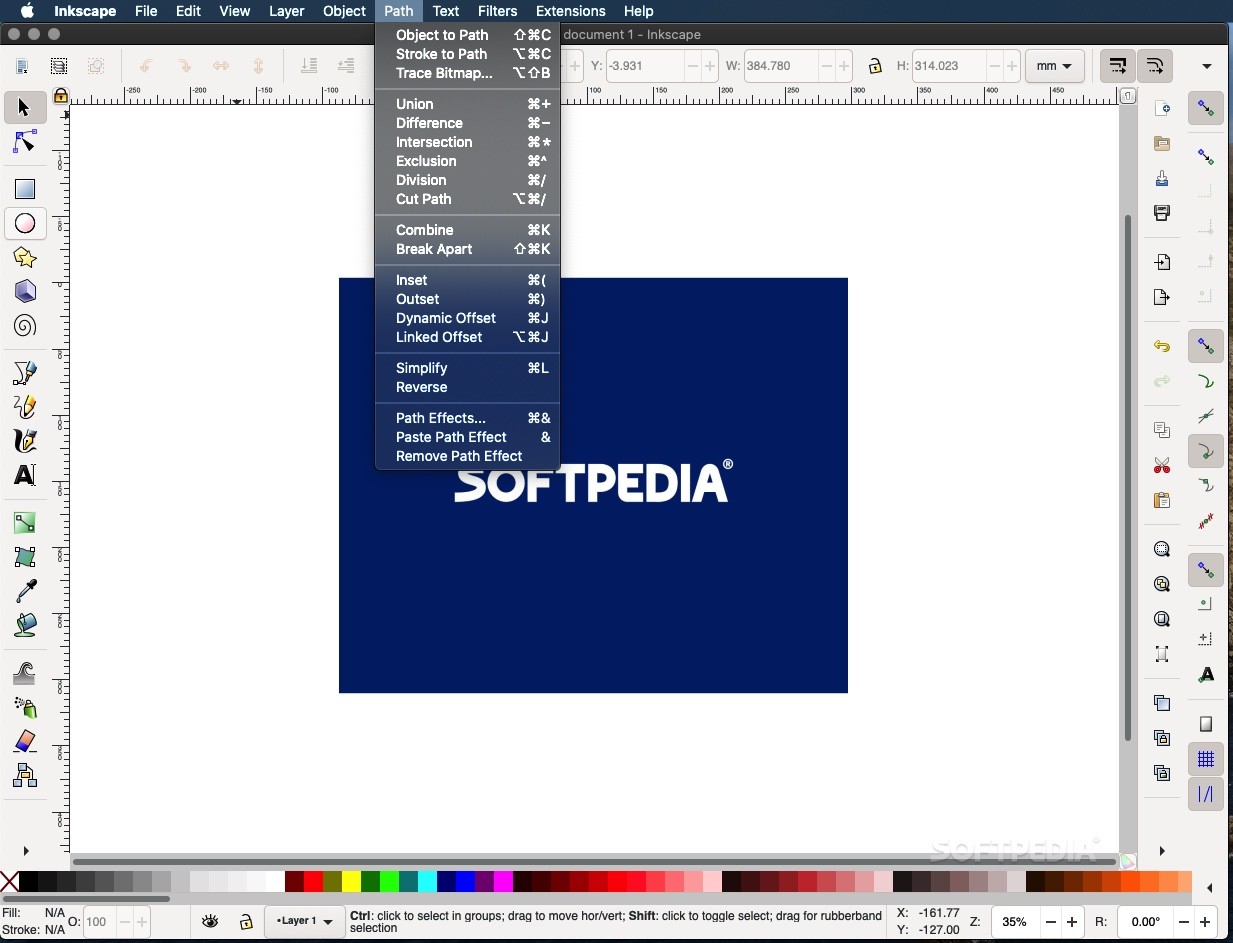
Thanks to the pencil tool you have the option to create freehand drawings with simple paths while the pen tool enables you to create straight lines and Bézier curves. You also have access to a calligraphy tools that helps you draw using filled paths representing calligraphic strokes.
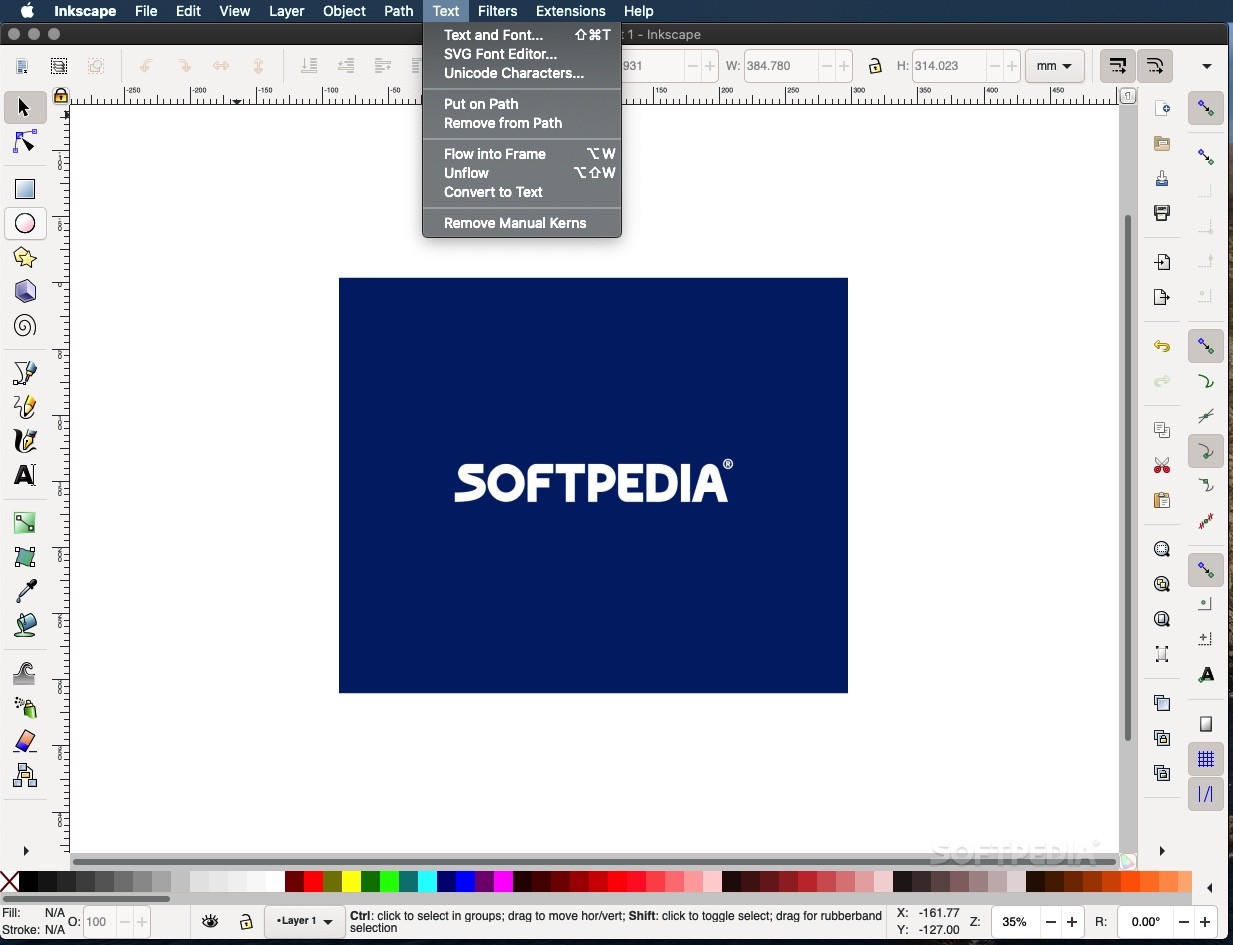
Drawing various shapes like rectangles with or without rounded corners, ellipses, starts, polygons and spirals could never be easier thanks to featured shape tools. You also have the option to create and embed bitmaps of selected objects and insert multi-line text.
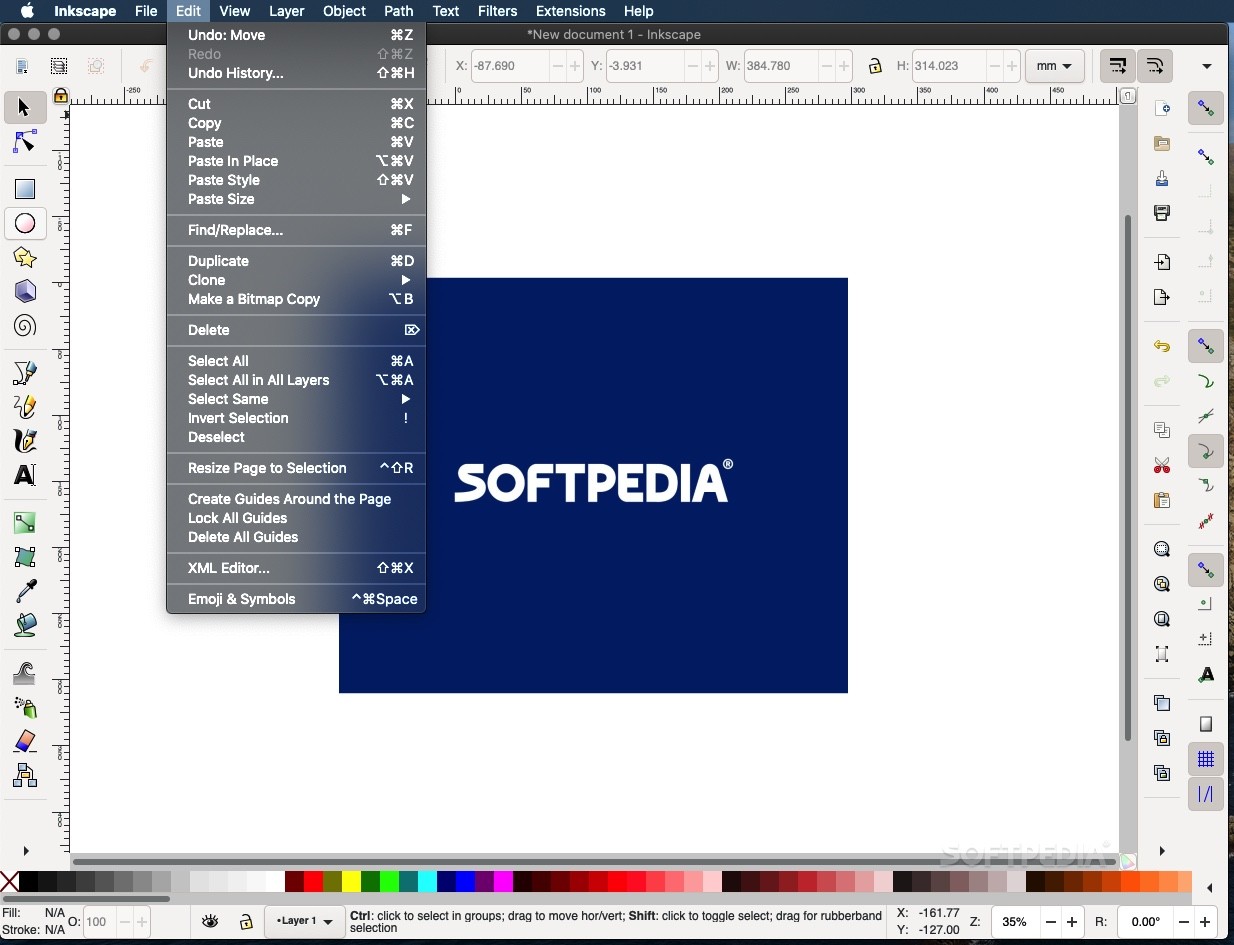
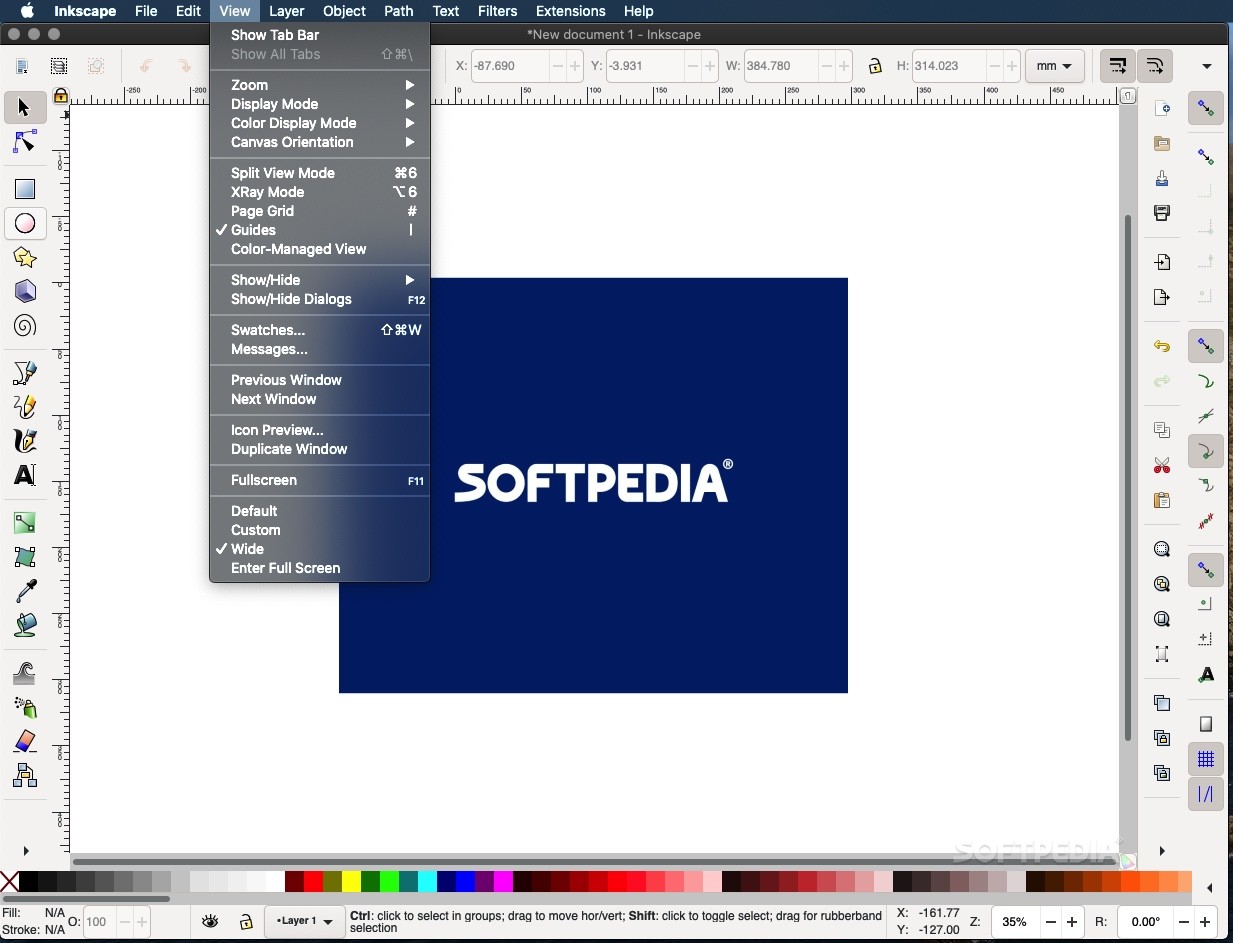
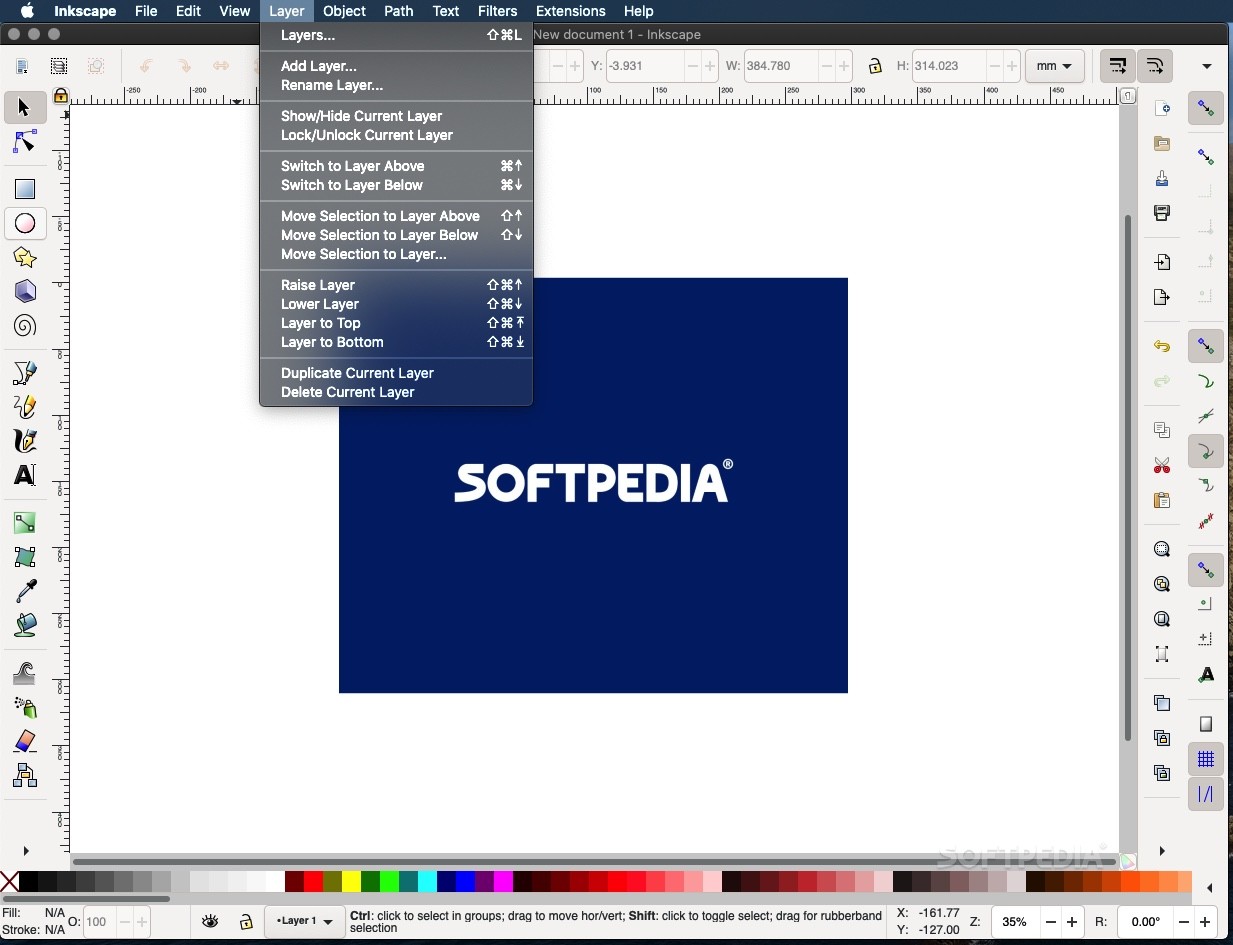
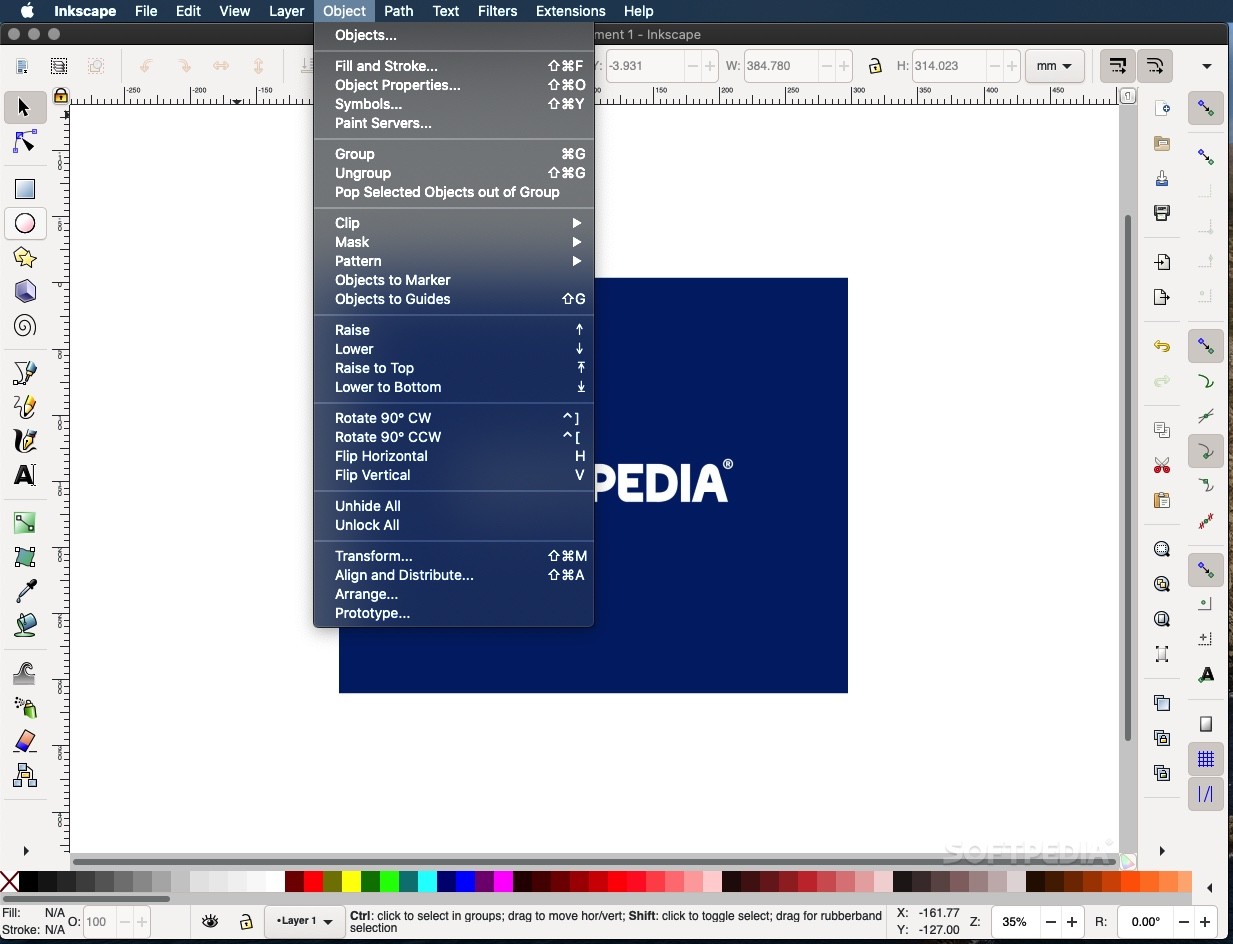
Moreover, Inkscape helps you move, scale, rotate and skew your objects both interactively and based on exact numeric values. You can group objects and lock, hide and rearrange layers with just a couple of mouse clicks.
The built-in color selector and color picker tool enables you to pick and find the desired color using the RGB, CMYK, CMS or color wheel.
Download Hubs
Inkscape is part of these download collections: Edit CDR, View CDR, View CGM, Convert CMX
Inkscape 1.3.2
 Softpedia Editor's Pick
add to watchlist
add to download basket
send us an update
REPORT
Softpedia Editor's Pick
add to watchlist
add to download basket
send us an update
REPORT
- runs on:
- macOS 10.13 or later (Universal Binary)
- file size:
- 150.6 MB
- filename:
- Inkscape-1.3.2_arm64.dmg
- main category:
- Graphics
- developer:
- visit homepage
7-Zip

Windows Sandbox Launcher

calibre

Context Menu Manager

Zoom Client

Bitdefender Antivirus Free

ShareX

4k Video Downloader

IrfanView

Microsoft Teams

- 4k Video Downloader
- IrfanView
- Microsoft Teams
- 7-Zip
- Windows Sandbox Launcher
- calibre
- Context Menu Manager
- Zoom Client
- Bitdefender Antivirus Free
- ShareX