
A powerful and very efficient archiving application that was designed to reduce the entire unarchiving process to a simple drag and drop gesture #Create archive #Extract archive #File archiver #Archiver #Unarchiver #Extractor
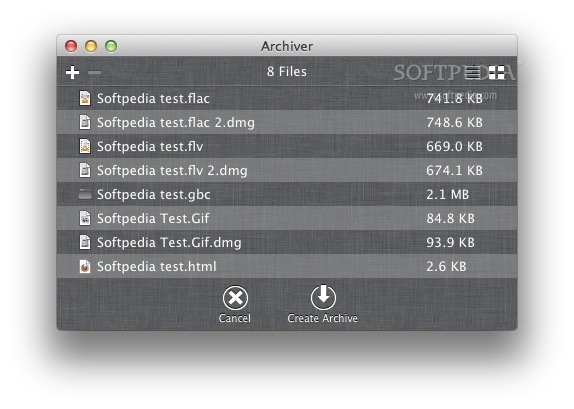
Archiving files is absolutely necessary whenever you need to transfer them from a computer to another, or if you want to use your storage space efficiently.
Archiver is a powerful archiving and unarchiving solution that comes with a minimalist yet stylish design and user friendly workflows.
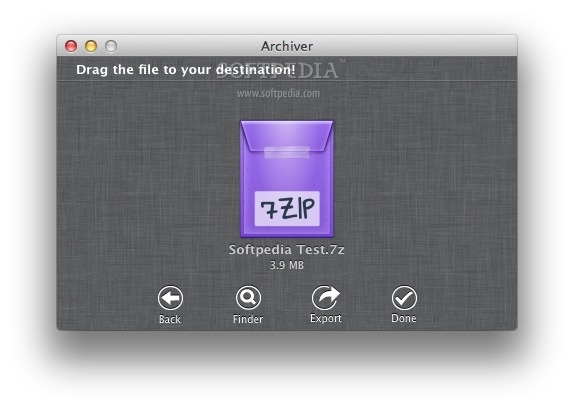
The Archiver user interface is represented by a small, stylish window on top of which you must drag and drop the archives you want to unpack, or the files you want to compress.
The Archiver app reacts by taking into account the file type, and either allows you to preview the archive content, or displays the items that will be included in the new pack.
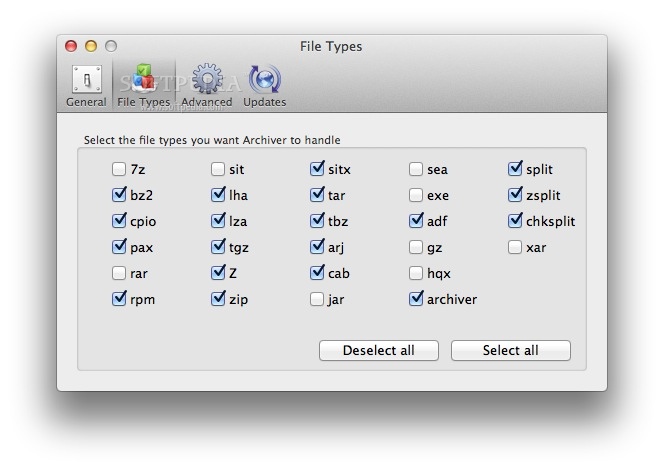
Archiver is able to work with most popular archive types, such as .zip, .rar, .7zip, .tar, .cpio, .rpm, .bin, and so on. To see the complete list of supported file formats, you must visit the developer’s page.
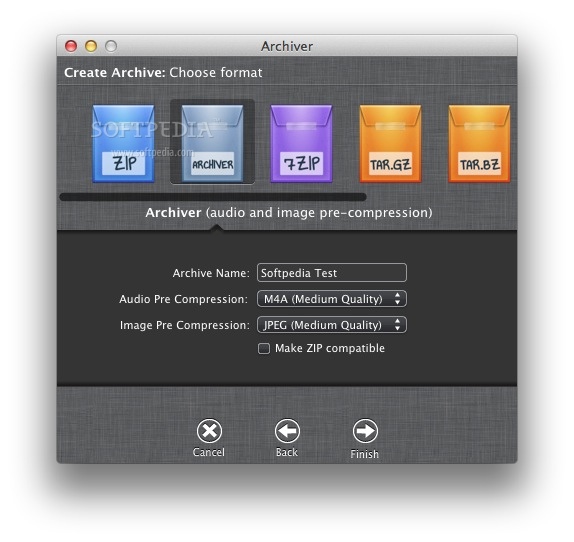
Besides previewing the archives content and extracting the contained files, Archiver also offers you the possibility to convert the pack to another archiving format. In this case, you also have the possibility to modify the audio and image quality.
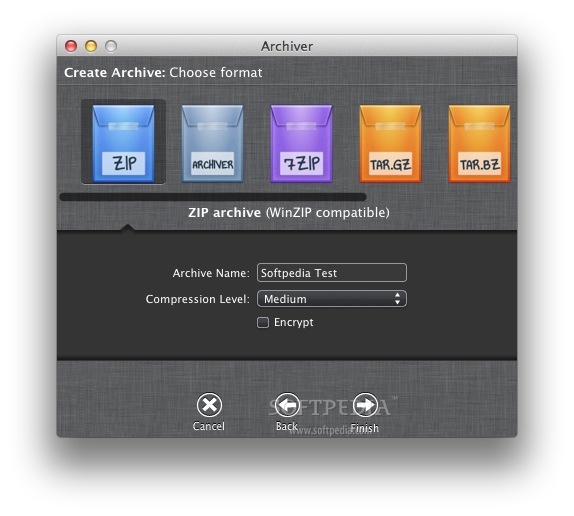
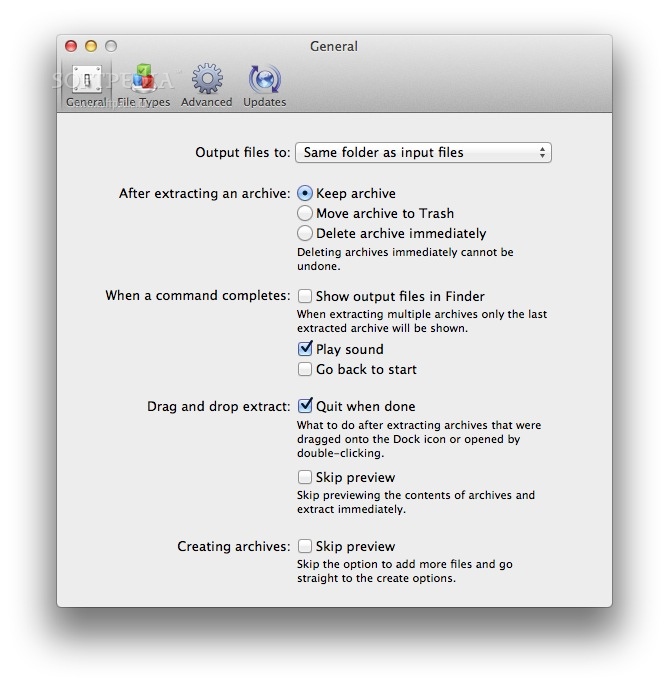
You can use Archiver to split archives by size, or to encrypt the newly created packages (you must provide a password). Moreover, you can also adjust the compression level: none, lowest, medium, or highest.
Archiver offers you the possibility to handle popular file archives in an intuitive and streamlined manner: simply drag and drop the files you want to process and the app takes care of the rest.
Keep in mind thought that if you want to start over, you must either clean the Archiver main window (using the Command + K hotkey), or drop the new files on the Archiver Dock window.
Download Hubs
Archiver is part of these download collections: Make TAR, Open 7z, Create 7z, Create Tar
What's new in Archiver 3.0.9:
- This update fixes issues with archive compatibility and stability. It's recommended that all users update.
Archiver 3.0.9
add to watchlist add to download basket send us an update REPORT- runs on:
- OS X 10.11 or later (Intel only)
- file size:
- 17.1 MB
- filename:
- Archiver.zip
- main category:
- Compression Tools
- developer:
- visit homepage
Context Menu Manager

Zoom Client

ShareX

4k Video Downloader

Microsoft Teams

IrfanView

calibre

Bitdefender Antivirus Free

7-Zip

Windows Sandbox Launcher

- Bitdefender Antivirus Free
- 7-Zip
- Windows Sandbox Launcher
- Context Menu Manager
- Zoom Client
- ShareX
- 4k Video Downloader
- Microsoft Teams
- IrfanView
- calibre