
Powerful and very fast archive expander designed to decompress Zip, Rar, 7-zip,Tar-GZip, Tar-BZip2, StuffIt, LhA and many other archive formats. #Open archive #Expand archive #Decompress archive #Unzip #Unarchiver #Expander
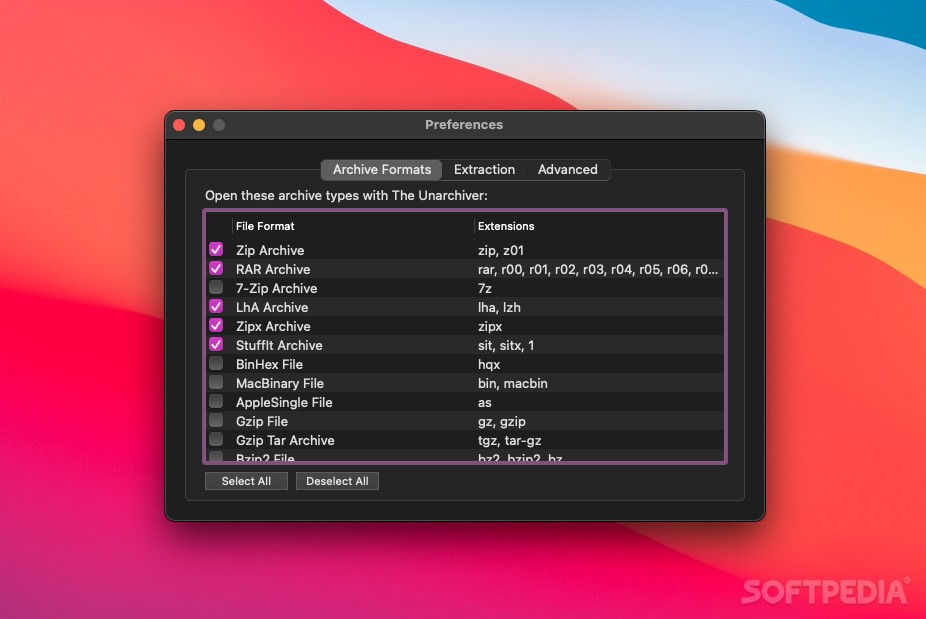
The Unarchiver is an absolutely free macOS app that can be successfully used as a substitute for Apple's BOMArchiveHelper.app, the free built-in unarchive utility.
At the moment, The Unarchiver is distributed directly on the developer’s website and through Apple’s Mac App Store, the single difference between the two apps being that the App Store version is sandboxed, while the one available for direct download is not.
Using the version delivered via the developer’s website could be a very good idea if you find the constant nagging of App Store version a bit too much for your taste (this happens because the App Store version needs your confirmation when it wants to get around the built-in sandbox).
The Unarchiver can be installed either via drag and drop within the Applications folder or by downloading it from the Mac App Store.
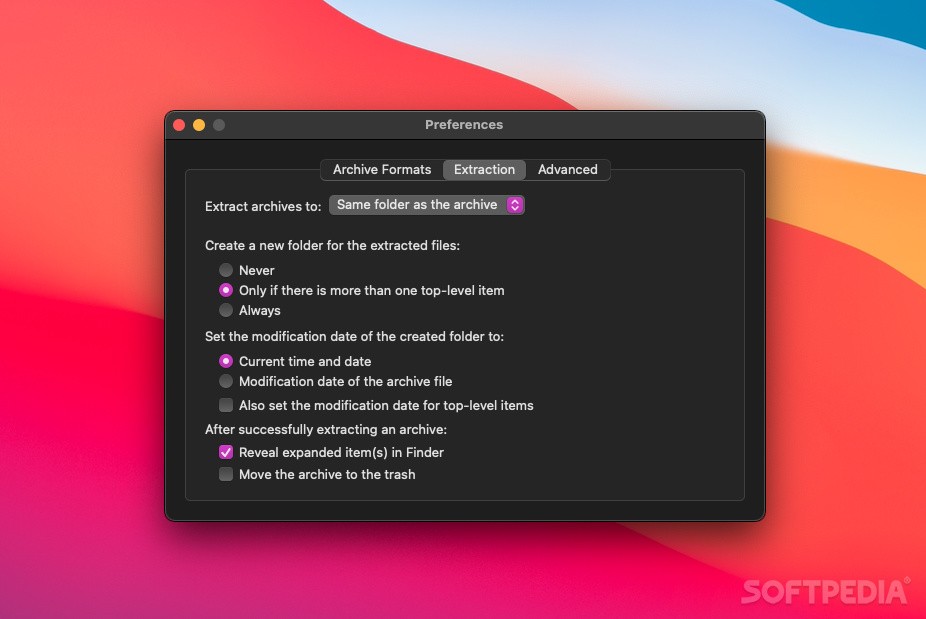
if you want to use it as your default archive decompression app, you will have to either choose the archive formats you want it to open via its Preferences window or by choosing it as the default app via Finder’s Open With contextual menu.
Moreover, you should definitely give The Unarchiver a try if you are constantly working with a large amount of archive formats on a daily basis, because this app comes with support for formats ranging from the common zip and sit to more exotic 7zip, lha, rpm and deb.
If you want to know if a given archive can be opened using The Unarchive, a detailed list of all the formats it can work with is available on the app’s website, via the Supported formats page.
What's more, The Unarchiver is capable of handling archives using a wide variety of foreign character sets and a large array of text encoding, like the ones created while using non-English versions of other operating systems.
The Unarchiver's comprehensive archive support was achieved by using the open source libxad unarchiving library to develop the application.
Download Hubs
The Unarchiver is part of these download collections: Open 7z, Open RAR, Open ZIP
What's new in The Unarchiver 4.3.6:
- Fixed:
- Crash on processing corrupted ISO files.
- Known memory leak cases.
- Crash on opening .SITX files with symlinks to non-existing files.
The Unarchiver 4.3.6
 Softpedia Editor's Pick
add to watchlist
add to download basket
send us an update
REPORT
Softpedia Editor's Pick
add to watchlist
add to download basket
send us an update
REPORT
- runs on:
- macOS 10.9 or later (Universal Binary)
- file size:
- 15.9 MB
- filename:
- TheUnarchiver.dmg
- main category:
- Compression Tools
- developer:
- visit homepage
7-Zip

ShareX

calibre

paint.net

IrfanView

Bitdefender Antivirus Free

Microsoft Teams

4k Video Downloader

Zoom Client

Windows Sandbox Launcher

- 4k Video Downloader
- Zoom Client
- Windows Sandbox Launcher
- 7-Zip
- ShareX
- calibre
- paint.net
- IrfanView
- Bitdefender Antivirus Free
- Microsoft Teams