
Powerful and full-featured VoIP client that also enables you to check your Facebook updates and to make calls to cell phones and landlines at low rates. #Internet telephony #VOIP call #Phone call #Telephony #Chat #Talk
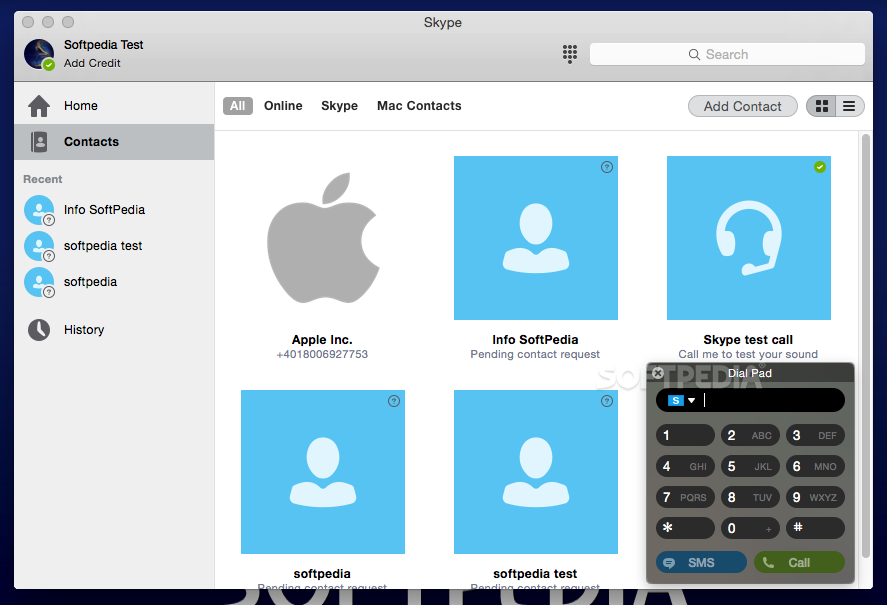
If you want to stay in touch with your friends and family or just want to make free voice and video calls worldwide, then Skype is the application for you.
Skype is a free and user-friendly application that offers an intuitive interface and delivers excellent video and audio quality. In addition to being a handy PC-to-PC VoIP utility, Skype enables you to check your Facebook updates and also make calls to cell phones and landlines at low rates.
The set-up and installation process is simple and fast. In order to install the app you just have to drag and drop it into your Mac's Applications folder.
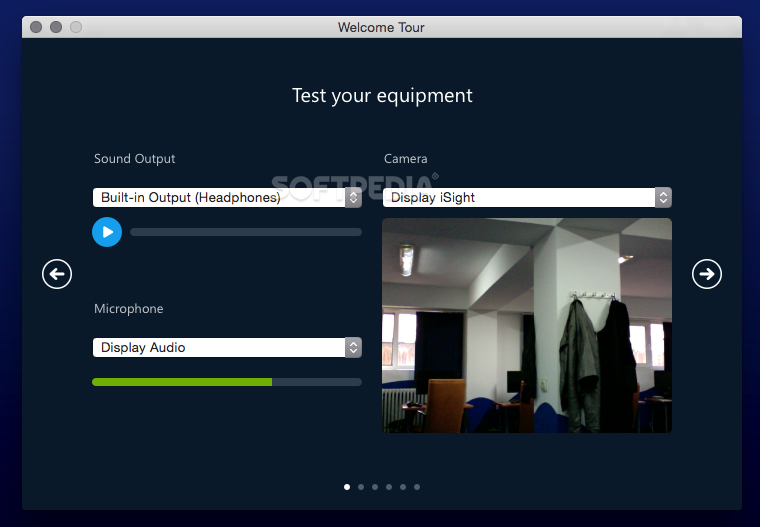
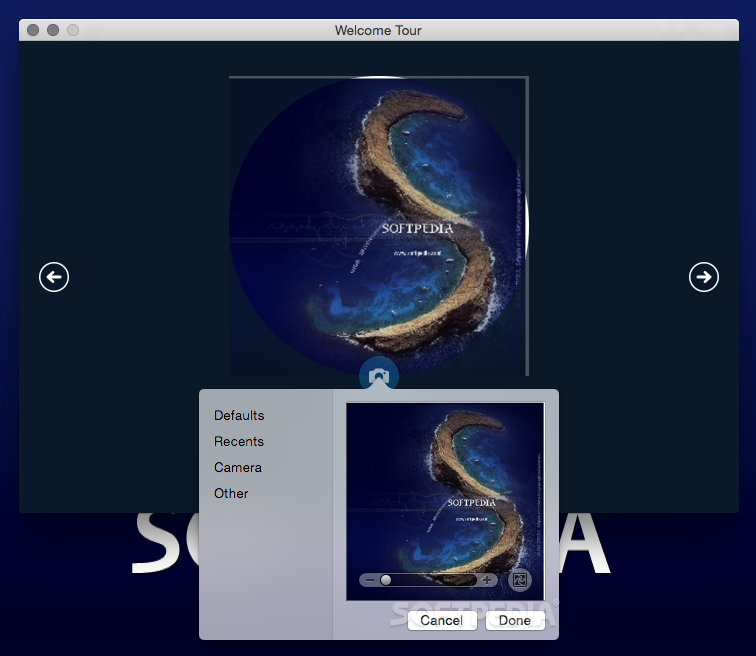
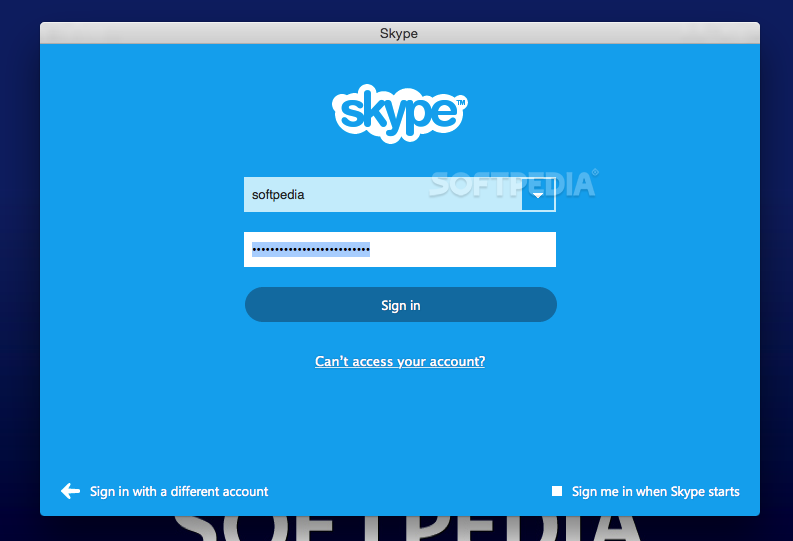
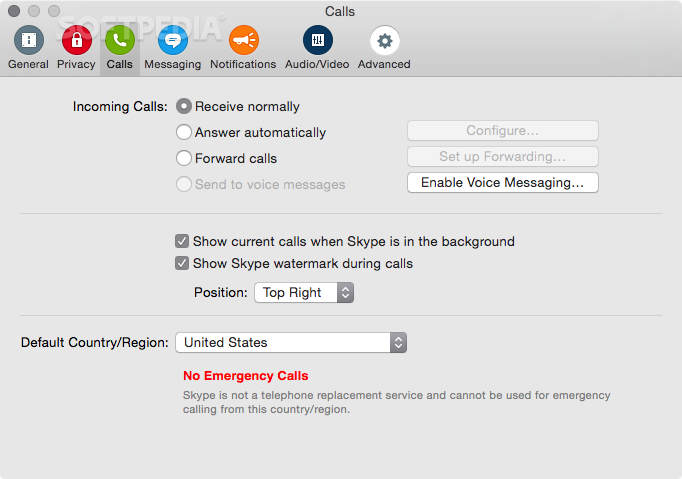
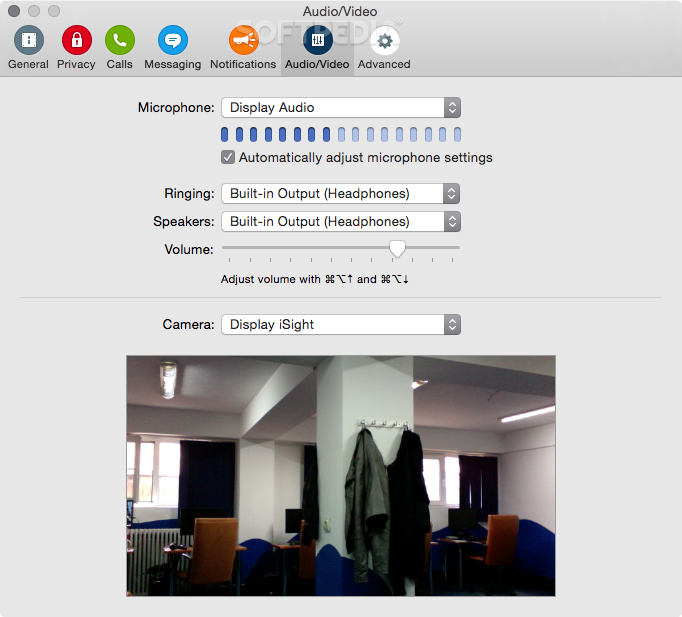
You will be able to make a new account or login using your credentials from Skype's main window. The welcome screen will guide you through the steps you need to follow to set up your mic, webcam and address book.
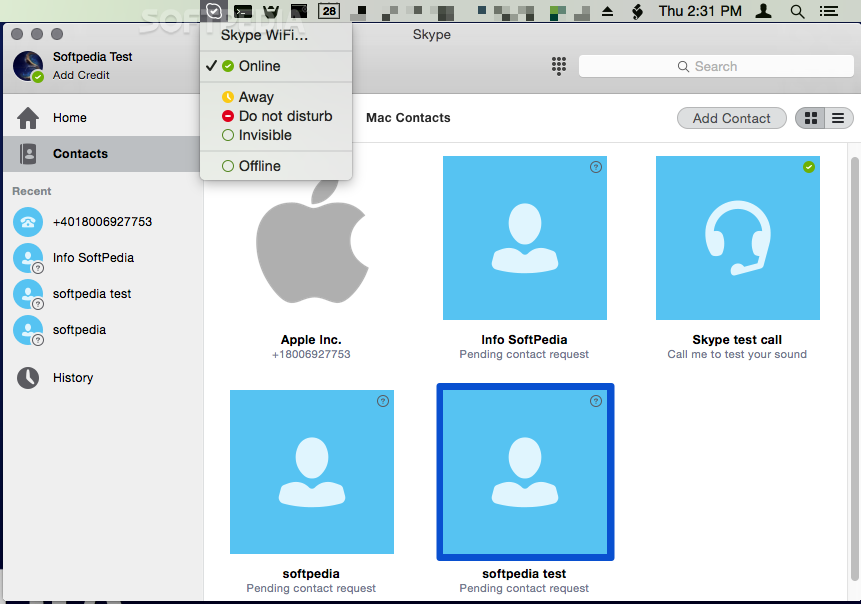
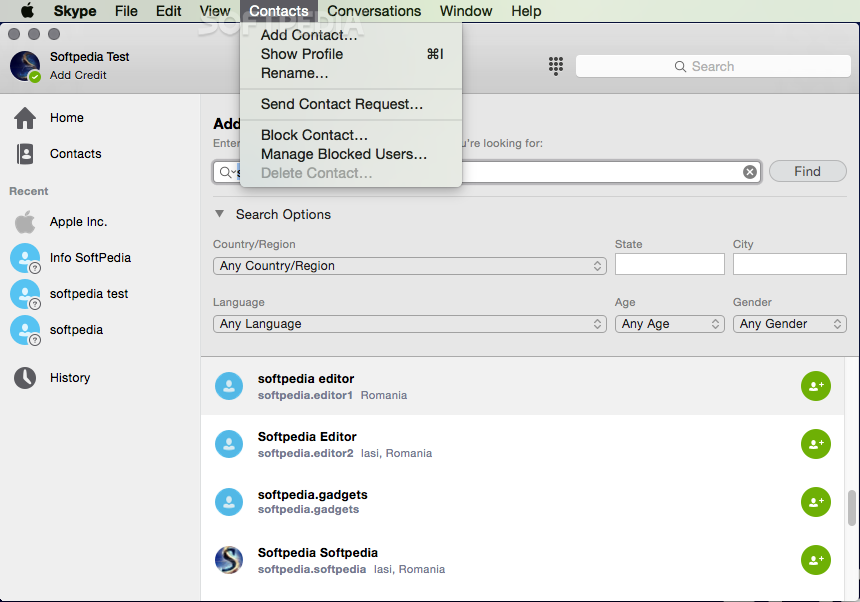
Skype features a large and well-designed interface from which you can view your contacts on the left column and the Skype Home on the right.
From the Skype Home panel you can view the online Skype and Facebook contacts and your address book. You can easily change the display of your contacts from the vertical alignment to the grid view with just a mouse click.
During our testing period, Skype managed to impress us with high quality video and audio calls that are made using the Voice over IP technology.
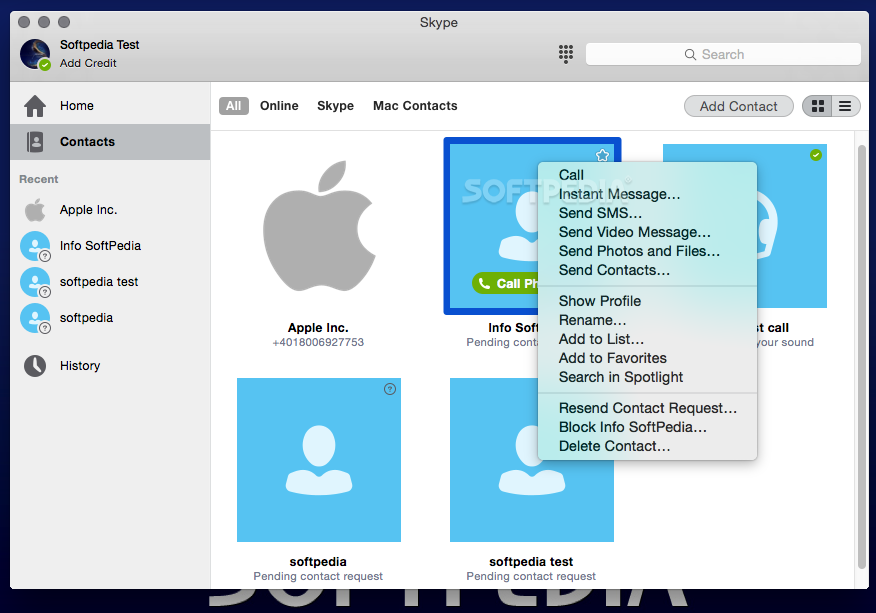
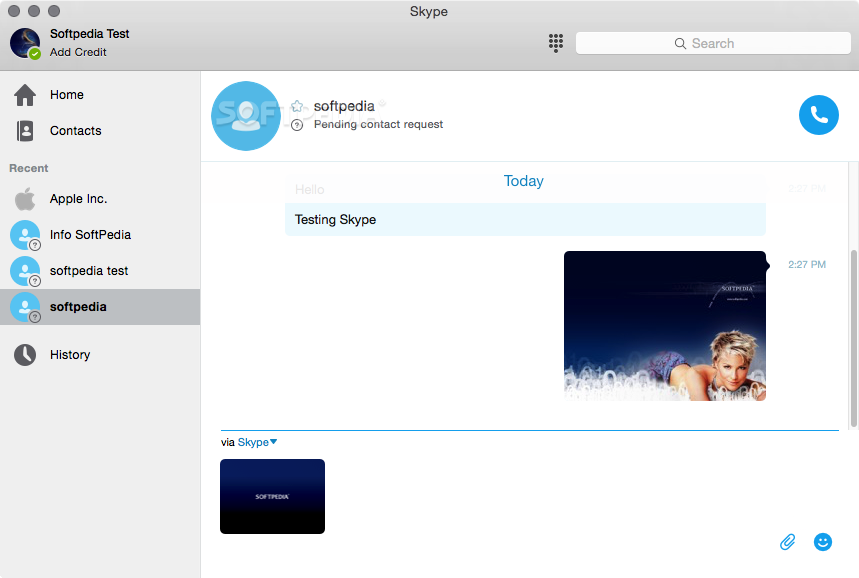
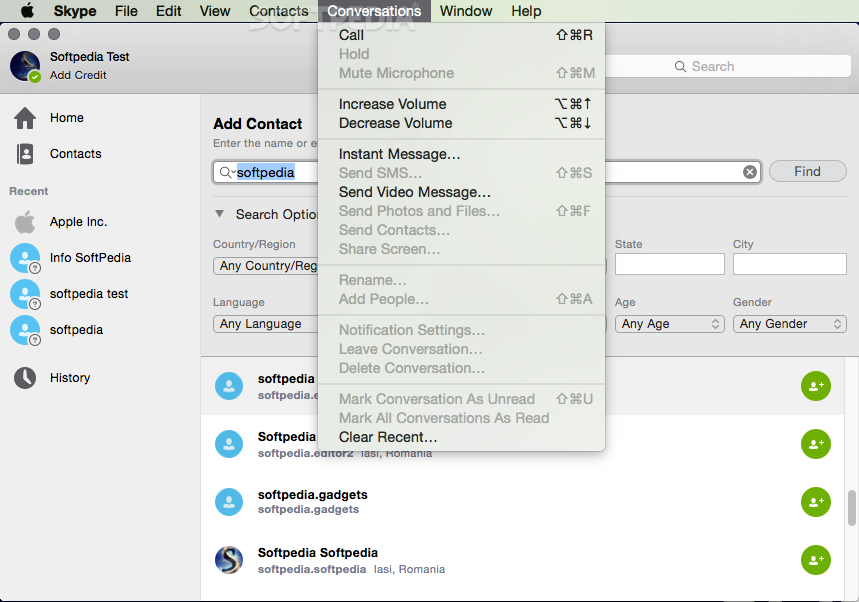
However, you will be able to enjoy high quality video calls only if all participants have fast internet connections (at least 1.5MBps) and HD cameras. While engaged in a video or audio call, you can also send instant messages, share contacts, transfer files and take snapshots of the video image.
Skype enables its users to easily call landlines and mobile phones anywhere in the world and enjoy the same high-quality reception.
By purchasing the Premium package for a modest price per month, you will be able enjoy the Screen share feature, make video conferences with up to 10 persons and place unlimited calls to a country of your choice.
Thanks to the Facebook integration you can check your Facebook news feed, post text status updates and call your friends if their Skype ID or phone number is displayed on their profile.
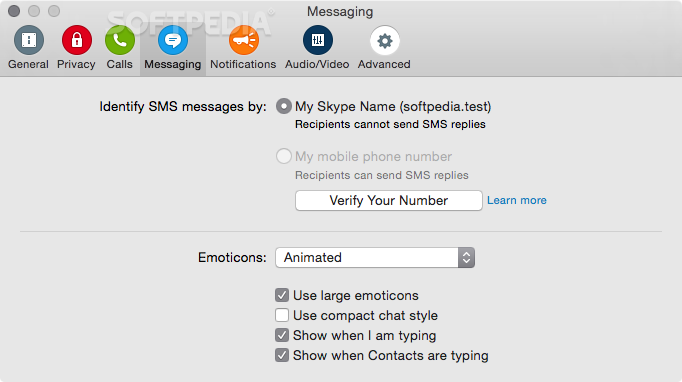
Although Skype allows its users to send SMS messages, at various prices according to the region they want to reach, the sender can't receive an answer via a SMS.
Everything considered, Skype is a trustworthy video chat client designed to make it as easy as possible for you to stay in touch with your family, as well as effortlessly share files with your friends and colleagues.
Download Hubs
Skype is part of these download collections: Desktop Phone Call, Instant Messenger, VoIP Client
Skype 8.118.0.205
 Softpedia Editor's Pick
add to watchlist
add to download basket
send us an update
REPORT
Softpedia Editor's Pick
add to watchlist
add to download basket
send us an update
REPORT
- runs on:
- macOS 10.13 or later (Universal Binary)
- file size:
- 237.9 MB
- filename:
- Skype-8.118.0.205.dmg
- main category:
- Communications
- developer:
- visit homepage
7-Zip

Windows Sandbox Launcher

Bitdefender Antivirus Free

Microsoft Teams

Context Menu Manager

ShareX

calibre

Zoom Client

4k Video Downloader

IrfanView

- Zoom Client
- 4k Video Downloader
- IrfanView
- 7-Zip
- Windows Sandbox Launcher
- Bitdefender Antivirus Free
- Microsoft Teams
- Context Menu Manager
- ShareX
- calibre