
A modern task management application that enables you to organize, handle and sort your daily tasks according to their priority.. #Prioritize task #Schedule task #Task organizer #Scheduler #Organizer #Manager
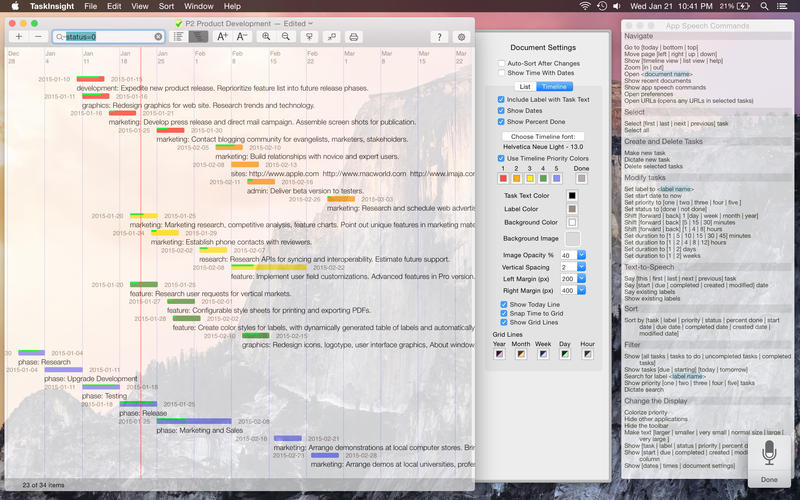
TaskInsight is a powerful and versatile task manager that offers advanced management functions designed to improve your productivity and help you organize your time better.
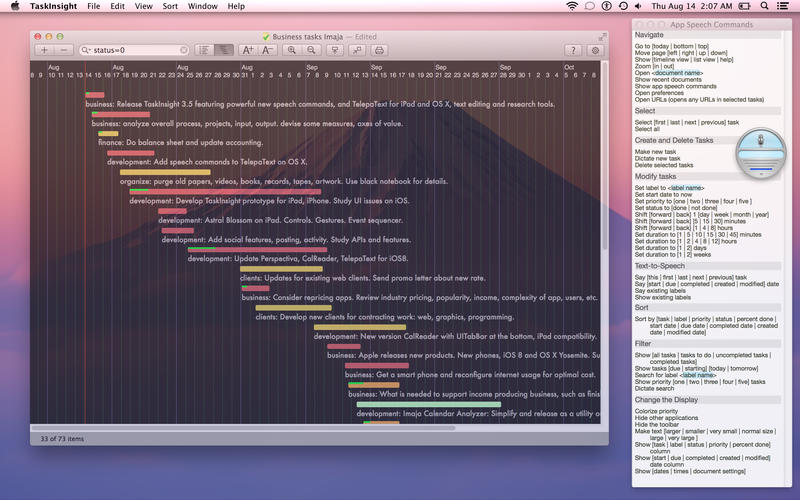
TaskInsight comes with a long list of features that includes a customizable Timeline, list and detail views, color-coded priority system, iCloud integration, labels, sorting capabilities, undo and redo functions and more.
TaskInsight provides customizable views, numerous keyboard shortcuts, text-to-speech abilities, URL support and you can expand its abilities even more through the use of AppleScripts.
From TaskInsight’s main window you can view, edit, sort and search through all your tasks, apply labels and sort or filter your todos based on their label, priority, status or date.
The pop-up editors can help you change task text, label, date and more. Moreover, the built-in search form allows you to search and filter your tasks and perform text searches within TaskInsight documents.
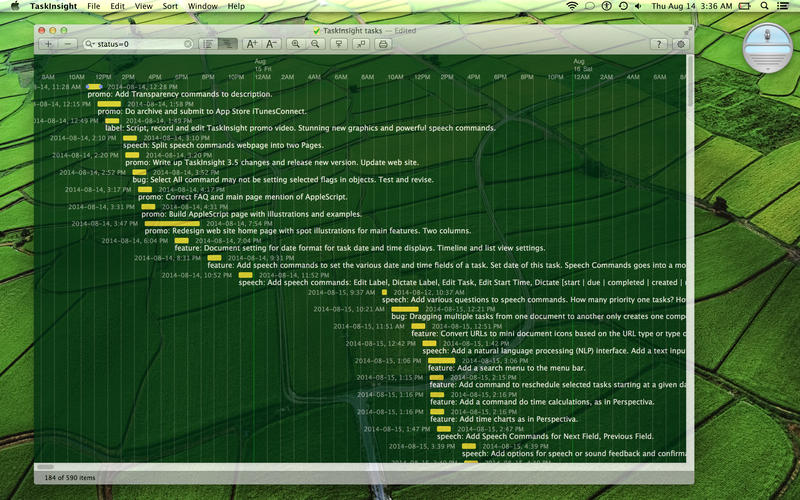
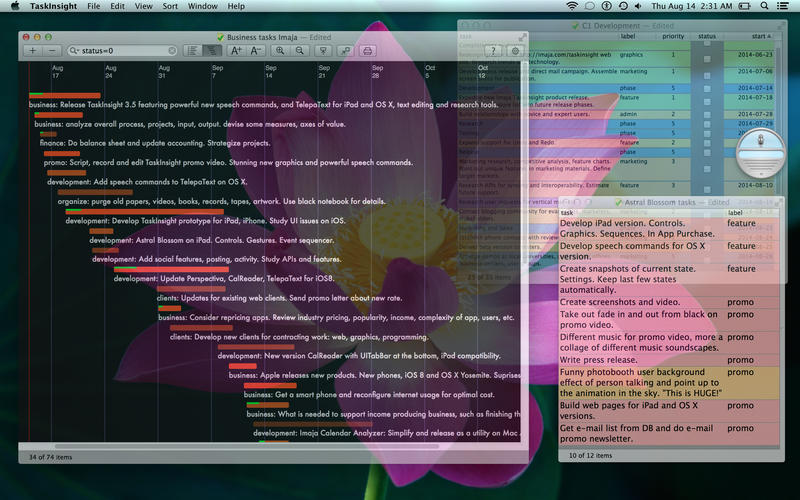
TaskInsight’s Extended Timeline is fully customizable and supports different background images, colors, gridline colors and more. You can even customize the color-coded system for task priority and change the label and background color. The fullscreen mode allows you to take advantage of your Mac’s entire screen and focus on your todo list.
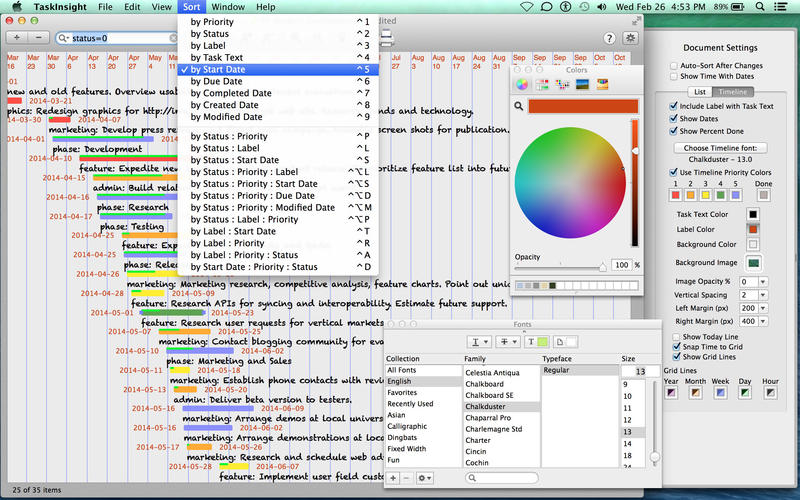
On top of that, TaskInsight features numerous keyboard shortcuts for browsing your Lists and Timeline, changing display settings and sorting your tasks. TaskInsight is also capable to perform text-to-speech for selected tasks and upload your TaskInsight documents to iCloud. By accessing the File menu you can import and export data from and to TSV or XML files and export your Timeline as HTML5 canvas. You can print your schedule using a real printer or to a PDF file.
In brief, TaskInsight is a highly customizable task manager that promises to help you manage, organize and sort your daily tasks with just a few keystrokes.
What's new in TaskInsight 3.22.2:
- Numerous improvements to the new App Display Styles available in the app Settings view.
- Renamed Preferences to Settings for the Settings view and menu command in the TaskInsight menu.
TaskInsight 3.22.2
add to watchlist add to download basket send us an update REPORT- runs on:
- macOS 10.13 or later (Universal Binary)
- file size:
- 8.9 MB
- main category:
- Business
- developer:
- visit homepage
Microsoft Teams

IrfanView

ShareX

Context Menu Manager

4k Video Downloader

calibre

Bitdefender Antivirus Free

7-Zip

Zoom Client

Windows Sandbox Launcher

- 7-Zip
- Zoom Client
- Windows Sandbox Launcher
- Microsoft Teams
- IrfanView
- ShareX
- Context Menu Manager
- 4k Video Downloader
- calibre
- Bitdefender Antivirus Free