
An easy to use calendar that can store styled text and small images along with your events and display pop-up reminders for specific tasks. #Calendar manager #Manage reminder #Import birthday #Calendar #Store #Reminder
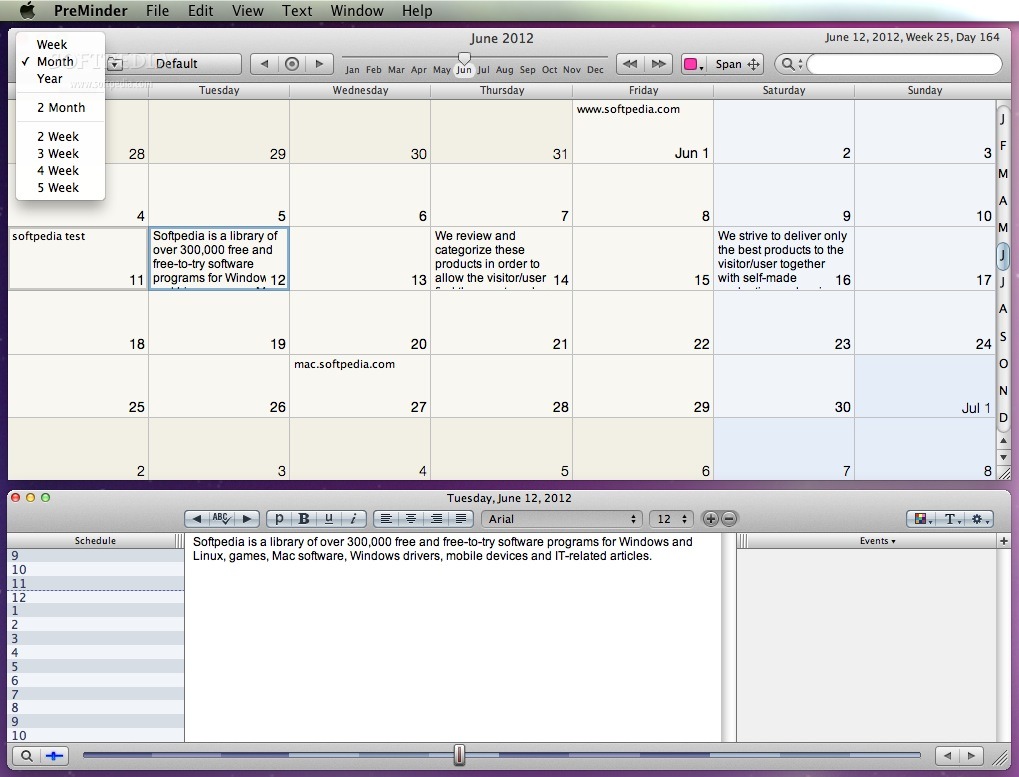
PreMinder is a practical, intuitive and customizable calendar application for your Mac that allows you to handle multiple events, keep track of your tasks and setup alarms and reminders with just a few mouse clicks.
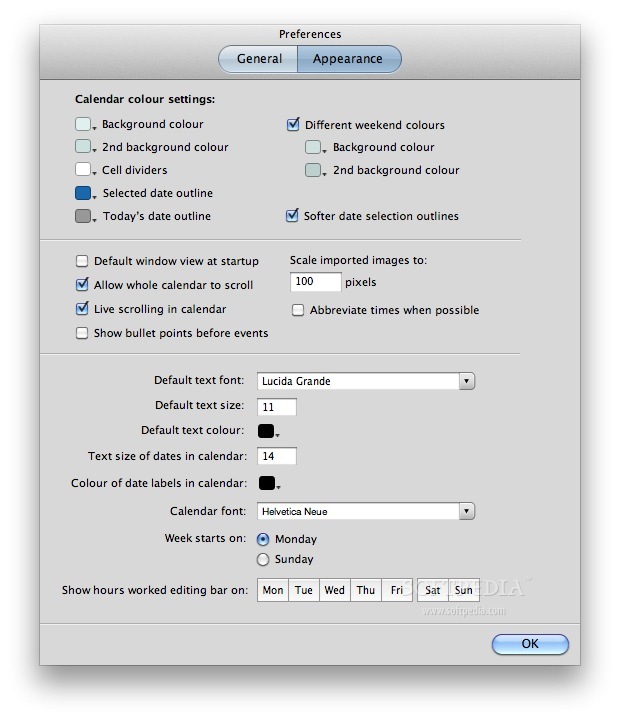
PreMinder’s main window can be personalized to display information the way you want it. As a result, you can switch from the weekly to monthly or yearly view and enjoy the multi-week views if you need to view the upcoming events for the following 2, 3, 4 or 5 weeks.
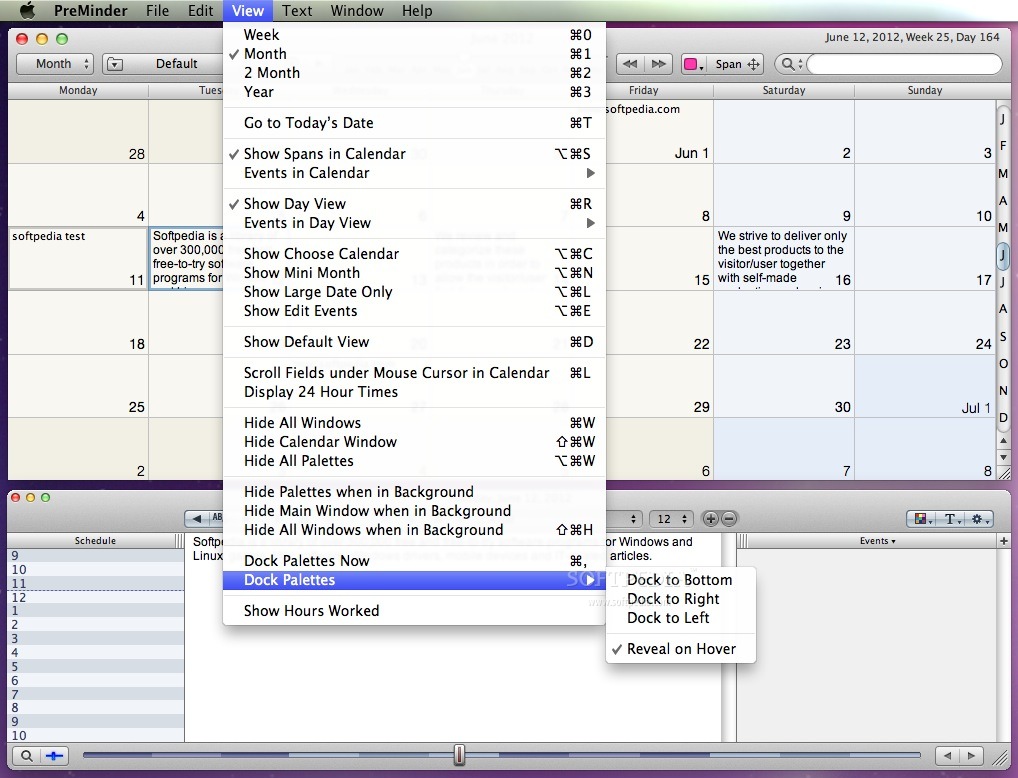
You can effortlessly move events from one date to another and use the Day view window to edit notes, events and have a preview of your schedule. Keeping both the Calendar and Day View windows open, you can have an overview of your week or month along with your daily events at the same time.
To add a new event to your calendar you just have to click on the date and start typing the details in the designated fields. Attached notes are capable to store text with different fonts, colors and sizes and they can also contain images.
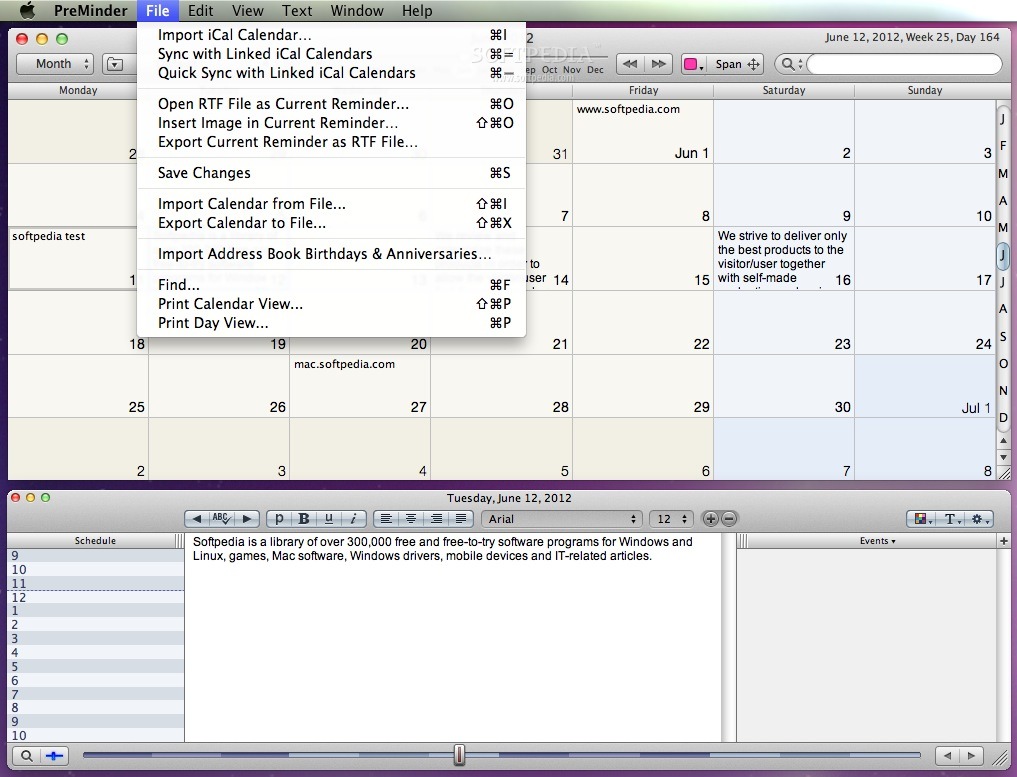
The top toolbar helps you browse through time from one month to another using the slider or your mouse scroll. By accessing the File menu, you can import events from iCal (Calendar), link your PreMinder entries to Calendar and synchronize your data with other devices via iCloud or Google Calendar.
What is more, PreMinder allows you to create recurring events that can take place once every month, week or day of the week. You can also create multi-day banner events that you can resize and move around the Calendar window.
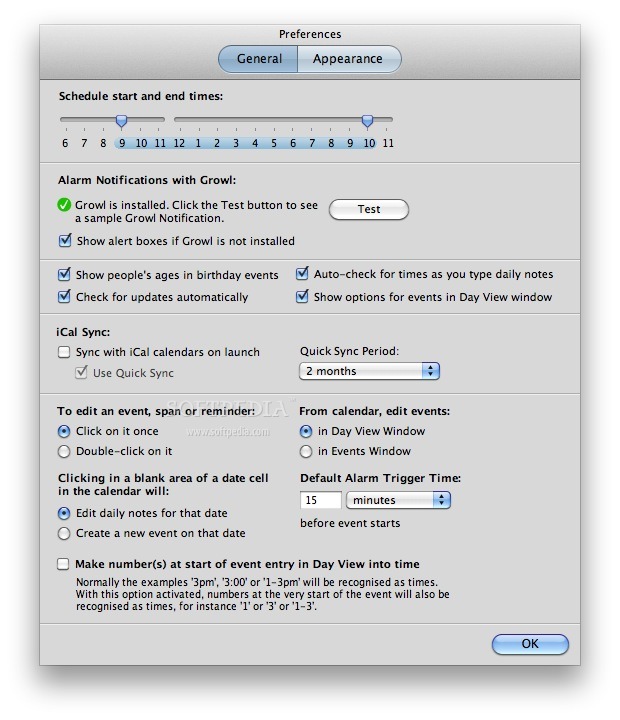
If you need notifications for various upcoming events you can easily attach alarms to your entries and configure PreMinder to display notification messages via Growl, launch an app, open a file or send an email.
What's new in PreMinder 1.9.1:
- Improvements to custom weekly repeating events.
- Added ability to convert multi-day spans to separate events.
- Various bug fixes and UI tweaks.
PreMinder 1.9.1
add to watchlist add to download basket send us an update REPORT- runs on:
- Mac OS X 10.4 or later (PPC & Intel)
- file size:
- 6.2 MB
- filename:
- PreMinder.zip
- main category:
- Business
- developer:
- visit homepage
calibre

IrfanView

Windows Sandbox Launcher

Zoom Client

ShareX

paint.net

7-Zip

Microsoft Teams

Bitdefender Antivirus Free

4k Video Downloader

- Microsoft Teams
- Bitdefender Antivirus Free
- 4k Video Downloader
- calibre
- IrfanView
- Windows Sandbox Launcher
- Zoom Client
- ShareX
- paint.net
- 7-Zip