
Powerful and streamlined macOS application that makes it possible to organize your ideas and projects in a simple and efficient manner #Task tracker #Project planner #To-do tracker #Plan #Task #To-do
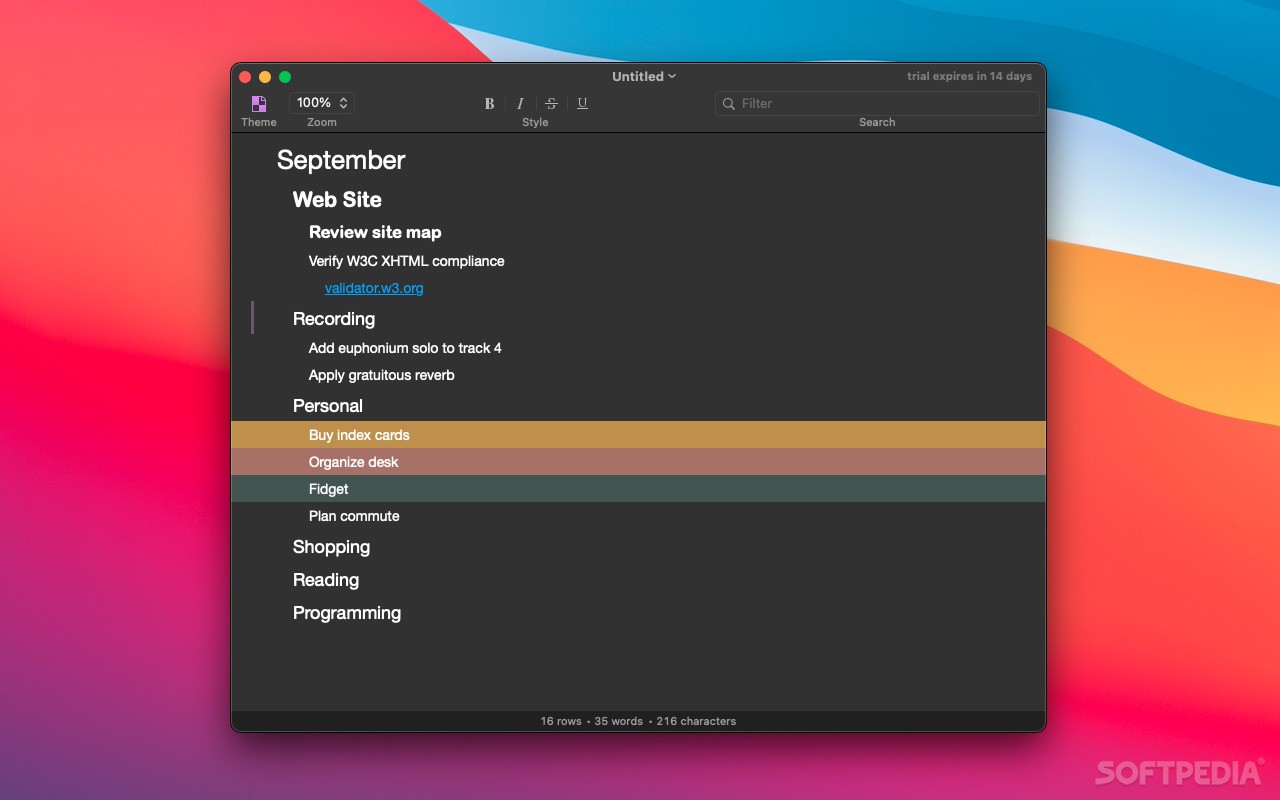
OmniOutliner is a user-oriented and robust macOS utility that aims to provide you with an intuitive yet powerful interface for effortlessly collecting, organizing and manipulating various bits and pieces of information.
The user interface was designed from the get-go to allow you to outline vast collections of information in such a manner that would make them simpler to grasp and analyze as a whole.
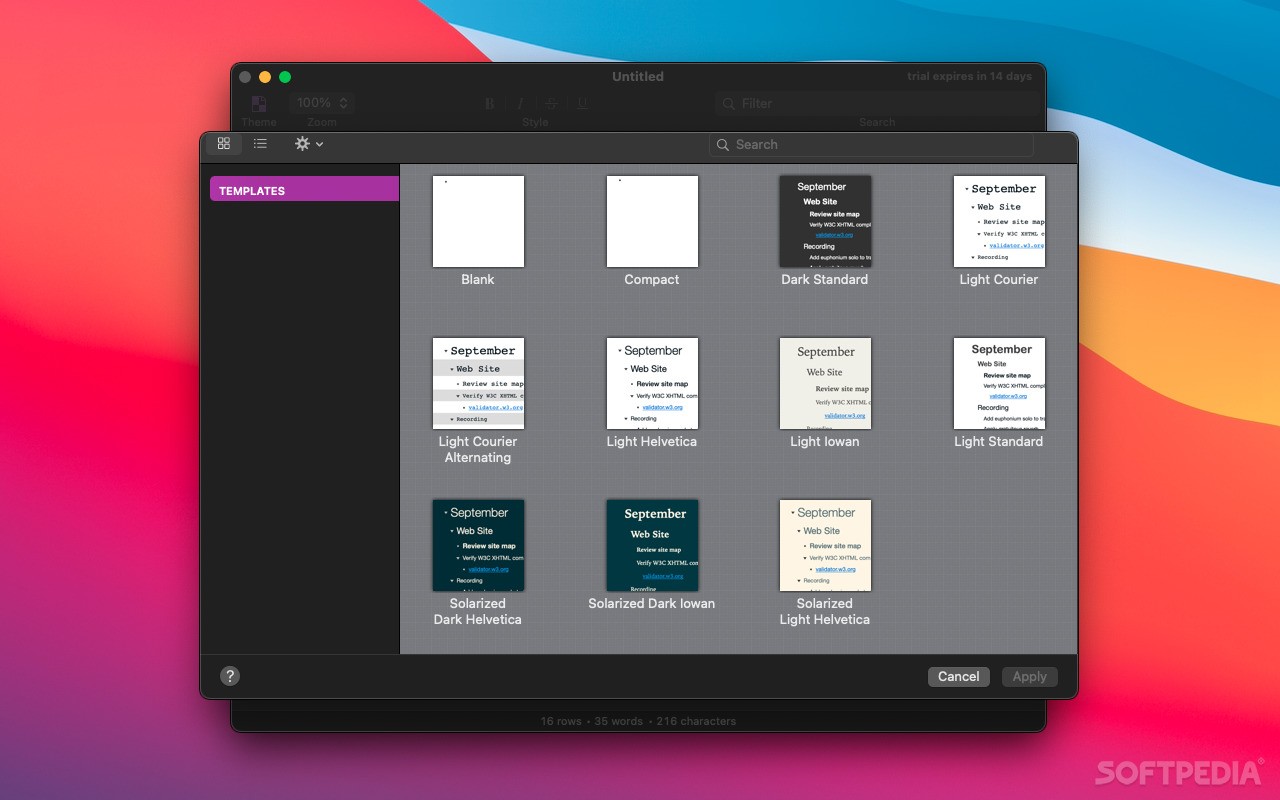
OmniOutliner also comes with a wide array of document templates that can be employed to create any type of project with ease, from simple and streamlined budget tracking to complex and intricate novel outlines.
OmniOutliner can be used to rapidly create a wide variety of data structures for efficient and streamlined brainstorming sessions.
The app makes it simple to write down and organize an entire novel from start to finish, as well as structure the text using reference nodes for a swiftly obtaining a detailed overview of all that’s going on in the story with a single glimpse over the text.
You can use OmniOutliner to speedily give an easy-to-understand shape to a collection of separate bits of information. Thus, you will be able to focus on collecting info on a given subject and worry less about organizing and interpreting it.
One other powerful feature is its outstanding annotation capability, designed to help you add relevant information to any data within your collection with a simple mouse click.
Also worth mentioning is that OmniOutliner enables you to plan your projects, to track your tasks and scheduled events and to manage simple, yet effective to-do lists that should keep you productive even when your calendar is filled with meetings and events.
All things considered, OmniOutliner makes for a really powerful and user intuitive information collector and outliner, with a really strong focus on delivering every tool needed to structure your data via a simple and easy to work with interface.
What's new in OmniOutliner 5.12:
- Cloud Storage Providers — Improved compatibility with linked resource folders stored in OneDrive.
- Stability — Fixed crash when using the Help menu search with an empty clipboard on macOS Sonoma.
OmniOutliner 5.12
add to watchlist add to download basket send us an update REPORT- runs on:
- macOS 11.0 or later (Universal Binary)
- file size:
- 37.9 MB
- filename:
- OmniOutliner-5.12.dmg
- main category:
- Business
- developer:
- visit homepage
4k Video Downloader

IrfanView

Windows Sandbox Launcher

Zoom Client

calibre

Bitdefender Antivirus Free

Microsoft Teams

ShareX

7-Zip

Context Menu Manager

- ShareX
- 7-Zip
- Context Menu Manager
- 4k Video Downloader
- IrfanView
- Windows Sandbox Launcher
- Zoom Client
- calibre
- Bitdefender Antivirus Free
- Microsoft Teams