
Complex and powerful OS X application designed to offer support to investors by providing all the tools needed for gathering trading data. #Online investment #Investment solution #Market analysis #Investment #Investor #Analysis
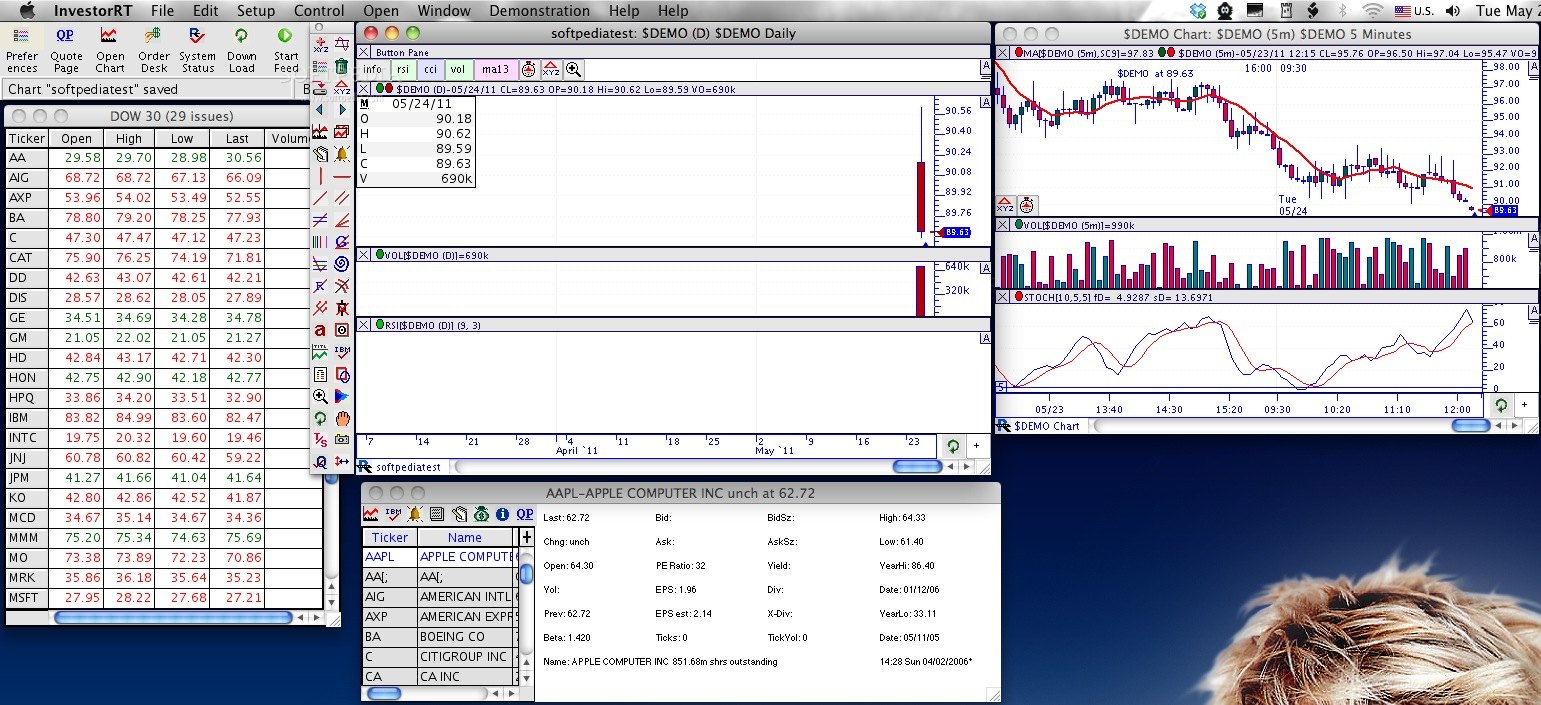
Having access to accurate market information is extremely important if you are involved in online trading. Investor/RT is a complex application designed to help you monitor the market, gather data about various stocks, generating charts for analyzing the information and more.
If you are just starting with Investor/RT, you should pay attention to the installation instructions. Before trying to install the app you must download the starter database, mount the DMG and copy the Investor/RT folder suitable for your platform in the /Library/Application Support/ directory.
The next step is to launch the Investor/RT installer and, when the process in done, the NalpeironDaemon6 package that will help you activate the Investor/RT license. All these actions must be performed in this exact order if you want the app to function properly.
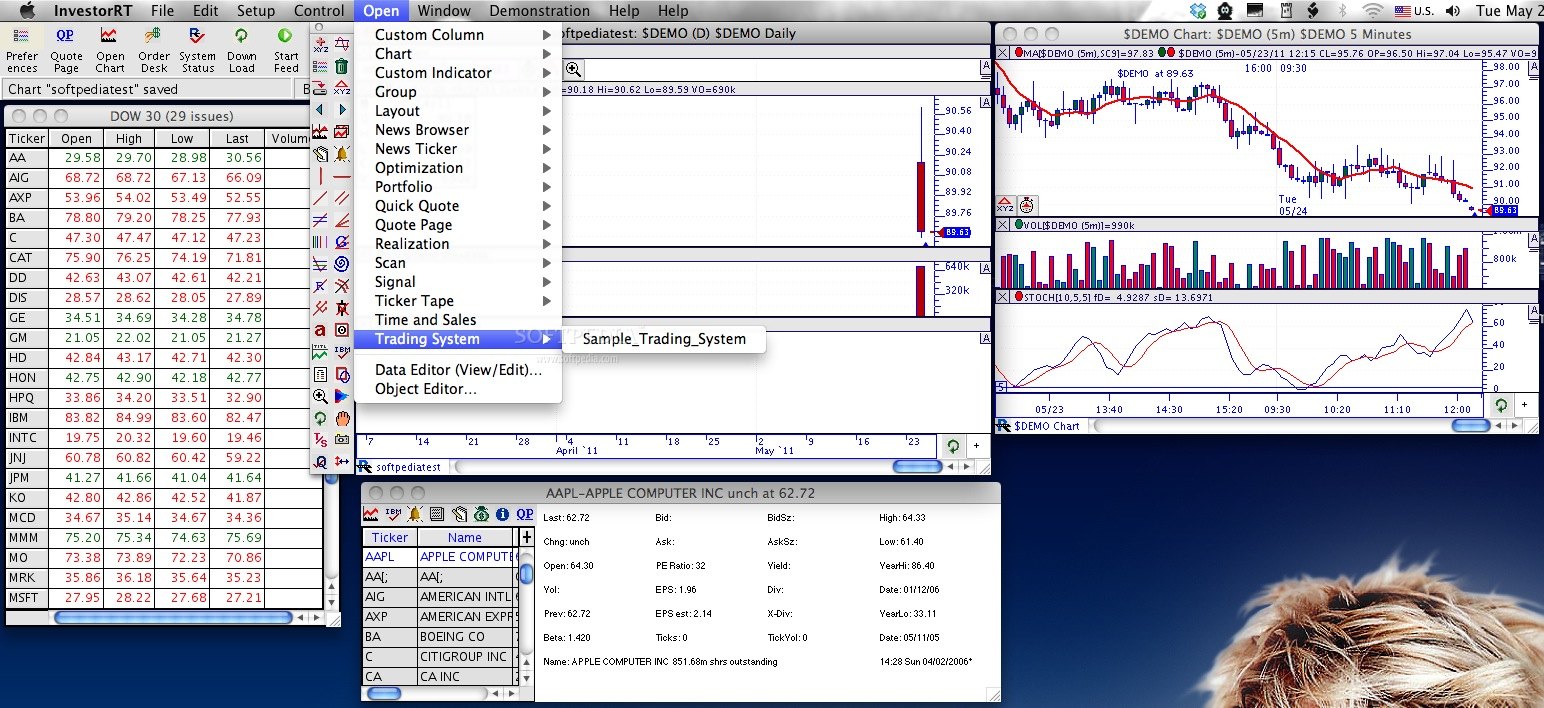
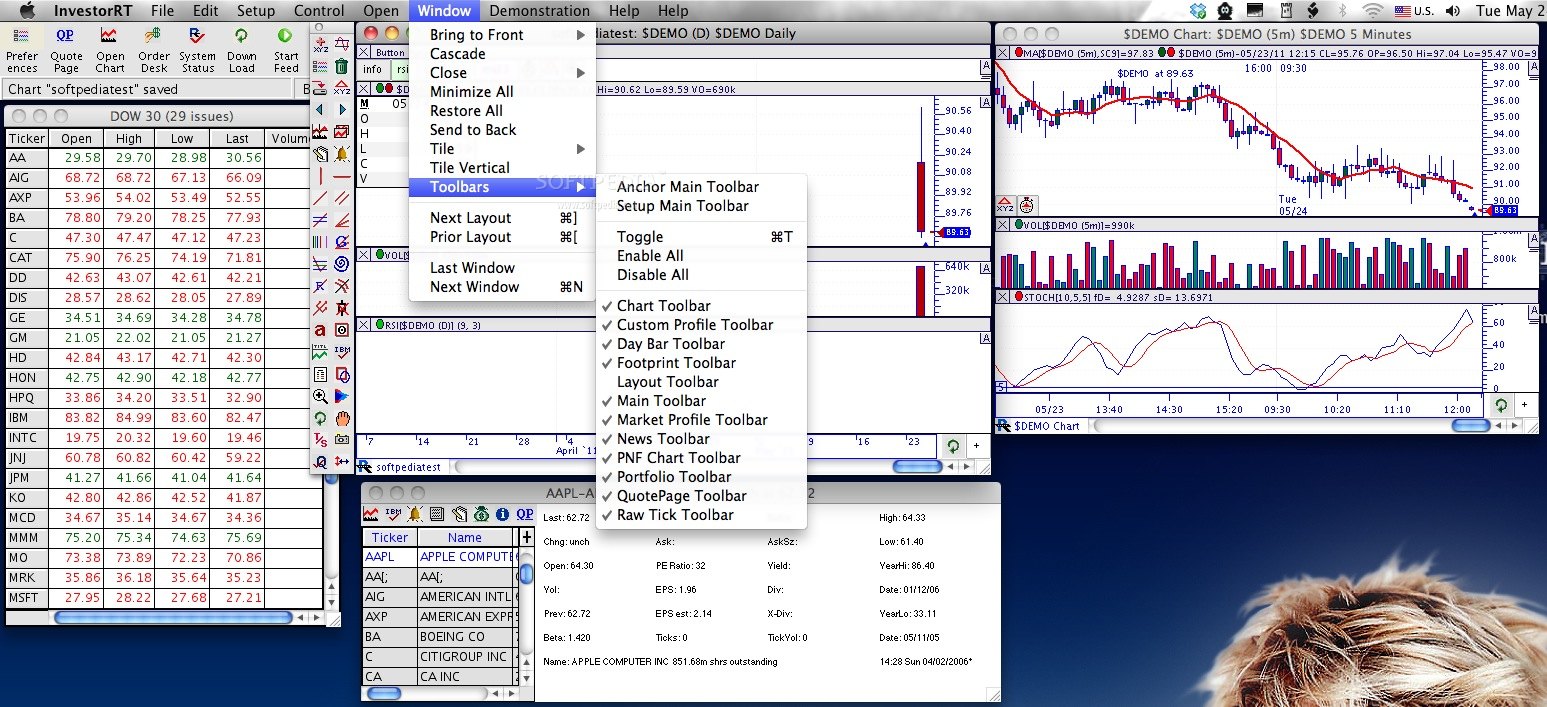
All the data gathered by Investor/RT and the complementary analysis can be accessed through various windows. This is not a problem because some of the most frequently used utilities can be accessed in no time via the Investor/RT main toolbar.
This way you can easily open the quote page, various charts, the Real Time Language window, your portfolio, the News Ticker and much more. The same area also displays your notifications.
Investor/RT is able to track various technical indicators which can be added to charts in order to generate graphs presenting relevant historical data for your portfolio or for the other stocks you are monitoring.
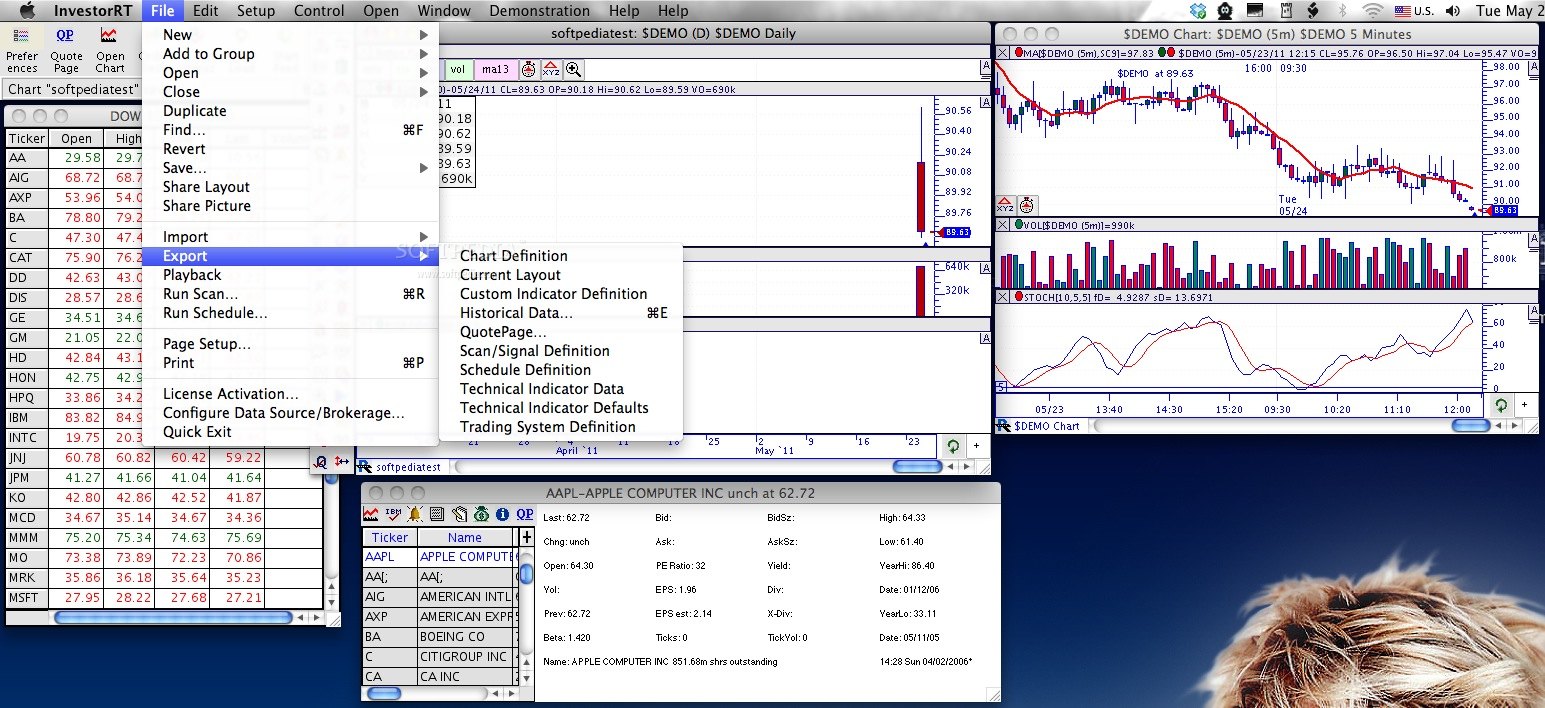
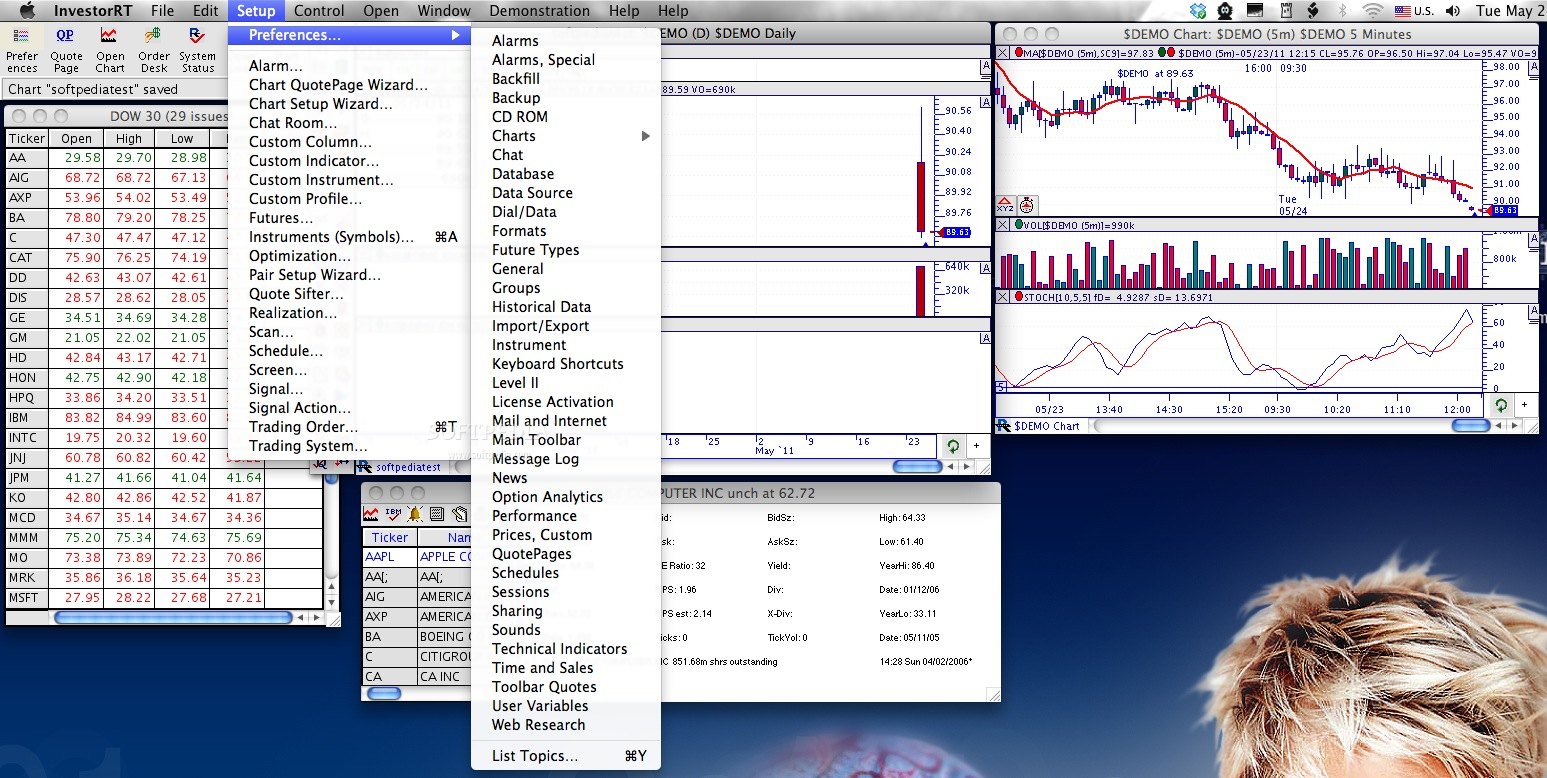
Moreover, within Investor/RT you can set up alarms, perform backtests, confirm trades, define custom indicators, monitor the market news an much more.
Investor/RT is a complex application that provides access to a plethora of stock market tracking and research tools, but it’s not precisely user friendly. Given the depth of the application, taking the time to browse the online Investor/RT tour will prove to be a very good idea.
Download Hubs
Investor/RT is part of these download collections: Investment Managers
Investor/RT 12.3.5
add to watchlist add to download basket send us an update REPORT- runs on:
- Mac OS X 10.5 or later (PPC & Intel)
- file size:
- 10.7 MB
- filename:
- irt_osx_1235.dmg
- main category:
- Business
- developer:
- visit homepage
Zoom Client

4k Video Downloader

IrfanView

Bitdefender Antivirus Free

paint.net

ShareX

7-Zip

calibre

Microsoft Teams

Windows Sandbox Launcher

- calibre
- Microsoft Teams
- Windows Sandbox Launcher
- Zoom Client
- 4k Video Downloader
- IrfanView
- Bitdefender Antivirus Free
- paint.net
- ShareX
- 7-Zip