MAC CATEGORIES:


NEWS ARCHIVE >>
SOFTPEDIA REVIEWS >>

7-DAY TOP DOWNLOAD

#
Program
iPhone and iPod
Firmware 3.1.2

14,981
Internet Explorer
5.2.3

5,666
Apple GarageBand
Update 5.1

3,481
Toast Titanium
10.0.4

3,403
Apple iLife '09
3,371
RAR Expander 0.8.5
Beta 3 / 0.8.4

3,164
aMule 2.2.6
3,154
Kid Pix Deluxe 3X
Update 1.2.4

2,917
Matlab 7.9
2,793
Google Chrome
4.0.249.12

2,759

WEEK'S BEST

  • HandBrake 0.9.4
  • Apple iPhoto Updat...
  • Thunderbird 3.0.0 ...
  • VueScan 8.5.39
  • Opera 10.20 Build ...
  • Dropbox 0.7.73 RC ...
  • Adobe Lightroom 3....
  • Google Earth 5.1.3...
  • Camino 2.0
  • Vuze (formerly Azu...
  • Safari 4.0.4
  • OnyX 2.1.1
  • FileZilla 3.3.0.1
  • Quicksilver 1.0 Be...
  • Cocktail 4.6.1
  • Picasa 3.5.2.90
  • Adobe Shockwave Pl...
  • VLC Media Player 1...
  • LimeWire X 5.4.2 B...
  • Apple iTunes 9.0.2
  • VirtualBox 3.1.0 B...
  • FileZilla 3.3.0.1
  • Mozilla Firefox 3....
  • aMSN 0.98.1
  • NeoOffice 3.0.1 Pa...
  • VMware Fusion 3.0....
  • Quinn 3.5.7
  • App Store Expense ...
  • Ableton Live 8.0.9
  • Parallels Desktop ...
  • Home / Mac / Business
     Report spyware

    DEVONthink Pro 2.0 PB7

    Download button

    Downloads: 1,127  Add to download basket  Tell us about an update
    User Rating:
    Rated by:
    Fair (2.9/5)
    24 user(s)
    Developer:

    License / Price:

    Size / OS:

    Binary Format:

    Last Updated:

    Category:
    DEVONtechnologies | More programs
    Demo / USD 79.95 | BUY the full version
    15.7 MB / Mac OS X 10.5 or later
    Universal Binary Universal Binary
    September 15th, 2009, 15:42 GMT [view history]
    C: \ Business

     Read user reviews (0)  Add a review  Refer to a friend  Subscribe


    DEVONthink Pro description


    Store, organize, work, all your information at your fingertips.

    Everything is digital today. But where to store all these e-mails, PDFs, Word documents, images and multimedia files you accumulate every day? How to organize them, and find the right one when you need it?

    DEVONthink is the solution for the digital age, the one database for all your documents. And it's flexible. It adapts to your personal needs. Use it as your document repository, your filing cabinet, your e-mail archive or your project organizer.

    DEVONthink Professional is the tool you need to collect and organize data from the web for a publication, enrich it with sound and movie files, and export everything as a web site, drag it to an Apple Pages document for publishing in print, or copy it to

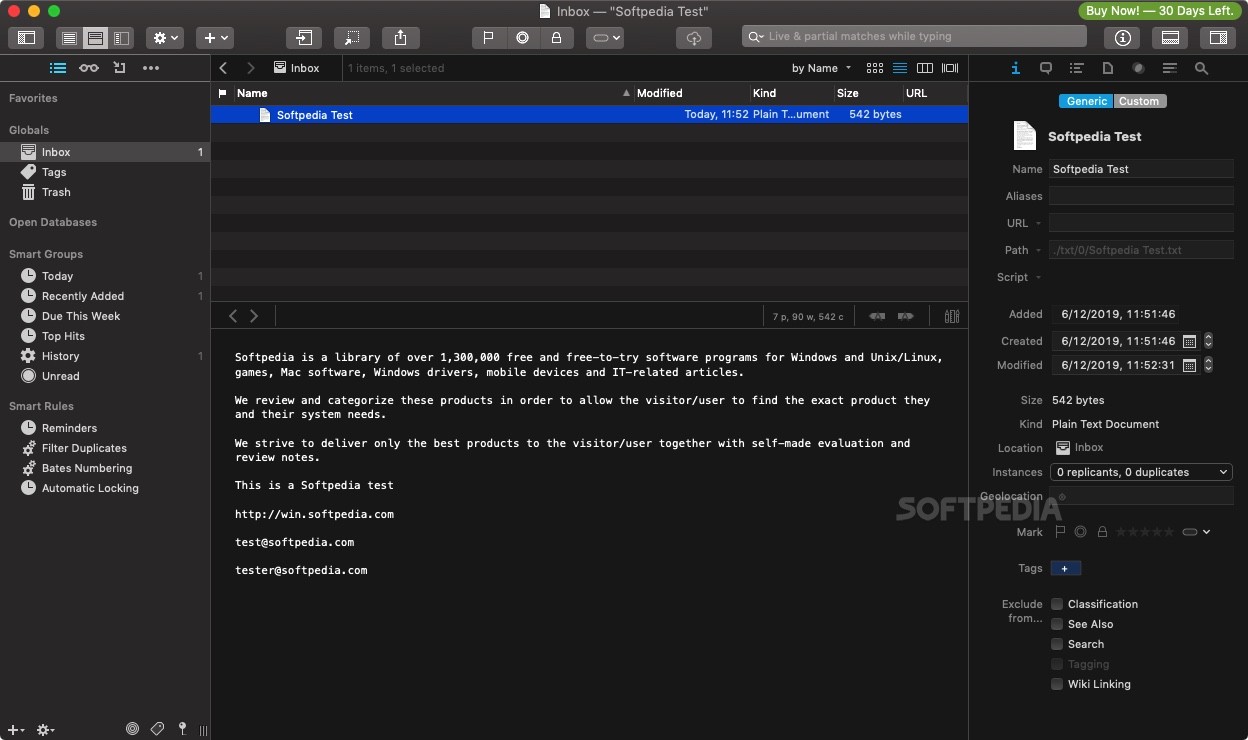
    The Database for the Internet Age: DEVONthink keeps your important data in one database, regardless of where the data is physically located. Integrate both local documents and live content from the Internet to keep all project-related information together. Seamlessly mix local documents, clippings and live web pages.

    Your Digital Workplace: DEVONthink is not only a simple database, it's a flexible work environment with powerful management features. It provides you with all the tools you need for effectively working with your documents. Use the integrated RTF editor to write new documents, or open them in a third party application.

    Intelligent Assistant: DEVONthink is based on a powerful AI architecture that helps you organize and navigate your information collection. It assists you with filing documents and with finding similar items. Master even huge data collections with a few simple clicks.

    NOTE: DEVONthink Pro 2.0 PB6 expires December 31, 2009.

    Here are some key features of "DEVONthink Pro":

    Built-in Artificial Intelligence:
    · Classify: Automatically files documents into the most appropriate group.
    · See also: Shows similar documents.
    · See selected text: Finds documents similar to a selected test passage.
    · Topics: Automatically extracts the most important words of a text.
    · Fuzzy search: Finds similarly spelled words.
    · Powerful search function: Finds related words, as well as helps broaden or narrow any search.
    · Intelligent summarize: Creates digests of texts based on the contents of the database.
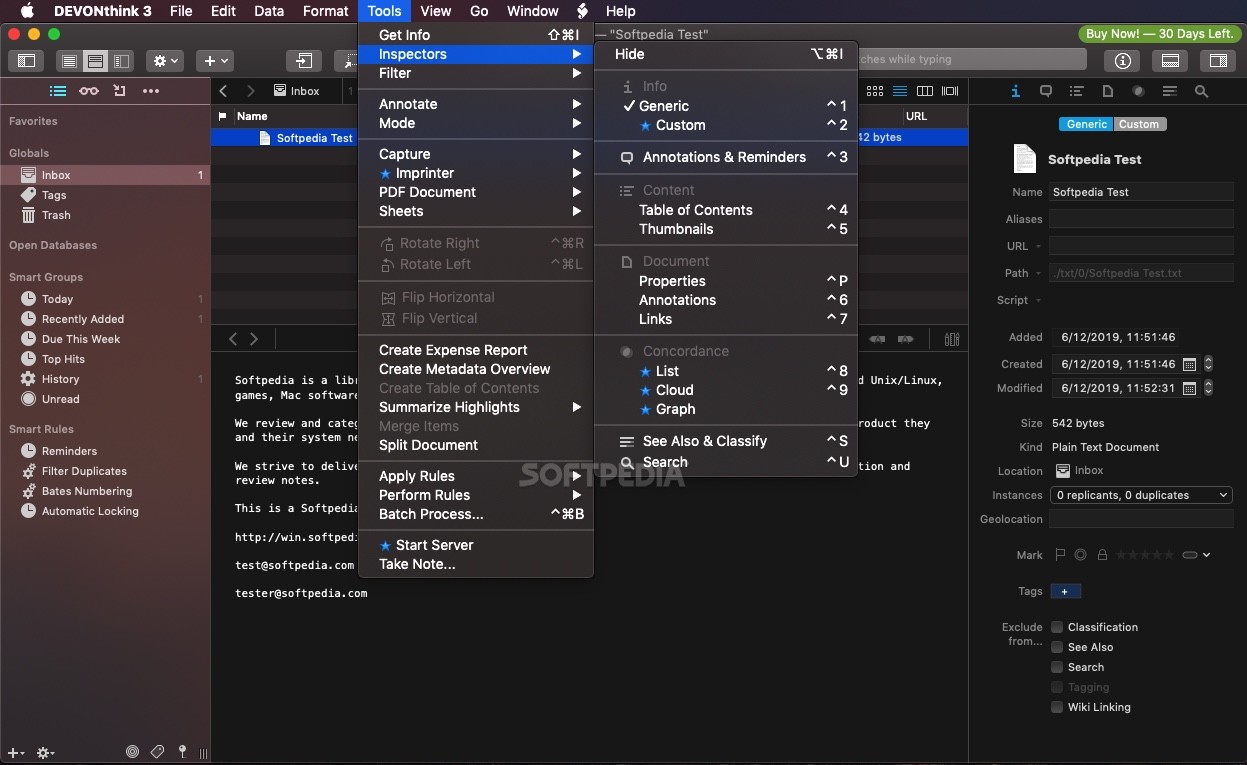
    · Concordance: Dig into your knowledge with this powerful analysis tool.
    · Group documents automatically by content.

    Integrated Environment:
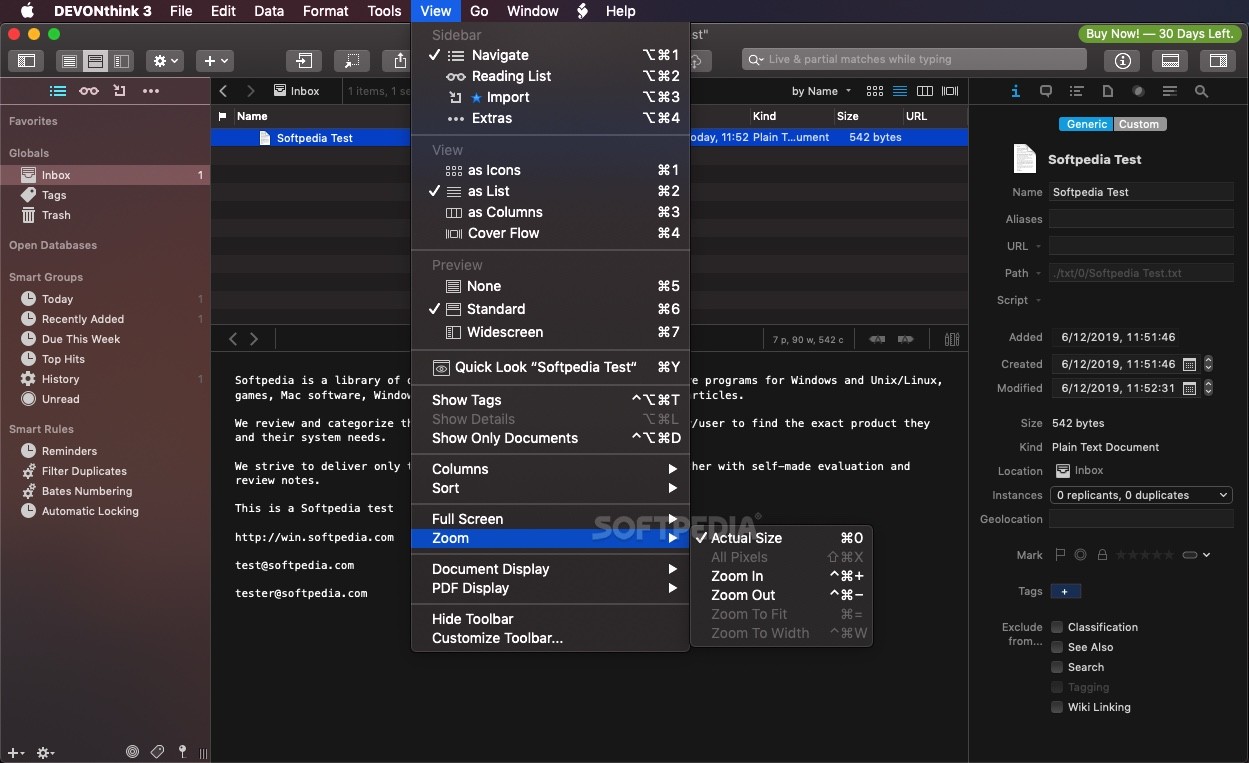
    · Multiple views with an integrated view/edit pane, are available to fit your specific needs and tastes.
    · Document-oriented web browser with download manager and site sucker.
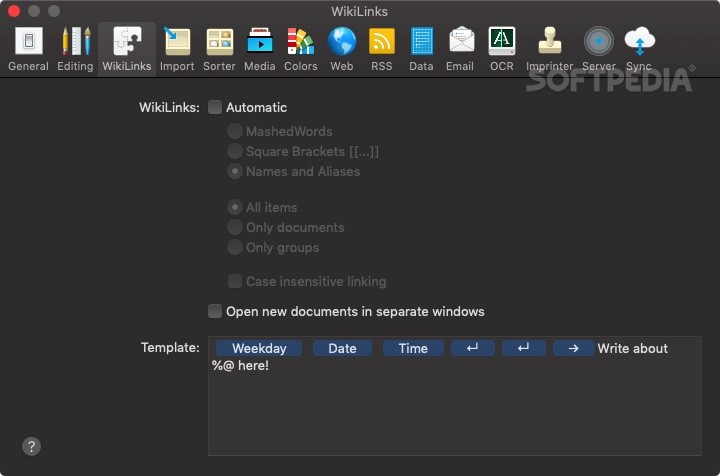
    · Powerful cross-links and automatic Wiki links for connecting documents.

    Transparency:
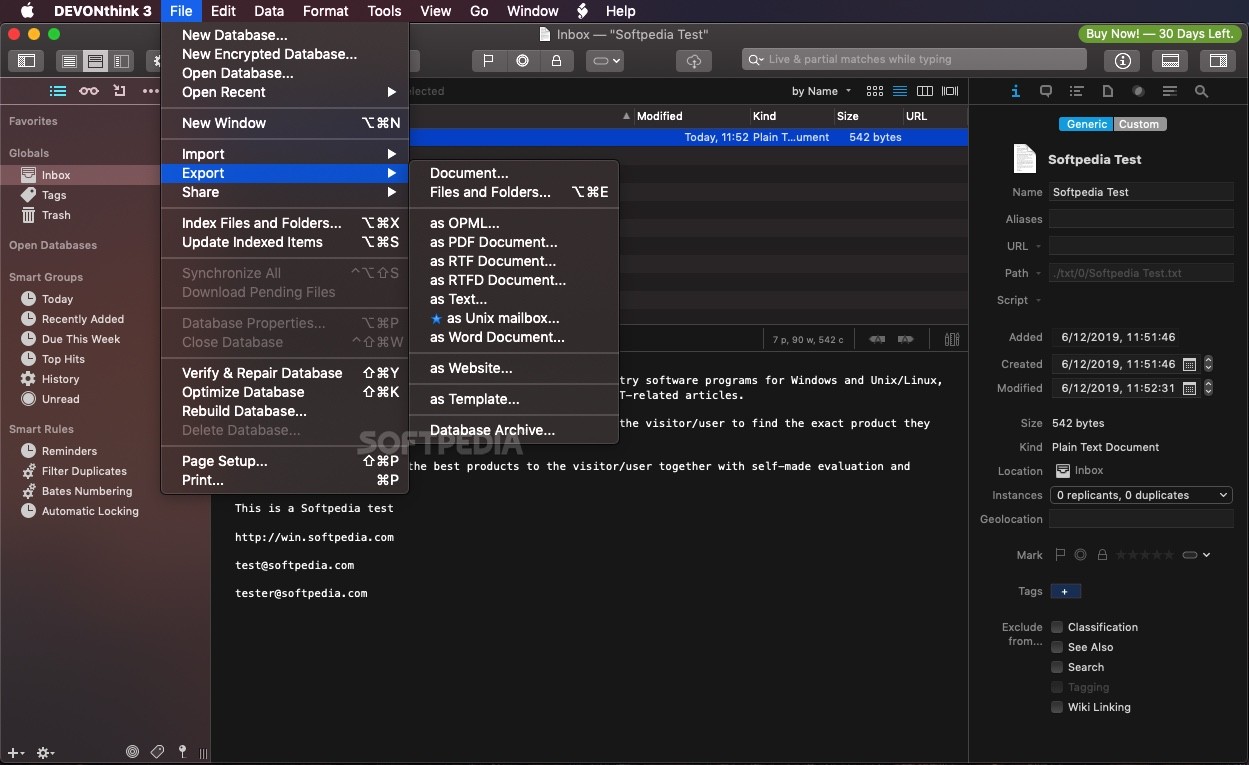
    · DEVONthink never takes data hostage thanks to its flexible import/export architecture.
    · Spotlight support embeds DEVONthink into your Mac ecosystem.
    · Index and sync items when integrating external materials.

    Powerful Workflow Tools:
    · Full AppleScript support.
    · Automator actions.
    · Folder actions.
    · Scripts attachable to all items.
    · Lots of useful example scripts and workflows.

    Limitations:

    · 150 hours of non-continuous runtime.
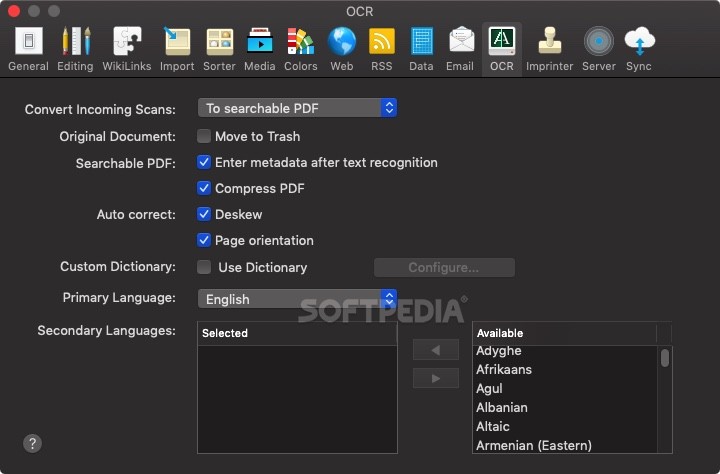
    · DEVONthink Professional is also restricted to 200 email messages and 20 OCR runs per day when being used unregistered.

    What's New in This Release: [ read full changelog ]

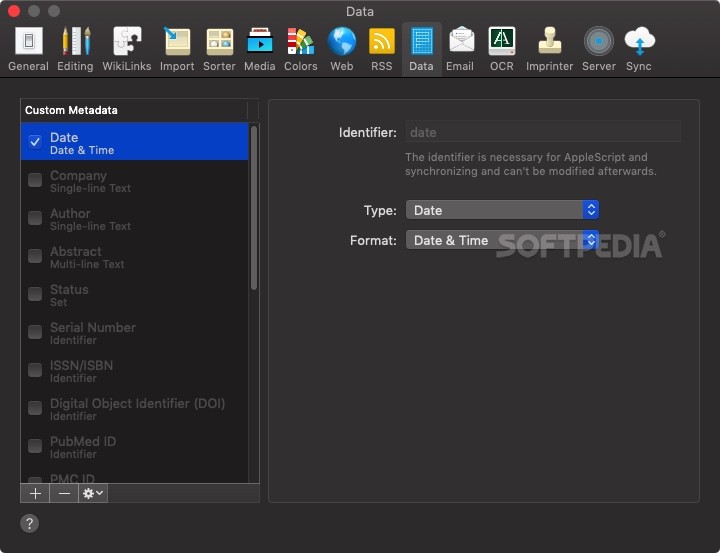
    · NEW: Support for additional meta data. Standard meta data such as author, address, recipient, comments, headline, keywords, etc. can be added as columns and used for sorting. In addition, meta data columns of search results highlight occurrences after searching for all or for meta data. Finally, smart group predicates support the additional meta data, too. [Read more...]
    · NEW: Smart templates. AppleScript-driven templates create localized documents from templates and modify them on-the-fly, e.g. by filling in the current date, the user’s name, or the clipboard contents or making dynamically added links clickable. Out of the box DEVONthink comes already with high-quality smart templates for general use from notes to quotes, classifications, registers, task lists, and project management. [Read more...]
    · NEW: Contextual menu item for Mac OS X 10.5 'Leopard' which supports selected files, plain text, and rich text. Replaces the now obsolete 'Finder Plugins'. See Install Add-ons panel.
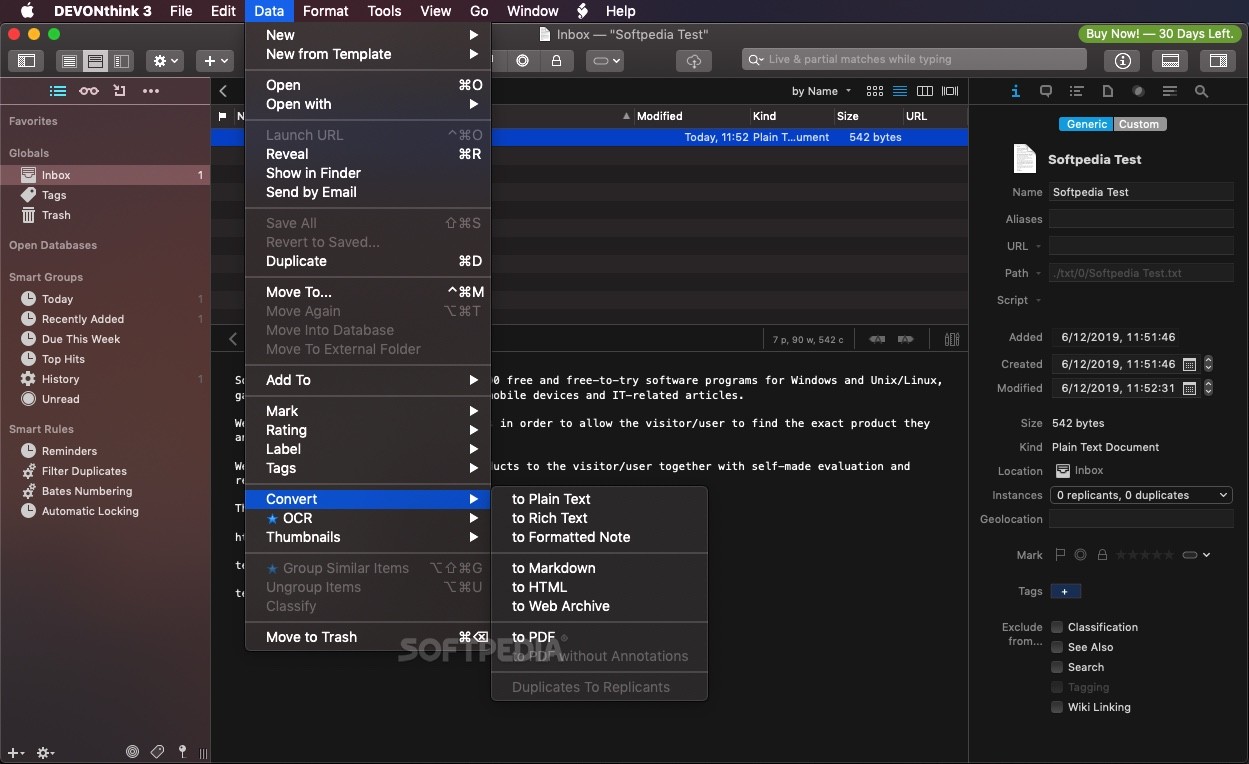
    · NEW: Commands for rotating images in the Edit menu and contextual menus of PDF and image documents and the PDF sidebar; optional toolbar items for rotating images.
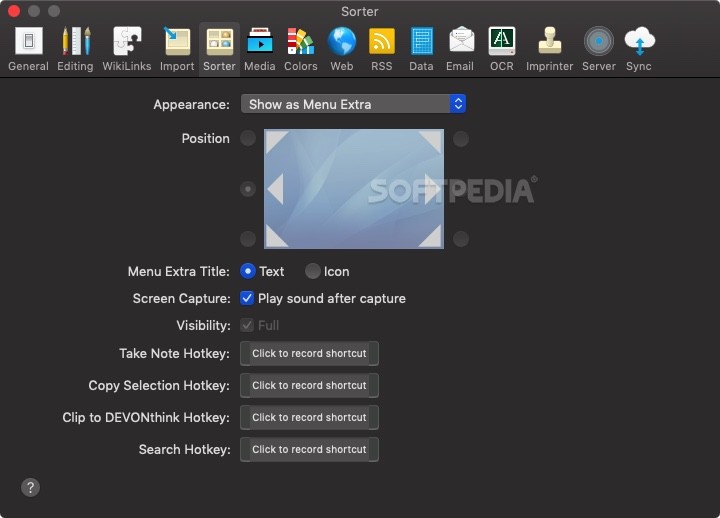
    · NEW: Take note functionality directly integrated into the Sorter.
    · NEW: Indexed files are from now on editable like imported files.
    · NEW: New script Scripts > Rename > Append Selected Text
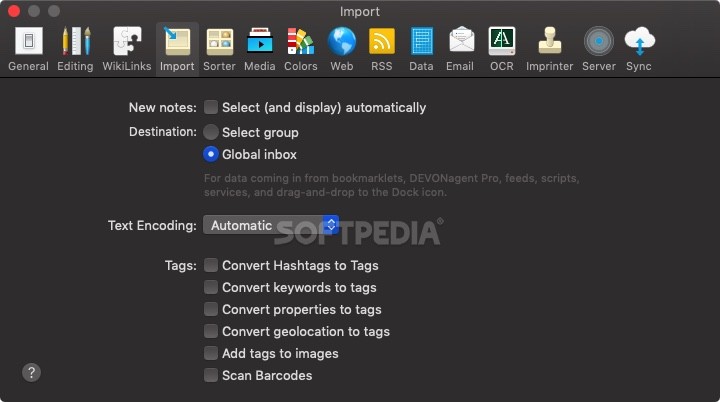
    · NEW: Optional group selector after using Take Plain Note, Take Rich Note, or Capture Web Archive services or dropping clippings or links on the Dock icon provides the possibility to enter a name for the new item.
    · NEW: Command Show in Finder added to contextual menu of the sidebar.
    · NEW: Multiple databases can be opened via File > Open Database.
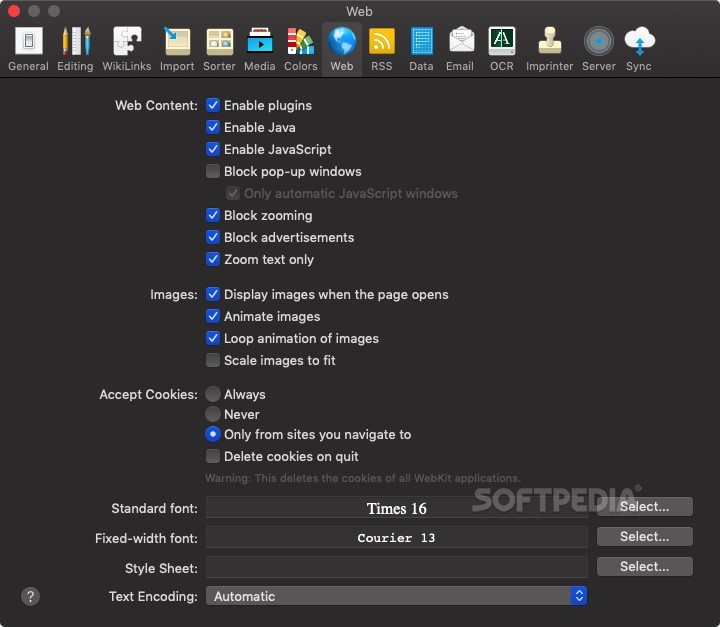
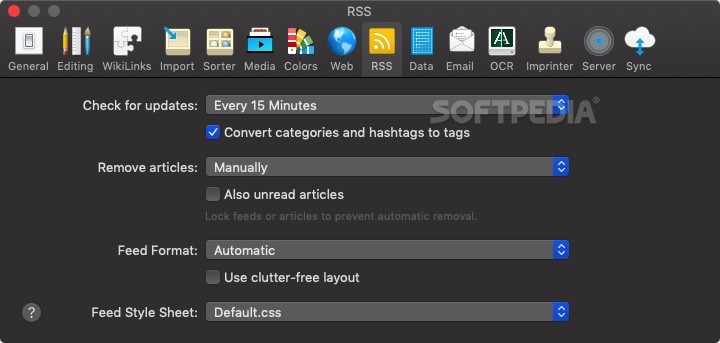
    · NEW: Preference option to automatically remove also unread articles of news feeds.
    · NEW: News feeds can be added to favorites of sidebar; smart groups can be copied to the sidebar.
 
    · Improved: Visual appearance of various user interface items.
    · Improved: Groups panel supports several menu commands, e.g. Data > Open, Data > Reveal or Edit > Copy Item Link.
    · Improved: 'Clip to DEVONthink' bookmarklet supports keyboard shortcuts and automatically focuses the note area when being activated.
    · Improved: Left pane of three-pane views support sorting via View > Sort. Note: Sorting of left pane of three-pane views is database-specific, not group-specific.
    · Improved: Open databases in sidebar are sorted by name.
    · Improved: Replicate To sub-menu of contextual menus and action menus for search results is now available as long as the current selection is located in one database.
    · Improved: Revised icons of database-specific trashs in global trash.
    · Improved: Position and shortcuts of icon and list views in menus and toolbars swapped for consistency with the Finder.
    · Improved: Script Scripts > Import > Adium Chatlogs updated; all scripts now use a modern alert and text entry windows.
    · Improved: External folders can be deleted when emptying the trash.
    · Improved: AppleScript support; new properties for PDFs; standard text entry dialog window ('display name editor').
    · Improved: Smart groups of sidebar are automatically refreshed.
    · Improved: Smarter and faster moving of items between databases.
    · Improved: Importing or indexing of unknown file types using Spotlight.
    · Improved: PDF documents are indexed using Spotlight's meta data importer producing better results and improving the accuracy of Classify and See Also.
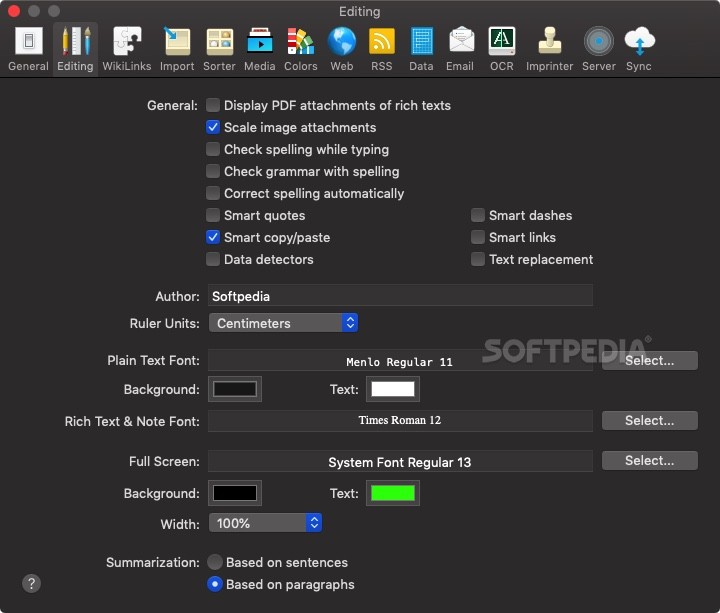
    · Improved: Sorter uses DEVONthink's editing preferences and better handles errors.
    · Improved: Automator workflows updated to show changes necessary on Mac OS X 10.6.
Improved: Naming of captured or pasted image files.
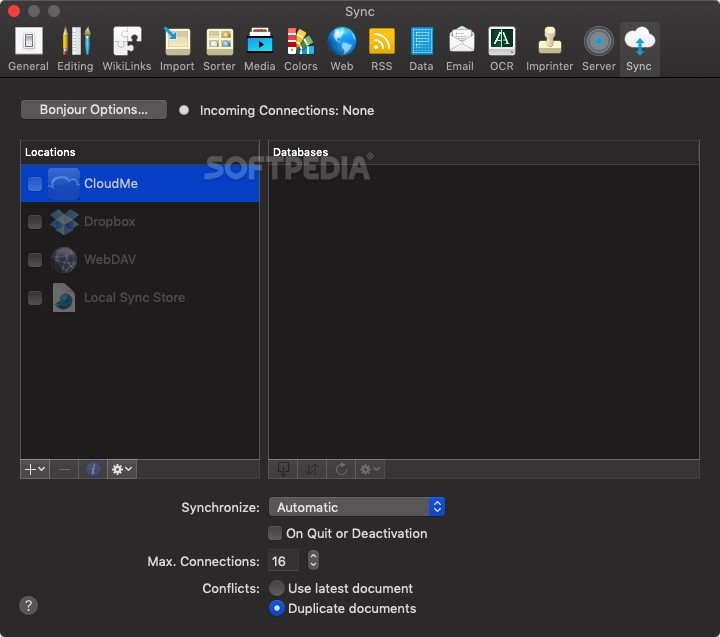
    · Improved: Synchronization via File > Synchronize more reliable.
    · Improved: Failure handing of global inbox in save dialogs and the Finder's sidebar.
 
    · Fixed: Right-clicking the sidebar updates the window contents if necessary.
    · Fixed: Invisible cursor of name field in group selector.
    · Fixed: Inconsistent handling of New Window command of sidebar's contextual menu fixed
    · Fixed: Inconsistent handling of Finder/Spotlight comments.
    · Fixed: Moving items between databases didn't retain replicants.
    · Fixed: Moving or copying news feeds between databases did not move or copy articles.
    · Fixed: Website export didn't convert all non-alphanumeric characters in filenames to percent escapes.
    · Fixed: Crash after splitting a PDF having a selection.
    · Fixed: Loading web archives could crash due to bugs of Safari 4.0.x.
 
    · Removed: Finder plugins.

      Softpedia guarantees that DEVONthink Pro 2.0 PB7 is 100% CLEAN, which means it does not contain any form of malware, including spyware, viruses, trojans and backdoors. [read more >]


    TAGS:

    document manager | group documents | document organizer | manager | organize | storage


    HTML code for linking to this page:


    Go to top

    Windows tabGames tabDrivers tabMac tabLinux tabScripts tabMobile tabHandheld tabGadgets tabNews tab

    SUBMIT PROGRAM   |   ADVERTISE   |   GET HELP   |   SEND US FEEDBACK   |   RSS FEEDS   |   ENTER NEWS SITE   |   ENGLISH BOARD   |   ROMANIAN FORUM