
Intuitive presentation app that lets you create impressive slideshows with very little effort, using one of the many well-designed templates #Create presentation #Create slideshow #Build chart #Presentation #Slideshow #Animation

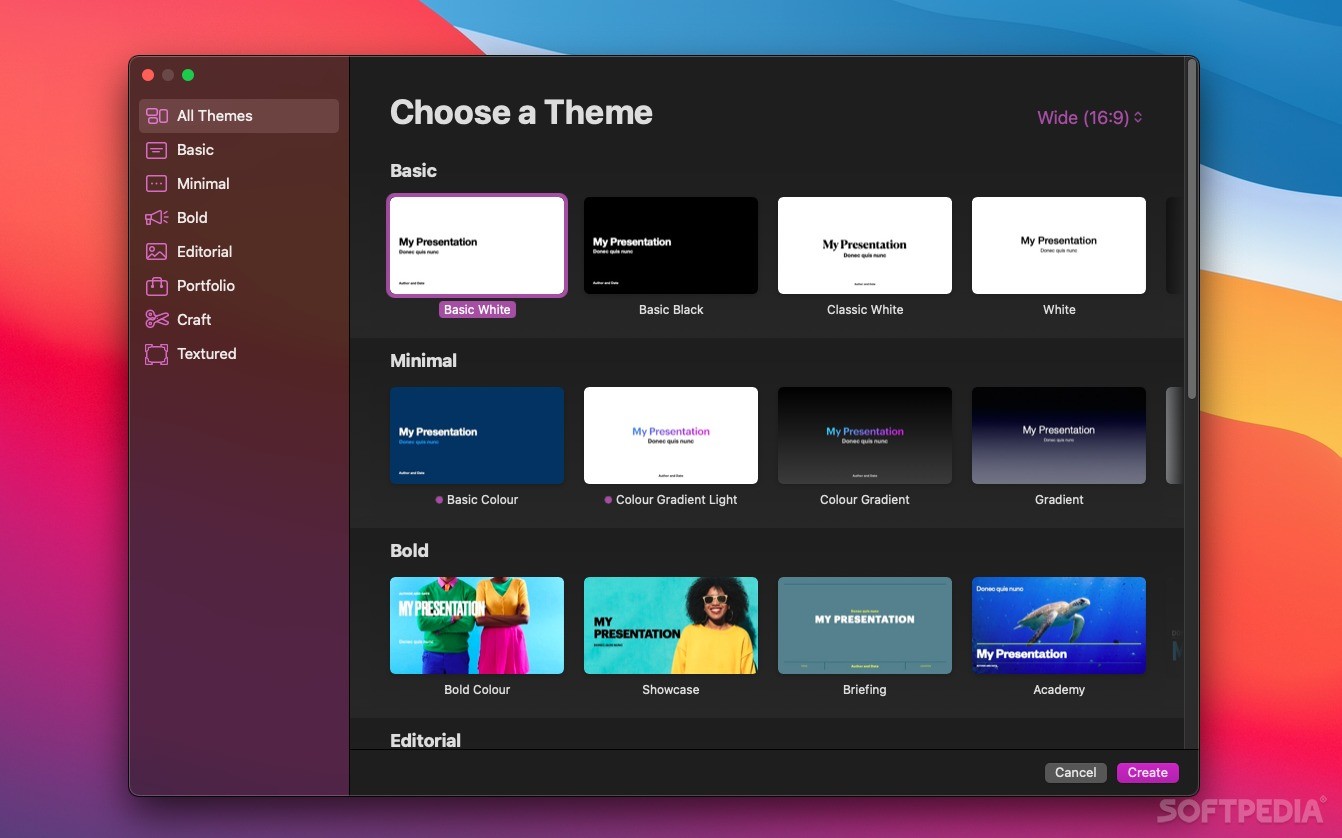
Mac users have it pretty good when it comes to office software, as Pages, Numbers, and Keynote are available for free for anyone who owns an Apple device. If you're looking to create a presentation on a Mac, Keynote is a very good place to start.
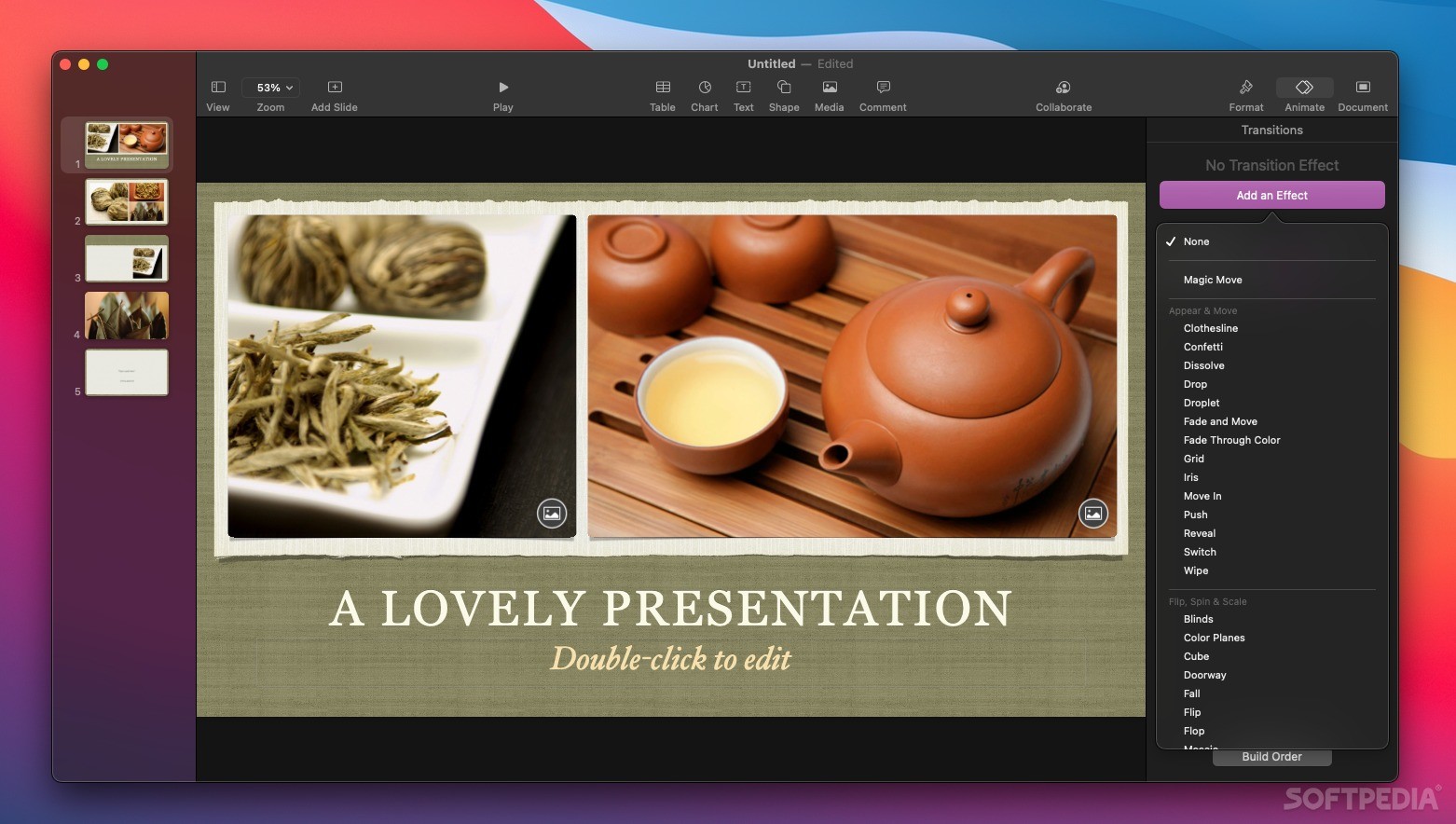
As a free presentation app, it offers a very impressive set of features, though not quite as many as Microsoft's PowerPoint. It is, however, considerably simpler to use, especially if you aren't familiar with this kind of software, and you can create a great-looking presentation much more easily.
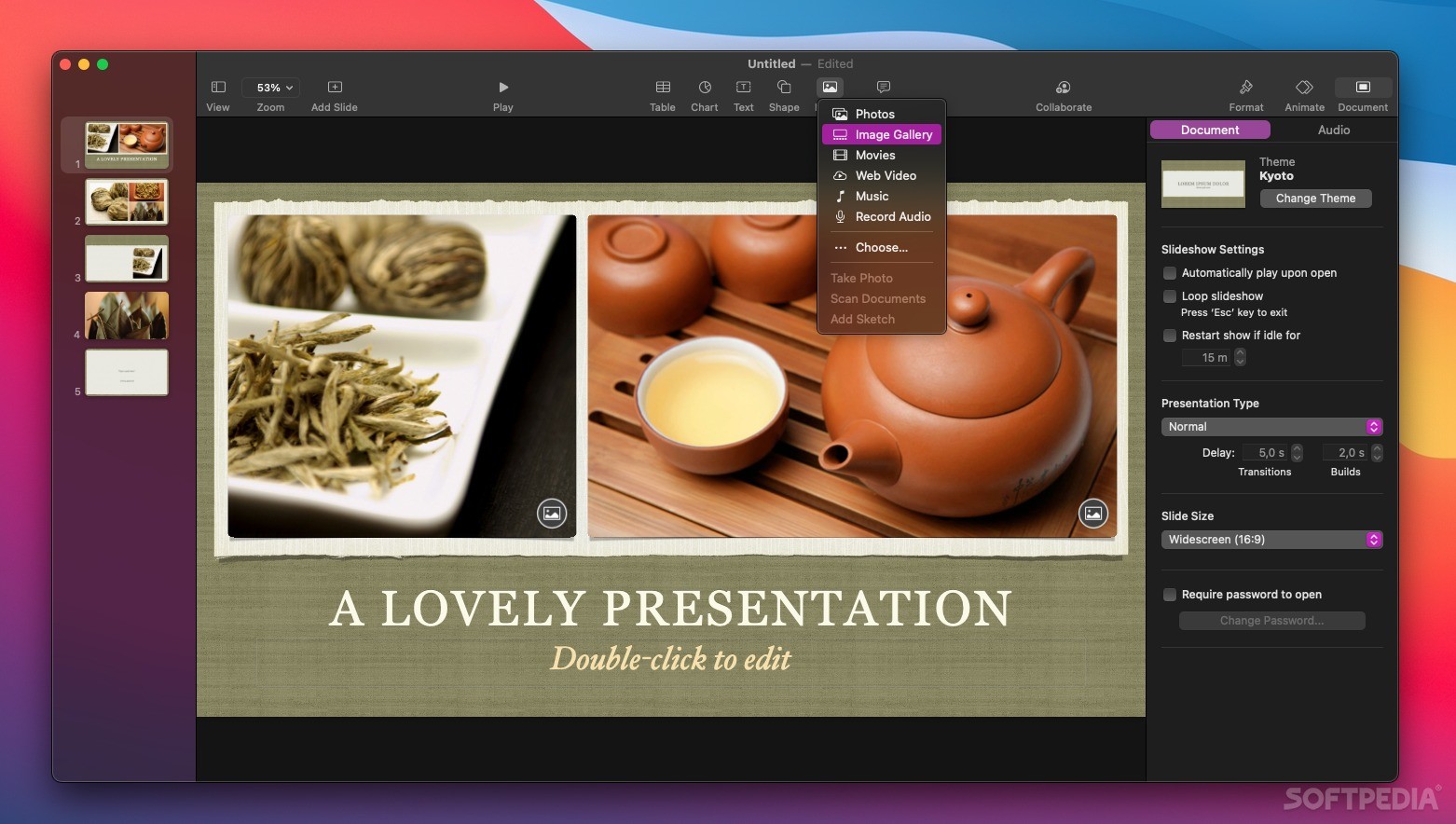
As is usually the case with Apple software, Keynote is designed to just work. You launch the app, pick a template, then start filling in the details. As you create more slides, just select the mater layout for each of them, depending on their contents.
Unless you want to design a presentation that is truly unique, the existing templates will let you create numerous slides in no time. The text will already be formatted correctly, all colors will blend well, and you can just add a few animations to tie it all together.
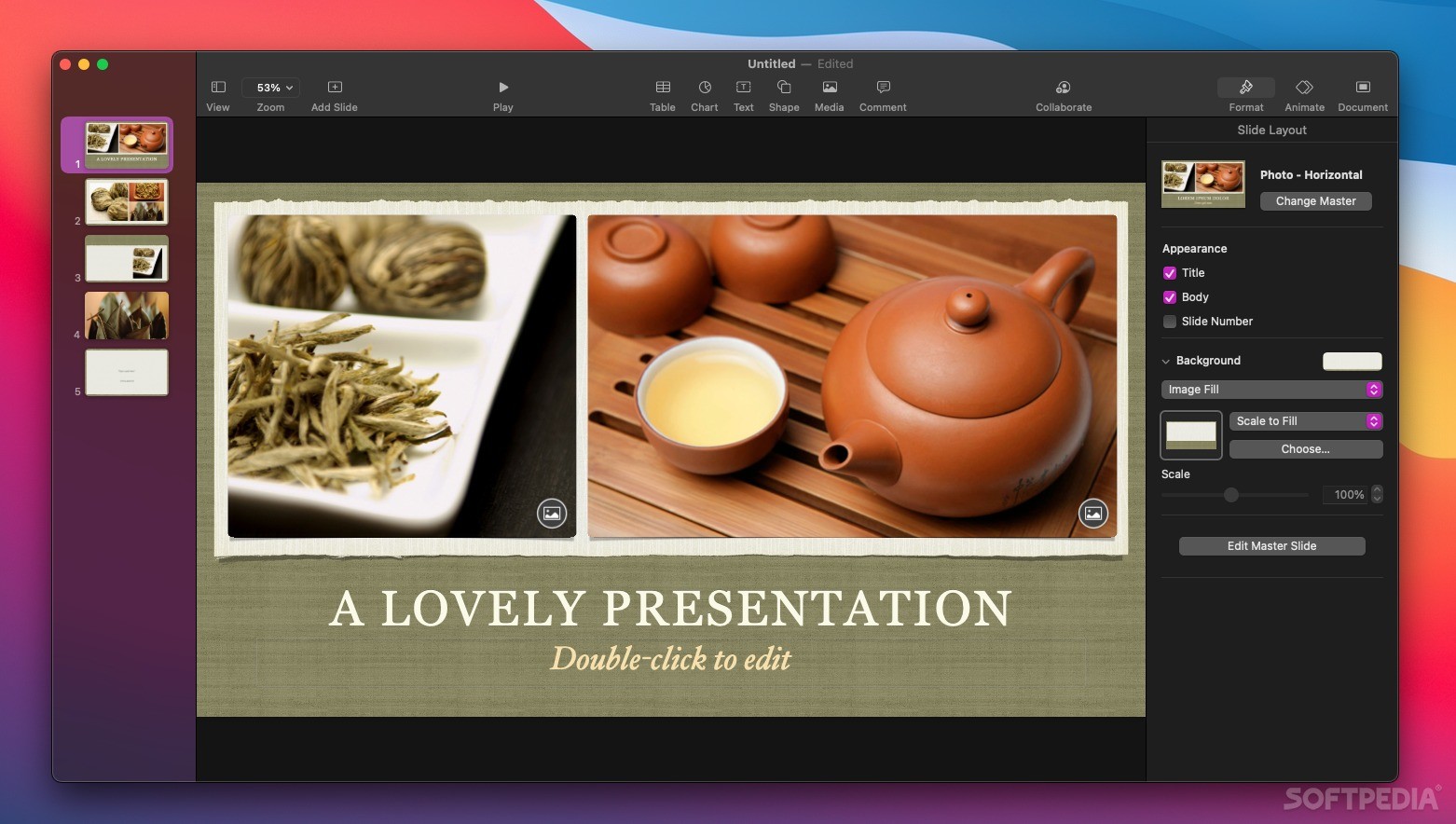
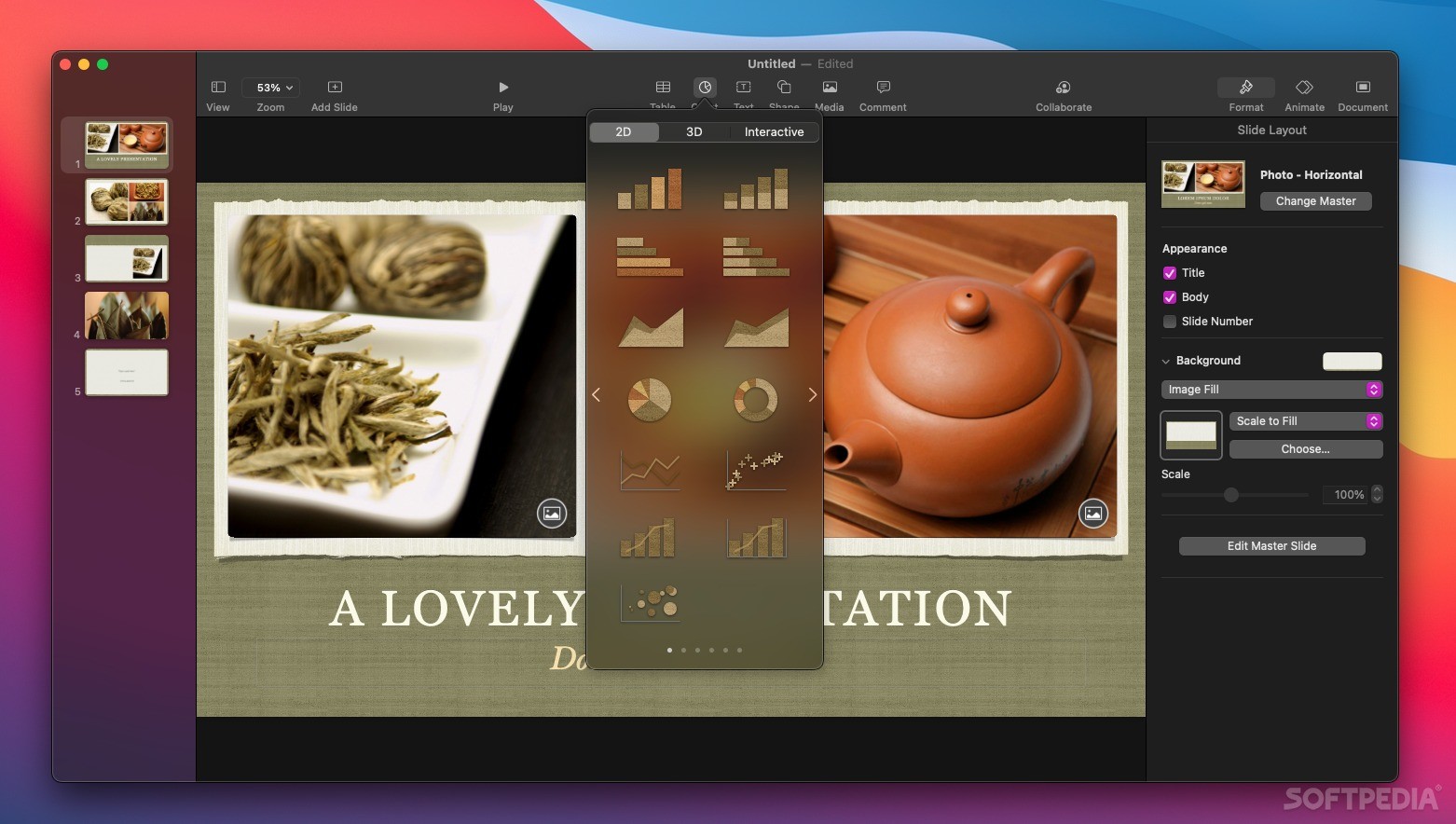
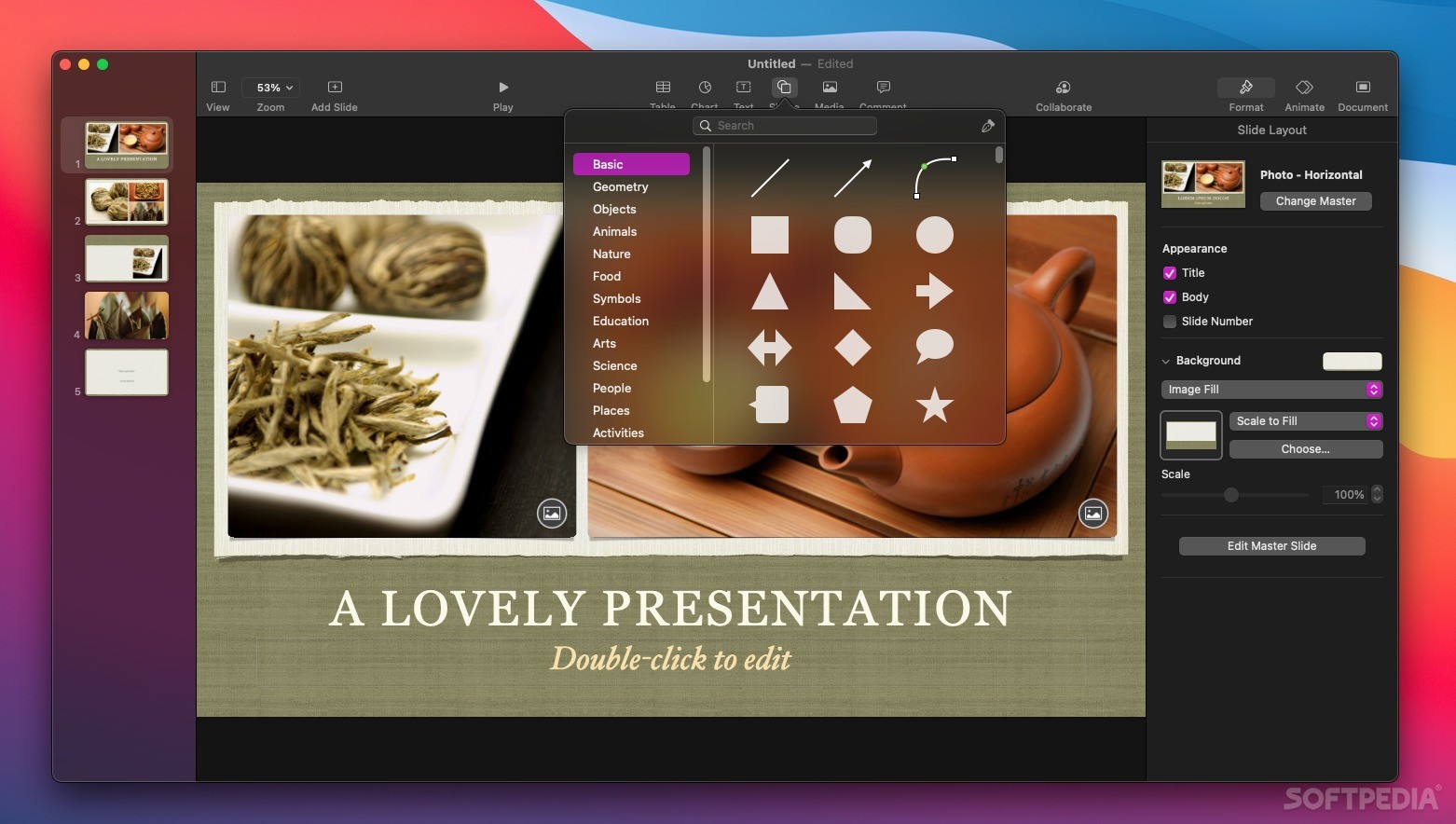
Keynote is certainly no slouch, but it doesn't really compare to PowerPoint in this respect. You can insert shapes and animations, add various effects, and customize various aspects of your presentation's design to a certain extent. You just don't have as many options as with Microsoft's presentation app.
On the flip side, everything is much easier to use. Sure, you don't have a million settings to configure, but the ones that are available are incredibly intuitive. Unless you absolutely have to fine-tune everything in intricate detail, Keynote has more than enough.
As with all apps in Apple's iWork suite, users can collaborate on presentations in real-time, leave comments where necessary, and access their presentations from all manners of devices via iCloud.
As far as formats go, you'll be happy to know that Keynote can import PowerPoint files, pretty much a necessity given their prevalence. It can also export to this format, as well as PDF, video, images, HTML, and more.
Bottom line: any Apple user looking to create a presentation should always start with Keynote. It has more than enough for most users, and it is so intuitive that you can end up with a nice-looking presentation in no time at all. And, of course, it's completely free.
What's new in Keynote 14.0:
- Add a new look to your slides with the Dynamic Color, Minimalist Light, and Minimalist Dark themes
- Streamlined in-app notifications inform you when a person joins a collaborative presentation for the first time
Keynote 14.0
 Softpedia Editor's Pick
add to watchlist
add to download basket
send us an update
REPORT
Softpedia Editor's Pick
add to watchlist
add to download basket
send us an update
REPORT
- runs on:
- macOS 13.0 or later (Universal Binary)
- file size:
- 367.7 MB
- main category:
- Business
- developer:
- visit homepage
Zoom Client

Microsoft Teams

4k Video Downloader

IrfanView

ShareX

calibre

Windows Sandbox Launcher

Context Menu Manager

Bitdefender Antivirus Free

7-Zip

- Context Menu Manager
- Bitdefender Antivirus Free
- 7-Zip
- Zoom Client
- Microsoft Teams
- 4k Video Downloader
- IrfanView
- ShareX
- calibre
- Windows Sandbox Launcher
