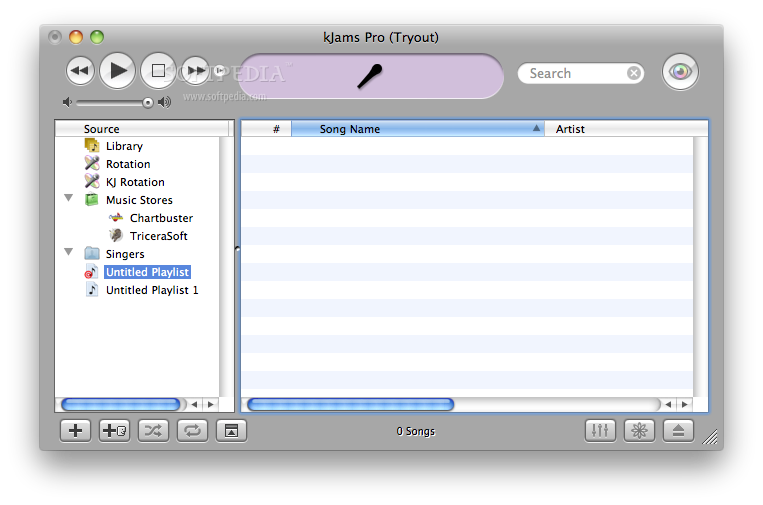
kJams pro is a desktop application that provides you with a karaoke software jukebox.
kJams pro was designed just like iTunes, except there's also karaoke lyrics on the screen (or on the TV) that follow along with the song, showing you what to sing next.
kJams pro is cross-platform and it works on Mac OS X and Windows. Binaries for the Windows platform are available on the project's homepage.
Here are some key features of "kJams Pro":
· Licensing terms allow only private party use. In this context, a "private" party is less than 20 people. If you are a cat person you do not have to count the cats as people.
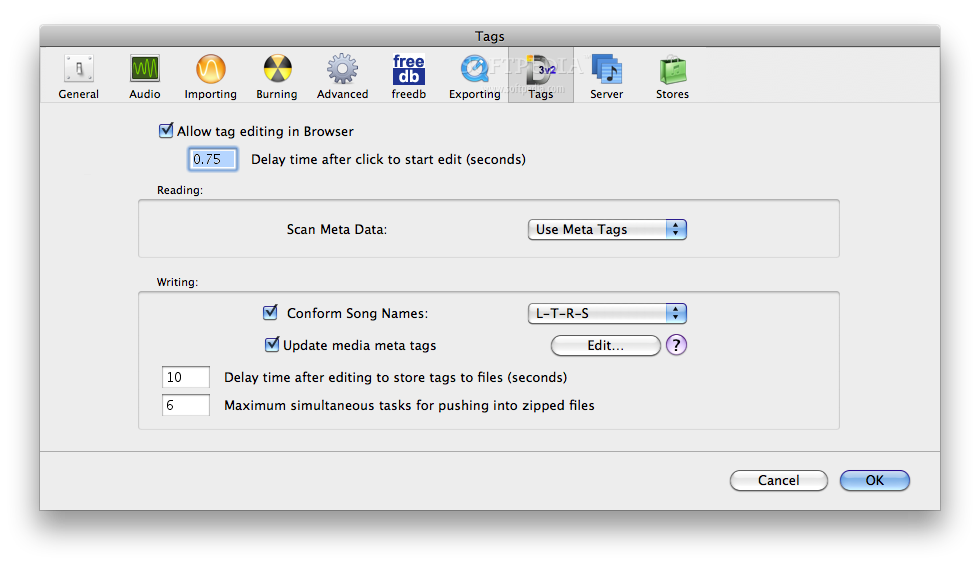
· Full Unicode tag editing. ID3v2.3, VorbisComments, QuickTime Meta, and Xattr tags.
· Rip new .cdg files: Just select the ones you want, and drag them into your library!
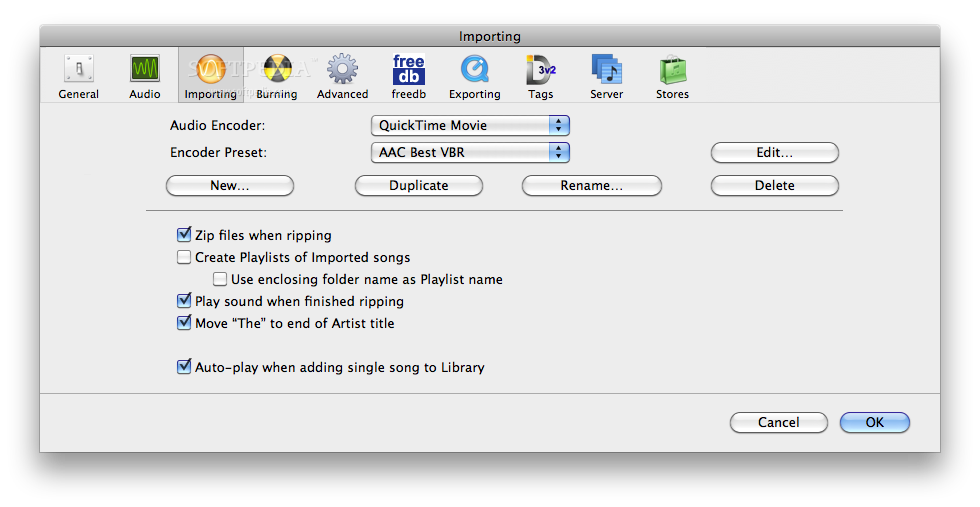
· Encode audio with AAC, AppleLossless, WAV, AIFF, LAME MP3, or Ogg Vorbis
· Ripping and encoding works FAST, in the background, so you can continue to run your show!
· Plug in a microphone to sing along!
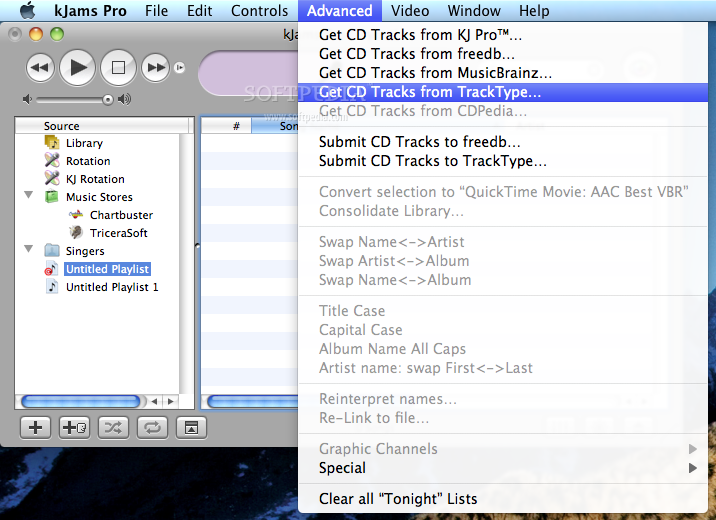
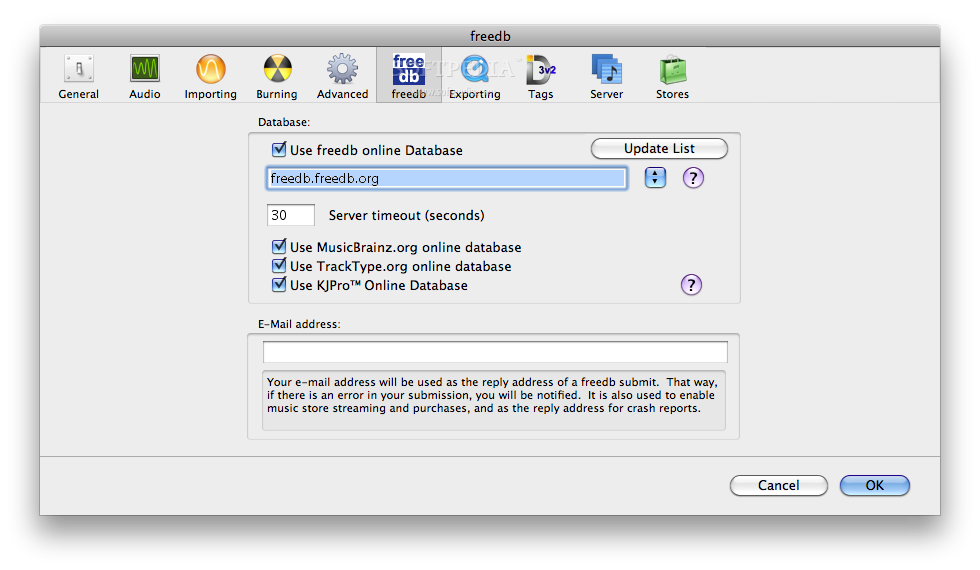
· Use the freedb, MusicBrainz or KJ Pro™ to get meta data: Stick a disc in and it automatically queries the online databases for disc meta info. You can also edit the info and submit back to freedb! More Info. You don't even have to be online to use the freedb!
· Keep a library: Browse your library, sort by any column! (see Screen Shots)
· Make Play Lists: Go File->New Playlist. Give it a name. Drag songs into it. Click it. Reorder the songs, delete them. Delete the playlist. (Remember, sort the playlist by index (the left most column) to manually re-order them)
· Import and Play existing Audio+G files. Zipped files or unzipped, no problem! Just "File->Add to Library...", select your files, folder, or drive, and hit okay! Respond to the format dialog to help interpret the names!, Supports all the popular formats, AIFF, WAV, MP3, AAC, MP4, even BIN / CUE.
· Search or filter your library or playlists: Just press ⌘-⌥-F to search the current playlist, or press ⌘-F to switch to and search your Library
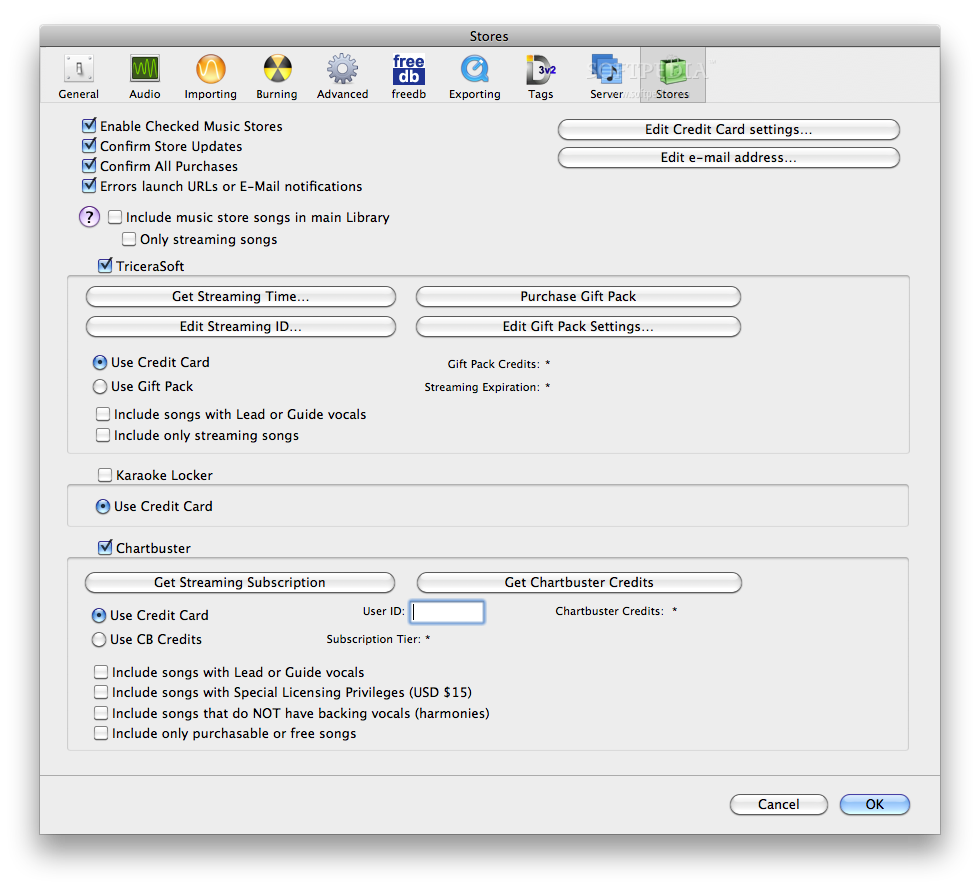
· 1-Click shopping music store
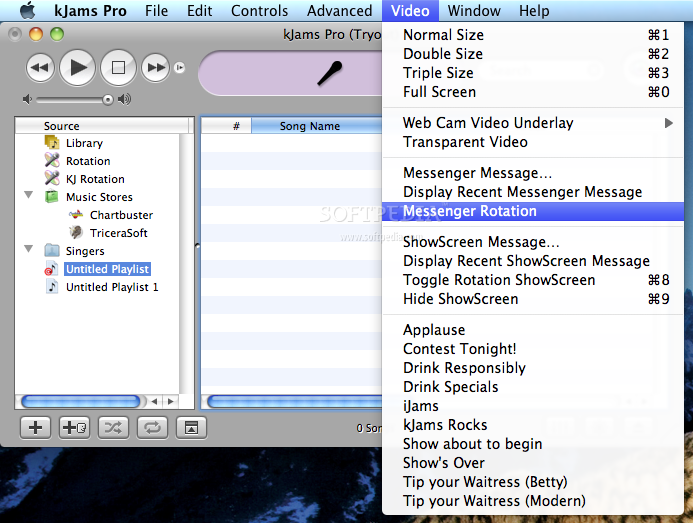
· Play Graphics (optionally on a separate monitor or TV screen): Just drag the graphics window onto a second monitor, and press ⌘-0 to get to "Full Screen" mode. You can continue using the first monitor to manage the library window. Or just place and size it however you want!
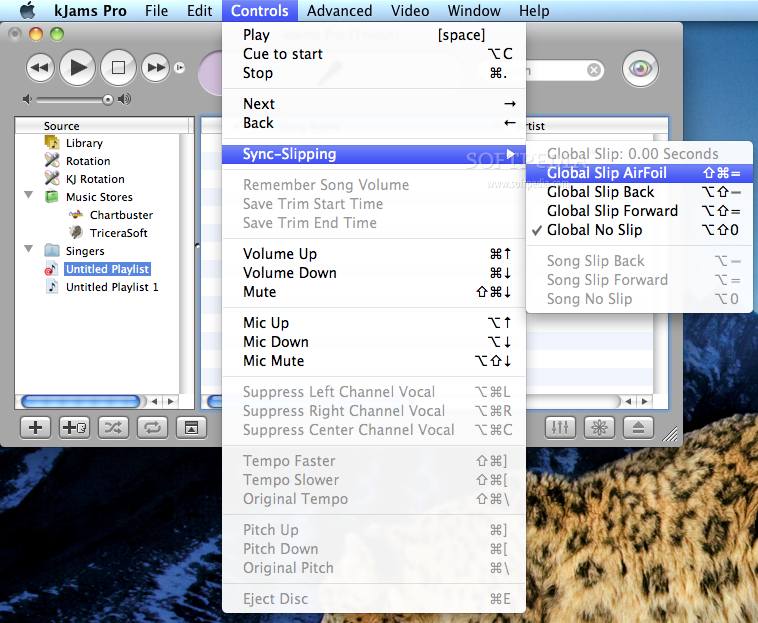
· Change Pitch / Tempo independently: Adjust the music pitch to fall within your vocal range! Or change the tempo (speed) of the music. Your settings are saved per song (as opposed to per playlist item)
· Optionally automatically pause the playlist between songs, optionally cue the song to the first non-silent sample, so un-pausing is instant music (you can always just hit the Cue button too)
· Remote Control: Use your BlueTooth phone to control kJams (see Downloads page)
· Playlist Export: Export the currently displayed playlist to an XML file that you can then use with any application that supports XML, eg: a web application or SQL database. Alternately, just copy the playlist to the clipboard (in tab-delimited format), then you can paste that into eg: Excel or AppleWorks, to create custom song books for printing. Alternately, export the actual files that make up a song (zip or MP3+G) into a folder. (Advanced->Special->Copy all Playlist Files To...)
· Relocatable Libraries: Pull ripped audio out of iTunes for easy library consolidation and migration. See How.
· Switchable Albums & Global Song Ratings
· Preset Playlists: Find all duplicates, find all songs still in iTunes (then move them into kJams), find all songs that have only audio. Find all corrupted zip files. Got an idea? Let me know!
· Play CD+G discs directly (without manually ripping first)
· Import and play any QuickTime format
· Suppress the vocals from a channel (eg: some Karaoke has vocals in the right channel, kJams can remove it)
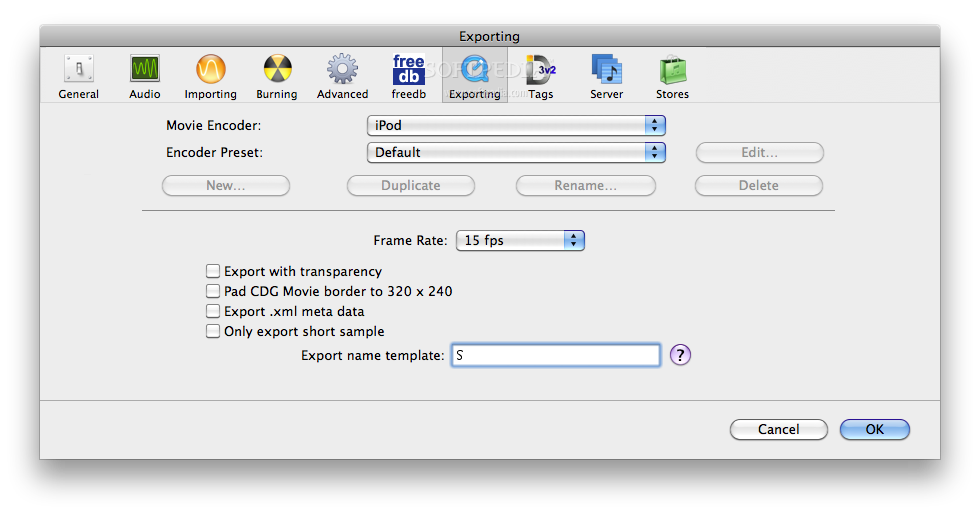
· Export iPod Video! Use iTunes to move the resulting movie to your iPod!
· Target Mode Move songs to any Playlist with a double-click!
· re-encode existing songs: Got songs in WAV, AIF, or BIN or BIN/CUE? Simply re-encode in OggVorbis or MP3 or AAC to save lots of space! Got an MP3 and would rather have Vorbis? Just re-encode! (Operates in place so you may want to duplicate your song first if you want to keep an original)
· Play LRC, Enhanced LRC, UltraStar (SingStar), and TunePrompter files and export them as beautiful high quality quicktime.
· Licensing terms allows public performance (The Lite version is NOT licensed for public performance)
· Venues: A venue is a location that has it's own set of singers. Mobile KJ's, when arriving at a particular venue, can simply switch kJams to that venue, and all the singers that frequent it will then be available. In addition, Singers can be moved or aliased between venues using the Finder. For example, if Dave shows up at Venue A, and also frequents Venue B, you can make an alias to Dave from Venue A, and place it in the Venue B folder. You can rename the alias so it does not collide with someone already at Venue B. When a singer modifies their favorites, history or "Tonight" list from the alias, it actually modifies the original, so when they go back to Venue A, all their changes show up there too.
· Singers: Each singer get's their own "Tonight" playlist, as well as "Favorites" and "History". They can change the pitch or tempo for any song in any of their lists (and it will always be remembered). They can reorder their "Tonight" list up 'till the moment they sing. If they leave the show and come back another night, their que is still there, picking up where they left off, or they can start over. Each singer can rate songs, and change pitch and tempo, separately from other the library and other singers' settings.
· Rotation: The Rotation list is built from singers who are marked "here" and who have items in their "Tonight" list. You can see how many times a singer has ever sung, or how many times they've sung a particular song. Use the "KJ Rotation" list to reorder the rotation, use the "Singers" list to mark who is "here". The Rotation is tied to the venue, so when you switch Venues, the Rotation is also changed.
· Switchable Songs: Lets you quickly and easily pick a different song for a singer to sing, from that singer's "Tonight" list, and you do it right within the "KJ Rotation" playlist.
· QuickTime Export Easily convert from CDG to any QuickTime format!
· The Artwork panel can show a copy of what's playing in the video window (in case you can't see the video window)
· Scripting lets you control all aspects of kJams using AppleScript
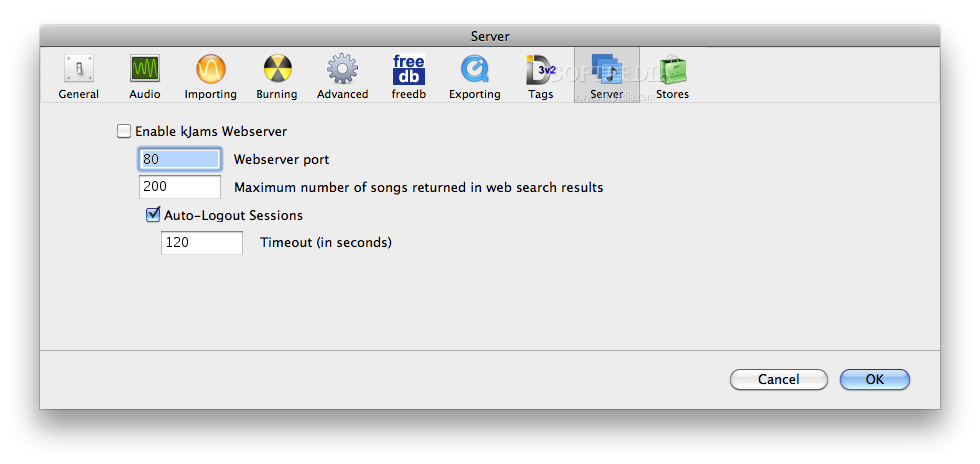
· kJams Server: you can use any web browser (on any computer and OS, including the iPhone or blackbery) to get to the server. In the web browser, it let's singers log in, browse the server's Library, singer's History list, their Favorites list, add / reorder / remove songs in their Tonight list. The browser version allows them to change the song's key (iPhone will have this feature soon). So you can set up a few stations around the room for singers to log in simultaneously, or folks can just use their iPhones :)
· ShowScreens: Lets the creative KJ create and show graphic screens optionally with messages, or customized "who's up next" rotation screens. Several starter templates are included.
Requirements:
· QuickTime 7.1 or better
· An internet connection (at least temporarily) to the machine on which you plan to purchase and activate a license.
· Lots of hard drive space (give it at least a Gig, if not tens of gigs)
· Currently you need about 800MHz or better, but my target is 500MHz
Limitations:
· Can't add more than 3 singers
· Can't add more than 2 singers to the rotation
· Can't add more than 2 songs to a singer's "Tonight" playlist
What's New in This Release: [ read full changelog ]
R 59:
· fixed bug where it would complain you need Perian if you try to play an MPEG file, when you didn't
· the Progress dialog is now retina. note: dialogs are hard, each one must be switched to Nibs (from resources), so they'll trickle in slowly.
· the "Icon, Message, Checkbox and 3 Buttons" dialog is now retina
· the "text input" dialog is now retina.
· retina dialogs gain the ability to drag them around regardless of processing, and the ability to tab thru all the buttons (if you have this turned on: apple->system prefs->keyboard->keyboard shortcuts->Full keyboard access->all controls)
· activity window progress bars *Really* look correct now.
· if you drop music files onto the kJams icon, you are now (correctly) asked if you want to "copy/move" or "reference"
· FEATURE: you can now "pre-cache" a song by right clicking it and picking the command from the menu (works on singers too)
· FEATURE: you can now "mark as sung" a song in the "KJ Rotation" playlist (not the Rotation)
· when a song is marked...