
A practical and handy utility specially designed to help Mac users decode, convert and play a wide variety of files in different lossless audio formats. #Audio decoder #Audio player #Audio converter #Decode #Convert #Rip
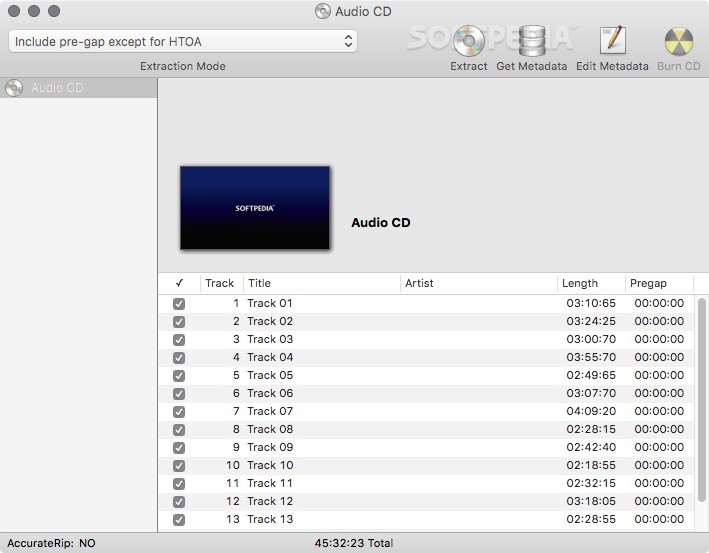
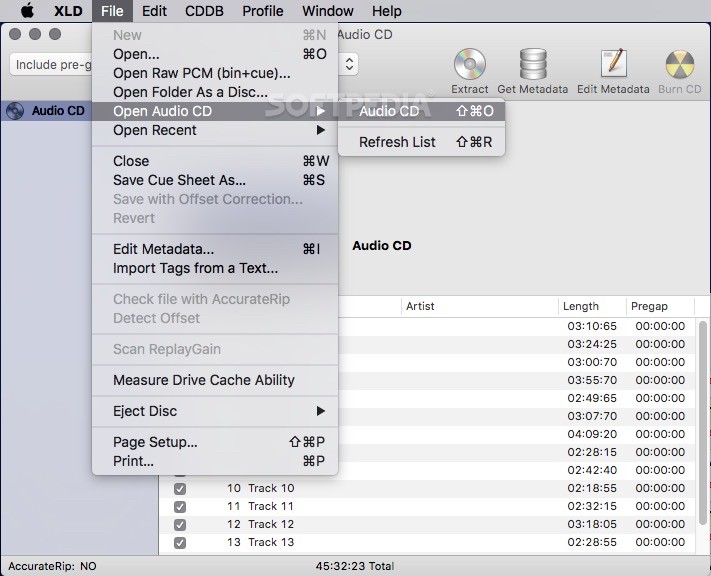
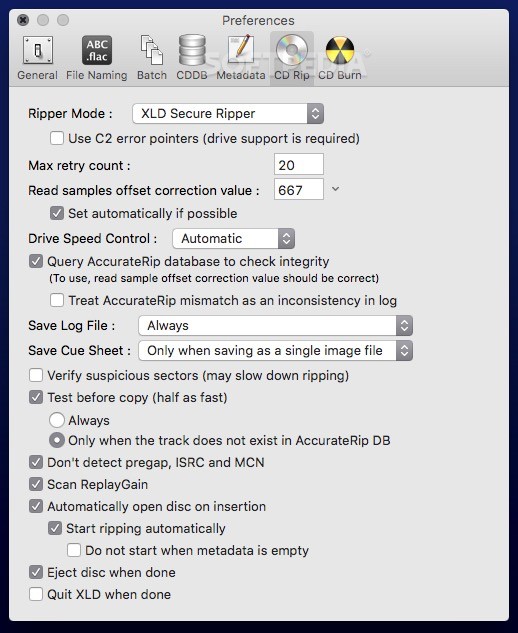
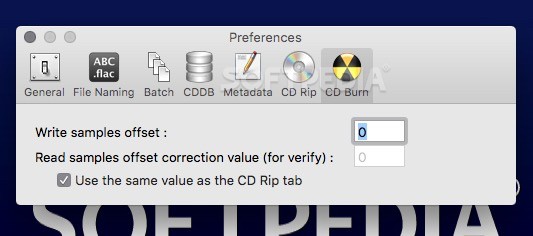
X Lossless Decoder (also known as XLD) is a straightforward and minimalist macOS application that aims to provide you with all the tools needed to convert lossless audio files, and rip or burn CDs using a Mac.
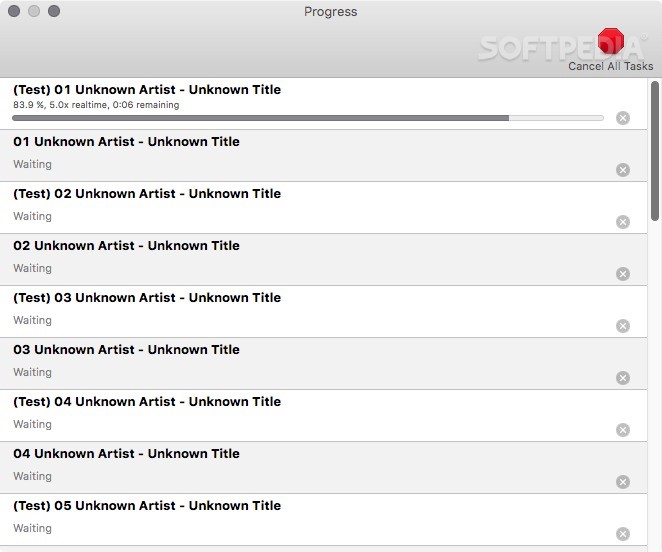
Moreover, X Lossless Decoder features a user-oriented interface designed to help you add the audio files you need to convert via drag and drop and to convert multiple tracks at the same time with a simple click of a button.
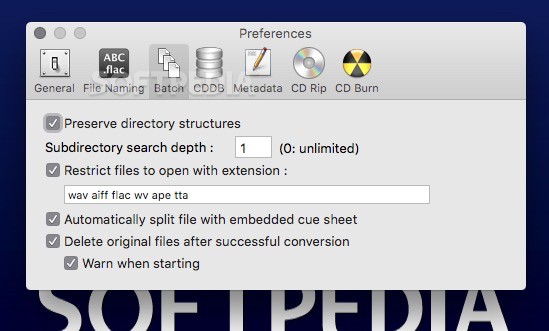
To make things even easier, X Lossless Decoder is also capable of rapidly splitting audio files with cue sheet into different tracks, for easier management later on.
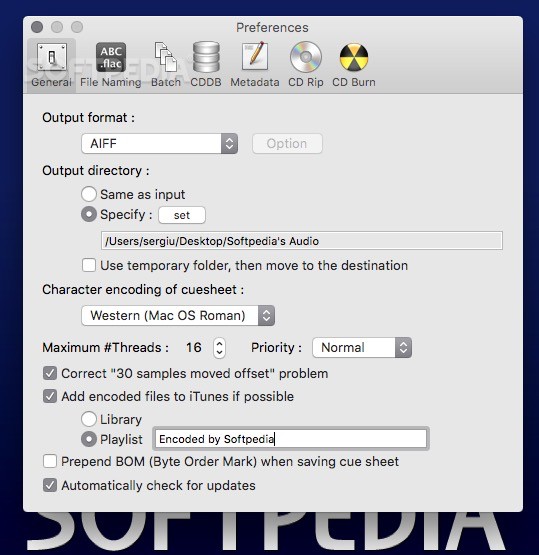
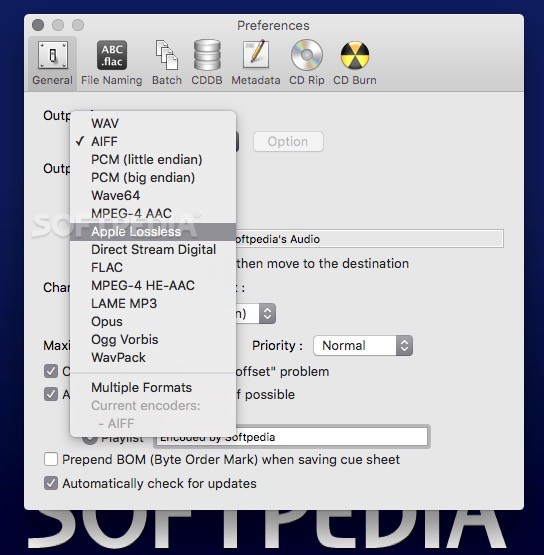
X Lossless Decoder’s Preferences window allows you to set the output audio format, along with the output directory path and the character encoding of the cue sheet.
As an extra bonus, with the help of X Lossless Decoder you can also set the maximum number of threads and automatically add all encoded files to your iTunes library or to a given playlist after the conversion process has ended.
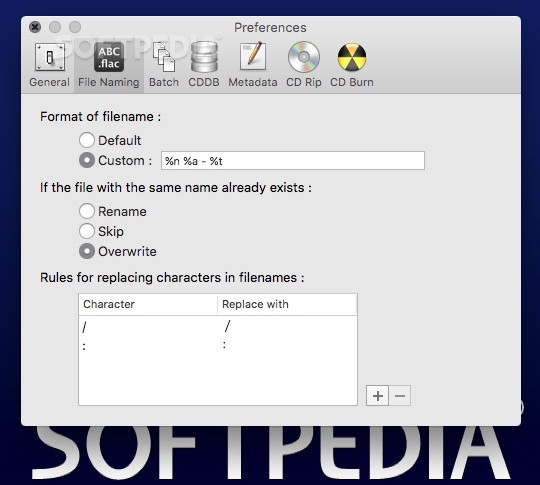
X Lossless Decoder also enables you to easily set the name format of the output file and to decide what should be done if a file with the same name already exists in your music library or the chosen output iTunes playlist.
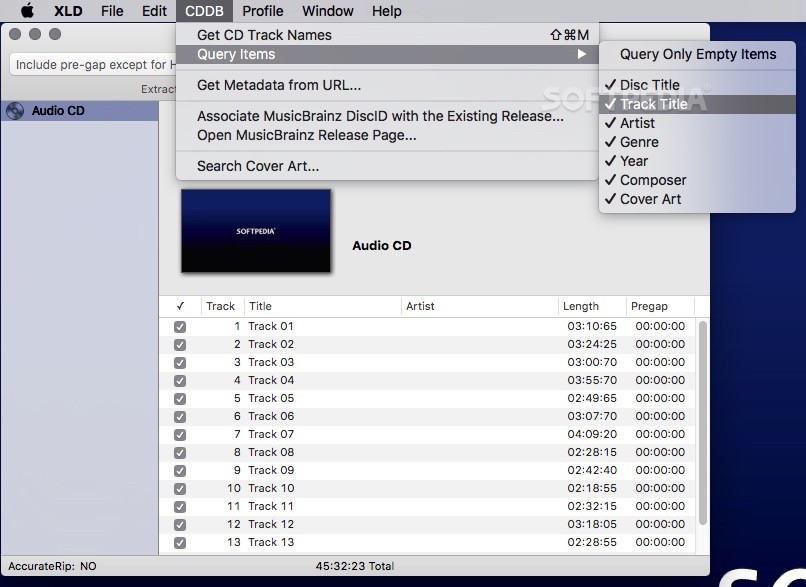
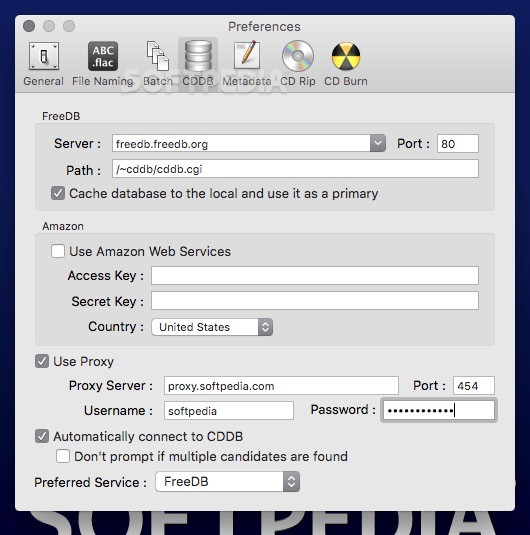
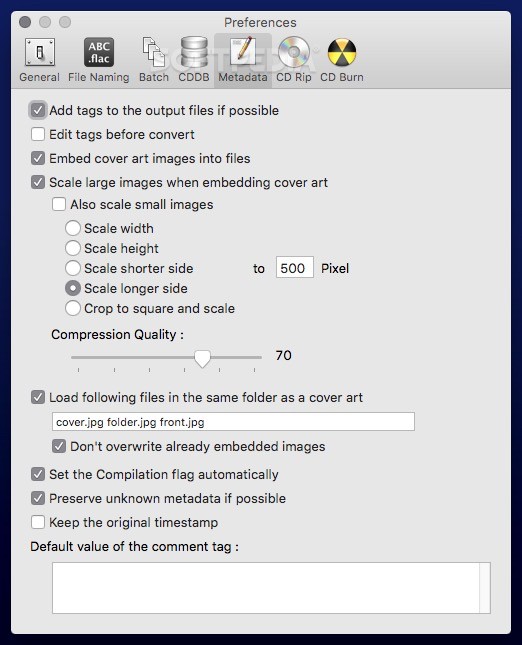
Another worth mentioning feature is the fact that X Lossless Decoder is also designed to automatically download CD track names, metadata and cover art from the web.
Thus, it makes it a lost easier and faster to get all your ripped or converter audio tracks in order and featuring high quality album art, ready to be enjoyed with Apple’s iTunes.
If you need further details about its features and capabilities, a complete list with all supported audio formats and instructions on how to install and use X Lossless Decoder are available on X Lossless Decoder's homepage.
Download Hubs
X Lossless Decoder (XLD) is part of these download collections: Convert FLAC, Create AIFF, Create OGG, Make MPEG
What's new in X Lossless Decoder (XLD) 20181019:
- Fixed a potential cause for random crash when active task exists in a task window
- Fixed a graphical glitch when switching between dark and light mode
- Do not try to load plugins built only for incompatible CPU architecture anymore
- Fixed a problem that prevented CLI from running on zsh
X Lossless Decoder (XLD) 20181019
 Softpedia Editor's Pick
add to watchlist
add to download basket
send us an update
REPORT
Softpedia Editor's Pick
add to watchlist
add to download basket
send us an update
REPORT
- runs on:
- Mac OS X 10.4 or later (PPC & Intel)
- file size:
- 8.4 MB
- filename:
- xld-20181019.dmg
- main category:
- Audio
- developer:
- visit homepage
calibre

Context Menu Manager

IrfanView

Bitdefender Antivirus Free

4k Video Downloader

Windows Sandbox Launcher

ShareX

Zoom Client

Microsoft Teams

7-Zip

- Zoom Client
- Microsoft Teams
- 7-Zip
- calibre
- Context Menu Manager
- IrfanView
- Bitdefender Antivirus Free
- 4k Video Downloader
- Windows Sandbox Launcher
- ShareX