
A professional digital audio workstation and post production system that provides all the tools and features required for music recording, editing and arranging. #Audio production #Mixing console #Channel strip #Production #Mixer #Mix
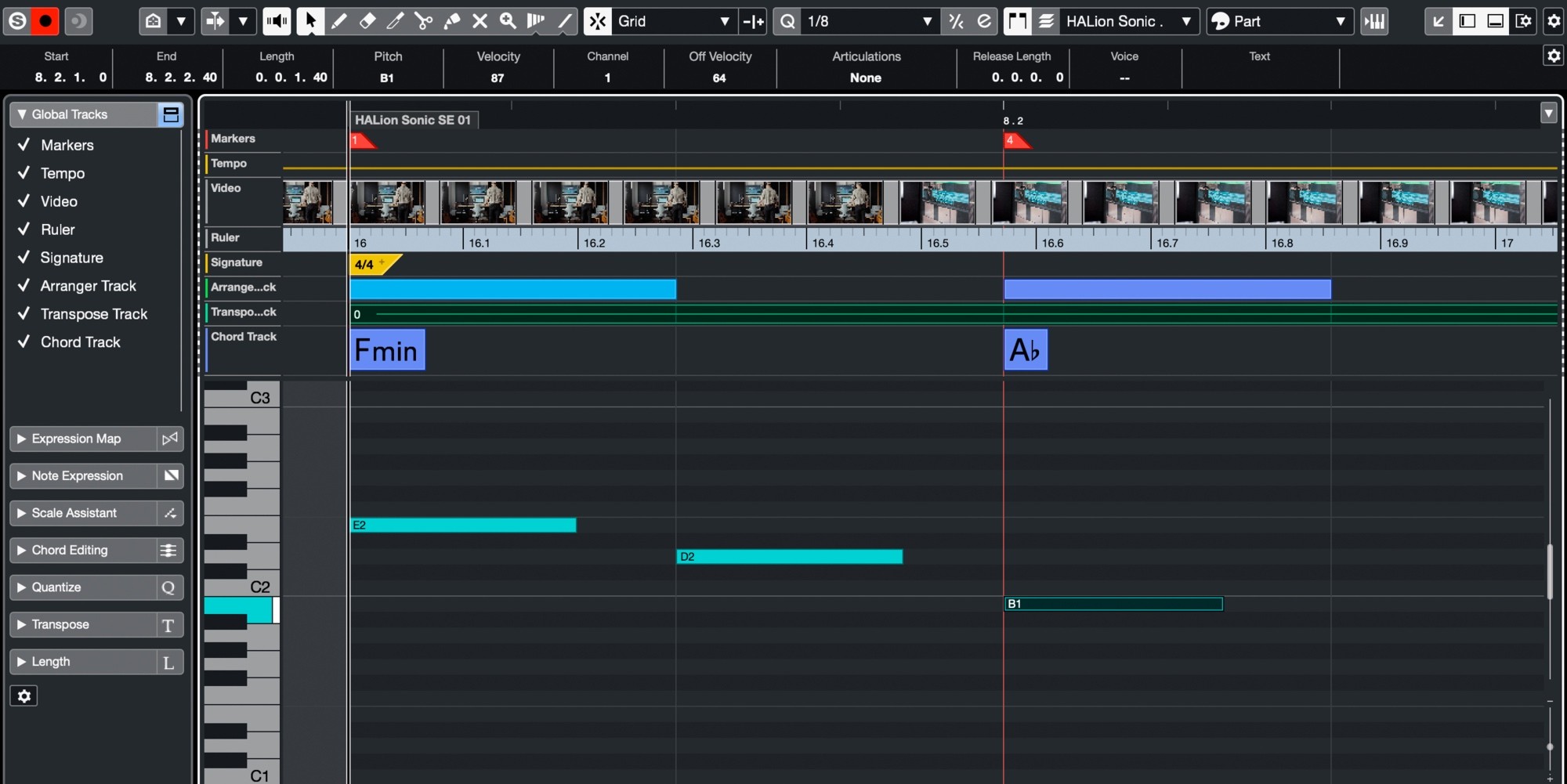
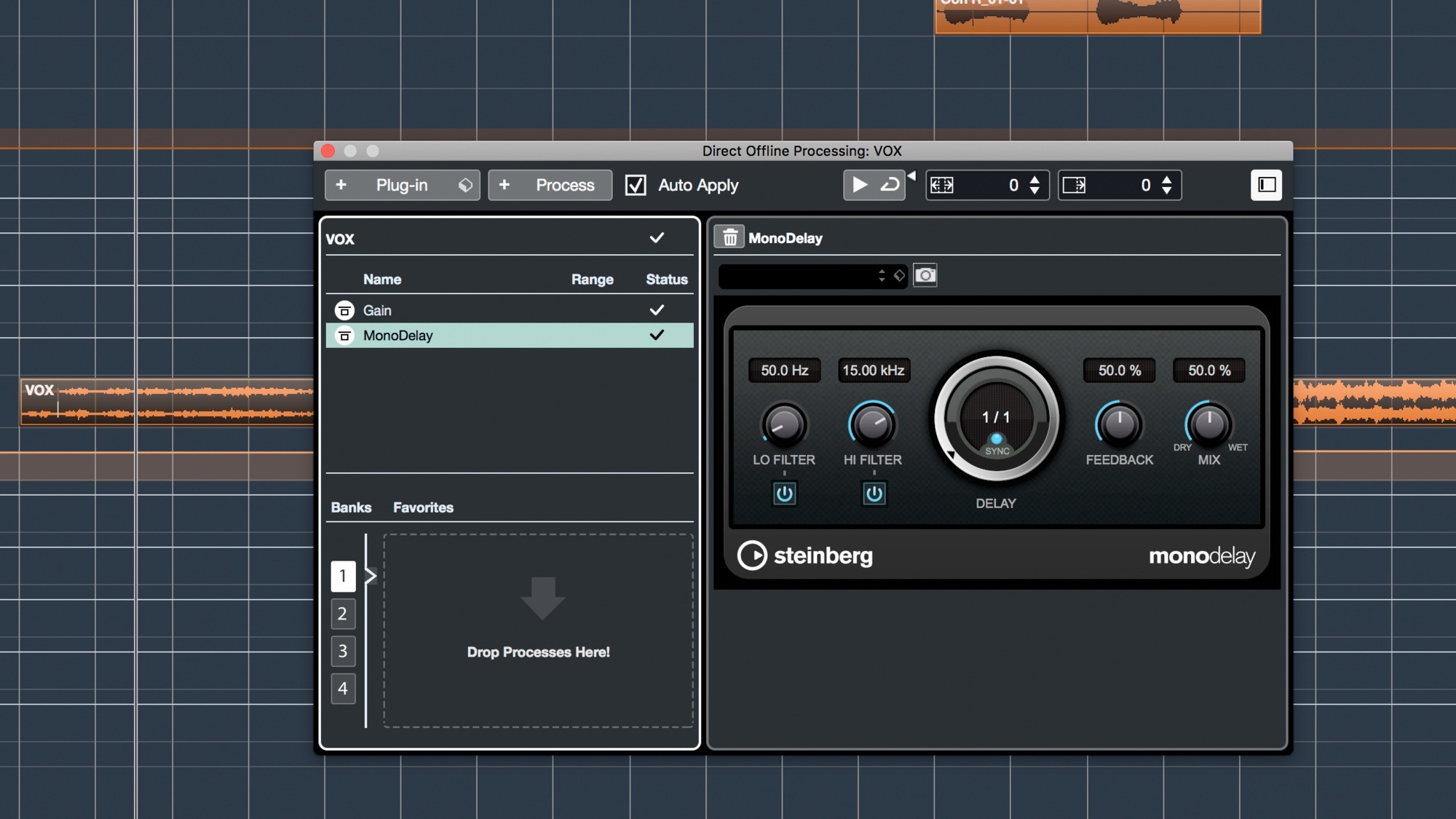
Steinberg Nuendo is a comprehensive and versatile digital audio workstation specially made for audio and video post-production market segments, that also offers optional modules for multimedia creation, as well as audio sequencing.
In other words, Steinberg Nuendo is a fully-featured DAW designed to help professionals from the film, television and media industry to deliver high quality products.
Film mixers and post-production editors can rely on the offered feature set that focuses on everyday production requirements such as speed, versatility and reliability.
With the help of the versatile mixing console and high-quality Channel Strip onboard, Steinberg Nuendo’s enables you to perform re-recordings and extensive surround mixing. Thanks to the user-oriented channel visibility management and the powerful channel function you can effortlessly manage large post-production projects.
Steinberg Nuendo also comes with IOSONO’s Anymix Pro plug-in, an advanced surround panning and upmixing tool, powerful editing tools and dedicate feature set for film post-production.
The built-in ADR Tracker makes it easy for you to record, sport and organize voice recordings for a wide variety of projects without using external ADR hardware. You can easily take advantage of the professional functions such video overlay and import of EDL/cue lists.
On top of that, Steinberg Nuendo enables you to match sound on multiple tracks with the help of Voxengo’s Curve EQ that features state of the art spectrum-matching and analyzing functions.
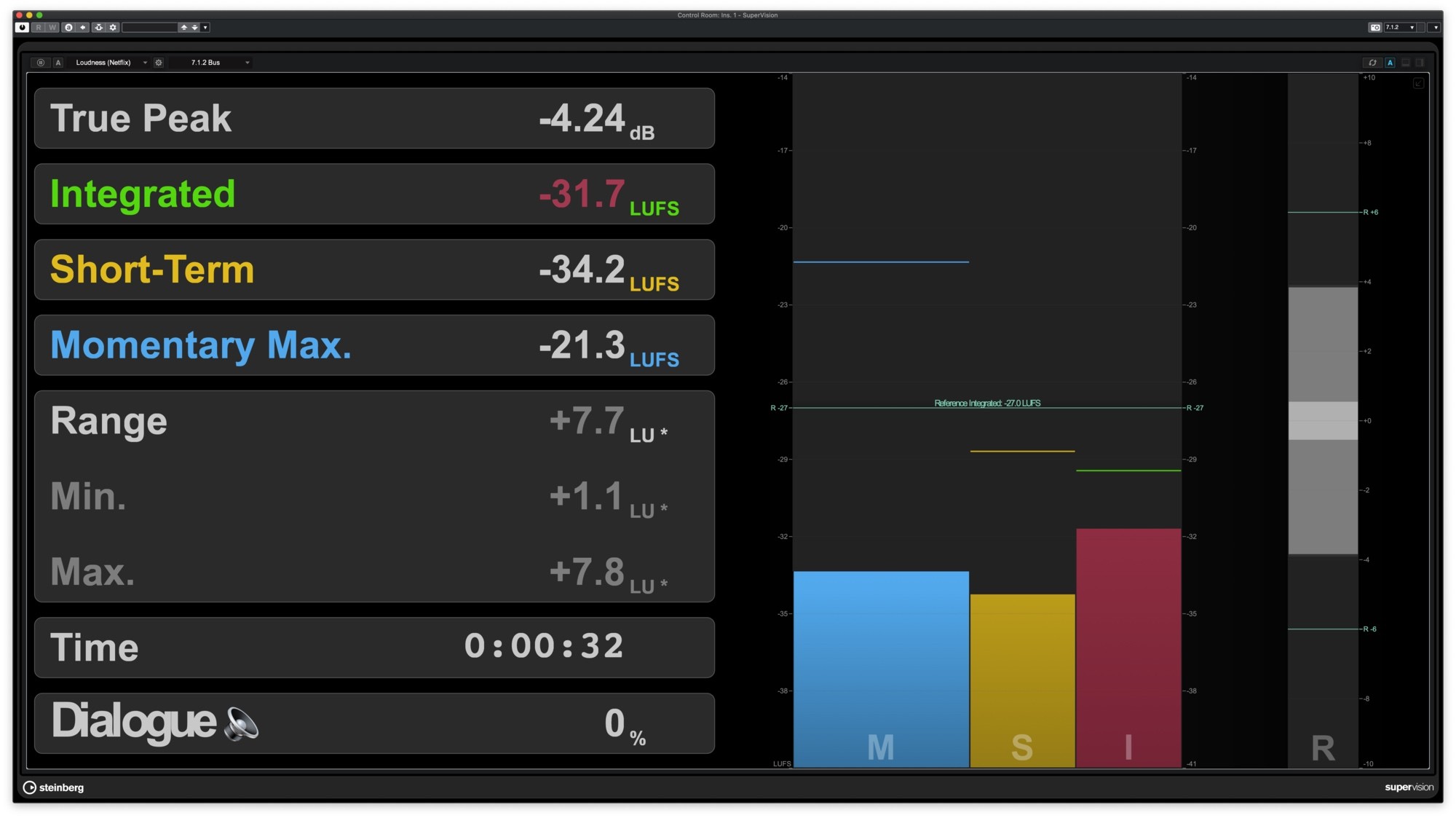
Steinberg Nuendo provides numerous tools for TV post-production that allow you to save clusters of audio clips and deliver EBU R-128 compliant productions.
Moreover, game sound designers can use Steinberg Nuendo to create immersive sound effects and benefit from the full integration of virtual instruments and various tools for sound creation and manipulation.
In conclusion, the Steinberg Nuendo utility is a fully-featured digital audio workstation designed from the ground up to enable audio professionals to deliver high quality products in no time.
Steinberg Nuendo 11.0
add to watchlist add to download basket send us an update REPORT- runs on:
- macOS 10.14 or later (Intel only)
- file size:
- 870.3 MB
- filename:
- Nuendo_11_Installer_mac.dmg
- main category:
- Audio
- developer:
- visit homepage
Microsoft Teams

Zoom Client

calibre

Context Menu Manager

ShareX

Windows Sandbox Launcher

7-Zip

Bitdefender Antivirus Free

4k Video Downloader

IrfanView

- Bitdefender Antivirus Free
- 4k Video Downloader
- IrfanView
- Microsoft Teams
- Zoom Client
- calibre
- Context Menu Manager
- ShareX
- Windows Sandbox Launcher
- 7-Zip