
A professional and intuitive audio recording, editing and production tool that enables you to apply digital effects and easily make live recordings using your Mac. #Audio recorder #Audio editor #Audio production #Recorder #Digitalize #Editor
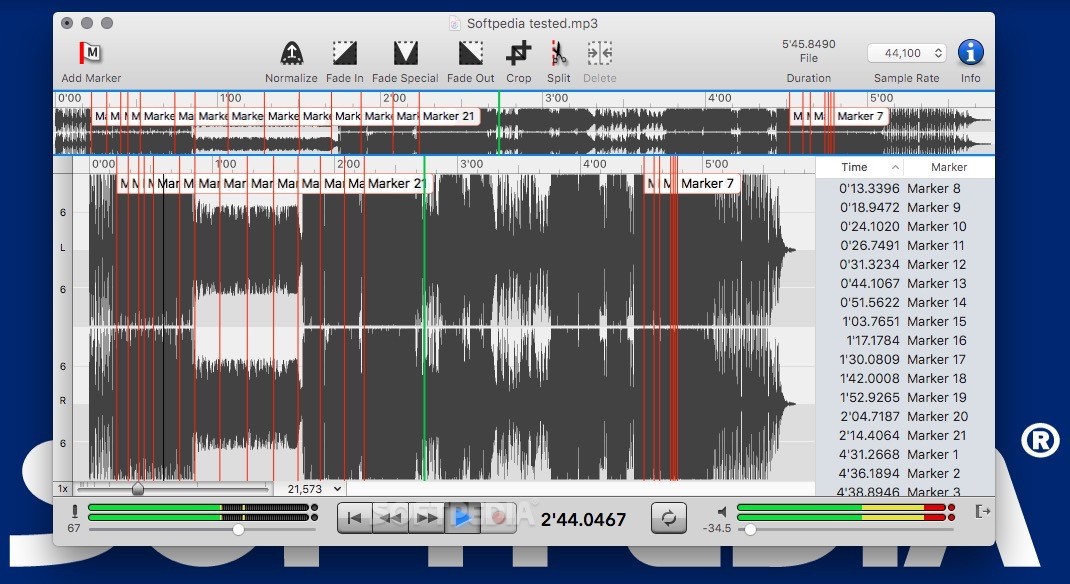
In order to successfully being able to record, edit and process audio content using a Mac, OS X users need a comprehensive and intuitive software solution designed for these exact specific tasks.
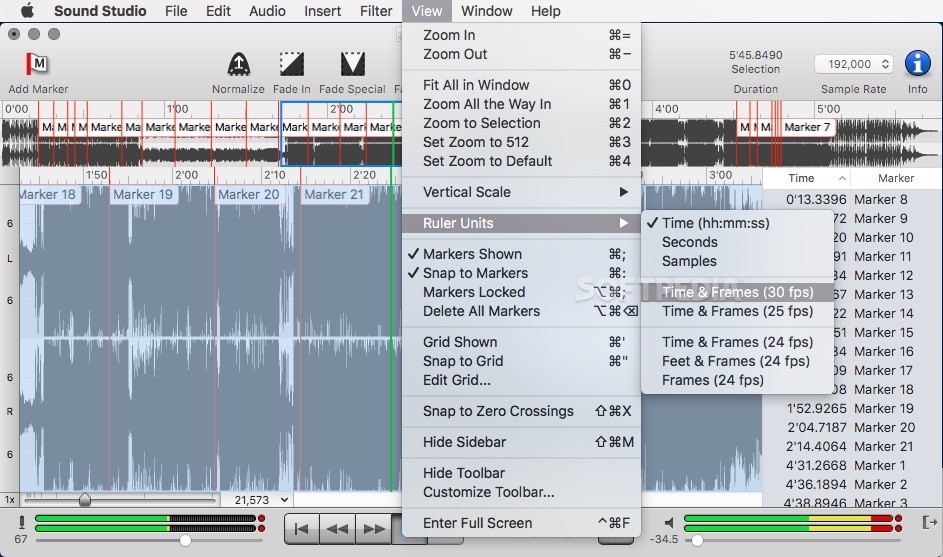
Felt Tip Inc’s Sound Studio promises to deliver all the tools needed for performing such a feat, and, even more, a number of extra features that will make it possible to improve and speed-up your audio production workflow.
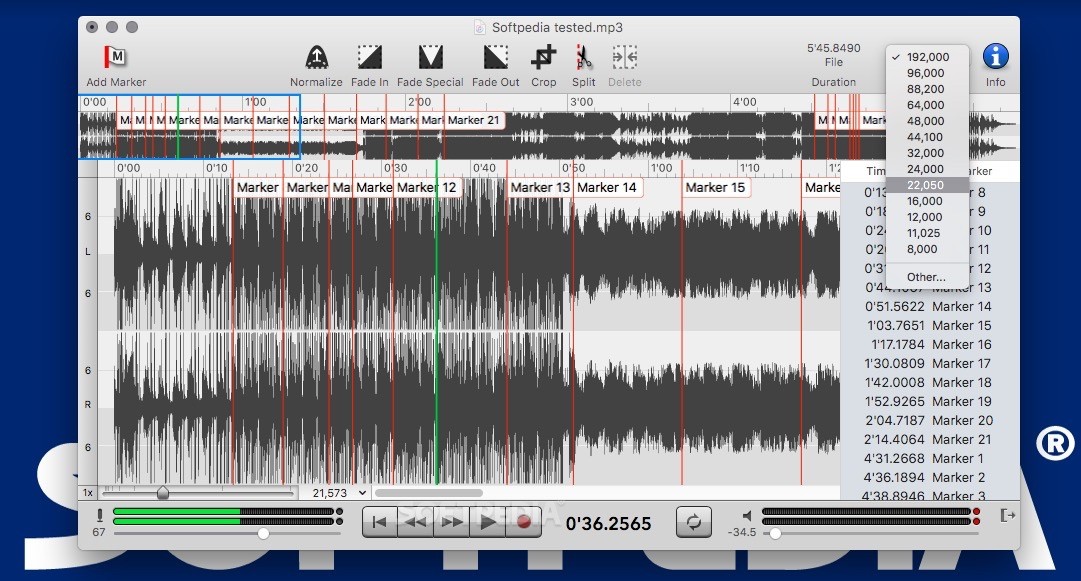
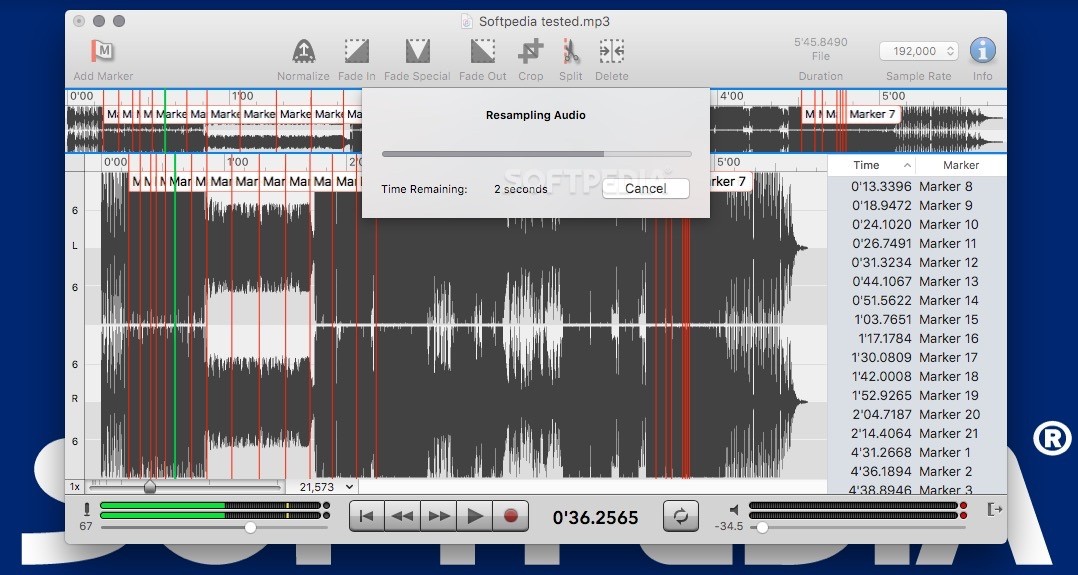
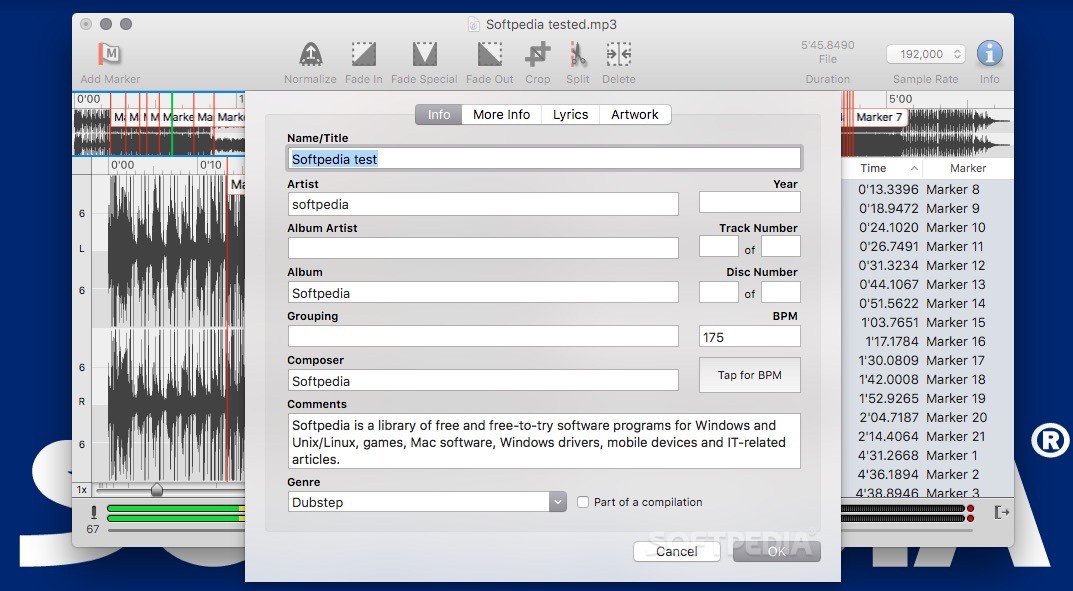
Moreover, Sound Studio enables you to record your own sounds using its built-in capturing tool and play it back using multiple tracks and 2 audio channels.
Most importantly, in choosing a number of tracks to use for playing audio with the help of Sound Studio, you will only be limited by your Mac’s resources (i.e. memory and processor).
Sound Studio can be used as the tool to go for recording a vast selection of audio based productions, such as presentations, podcasts and even live music performances.
Sound Studio also features inbuilt support for scripting any number of complex tasks with the help of Apple’s AppleScript language, thus allowing you to effortlessly automate various time consuming audio processing operations.
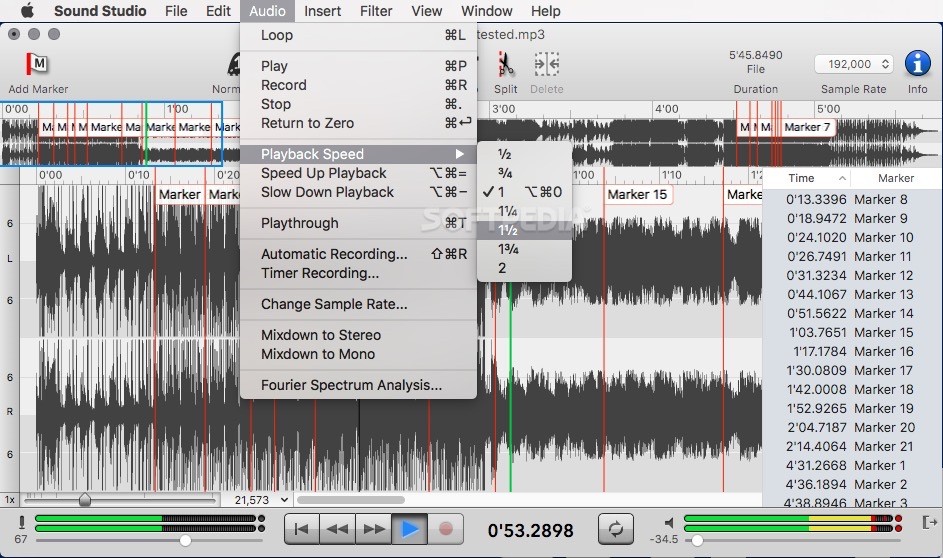
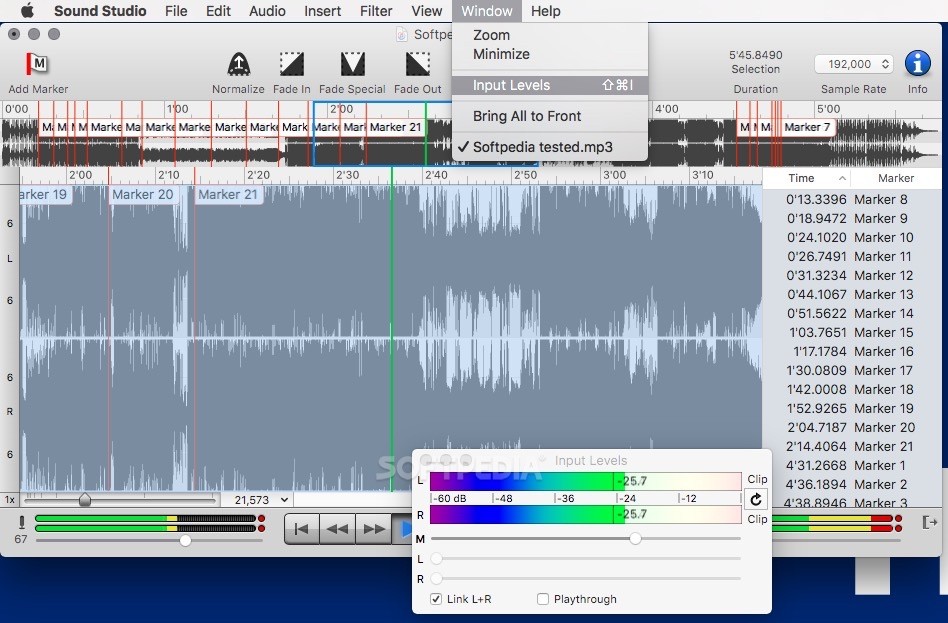
By employing its AudioUnit plug-in host capacity and the fact that it is also capable of allowing you to add fade-in and fade-out effects to any audio track, Sound Studio can also be used as a full-featured and user-intuitive audio mixer tool.
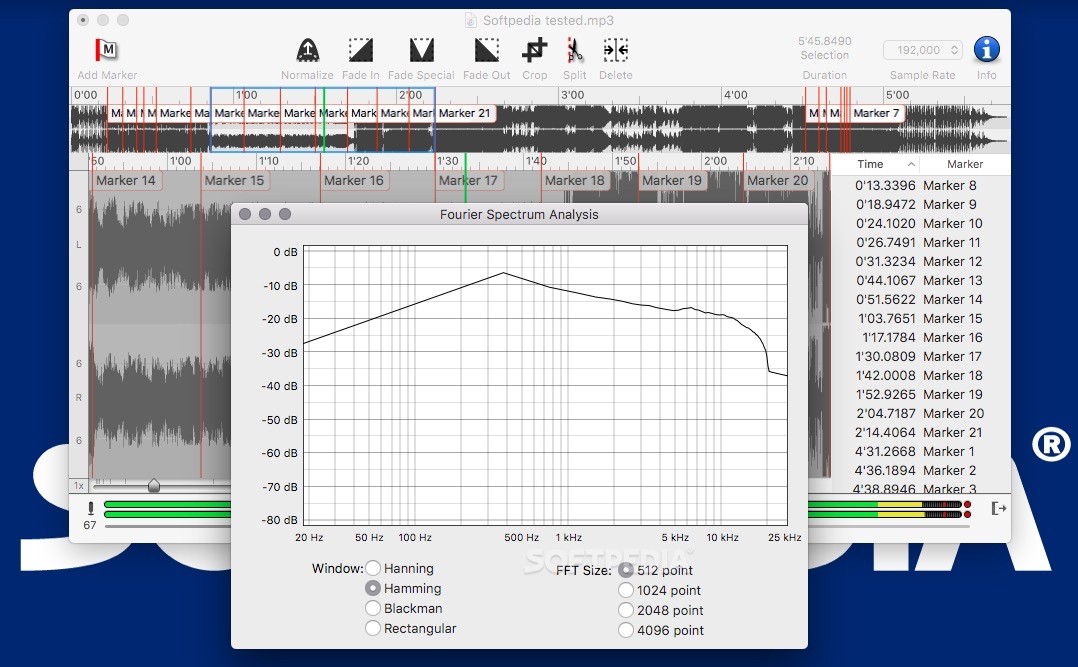
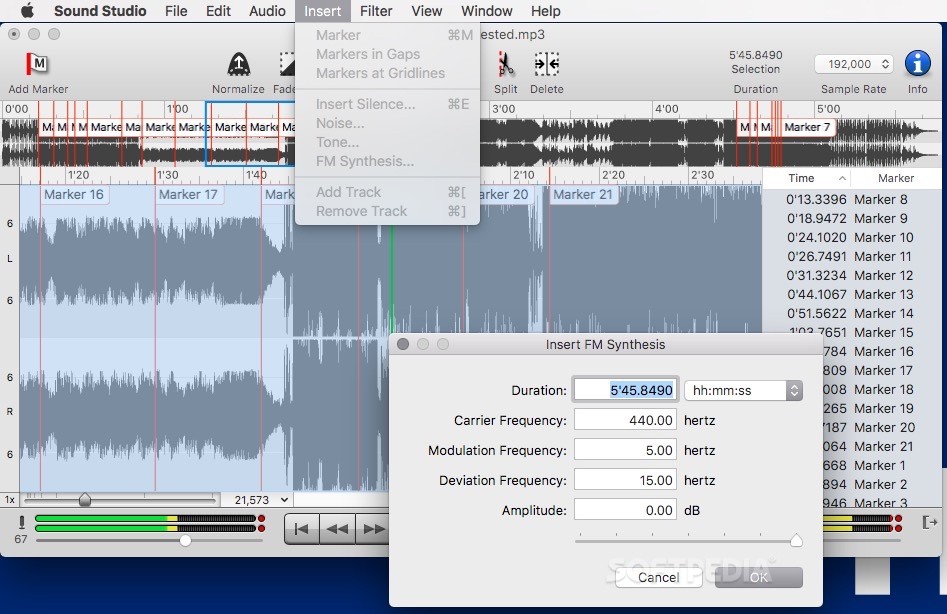
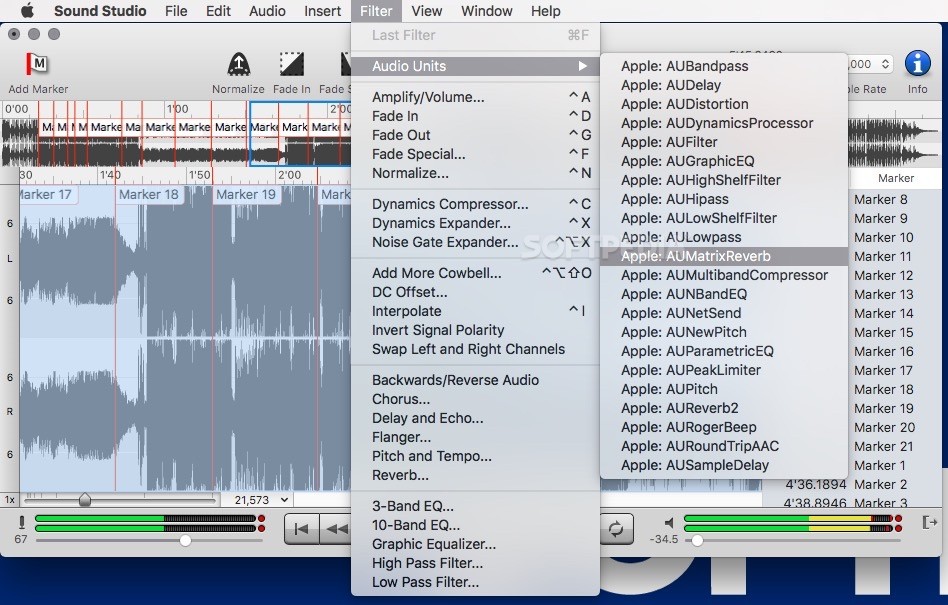
Sound Studio also bundles a large number of audio processing tools such as compressors, expanders, equalizers, and filters, which, in conjunction with its reverb, amplifier, pitch / tempo modifying tools, make it a robust utility for altering an audio file in almost any way you would want to.
Taking everything in consideration, Sound Studio should definitely be considered a must-have audio production app for sound professionals that use OS X as their platform of choice because of its wide array of features and tools that make it simple to record your own audio content, edit it and process it with ease.
Download Hubs
Sound Studio is part of these download collections: Edit WAV
What's new in Sound Studio 4.10.1:
- Changed time readouts to use monospace digits.
- Fixed bug where the progress save window would get stuck.
Sound Studio 4.10.1
add to watchlist add to download basket send us an update REPORT- runs on:
- macOS 10.14 or later (Intel only)
- file size:
- 17 MB
- filename:
- sound_studio_4.10.1.t.zip
- main category:
- Audio
- developer:
- visit homepage
ShareX

Bitdefender Antivirus Free

Windows Sandbox Launcher

7-Zip

paint.net

IrfanView

4k Video Downloader

calibre

Microsoft Teams

Zoom Client

- calibre
- Microsoft Teams
- Zoom Client
- ShareX
- Bitdefender Antivirus Free
- Windows Sandbox Launcher
- 7-Zip
- paint.net
- IrfanView
- 4k Video Downloader